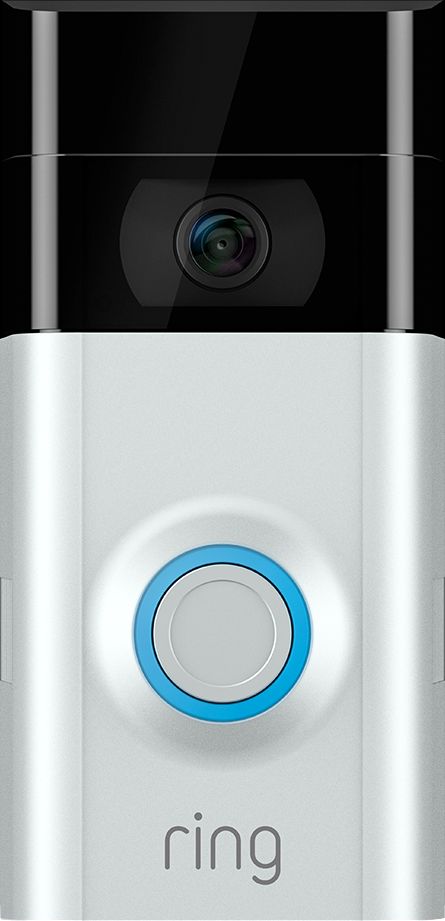
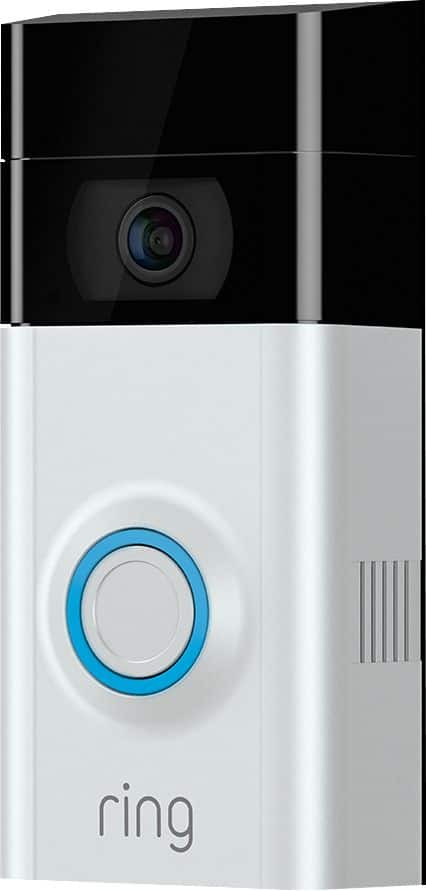
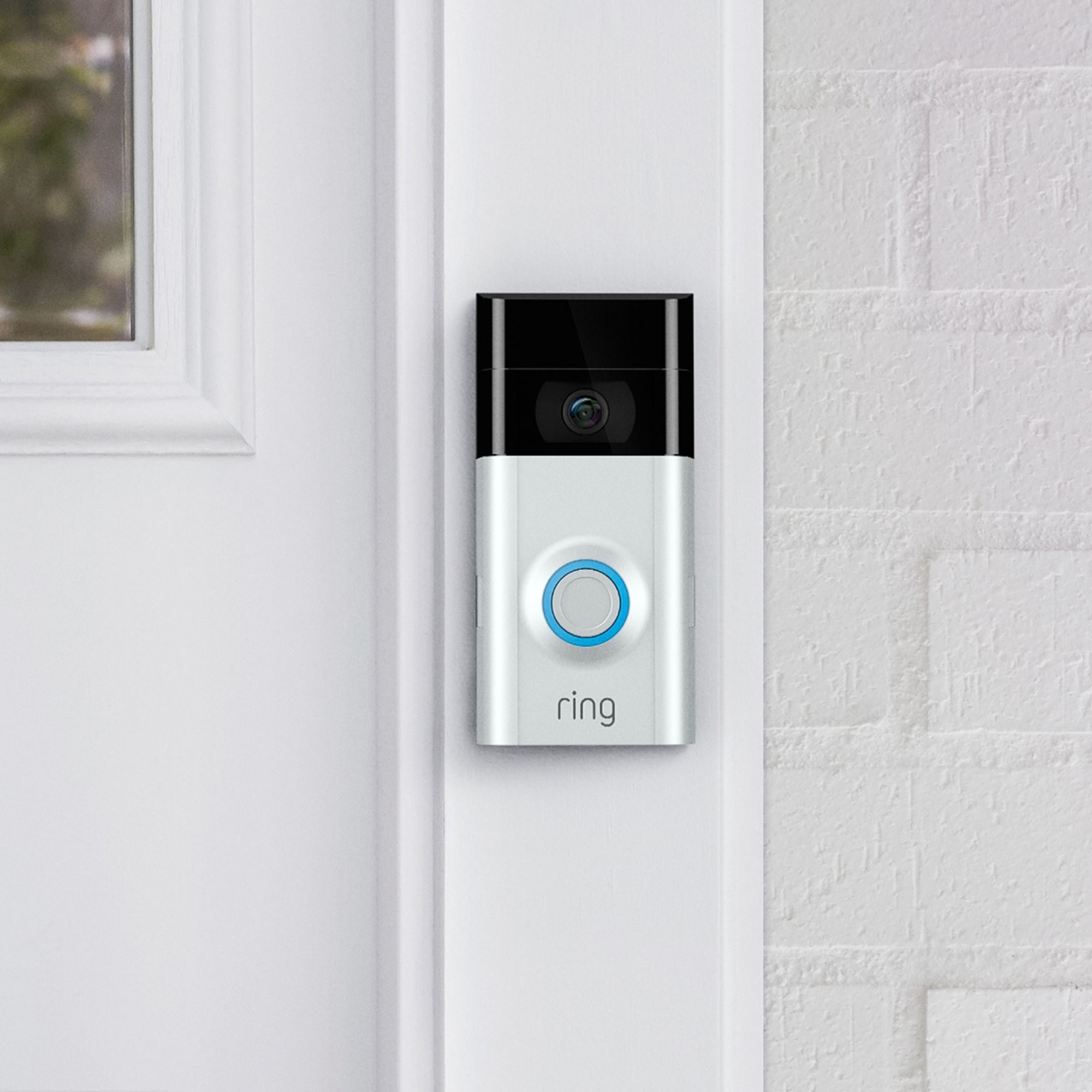
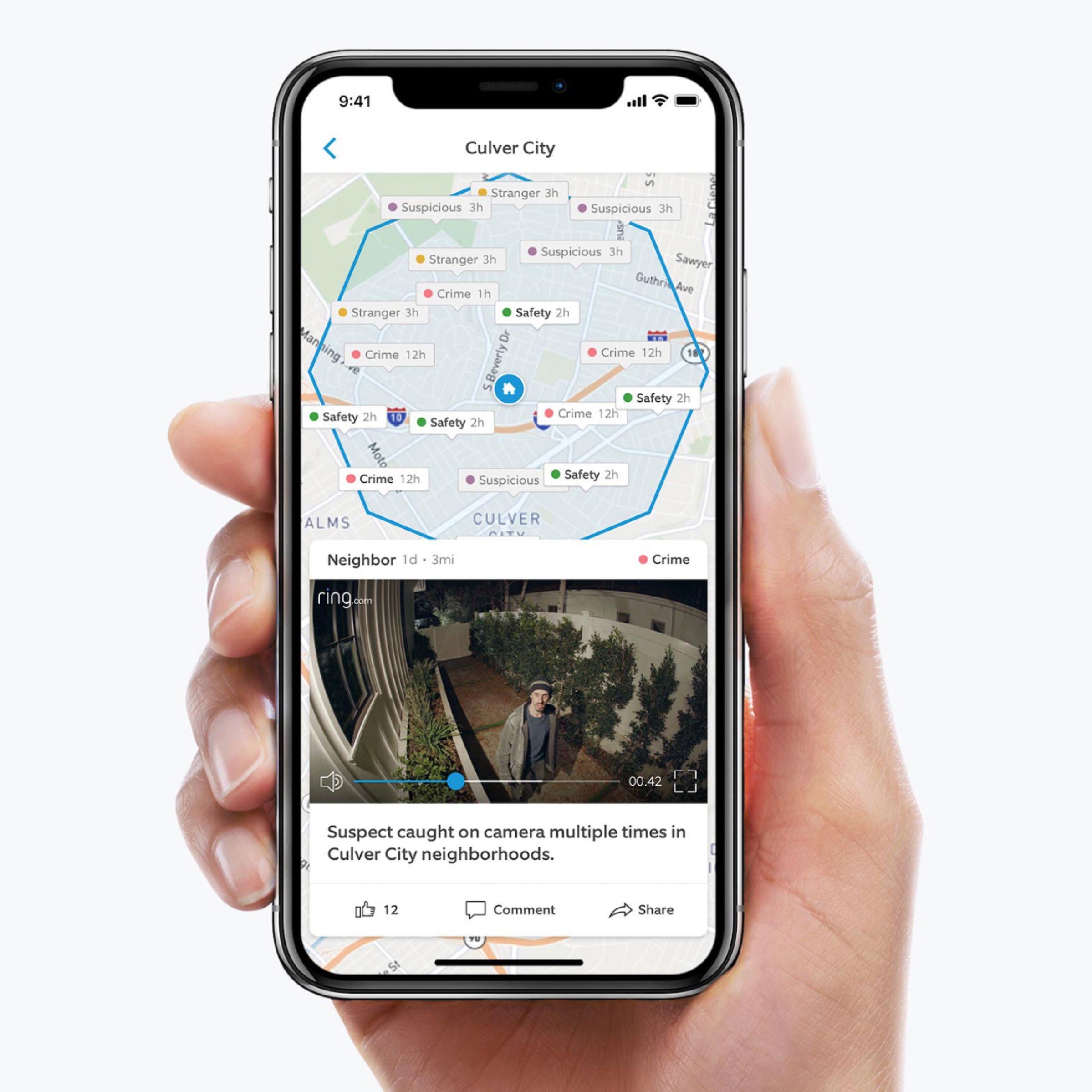
A:AnswerThe Ring Doorbell 2 comes with two spacers in wedge form. One to allow the doorbell to be angled left or right and the other to angle it up or down. One of them might help. The field of view is pretty wide. Look online for videos from users and you might see some installations with doors similar to yours.
A:AnswerThere is nothing stopping them but they would have already set off a motion alert once they came into your cameras view. You can then start talking to them from your tablet, cell or PC. They have to remove a screw on the bottom to get to the battery so it’s a process. They’d be better off ripping it off the bracket. Ring insures your product by sending you a new free replacement if it’s damaged or stolen. Mine is set to alert me as soon as anyone steps a foot onto my property giving me plenty of notice to view live footage then answer from my cell. This is a great system.
A:AnswerThis can replace an existing hardwired door bell and ring the existing chime. Also it can wirelessly aleart any smartphone or tablet even a computer if it is WiFi connected within the home.
Even connect to multiple plugin chimes (some with WiFi signal boosters which is great for a big home) or a simple WiFi plug in chime which will work quite well within 30’ of the doorbell.
A:AnswerI don’t think so. The video is recorded on to the Ring Cloud and after the trial period, you must pay for a plan to access past videos. I paid $30 for the year. Videos are saved for 60 days.
A:AnswerNo, it works great on the provided battery. I got an extra battery and a WiFi extender but you don’t really need them. The extra battery allows you to have a fully charged battery ready when the one in the unit needs recharging. They last 6-8 weeks.
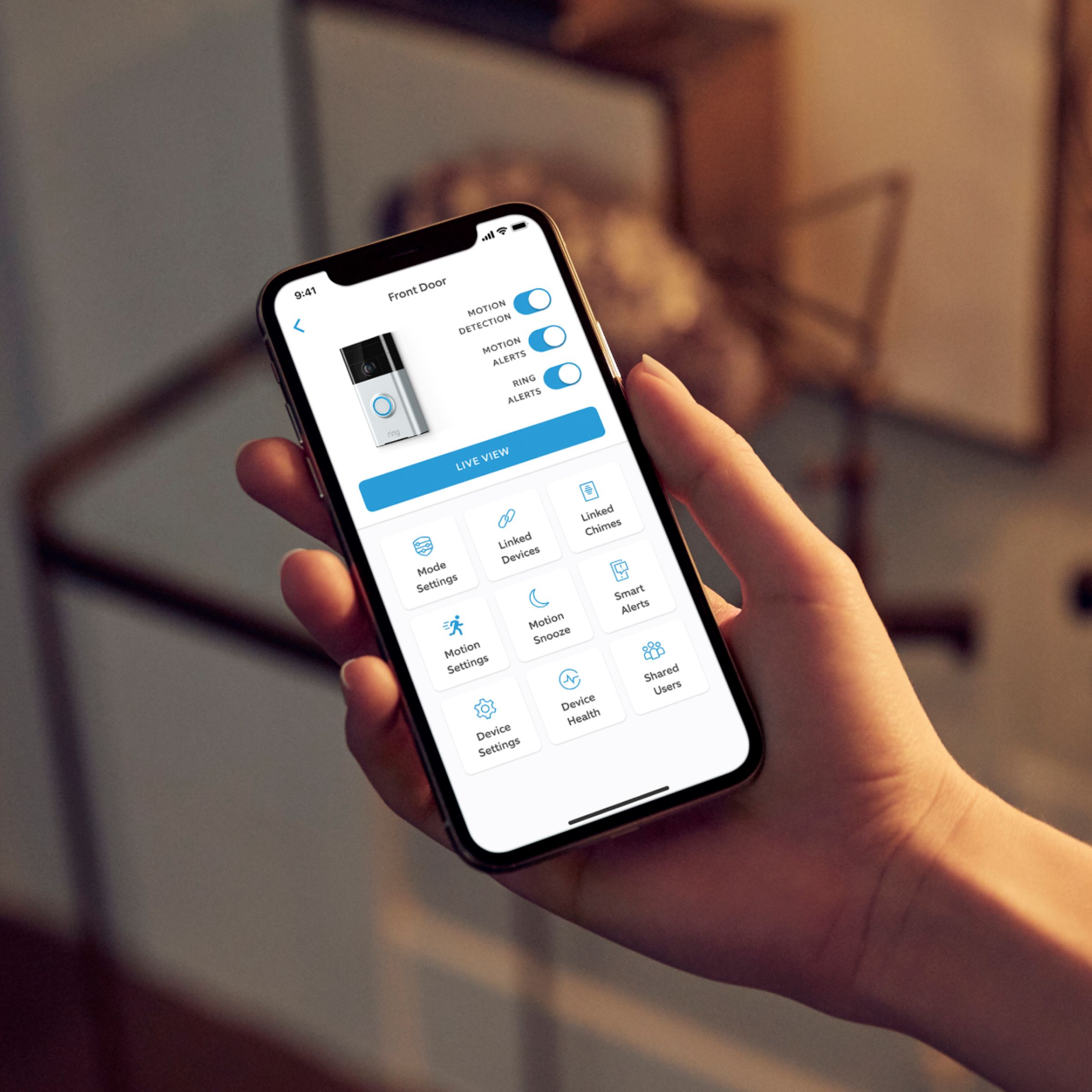
A:AnswerAll the Ring doorbells are equipped with a battery so there’s no need for hardwiring if you don’t have it. The battery acts as a backup for hardwired ring doorbells but can be used as a sole power source. If you do get the Ring, you can manage your settings to avoid excess battery use. This can be changed whenever you want through the app. For example, on a windy day you can minimize your motion settings so the doorbell sensor isn’t triggered every time a bunch of leaves blow by or if you live on a busy street you can adjust it so every car that passes doesn’t set it off....UNLESS you want it to. The battery life is long-about 6-12 months depending on your settings. It takes about 8-12 hours for it to fully charge. In summary, no, you don’t need to hardware the Ring doorbell. Hope this helps!
A:AnswerThe ring subscription is $3 a month, per camera. If you have more then one camera you can get the unlimited plan for $100 a year and get a few more perks, just go to rings website to check them all out.
A:AnswerYes! The Portal does work with Ring cameras. Here are the steps.
1. Set up your portal device as normal.
2. Go in to your Alexa app and add your Ring camera, which should prompt you to install the Ring Alexa skill
3. You should now be able to ask your portal “Alexa, show me my <camera name>”
That should give you your camera view right on your portal! Just say either “Alexa, stop” or issue a different command to stop streaming your camera view! Works great!
A:AnswerYes, you can program an echo to work with the doorbell! I'm not sure about multiple units, but I would assume that would be possible. You can search up instructions and videos showing how to connect them, based on which devices you have.
A:AnswerThe system has a motion sensor which activated the camera and record the picture when somebody approached. Even if s/he disconnects the battery or device the video will be saved in the cloud and you can see the person who did this. Anyway ring2 is not a security system but it helps you to be safer.
A:AnswerThe doorbell does not come with an indoor chime. You can buy one at an extra cost, otherwise it will only activate your homes built in doorbell chime.
A:AnswerTechnically you do not need a subscription if you only want it for motion notifications in its view, or to answer your doorbell without going to the door. If you want to replay any of the recorded videos it captures, you need the”protection plan” they offer. Not real expensive but still a charge to use any video capture playback. Camera will still record videos and un-answered doorbell rings without subscription, but you can not replay any. At all, without paid subscription.
A:AnswerRing, the smart home security system that lets you watch over your property from anywhere, now works with Google! Ring Video Doorbells and Security Cameras let you monitor your home from your phone, tablet or PC. ... Now, you can also connect your Ring to Google Home, so you can access your device with your voice!