
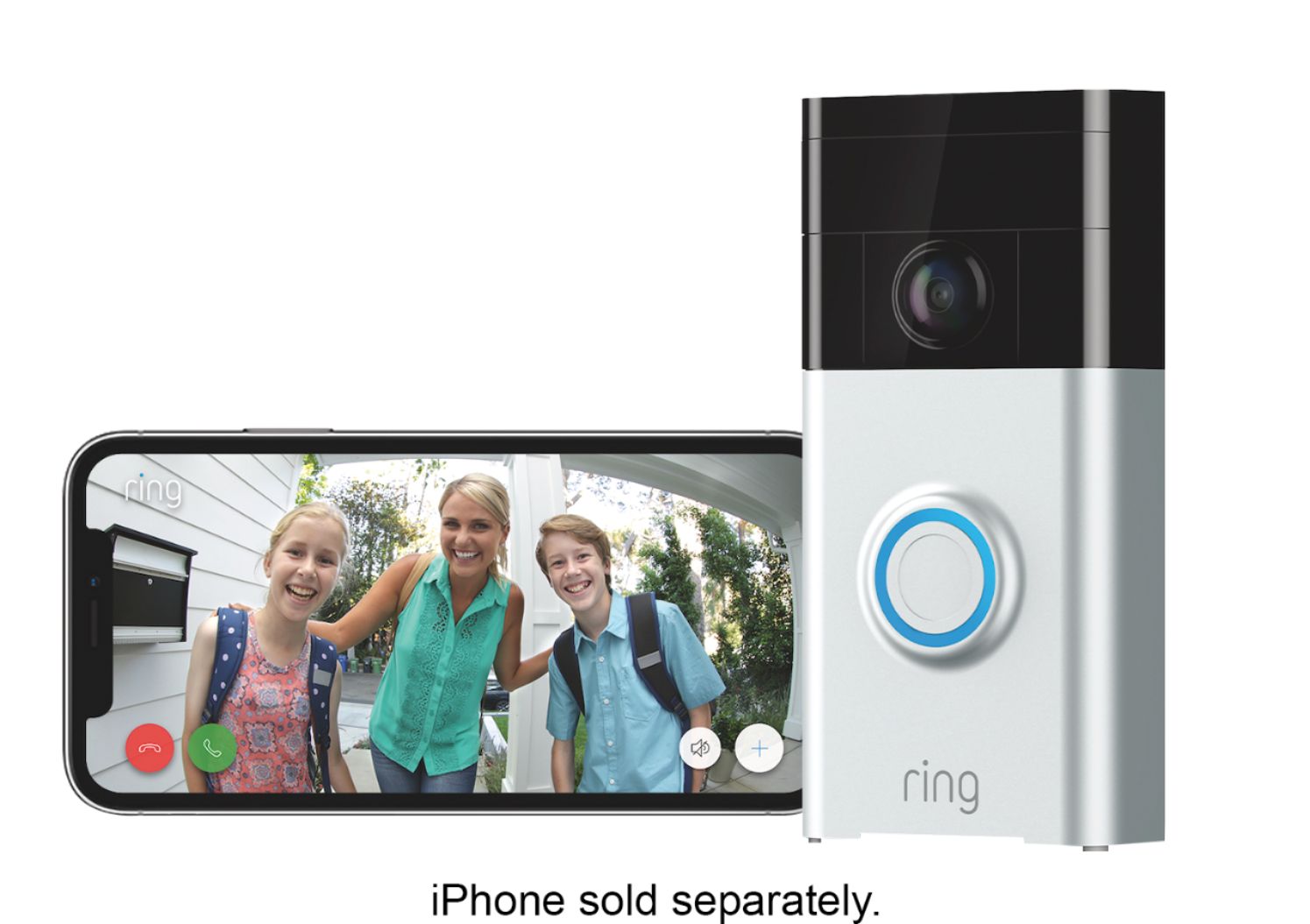
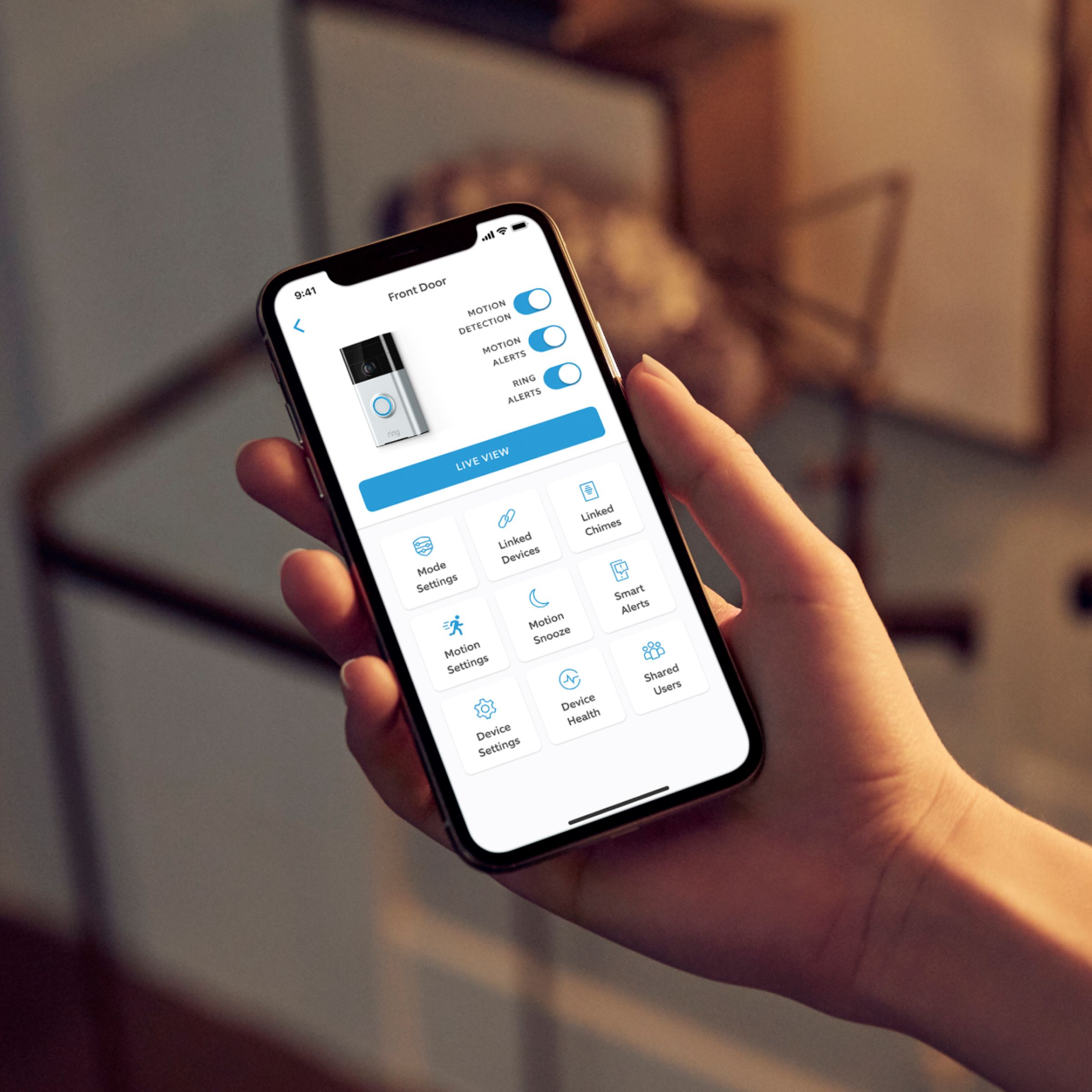
A:AnswerWhen I go into "Live" camera view, I can access the settings. I can then turn the motion settings on or off, as well as the sensitivity of the motion sensor. Youtube.com may help you as well.
A:AnswerIt is all displayed on the app. You can check on your battery anytime you like. It lasts quite awhile depending on how you adjust your settings. I'm still over 80% and we have only had it for a week now. We played with it a lot when we first got it also. I'm guessing the battery will last a few months before you need to charge it. We bought an extra battery also so we never run out of juice
A:AnswerI use this for my airbnb as well, when the doorbell rings you get a notification on your phone and you also have the option to set up the phone notification sound. Similar to setting up your ringtone. Makes it really nice for checking in guests without being present.
A:AnswerThanks DanJ and Carm. I've installed them before, but not in the same zip code where I live, so I was wondering why it would't work in this area, but I believe you're correct that professional installation isn't available here.