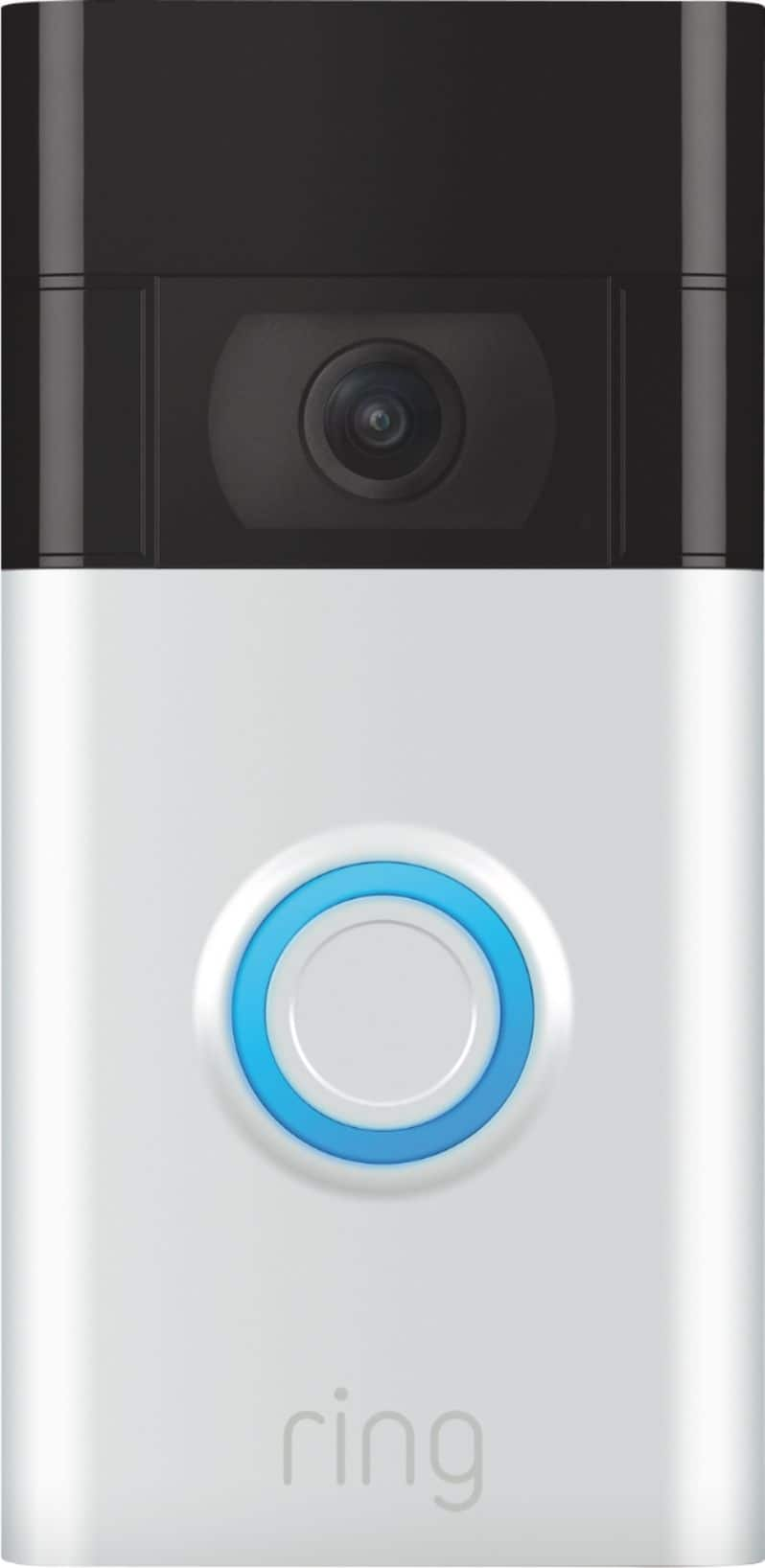
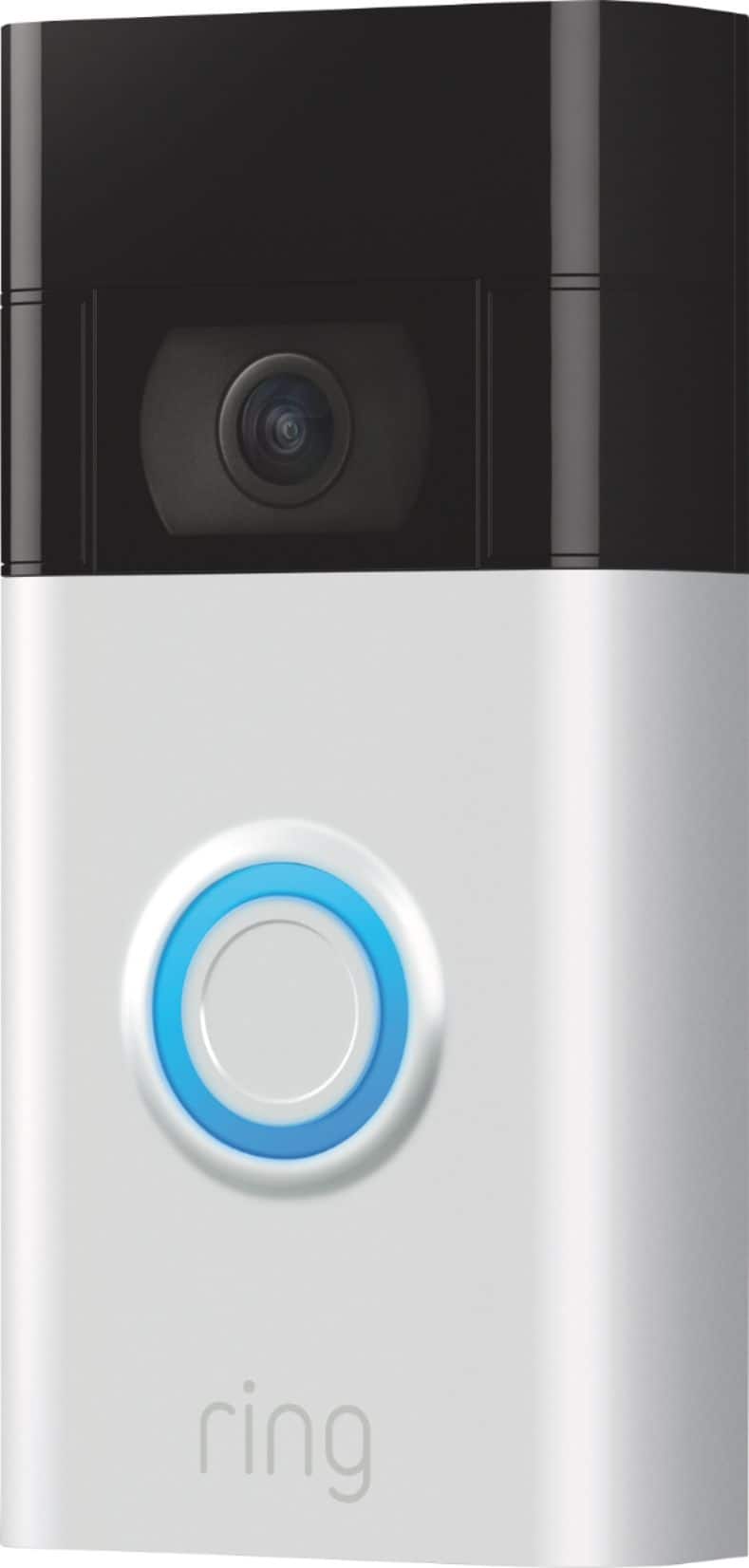
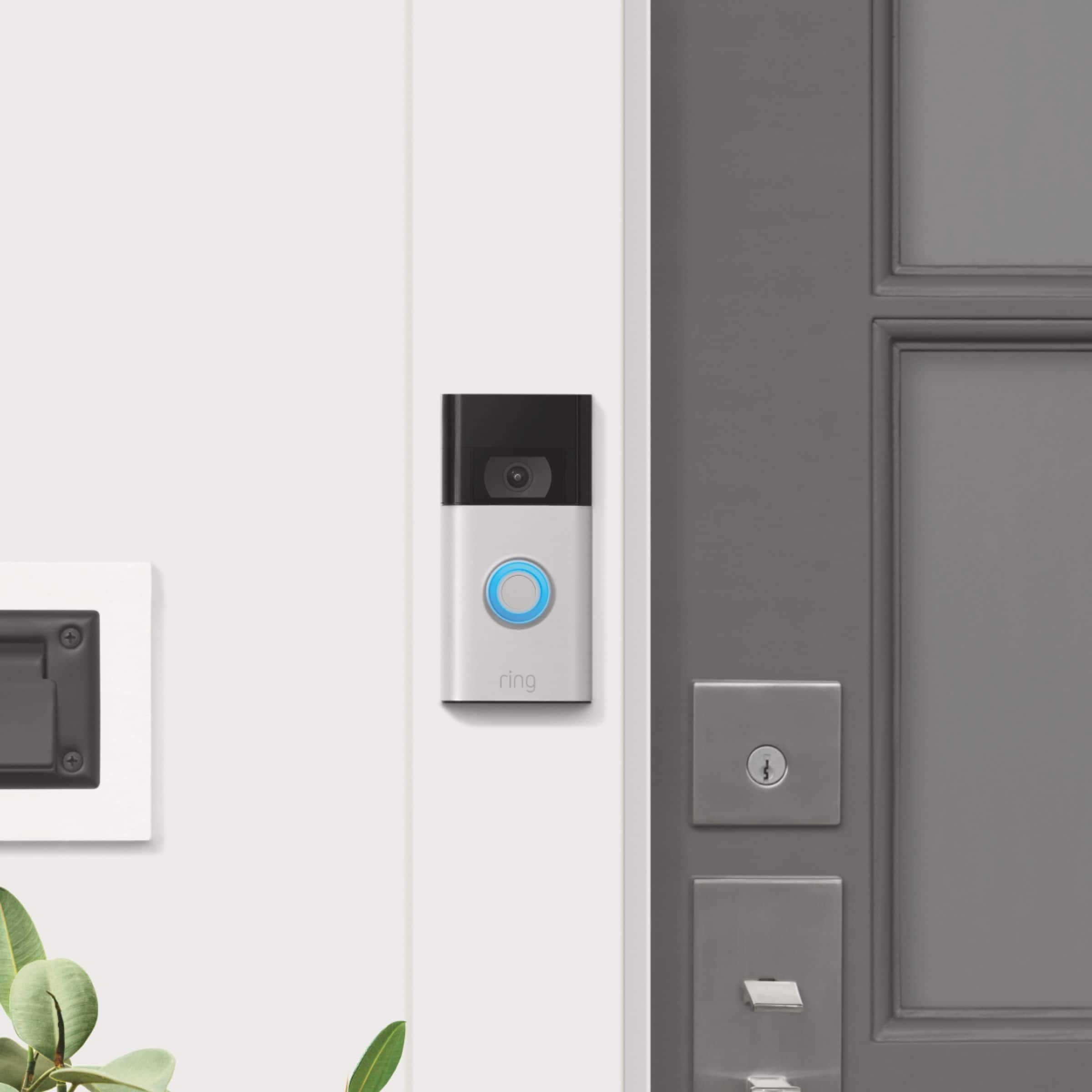
A:AnswerThe down side to not hardwiring is unless you have an outside outlet, you have to remove the Ring doorbell to charge inside. You can purchase a solar charger for your 2nd generation Ring doorbell.
A:AnswerI have a very small front porch Sometimes rain blows up to the position of my Ring doorbell. It has not affected the video quality or ring performance. I have just the Ring doorbell. I set it for the chimes sound. When anyone or anything walks by / comes to the door, the chimes go off to let them know they have been spotted/recorded. And they also go off on my cellphone to alert me to check my video.
A:AnswerIf wired using the Ring installation instructions (what I did) the existing hard wired bell no longer rings. I purchased the Chime which rings in place of the old bell. The hard wired installation keeps the Ring energized so you don't have to periodically recharge the battery.
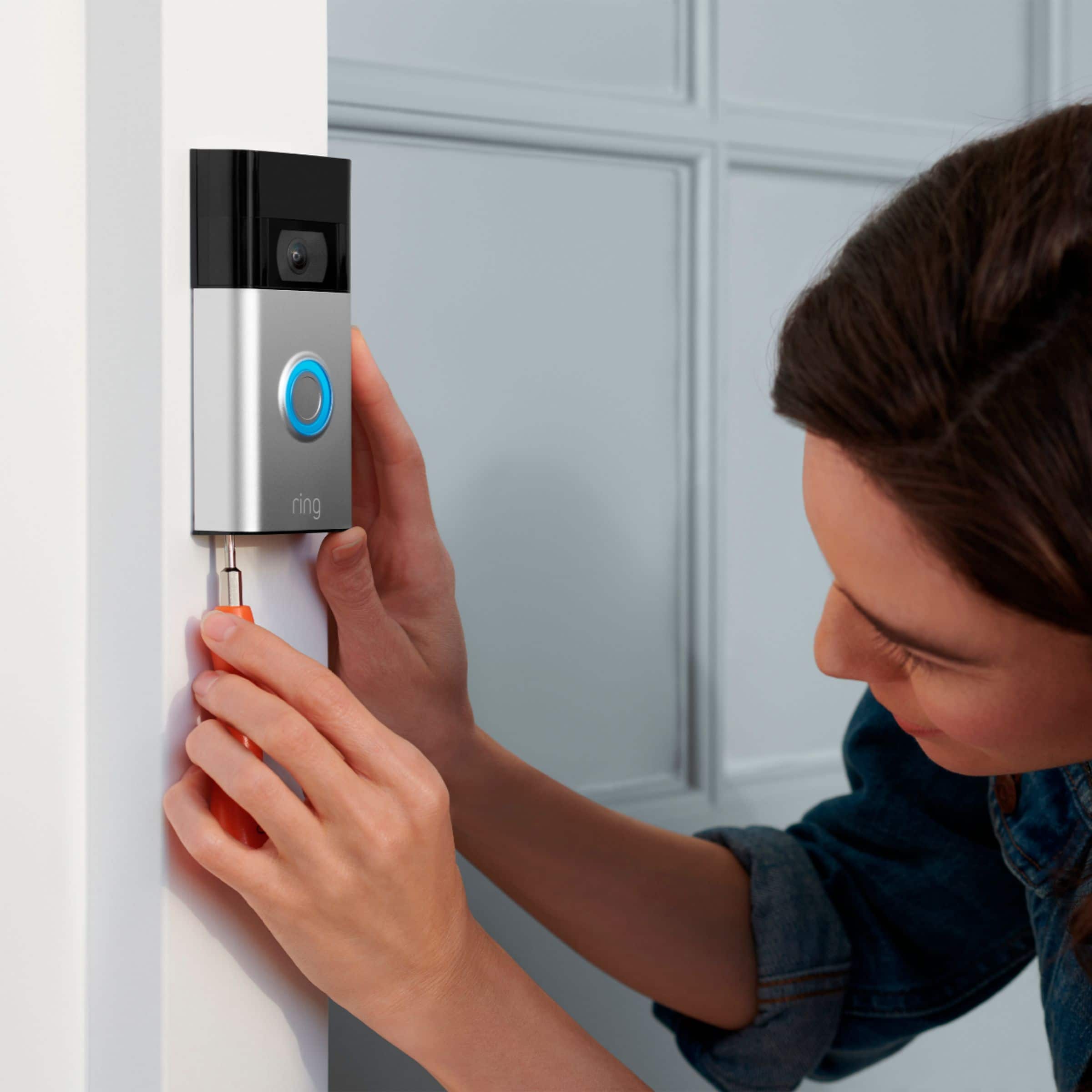
A:AnswerIt has a safety screw that is not as common as your normal screws but other than that there’s not a lot of security. It wouldn’t be hard for someone to pry it off
A:AnswerHi doebelly.
Thanks for asking. To charge the battery for your Ring Video Doorbell (2nd Generation), remove the security screws from the bottom of the device and remove it from the bracket. Then, simply plug it into any USB power source with a common micro-USB cable, such as the orange one included in your Ring box. Your doorbell can take around 5–10 hours to fully charge, depending on whether the USB cable is plugged into a USB port or a wall outlet.
We invite you to reach out to our community if any additional information is needed regarding your question. The Ring Community is our first peer-to-peer community forum, giving our customers the ability to help one another by sharing their feedback and experiences with each other.
All the best,
Nicole from Ring.