A:AnswerI have had that problem only a few times with my older version. When this happens it is just a normal bluetooth glitch and all I would have to do is unplug it for 20 seconds and plug it back in. Then it would pair back up and go on without any issues. Also when I say a few times this is a unit I have and still do use every day for 4 plus years running now, so it is very seldom.
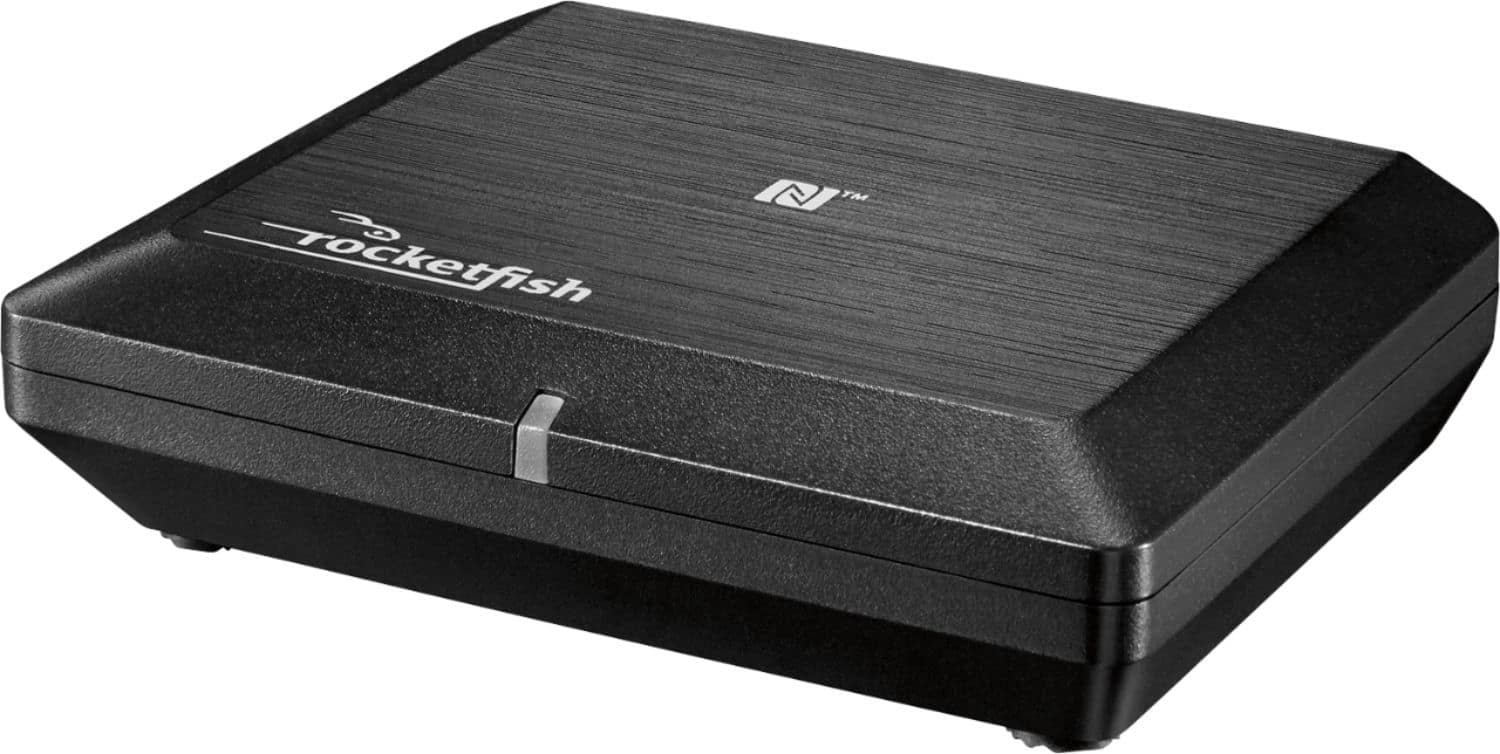
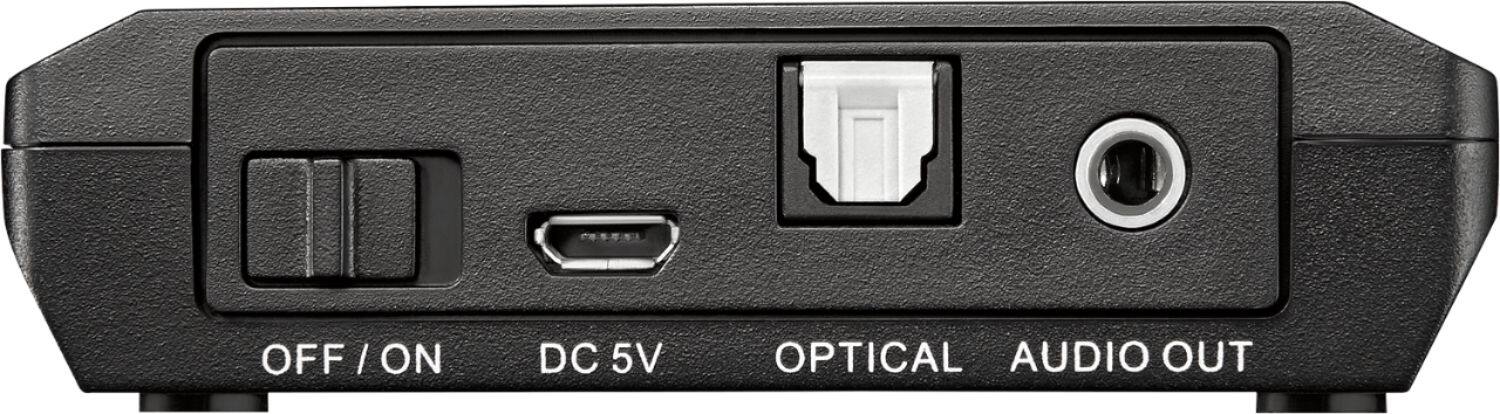
A:AnswerMost probably yes! I have used this device to make my Yamaha receivers "bluetooth compatible". You can use either RCA or headphone input, or digital optical audio input.
A:AnswerNo, this Bluetooth music receiver cannot be used in a 220 V outlet without an adapter/converter. We can only recommend using the original, supplied power cable.
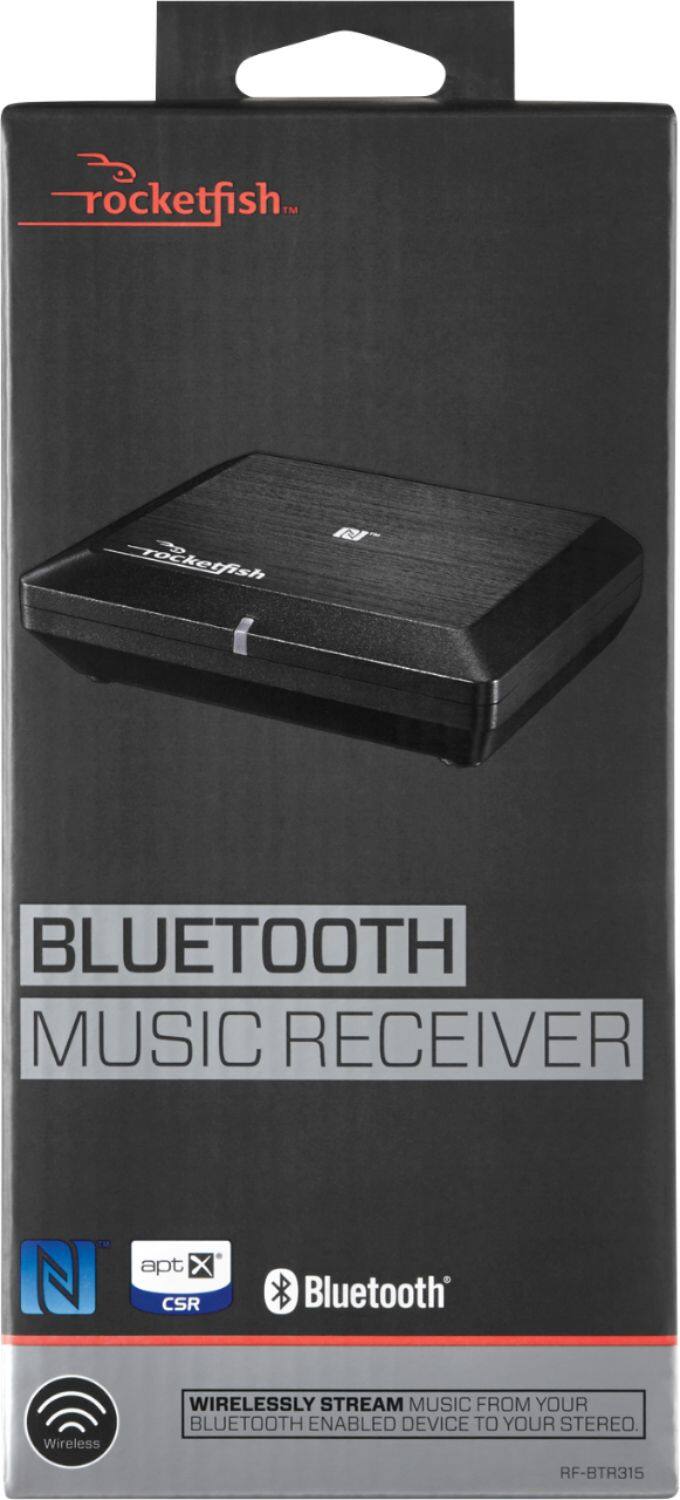
A:AnswerI already had a receiver and outdoor speakers..this simply plugs into the receiver and allows me to play my music from my phone through the receiver and outdoor speakers...this is only a go between between blue tooth phone and receiver. Many new receivers have blue tooth capabilities already built in...mine didn't and I did not feel like spending another $250'when my current receiver works great, just doesn't have blue tooth receiving capabilities....now it does. I would compare the costs of a receiver without blue tooth and one with..then add this item's cost in and there you go
A:AnswerYes if your MAC has bluetooth. You connect the blue tooth device to your power amp input on your speakers and them connect your MAC tablet to it via blue tooth.
A:AnswerI connected the Rocketfish Bluetooth receiver to my Sony es receiver with an optical toslink cord. All my other devices are Apple and play music through Bluetooth to the Rocketfish receiver.