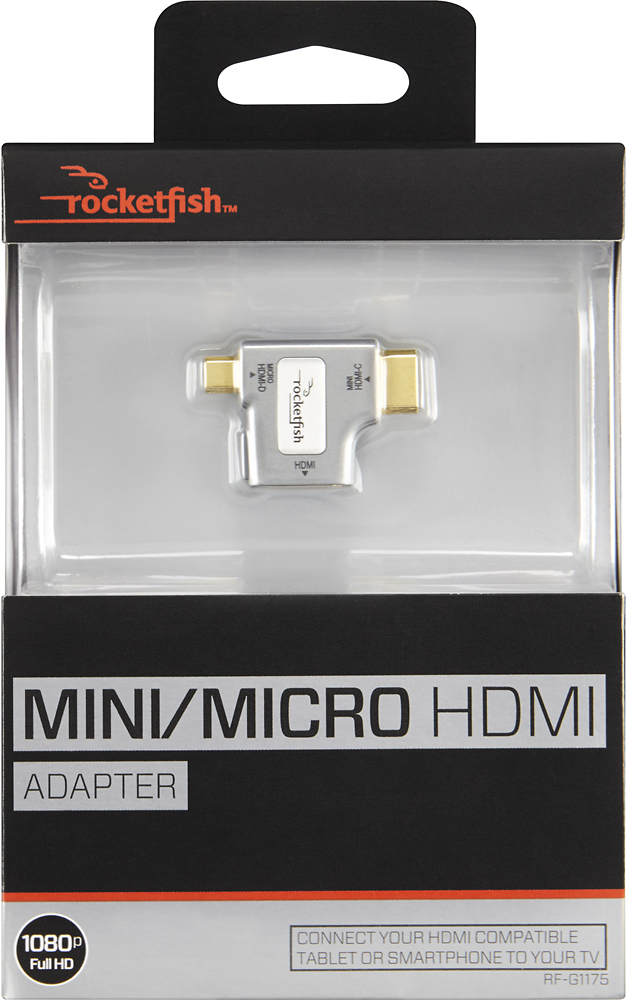
A:AnswerNo, the adapter does not supply power. It works as a cable adapter only and doesn't use power either.
All you can do is make sure your phone is fully charged before using it.
A:AnswerIf you have a mini hdmi on your kindle, I recommend getting a mini to regular hdmi cable. This will work much better. This adapter was not good.
A:AnswerHi, after looking at your Iphone's technical specifications, I found that it can only send video out through a Lightning Digital AV Adapter or Lightning to VGA Adapter. Due to this, the HDMI adapter we manufacture will not be compatible with your phone. We recommend to contact Apple so they can check availability status on these special adapters your phone needs. Regards, Daniel T. - Rocketfish Support
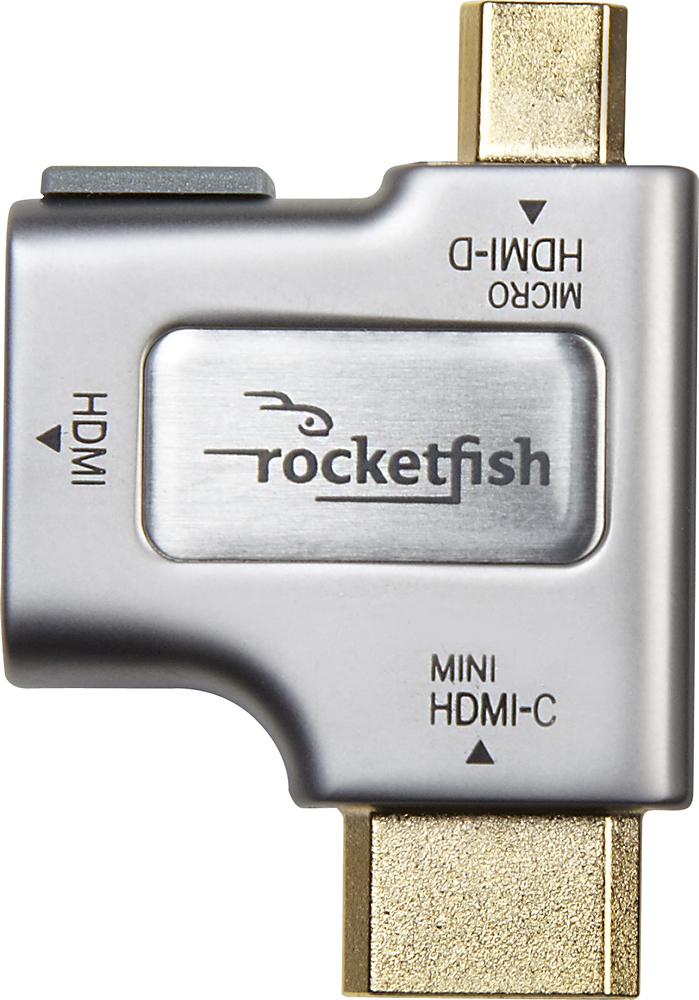
A:AnswerI don't know if you have figured it out yet but, it might be because this adapter is intended to go to "micro HDMI to HDMI".
But did you try enabling it and setting it as default and disabling your other auto source?
A:AnswerThe adapter works by plugging it into a compatible port on your device and then plugging a HDMI cable into it that is connected to your TV. Once that's done your device's screen should be mirrored on your TV.
If your phone has a compatible port, this would work. Most phones that I'm aware of have a microUSB port on them, not a microHDMI port. If your phone only has the microUSB you need to google your model to ensure your device supports MHL. If your device supports MHL, you can buy a MHL adapter which will plug into the microUSB port and give you a HDMI port to connect to your TV.