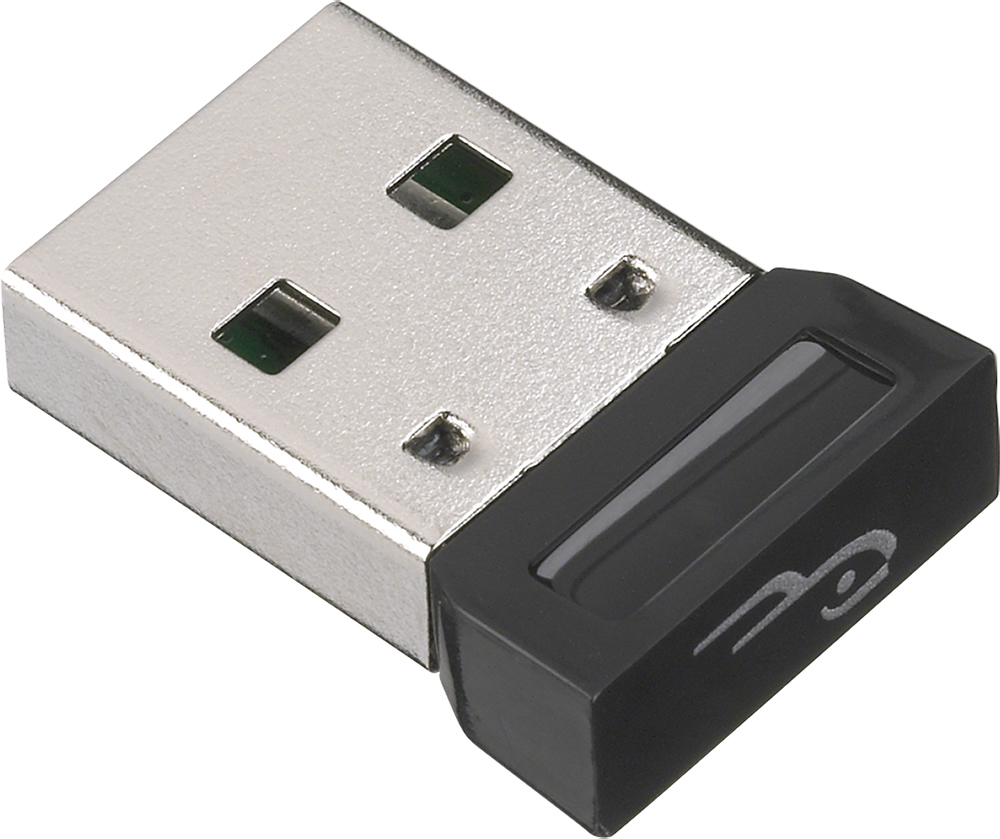
A:AnswerDelete the pairing info from the computer and all 3 devices. Then install the latest software update from the Broadcom website. After rebooting you should be able to reconnect all 3 devices.
http://www.broadcom.com/support/bluetooth/update.php
A:AnswerCheck to see if the built-in mic of your computer/laptop is also somehow enabled. If it is, see if you can disable it or lower the input level/gain so that only the mic of your headset captures your voice. Or just put your finger over the built-in mic - just to test to see if it makes a difference.
A:AnswerI would first suggest completely uninstalling the RF-MRBTAD as well as choosing the option to delete the driver files, then reinstall and let windows choose the drivers from the internet.
A:AnswerCan you physically hook up your Blackberry to your pc, using a USB port and cord? Had to do that to sync my Motorola Droid X to the pc via the bluetooth adapter.
A:AnswerI would recommend posting this on our Rocketfish Community Forums (http://community.rocketfishproducts.com/), so that we can troubleshoot this for you. There is not enough information to adequately address your concerns. Thanks!
A:AnswerTry uninstalling the RF-MRBTAD adapter and drivers. After rebooting the computer and reinsert the adapter letting the computer to pick drivers to install for it. Then you will need to save the Broadcom software (http://www.broadcom.com/support/bluetooth/update.php) to your computer and install it which will give additional functionality over the built-in software.
With the adapter reinstalled put the computer and the PS3 into pairing mode and connecting with each other.
A:Answernot unless you can figure out how to get the drivers (and licensure agreement) into the computer in your car...good idea, though...why not write Rocketfish and ask when this will be a capability?
A:AnswerIt depends on the model of your JVC. I purchased a JVC at Best Buy that did allow a Bluetooth dongle to be used in one of the two USB ports. I stream music and audio books regularly from my phone and laptop to my JVC radio.
A:AnswerYou can listen to your music from your iPod Touch through your PC and/or Laptop with the adapter connected. You can also control your music from a PC and/or Laptop using media player buttons.
You can also send pics, videos, and such if you have an app that supports sending via Bluetooth since iOS doesn't have native Bluetooth sending.
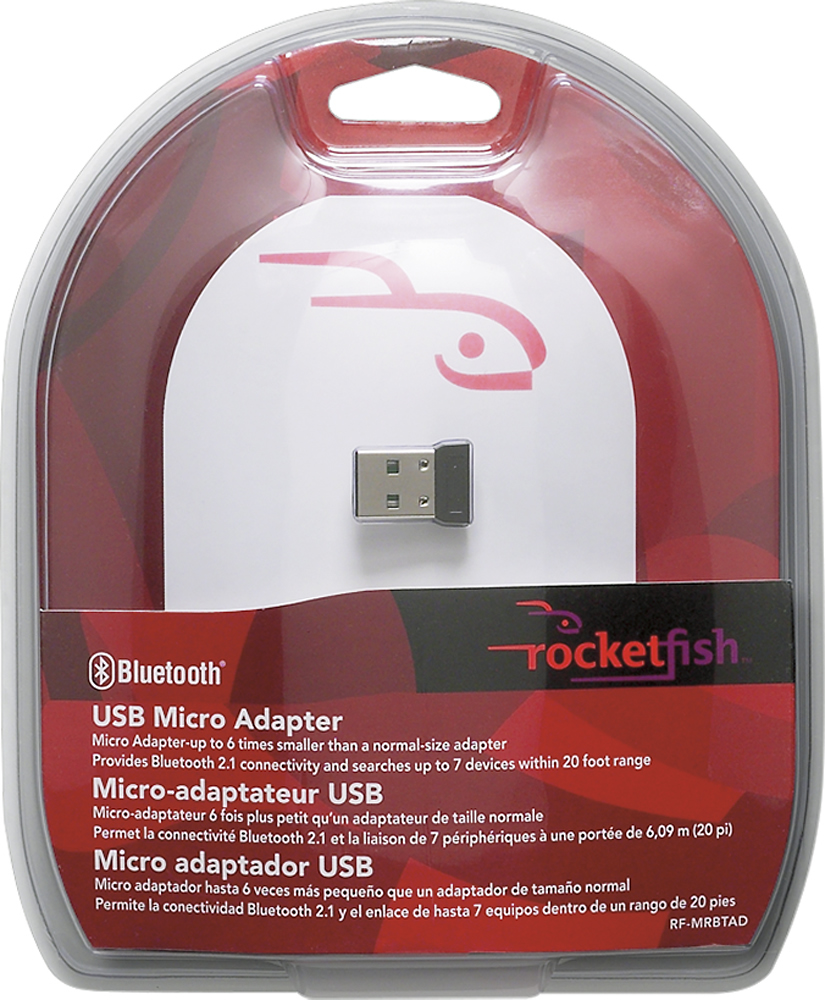
A:AnswerIs your headset in pairing mode? Turn off the headset, then press and hold Talk for six seconds, the light should then flash red and blue rapidly.
A:AnswerIf your headset is bluetooth enabled, it should.
Did your adapter come with a cd? it is not plug and play. Be sure to accept the licensure.
you may need to go into sounds in control panel and make your headset the default speakers.
hope this helps