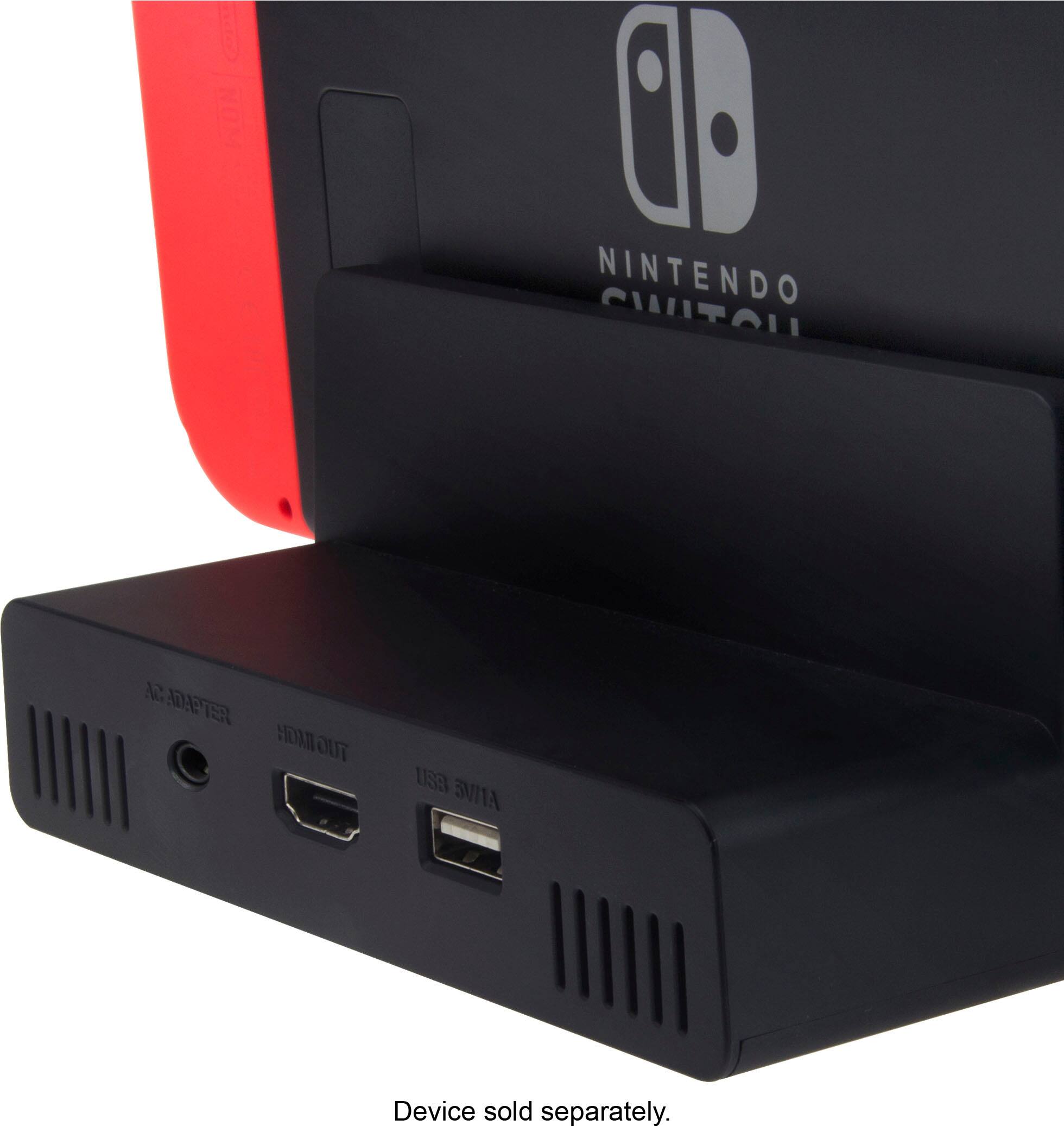
A:AnswerYes, it supports USB, LAN I was able to get 75 down and 10 up using https://www.bestbuy.com/site/j5create-usb-3-0-gigabit-ethernet-and-3-port-hub-black/4054106.p?skuId=4054106. This hub also has 3 USB 3.0 ports for your controller. I've never used it with controllers because I don't have any wired ones, but I was able to Play Warframe on LAN while charging a PS$ controller/plus Android phone at the same time. I hope this info helps.
A:AnswerHello there,
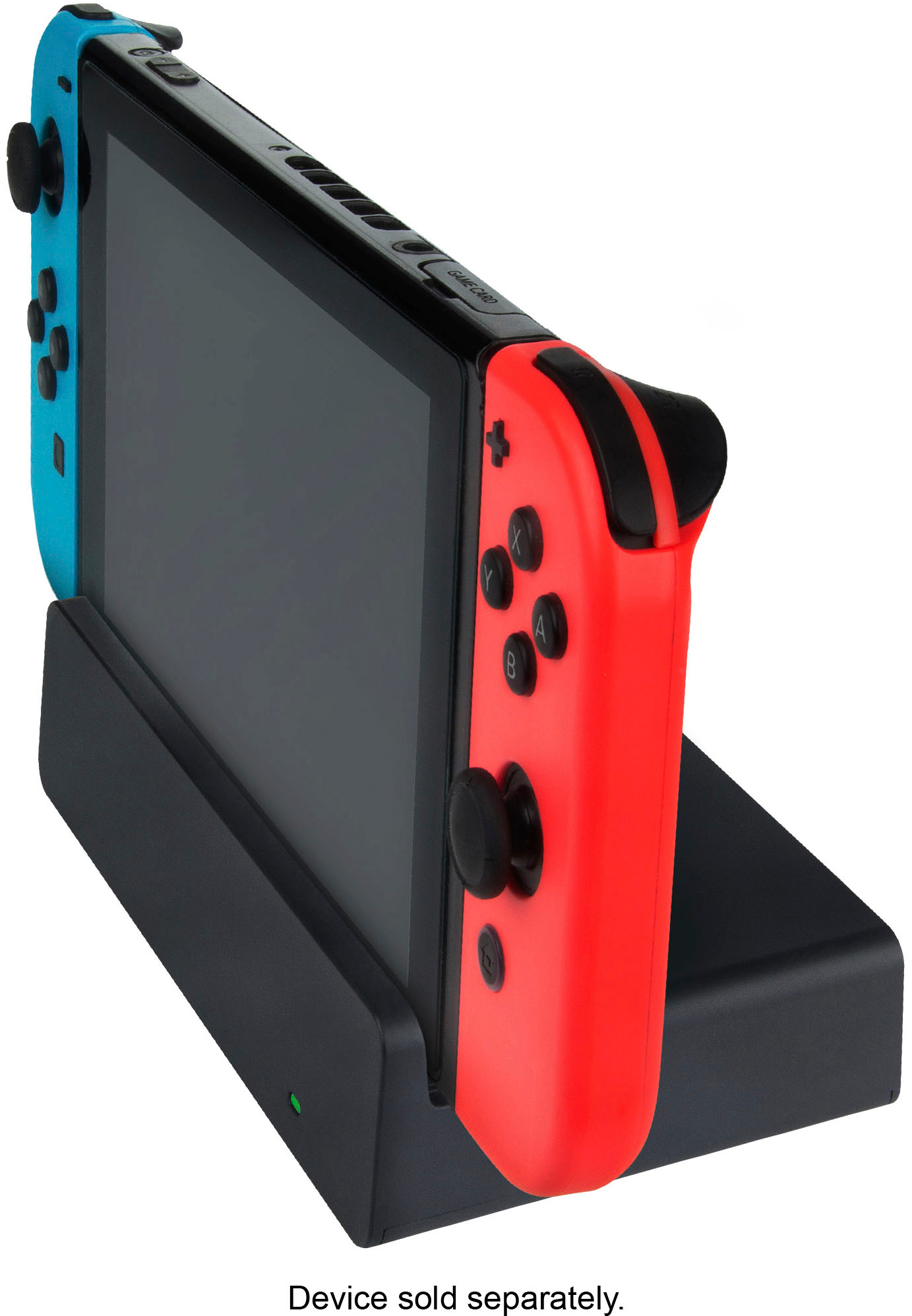
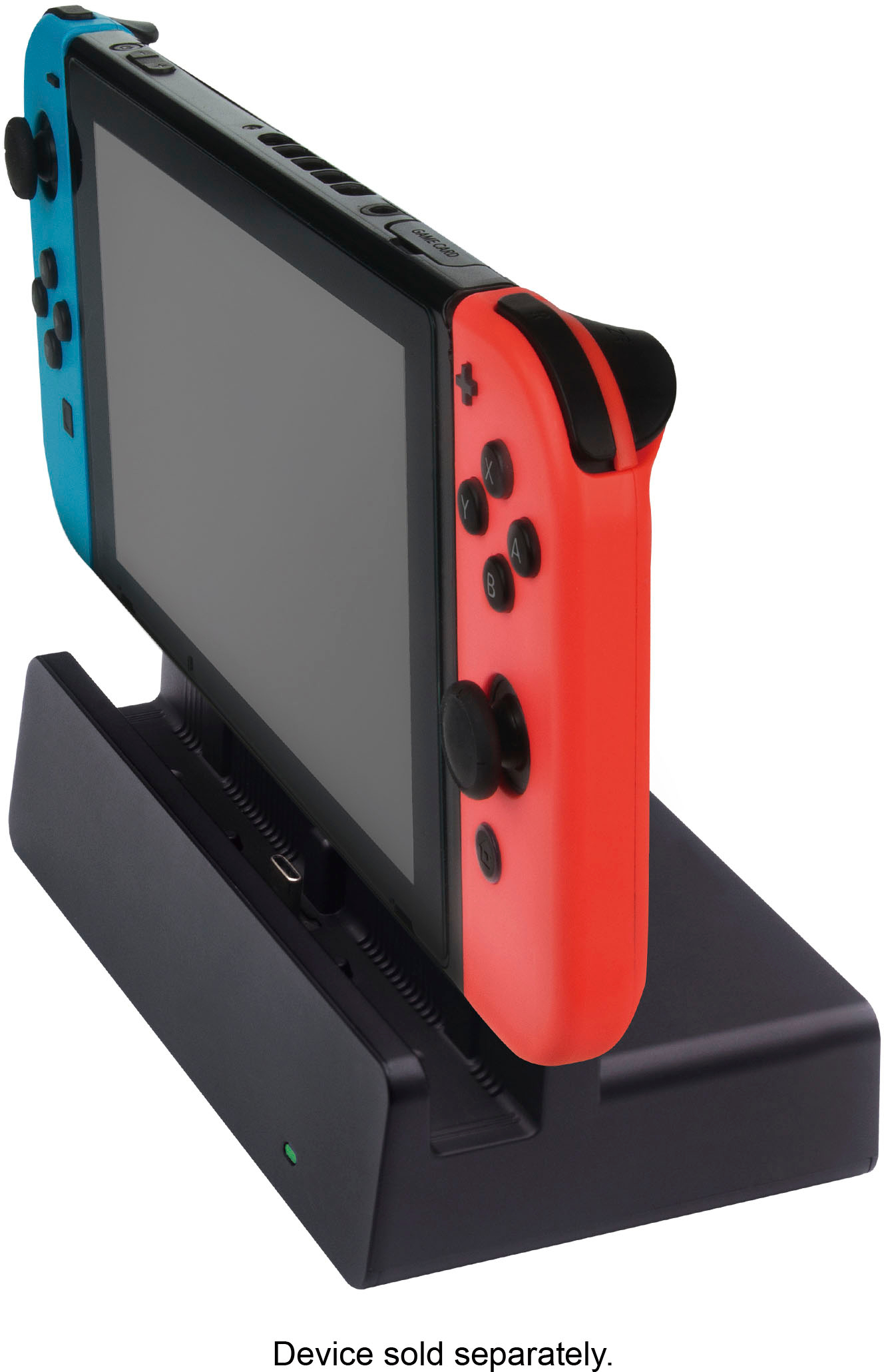
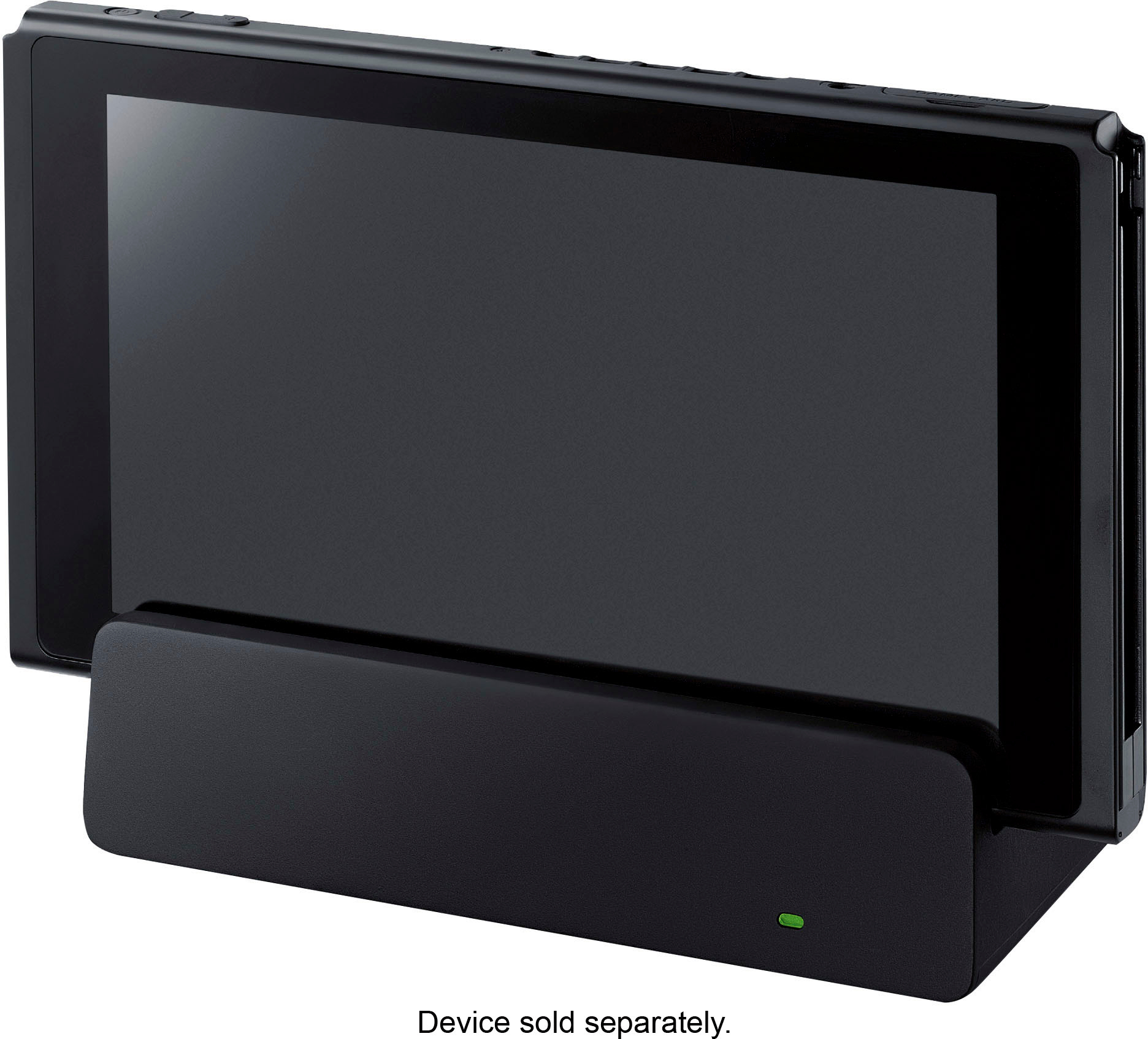
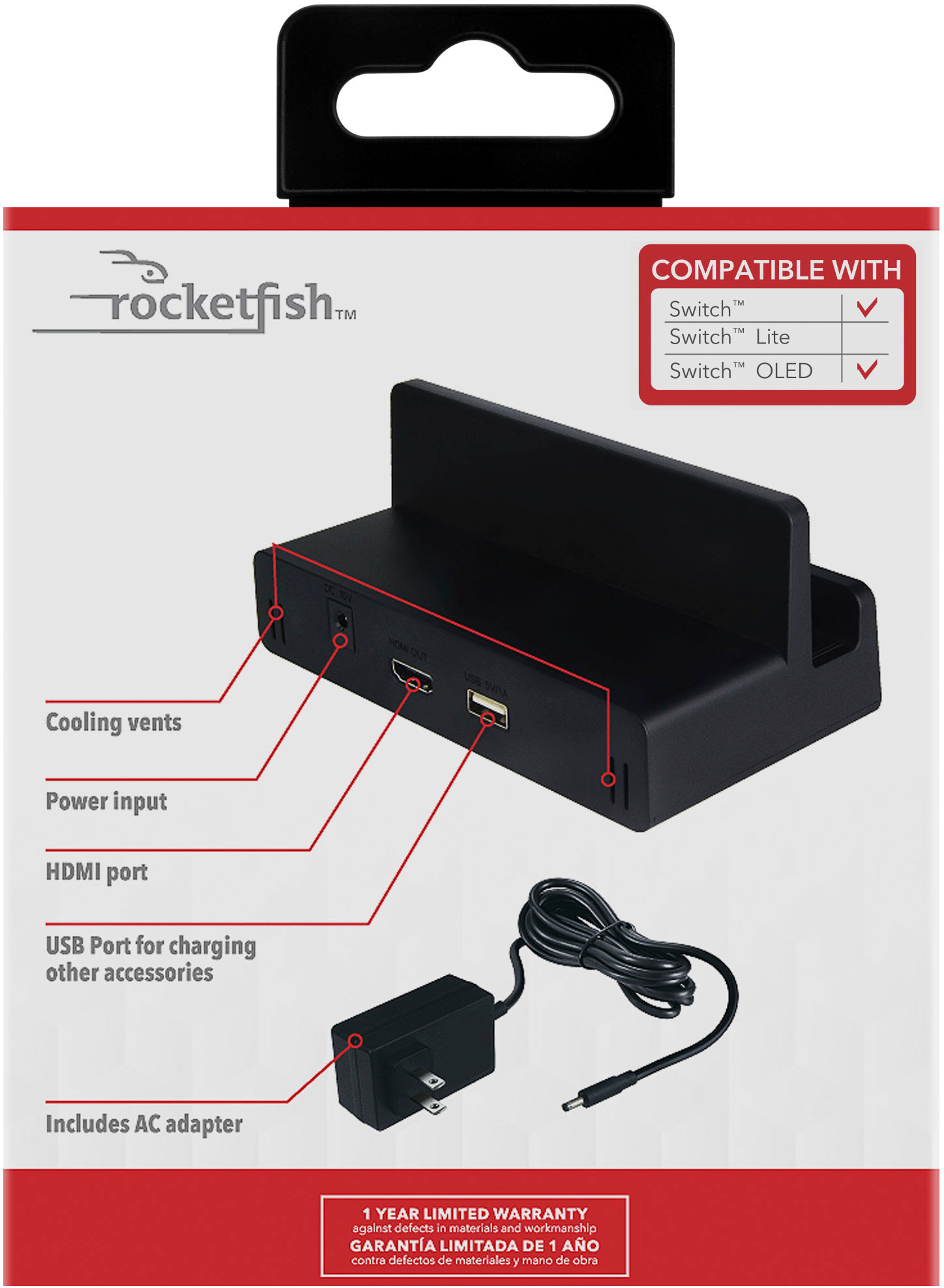
When this LED lights up green, it means that video output is being sent via the HDMI cable to a TV.. Unplug the HDMI cable from Switch Dock and also the power cable. Now you have to wait for 30-40 seconds. During that time, try power cycling your television and Nintendo Switch as well. After the time has elapsed, plug everything back in and power them up.
Rocketfish Support
Louise
www.rocketfishproducts.com/support
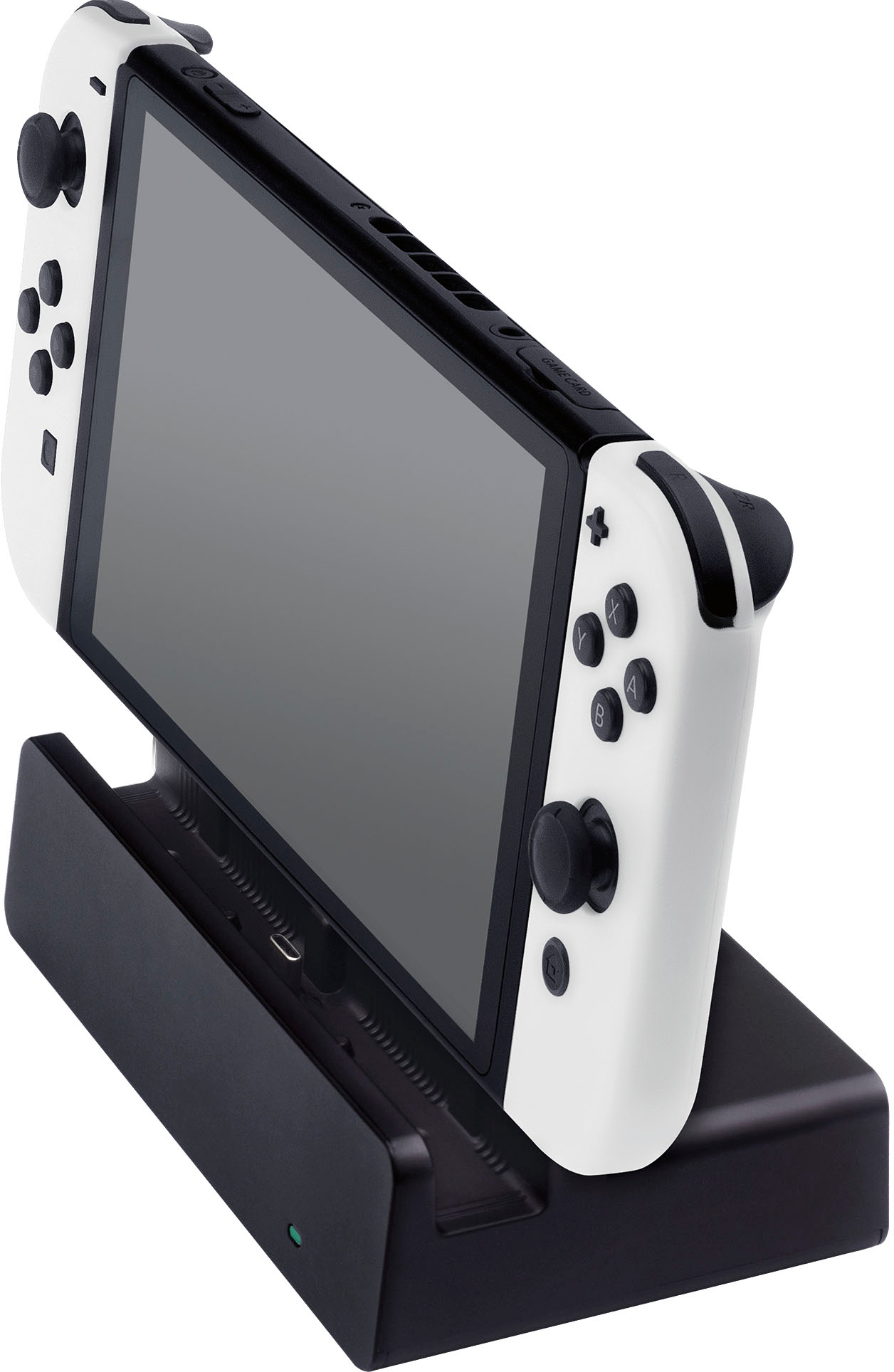
A:AnswerCould be coil wine or the power supply but mine does not have any buzzing and was an open box item. If it is a loud buzz from the device I would return it. If the buzz is from your tv speakers try a new HDMI cable.
A:AnswerThe reason y is because the switch itself is a type c for the off brand they can't copy everything from Nintendo but it works just the same you can still buy the original charger for that dock at Best buy
A:AnswerHave you switched in the T.V. settings to use the HDMI plug? I had this issue and had to go through the T.V. Input settings to HDMI. & then I was able to play the game.