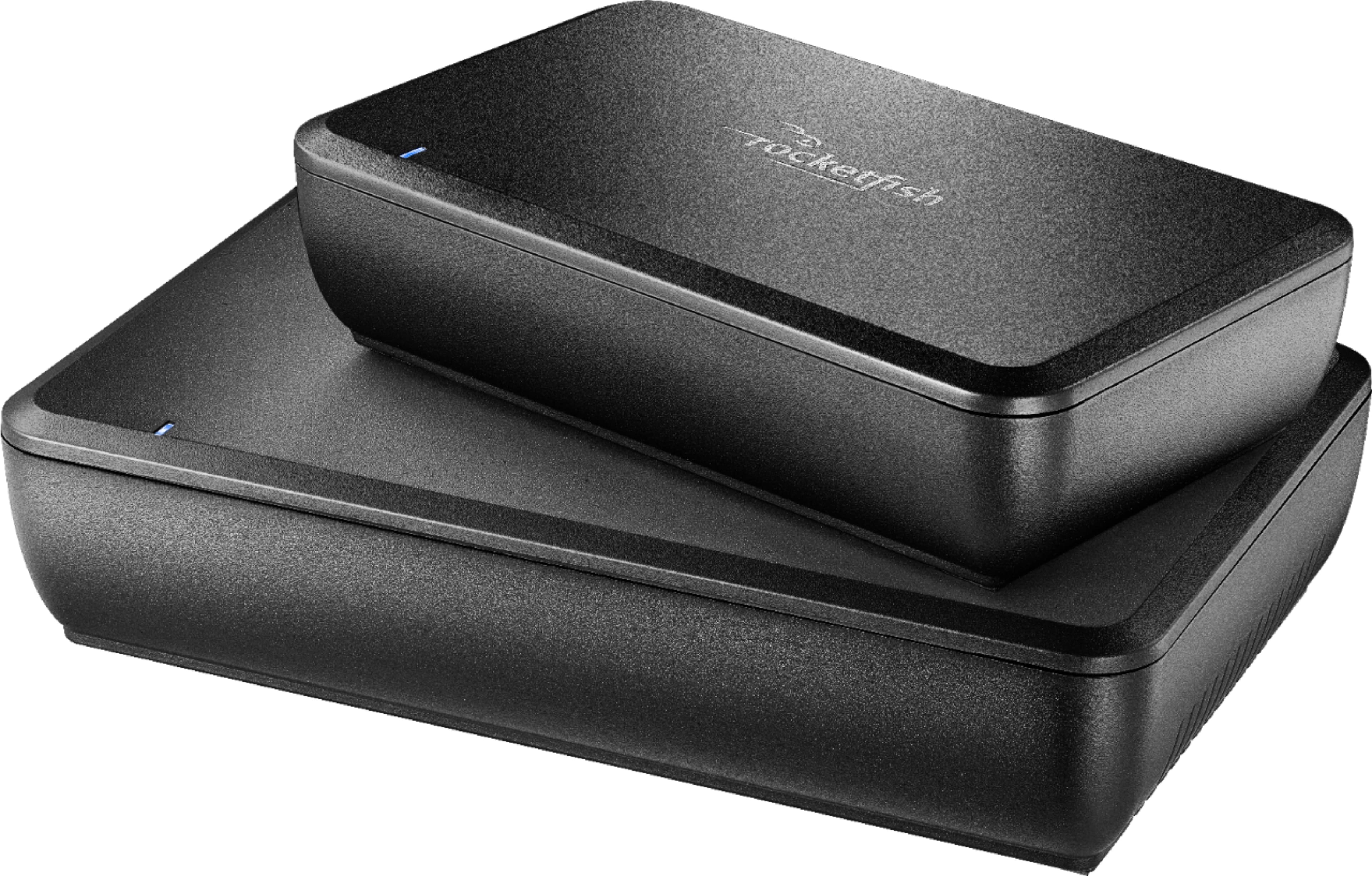
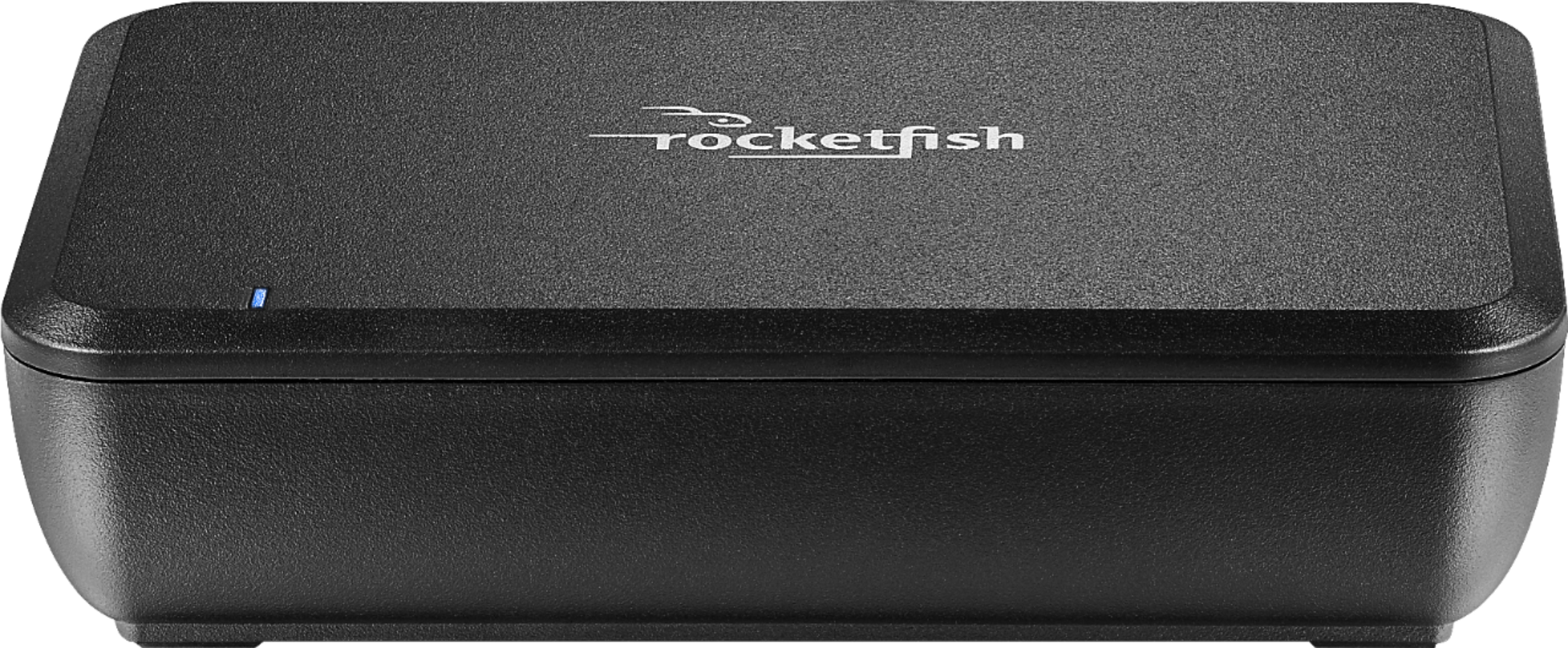
A:AnswerThank you for reaching out to Insignia Customer Support. We understand how frustrating it can be when your new Rocketfish™ Wireless Rear Speaker Kit isn't working as expected. Let's try to troubleshoot the issue together.
Here are a few steps you can try to resolve the low sound issue:
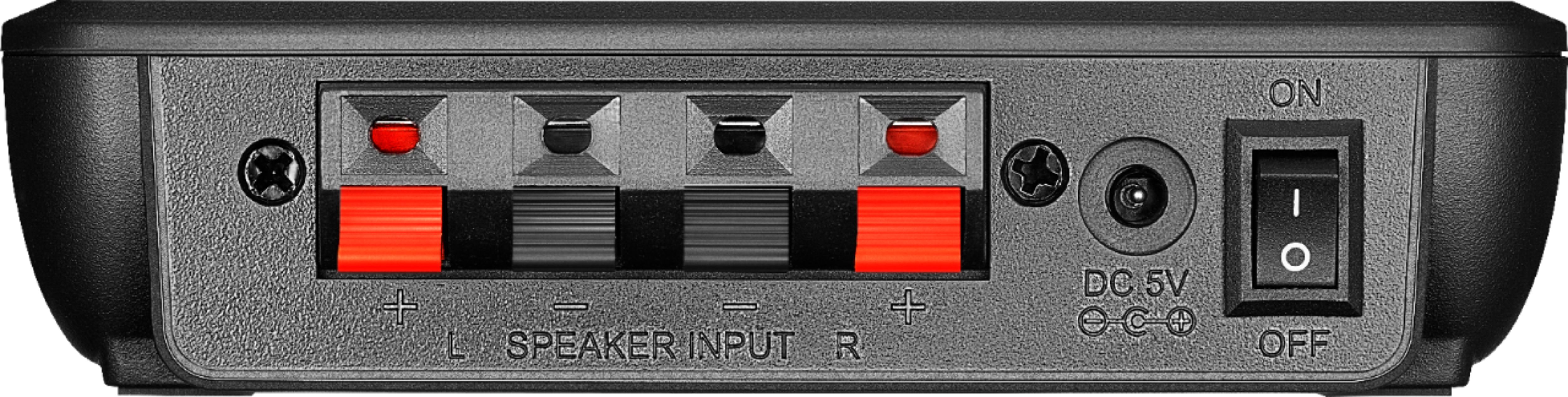
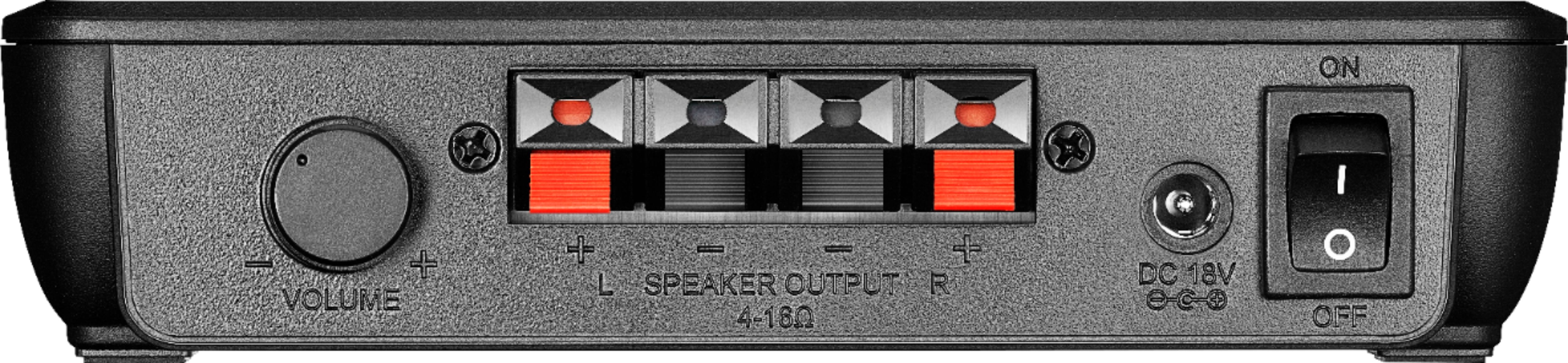
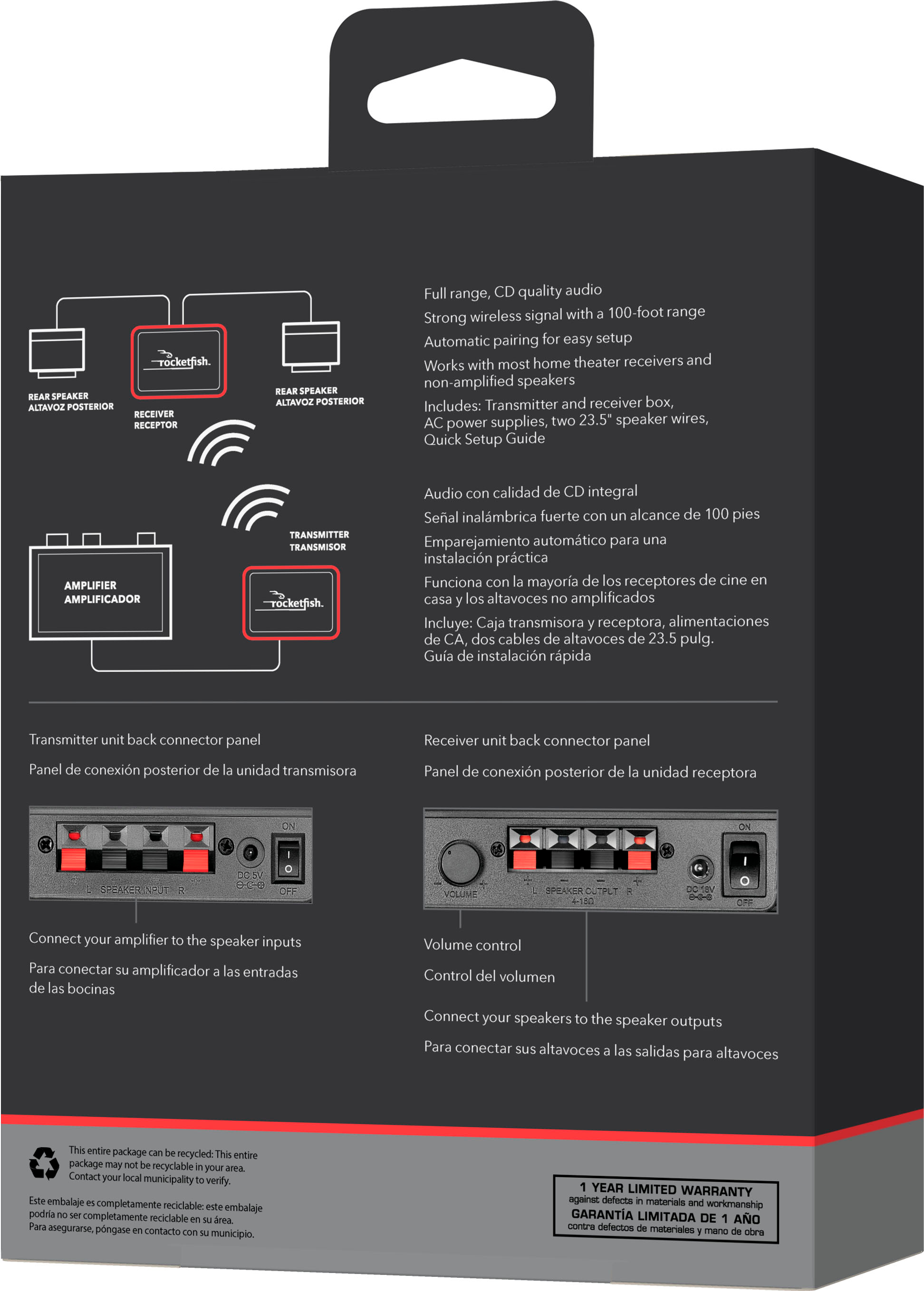
1. Check Connections: Ensure that all cables are securely connected. The sender unit should be connected to your receiver's surround speaker outputs, and the receiver unit should be connected to your rear speakers.
2. Volume Control: Make sure the volume control on the receiver unit is turned up. Sometimes, the volume might be set too low, causing barely audible sound.
3. Sync the Units: Press the sync button on both the sender and receiver units to ensure they are properly paired. The LED indicators should be solidly lit when the units are connected.
4. Distance and Interference: Ensure that the sender and receiver units are within the recommended distance (usually up to 100 feet) and that there are no obstructions or sources of interference (like other wireless devices) between them.
5. Power Supply: Verify that both the sender and receiver units are properly powered. Check the power adapters and ensure they are securely plugged in.
If these steps don't resolve the issue, there might be a problem with the new kit. In that case, please contact our customer support team for further assistance or consider exchanging the product if it's still under warranty.
We appreciate your patience and cooperation. We look forward to resolving this issue for you as quickly as possible.
A:AnswerNo my rear speakers are hooked into the Rocketfish Wireless Rear Speaker Kit bluetooth receiver. The bluetooth transmitter is connected to the rear surround outputs from my main amp. The front and center speakers are wired. Don't forget to configure your amp that you have the surround rear speakers connected. Bob
A:AnswerRF-WRSK18 was incompatible with my old RF-RBKIT (which I liked since it also provided additional outputs for a Zone-2). I don't know if this helped or not. - Mark
A:AnswerI had this problem. Incorrect wiring on my part. Denon Audessey helped me. My old receiver went bad and my AV receiver did not know that I had surround speakers. Manual speaker setup helped.
A:AnswerHi Alan! We're sorry to hear about the trouble with your Rocketfish™ Wireless Rear Speaker Kit. Here are a few potential causes and solutions:
~Interference: Wireless devices can sometimes pick up interference from other electronic devices. Try moving the sender and receiver units away from other electronics or Wi-Fi routers.
~Faulty Connections: Ensure all cables are securely connected. Loose or faulty connections can sometimes cause noise.
~Distance: The sender and receiver should be within the recommended range (usually around 100 feet). If they are too far apart, it might cause issues1.
~Power Supply Issues: Check if the power supply to the units is stable. Sometimes, fluctuations in power can cause noise.
~Faulty Components: There might be a problem with the internal components of the sender or receiver.
If the issue persists, please access this link for further assistance https://www.bestbuy.com/site/best-buy-brands/support/pcmcat1693515381920.c?id=pcmcat1693515381920.
I hope one of these solutions helps! If you have any other questions or need further assistance, feel free to ask. |Angelica| Rocketfish Products| https://www.bestbuy.com/site/rocketfish-wireless-rear-speaker-kit-black/6254098.p?skuId=6254098
A:AnswerThank you for your inquiry!The Rocketfish Wireless Rear Speaker Kit is designed to work with most home theater systems and soundbars, including LG soundbars. Keith | Rocketfish Support https://www.bestbuy.com/site/rocketfish-wireless-rear-speaker-kit-black/6254098.p?skuId=6254098
A:AnswerA couple of possibilities:
1. volume button turned all the way down on the Rocketfish receiver unit. Experiment with the volume wheel.
2. the receiver does not recognize that the rear speakers are live or the receiver rear speaker levels are set too low. That was the case with mine until I increased the levels.
Also, does your receiver have a speaker configuration and room correction function? Goes to possibility 2.