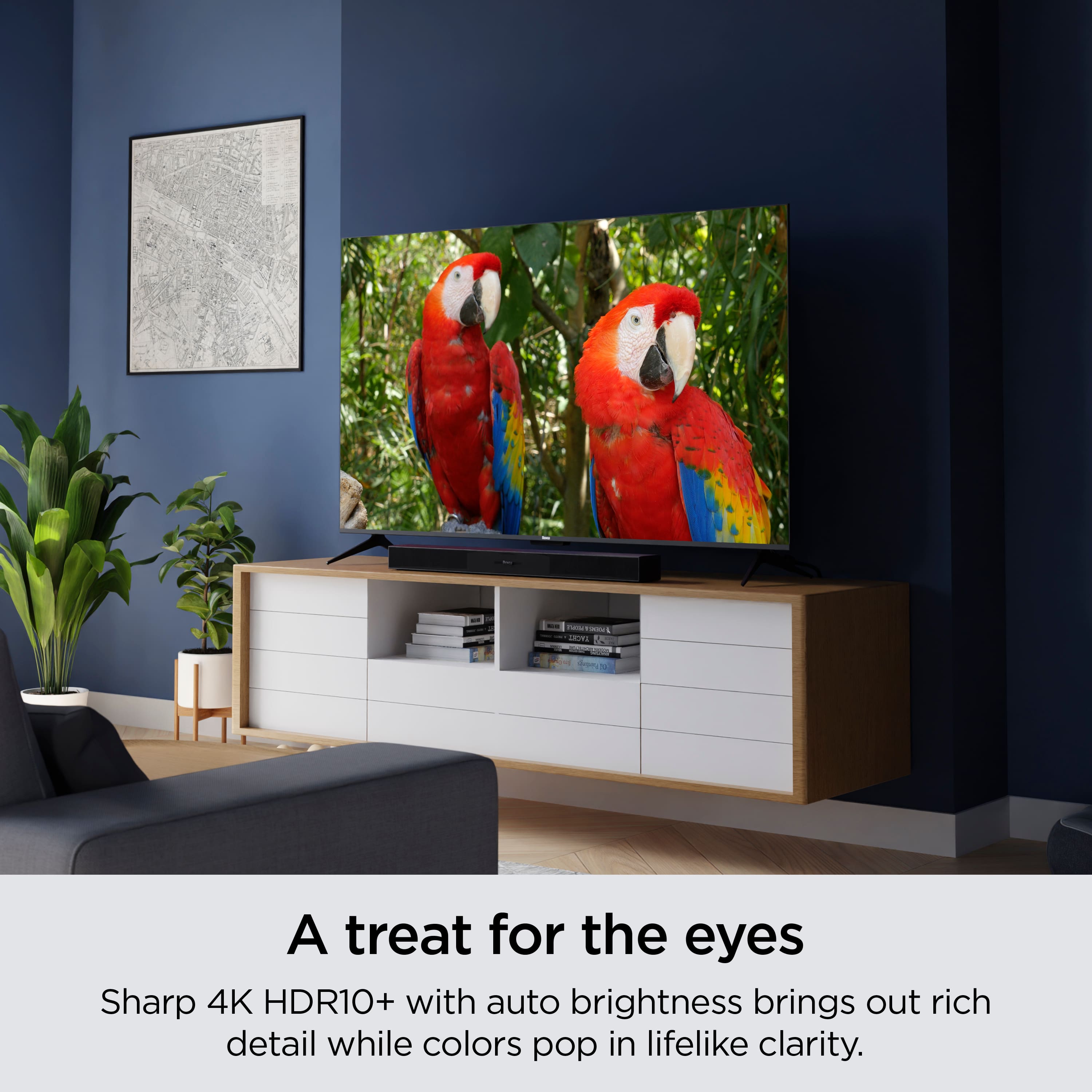
A:AnswerUse Roku's Soundbar. Bluetooth works on it. I did it myself so I know it works but I do not have instructions on how to connect it. I just figured it would connect so I tried it and I used it fine. Any further instructions should come from Roku Support.
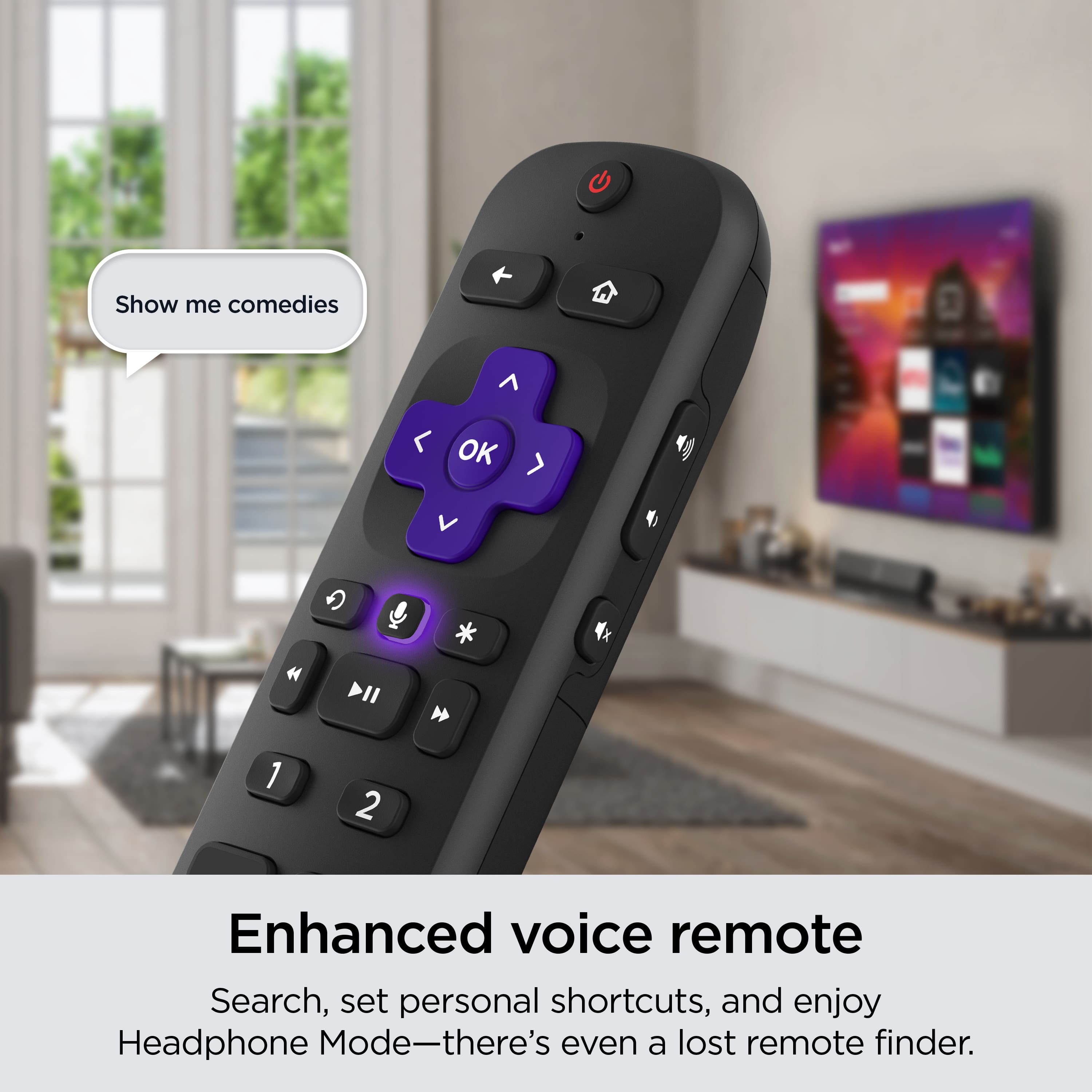
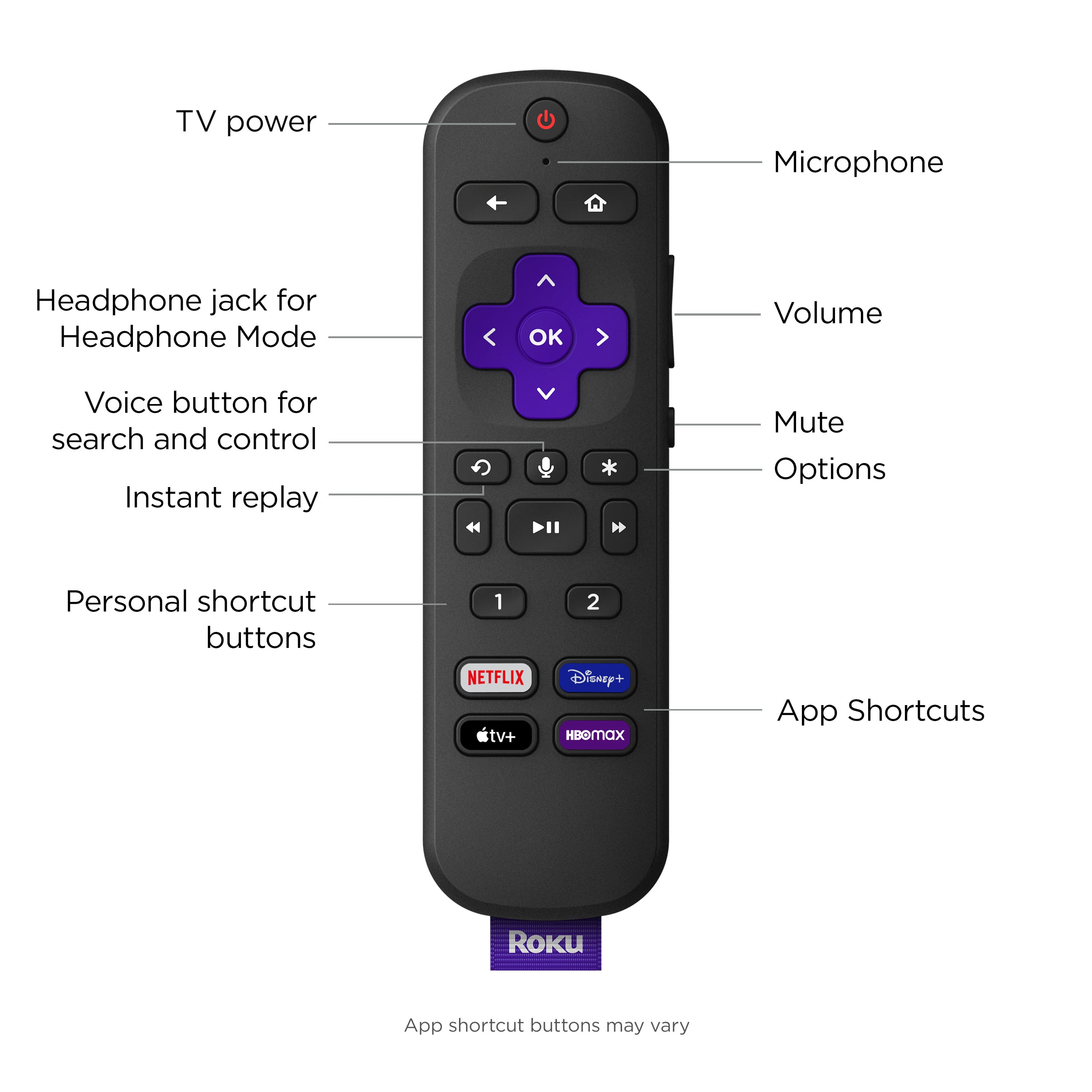
A:AnswerPress the home button on your Roku remote
Select settings by scrolling up or down
Choose Display type
Select one of the available display types and press OK on your remote
When an image is shown, select Yes, I can see it and press OK on your remote.
Your screen may go black for a few seconds while the display setting is changed.
A check will appear next to the new display setting when it is done.
A:AnswerHello! Yes, you can get Discovery + on Roku devices. If you are ever curious about what you can access on Roku here is a link to our Roku channel store. https://channelstore.roku.com/browse
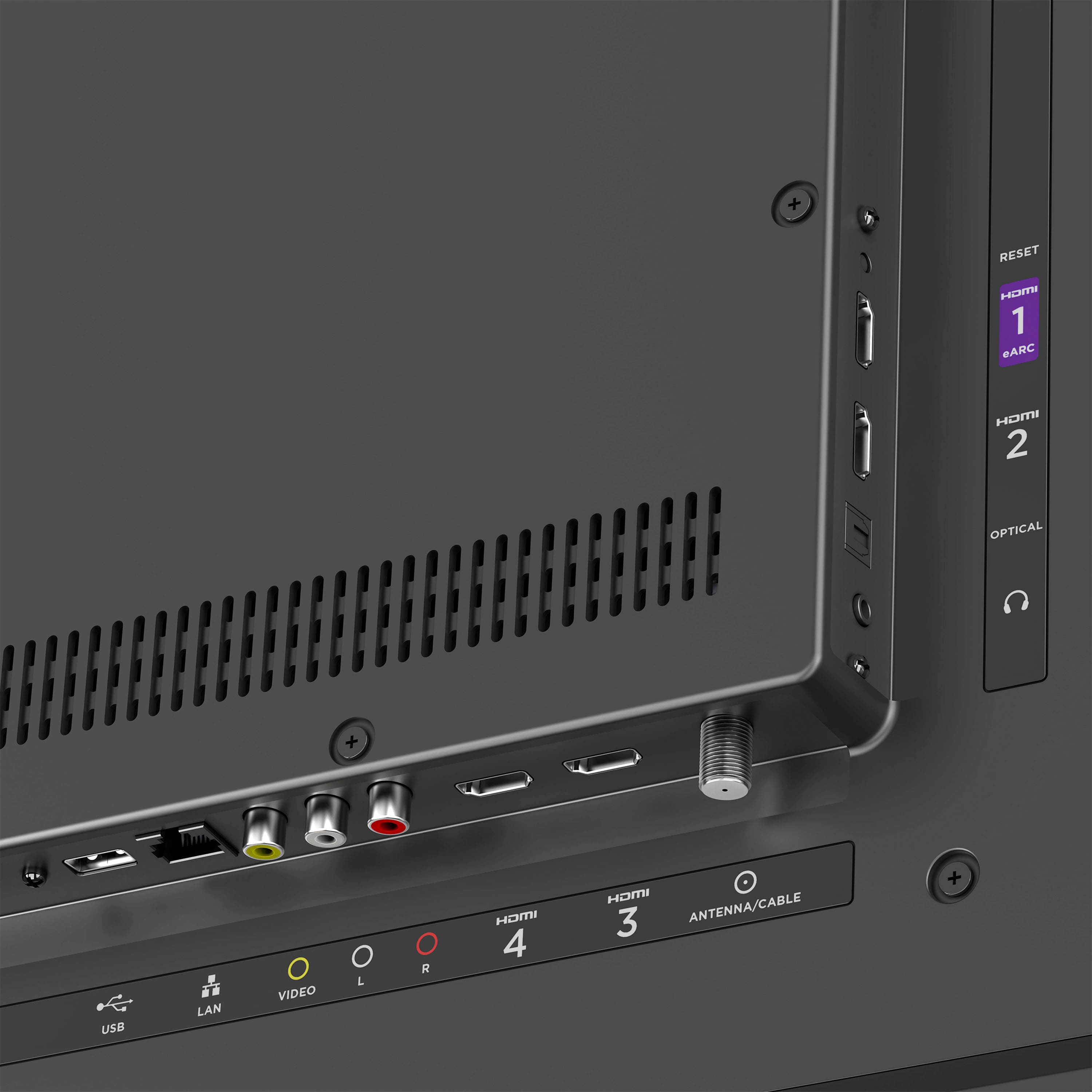
A:AnswerHello! Connect an HD antenna to your Roku TV to see your local network channels and free streaming channels all in one place. Here is a link to a page to help you get a better idea of using an antenna with your Roku TV. https://www.roku.com/products/roku-tv/antenna
A:AnswerYou can. The are instructions that will tell you how to set up your sound bar in both the television and the speaker manuals, or online on the manufacturer's website.