A:AnswerHello! Roku and DirectTV serve difference purposes. Roku is a streaming device/platform that provides access to various streaming services like Netflix, Hulu, DirectTV, ect. Direct TV, on the other hand, is satellite and cable TV service offering traditional television channels. While you can use Roku to access DirectTV it offers a wide range of live TV channels and cable packages as well as streaming services and satellite cable.
A:AnswerClick on "+5 more" where the photos are to the left of the main image, then click on the image that shows the dimensions all the way around the TV.
A:Answertry google. backlit doesn't mean there are lights on the back of the tv. it's the method of projecting the image on the screen as opposed to CCFL.
A:AnswerYes! We offer a huge selection of channels, including YouTube TV, so you can easily stream all your favorite content. Simply download the YouTube TV channel when you're activating the TV, sign into your existing account, and you'll be streaming in no time!
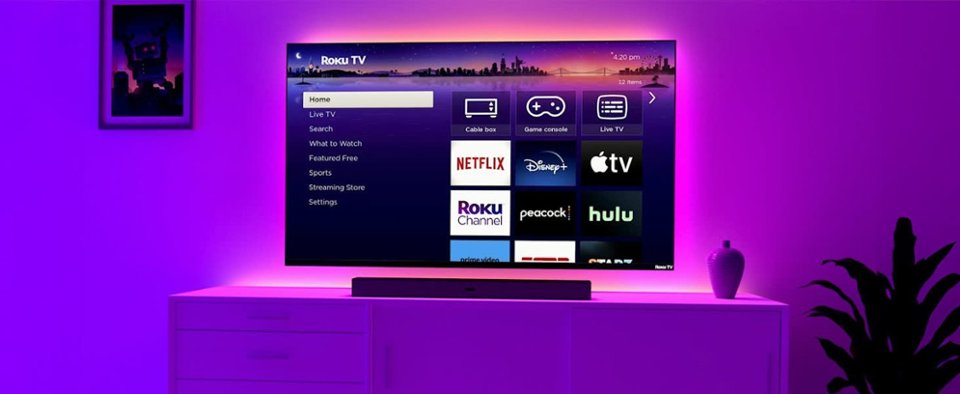
A:AnswerOf course! With the Roku OS built-in, this TV will support the Direct TV schannel where you can sign in with your existing Direct TV credentials. You can browse through our extensive selection of channels when you visit the Roku Channel Store. Happy Streaming!
A:AnswerHello, these are our first ever Roku-branded TVs! They are both designed and manufactured by Roku, equipped with the familiar Roku OS you know and love. Happy Streaming!