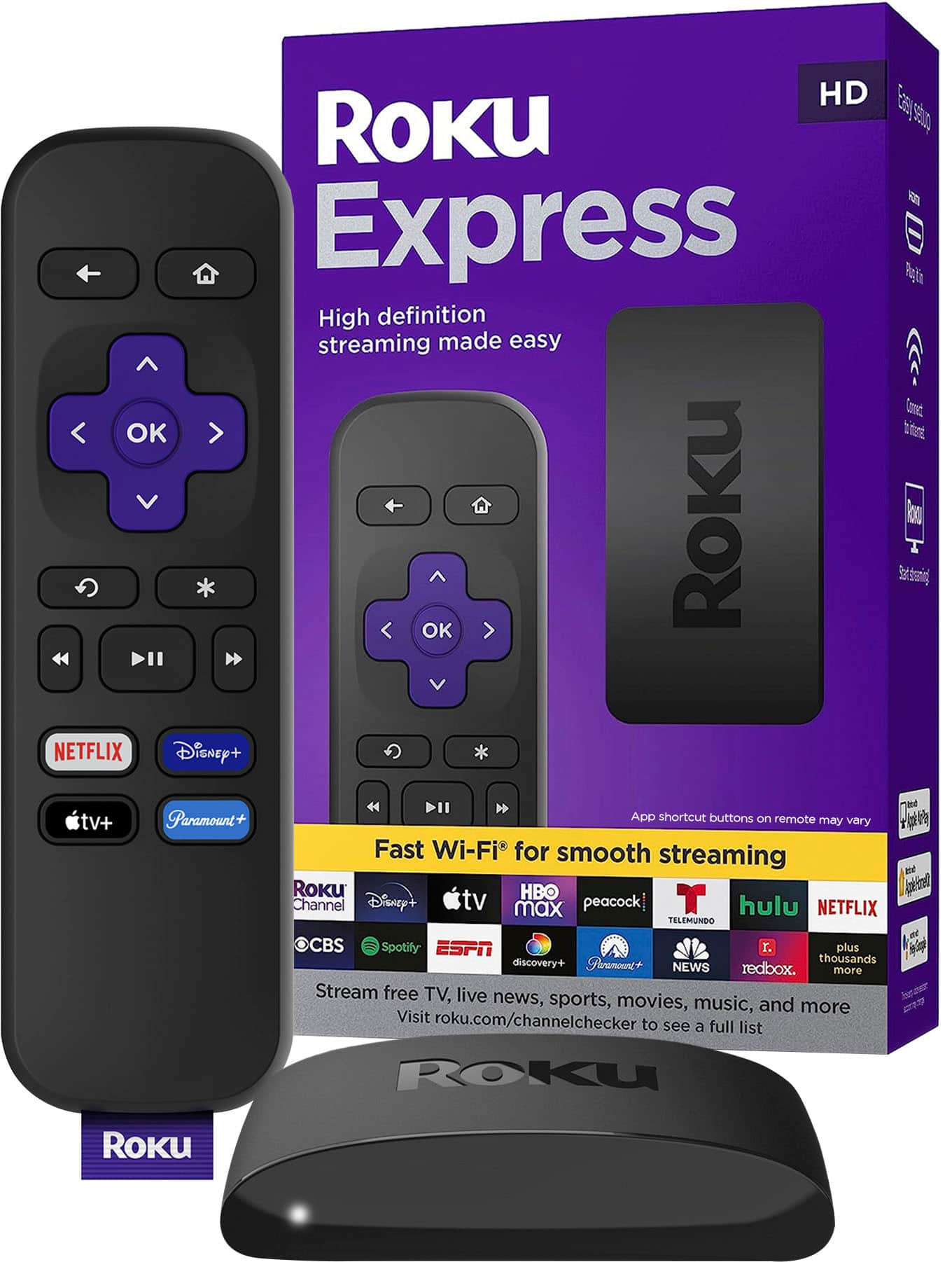
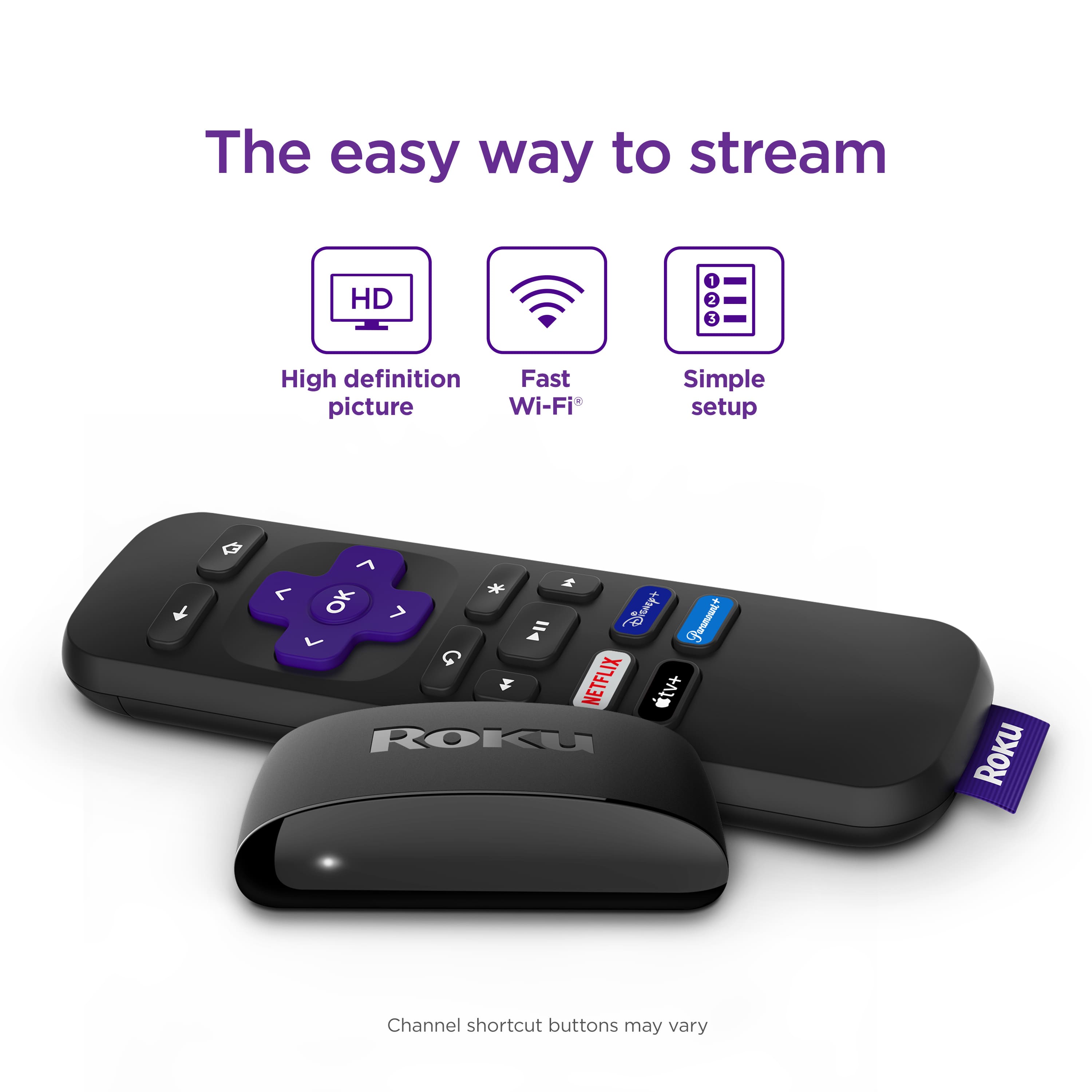
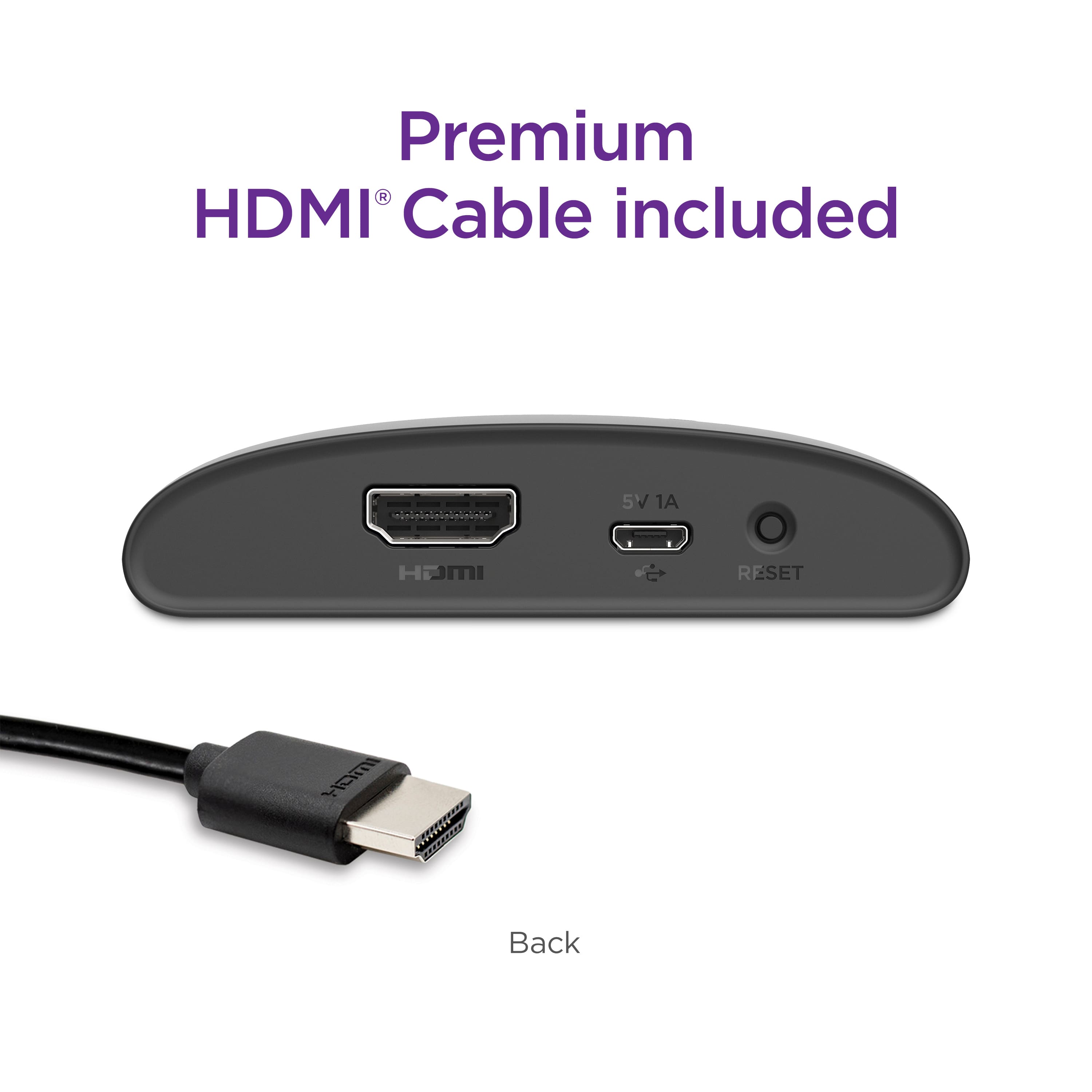
A:AnswerCheck for updates. Check connection. Switch to a different input on tv. Also can try to reset to resolve the issue. Hook it up to a different television see if the problem persist.
A:AnswerIt’s not plugged in or connected correctly. You have your tv tuned to the wrong input. If the power indicator light is on it works. check alll connection and power on tv.
A:AnswerHello Glenn1, Roku offers the Roku Channel which is 500+ free live TV channels. There are some "local" channels on there but is typically major cities. You can search to see if your local channels have apps on the Roku App Store or download the Haystack App and enter your location.
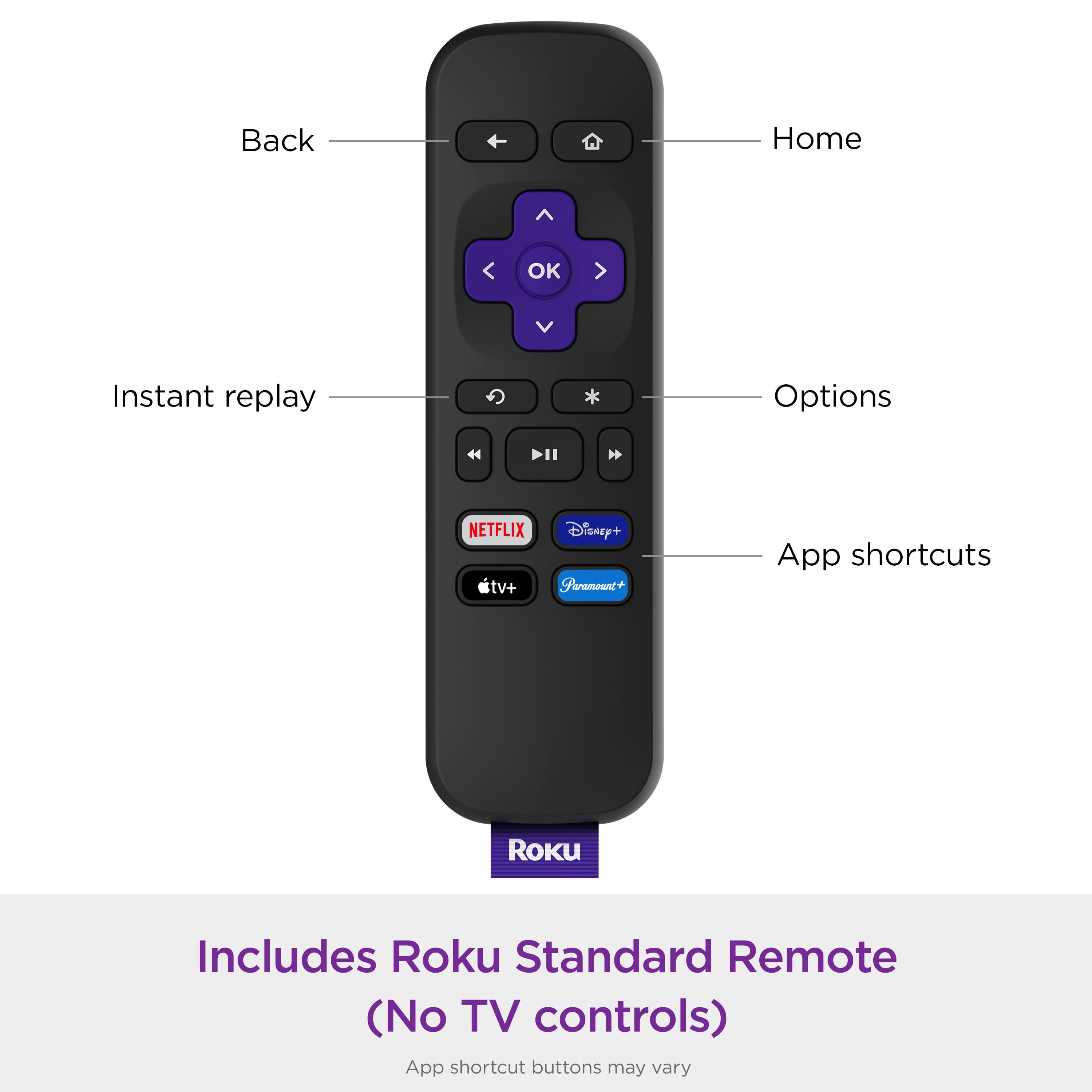
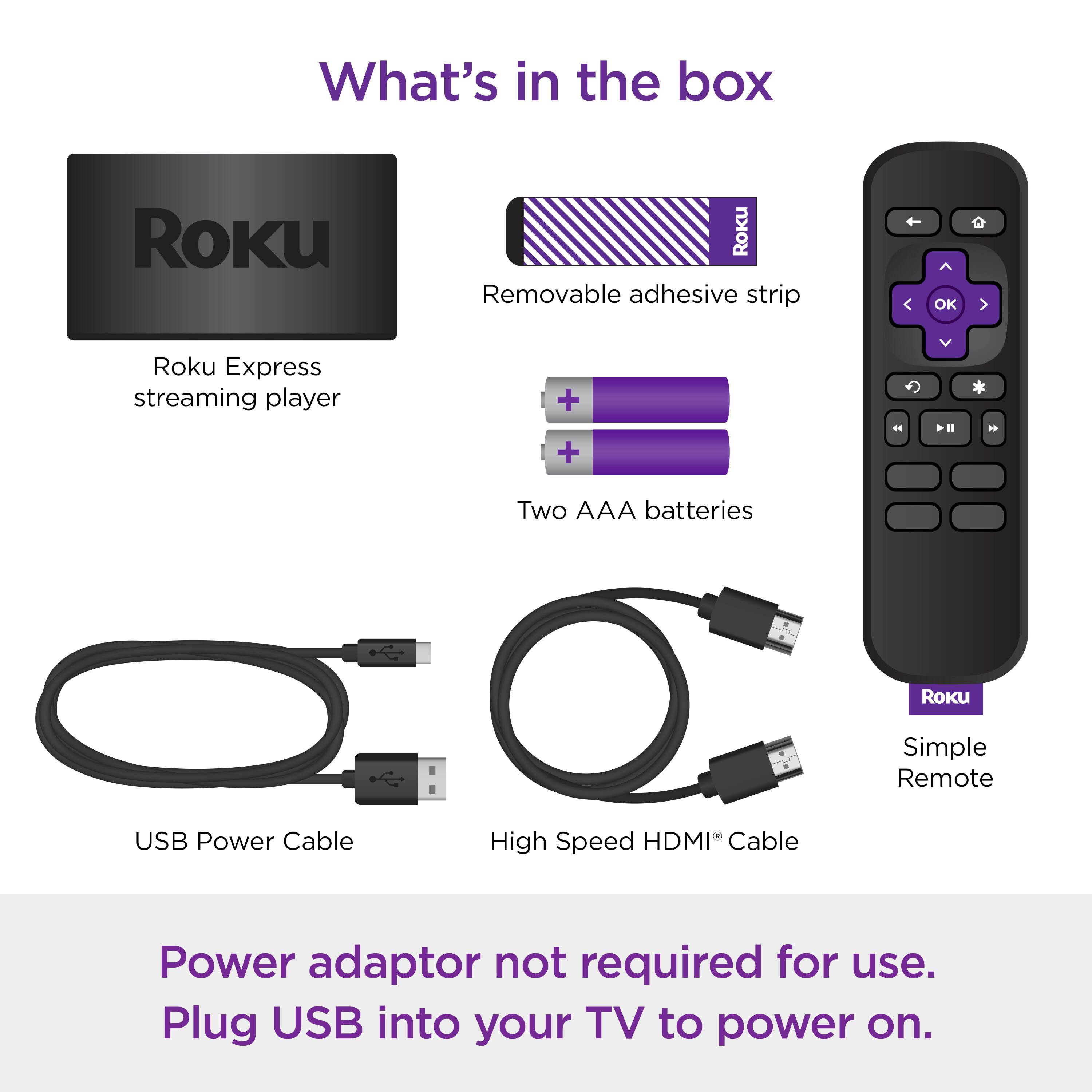
A:AnswerThe remote that comes with it has Chanel selection arrows and volume. It works with my off brand TV. So probably most TVs? I’d check Rokus website to be sure.
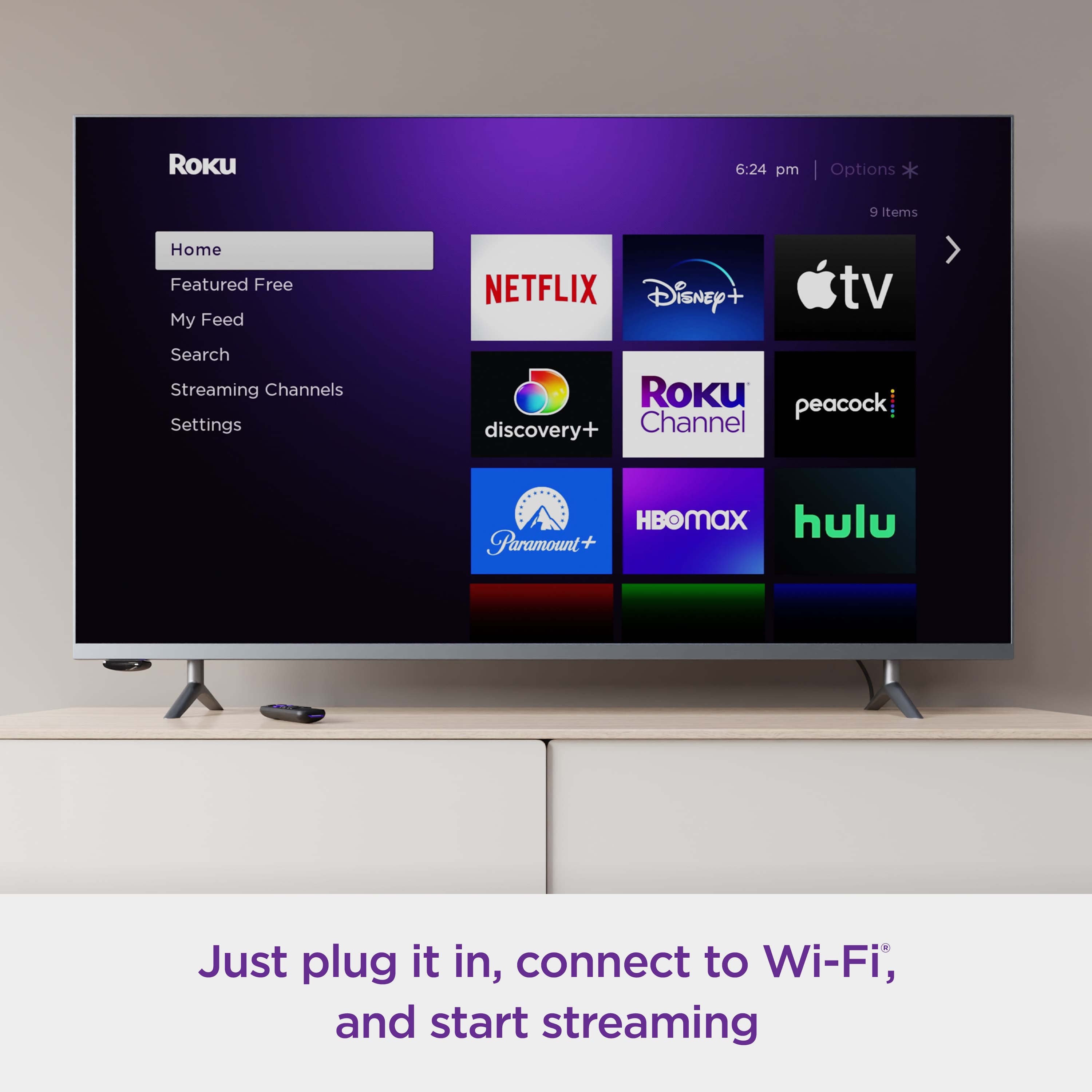
Channels you get may depend on your subscriptions some are included & some is just access to your subscriptions (like Paramount +) etc.
A:AnswerHello Michelle, Thus device doesn't have a headphone jack or bluetooth, but what you can do is download the Roku official app on your phone and use your phone as the remote and then with headphones mode from your phone listen using any headphones connected to your phone.