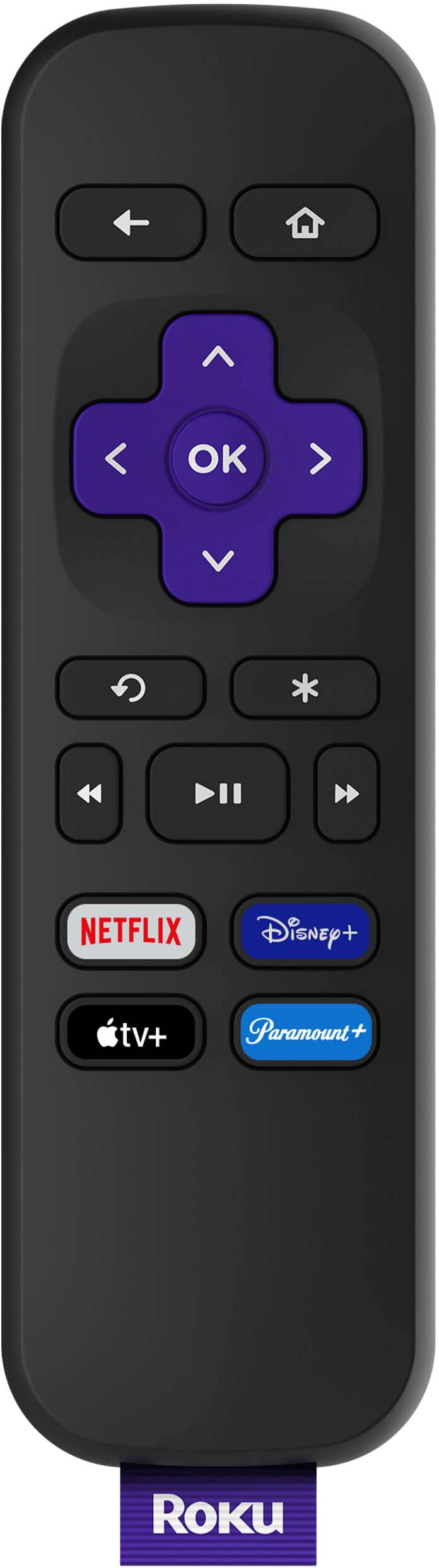
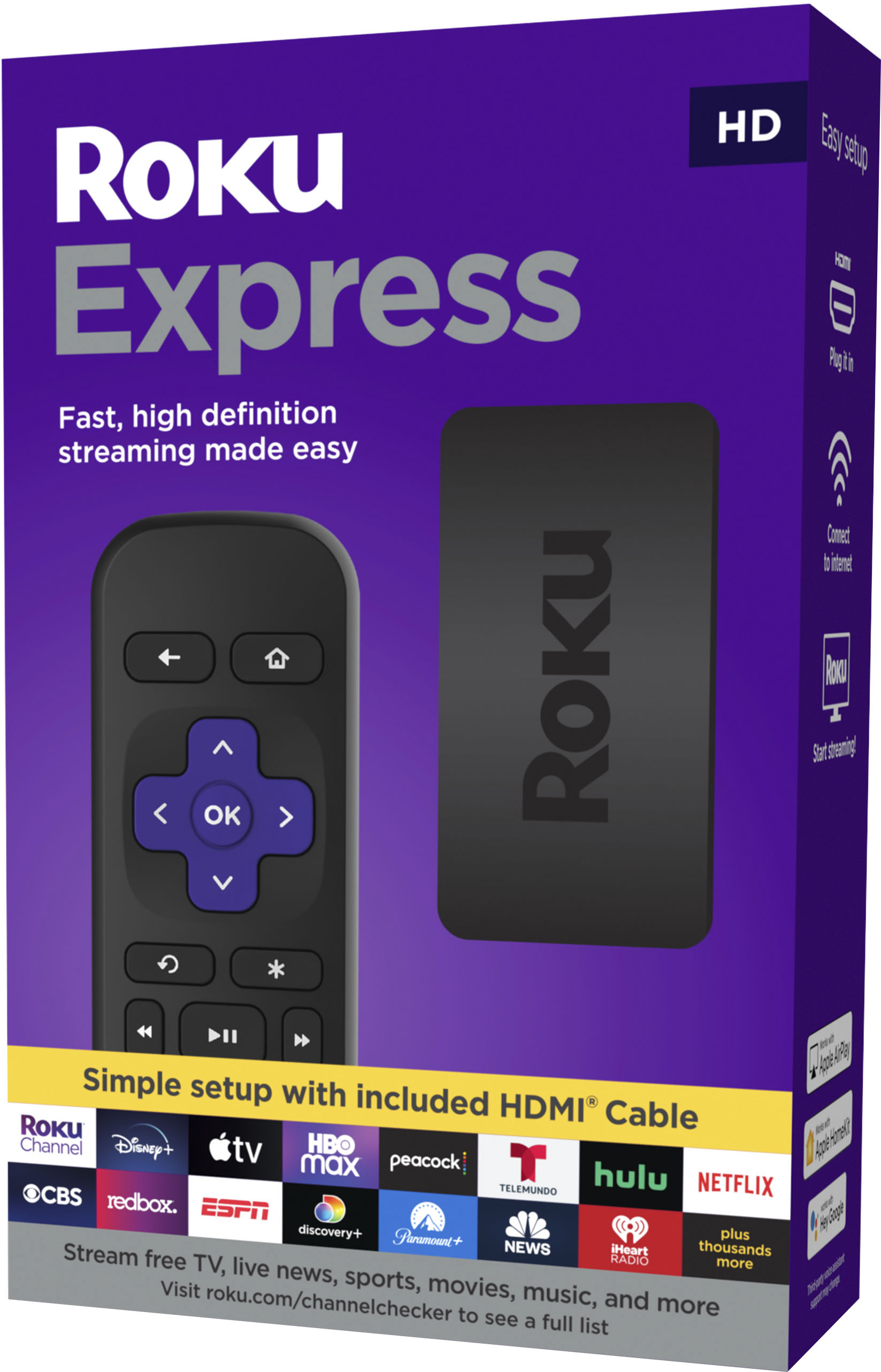
A:AnswerHi! , The Roku Express HD remote control does not have a headphone jack for Private Listening. There are several Roku Streaming Players that do have a headphone jack for Private Listening including;Roku Ultra(2020) , Roku Ultra LT and Roku® Streaming Stick®+ Headphone Edition. You can also use the Private Listening feature via the Roku® mobile app which is a free application for iOS® and Android™ devices. Please note when using Private Listening with the Roku Mobile app you must first install the latest version of the Roku mobile app and connect your mobile device to your Roku device. To establish this connection, both your mobile device and your Roku device must be connected to the same wireless network.
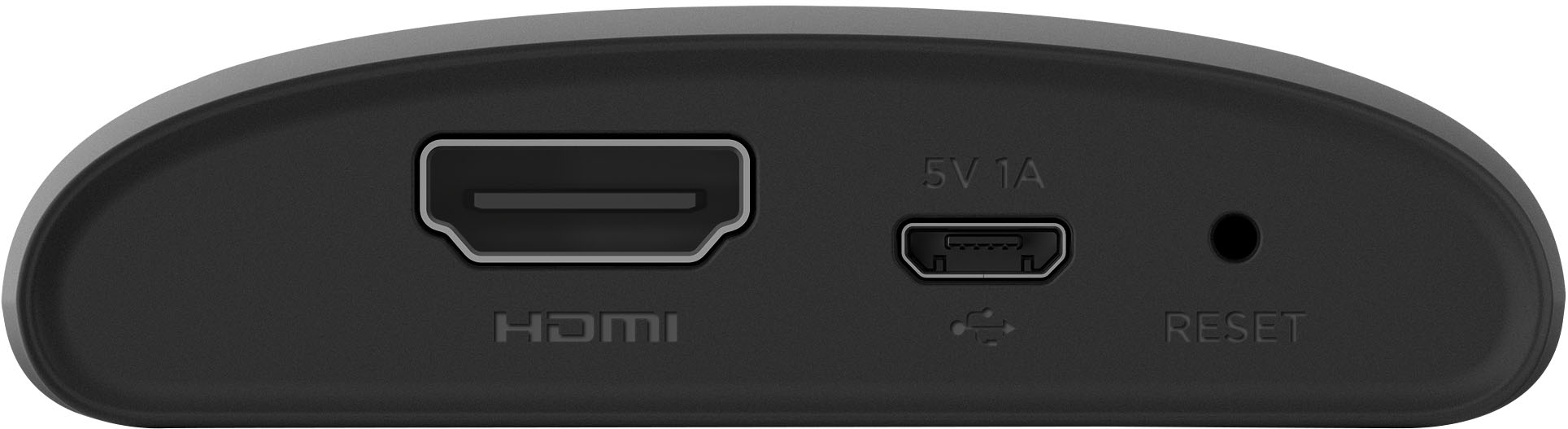
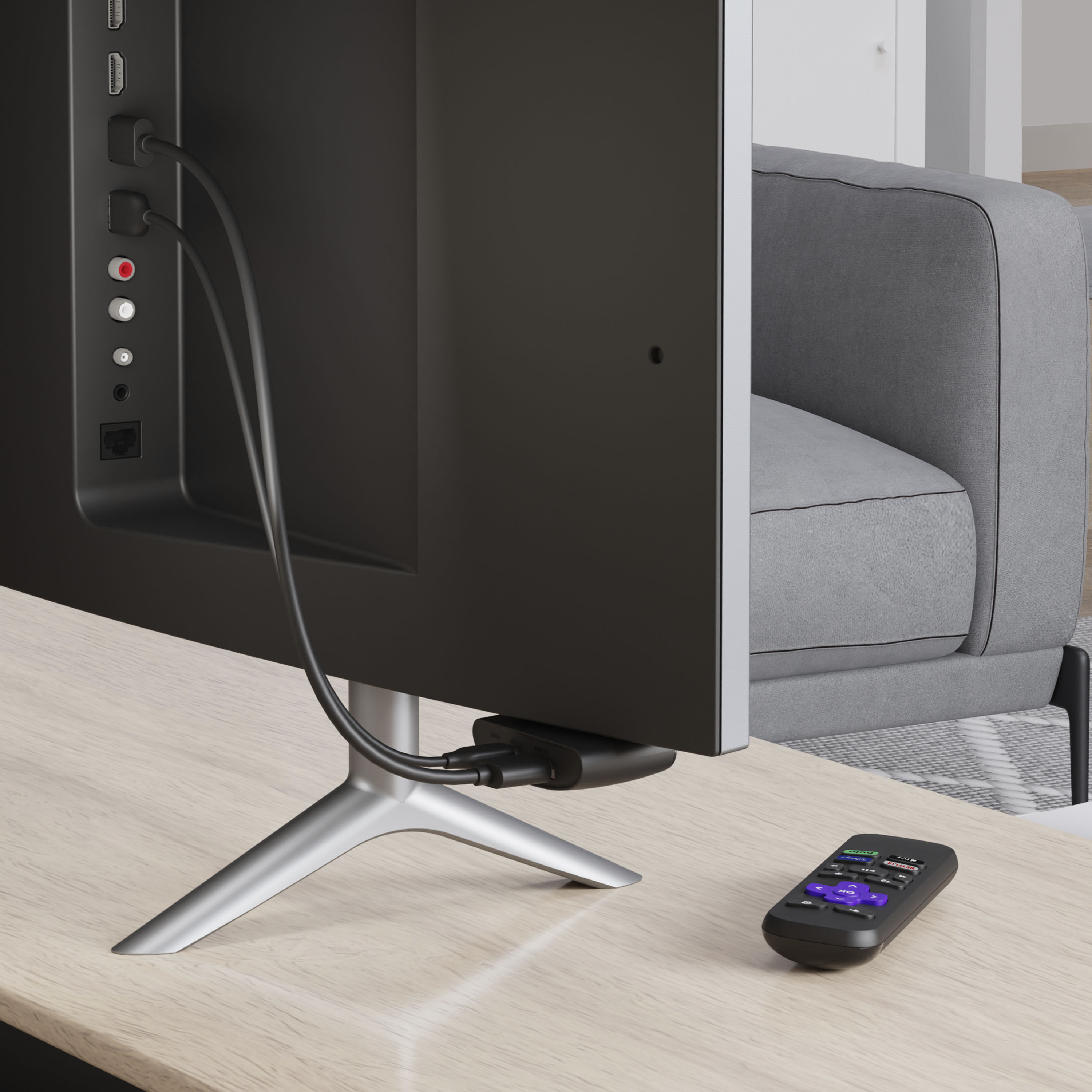
A:AnswerHi! The device being "wireless" is in reference to the Wi-Fi capabilities. The Express allows to wirelessly to your home Wi-Fi network without needing to plug in any cables to or from your router. IF you're not the biggest fan of cables hanging behind the TV, you can connect the included micro USB cable into your TV's USB port and use your TV has the power source. For more on how to connect your Roku Express, check out https://support.roku.com/article/225735828
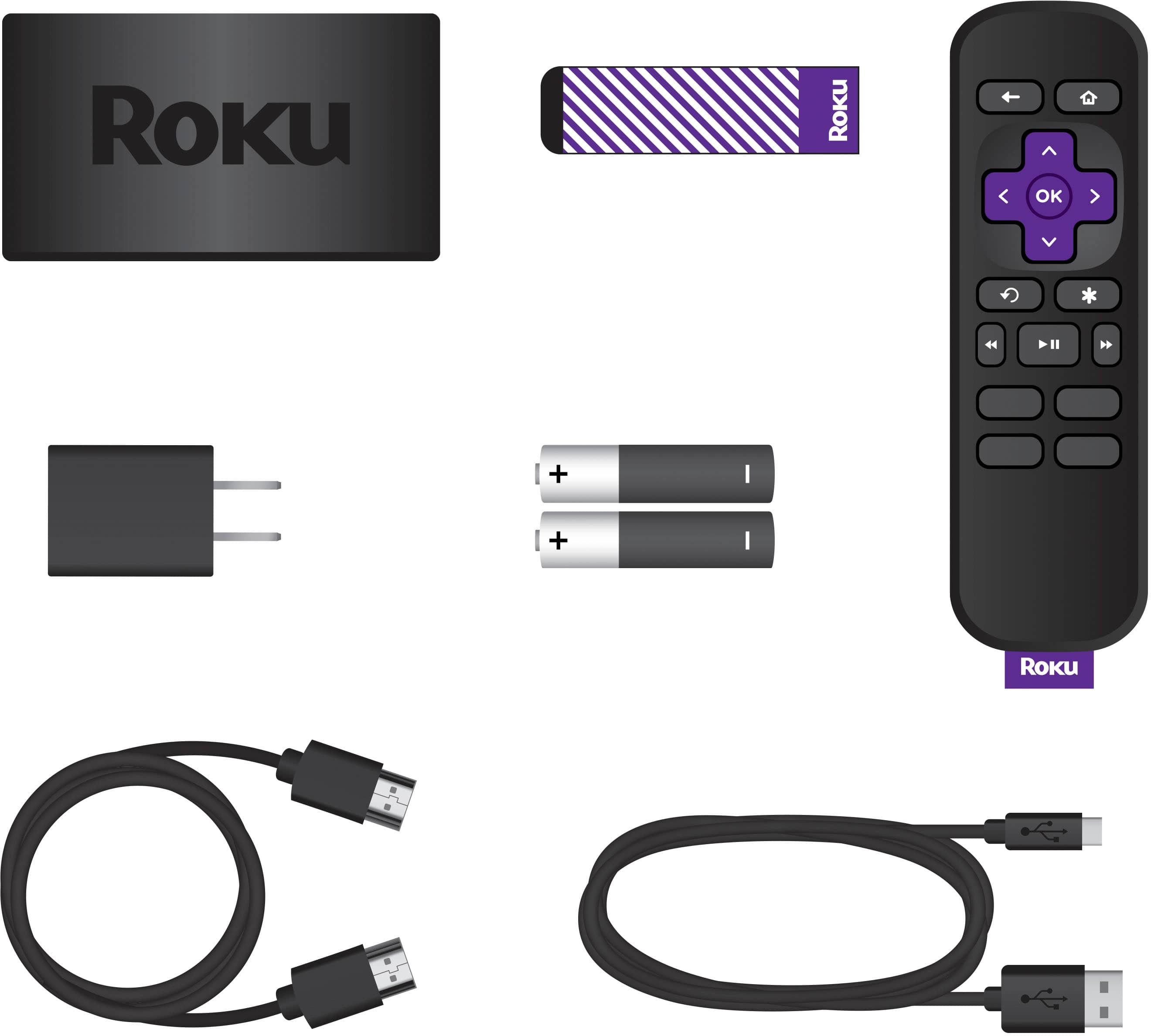
A:AnswerRog, yes the Roku can be connected to the HDMI port and then powered through an outlet instead of the USB port. Power adaptor & USB power cable are included in the box.
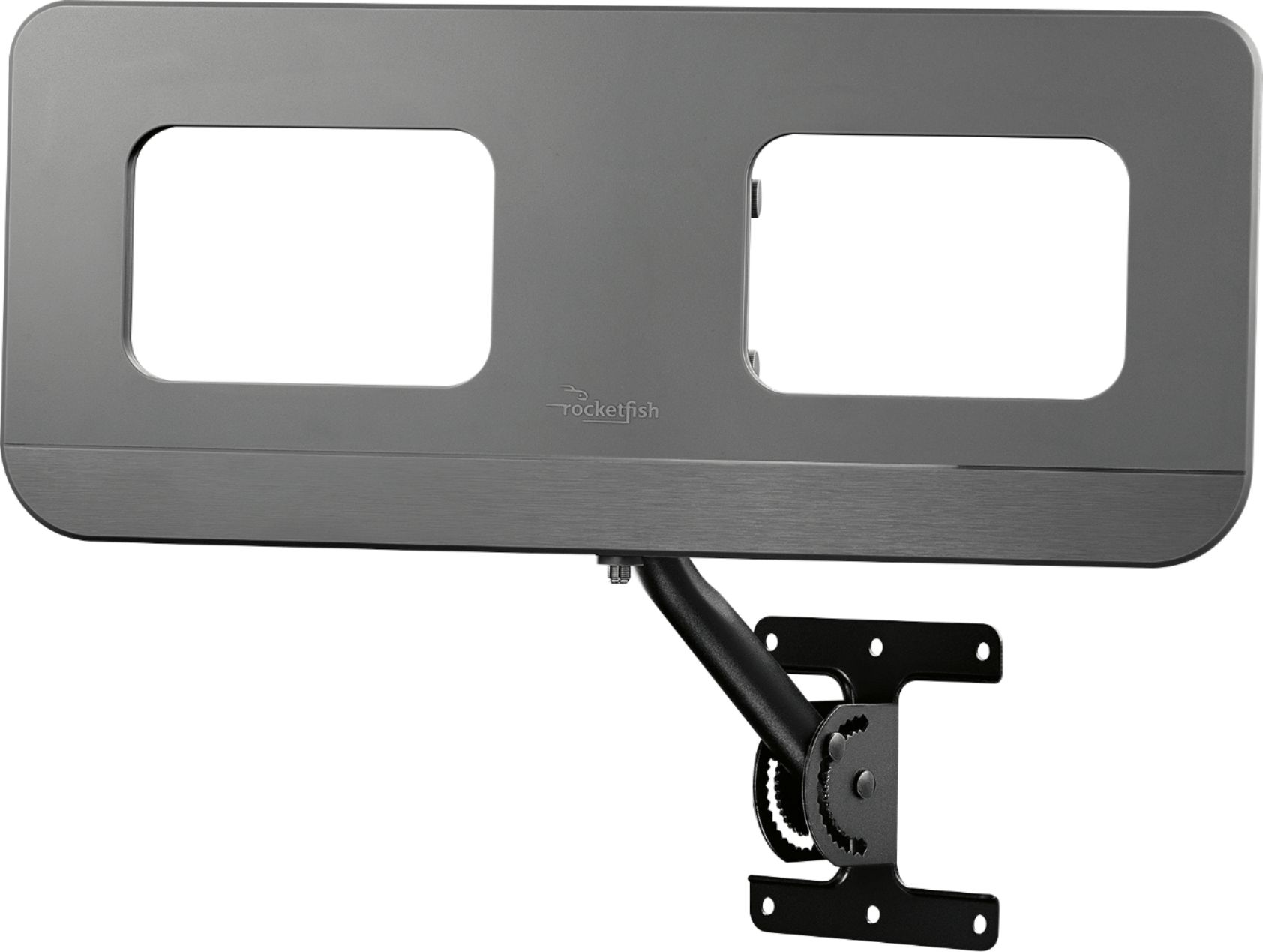
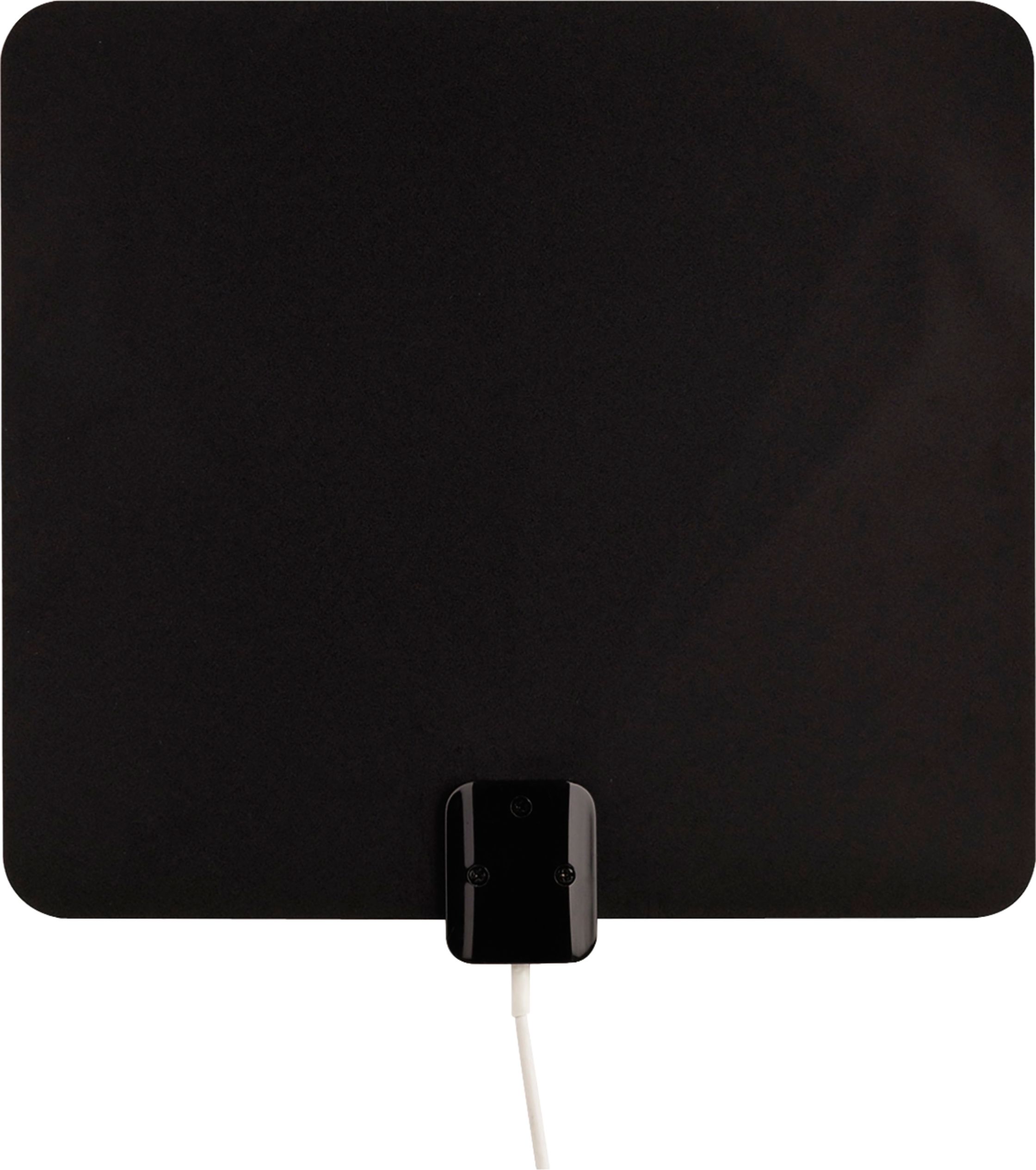
A:AnswerIt may have some local channels on it but your best bet is to buy an antenna. We have an outdoor one on the side of the house and we don't have to have cable. We get all of our local channels. NBC, ABC, WINK, FOX, and others. We get over 40 channels and we live on an island off of Fort Myers. If you live in the Orlando area with an antenna indoor on your window or outside you will get even more channels. I bought this because I have a smart TV that doesn't get Sling TV, Apple +, Disney and other apps needed to watch certain shows and films I like. It's great for that. Small, light and easily attaches to TV.
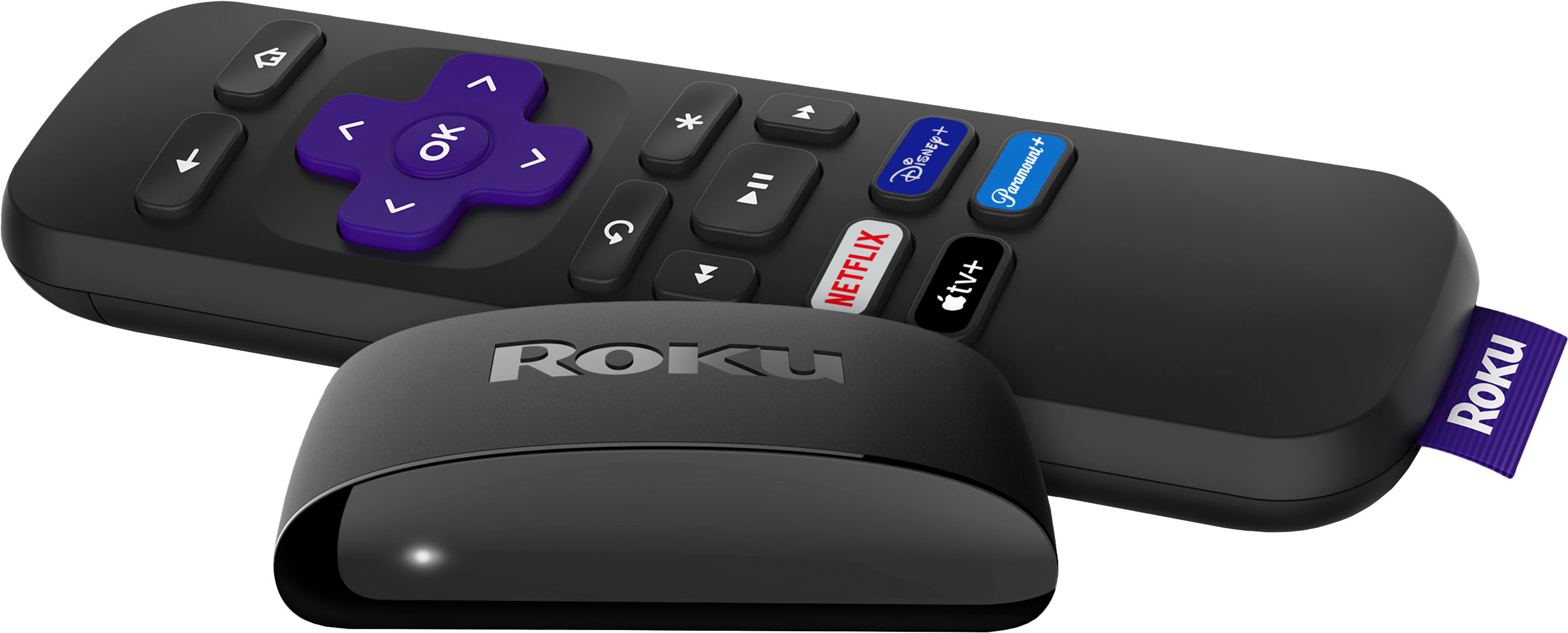
A:AnswerNo, those buttons are for those streaming services. Maybe the higher end models are different but this one you cannot remap or change the buttons.
Still a great streamer and those buttons only save you a couple clicks. For all other services, just hit the home button, select from the services you have installed, and click.
A:AnswerThe only thing you need is a good internet connection providing good Wi'fi coverage in your home. Usually provided by a local cable company or phone company.
A:AnswerIf you buy the Roku Streaming Stick +, it comes with an extra cord that connects to a power supply plug that you plug into the wall. It is also a 4k device. I have an LG TV too and I used the wall plug set up.
A:AnswerI do believe this device uses infra red for sending the signal, so make sure your line of sight is clear from the controller to the unit itself, and make sure you don't have any crud on the tip of the remote where the signal would be coming from and on the unit where the receiver is. Other than that, I don't know what to tell you.