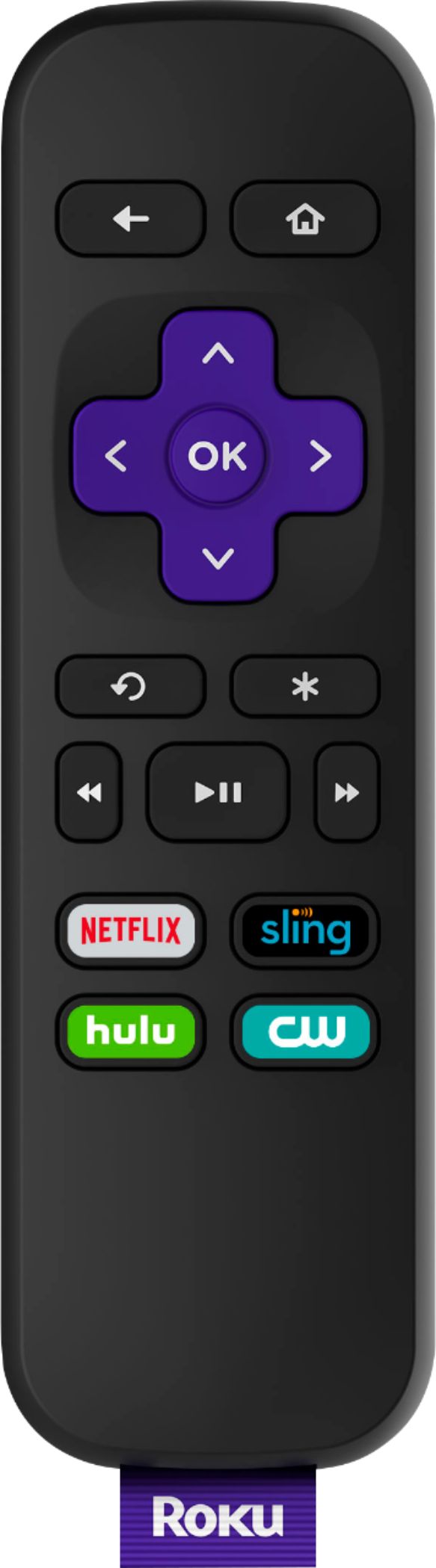
A:AnswerYou should be able to but I think it depends on the app you are watching the show on. I use a universal remote control so don't know if it's different than using the roku remote but I believe it shouldn't be. I usually click the option button when watching a movie and or show and it should give you the option about adding or removing the captions and also the audio language to some of the shows or movies if it's supported.
A:AnswerYou should be able to but I think it depends on the app you are watching the show on. I use a universal remote control so don't know if it's different than using the roku remote but I believe it shouldn't be. I usually click the option button when watching a movie and or show and it should give you the option about adding or removing the captions and also the audio language to some of the shows or movies if it's supported.
A:AnswerThis will not interfere with a cable set-up. When you want to use the Roku you have to go to an alternative input on your television. Similar to if you're using a DVD player or video game.
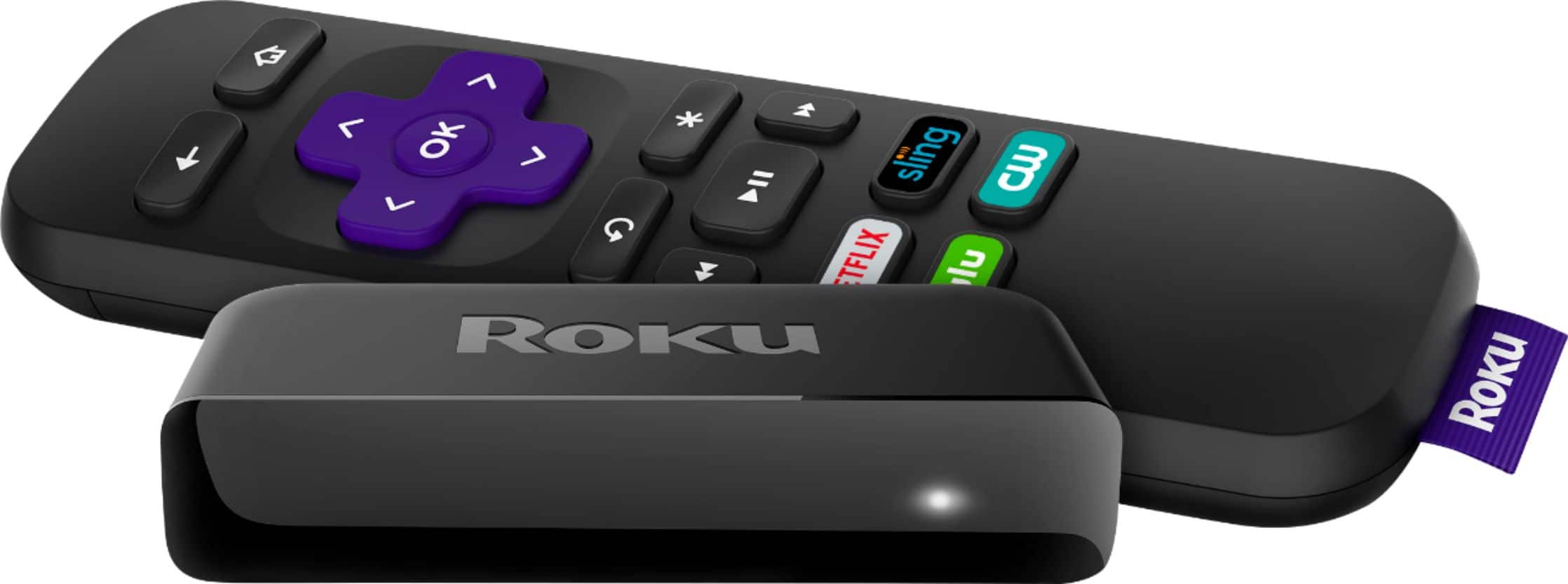
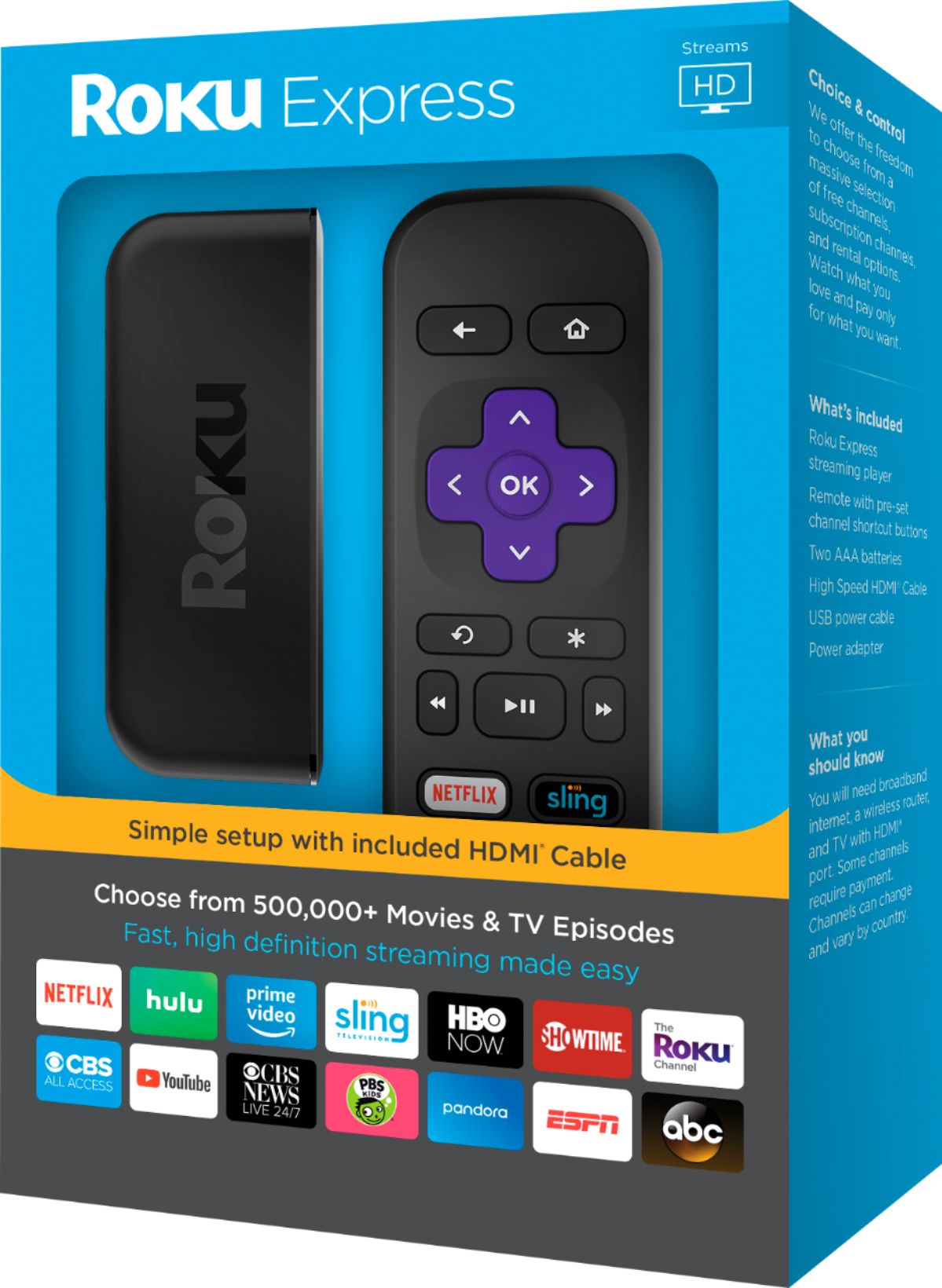
A:AnswerHi Deven! The Roku Express remote does not support the voice search, however you can download the free Roku Mobile app which will allow you to take advantage of the Private Listening Feature as well as voice search. To learn more about what you can do using the Roku Mobile App, check out https://www.roku.com/mobile-app
A:AnswerRegarding to being plugged into a tv you can if you want it to be powered with and by your tv but doesn't have to if you don't want. An hdmi cable is needed to connect the roku and tv unless it's the roku stick which you plug it to an hdmi port. Disney +, apple tv+, and some other streaming services are supported except with some of the new ones like hbo max and peacock but hope that changes soon.
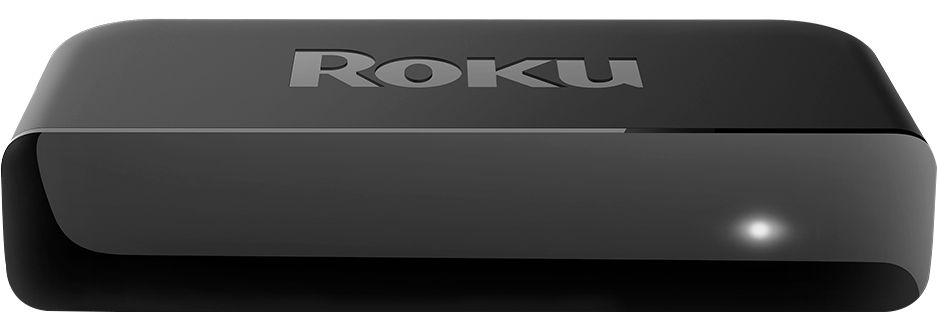
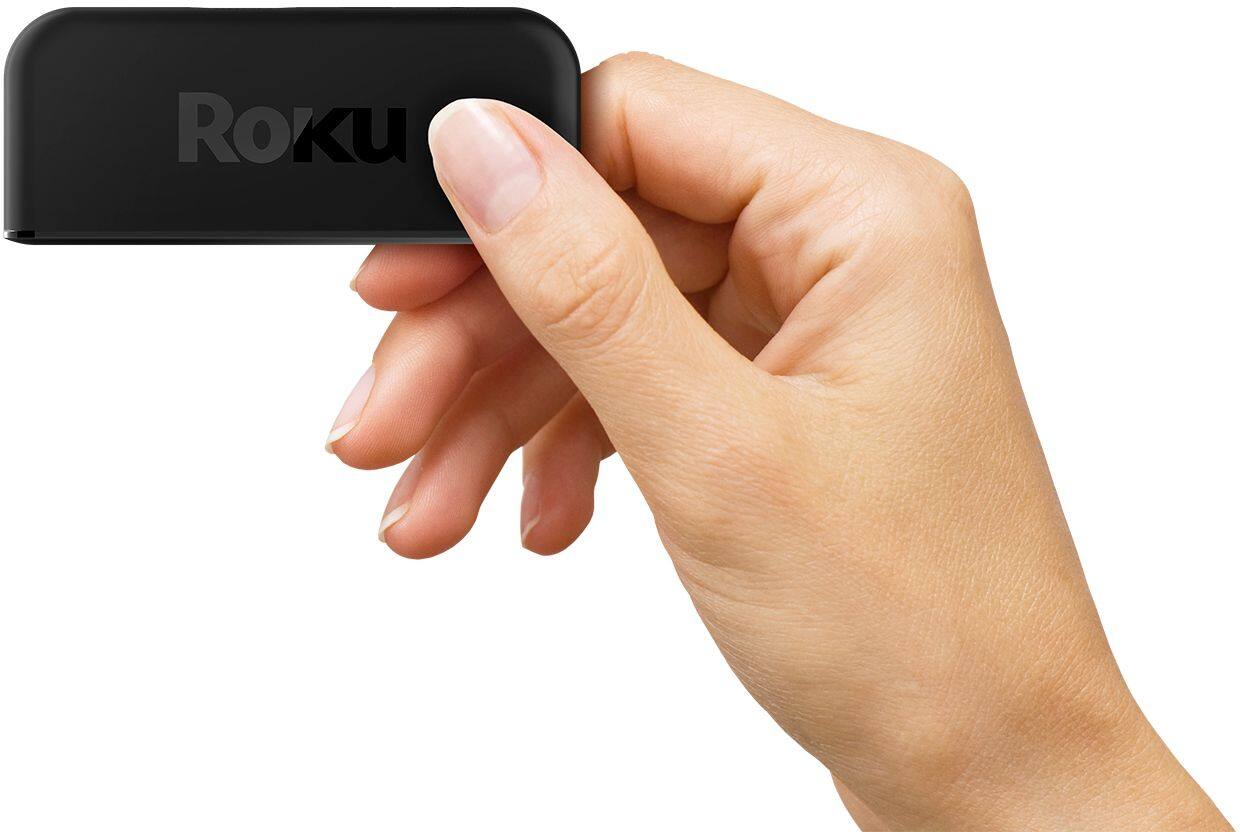
A:AnswerThe Roku comes with a power cord to power the little rectangle that gets affixed to a convenient edge of your TV. We put ours near the infrared sensor for the TV. You then connect the HDMI cord to the Roku box and to your TV. With your TV turned on ,the Roku will give you prompts to use you computer to communicate on their web site. there are further tutorials on their site. Roku has no charges but will keep your accounts in order if you start joining premium channels without commercials. Have fun and good viewing.