A:AnswerMatt are you looking for KlowdTV? Yes that is currently available https://channelstore.roku.com/details/dd2db9163eda3401f069e2529b1ef4bb/klowdtv
A:AnswerBeth if you have still having issues please check out this link, it should give you some troubleshooting options. https://support.roku.com/article/208755728
A:AnswerYes, it probably isn't installed but you can download through the Roku Channel Store. https://channelstore.roku.com/details/272ba82f0e179295b316d12896f9cdbc/acorn-tv
A:AnswerI have Spectrum as well. I chose the apple box instead of the cable boxes. I also purchased the roku and only use that with my TV. You don't need the cable box if you have smart tv or roku but you will need to purchase the apple TV box because that's just how they do it. But instead of monthly payments for a cable box you won't own, buy the apple box and use it on another tv in your home or whatever you want. Make sense?
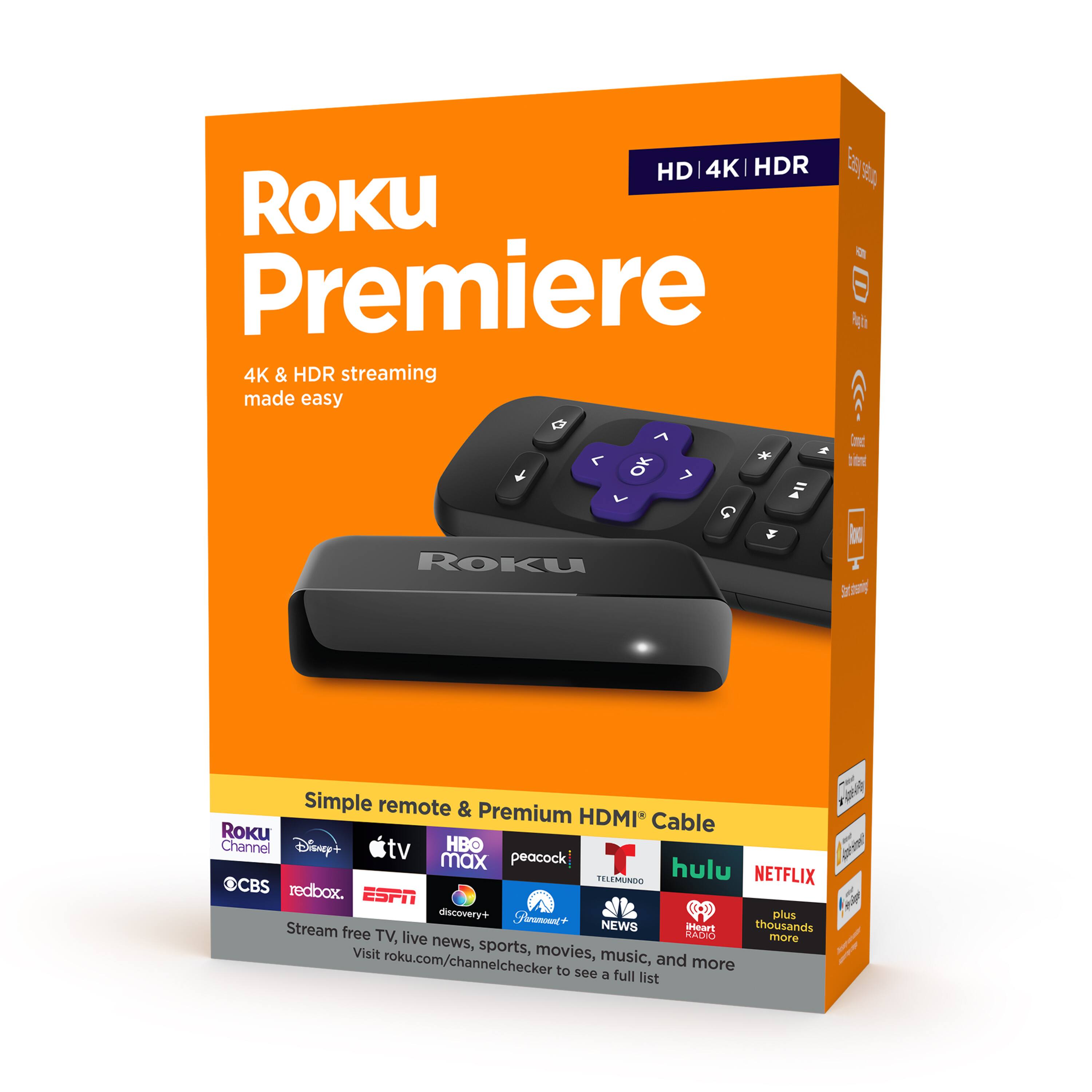
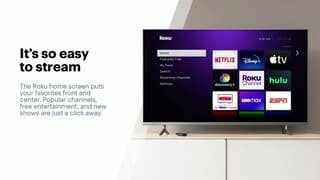
A:AnswerYes, Roku offers over 10,000 apps or channels far more than traditional smart TVs. AppleTV is part of the Roku package. https://channelstore.roku.com/details/a20e3c294993147c6cda435497594031/apple-tv
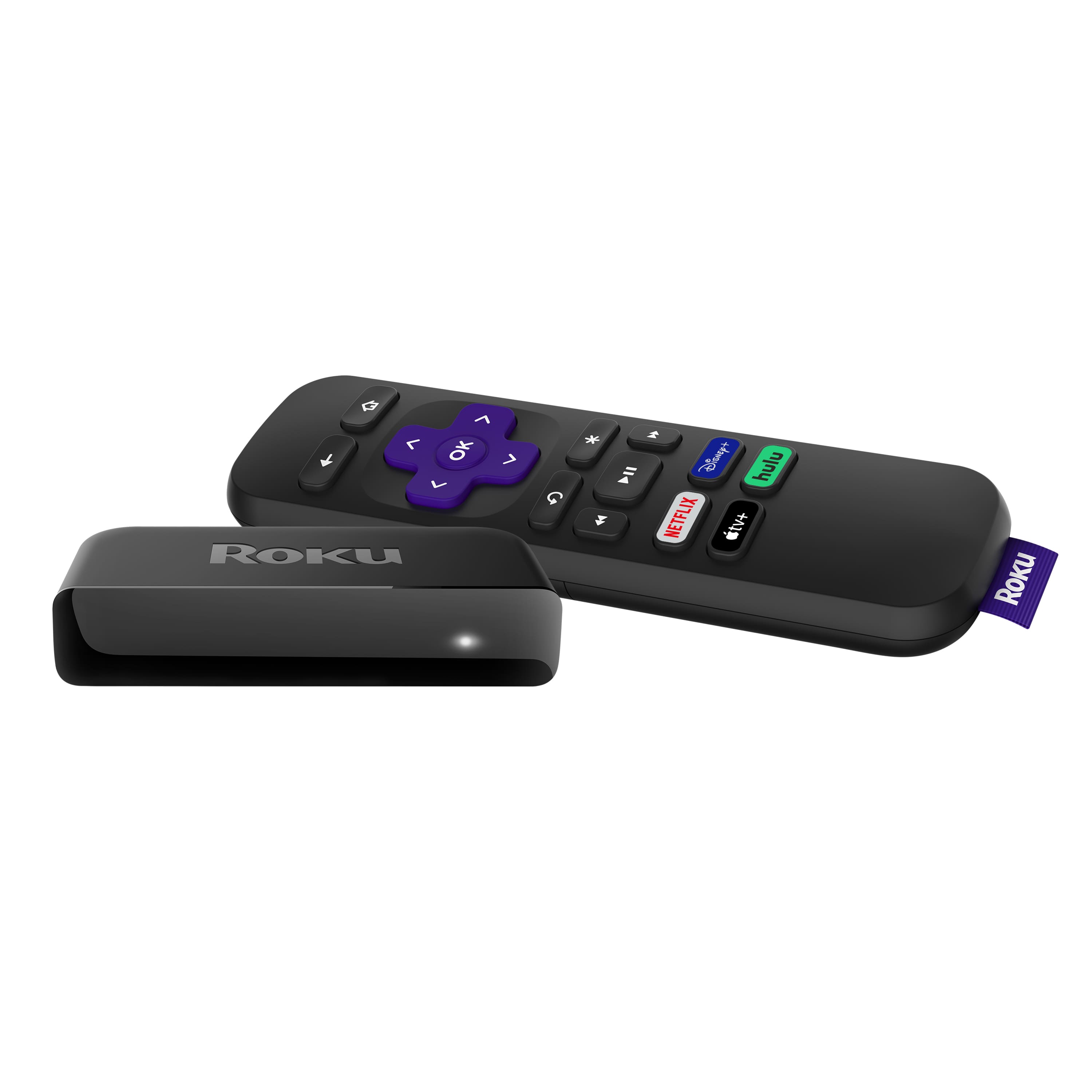
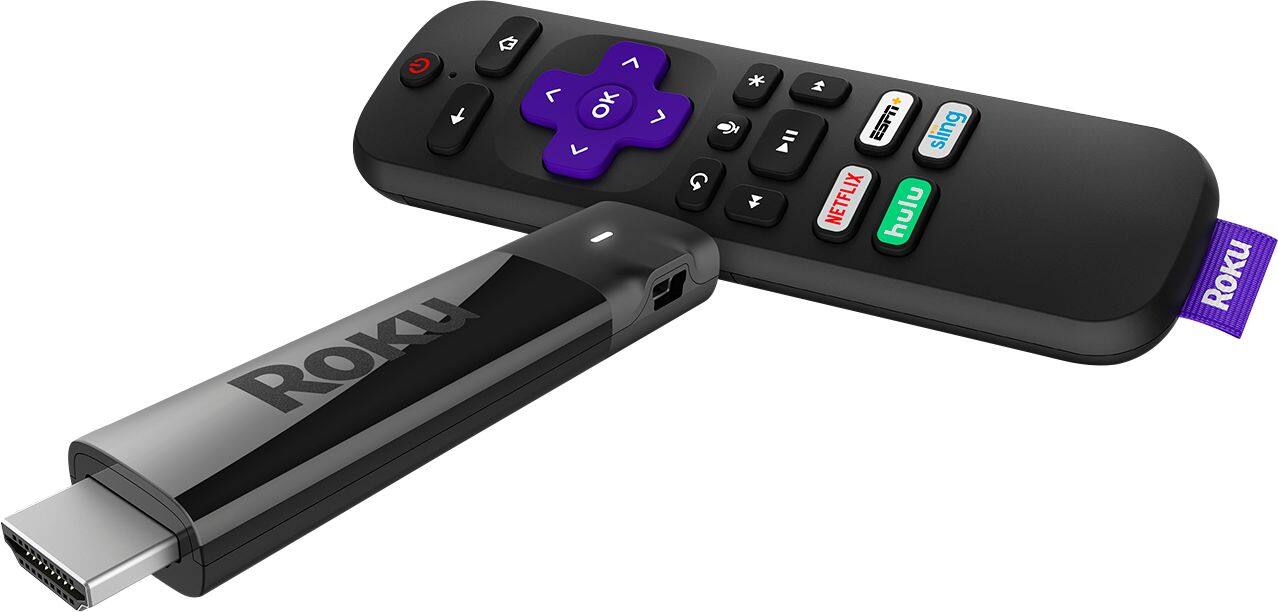
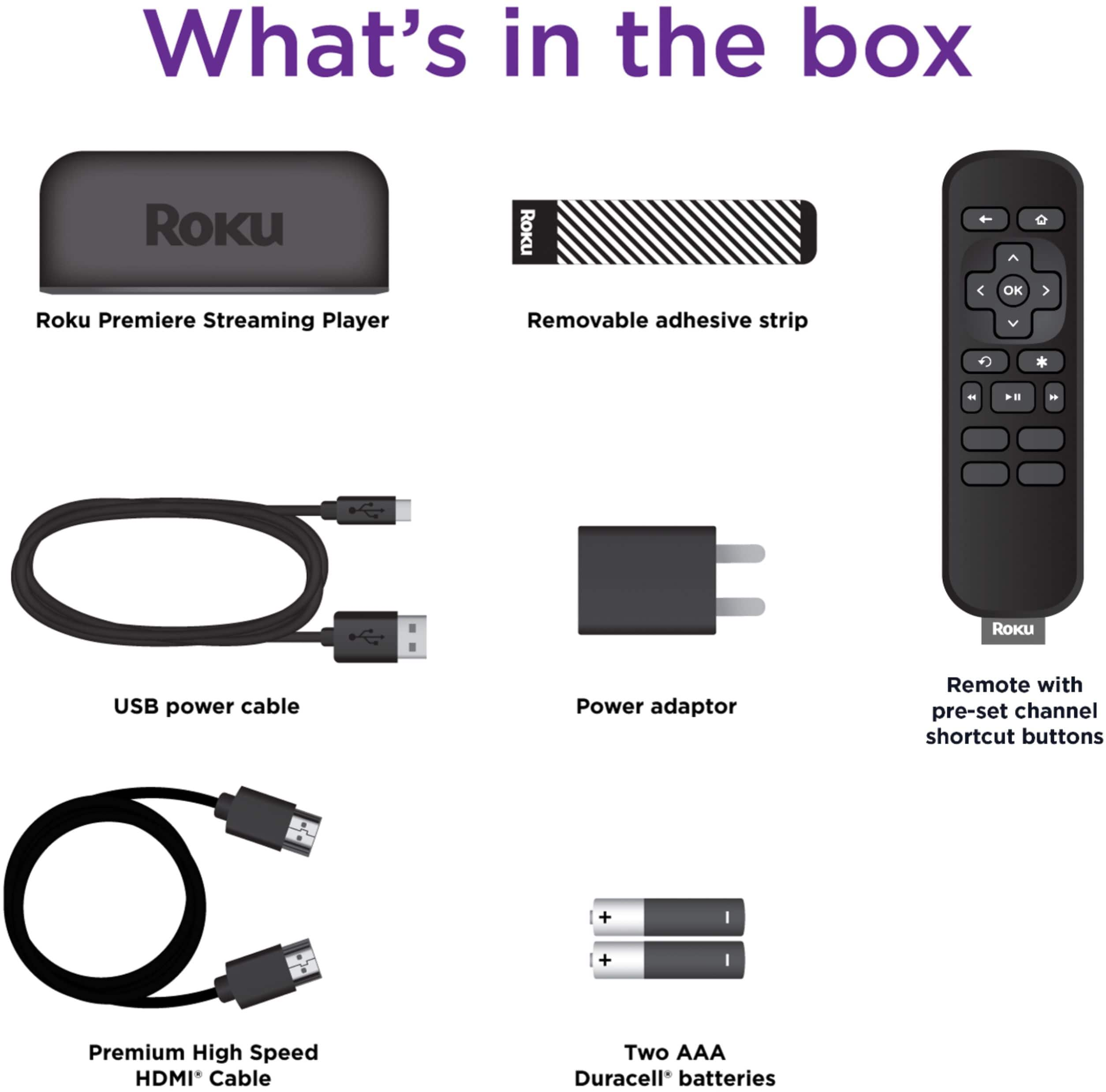
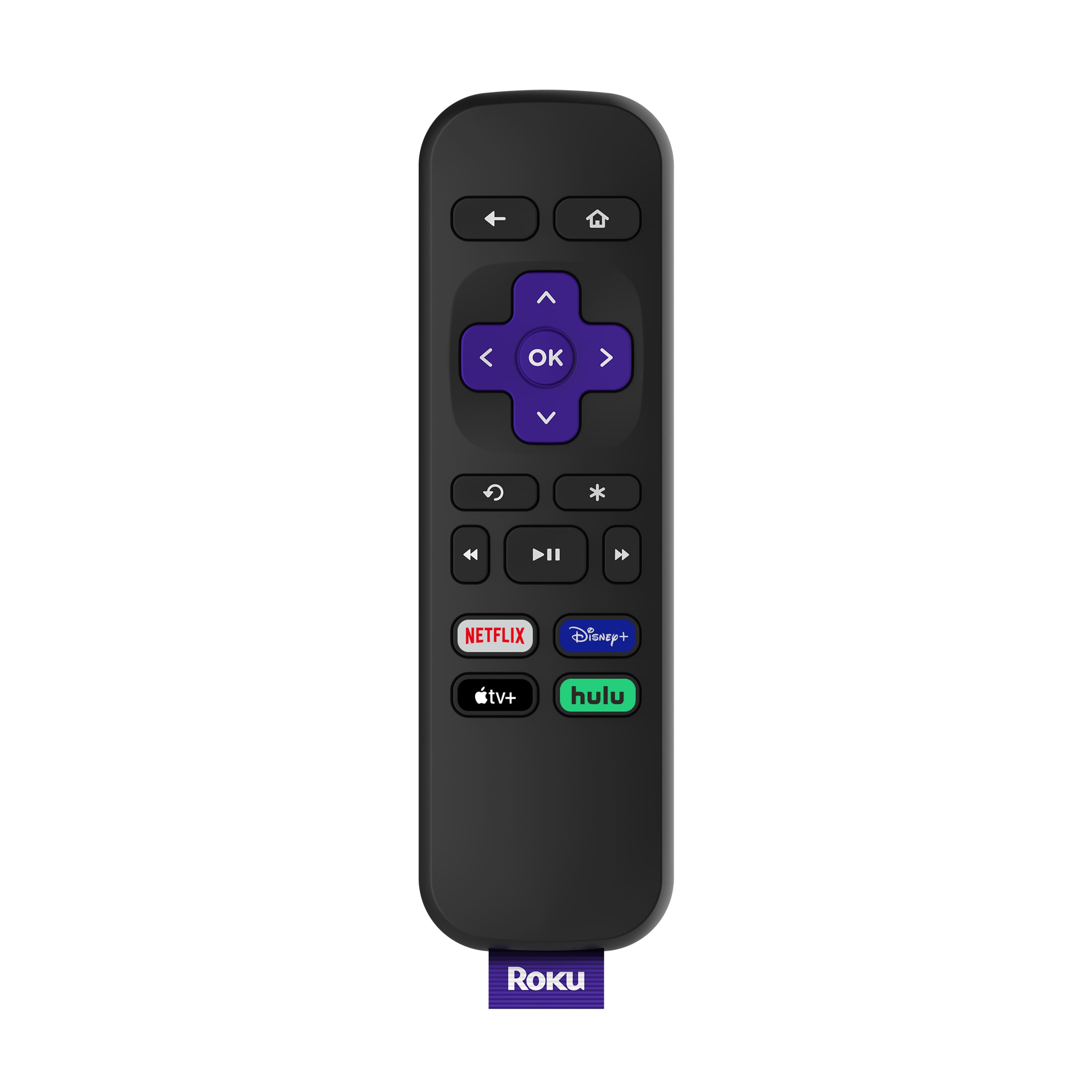
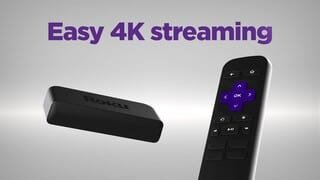
A:AnswerSorry the Roku Premiere doesn't include the TV controls on the remote. You would need to move up to the Roku Streaming Stick+ to get the TV controls