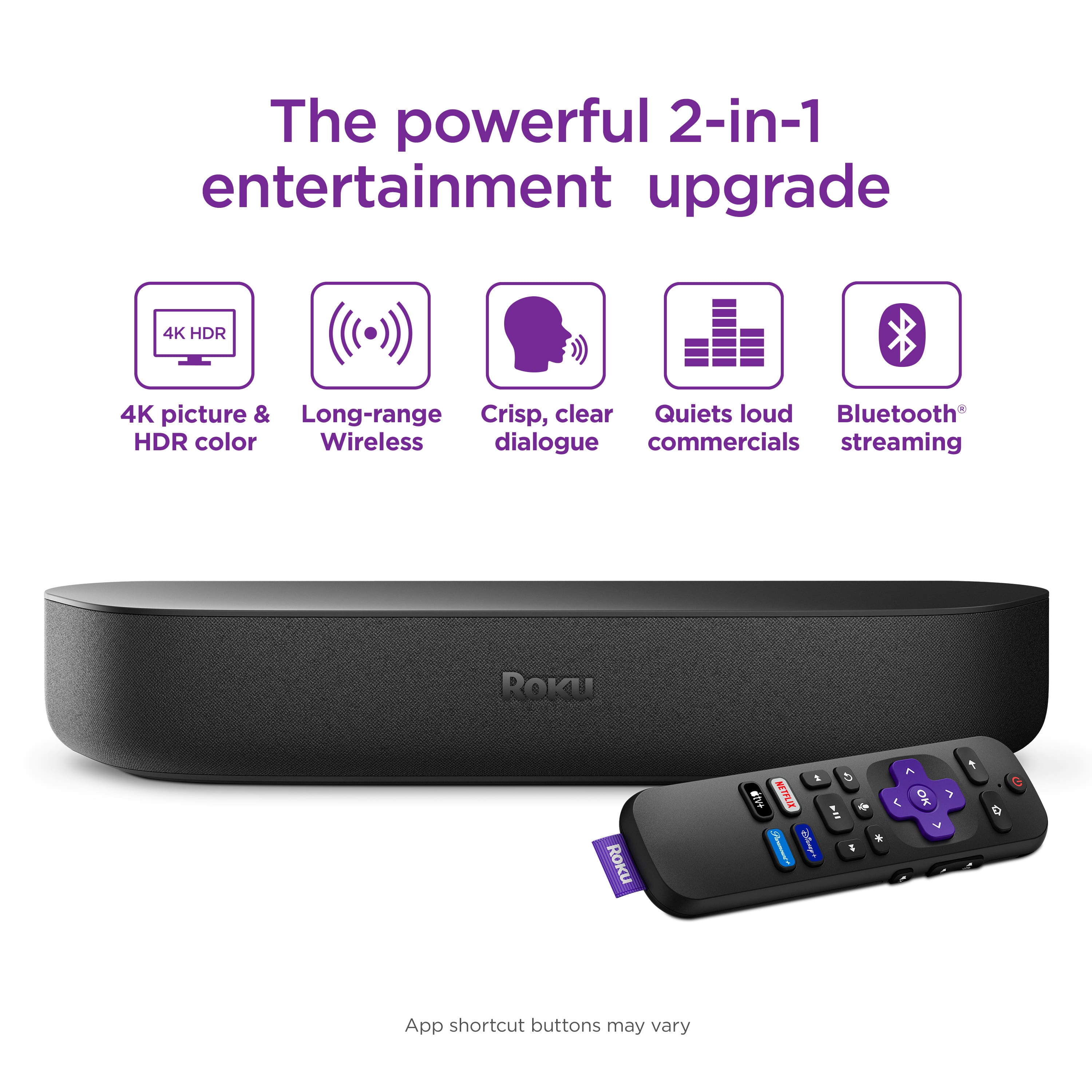
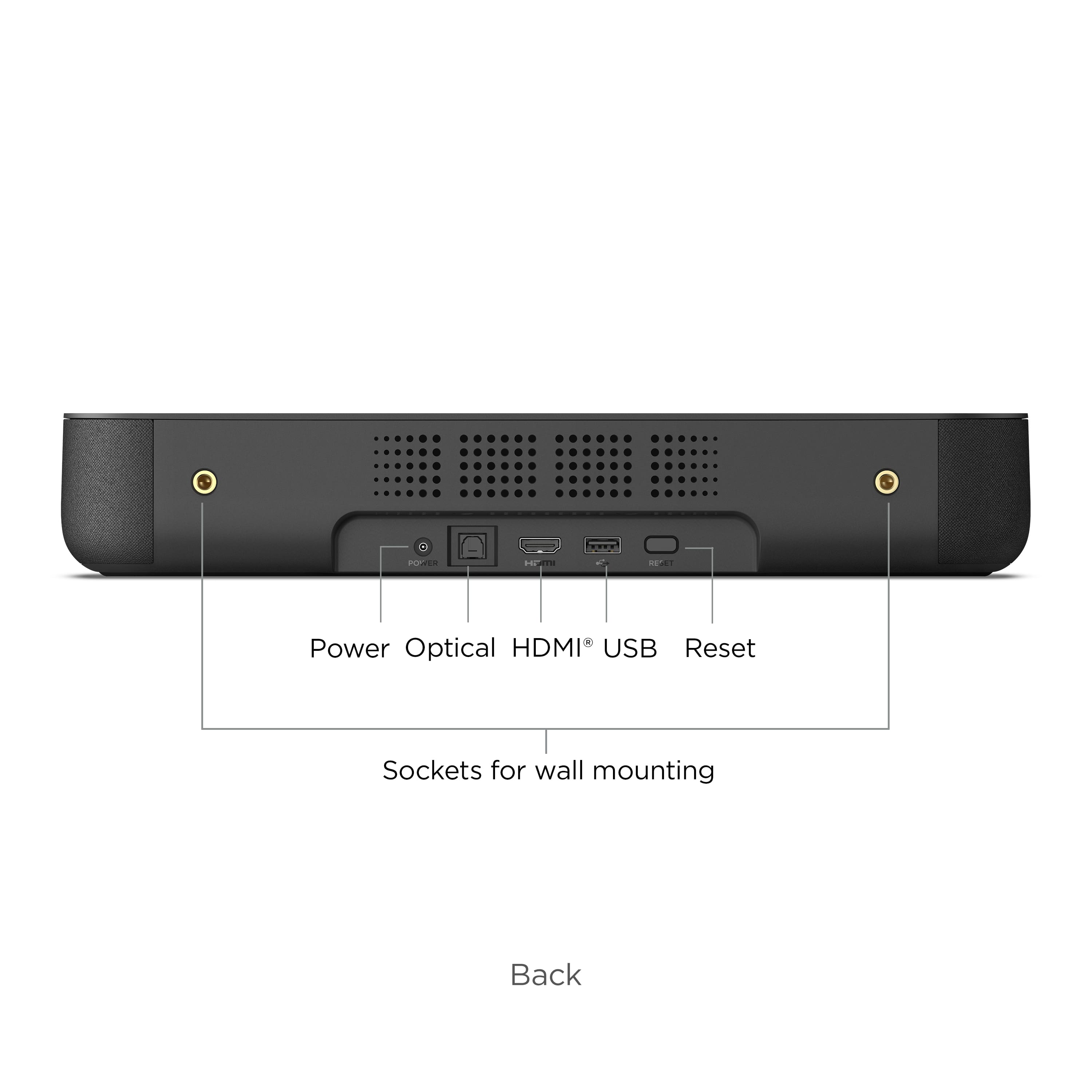
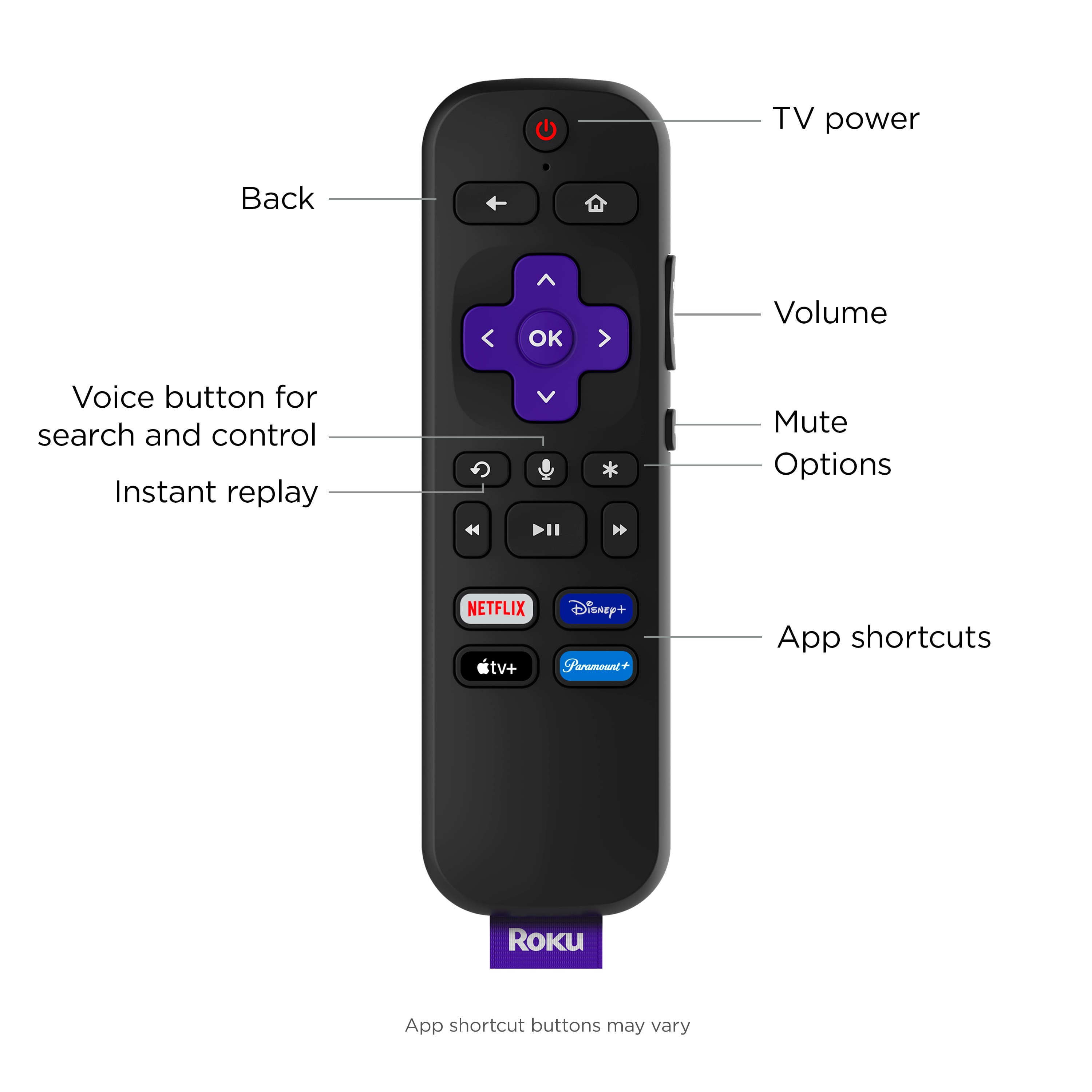
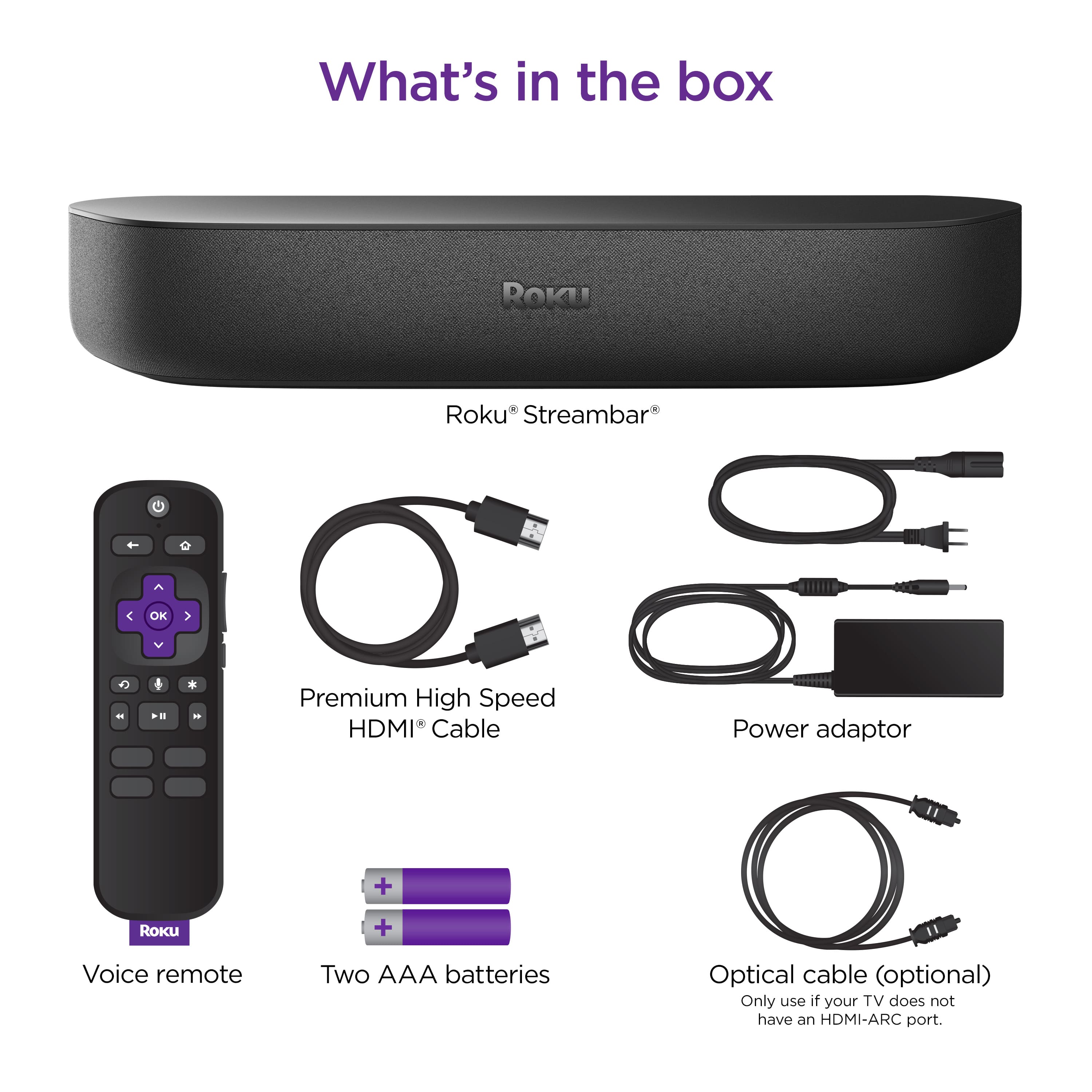
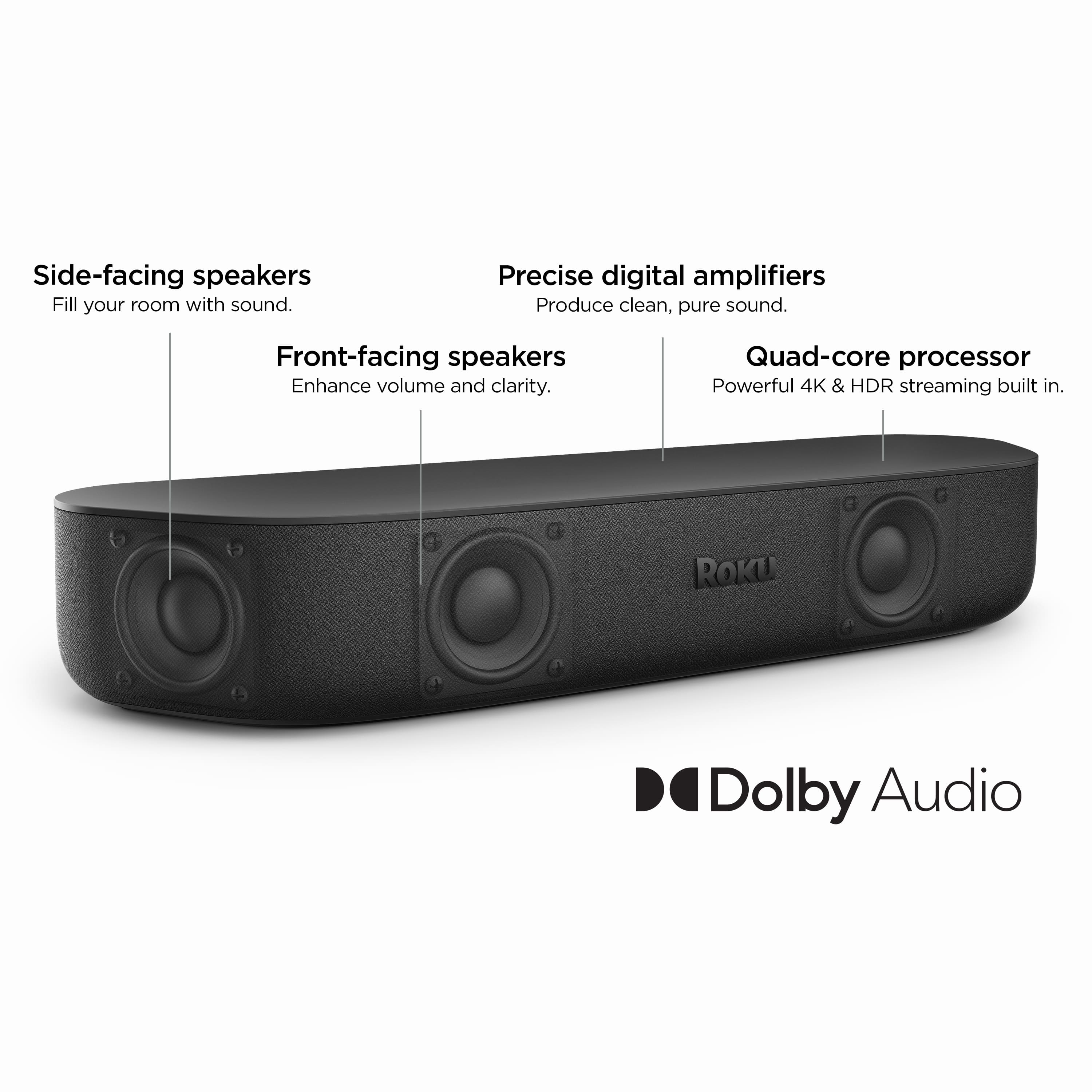
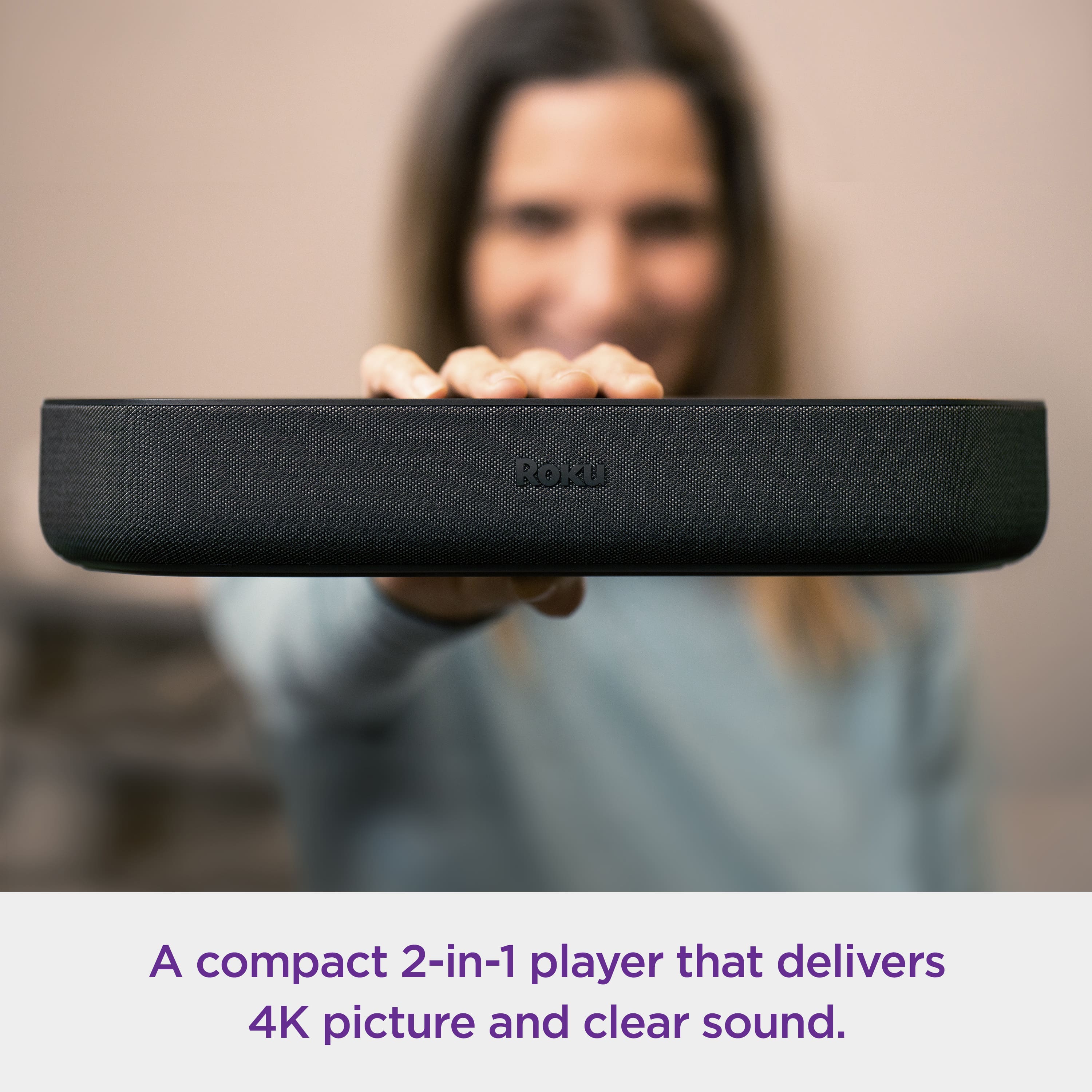
A:AnswerHello Foofie! The Roku Streambar is a two in one, a soundbar and streaming player in one. This would replace your current Roku. All you need to do ic connect your Streambar into the power source and the HDMI ARC on your TV. If your TV doesn't have an HDMI ARC port you can plug into a regular HDMI port and an optical port. The Roku Streambar remote will be the one to controll it.
A:AnswerHello Michael1627, The remote that comes with the Roku Streambar should be able to turn off and on your TV as well as change the volume. If you're having issues please visit Roku Support for any product or support related questions. https://support.roku.com/ or call 408-556-9391.
A:AnswerHello InquiringMind! I do apologize that you weren't able to find the back of the product on the Best Buy website. There is a picture of the back of our Streambar on Roku.com and if you watch the video on Best Buys page it does show the back of the Streambar as well.
A:AnswerHello SnellKrell, as long as the Streambar is connected into the eARC HDMI port any audio through the TV will be played off the Streambar, that said the TV remotes volume would change the volume of the Streambar so either remote is useable. The on and off buttons should turn on and off the TV and Streambar regardless if you're on that HDMI input
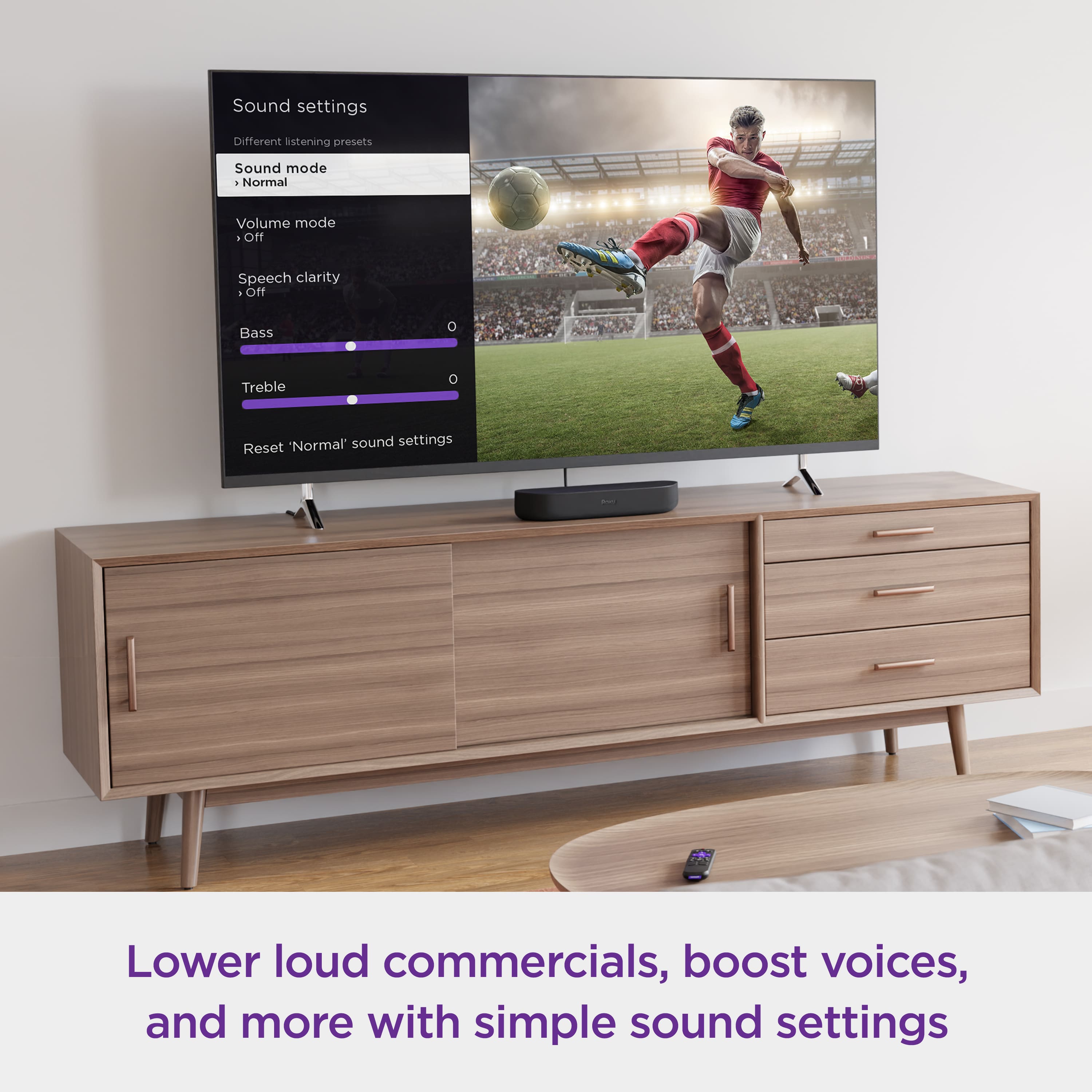
A:AnswerHello Shayla! You will need to download the free Roku mobile app to be able to bluetooth your headphones. You can not use headphones for private listening and use the TV audio at the same time. When using the private listening it stops playing audio through the TV or soundbar.
A:AnswerWe have a Vizio tv and had a little trouble getting everything to work, but ended up using all the wire connections that came with the Streambar. We have a local streaming provider and use them for internet access. I don't know how the Streambar will do with YouTubeTv. Good luck.