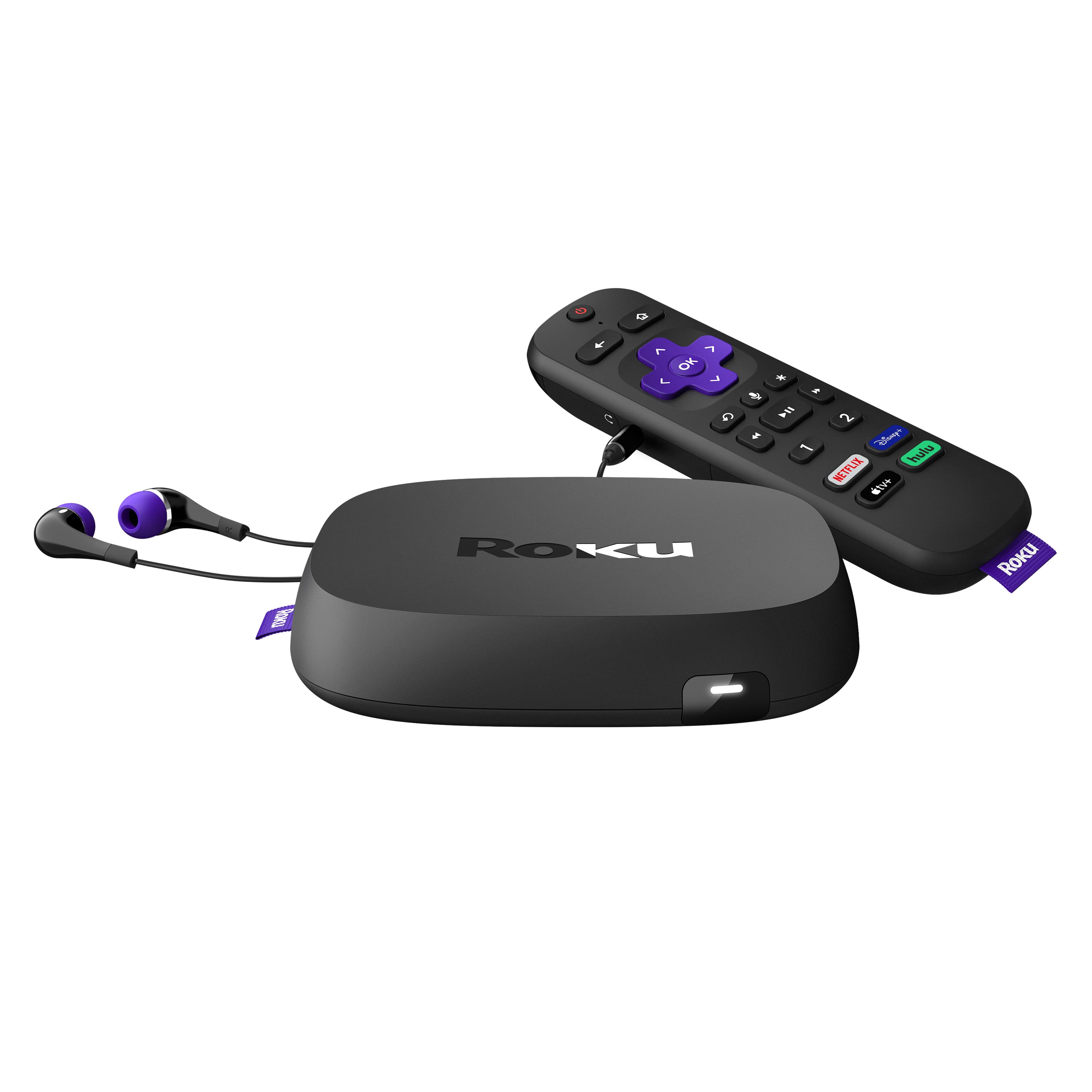
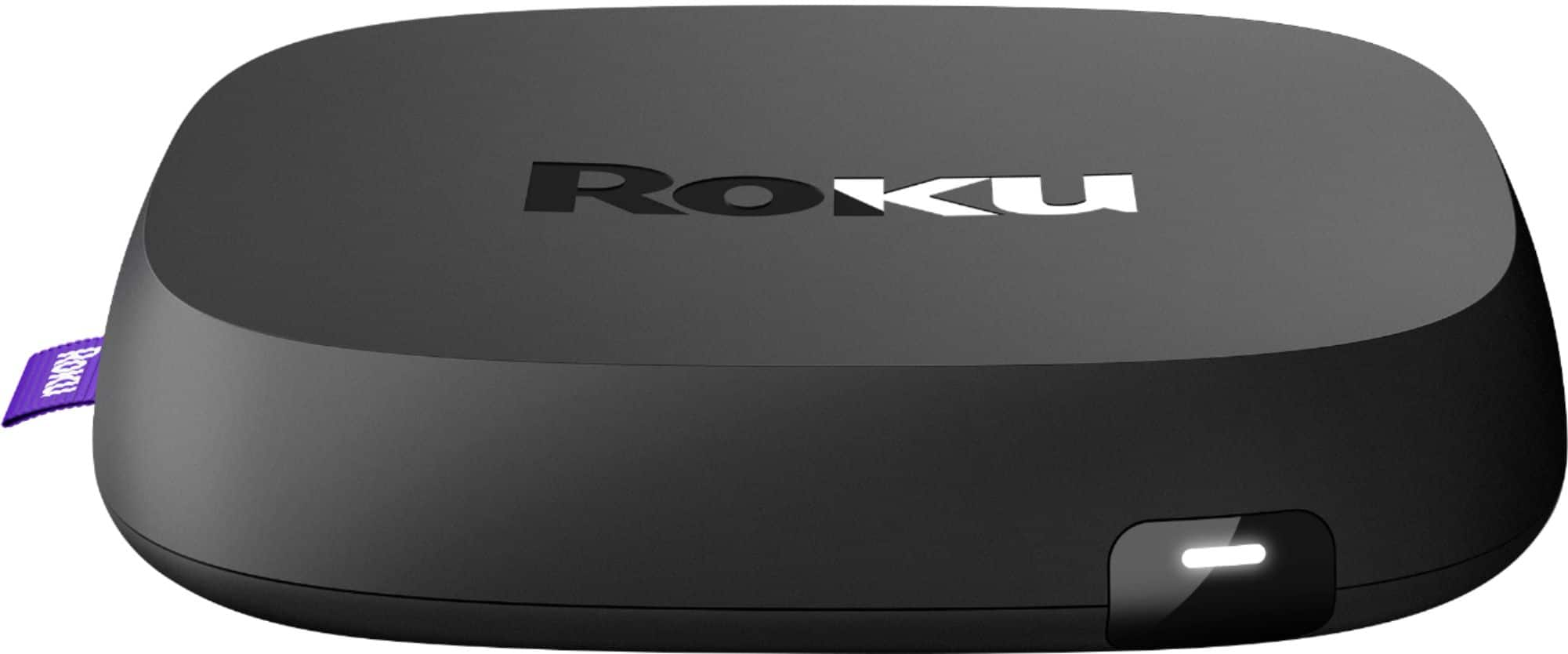
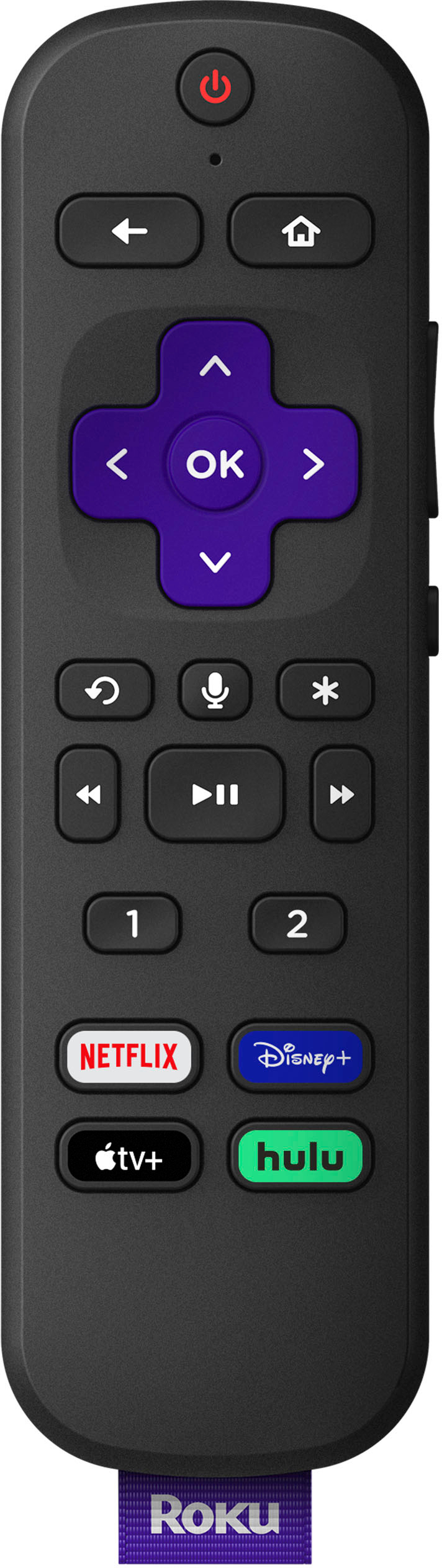
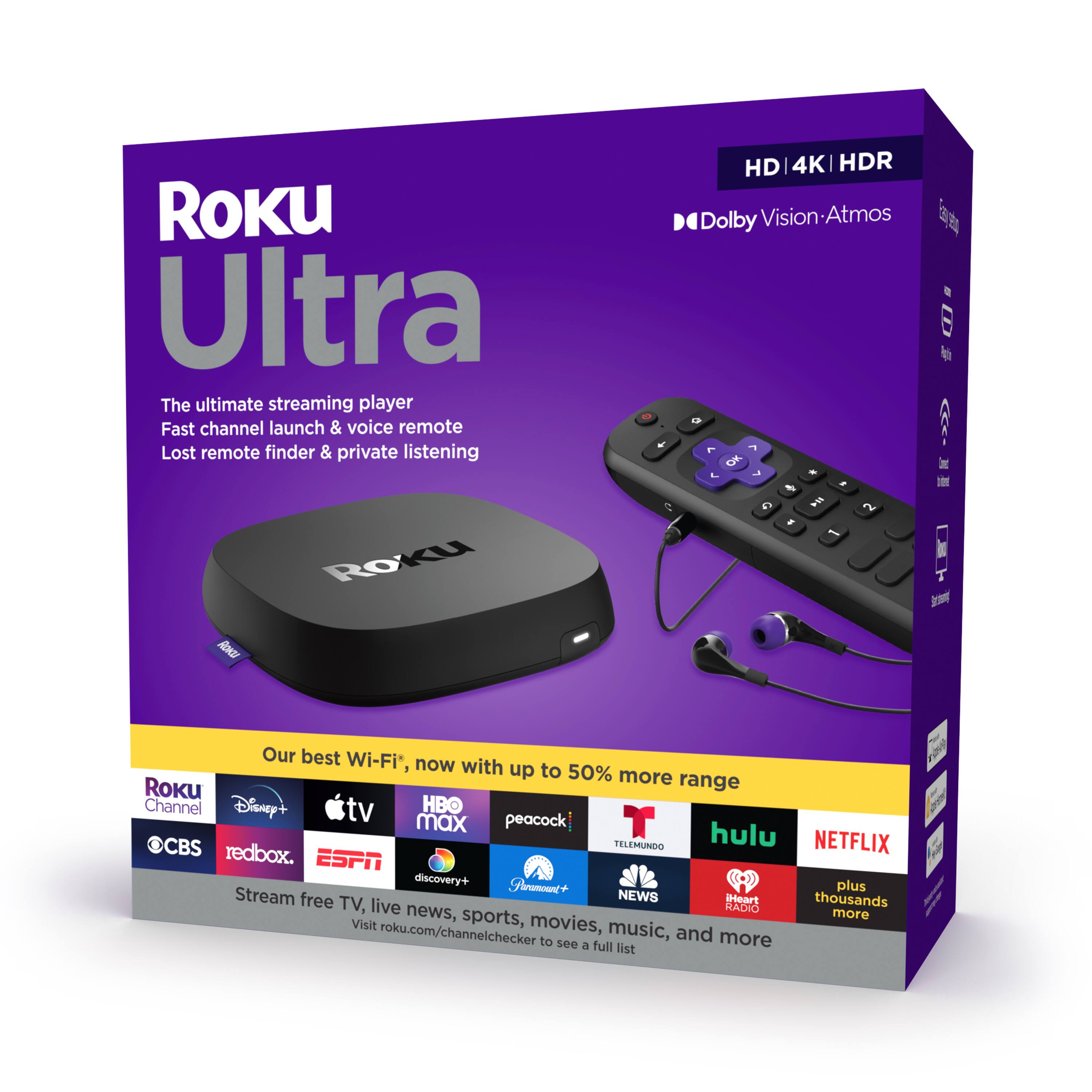
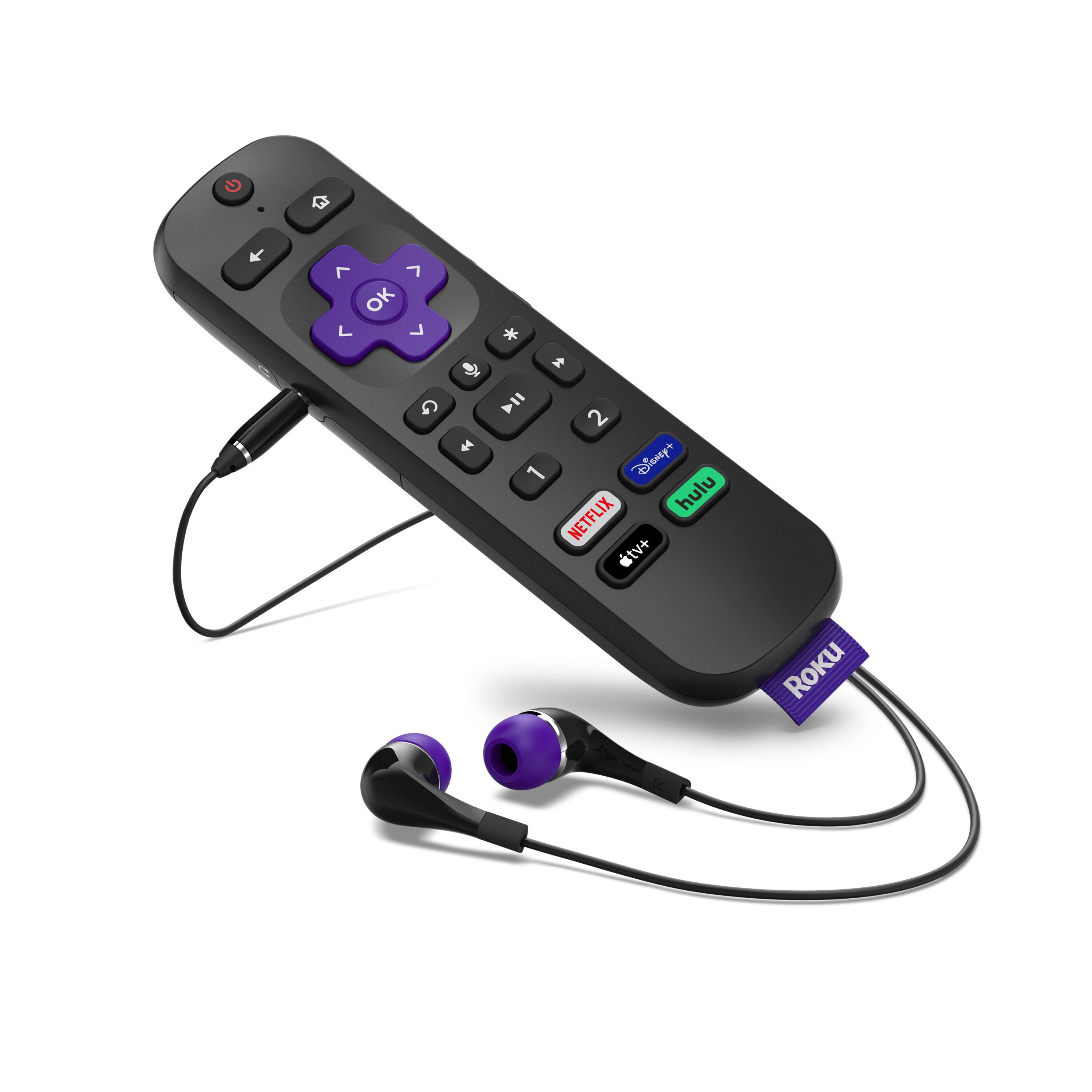
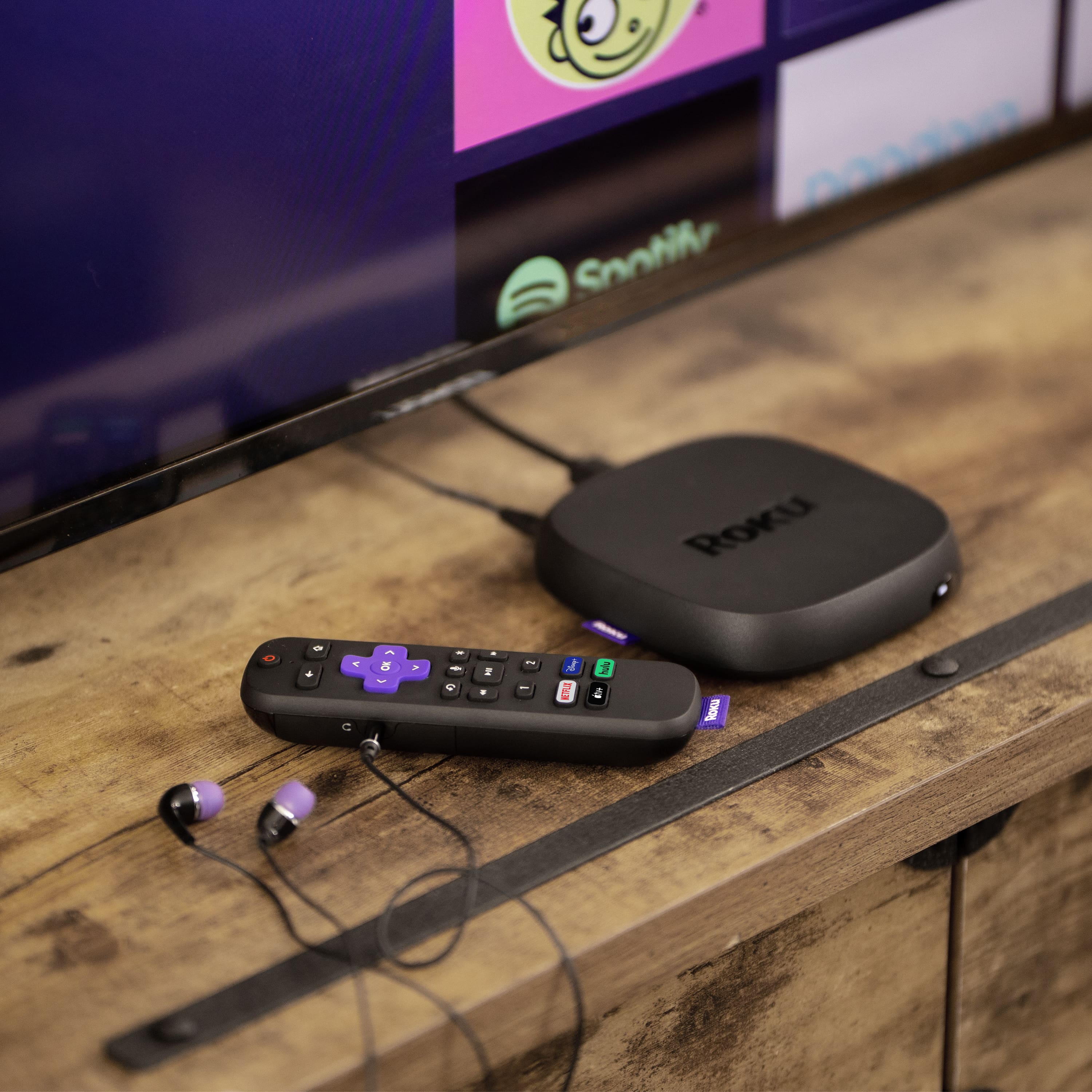
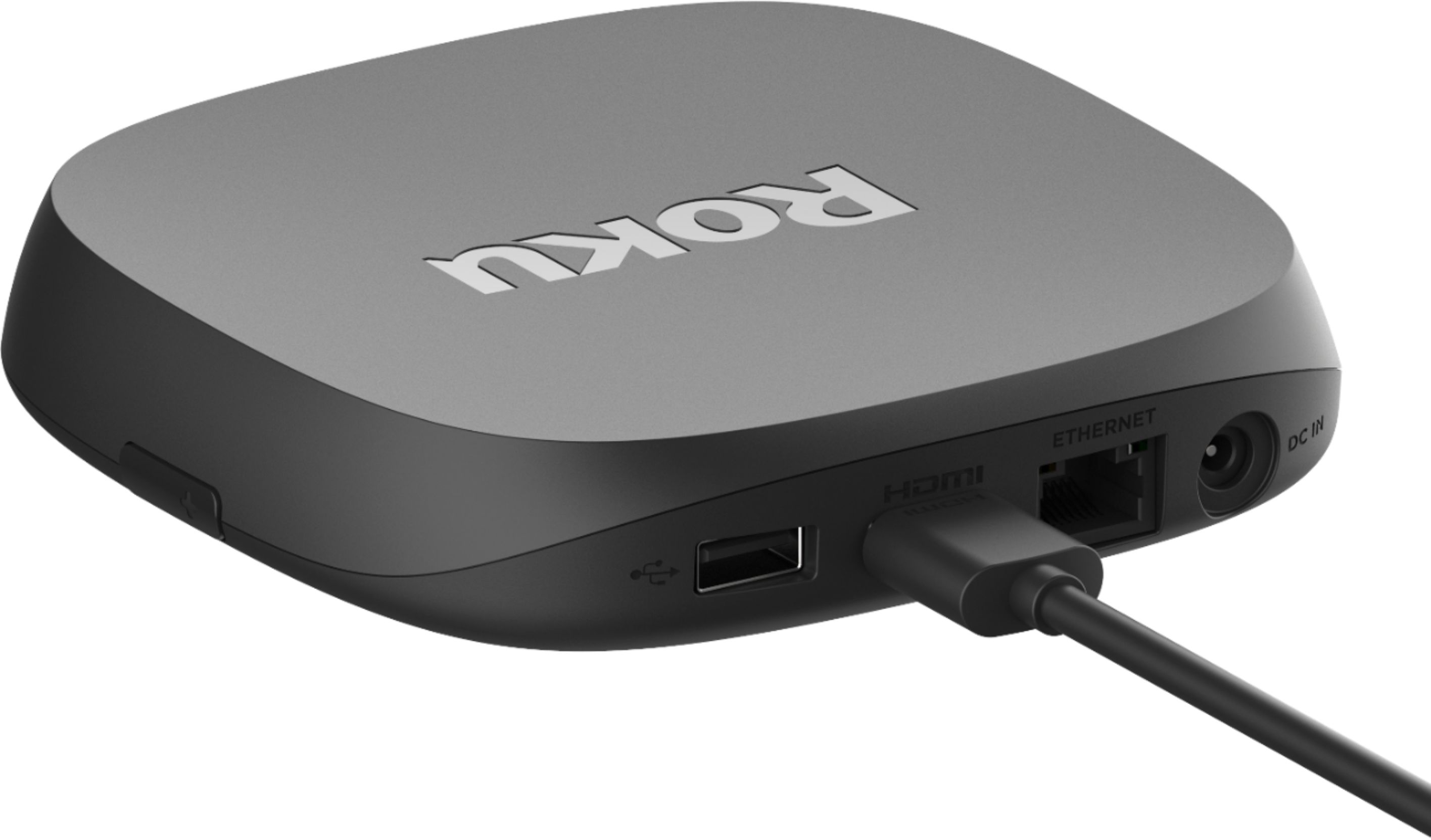
A:AnswerHi! The Roku Ultra (2020)can be controlled with an Infrared Remote and responds to standard Roku IR commands. The included remote will remain paired to your Roku Ultra (2020) until you unpair the remote. With the factory remote paired to your Roku Ultra (2020) you can still use the infrared remote to control your Roku when programmed for Roku IR commands.
A:AnswerThat is unlikely. This is simply a streaming device and does not provide any additional wifi coverage. The wifi "may" be able to reach further than an older Roku device but most likely it isn't going to be enough to eliminate an extender.
Speaking of extenders, I would recommend you look in to a wifi mesh system from EERO, Netgear Orbi, or Ubiquiti to replace that extender. These systems will greatly enhance your wifi coverage and speed compared to am extender
A:AnswerYour antenna will get your local channels. The Roku is a device used for steaming channels you pay for like HBO, ShowTime, Apple TV, History channel. You can use both if you are not hooked up to cable. Just use the antenna in a different input. Roku will stream Spectrum and you can give the boxes back and save some money. You still have to pay for spectrum, but it shows up on the app section of the Roku device. Works Great!
A:AnswerI researched all three online and all are available to stream on a Roku device. The usual requirements ...sign in to your account and provide the required information.
A:AnswerHi! John , The Roku Ultra (2020) does come with the Roku enhanced voice remote.Speaking naturally to your Roku voice remote or the free Roku mobile app, you can use voice commands such as "show me action movies" and "launch The Roku Channel" to search and control your Roku Ultra (2020). To issue a voice command from your Roku enhanced voice remote simply press and hold the Microphone button and speak the command normally. Release the button when finished and your Roku device will carry out your request, delivering you to the Roku Search screen or elsewhere within the Roku interface.
A:AnswerShould go to setting and putting name brand of your tv might help. It does not work with receivers I have to manually turn receiver on an off. It works for turning tv on and off and for TV volume. I have Sony TV