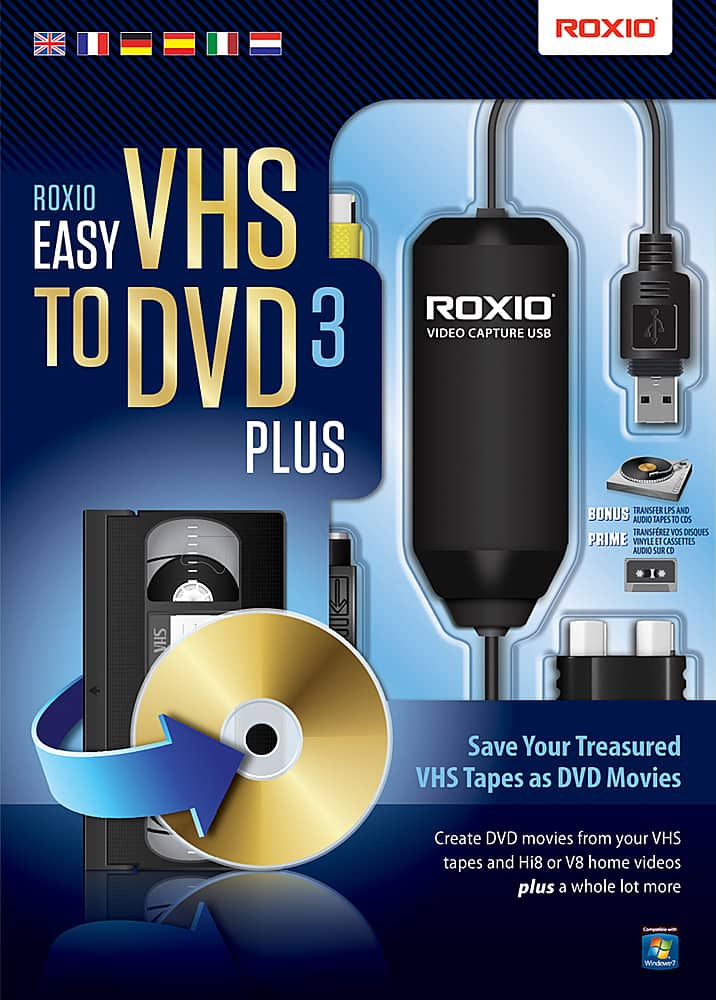
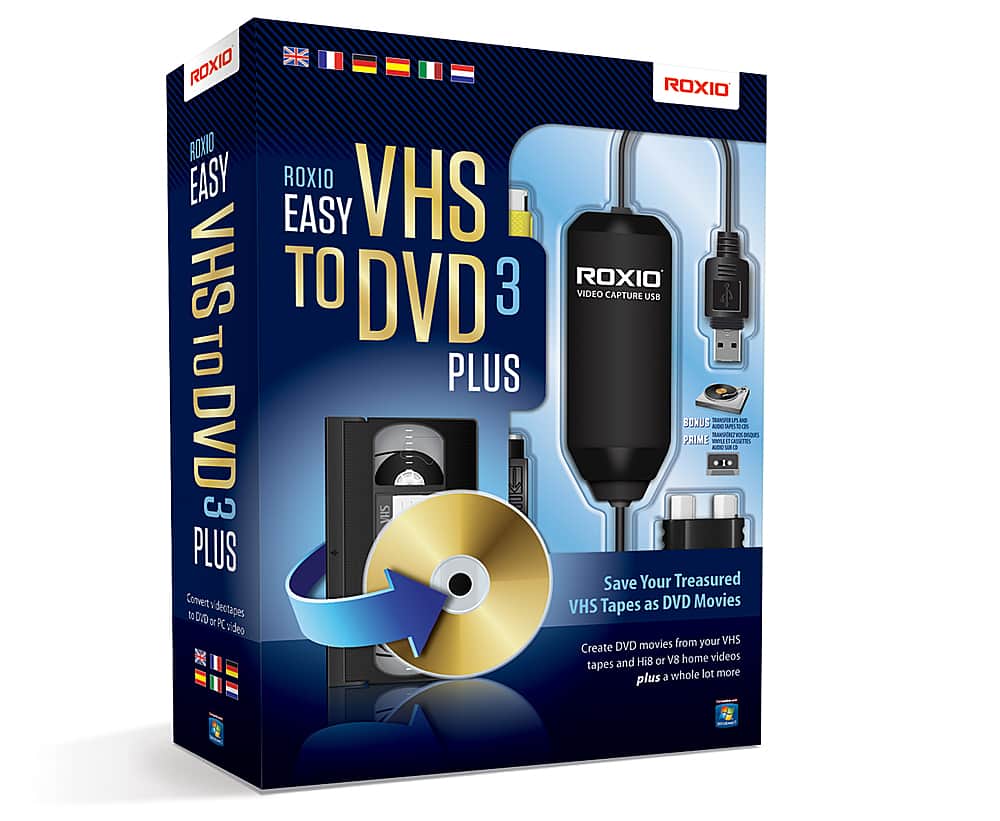
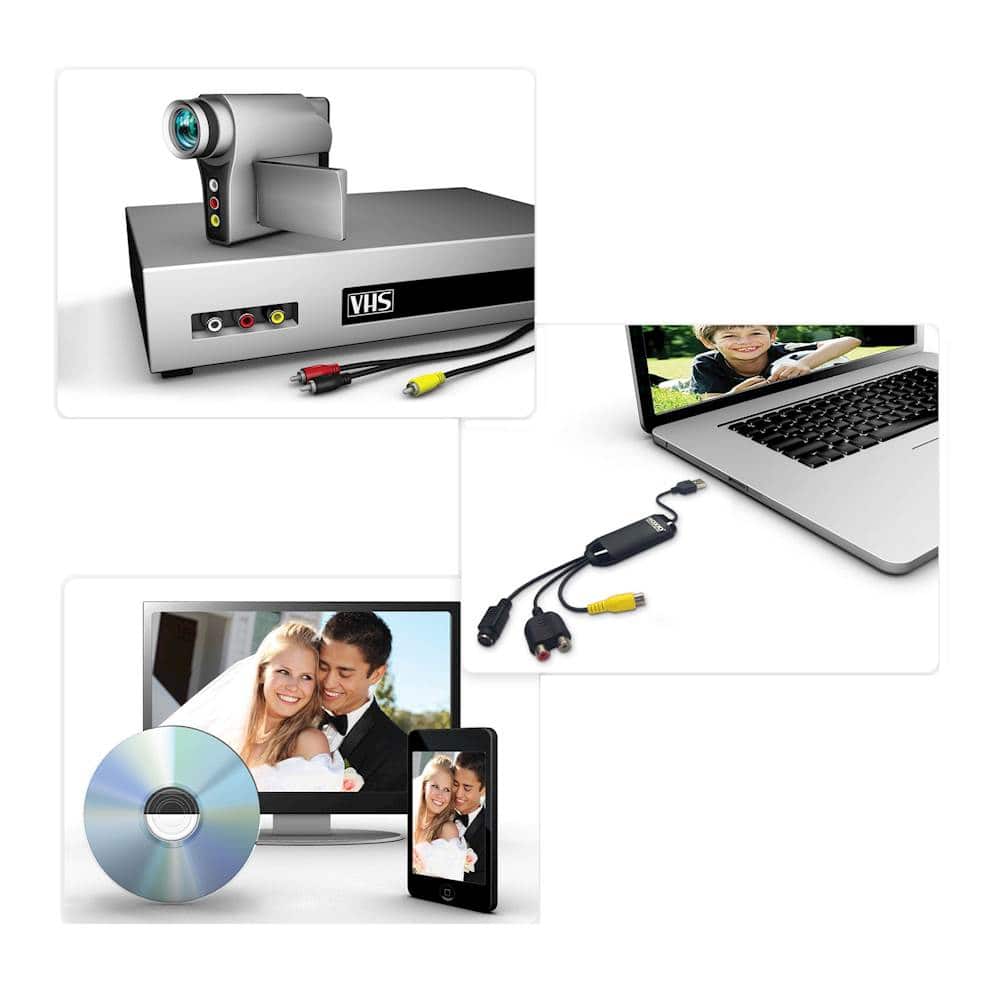
A:Answer Yes. Tricky/challenging part of the task is having the proper cables based on what the "camera" in VTR mode/camcorder has for outputs & in type. Assuming you have an earlier consumer camcorder without RCA jacks, instead an "A/V" out (headphones size type jack), you'll need an A/V cable which has one end matching plug type (although you could physically plug a small headphone jack type in that, proper cable would have 3 (typically black) "rings" verses the 2 seen on a stereo headphones type). The other end needs to be RCA male type (as based on the item photos/diagrams the shown included connection device with USB shows RCA female type jacks). Simply match the colors up: Yellow-composite video | White-Left ch. of stereo audio | Red-Right ch. of stereo audio. There are other twists with various adapters to do a variation/adaption to so far there, but simple as it can be left there; however if on the camcorder you have female type RCA outs, you can just use an RCA male-to-male cable connection. Also, if your camcorder has either/in addition, the larger analog jack for video output type "S-Video", for best quality take advantage of that with a separate S-Video cable. (Remember S-VHS & Hi8? Many MiniDV camcorders also have the S-Video out opt., but that's another paragraph elsewhere.) Of course you still need the audio connection said as well. Unless the video software provides for selecting between the Yellow connector composite video, to S-Video connector, disconnect/don't use the one you don't want.