A:AnswerDear Valued Best Buy Client,
Thank you for reaching out. To better assist you with this issue, please contact our Best Buy customer service department at (888) 237-8289. Call 24 hours a day. They can either answer your question or transfer you to your local store to answer your specific inquiry.
Thank you!
—Vannesa
A:AnswerHi Question,
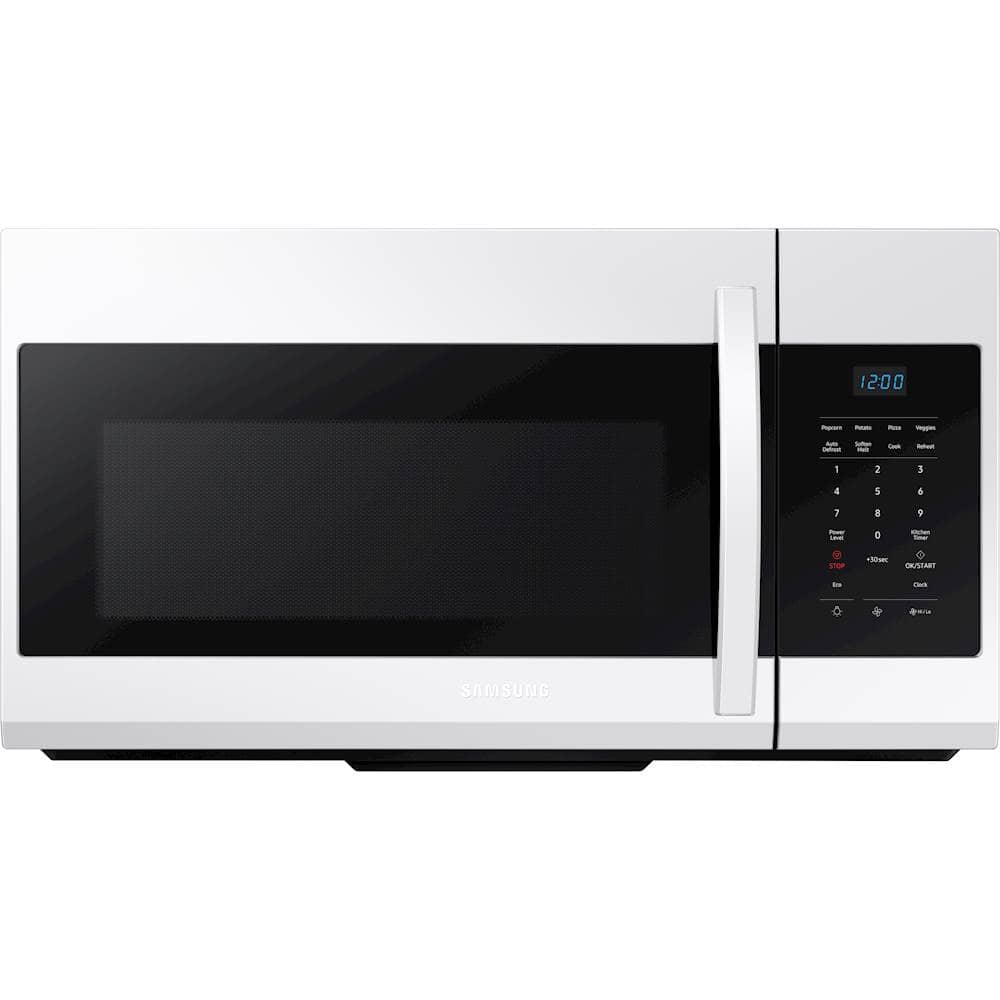
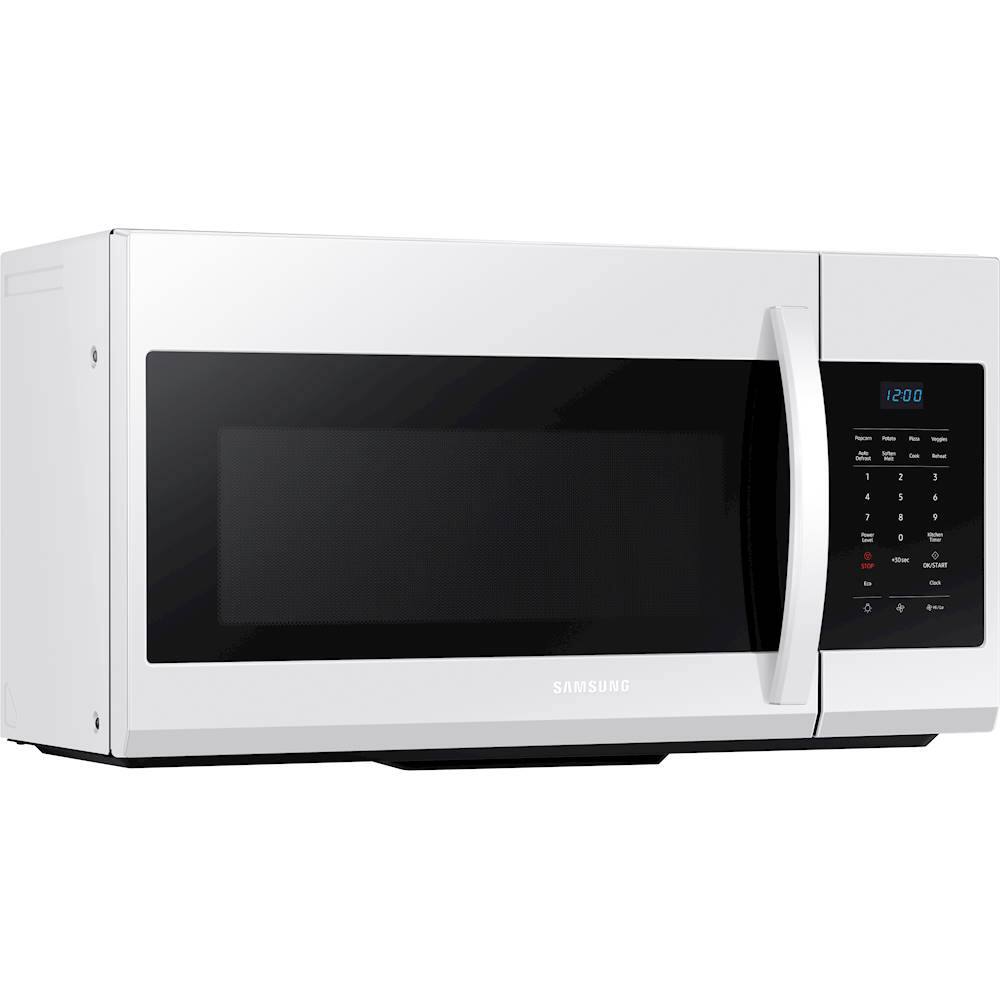
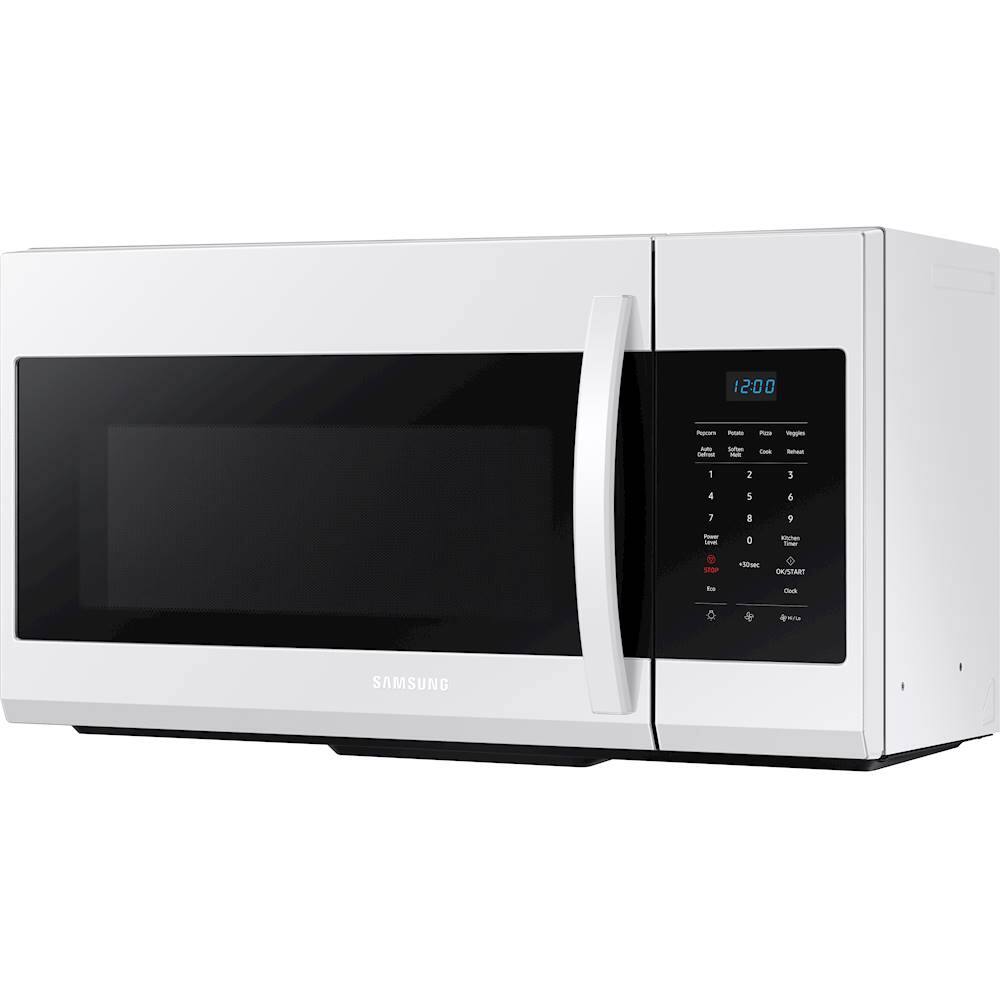
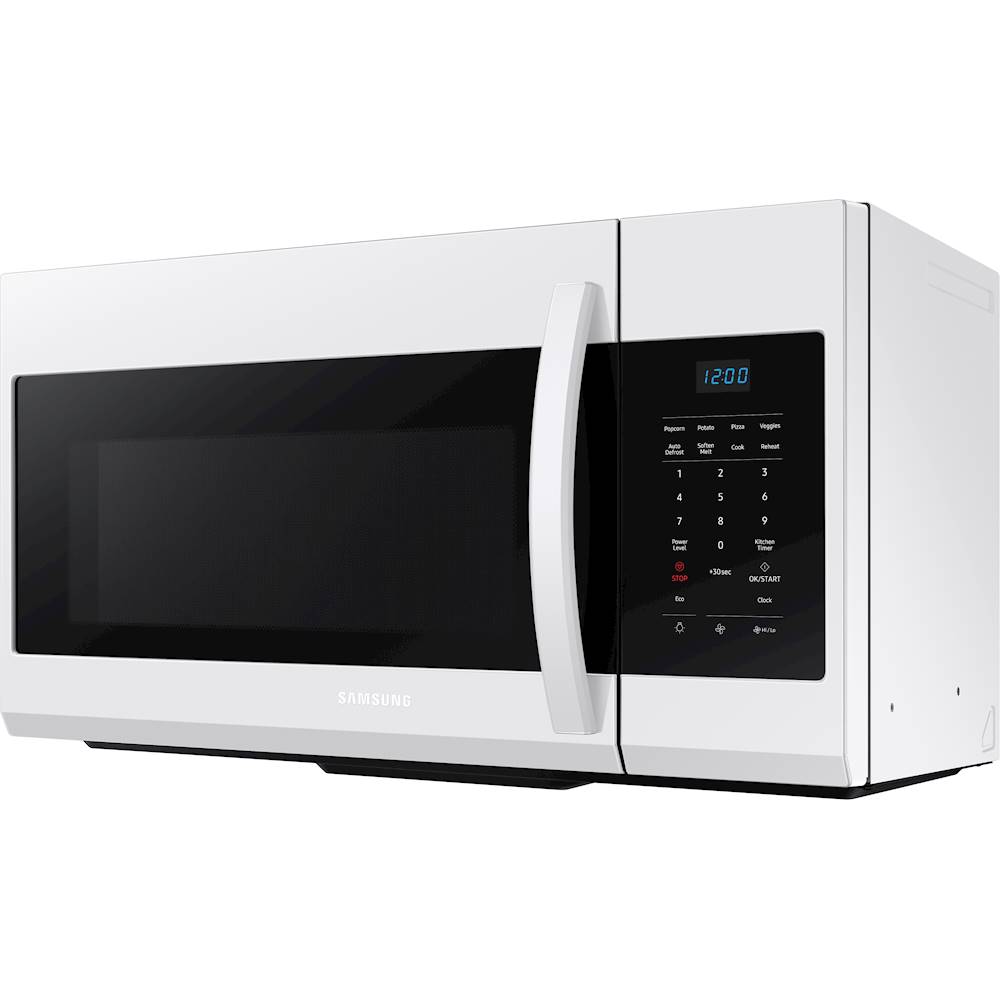
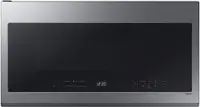
Thank you for reaching out and we hope you are in good health. We appreciate your interest in Samsung home appliances, specifically with Samsung - 1.7 Cu. Ft. Over-the-Range Microwave - Black.
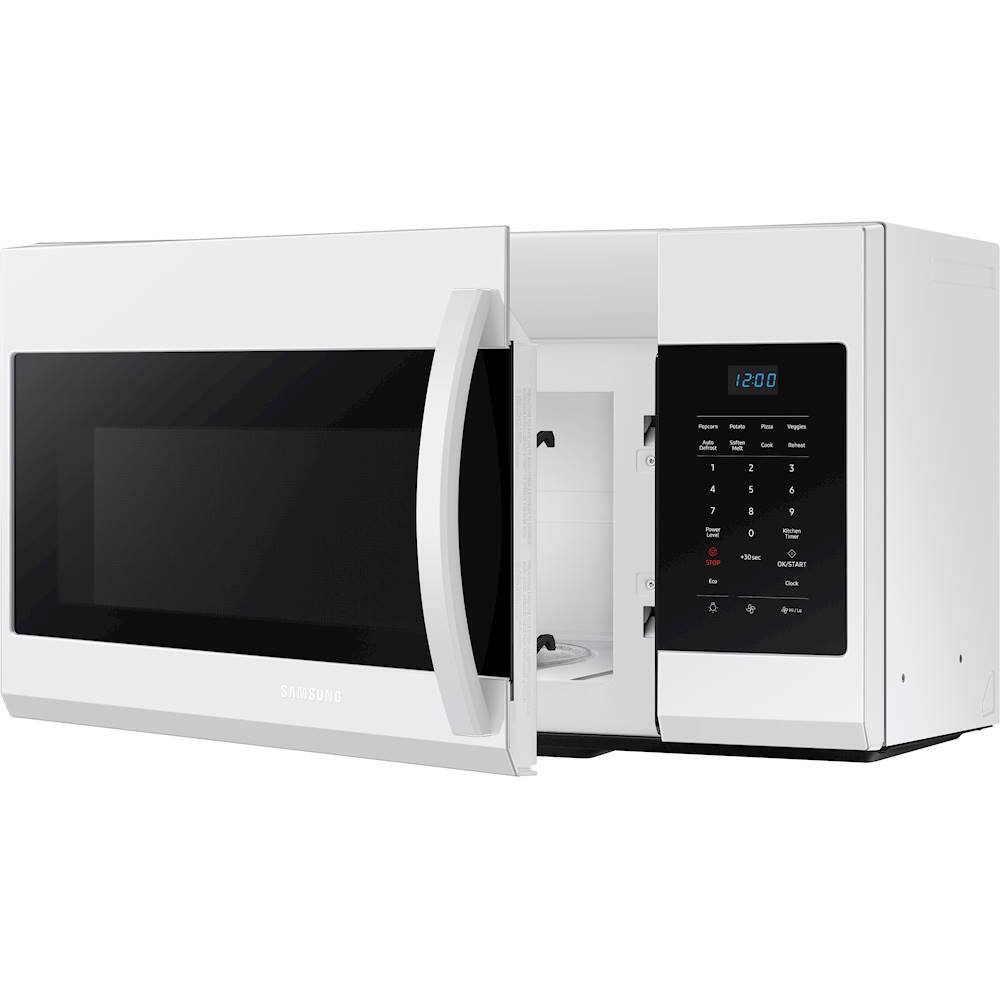
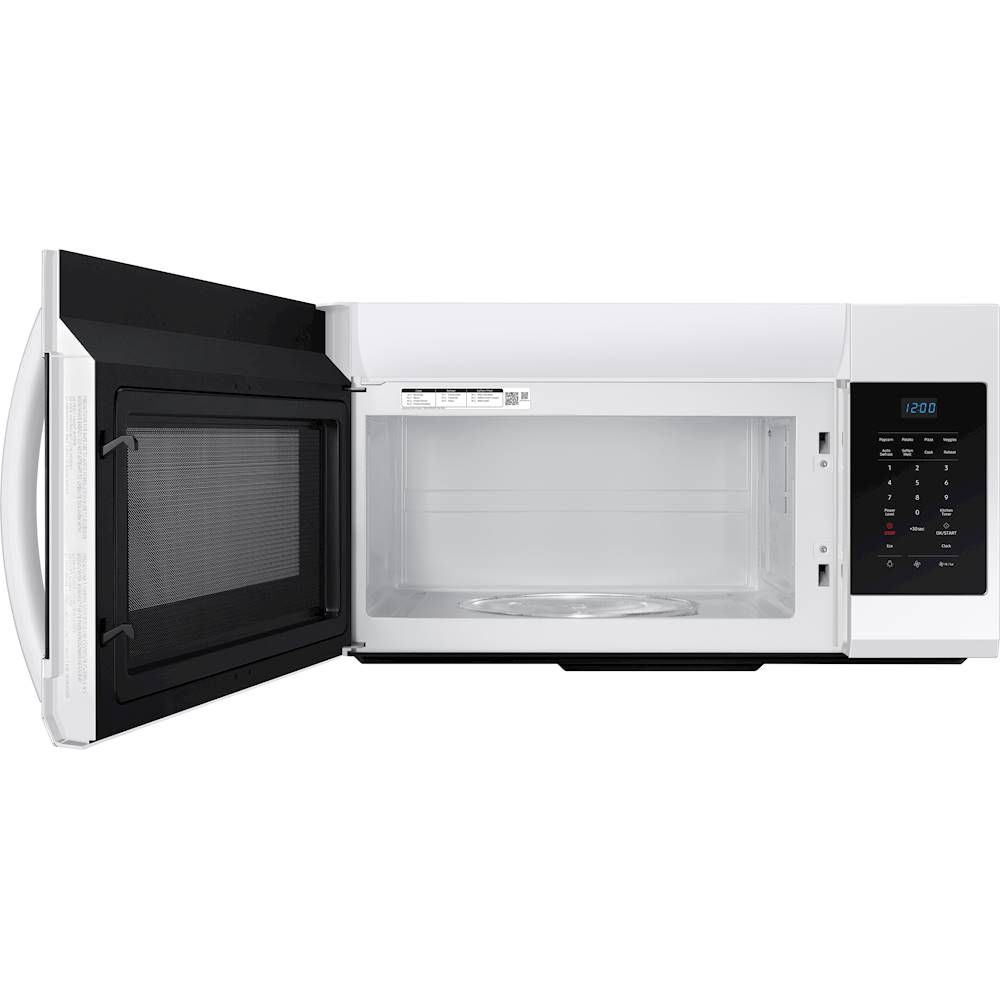
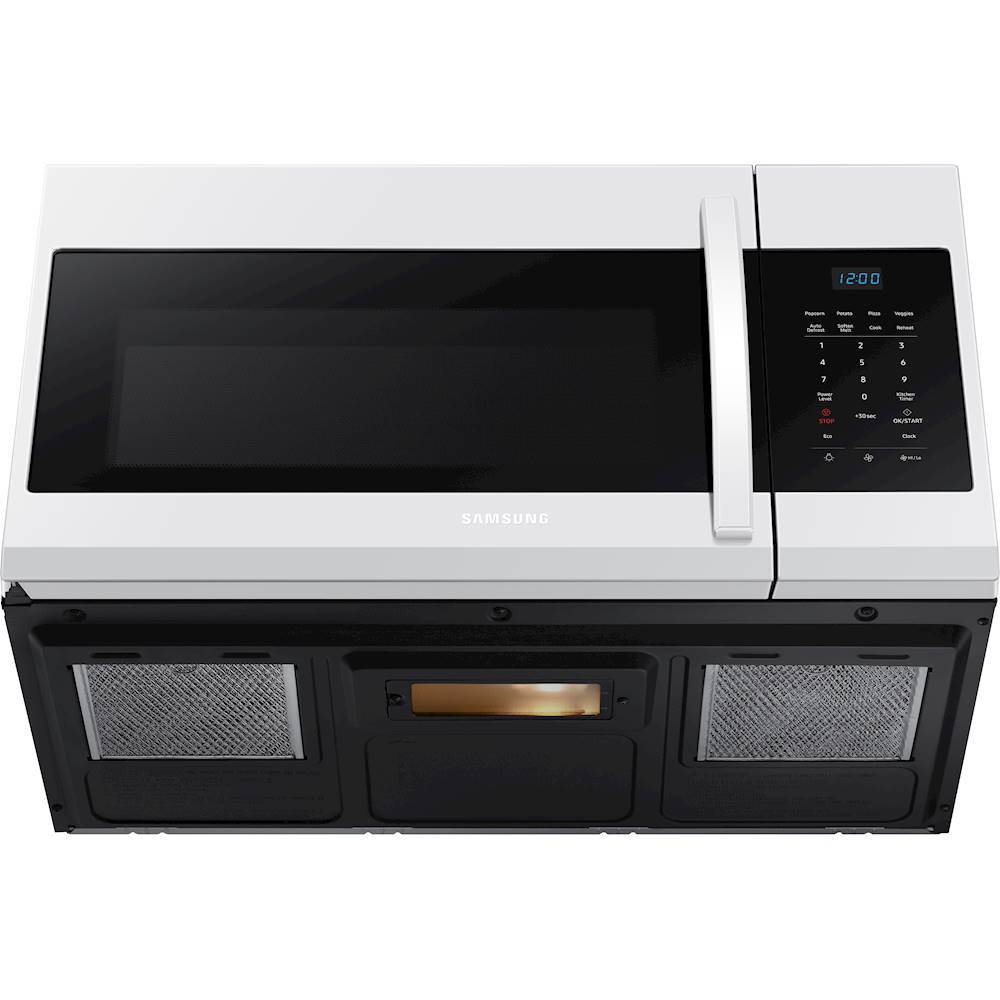
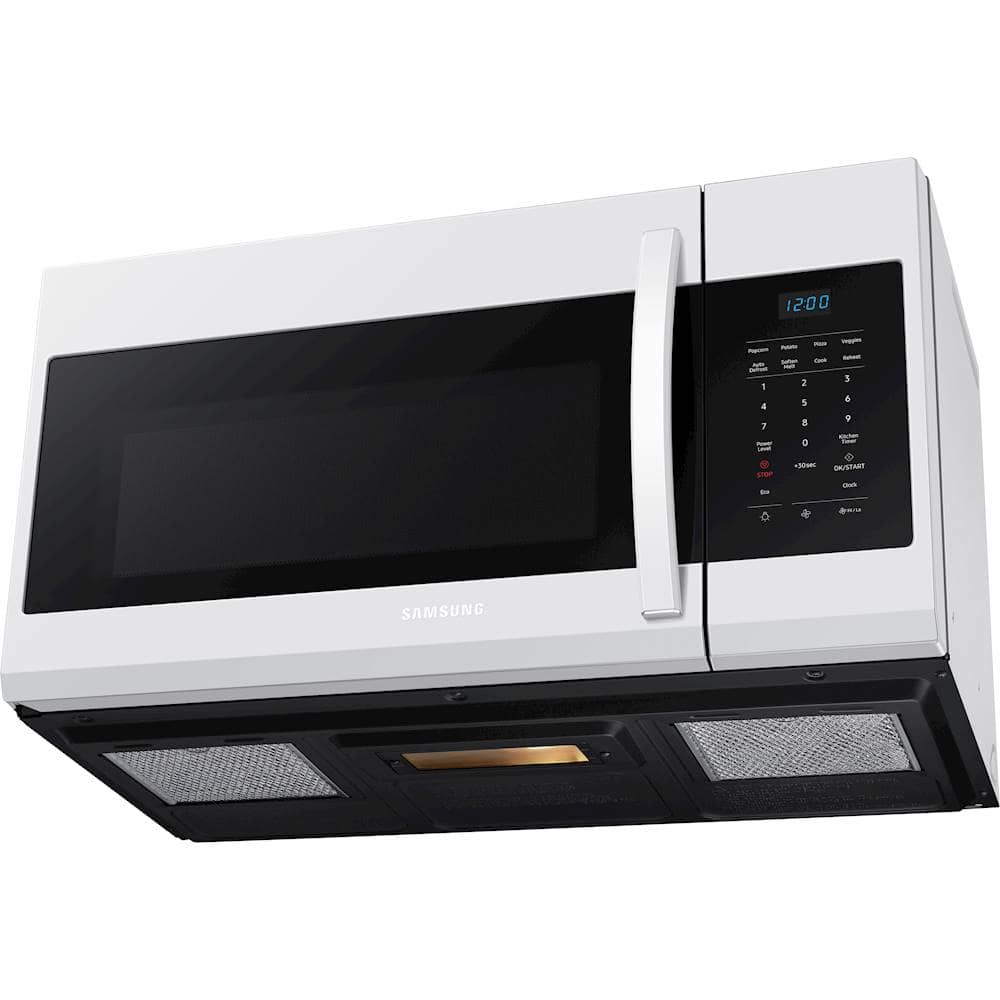
Yes, the microwave comes with 2 grease filters. I have shared the user manual link below. Please access the link and turn to page 8.
https://downloadcenter.samsung.com/content/UM/202103/20210323120615716/ME17R7021E_AA_MD3_EN-MES-CFR.pdf
through the channels below if you have additional questions.
1. Facebook Messenger: http://m.me/samsungsupport
2. Twitter: https://twitter.com/messages/compose?recipient_id=18768513
3. Samsung Community: https://us.community.samsung.com/t5/Samsung-Community/ct-p/us
Your reference number: 1144527954
Leo
A:AnswerHi MissDaisy2012.
Thank you for reaching out regarding your Samsung - 1.7 Cu. Ft. Over-the-Range Microwave; where do I find the bulb/battery replacement for click on microwave. Regarding your concern, here are the steps to check where the bulb would be.
REPLACING THE COOKTOP/NIGHT LIGHT
When replacing the cooktop/night light, make sure that
you are wearing gloves to avoid injury from the heat of the
bulb.
1. Unplug the oven or turn off the power at the main
power supply.
2. Remove the screw from the light cover and lower the
cover.
3. Replace the bulb with a 40 watt incandescent bulb.
4. Replace the light cover and mounting screw.
5.Turn the power back on at the main power supply or
plug the microwave in.
REPLACING THE OVEN LIGHT
When replacing the oven light, make sure that you are
wearing gloves to avoid injury from the heat of the bulb.
1. Unplug the oven or turn off the power at the main
power supply.
2. Open the door.
3. Remove the vent cover mounting screws (3 middle
screws).
4. Slide the vent grille to the left, then pull it straight out.
5. Remove the charcoal filter, if present.
6. Remove the cover by pushing the hook and pulling up
the lever.
7. Remove the bulb by turning it gently.
8. Replace the bulb with a 40 watt appliance bulb.
9. Replace the bulb holder.
10. Replace the vent grille and the 3 screws.
11. Turn the power back on or plug the microwave in.
I recommend you check your installation manual for further assistance. Please go to page 20.
https://downloadcenter.samsung.com/content/UM/202103/20210323120615716/ME17R7021E_AA_MD3_EN-MES-CFR.pdf
Here is another link that could help you.
Replace a Samsung microwave's oven light or cooktop light
https://www.samsung.com/us/support/answer/ANS00049242/
Should you need more assistance, please feel free to get back to us via the following options:
1. Facebook Messenger: http://m.me/samsungsupport
2. Twitter: https://twitter.com/messages/compose?recipient_id=18768513
3. Samsung Community: https://us.community.samsung.com/t5/Samsung-Community/ct-p/us
Thank you for being a valued customer of Samsung. Have a great day.
Reference Ticket Number: 1144348424
^Camille
A:AnswerHi TLCJR.
Thank you for reaching out regarding your Samsung - 1.7 Cu. Ft. Over-the-Range Microwave on the silver cover plate screw mounted to the inside wall and its purpose. Regarding your concern, we call this silver cover "magnetron cover" Its purpose is to cover the magnetron (which is what generates microwaves) from food splatter and debris.
I suggest you check this link for further assistance.
Plastic film or cardboard inside Samsung microwave:
https://www.samsung.com/us/support/troubleshooting/TSG01110342/
Should you need more assistance, please feel free to get back to us via the following options:
1. Facebook Messenger: http://m.me/samsungsupport
2. Twitter: https://twitter.com/messages/compose?recipient_id=18768513
3. Samsung Community: https://us.community.samsung.com/t5/Samsung-Community/ct-p/us
Thank you for being a valued customer of Samsung. Have a great day.
Reference Ticket Number: 1144317805
^Camille
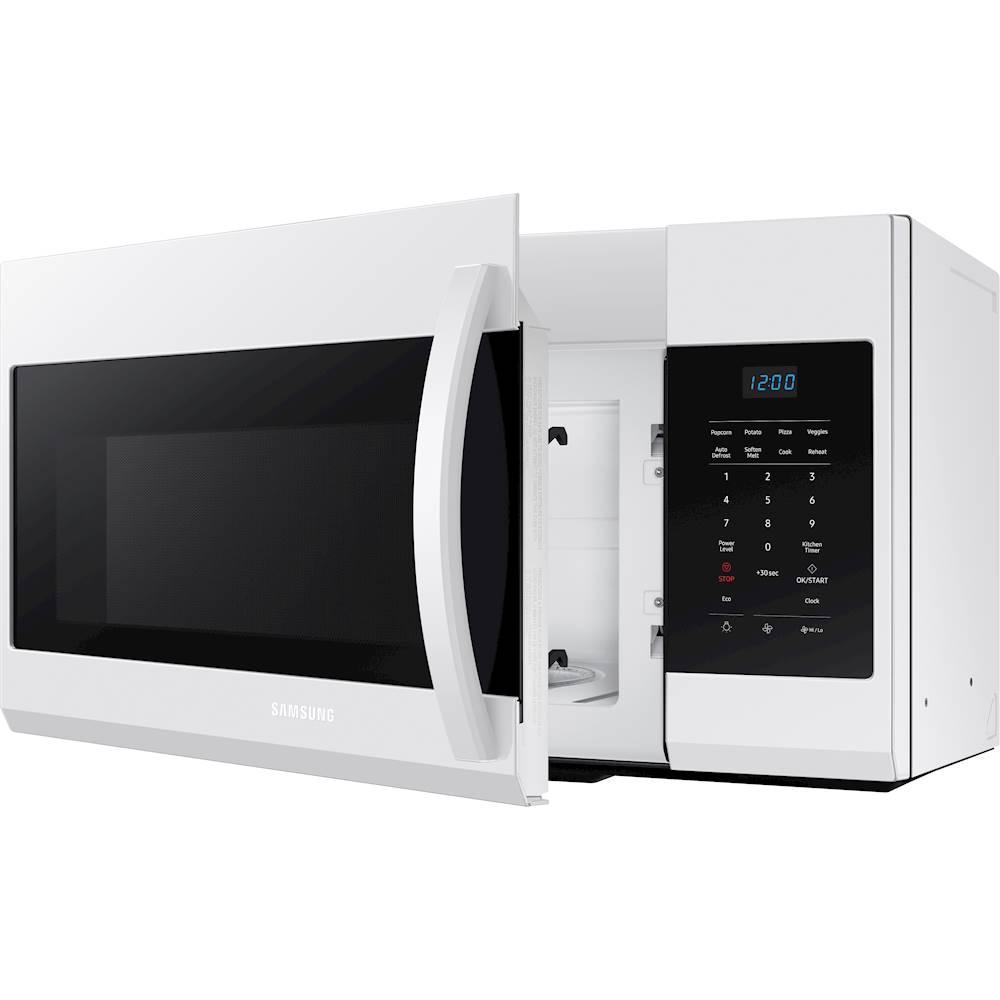
A:AnswerOpen the door, There is a panel on the upper part of the front while door is open. The screws are on the top of the microwave right above the panel. After unscrewing, you have to slide it to the right and it will come off. It goes in the middle with it's rear slanted up. You should have had to adjust the exhaust fan depending on if your house vents the exhaust directly outside or recycles through the charcoal filter.
A:AnswerHi Mary.
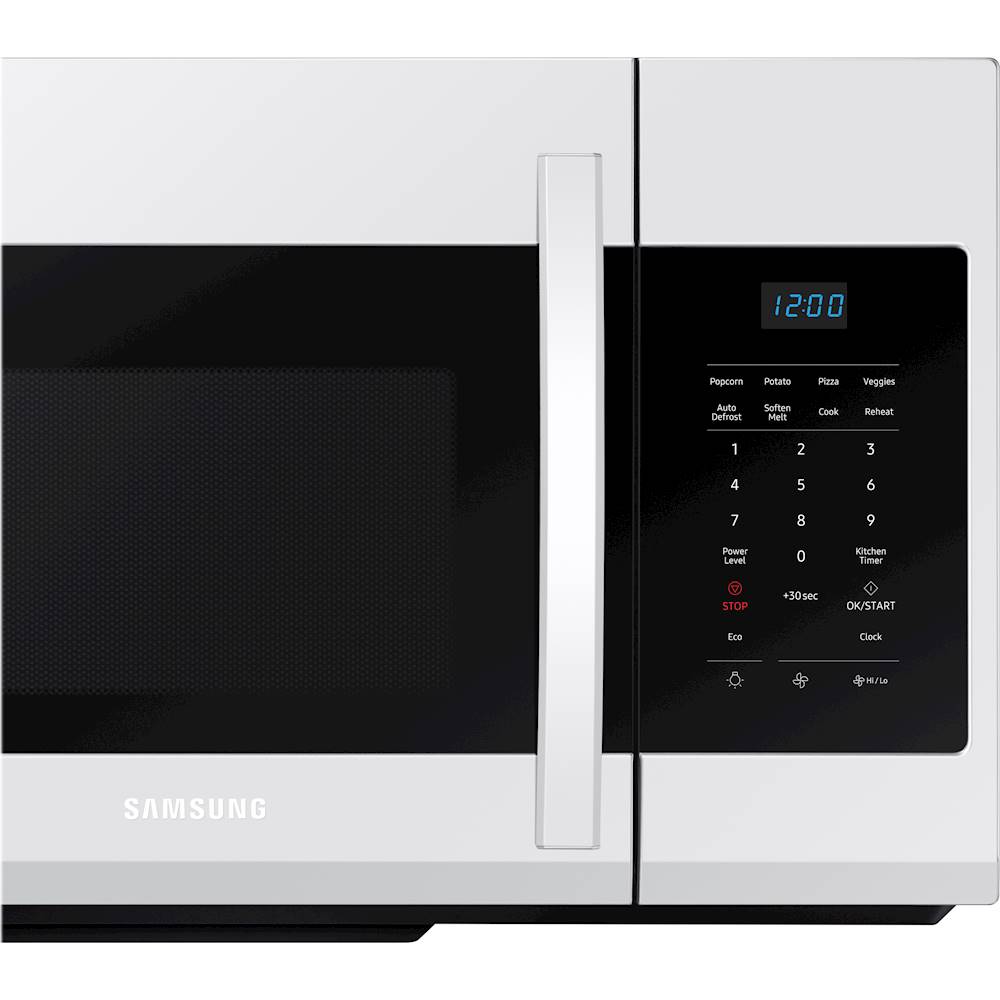
Thank you for reaching out regarding your Samsung - 1.7 Cu. Ft. Over-the-Range Microwave if this has an express cooking. Regarding your concern, this has an auto cooking feature.
Here is the link to your user manual for further assistance. Please go to page 11.
https://downloadcenter.samsung.com/content/UM/202103/20210323120615716/ME17R7021E_AA_MD3_EN-MES-CFR.pdf
Should you need more assistance, please feel free to get back to us via the following options:
1. Facebook Messenger: http://m.me/samsungsupport
2. Twitter: https://twitter.com/messages/compose?recipient_id=18768513
3. Samsung Community: https://us.community.samsung.com/t5/Samsung-Community/ct-p/us
Thank you for being a valued customer of Samsung. Have a great day.
Reference Ticket Number: 1144312650
^Camille
A:AnswerThe latch can't be fixed. You have to replace the entire door...at your expense. So you can fix it for around $250 or replace it for about the same amount. This happened to me after 13 months of use.
A:AnswerI have great news for you! According to page 10 of the user manual (https://bit.ly/3uNTEaR) this model does have an "Add 30 sec" that will automatically add 30 seconds to the cook time. ^Jecca