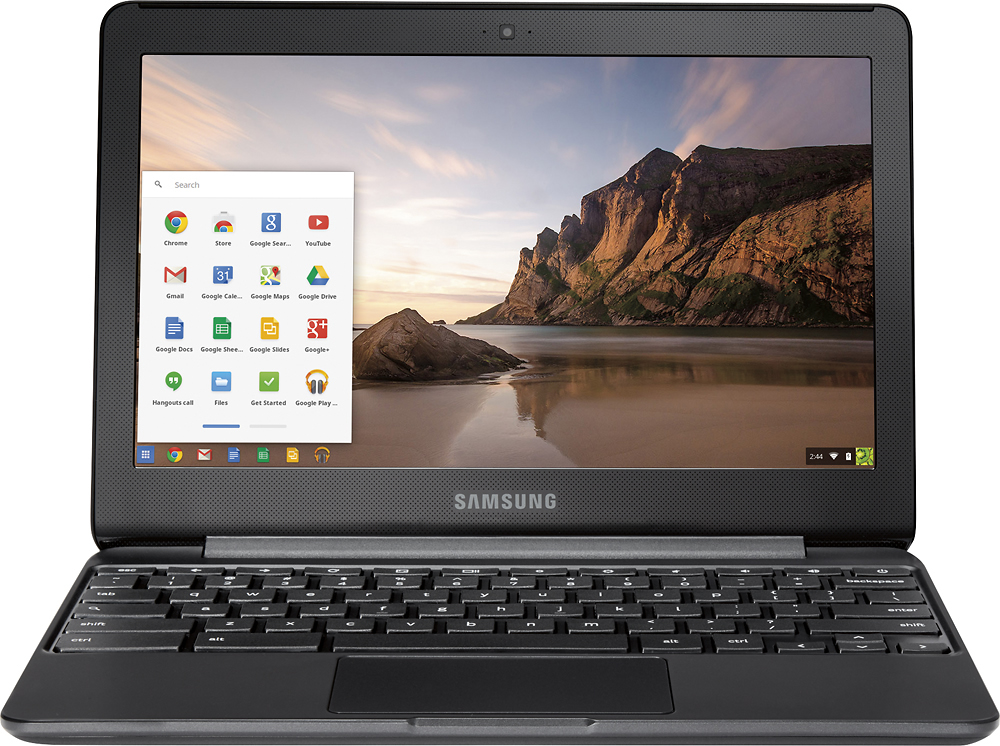
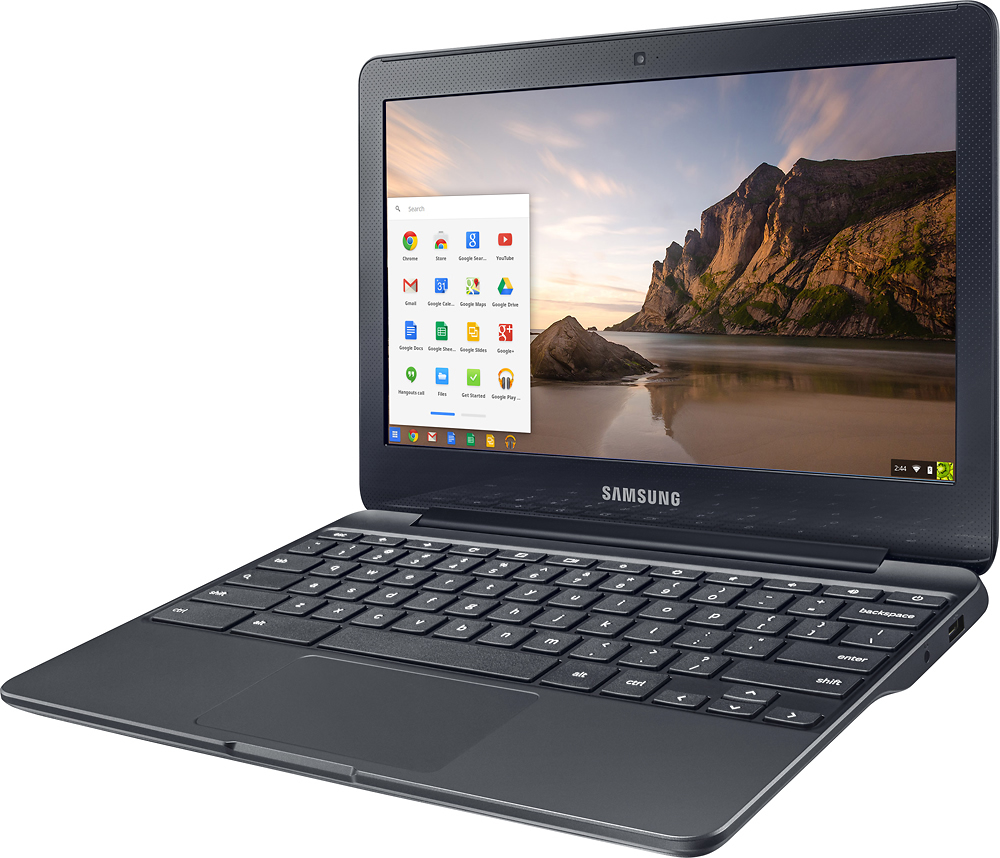
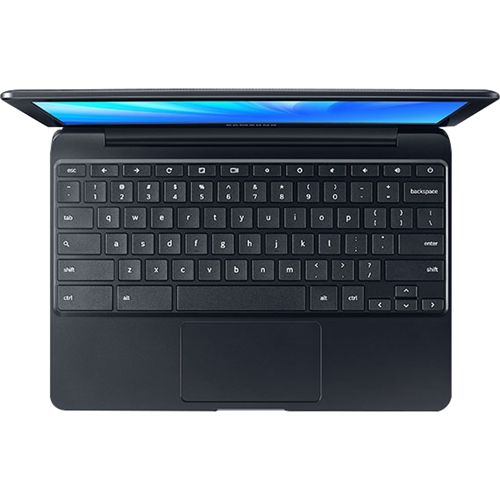
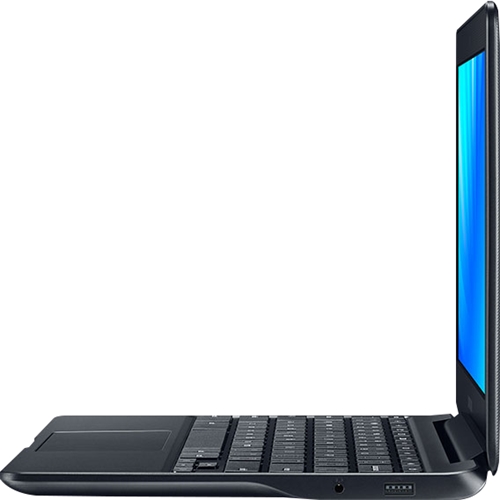
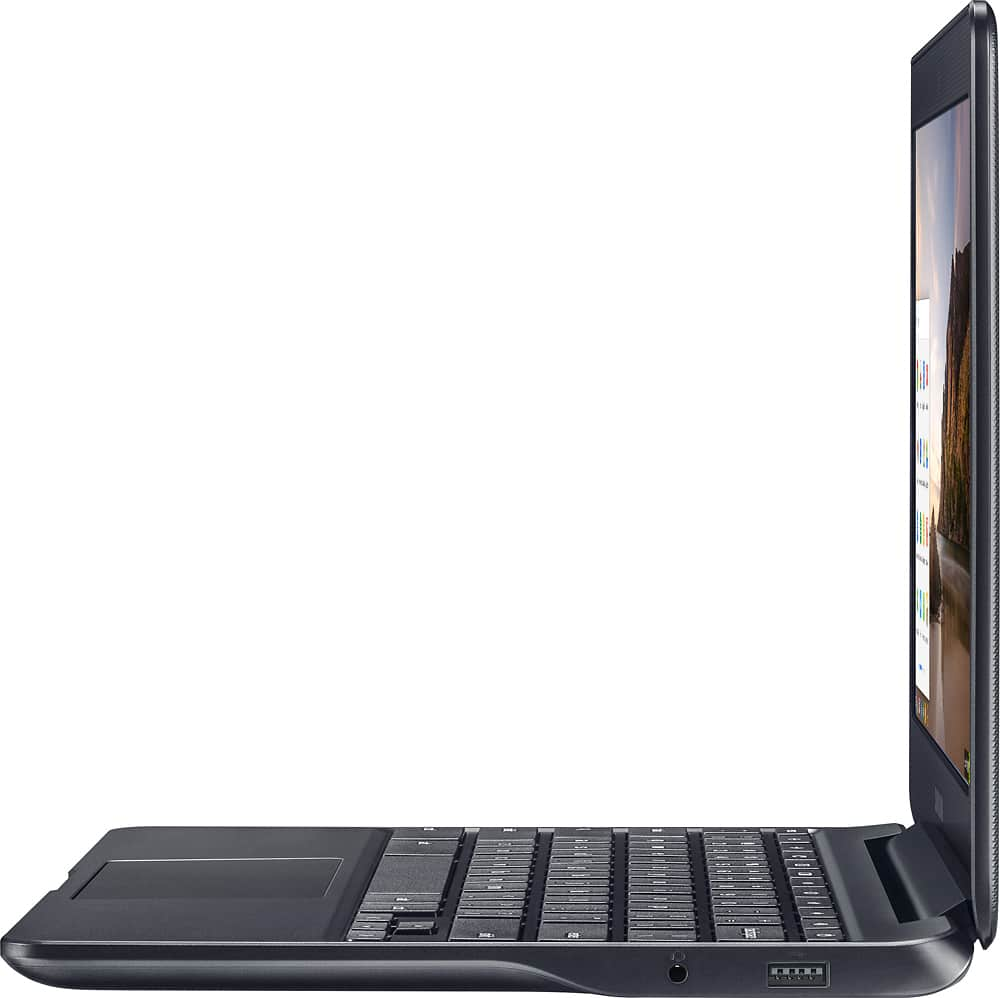
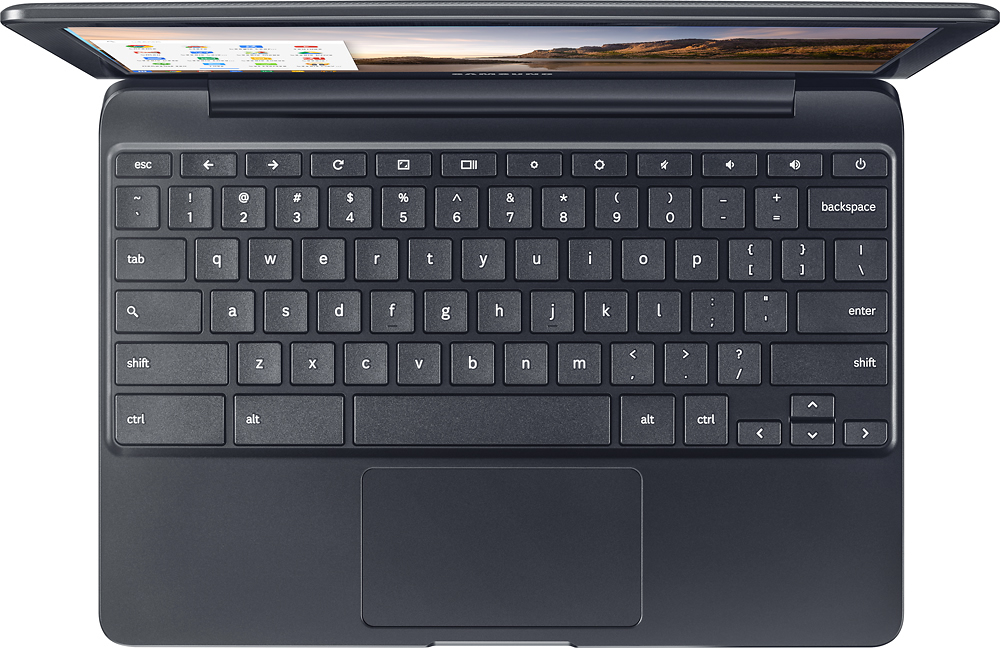
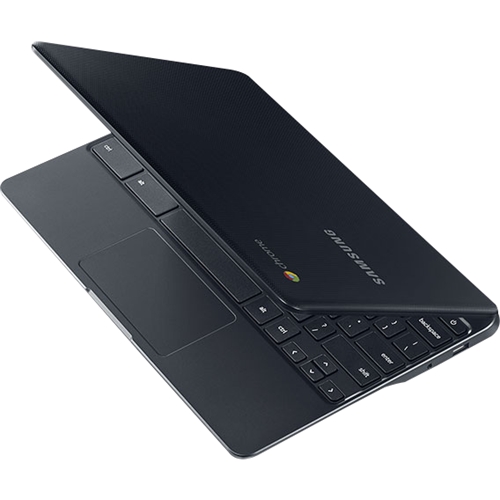
A:AnswerThe screen brightness can be controlled with the buttons on the keyboard represented by a small (to dim) and a larger circle with rays (to brighten). These are in the top row above (and between) the 7, 8, and 9. You cannot control brightness in settings. I'd rather have it on the keyboard so I can change while viewing what I want to read. Of course brightness will have an impact on power consumption.
A:AnswerAccording to the following article http://www.trustedreviews.com/news/all-chromebook-support-android-apps-google-2016 written on 11/18/16, the Samsung Chromebook 3 is now compatible with Android apps.
A:AnswerI use my portal.office.com all the time from the device to get to Outlook web app, excel, word and power point from a browser and it works great. You can't run the full native app the the web versions work really well.
A:AnswerHi RyanA, we understand your concerns. Please feel out the form on http://smsn.us/SamsungSupportUSA and our Social Media team will be happy to look into this. ^Rosi