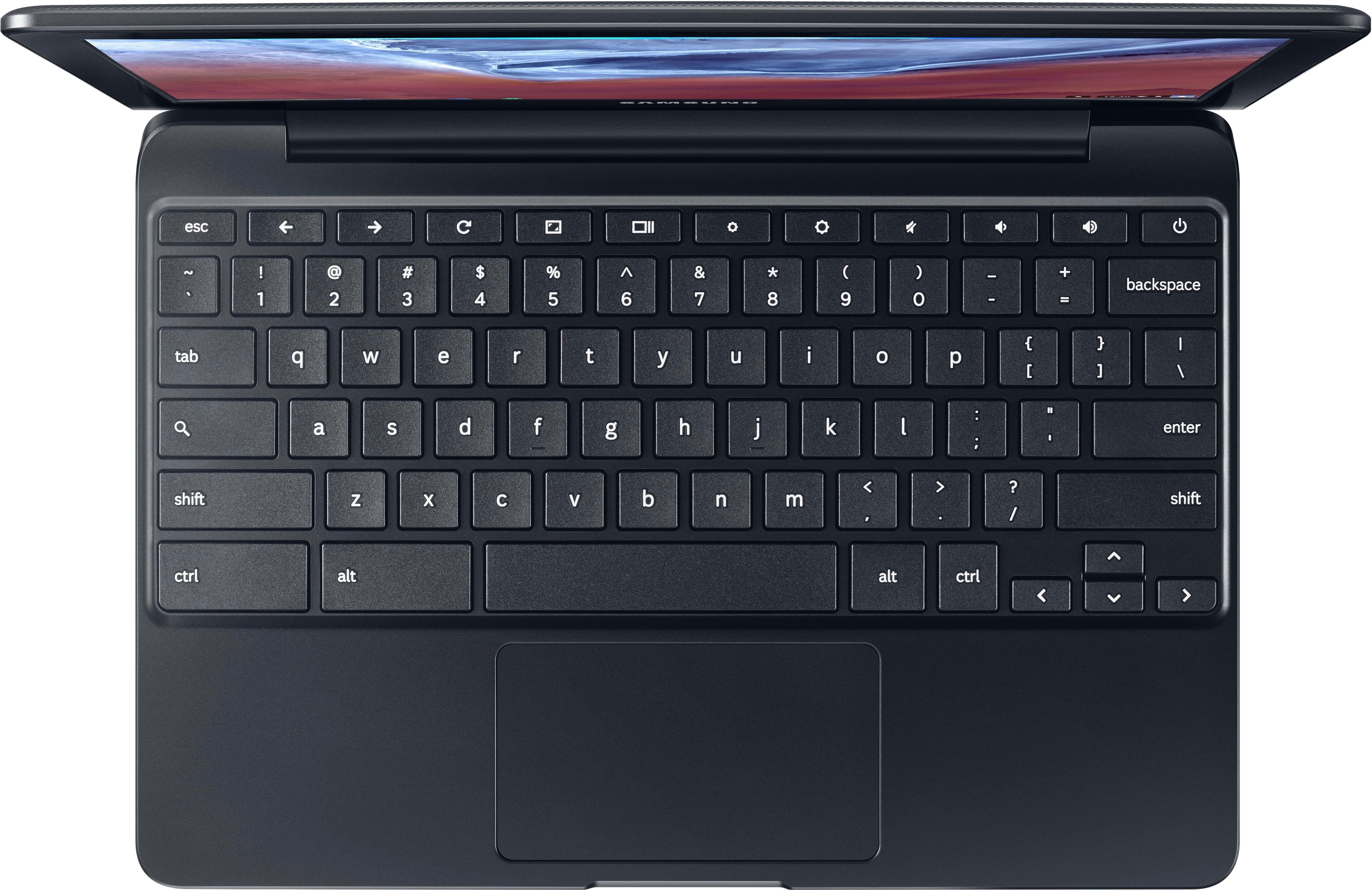
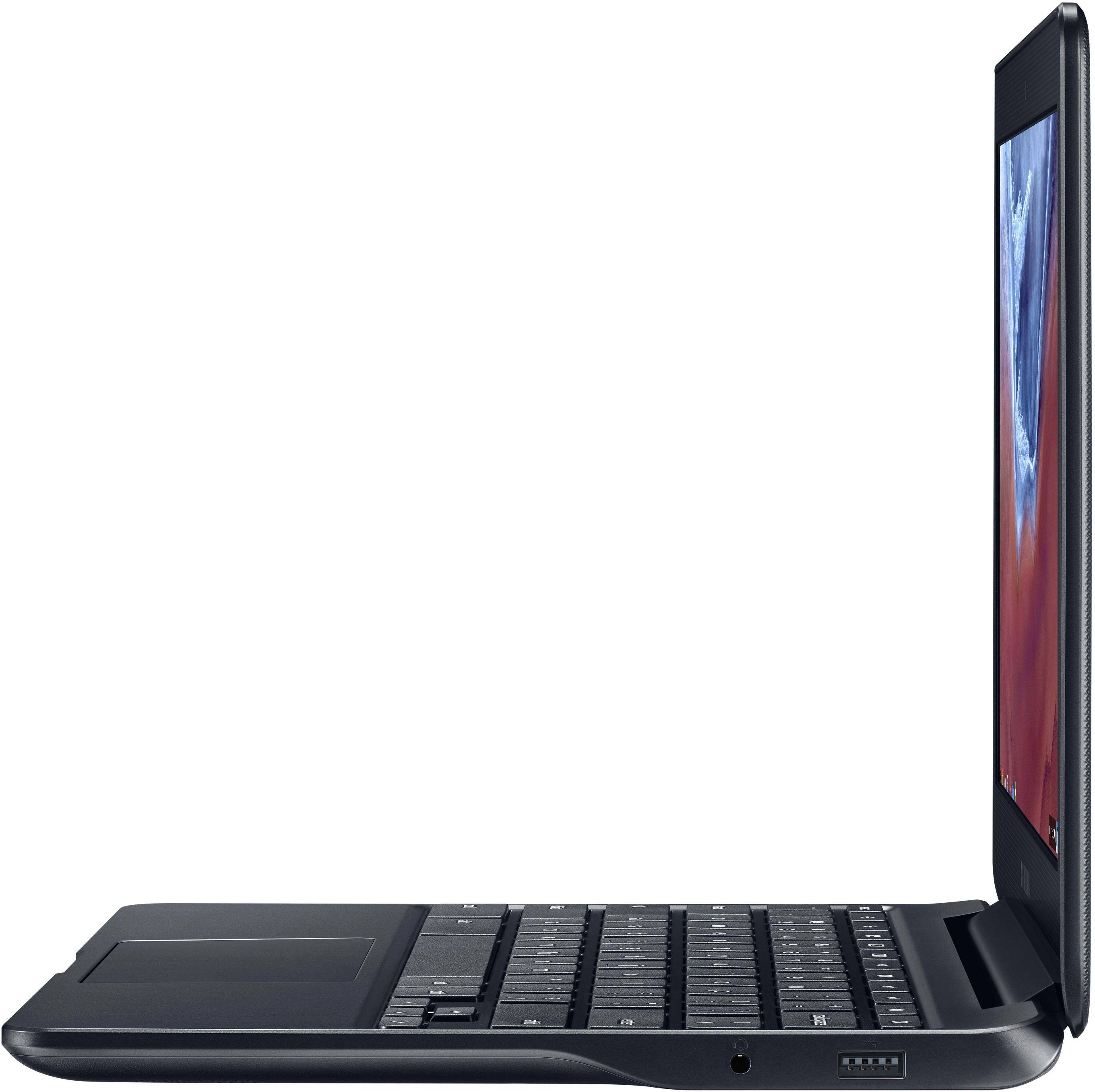
A:AnswerYou can use Google Docs to create PDF files on Chromebook~
It is an easy program to use to create documents, flyers, charts, etc. The poster below was created on a Samsung Chromebook using the Google Docs program.
I changed the original PDF document from a PDF to a JPG to upload it so you could see it here~
Hope this helps. Been using a Chromebook for several years now and wouldn't use anything else.
I publish a small local newspaper using my Samsung Chromebook on Google Docs.
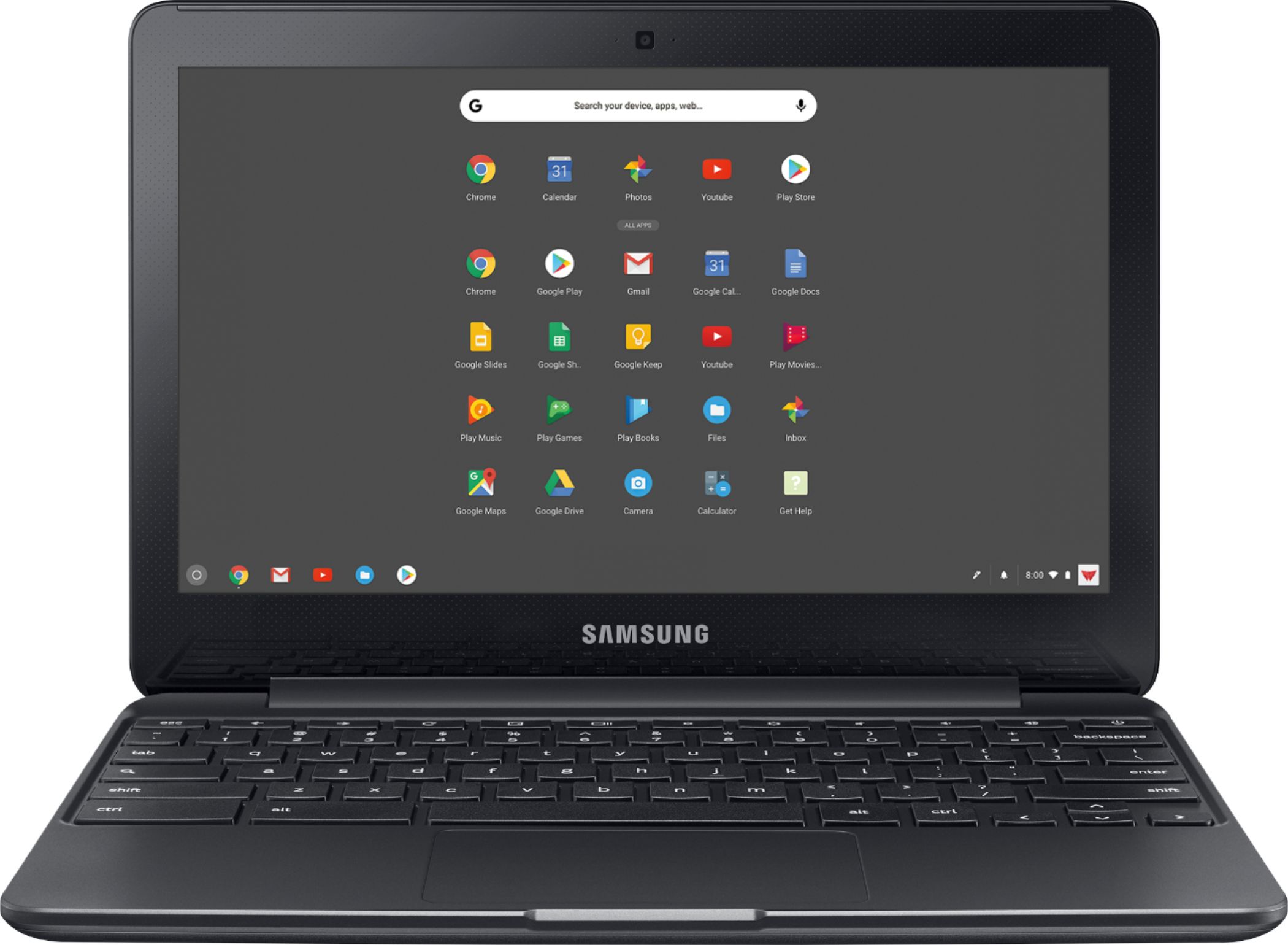
A:AnswerI have 3 other chromebooks. For playing Netflix and youtube, it is fine. It can only play basic web based games. You cannot install any games or other software like you can on a Windows PC.
A:AnswerI noticed that too. But I found that the model number is slightly different. The 4gb one is XE500C13-K03US. The last part is K03US instead of S03US. Its too bad the 4gb one isn't one sale for $99 also.
A:AnswerHi. I went back and checked description on this $99 Samsung Chromebook and I cannot find any mention of a touchscreen. There is a more expensive one with that feature, but not this one at only $99.
A:AnswerI have 3 other chromebooks made by Acer and Asus, they all run fine without any issues. This chromebook should be the same as it has better specs than my older chromebooks. You need to have good internet and youtube should be good.