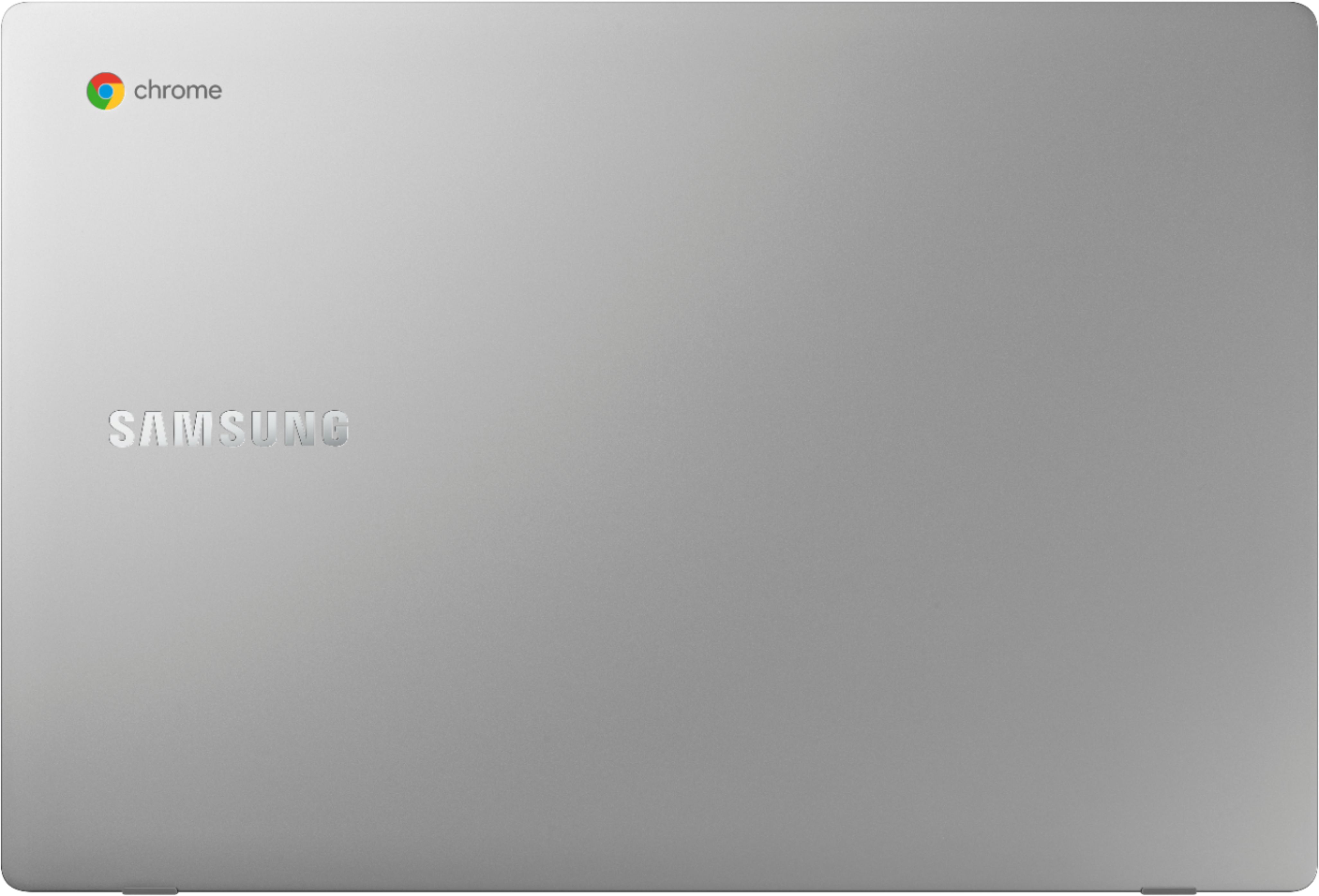
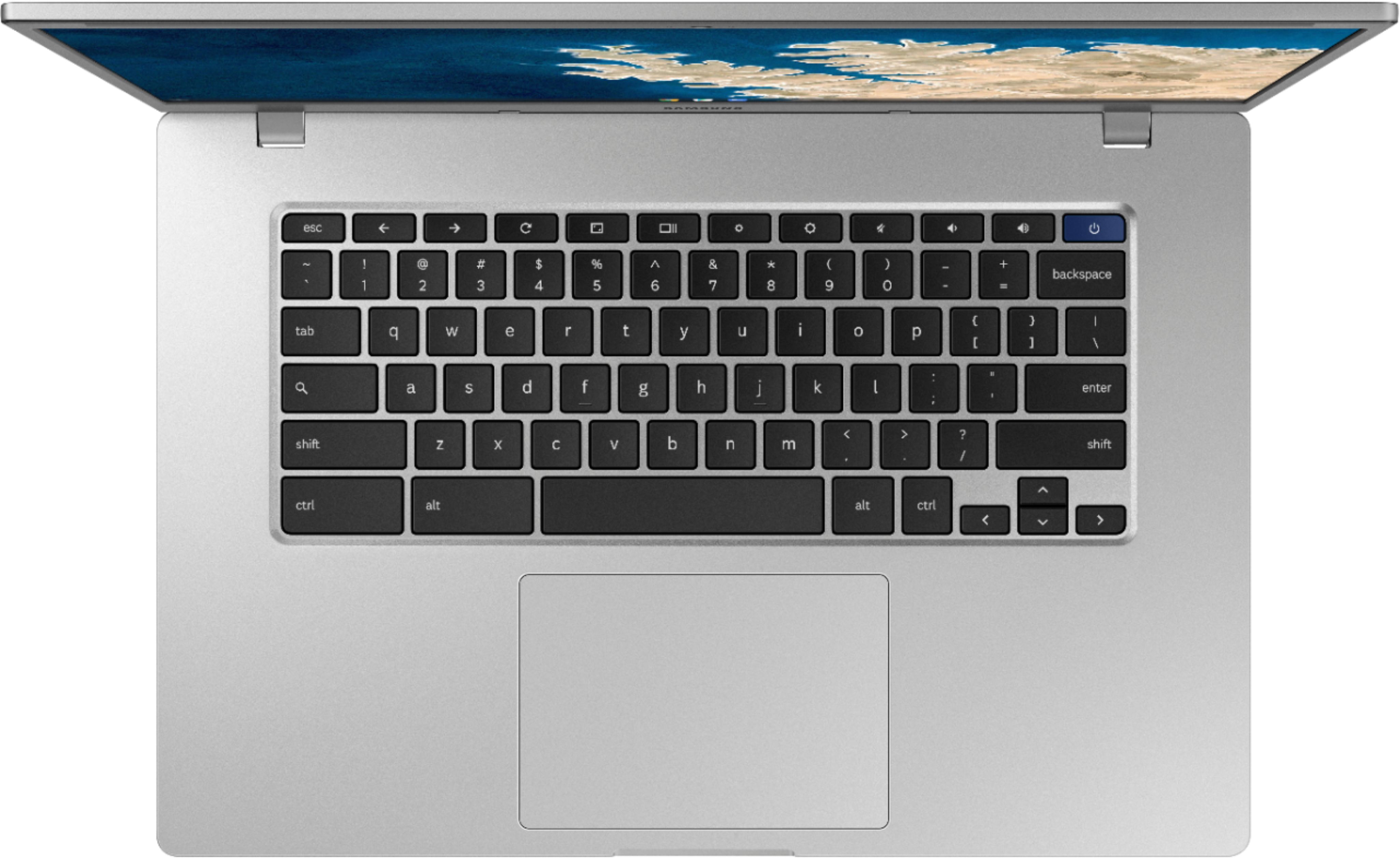
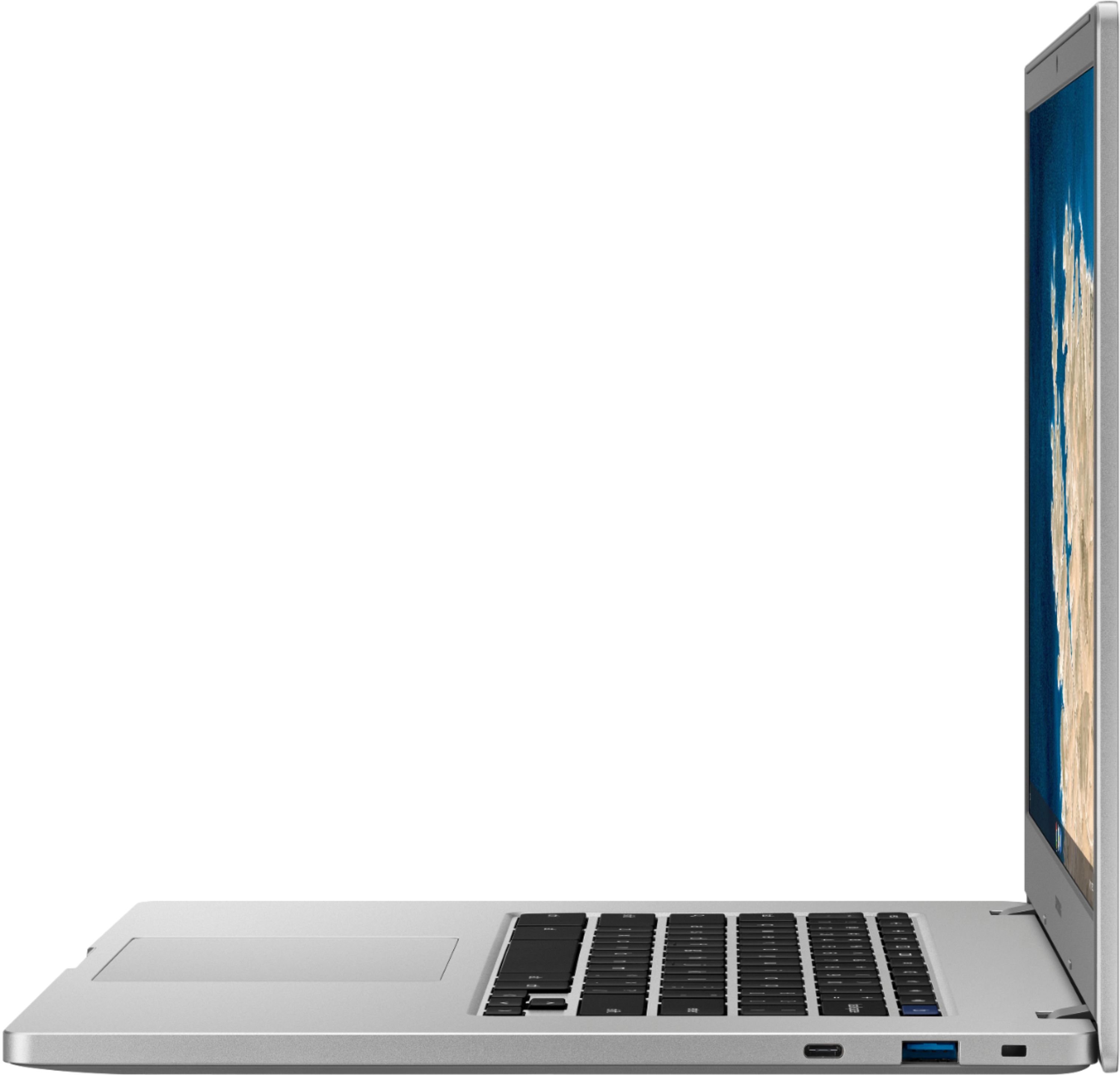
A:AnswerNo. This device runs Chrome OS. This is a Linux-based operating system created by Google. It's really a web-based device and you cannot install applications which are windows or Mac based (like the Microsoft Office suite or Adobe Photoshop).
A:AnswerChromebook works strictly with Google Chrome operating system. It has built-in security so no having to purchase a separate security like Norton, etc. For me, the speed of downloads/uploads on Chromebook has been way faster that with other systems. It is still lightweight enough to take with you on the go. Very slim; very fast gigabit wi-fi.
A:AnswerChromebooks are not really prone to getting viruses. The most important thing is not enter personal/secure information on websites you do not trust. Norton LifeLock could be used for identity theft protection and damage reimbursement, but it's not really going to protect you from much on your chromebook. A more useful tool would be an ad blocker like "uBlock Origin" which you can add by going to the google chrome web store and searching for "uBlock Origin" and clicking "Add to Chrome" and then clicking "Okay".
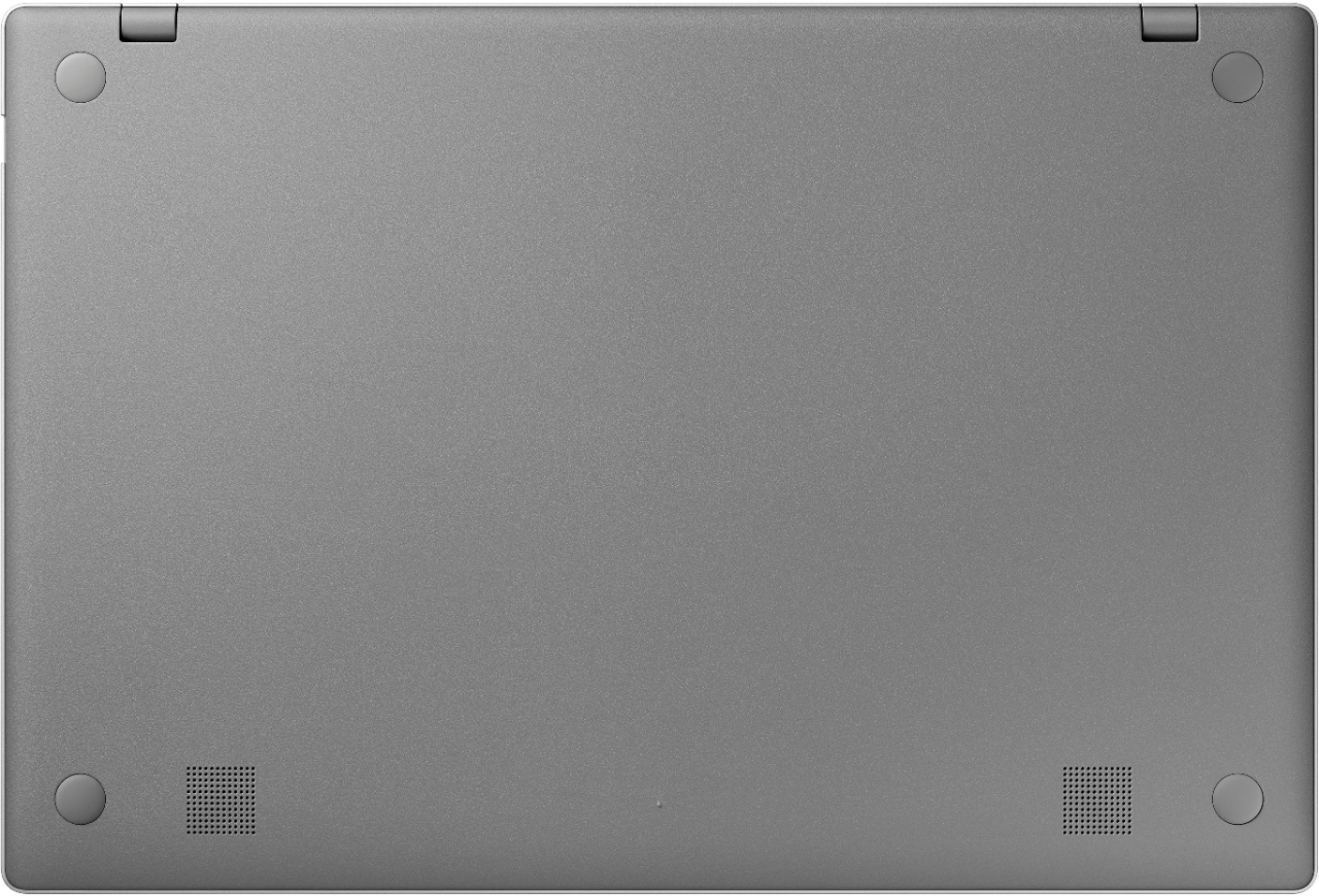
Your chromebook should have built-in speakers to establish sound. If you would like earphones so that no one else can hear your Zoom conversation, then you can use those instead.
A:AnswerYou can use a MicroSD card, which gives you 32 - 512 GB of extra storage. I added a SanDisk 256GB Ultra microSDXCTM. SanDisk has always served me well.
A:AnswerMy son has this chromebook and uses it for school and is able to use blackboard. However, he was unable to download some software that he needed for his class. It was incompatible with the chromebook.