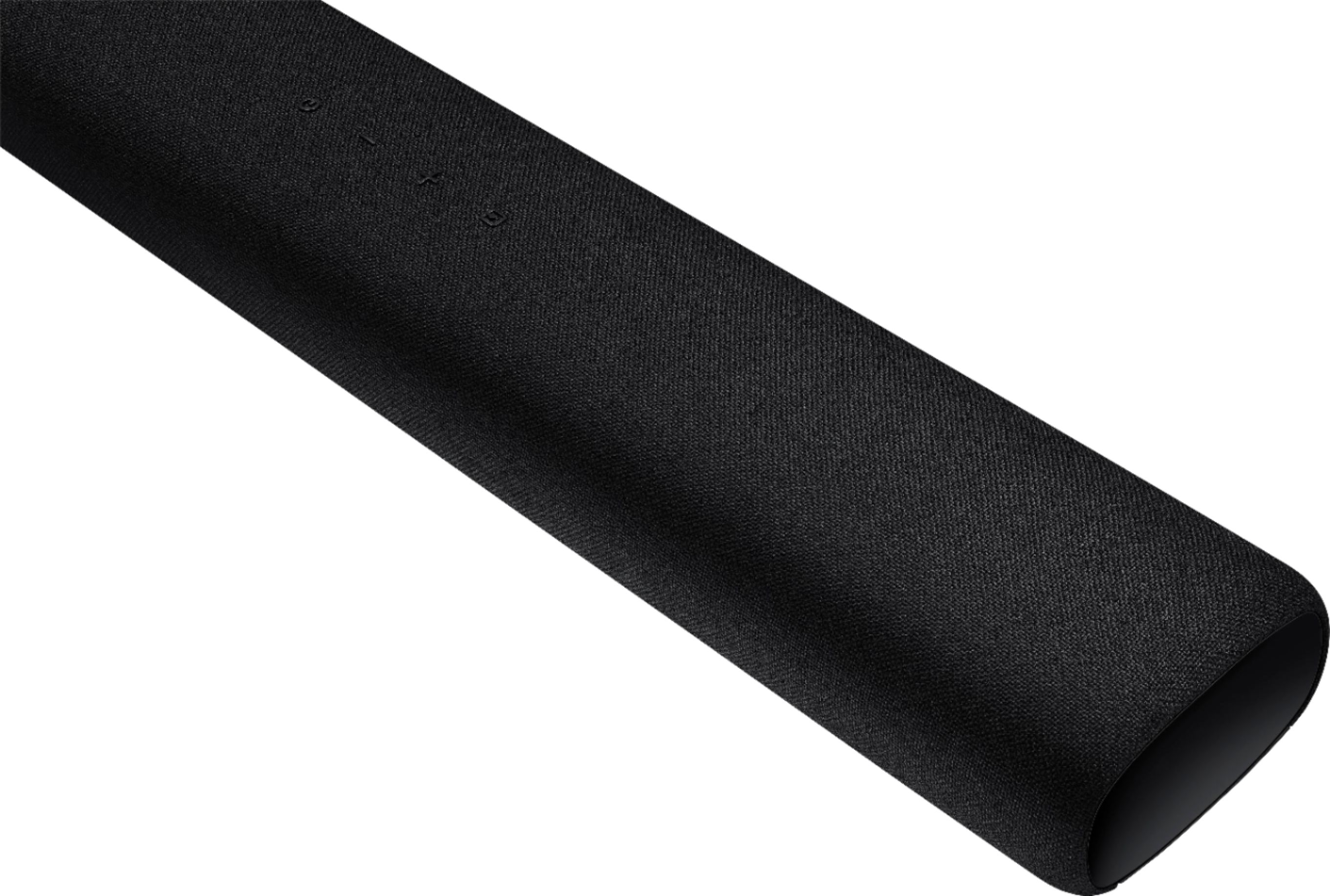
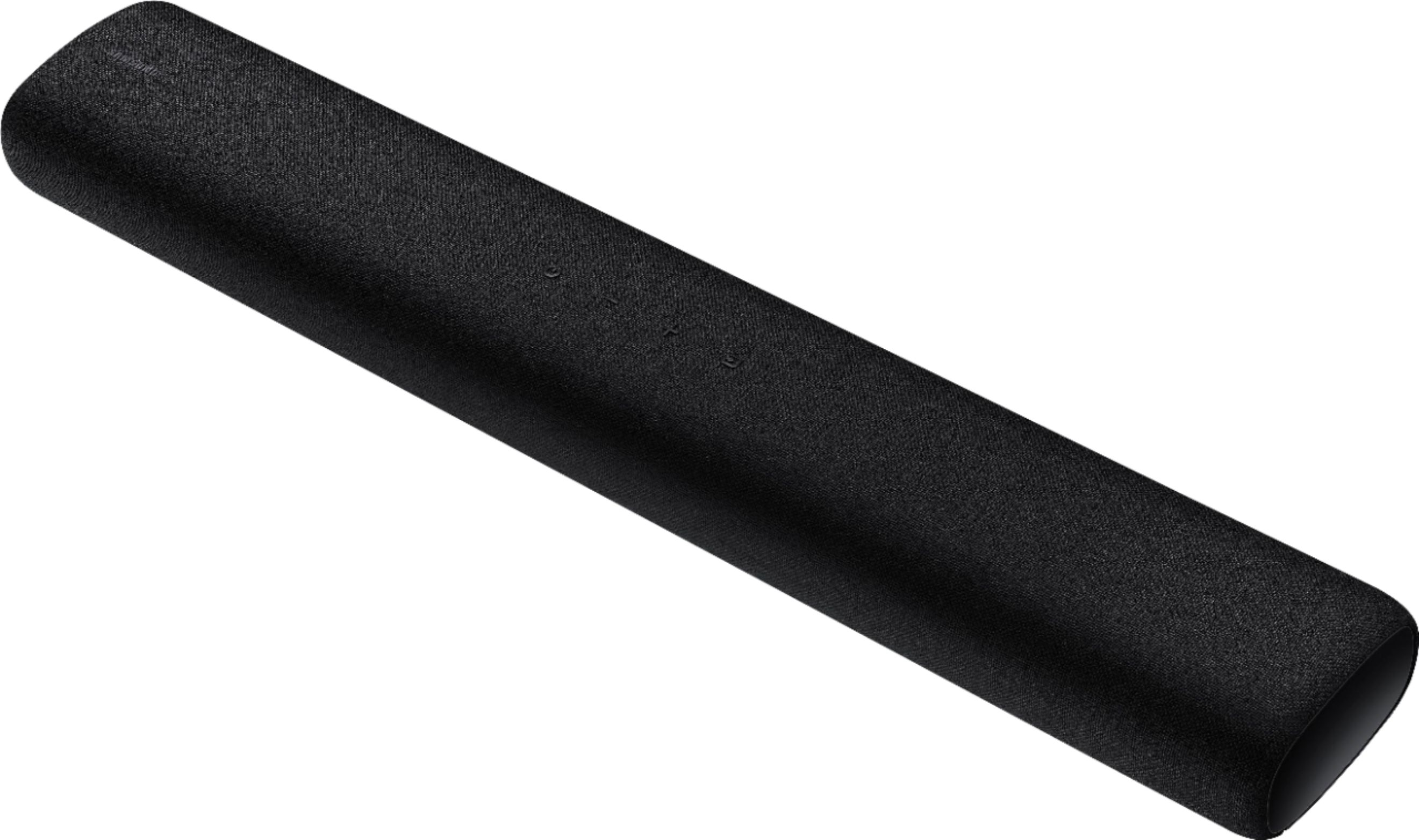
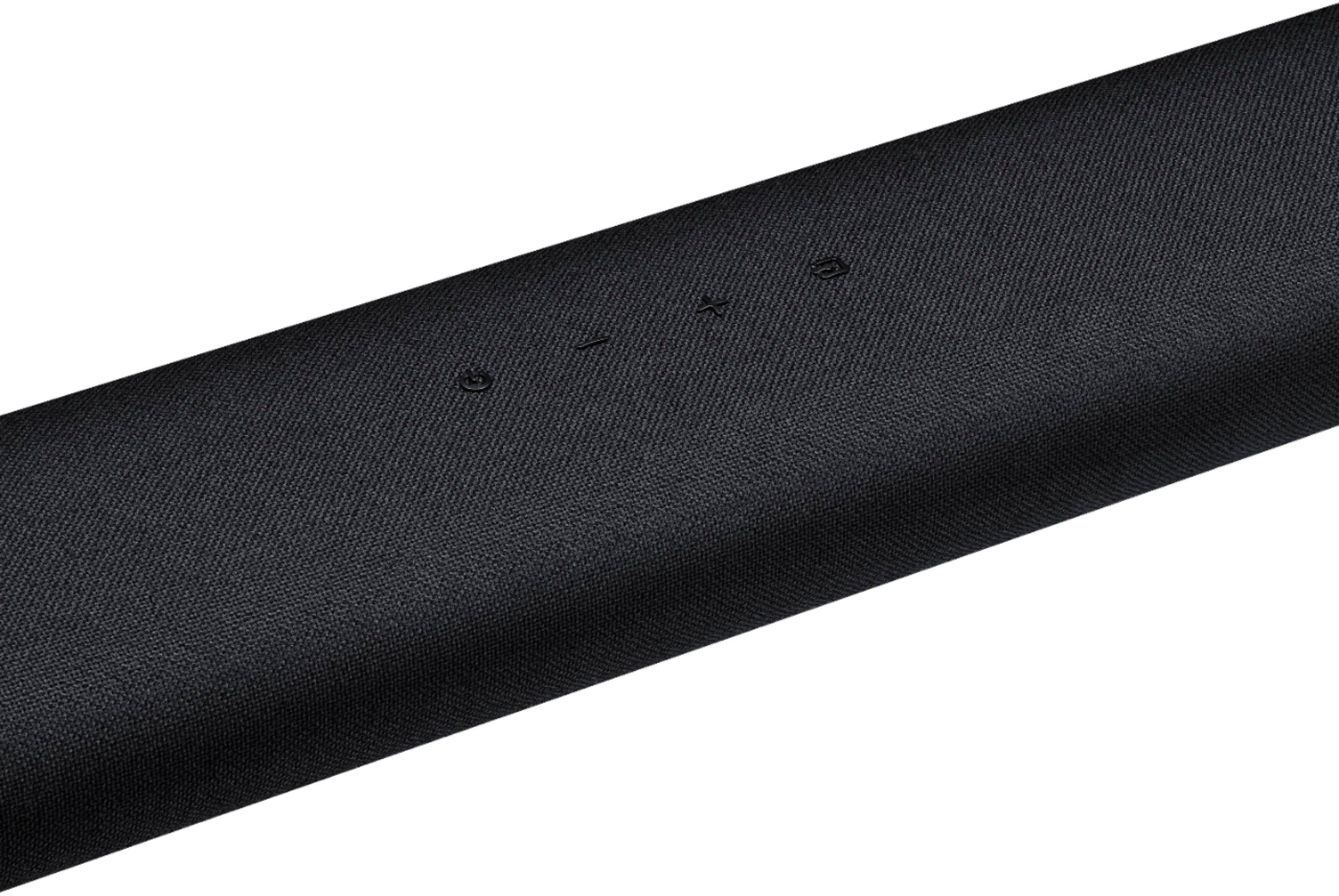
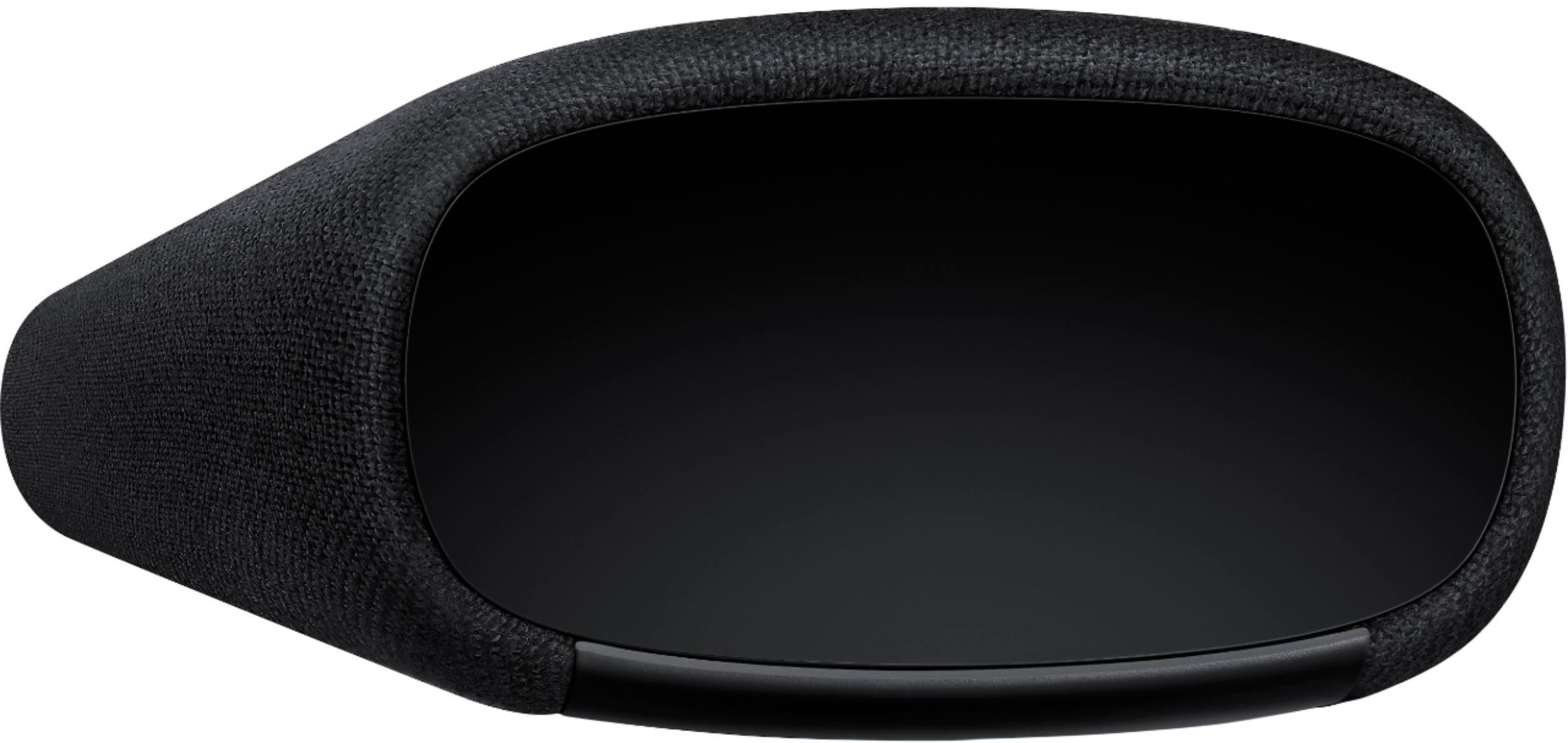
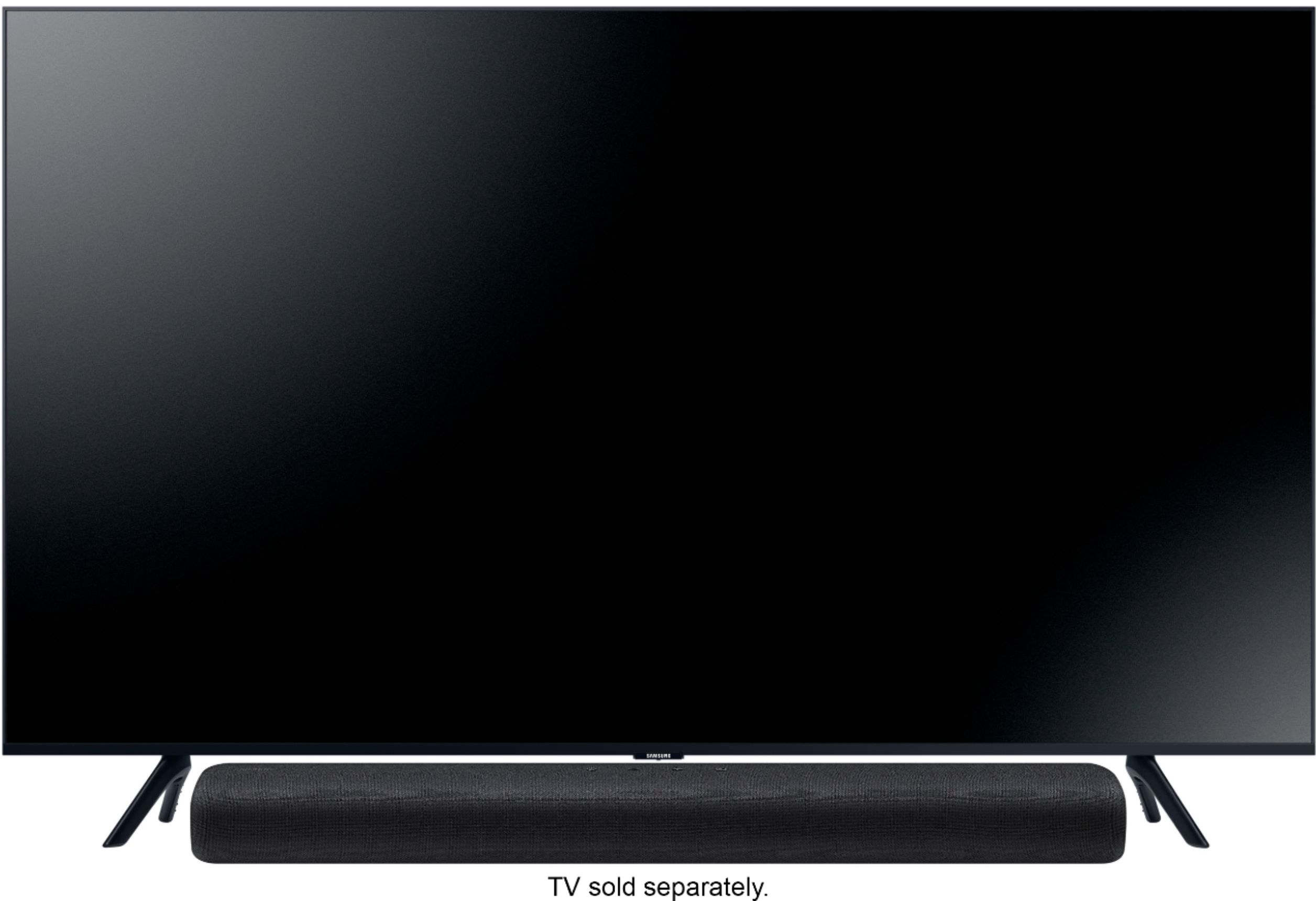
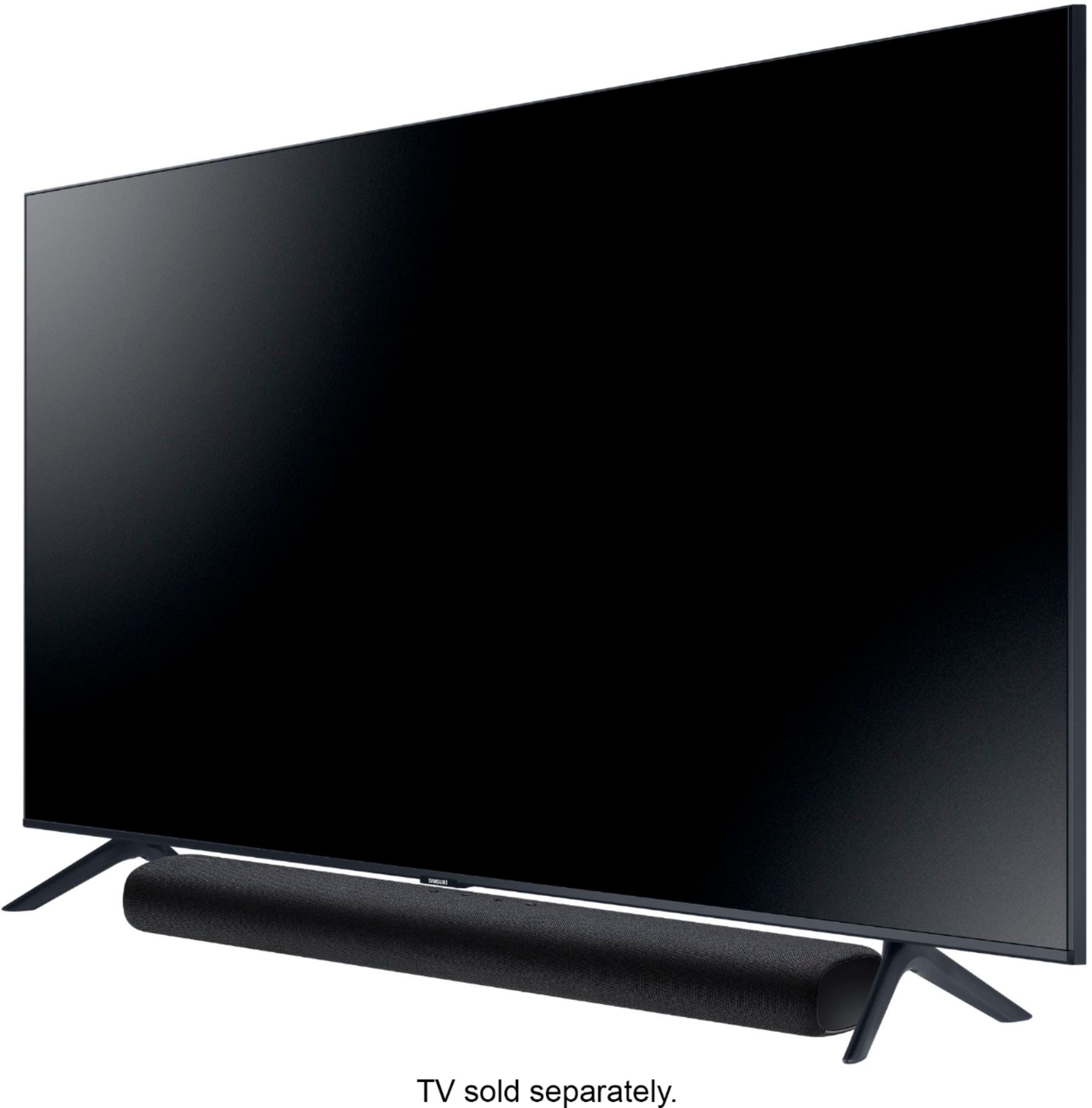
A:AnswerHi Meagan! The Samsung HW-S40T may be connected to your phone via Bluetooth. The soundbars do not have a radio so you would have to play music from your phone. Smart TVs also have music apps that you may play on your soundbar, once you are connected. This model does not include wall mount brackets. You can purchase a wall mount separately to install the speaker on a wall if you want. Considerations for purchasing: • Endurable load : Above 16.8lbs. Hole size : M4 - 10 threaded insert. ^Patty
A:AnswerHi there! The HW-S40T is not compatible with an additional subwoofer. When stepping up to the soundbar model HW-S60T, you have the option to add subwoofer model SWA-W500. ^Patty
A:AnswerHi Long! The HW-S40T is not compatible with an additional subwoofer. When stepping up to the soundbar model HW-S60T, you have the option to add subwoofer model SWA-W500. ^Patty
A:AnswerHi Burger- The HW-S40T does not come included with the wall brackets. Please check out universal wall mount brackets at Best Buy. https://www.bestbuy.com/site/searchpage.jsp?st=soundbar+mount+wall&_dyncharset=UTF-8&_dynSessConf=&id=pcat17071&type=page&sc=Global&cp=1&nrp=&sp=&qp=&list=n&af=true&iht=y&usc=All+Categories&ks=960&keys=keys ^Patty
A:AnswerHello Chrissy,
No, the HW-S40T does not come included with the wall brackets. Please check out universal wall mount brackets at Best Buy.
https://www.bestbuy.com/site/searchpage.jsp?st=soundbar+mount+wall&_dyncharset=UTF-8&_dynSessConf=&id=pcat17071&type=page&sc=Global&cp=1&nrp=&sp=&qp=&list=n&af=true&iht=y&usc=All+Categories&ks=960&keys=keys
^Cristian

A:AnswerHi guss! Yes, you can connect the HW-S40T to your existing Samsung 7300 TV using the digital optical audio connection avaialbe on both products. ^Tim
A:AnswerHi Dave! I’m sorry to see that you are experiencing issues with the audio on your new soundbar.
So that we can better troubleshoot towards a solution, please reach out to Samsung Support at:
― Phone: 1-800-SAMSUNG / Available 8AM - 12AM EST, 7 days a week
― LiveChat or Email: https://www.samsung.com/us/support/#contact_us_for_support
We look forward to hearing from you.
^Tim
A:AnswerYes. The Dish remote will sync very well. All you need to do is follow the instructions in the Dish settings to sync the remote to your TV, DVD player and sound bar.
A:AnswerWorks great with my 55 inch TU7000 7 series. If you use the hardwired setup to the t.v the volume level won't be displayed, but if you set it up through Bluetooth the volume is displayed on the T.V. this is my current set up.
A:AnswerHi Dara, I'm sorry that you are having technical issues with the soundbar and TV working together. I would encourage you to reach out to our technical support line and they may be able to help resolve this issue. Please reach out to Samsung Support via any of these options:
Phone: 1-800-SAMSUNG
Available 8 AM - 12 AM EST 7 days a week
LiveChat or Text: https://www.samsung.com/us/support/contact/
Facebook Messenger: https://www.facebook.com/samsungsupport
Twitter: https://twitter.com/SamsungSupport
The Samsung TV Community is also a great resource for getting help from Samsung moderators and customers: https://us.community.samsung.com/ ^Jeremy
A:AnswerHi Richard, This Soundbar will increase the overall sound of the TV so you can hear everything better. I would suggest however a Soundbar that has at least 3 channels so that the dialogue is separate. One of the first that has this sound output is the HW-T650. Here is a link to that Soundbar: https://www.bestbuy.com/site/samsung-3-1-channel-340w-soundbar-with-6-5-wireless-subwoofer-black/6400685.p?skuId=6400685 ^Jeremy