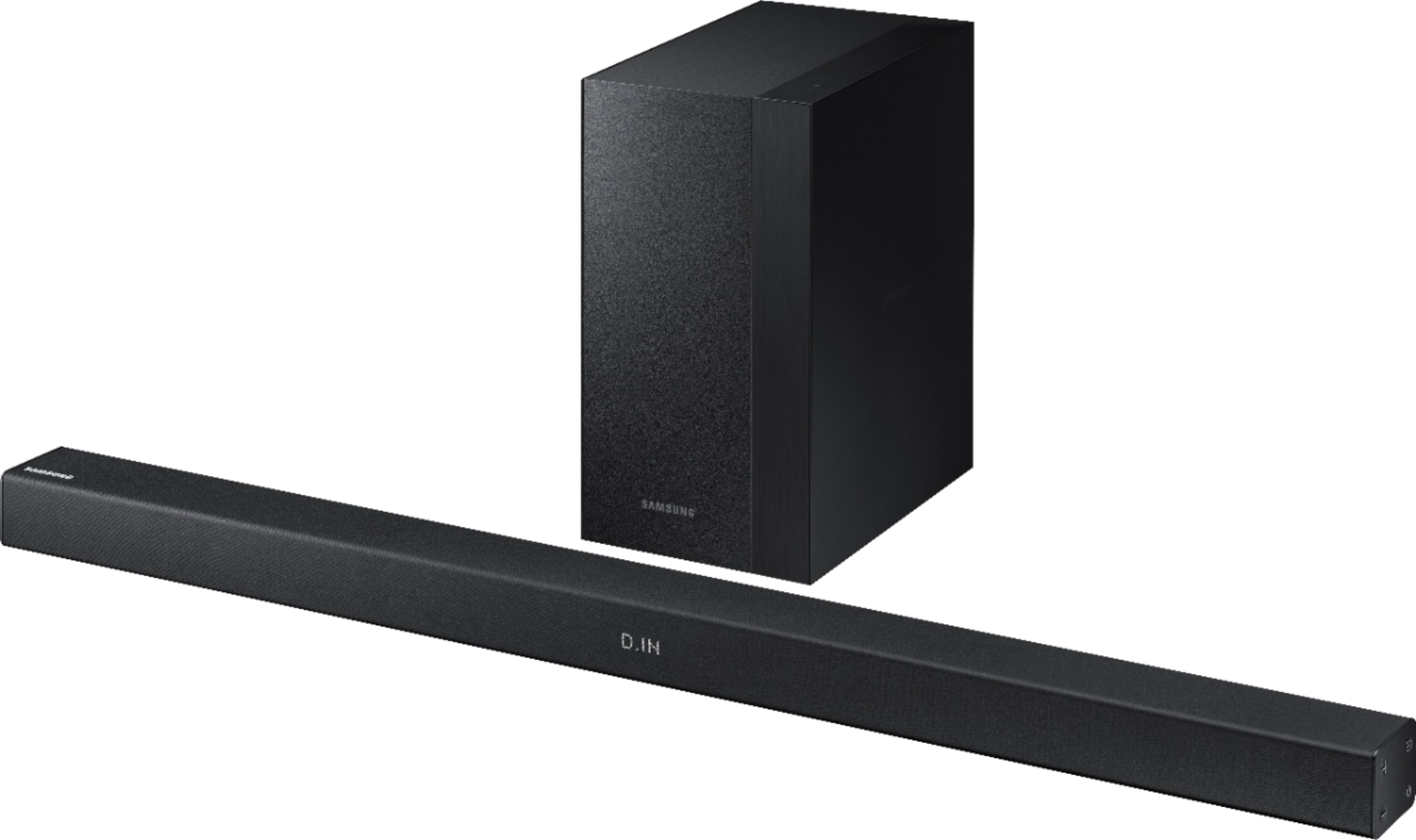
A:AnswerIf your TV has an aux input you can always use that and it will work just fine but you would have to provide your own. However the speakers do come with an optical audio cable which if your TV has an imput for that will work even smoother. (Will turn on and to the correct input when you turn your TV on). Either way both work just fine.
A:Answeruse the supplied 3ft. optical toslink cable. Be sure to remove the cap that protects the end / when plugging the cable in, it has to rotated to line up properly with the input
once aligned insert and it will click in place . Be careful not to kink the cable because it is a optical cable.
A:AnswerIt comes with adapter brackets but they are meant for wall mounting. I used a kit from rocketfish to mount it to bottom of tv with slight modification of sound bar mounting brackets
A:AnswerYou'll need to go into your TV's audio section in the Menu. You should be able to turn off the speakers on the TV and turn on the auxiliary soundbar.
A:AnswerThe best answer I can give you is when you go to the movies, concerts or when people talk to you the sound comes from in front of you. This is why all movie theaters and
multi speaker home surround systems the dialogue comes from the front center channel and some from the front left and right. If you installed the sound bar behind your it
would be like listening to a movie, concert or someone talking behind your back. If you think about any kind of sounds you hear you turn frontwards to look at were its coming
from not backwards. You can always try it behind you and if doesn't sound right to you can change. I hope it works for you.
A:AnswerHello Wunder, I have attached a link below to compatible accessories.
https://www.samsung.com/us/televisions-home-theater/home-theater/sound-bars/200w-2-1-ch-soundbar-w--wireless-subwoofer-hw-m360-za-rel-accessories
^Britt
A:AnswerThere are NO HDMI connection on this sound bar. You have to go to the 4 series sound bars to get HDMI connections. Your tv has a optical "toslink" connection so go from your tv to the sound bar it will sound great !
There is a 3ft. optical "toslink" cable provided with this sound bar.
A:AnswerHi Marebear, we understand your concerns with the TV. This sound bar could be connected to the TV using a Digital Audio cable but I would recommend contacting our support to assist with the sound first. Please fill out the form on http://smsn.us/SamsungSupportUSA and our Social Media team will be happy to look into this. ^Rosi
A:AnswerHi Lynette, we understand your concerns with the Soundbar. Please fill out the form on http://smsn.us/SamsungSupportUSA and our Social Media team will be happy to look into this. ^Rosi