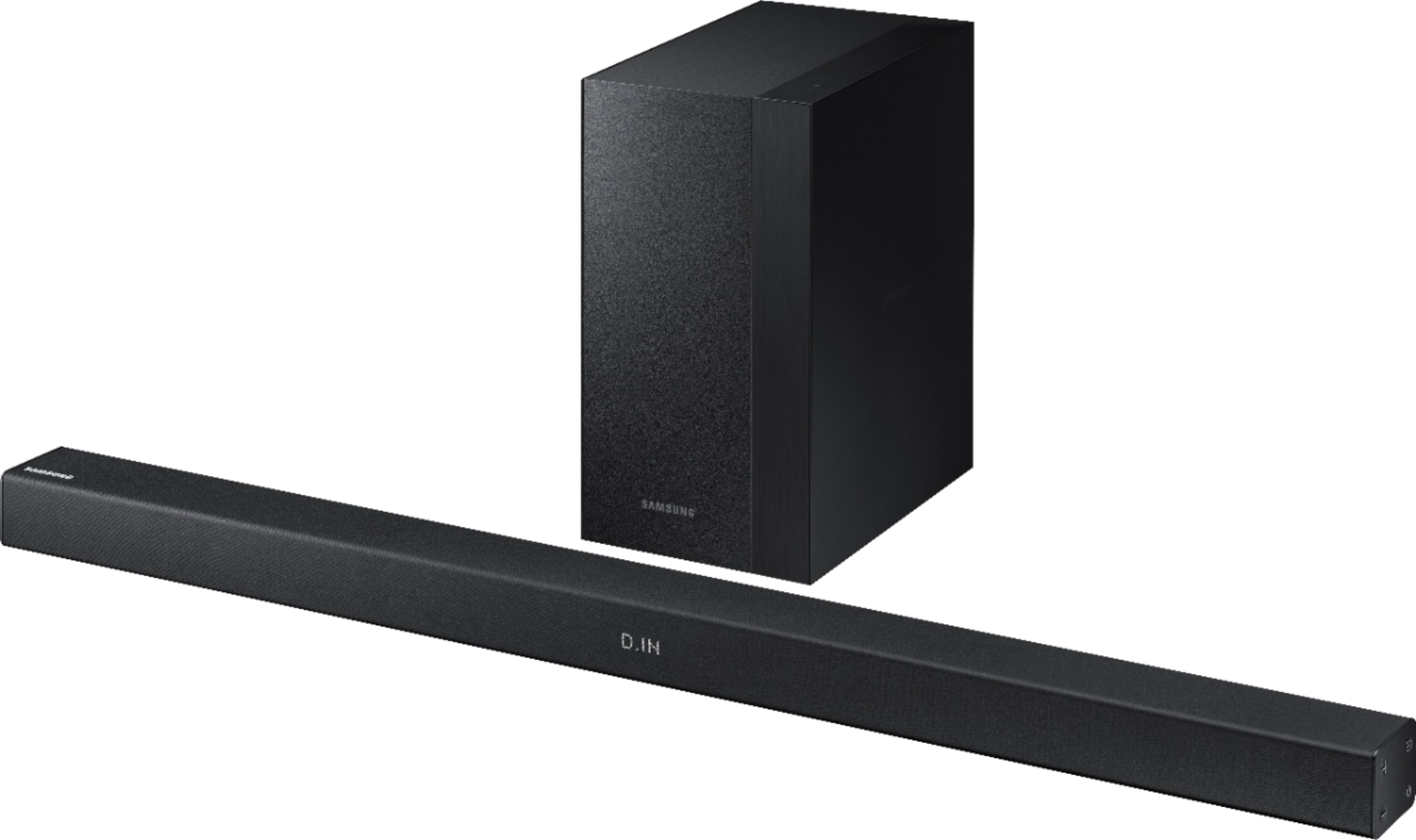
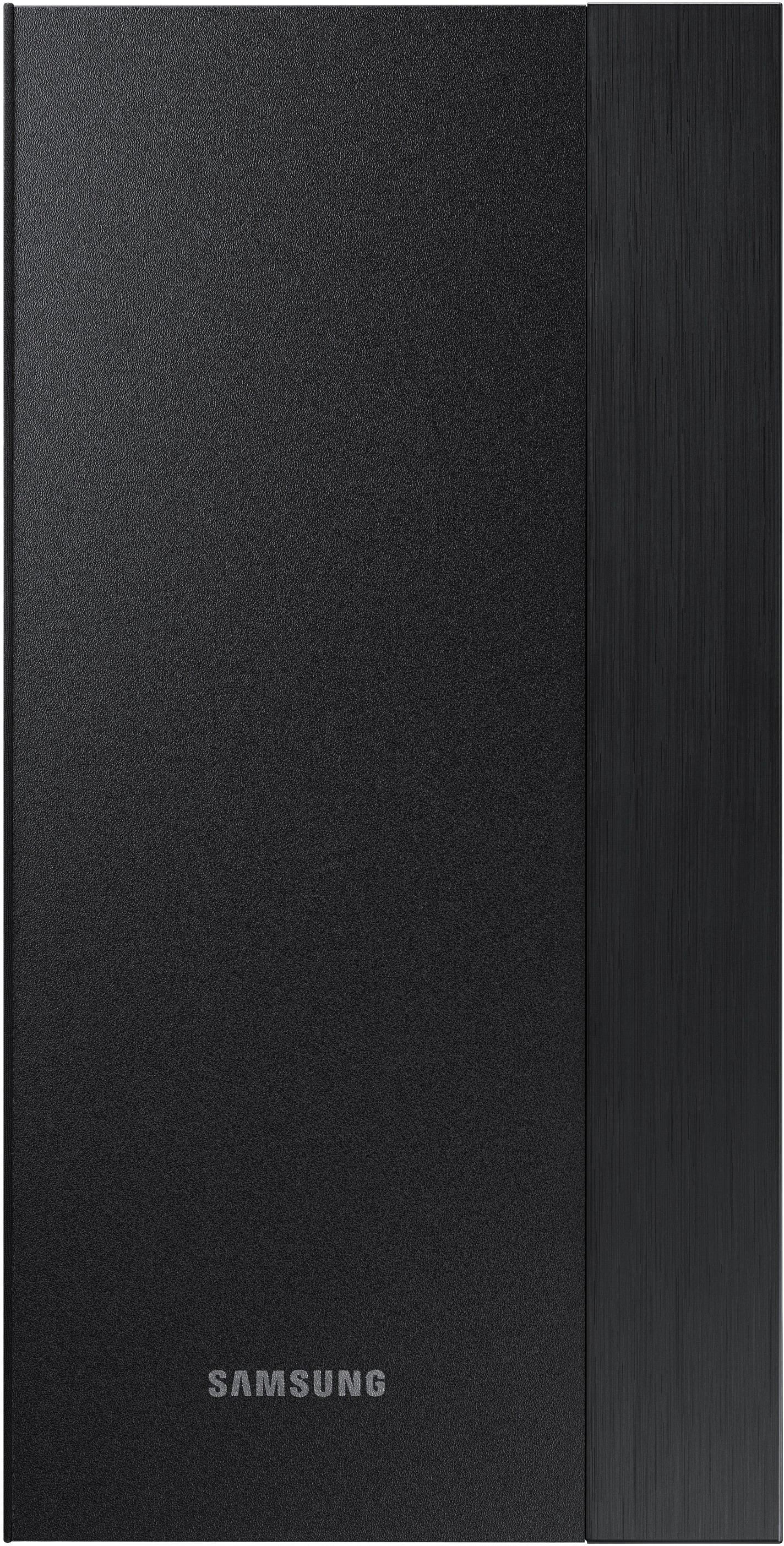
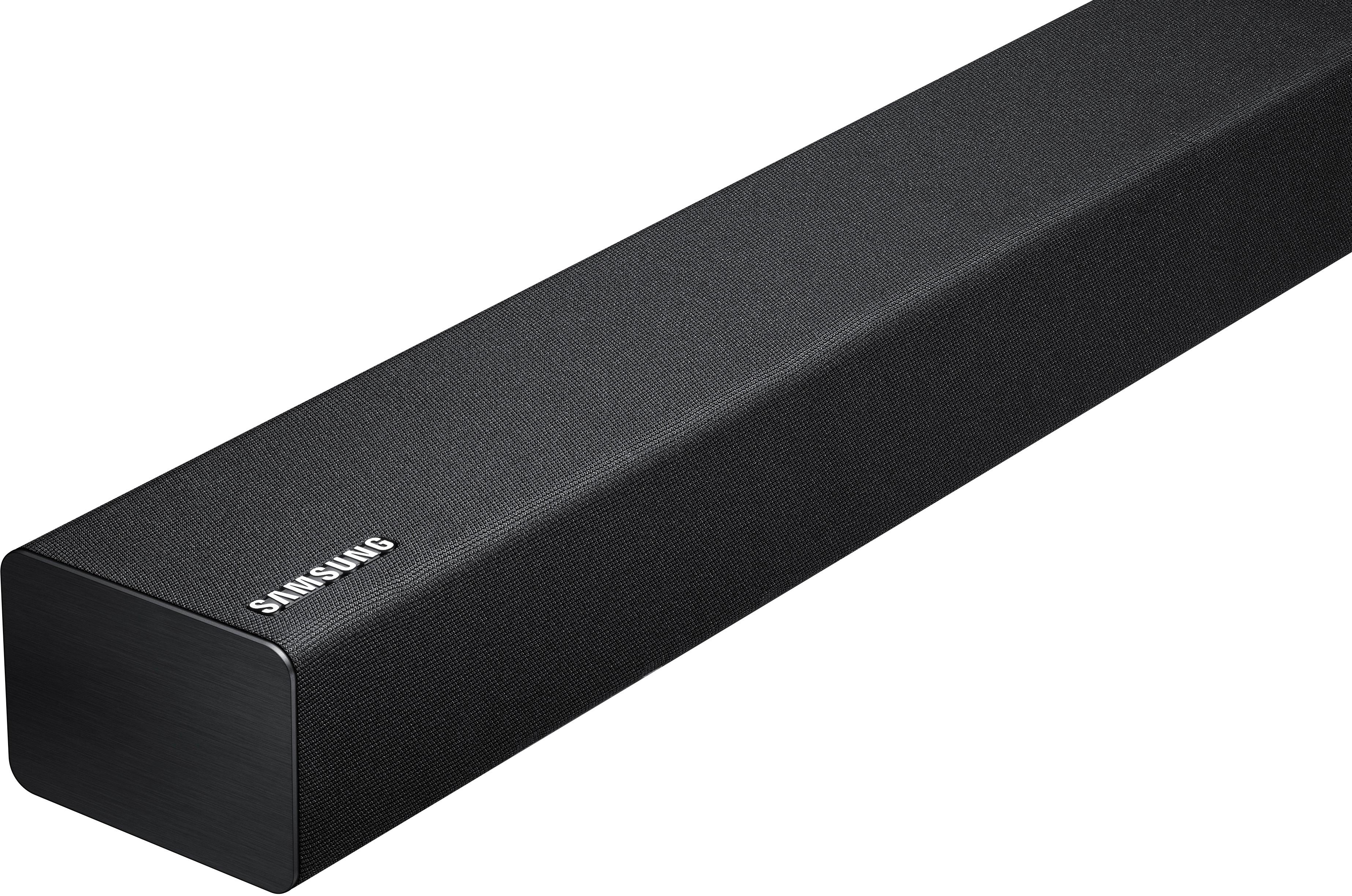
A:AnswerA soundbar, sound bar or media bar is a type of loudspeaker that projects audio from a wide enclosure. They are much wider than they are tall, partly for acoustical reasons, but also so that they can be mounted above or below a display device, e.g., above a computer monitor or under a television or home theater screen. Basically in a soundbar cabinet multiple speakers are placed which helps to create surround sound and/or stereo effect. A separate subwoofer is typically included with a soundbar.
A:AnswerRuss,
The sound bar uses either the included optical cable or wirelessly via Bluetooth. Wireless connection should work if it doesn't extend further than 32 feet. If you have a 2017 or newer Samsung TV you can use the remote from your TV to control the sound bar. I purchased the SWA-8500S wireless rear speakers and it really added another dimension of sound to the sound bar and subwoofer. The sound bar by itself is amazing and leaves the TV speakers in the dust.
A:AnswerIt's unclear from your question whether you have tried this procedure, so if you have already, you might need to contact Samsung for support or a warranty issue. I did not have to do this procedure when setting up the sound bar. But it is well documented.
According to the manual, if the light turns red, the subwoofer may need to be reconnected to the man sound bar via a manual procedure. See pages 6 and 7 of the printed manual. If you don't have your printed manual, you can download it near the bottom of the following web page:
https://www.samsung.com/us/televisions-home-theater/home-theater/sound-bars/200w-2-1-ch-soundbar-w--wireless-subwoofer-hw-m360-za/#support
I will summarize the procedure now, in case you want to try it without reading the manual. But the manual has pictures, so it may be more helpful to read the manual than to read my description.
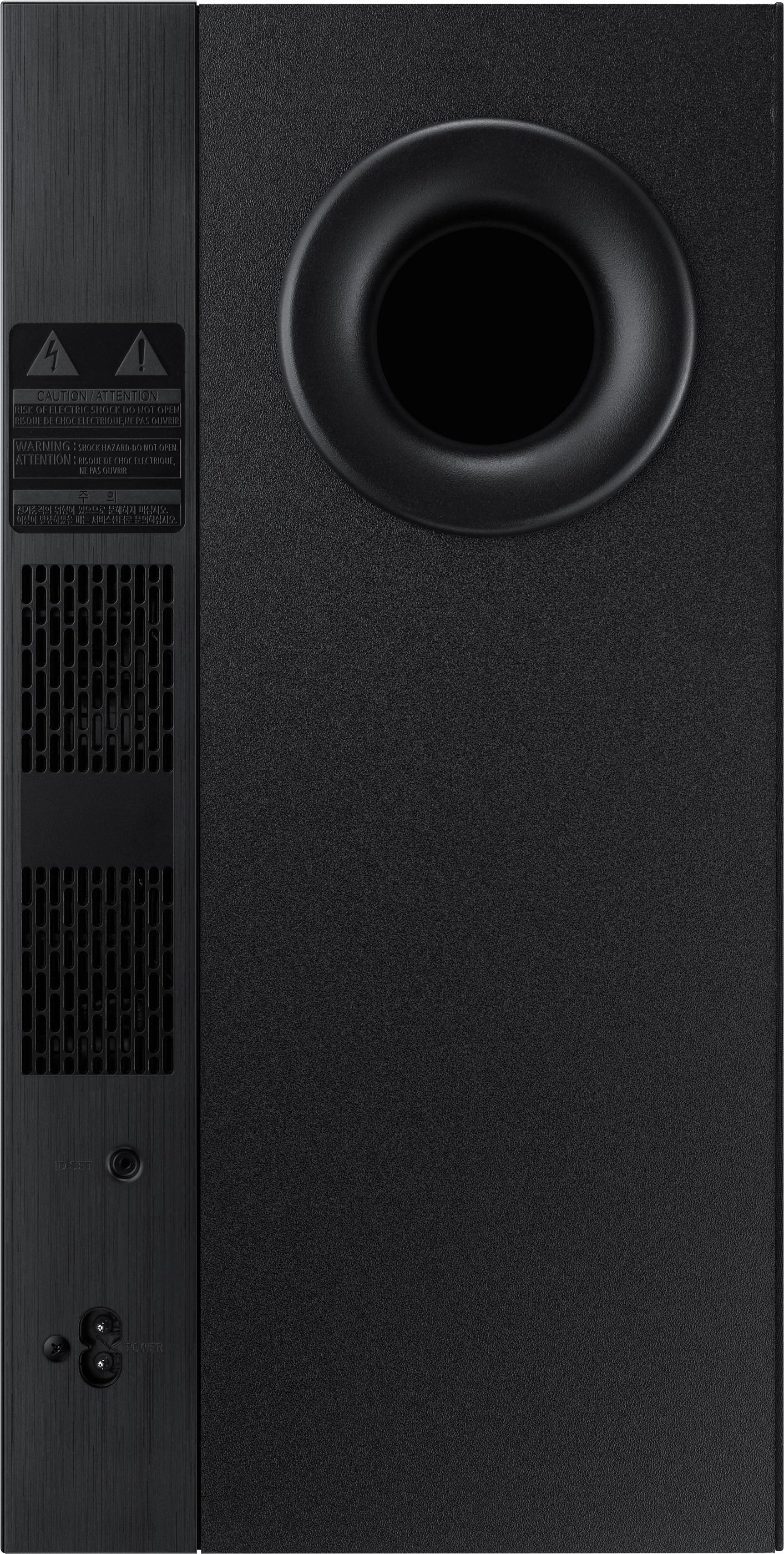
There is a pin-hole switch on the bottom rear of the subwoofer labeled "ID SET", which you can press and hold for at least 5 seconds with a pencil, paperclip, or other sharp object. This should cause the light on the subwoofer to turn from red to blinking blue. This puts it in pairing mode.
From there, you get the sound bar's remote, turn the sound bar off (power off), and then press and hold the VOL button on the remote for at least 5 seconds until you see "ID SET" briefly appear on the sound bar display. This should be accompanied by an additional blinking of the subwoofer light. The manual is not clear whether this is different from, or the same as, the fact that the subwoofer should already be blinking blue in ID SET mode. In any case, now turn on the power to the sound bar by pressing the power switch, and the subwoofer's light should turn to solid blue, and be connected/paired with the sound bar.
If this doesn't work after trying it multiple times and trying to follow either my paraphrase of the directions, or the instructions directly from the manual, I would suggest contacting Samsung for support.
A:AnswerI am not sure what type of audio connections the Sharp TV has available. I do know that if there is a connection for headphones which is called a mini plug, there is the same type of connection on this sound bar.
A:AnswerI’m honestly not sure. My soundbar is connected to my tv as well but I never have to reconnect it unless I changed it to my phone. Usually once I turn the speakers and the tv on, it automatically works together if it was the last thing I connected to it. But mine is not connected via Bluetooth, it’s through the cord. Maybe that’s why.
A:AnswerFrom my experience with the sound bar -6 is the lowest volume for the sub and -12 is pretty much the sub is off. The volume for the sub goes up to +6. I normally keep it at +1 and it sounds good.
A:AnswerThe bar has 3 connections optic, jack and USB if the woofer has any of these I dont see why not, but anything bigger than a six inch I dont think its worth hooking up.