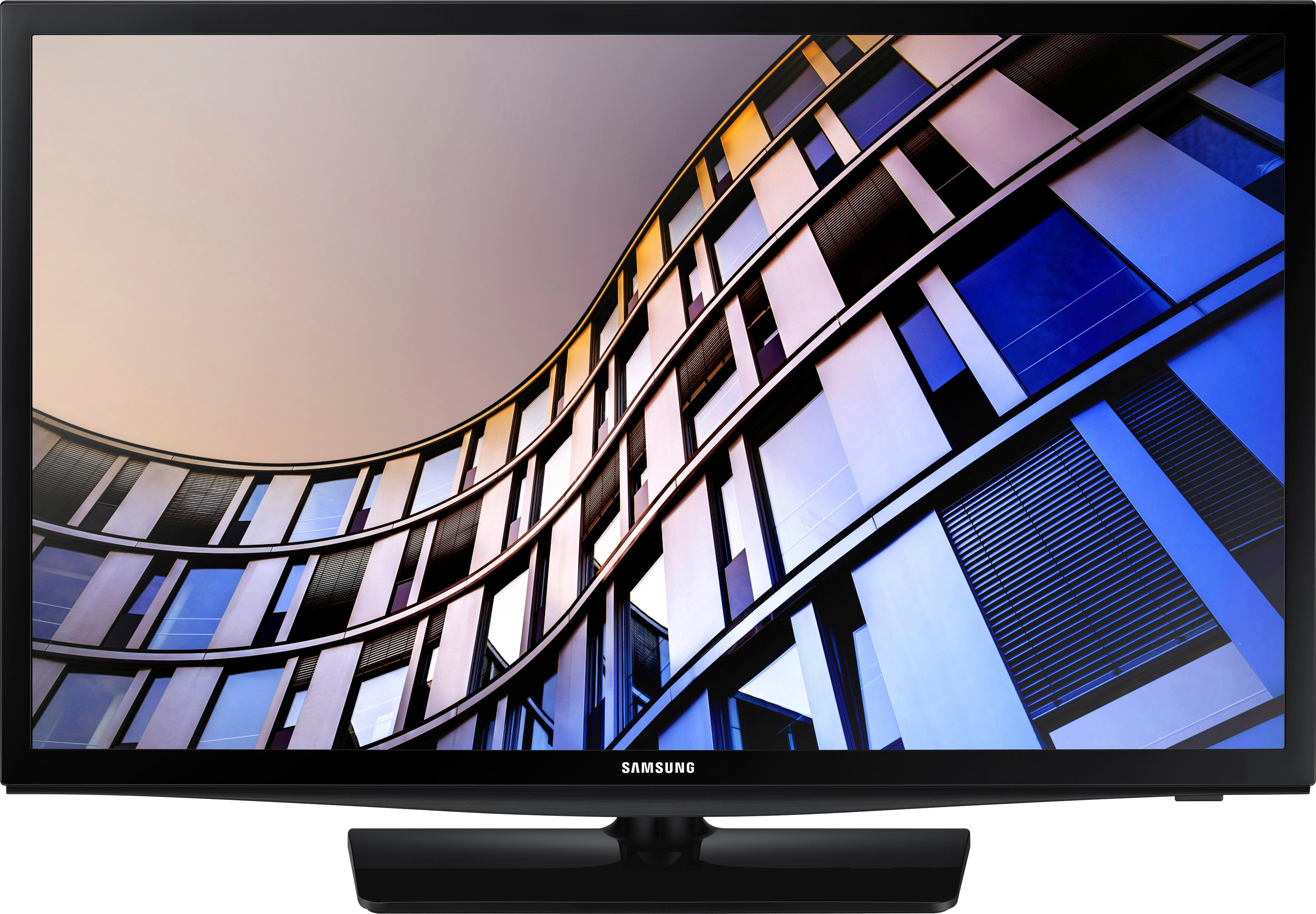
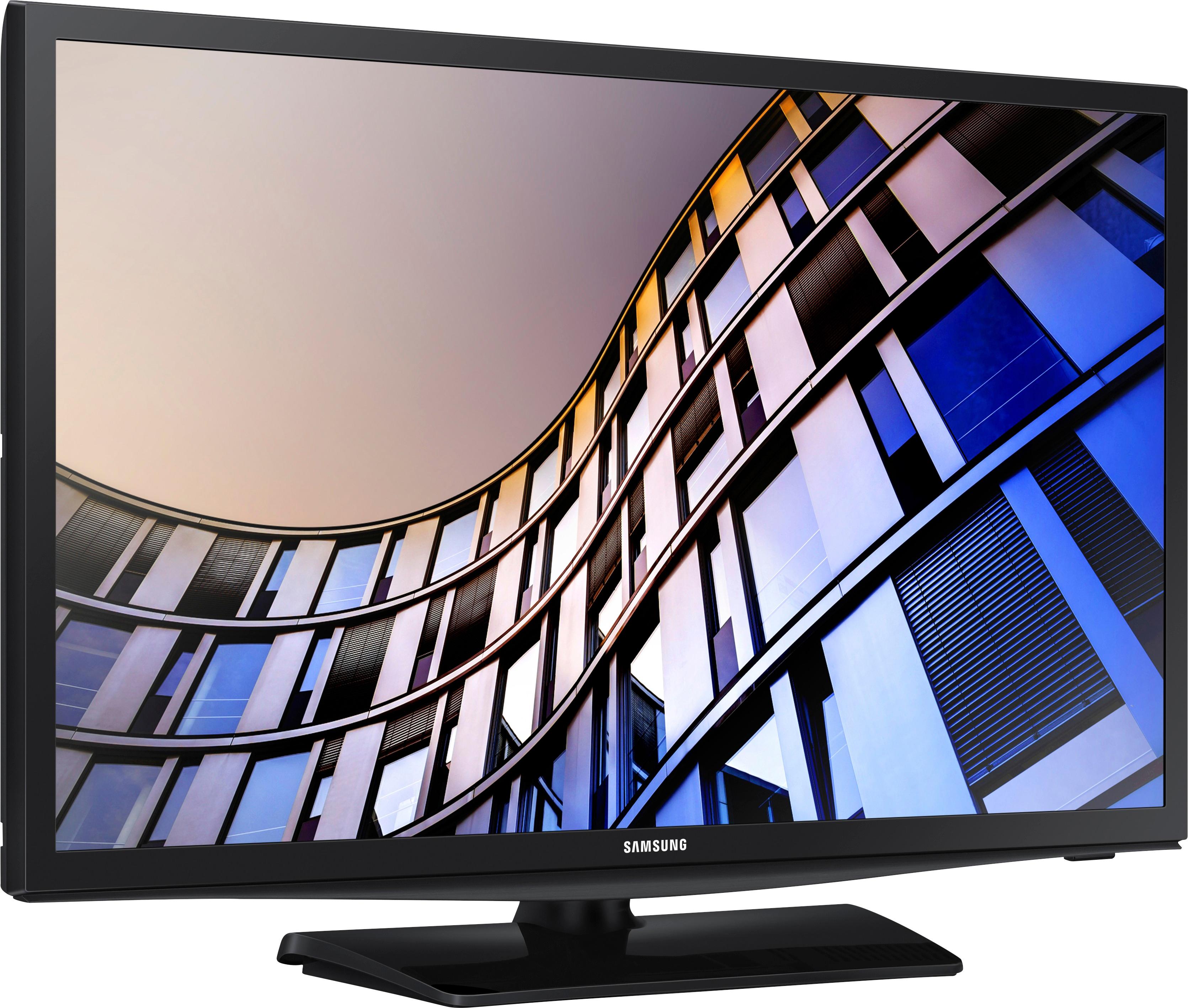
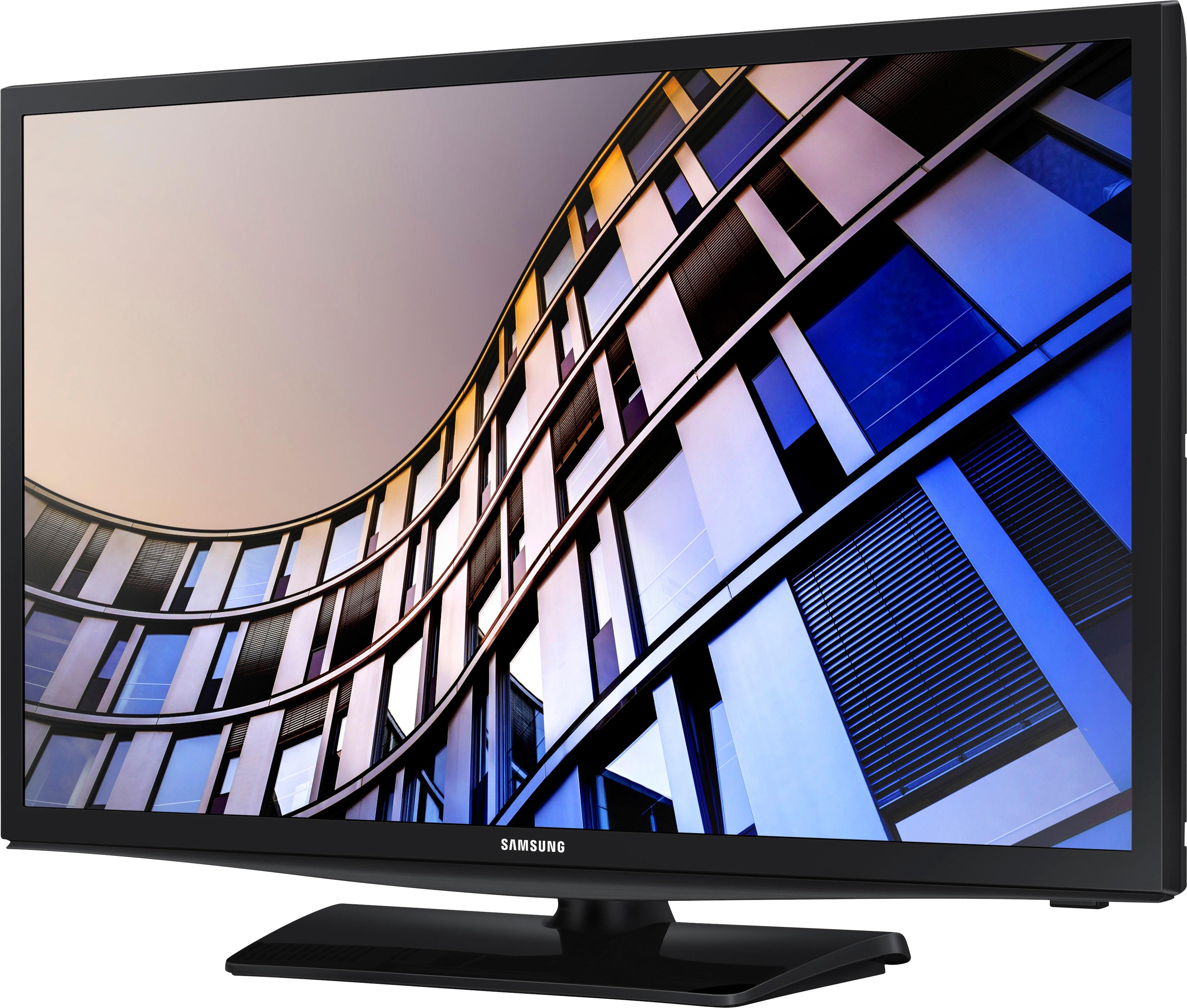
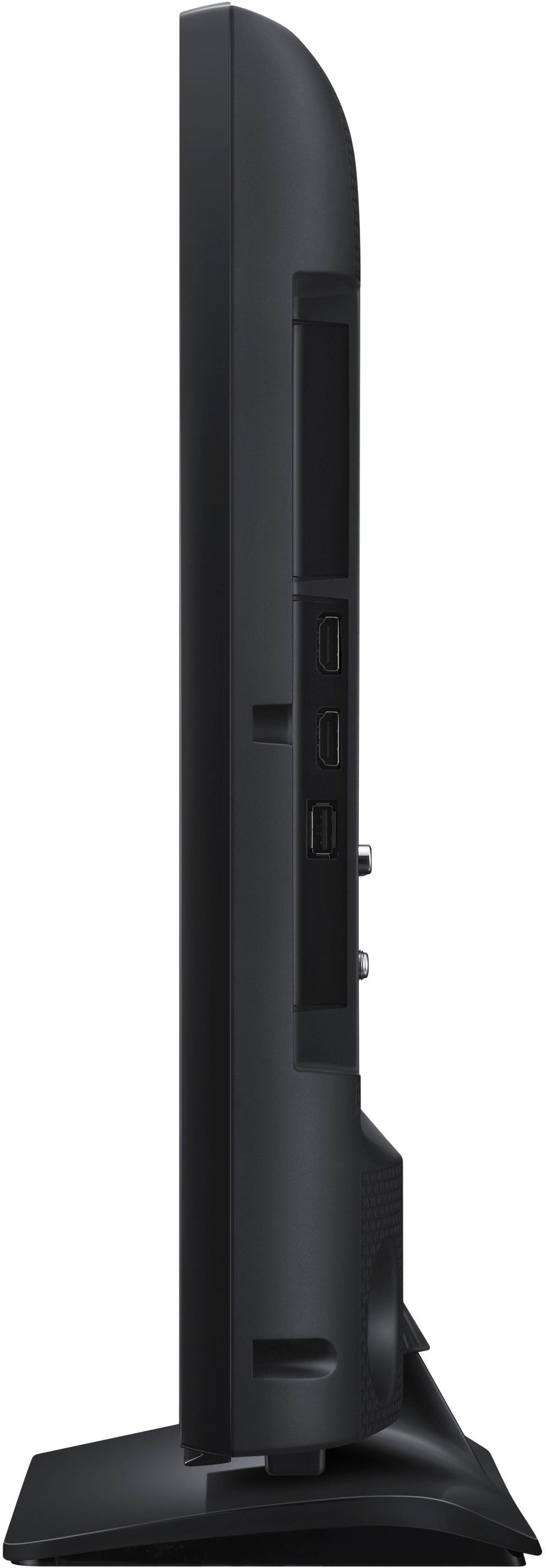
A:AnswerI would llike to inform you all that the only bluetooth that this tv has is for cell sharing. There is NO Bluetooth on this item for headphones. This info is from Samsung corporate and their live chat. Mr. Samsung needs to get his information correct. He is not a Samsung rep. I am sorry for all the people who bought this tv based on what he told you. There is also no option for Bluetooth on the audio screen or menu. Again people if you have issues with a tv call the company directly. Thank you, Jarrod.
A:AnswerHello Bopper, this unit does have smart capabilities, I have attached a link below to available smart TV applications.
http://www.samsung.com/us/appstore?redir=apps
^Britt
A:AnswerBean, Please feel free to include the model code and serial numbers of your device in the Support Form: http://smsn.us/SamsungSupportUSA and we will respond accordingly. ^Heath
A:AnswerHello, the product weight without the stand is 8.8 lbs., product weight with the stand is 9.3 lbs., and the shipping weight of the unit is 11.9 lbs. ^Britt
A:AnswerSounds like you got a real lemon. When electronics go bad they either do it right away or have a reasonable life. I think the sound is great on this model but it doesn't have Bluetooth, so it's WiFi, HDMI, Optical or RCA. I guess everything but Bluetooth. LOL
A:AnswerI use the USB port to play MP4's encoded for use in my iPad. I save my MP4' as 768x576, 24 frames/sec, I use 64Gb sticks formatted as FAT32. (as that was the format that my last TV required. I haven't yet tried any other size or formats for the USB stick. Hope this helps. Also, the built-in WiFi can stream this format from my personal cloud on my home network with ease.
A:AnswerApril 2018, I am using the Spectrum app on this model TV and it works great. The interface looks and operates just like the Roku app, if you've ever seen it. The only issue I had was the Samsung app store didn't offer Spectrum app while I was setting up the TV. Later I used Search to find it and then it installed smoothly. Works great, and is less cluttered than the Roku version since this Samsung one apparently only offers the highest resolution suitable for the TV and skips the low-res options, which the Roku doesn't do. The Smart Hub is brisk, and it allows you to rearrange tiles to put favorite apps first. There is also a setting in the menus that makes the tv boot up and use the last app used, instead of show ya the hub and make ya pick an app every time. Very pleased with this model's performance and features.