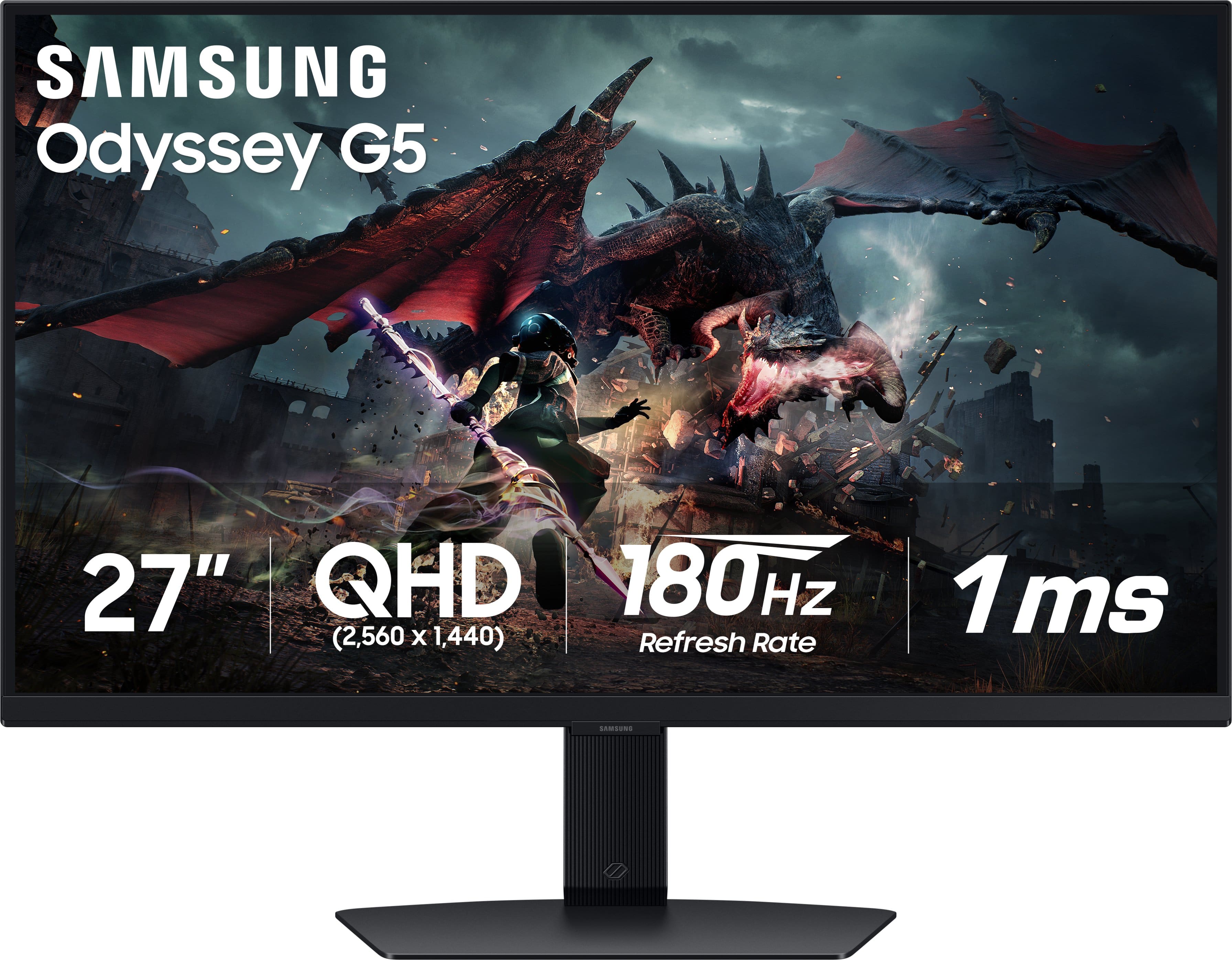
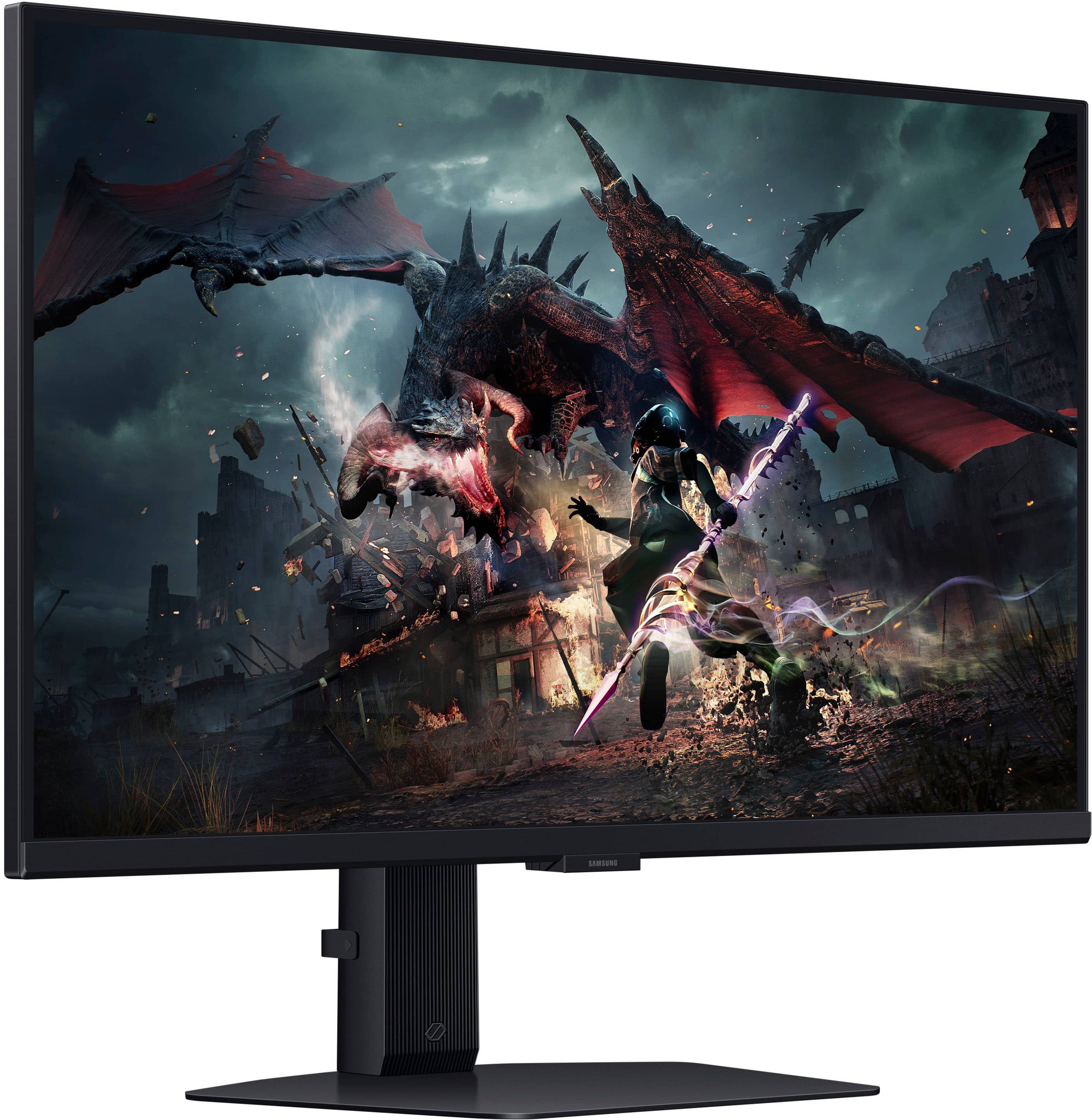
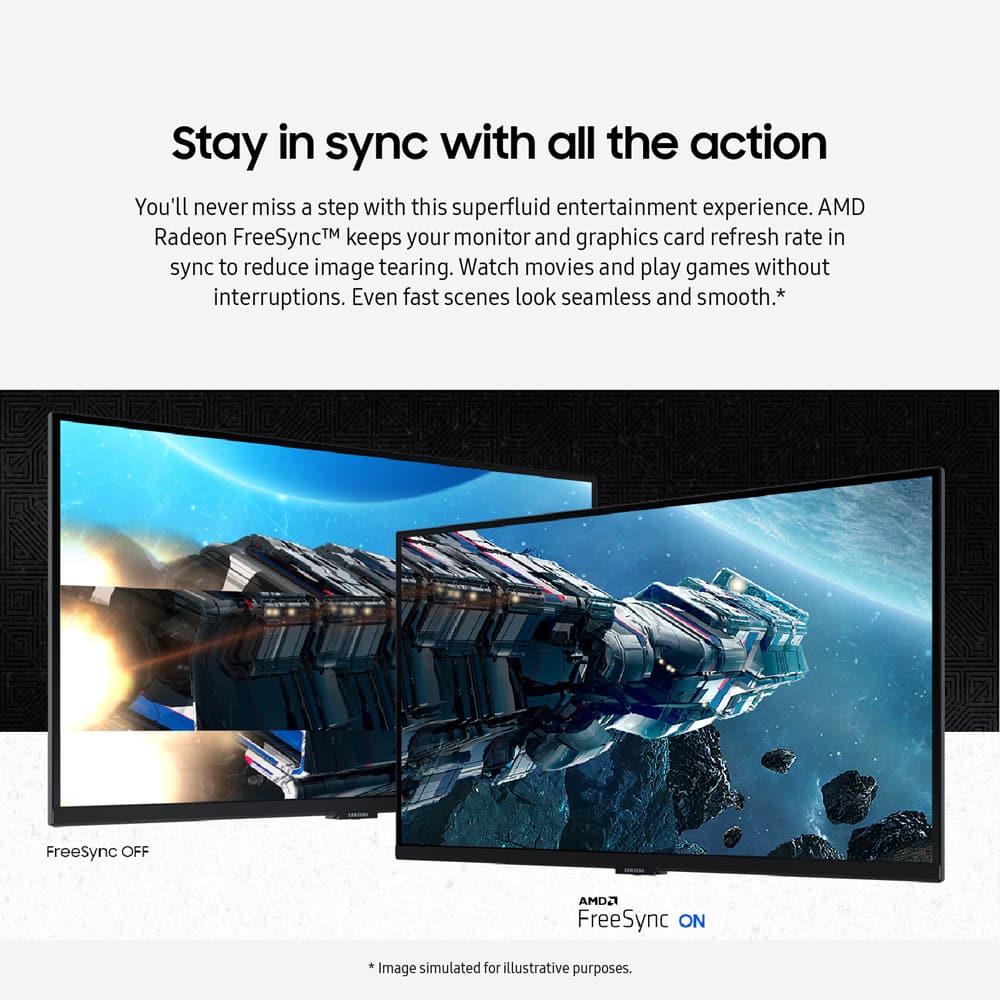
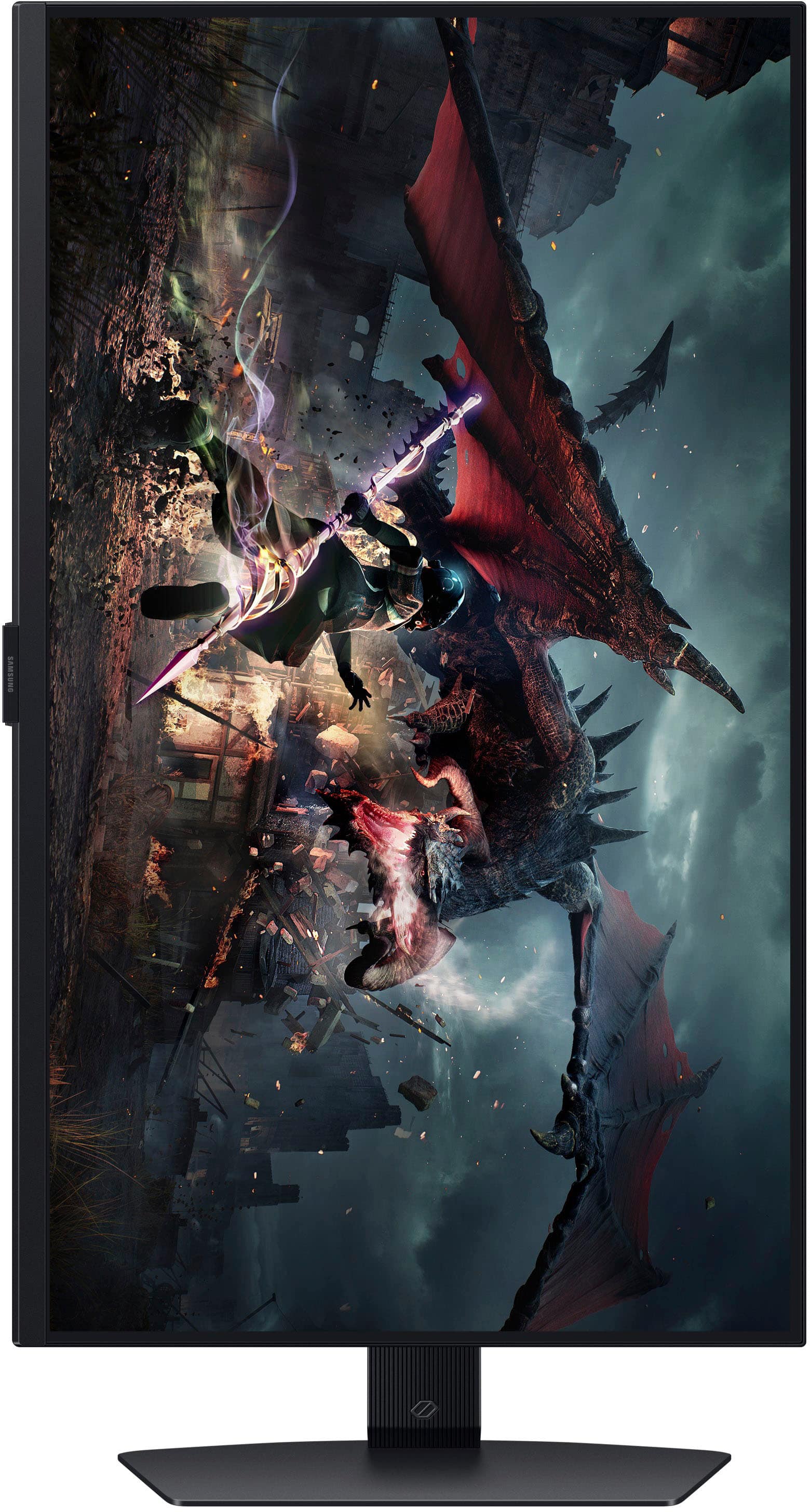
A:AnswerThe monitor will display the fax FPS which is 180 providing your PC can run well enough. It’s more if your PC can run at 180 than if the monitor can.
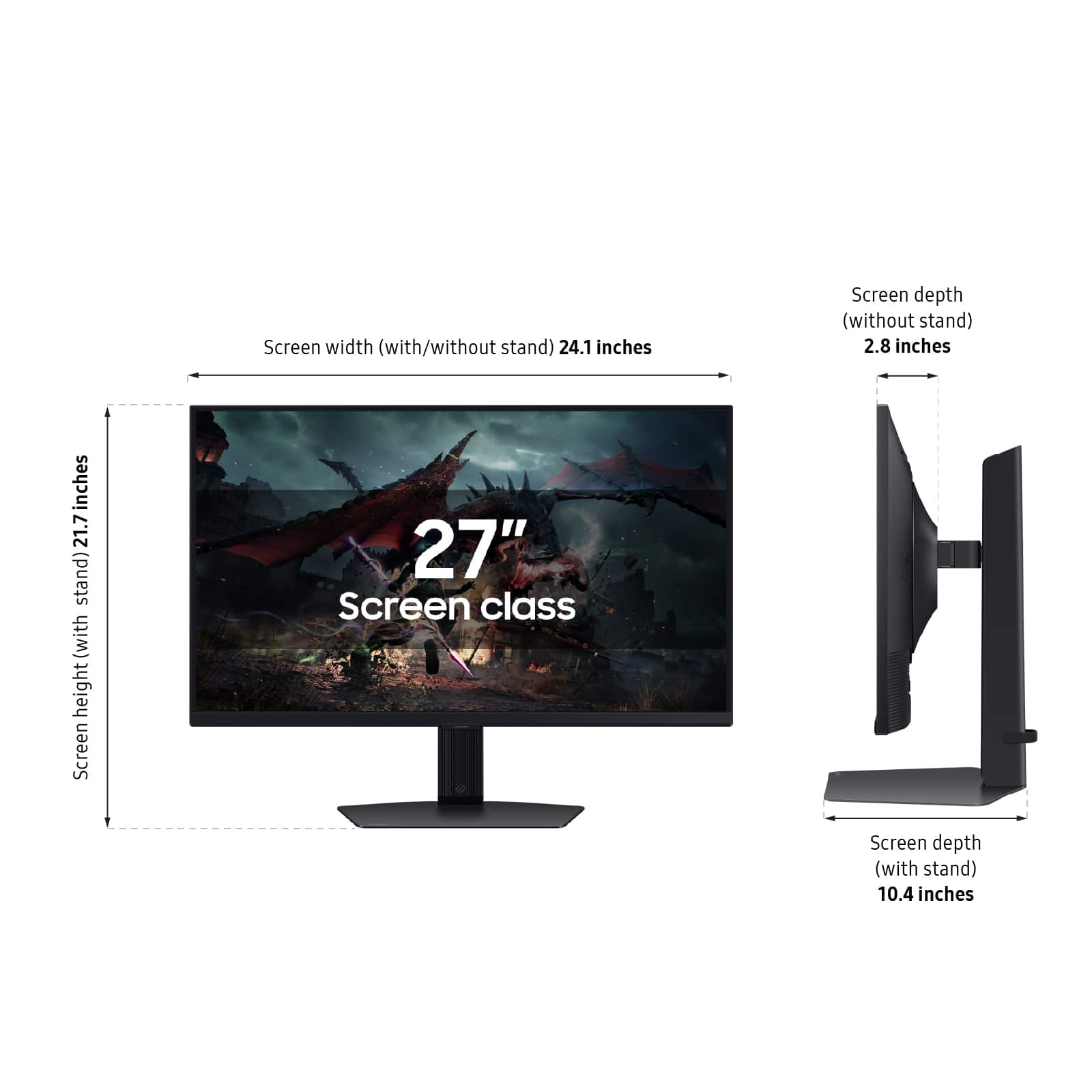
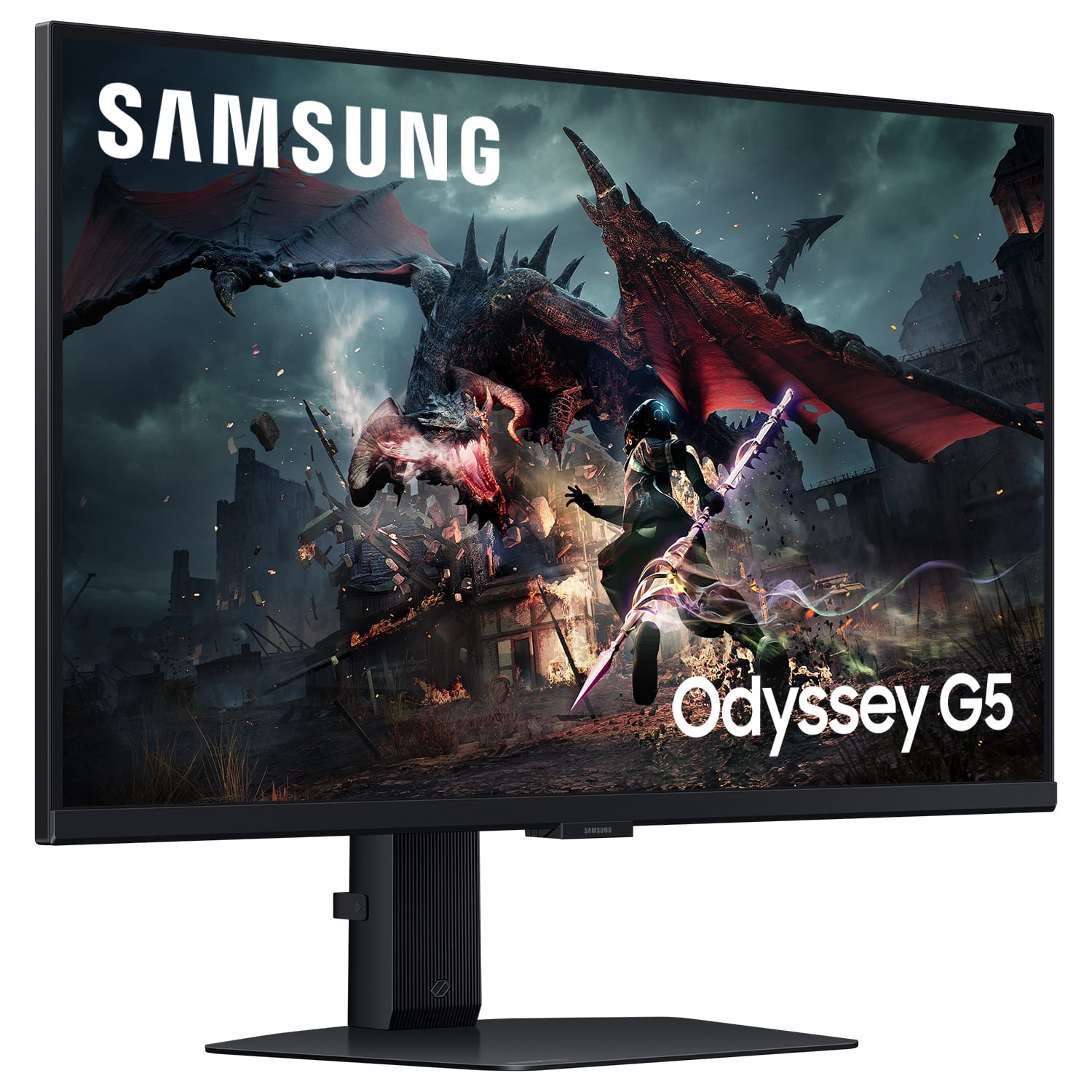
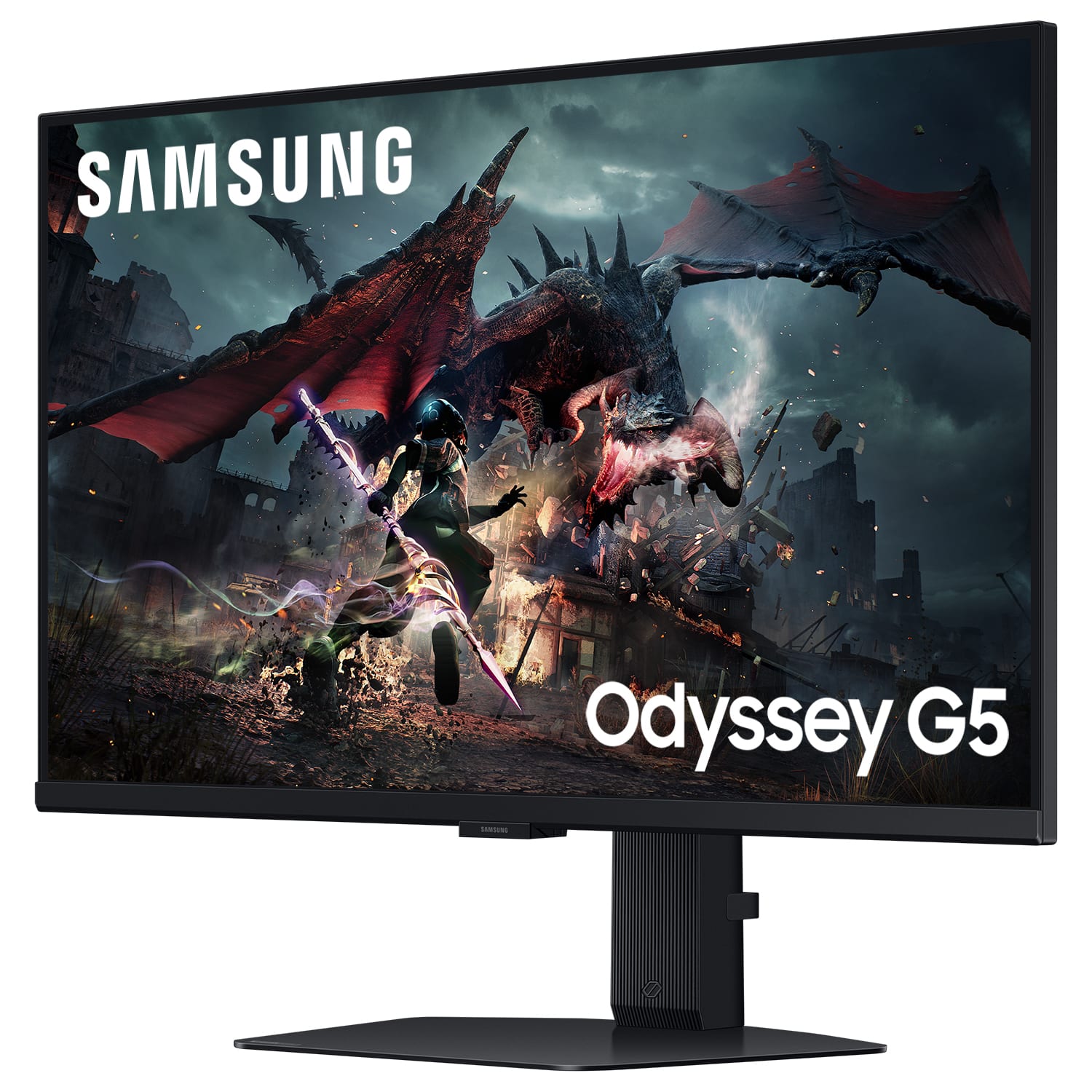
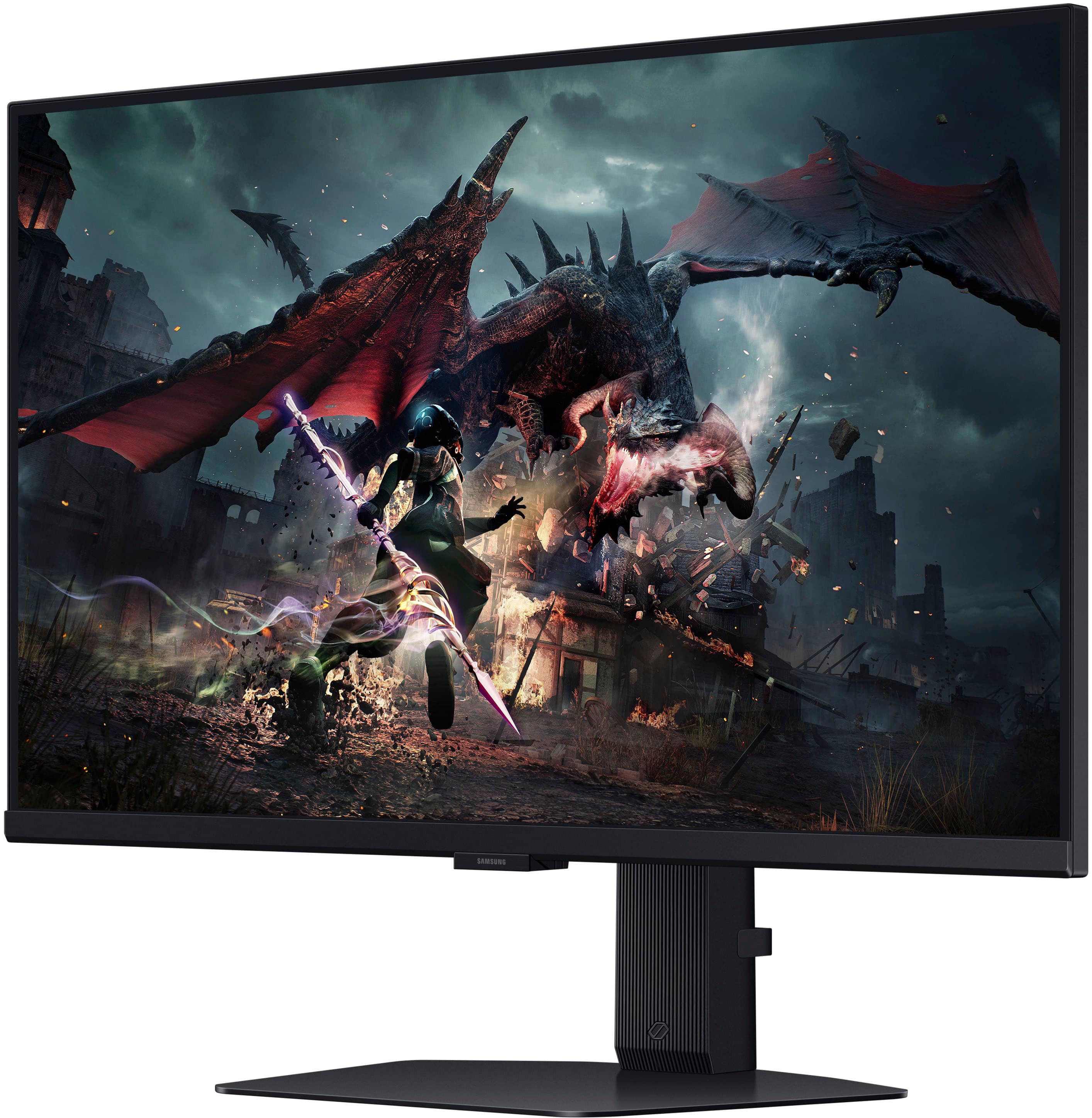
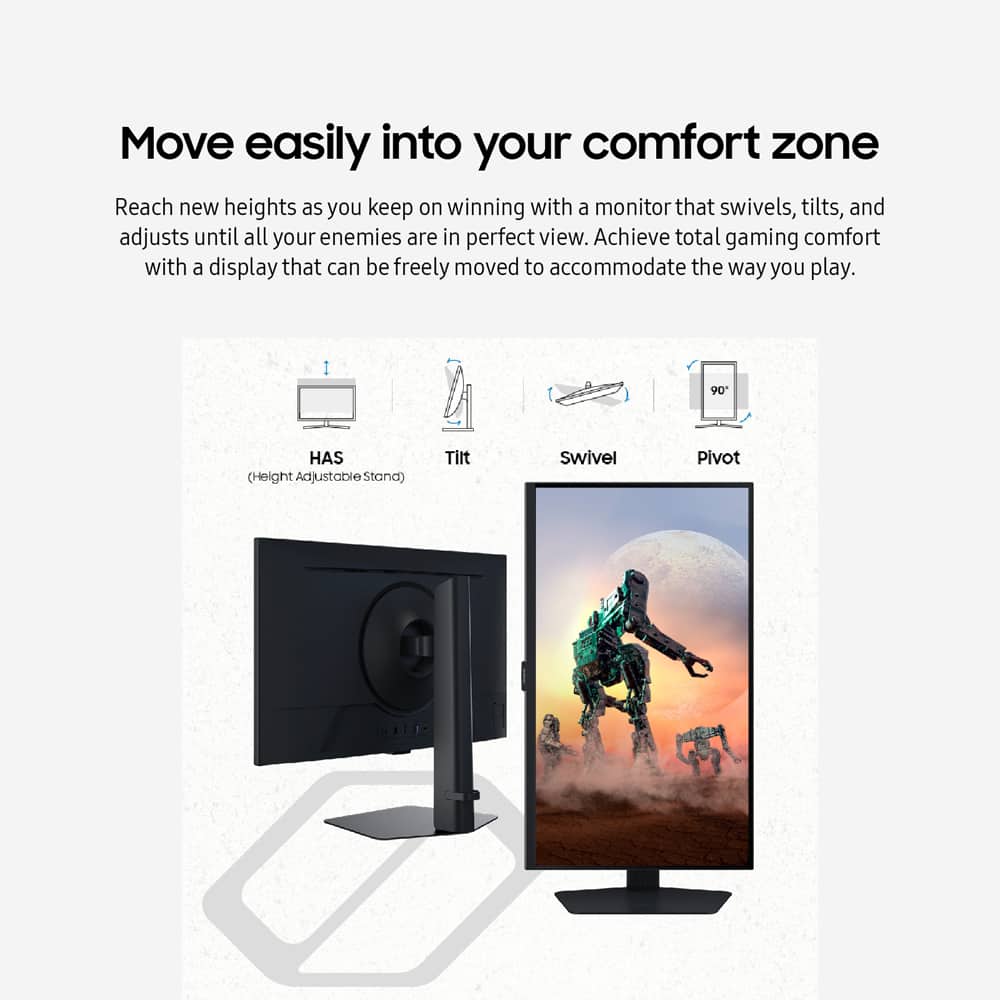
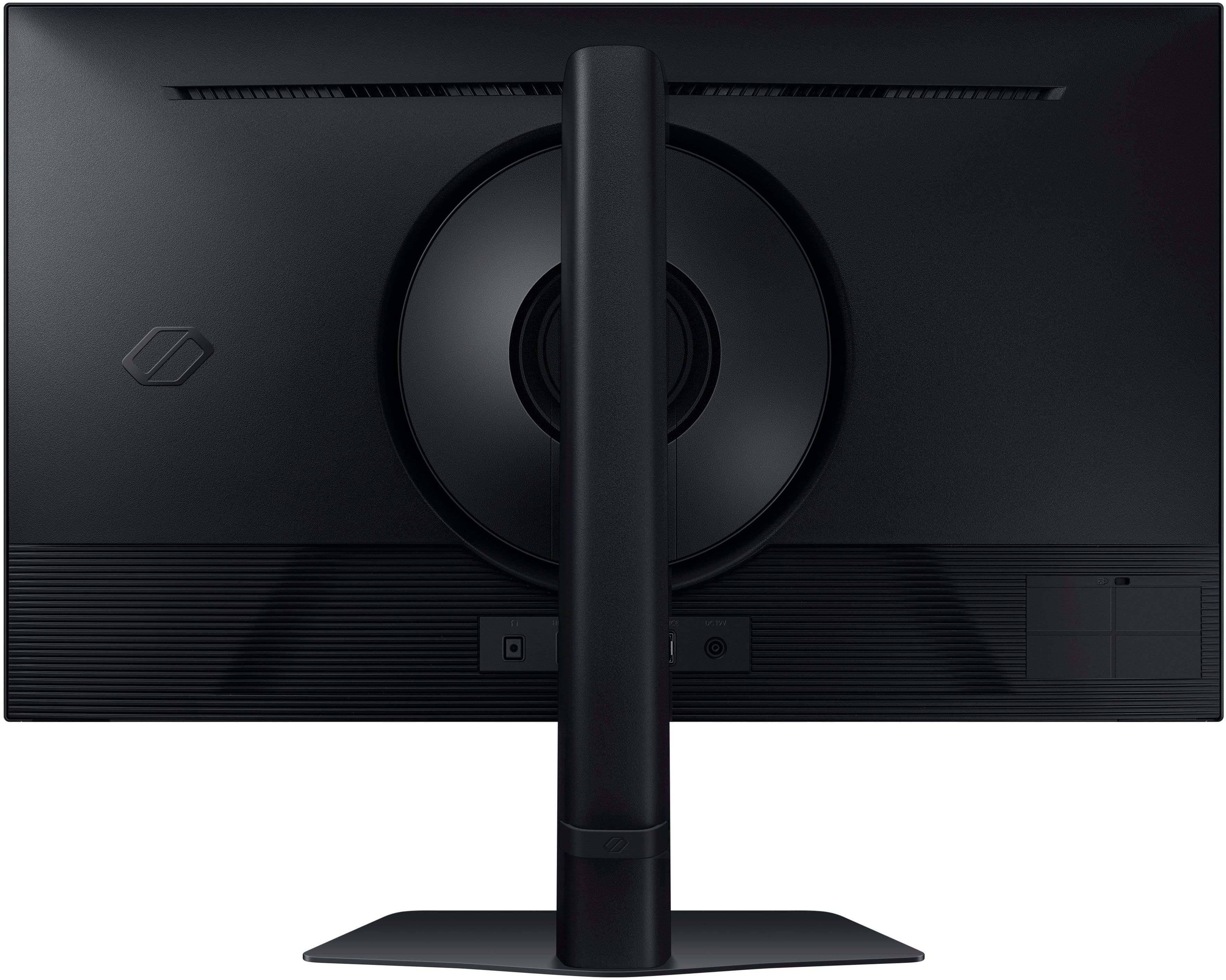
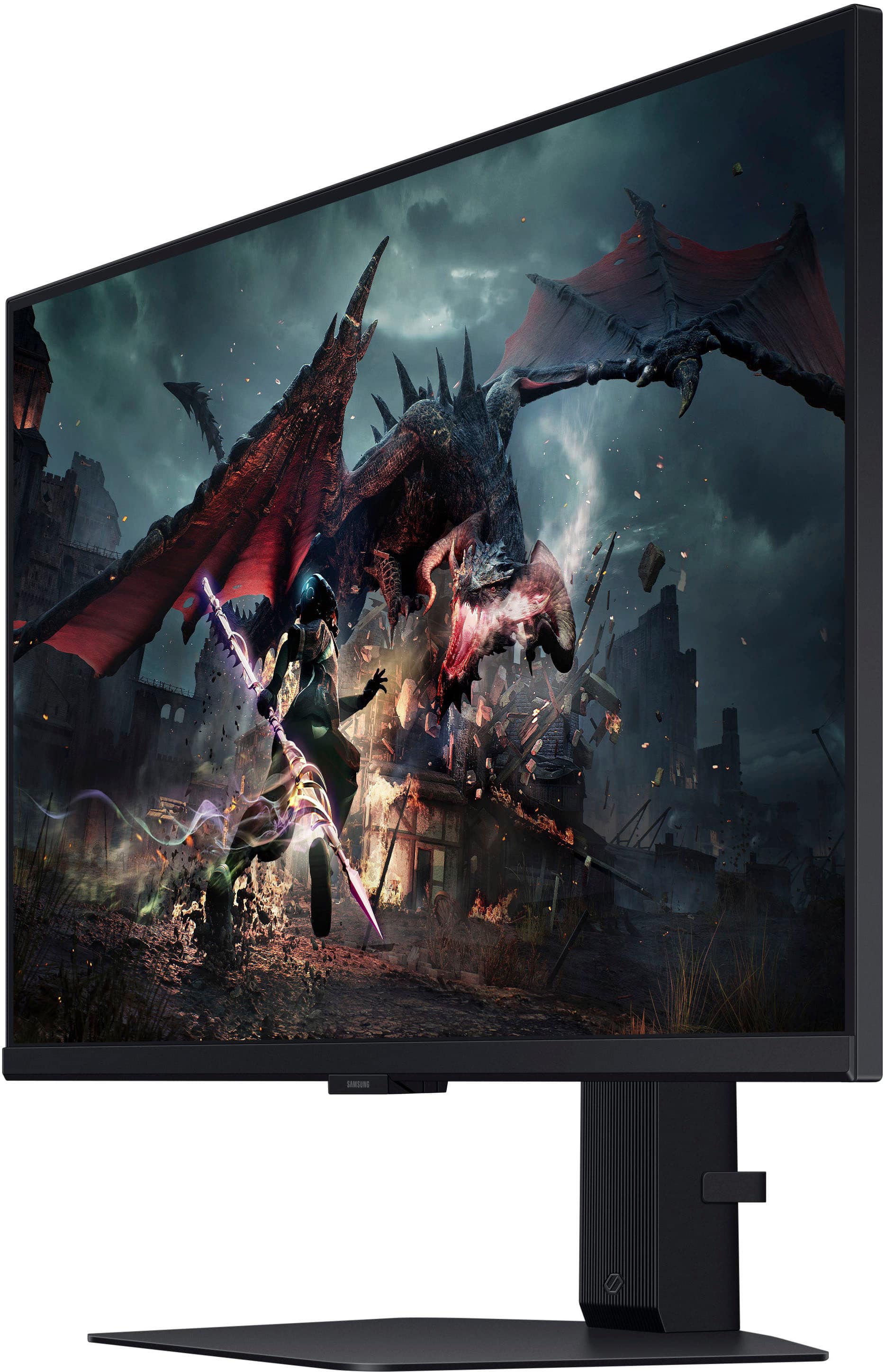
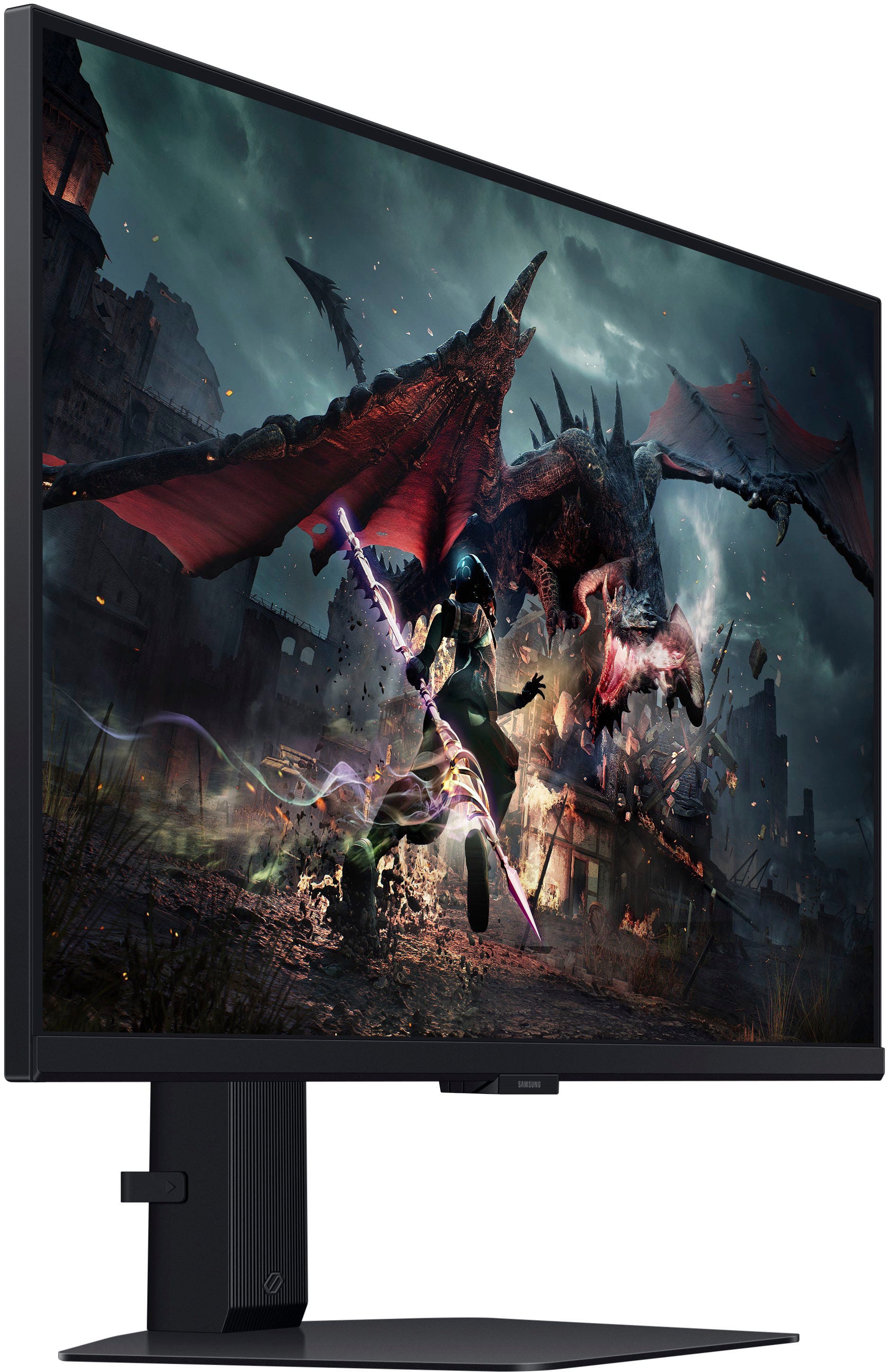
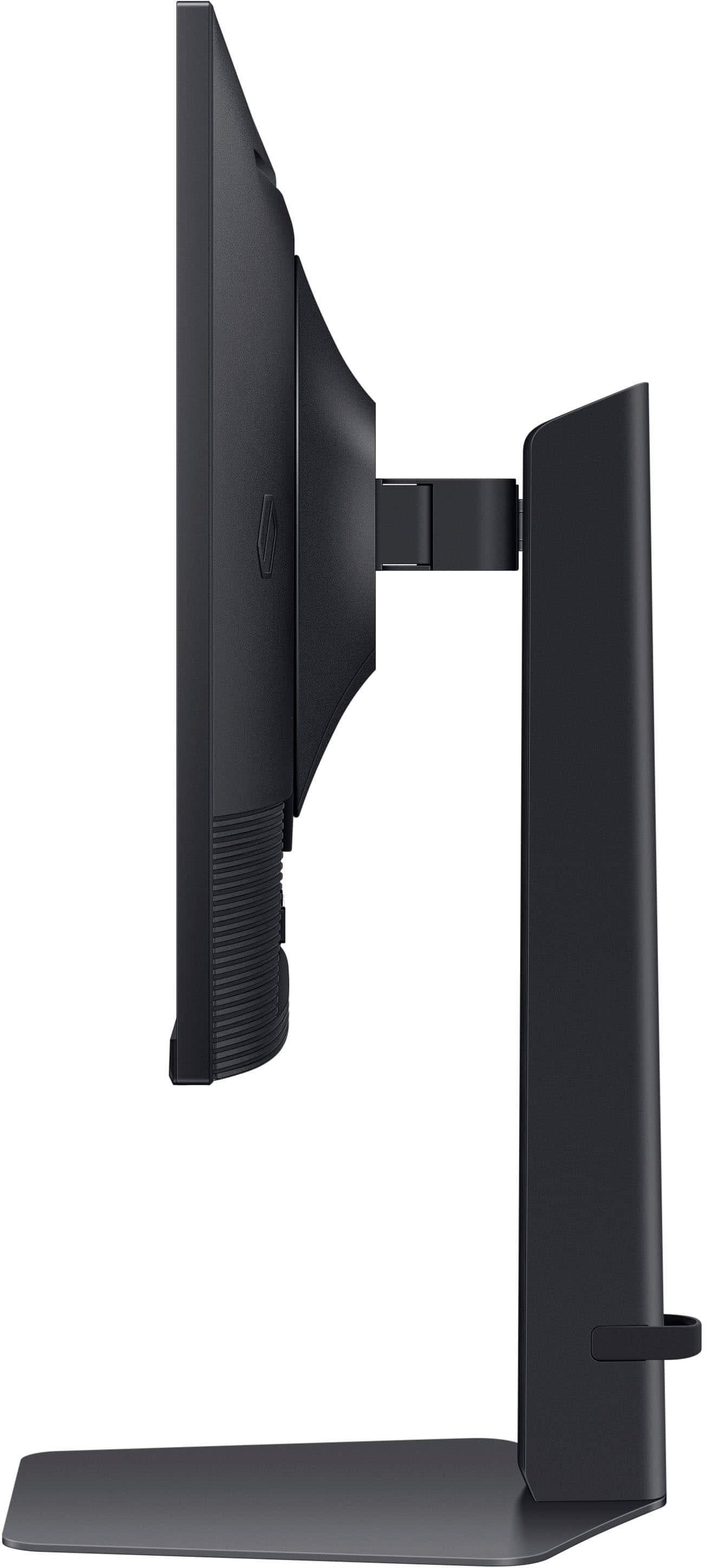
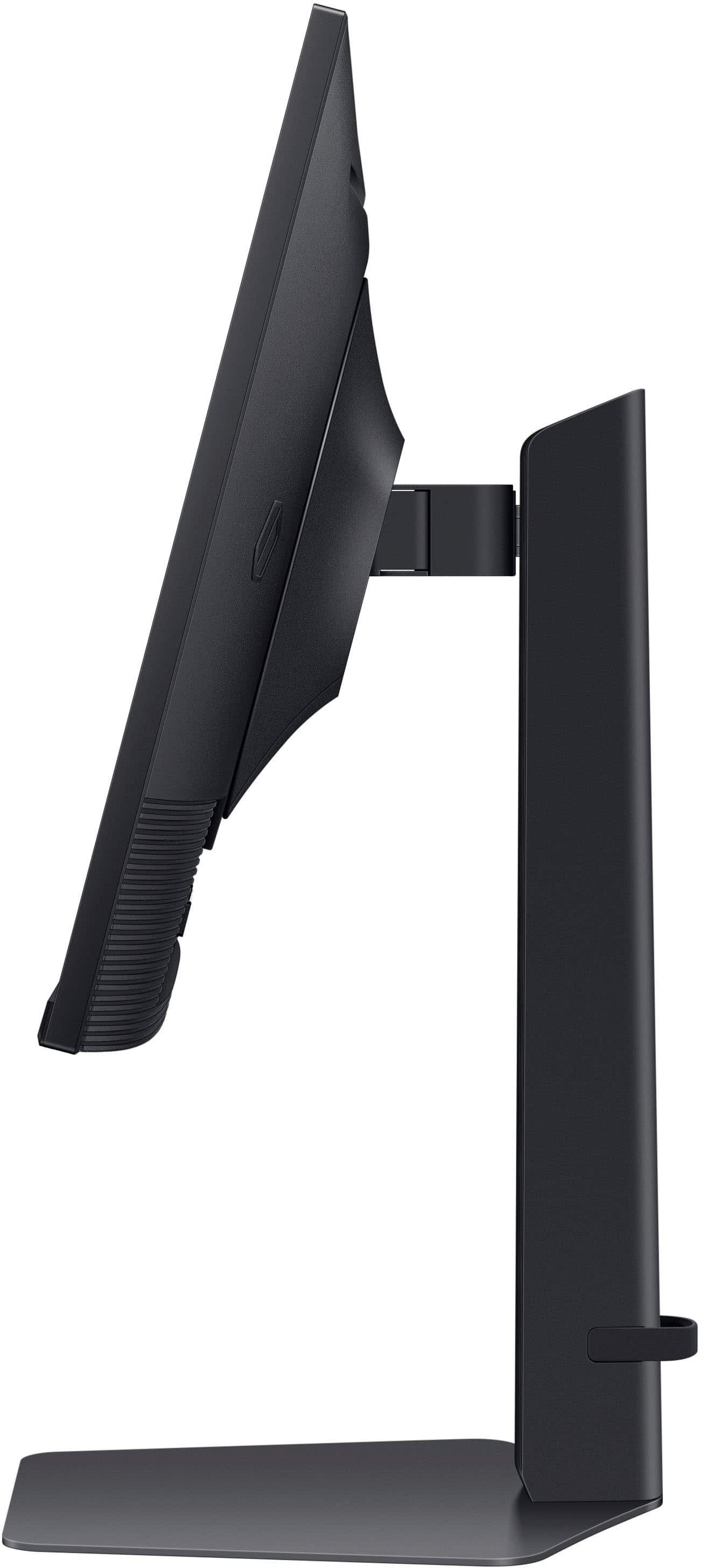
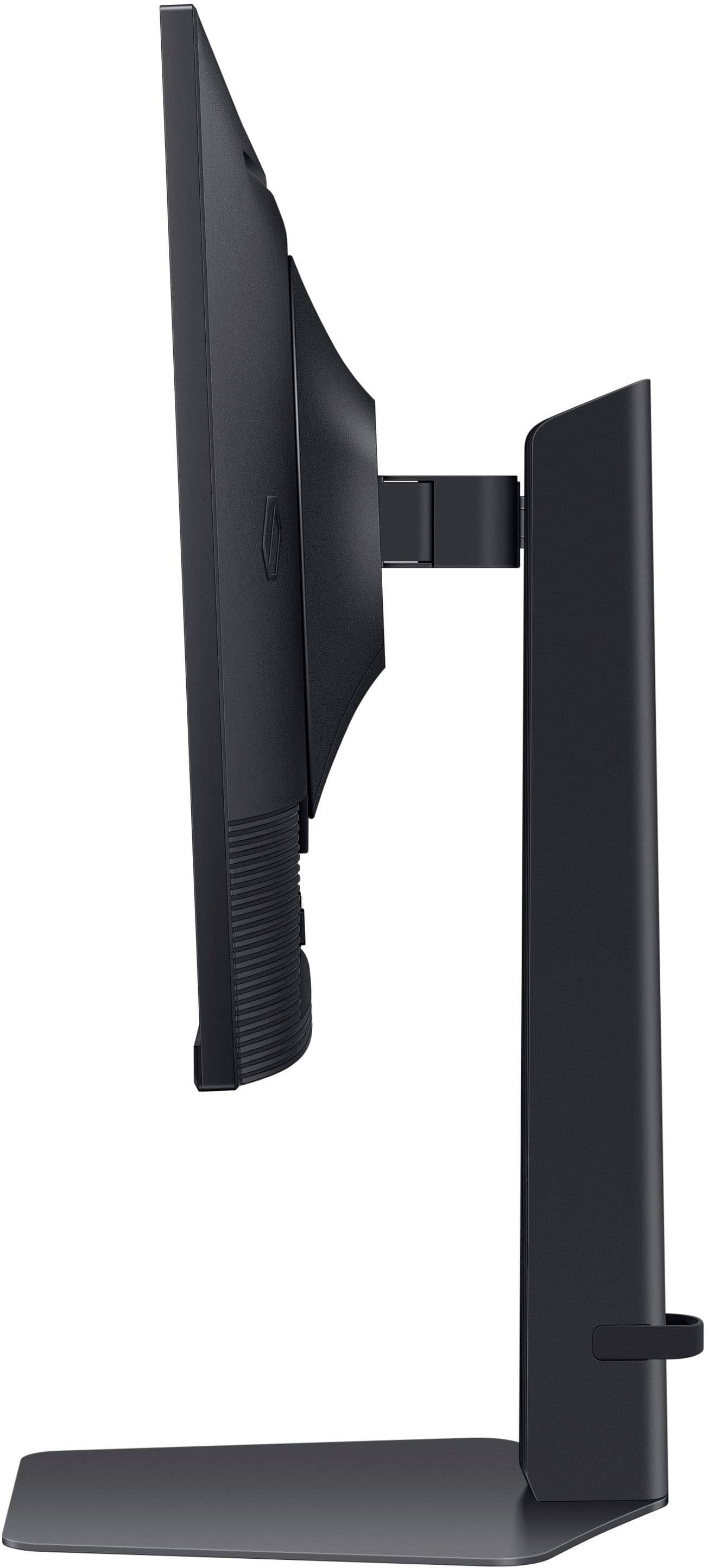
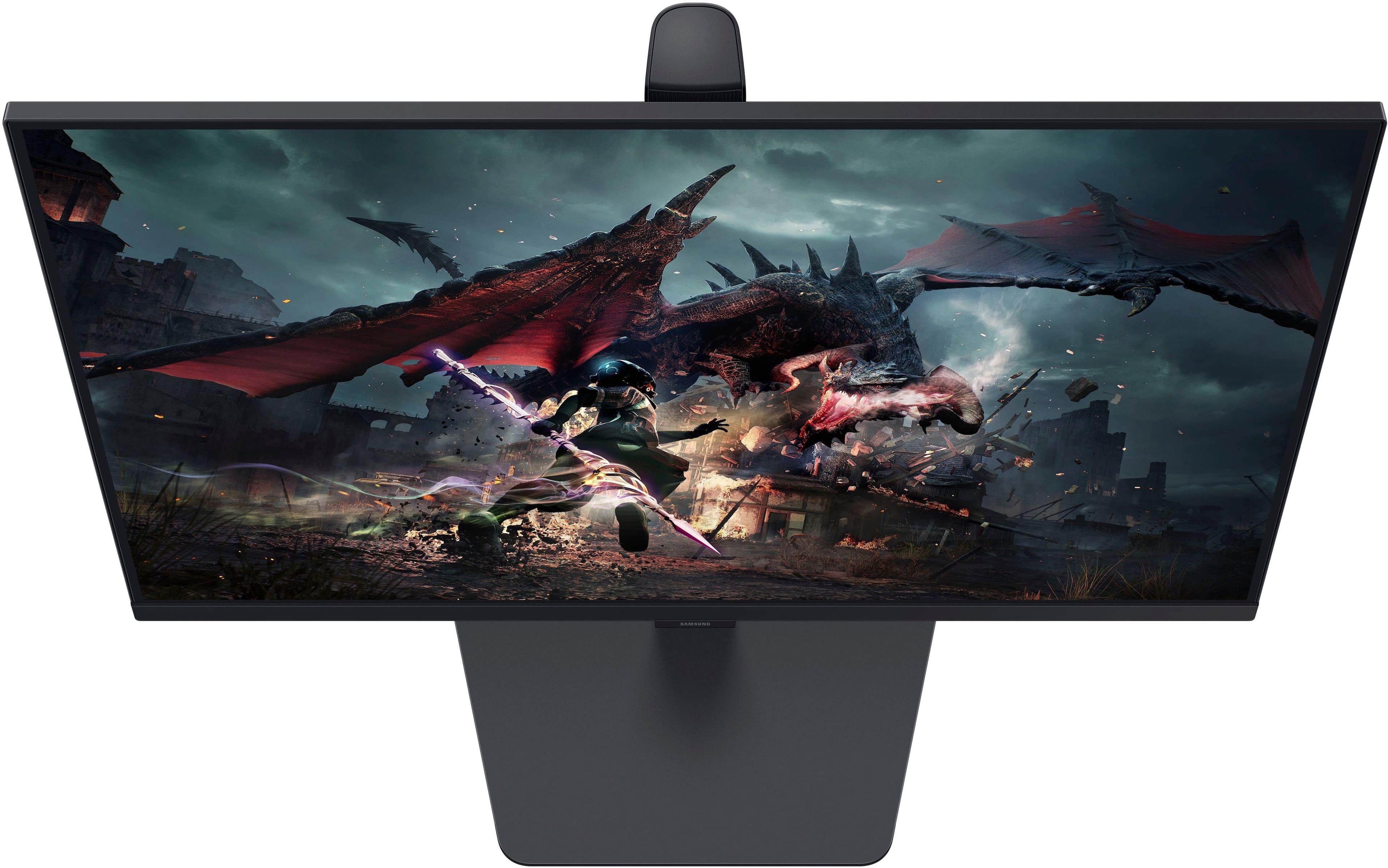
A:AnswerWith the standard mount the monitor can easily be raised by pushing up gently on the bottom of the monitor and lowered by gently pushing down on the top of the monitor. Don't push on the screen itself,
This is also covered in the pictures in the Installation Guide and the User Guide.
A:AnswerYou can tilt the monitor by grasping the top and bottom of the monitor frame and applying gentle pressure to tilt the monitor.
Here are some images from the downloadable User Guide that should be helpful.