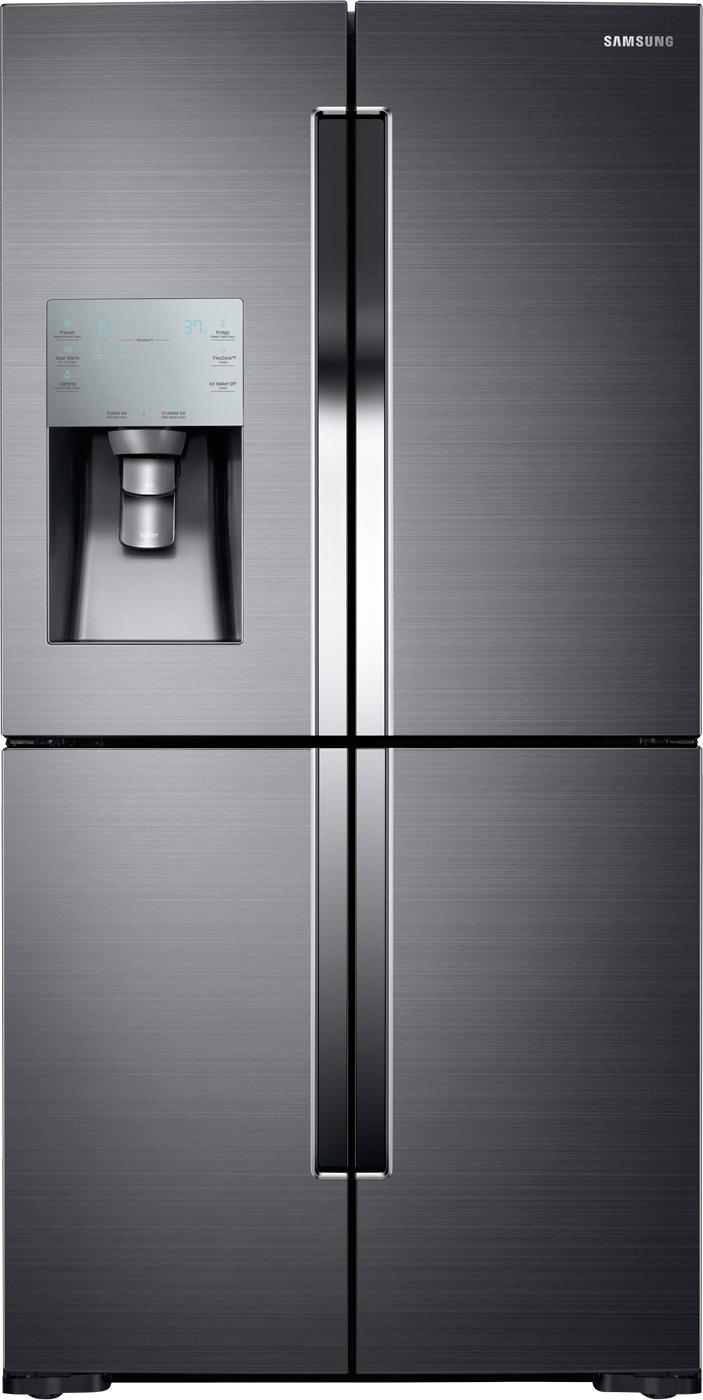
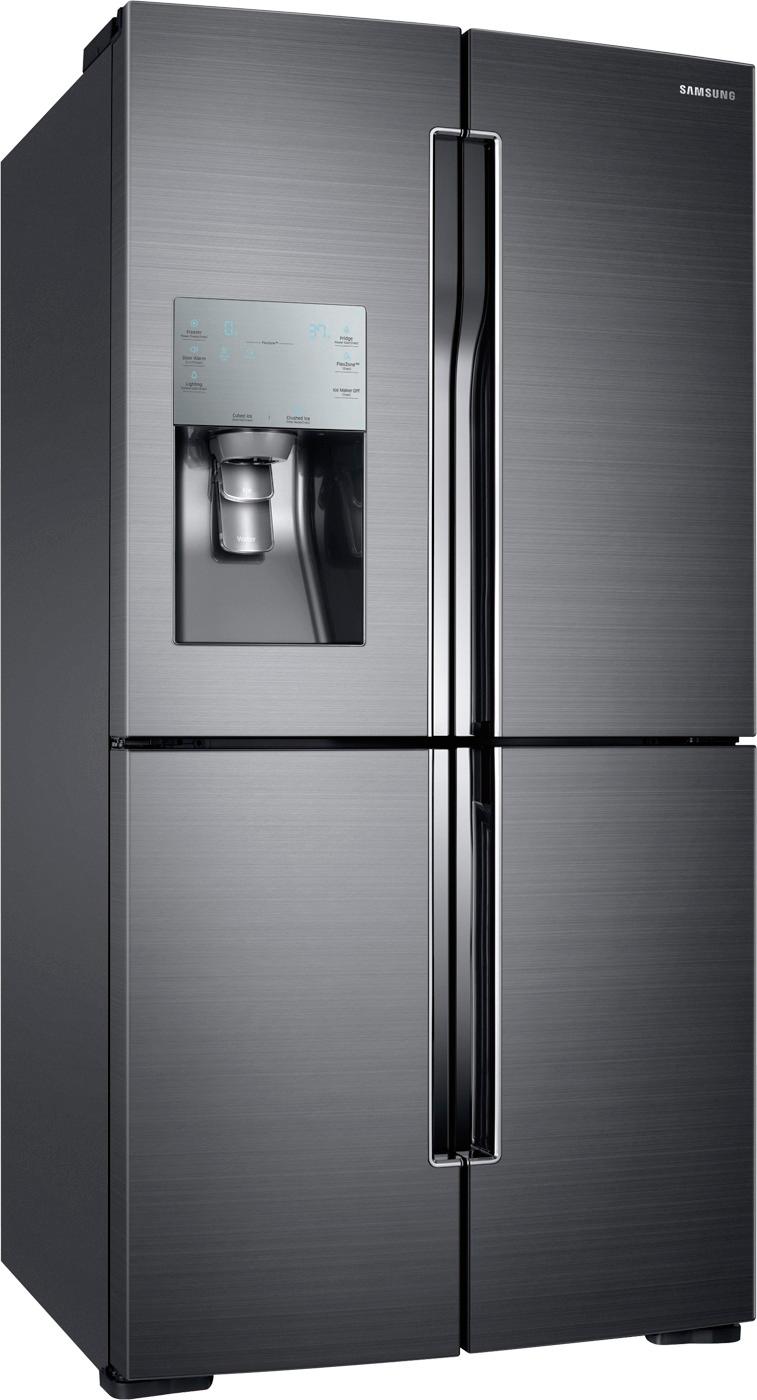
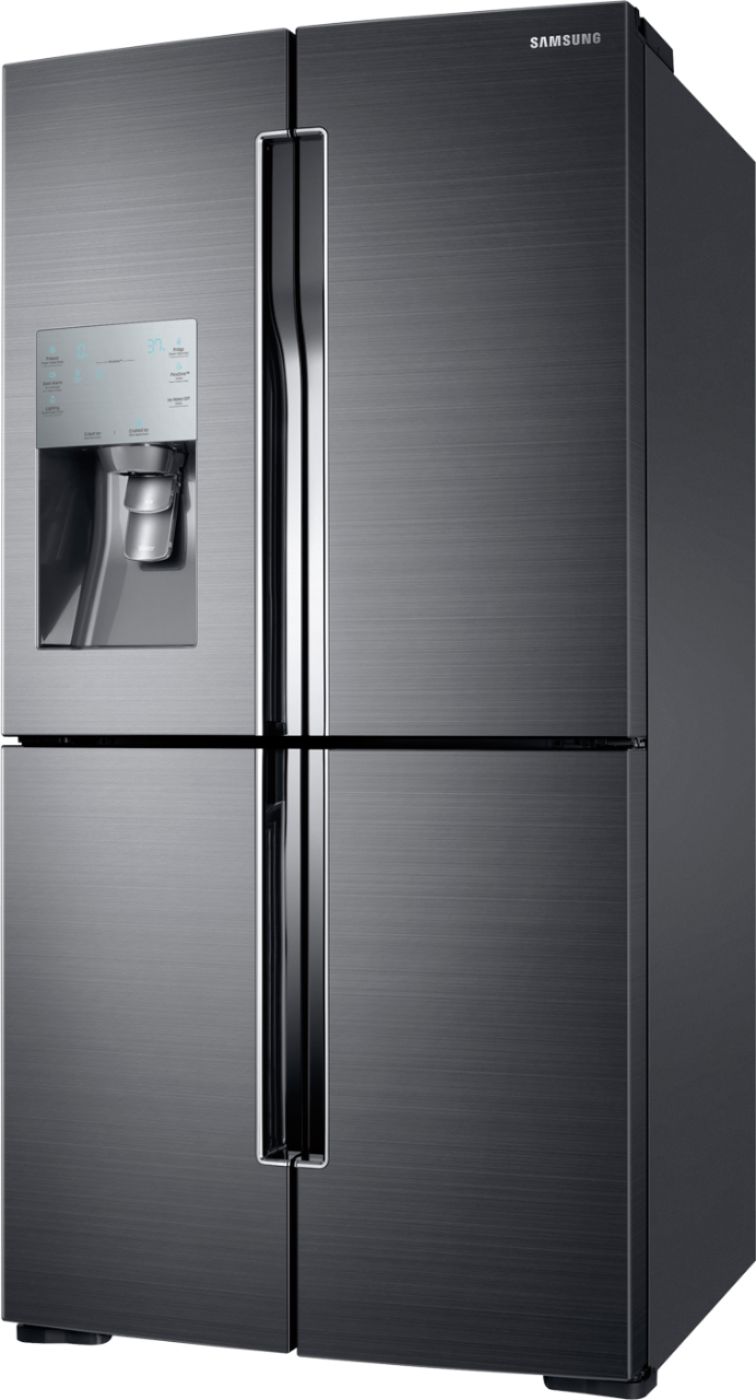
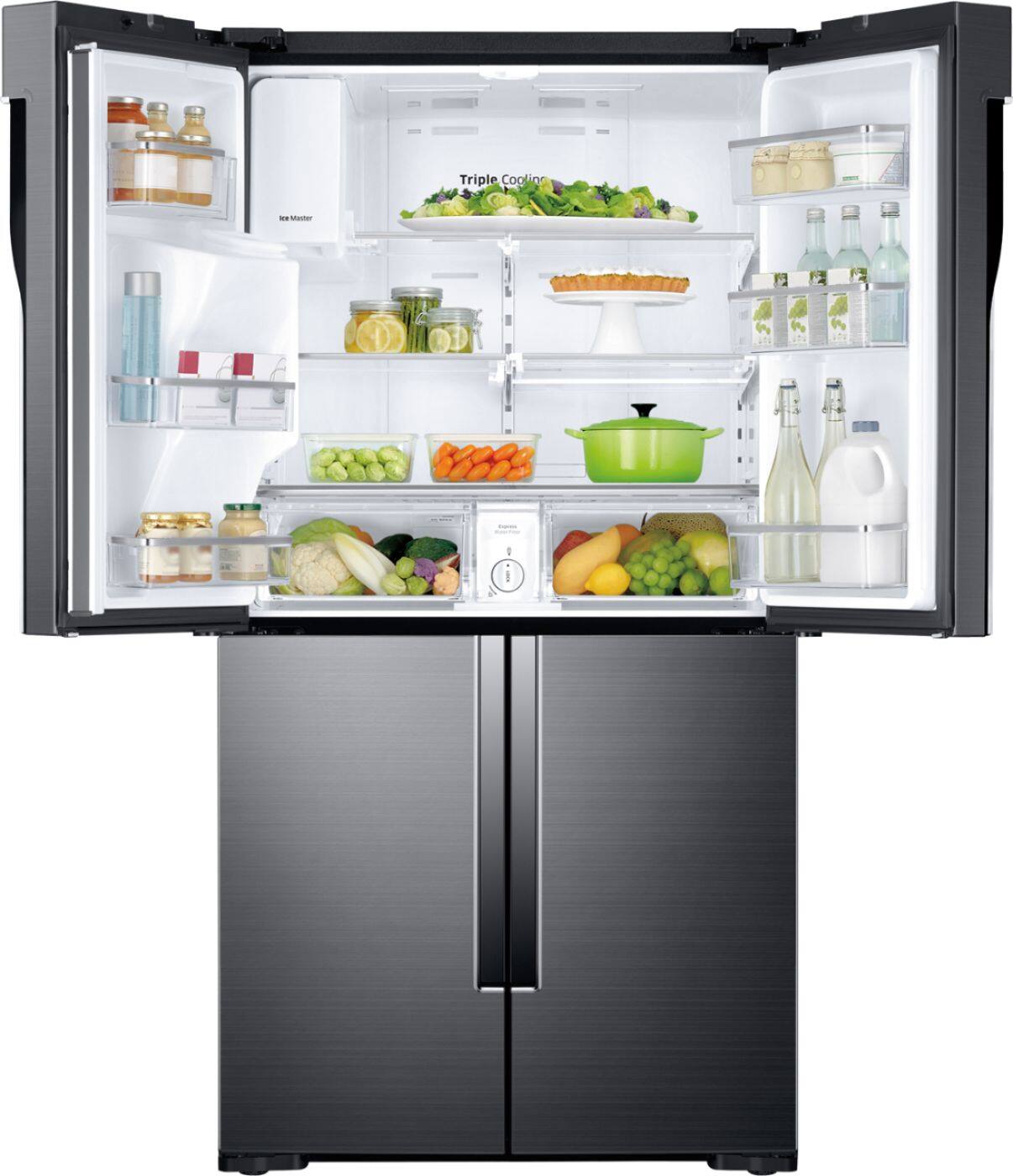
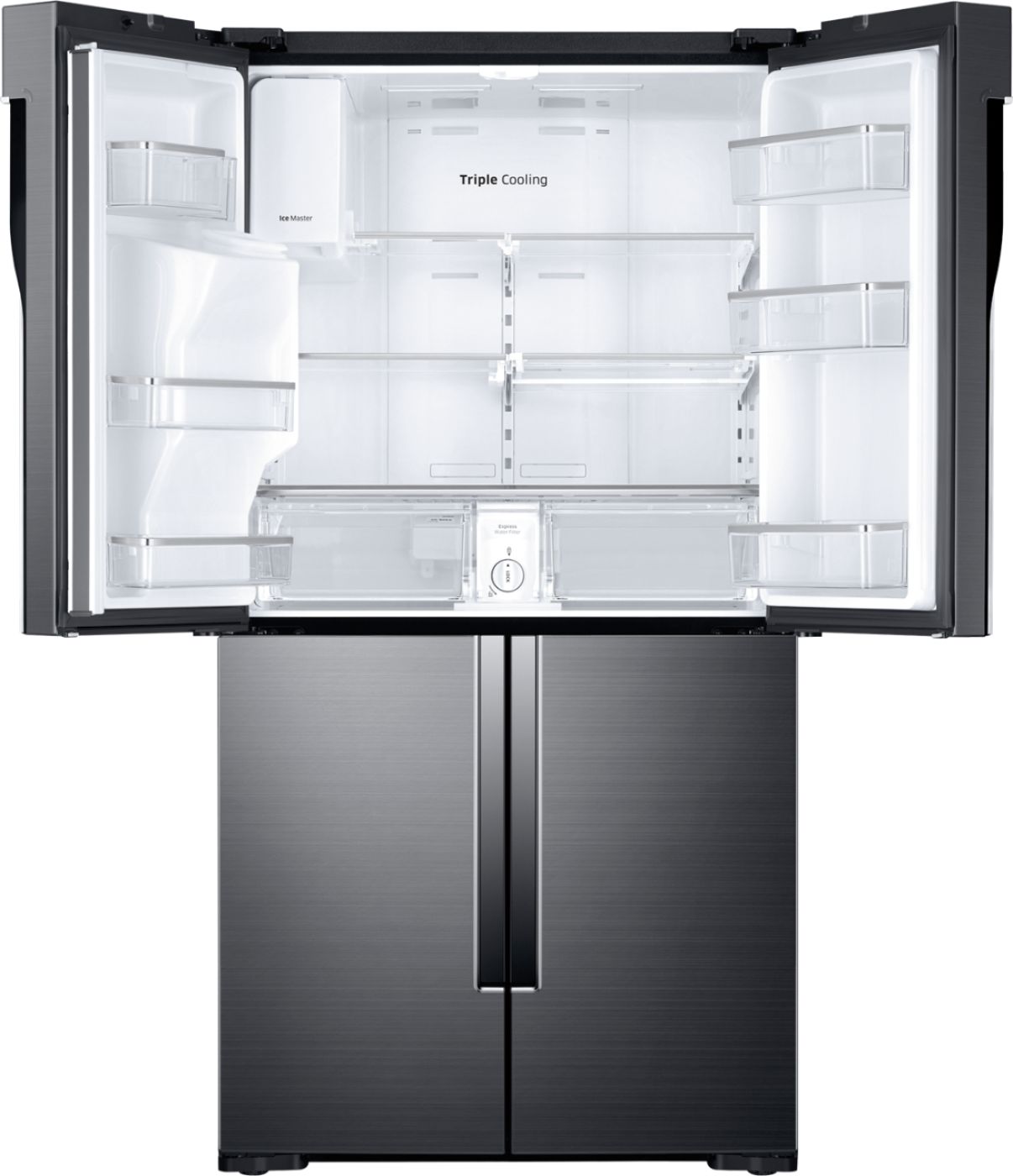
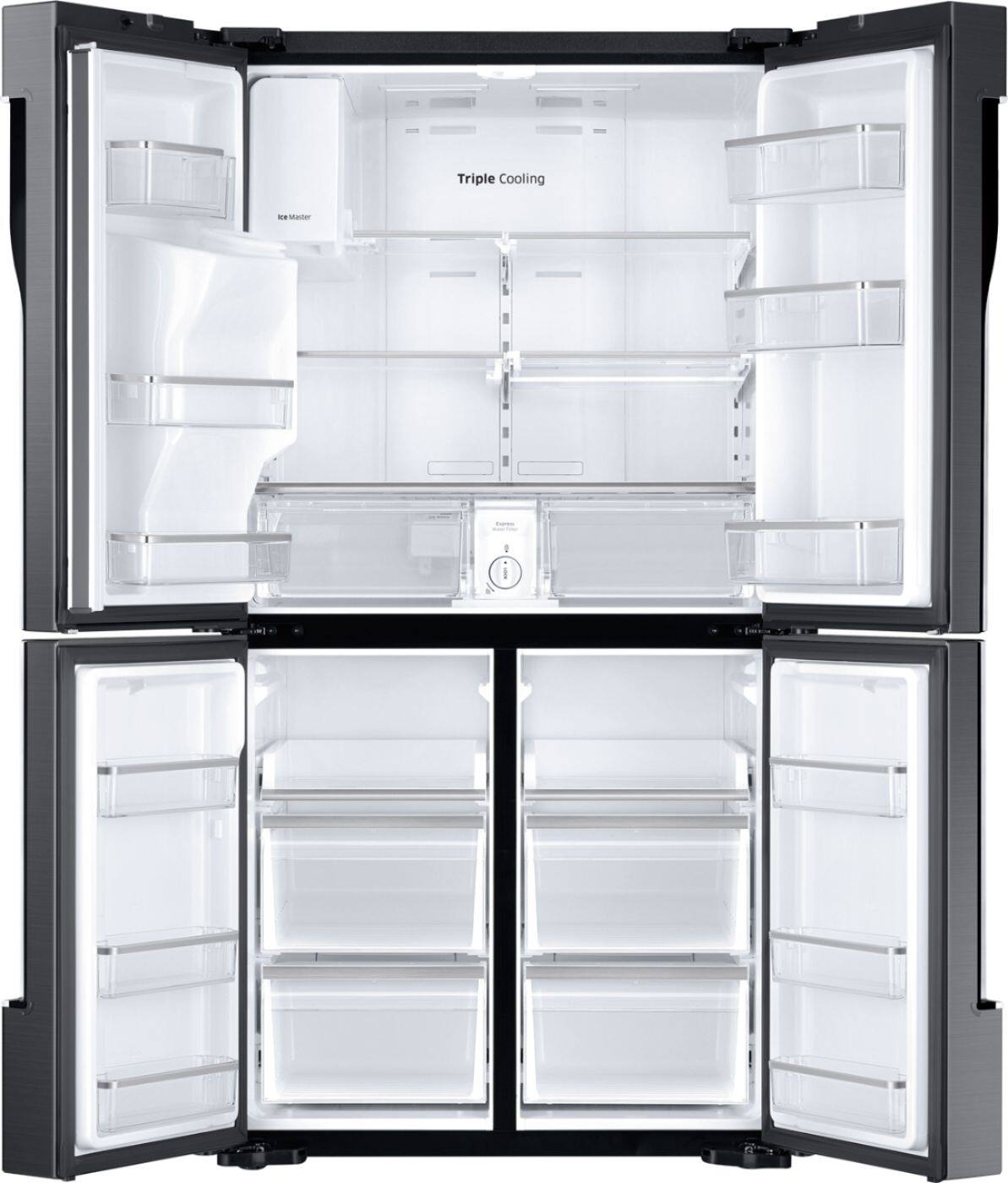
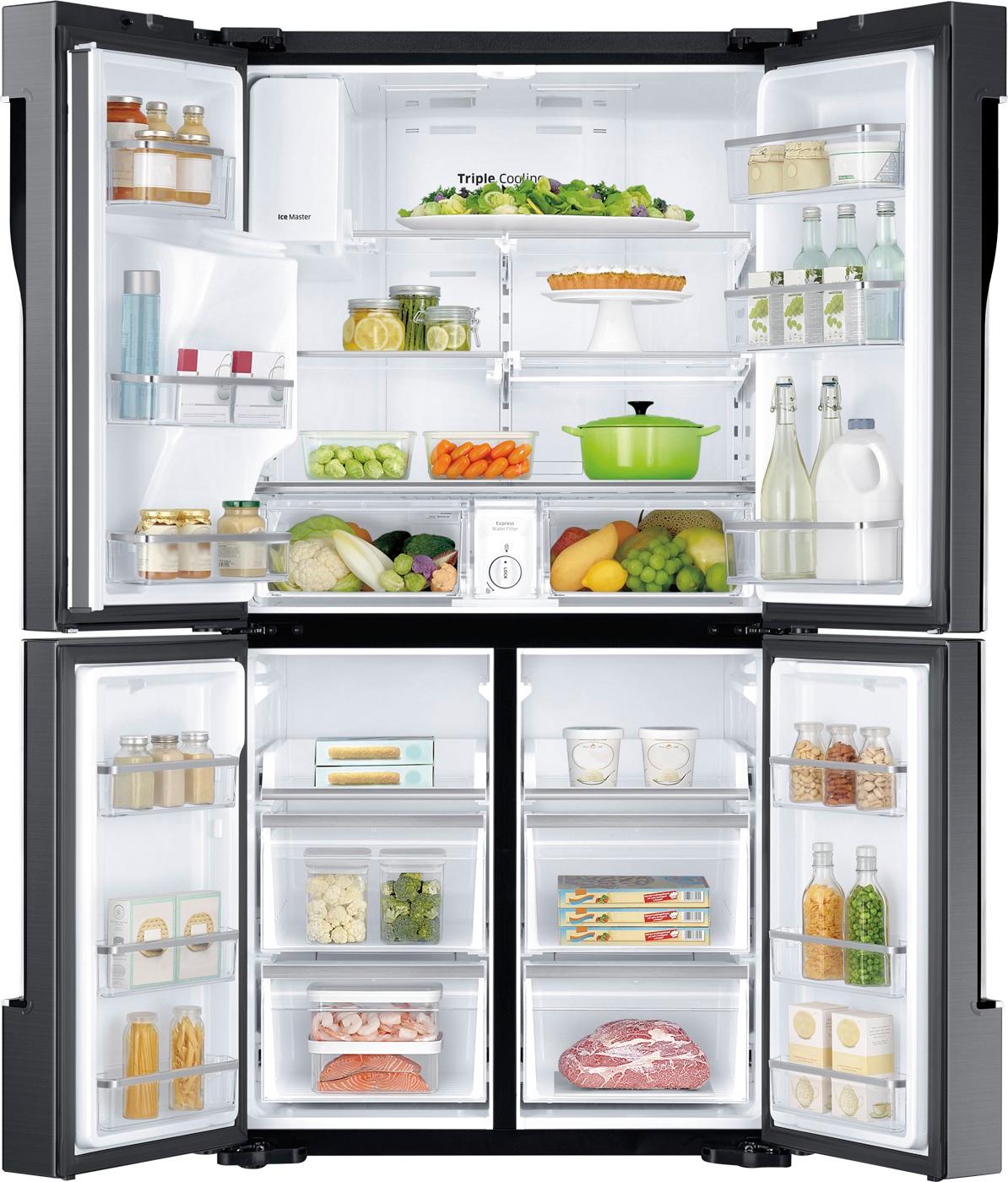
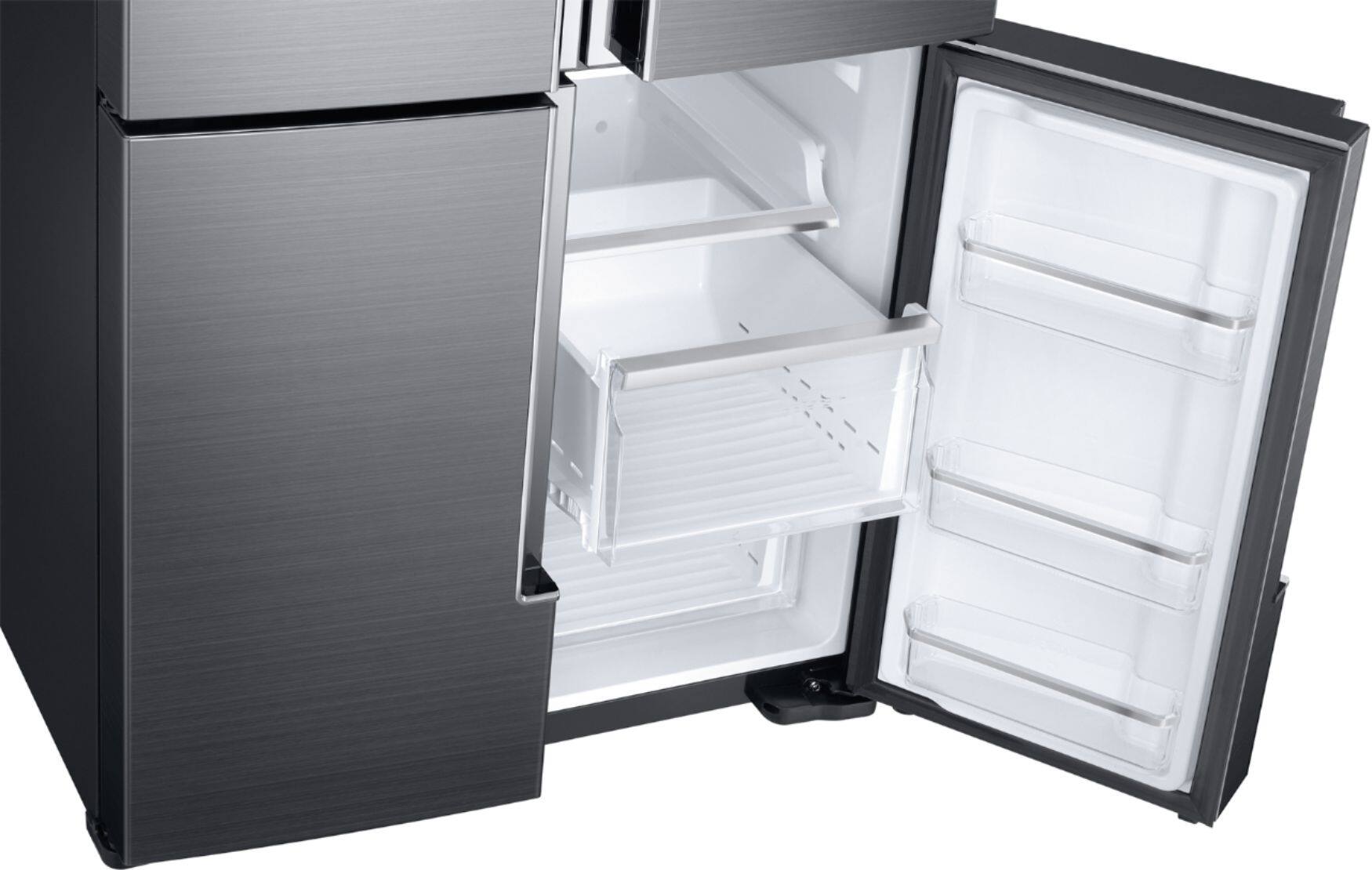
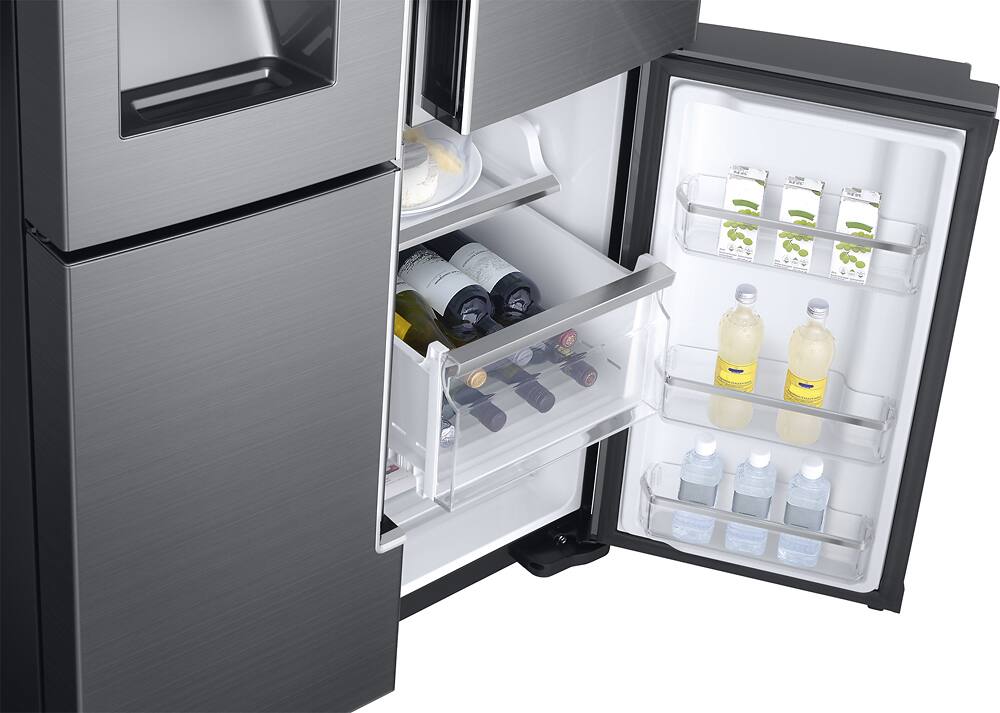
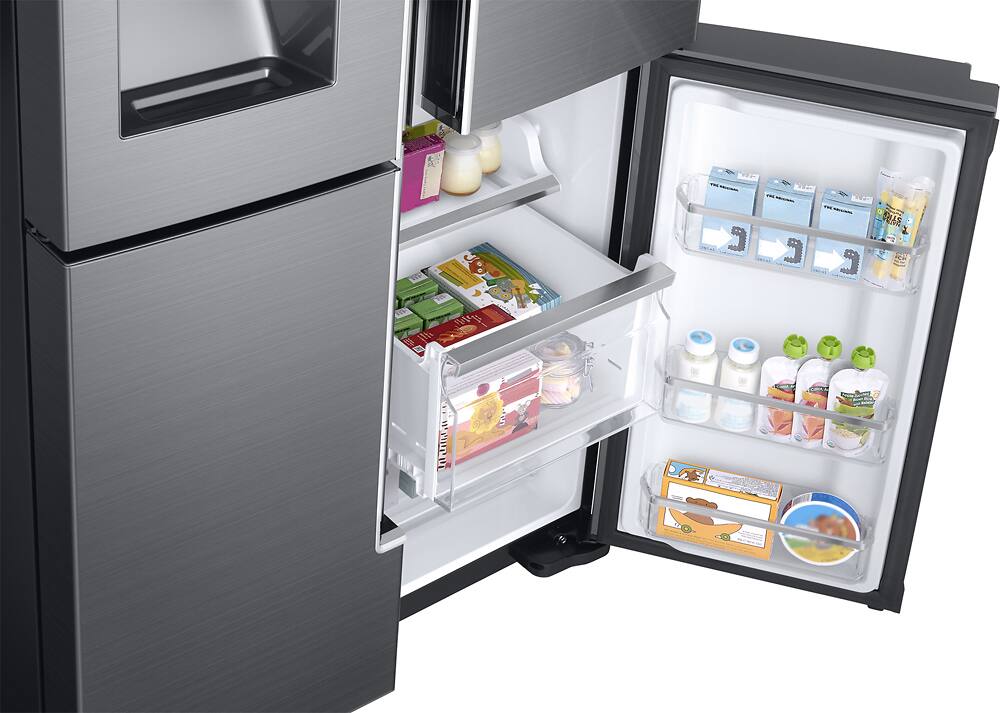
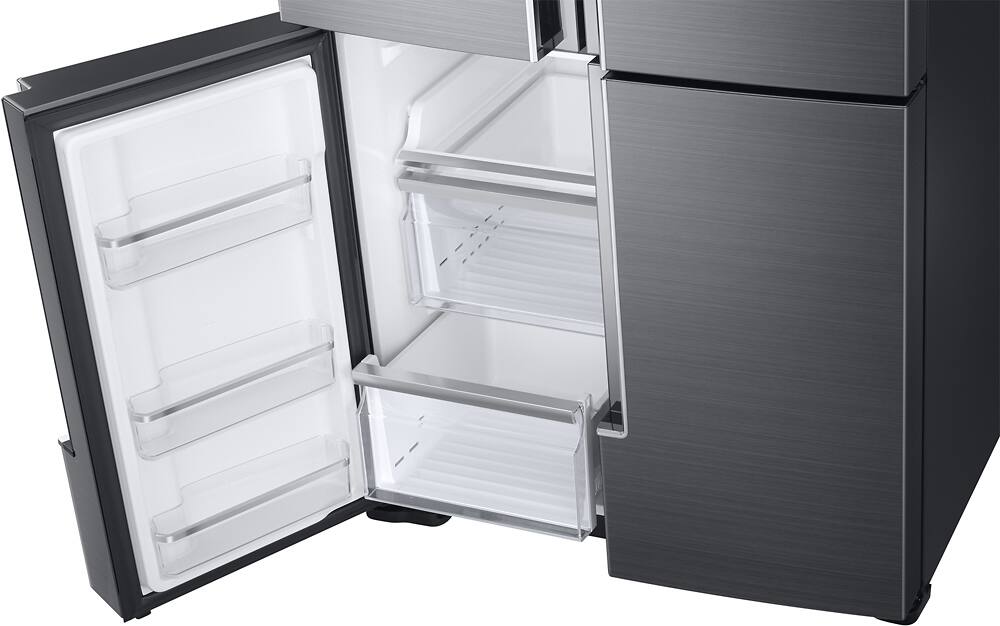
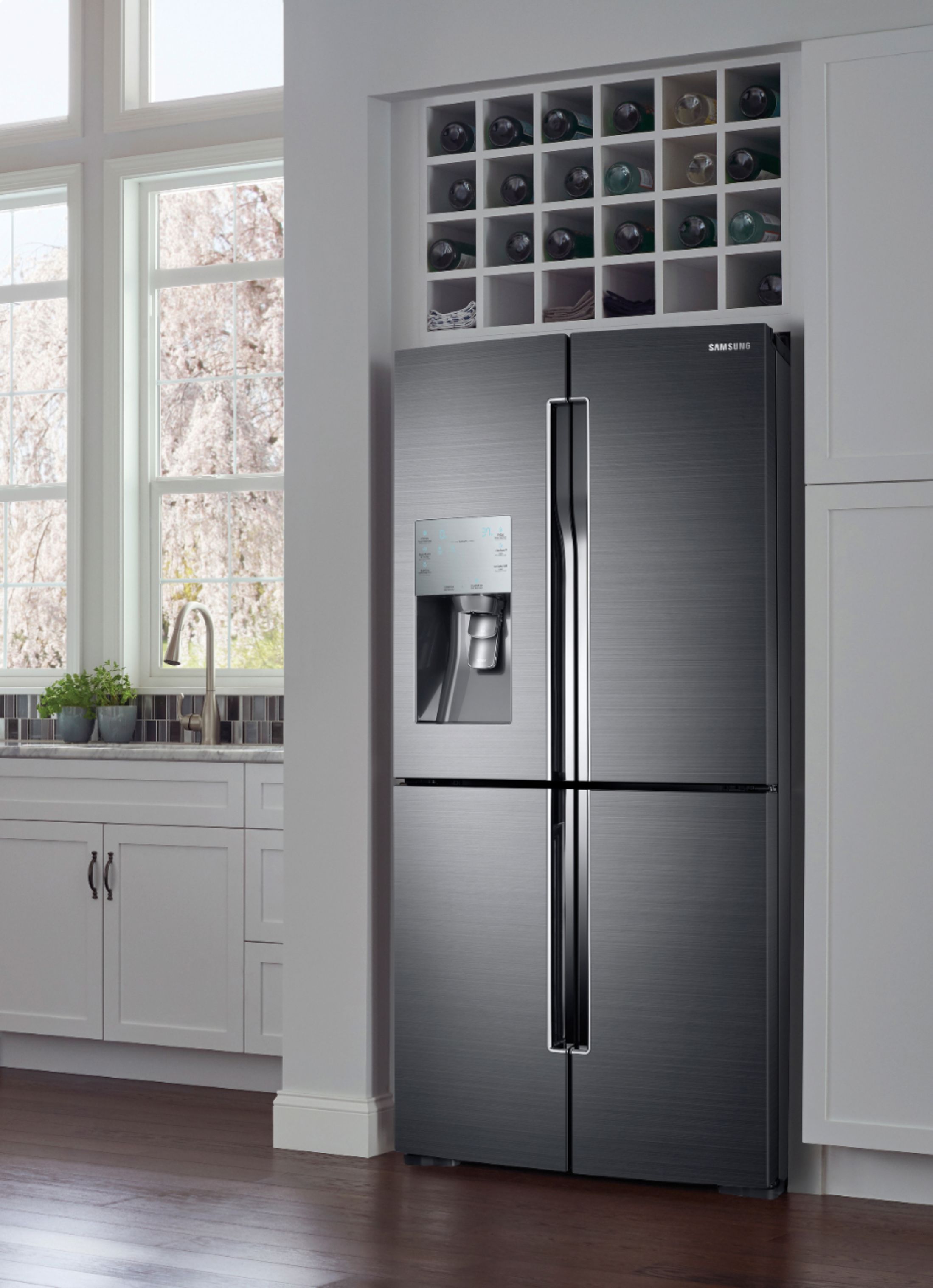
A:AnswerHello! I am including a helpful link to support your concerns on moving the shelves (https://bit.ly/2yu2IZB). Thank you for choosing Samsung! ^Lena
A:AnswerOpen left top door, shut it, light will come on, for upper, then touch it until you get your temp., I set mine at 34 because
I like my drinks cold, then on the left is the freezer temp, I set mine to -2 for quicker ice.
Hope this helps ??
A:AnswerMine was installed the same way. It causes a lot of water to spill out into a catch tray that doesn't drain. I thought Samsung had just made it that awkward way. Also with all that space I haven't found a good place for the milk without having to leave the collapsible shelf always pushed back. Experts say that milk should not be in the door because it will spoil faster.
A:AnswerHi Alvin! This model is compatible with the SmartThings app. You can find details and steps on using this feature beginning on page 42 of the User Manual (https://bit.ly/2MPTOfx). ^Jecca
A:AnswerI had that happen one time only since owning the fridge. I turned off the ice maker via the the touch panel on the left door. Hold it for 3 seconds and it should make a sound and turn off. Once it is off, immediately turn it back on holding it down again for 3 seconds. That worked for me and after a few hours the ice maker was full again. Hasn't happened since.
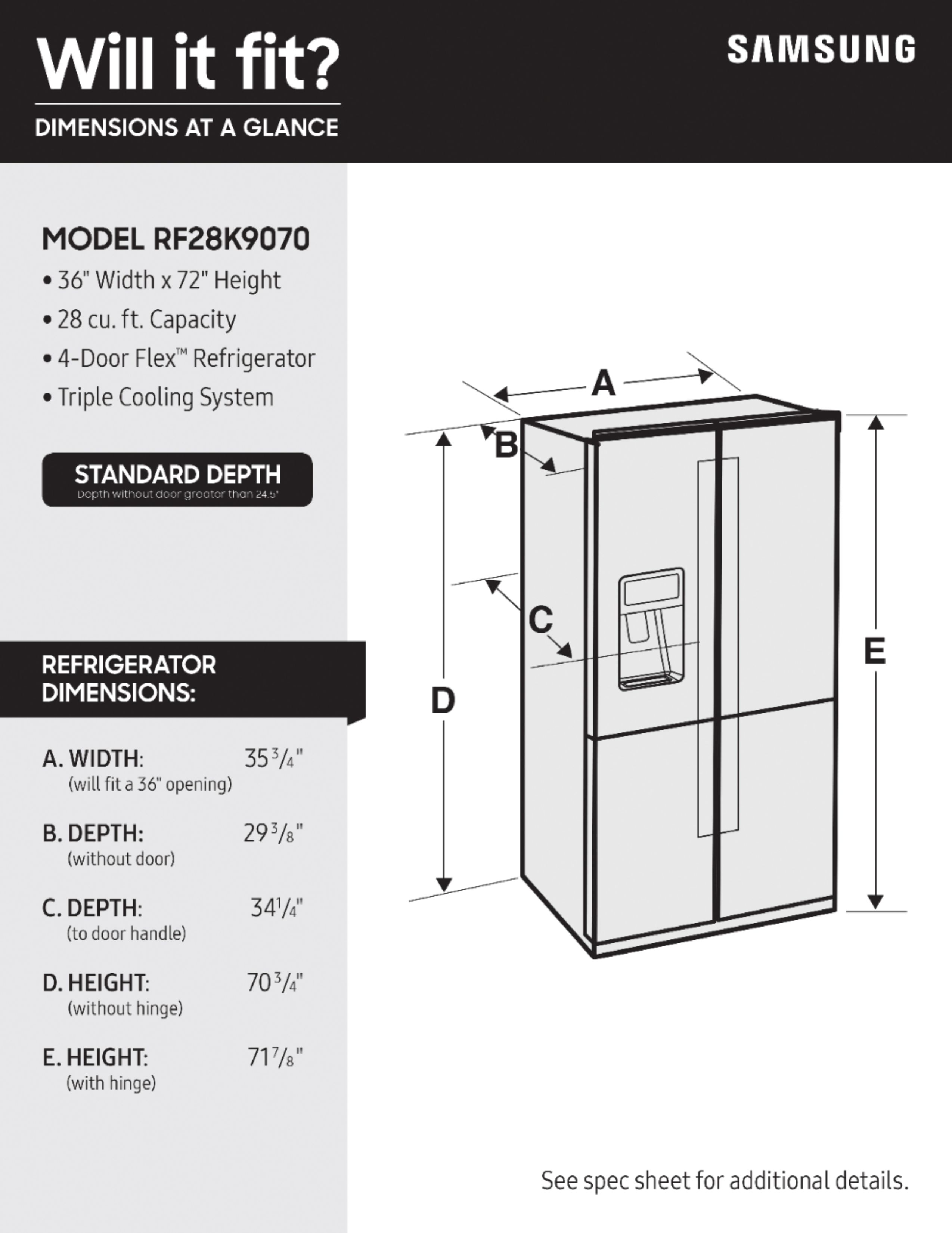
A:AnswerHello german! I'd like to help with this. If you follow this link (https://bit.ly/2DC9lu8) you can download the User Manual. Pages 26-27 has a diagram that shows all the dimensions of the refrigerator, including the doors. ^Jecca