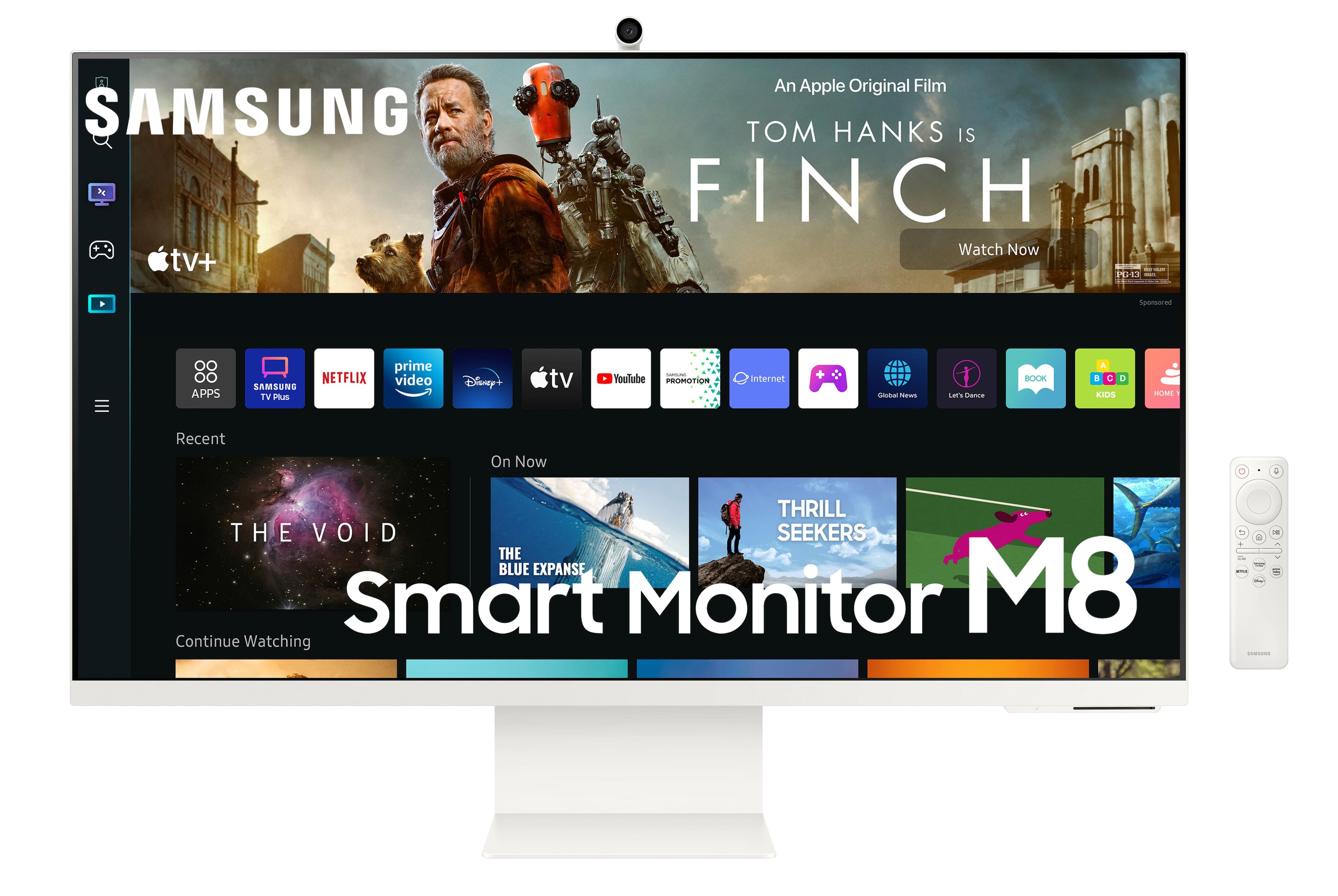
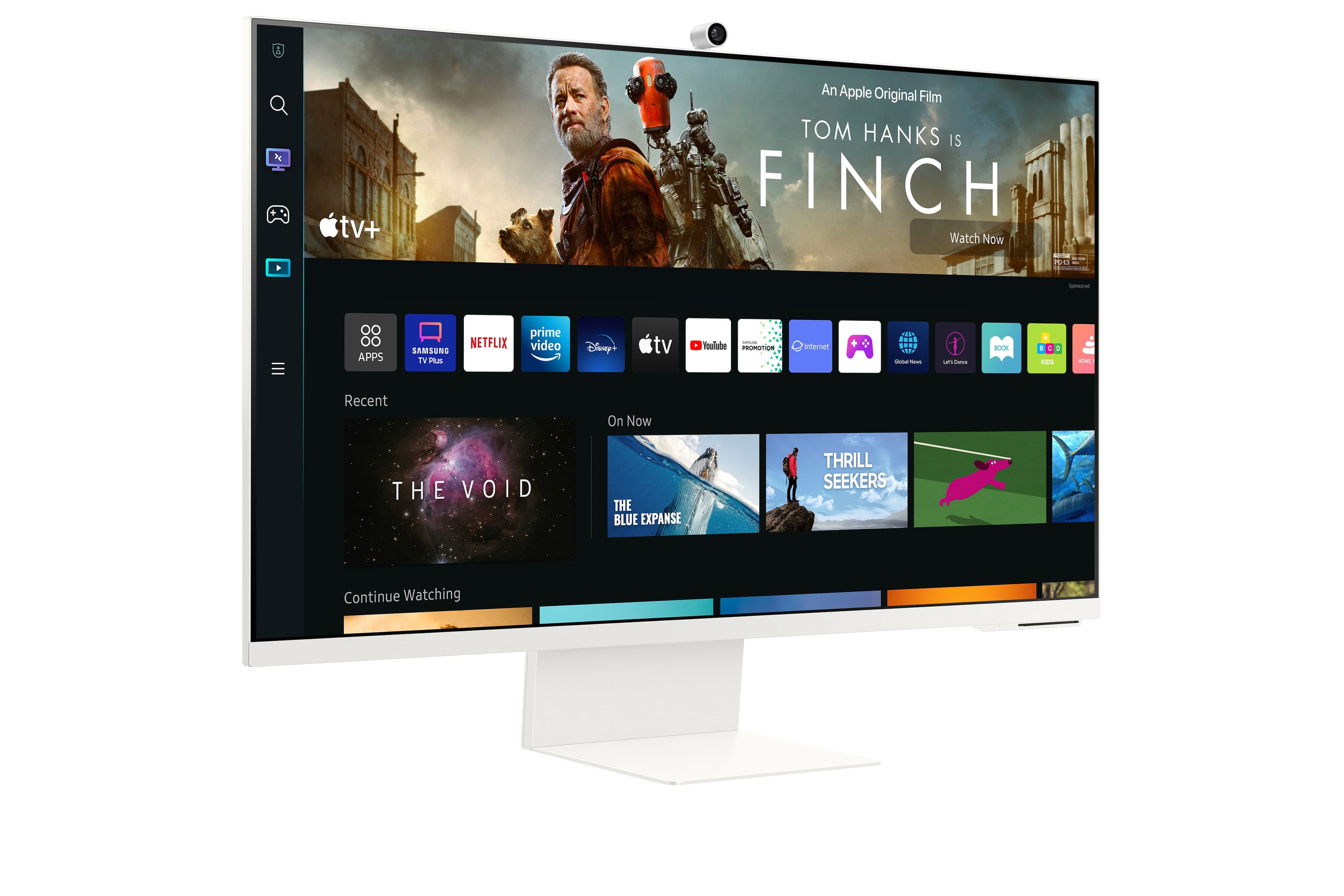
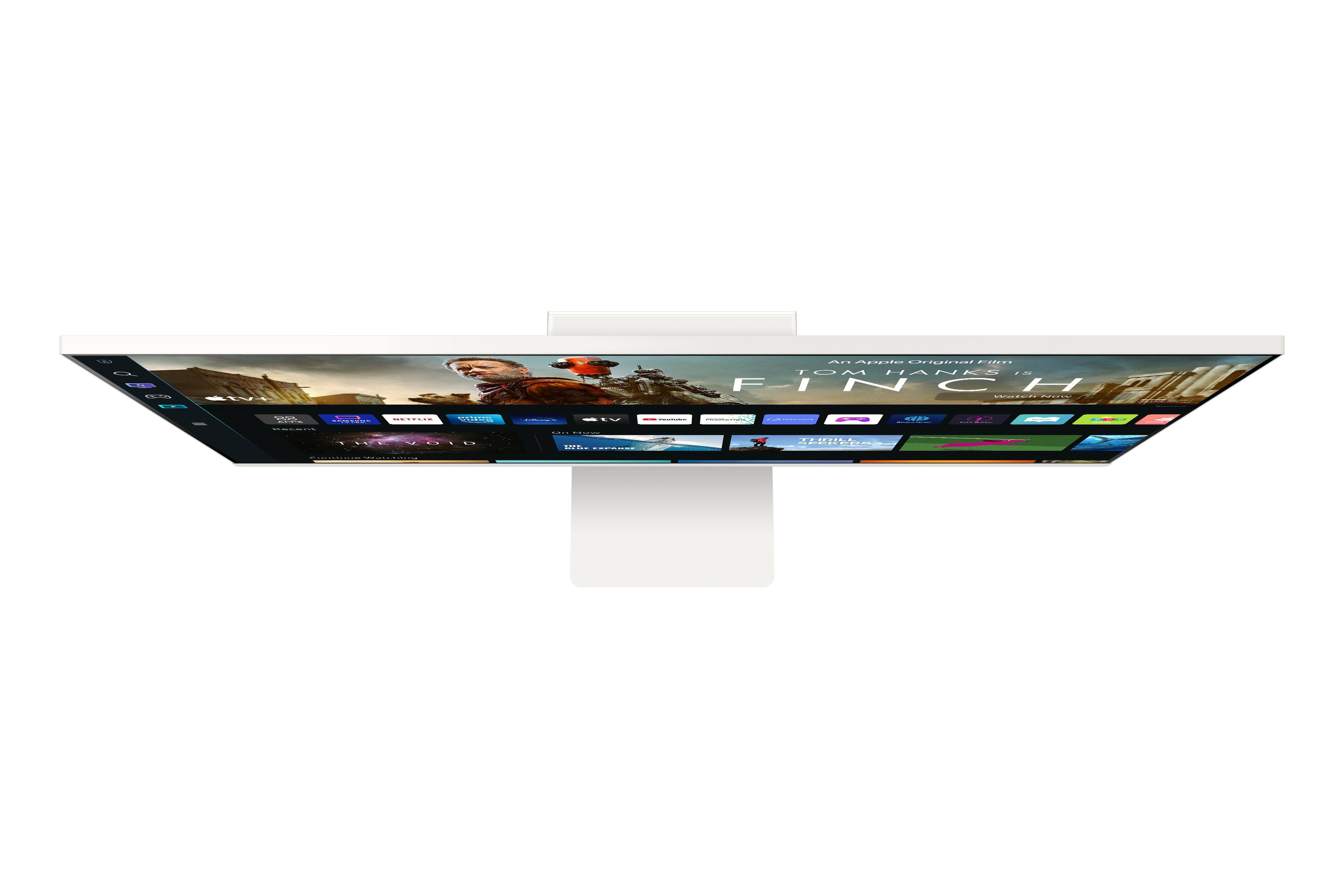
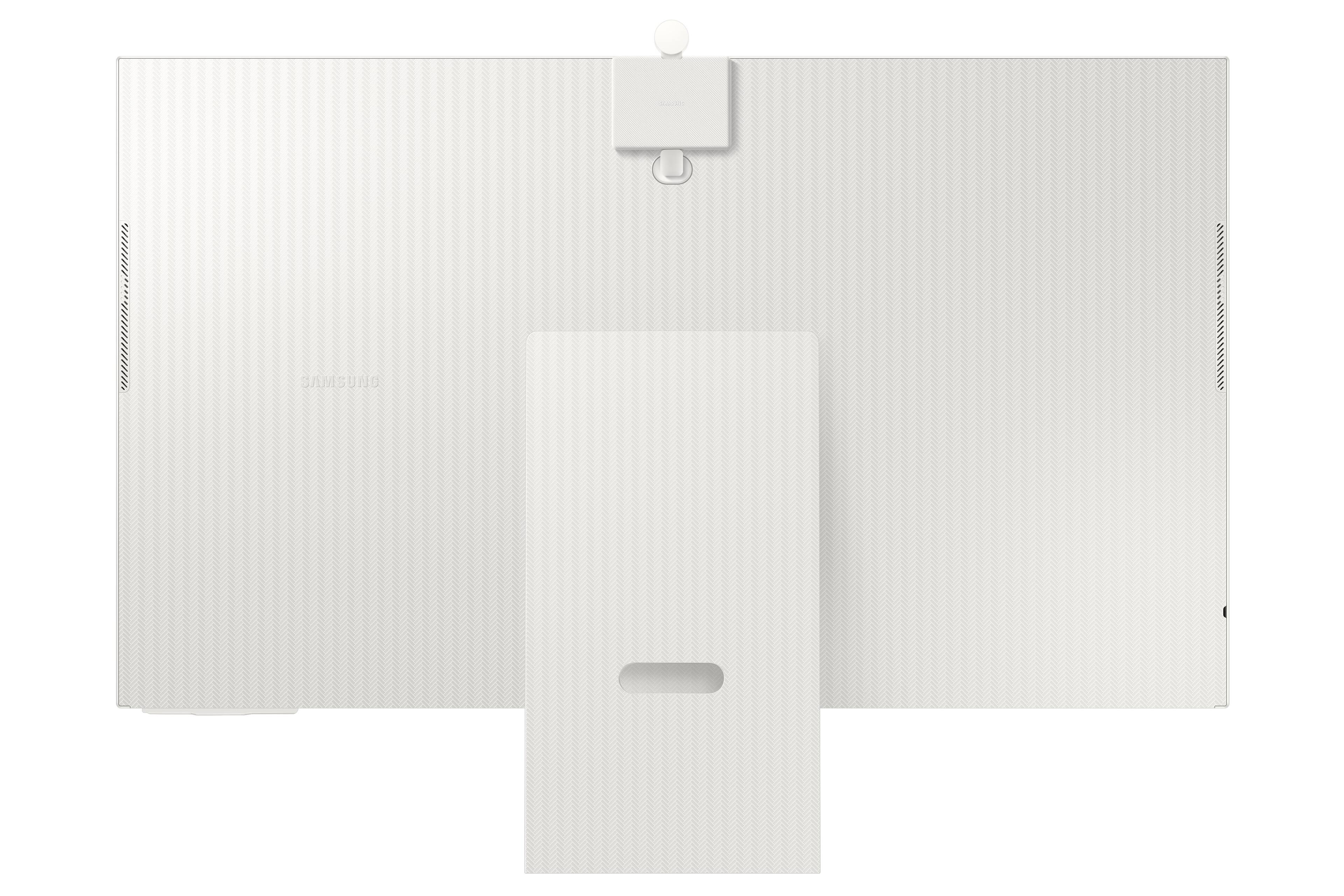
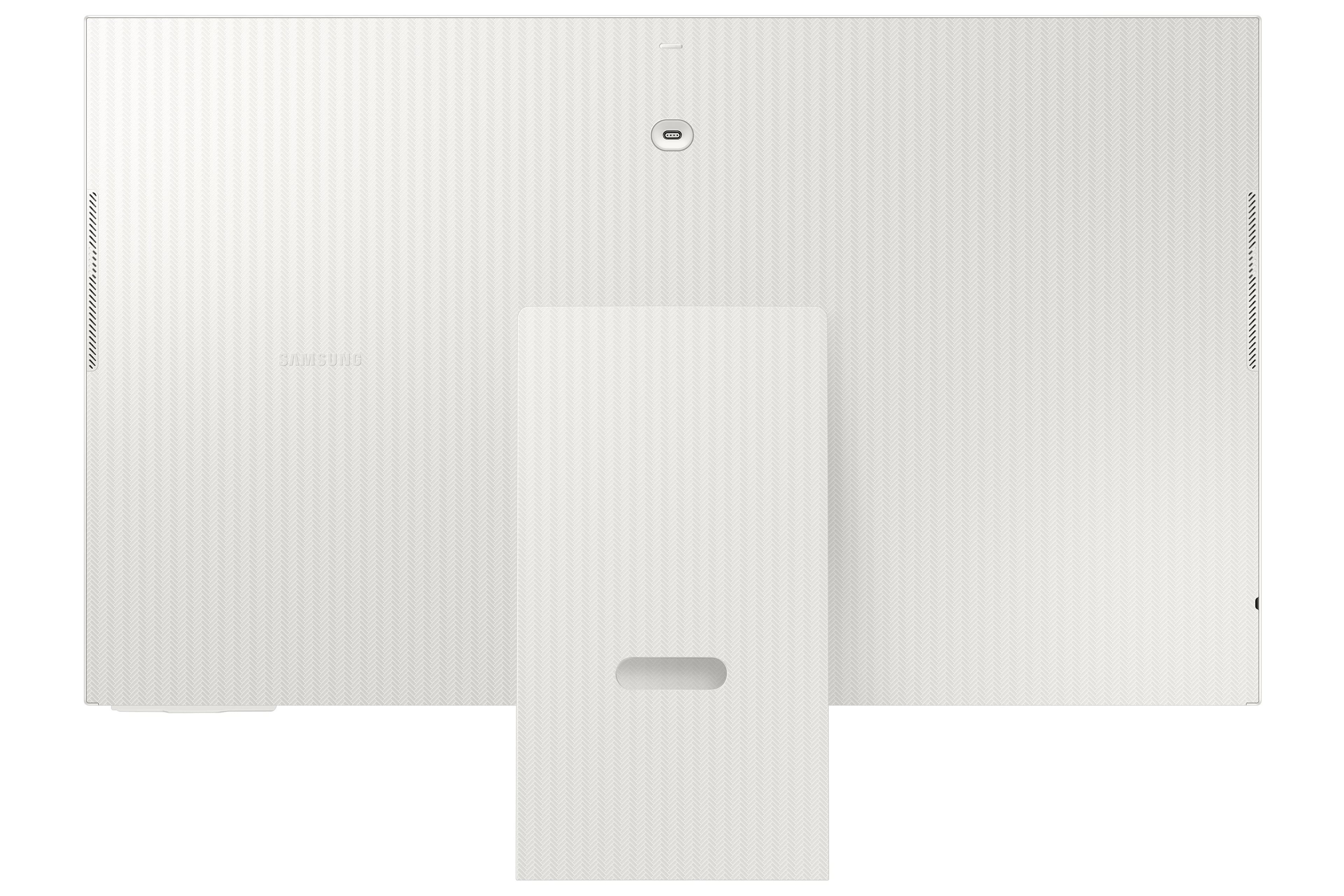
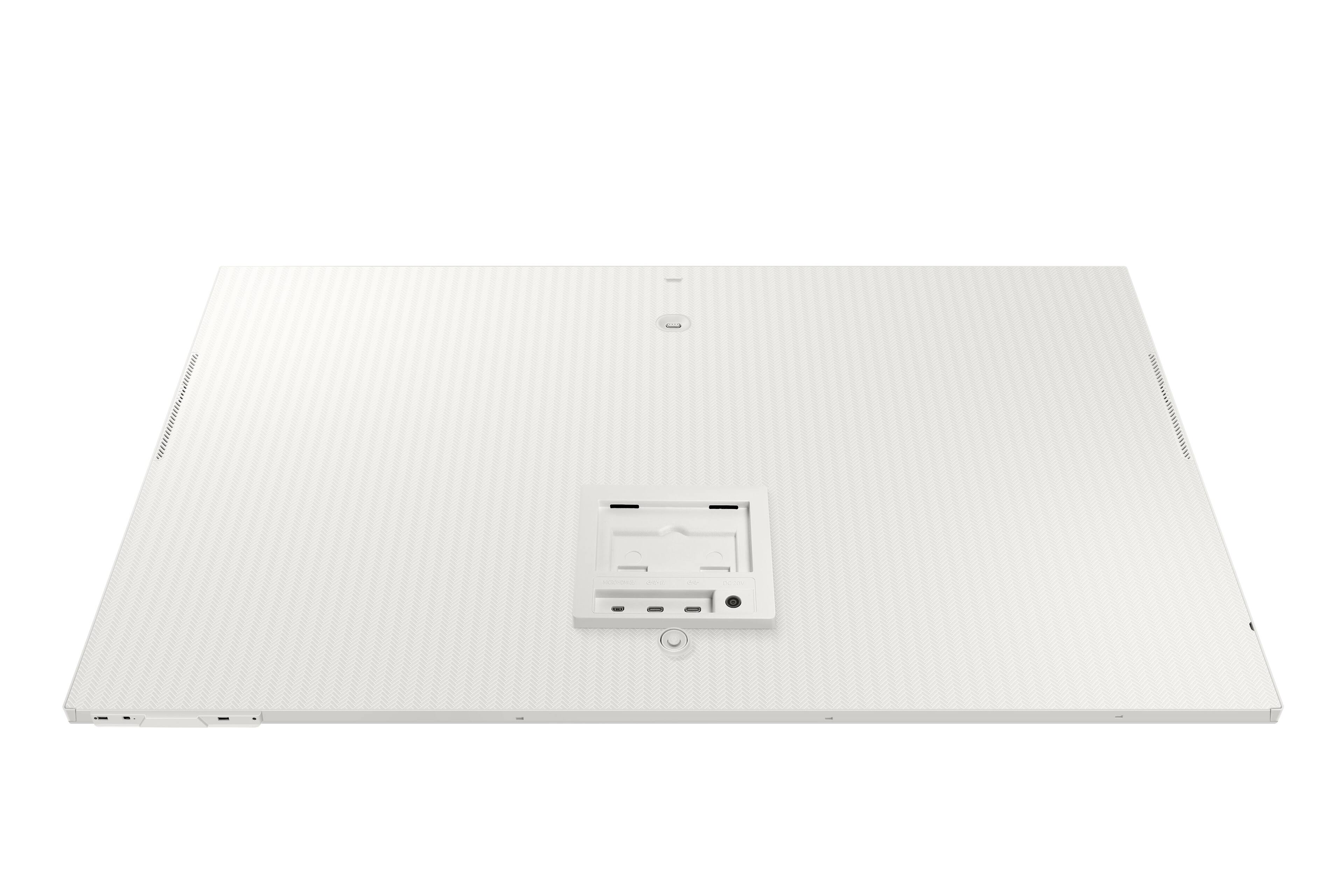
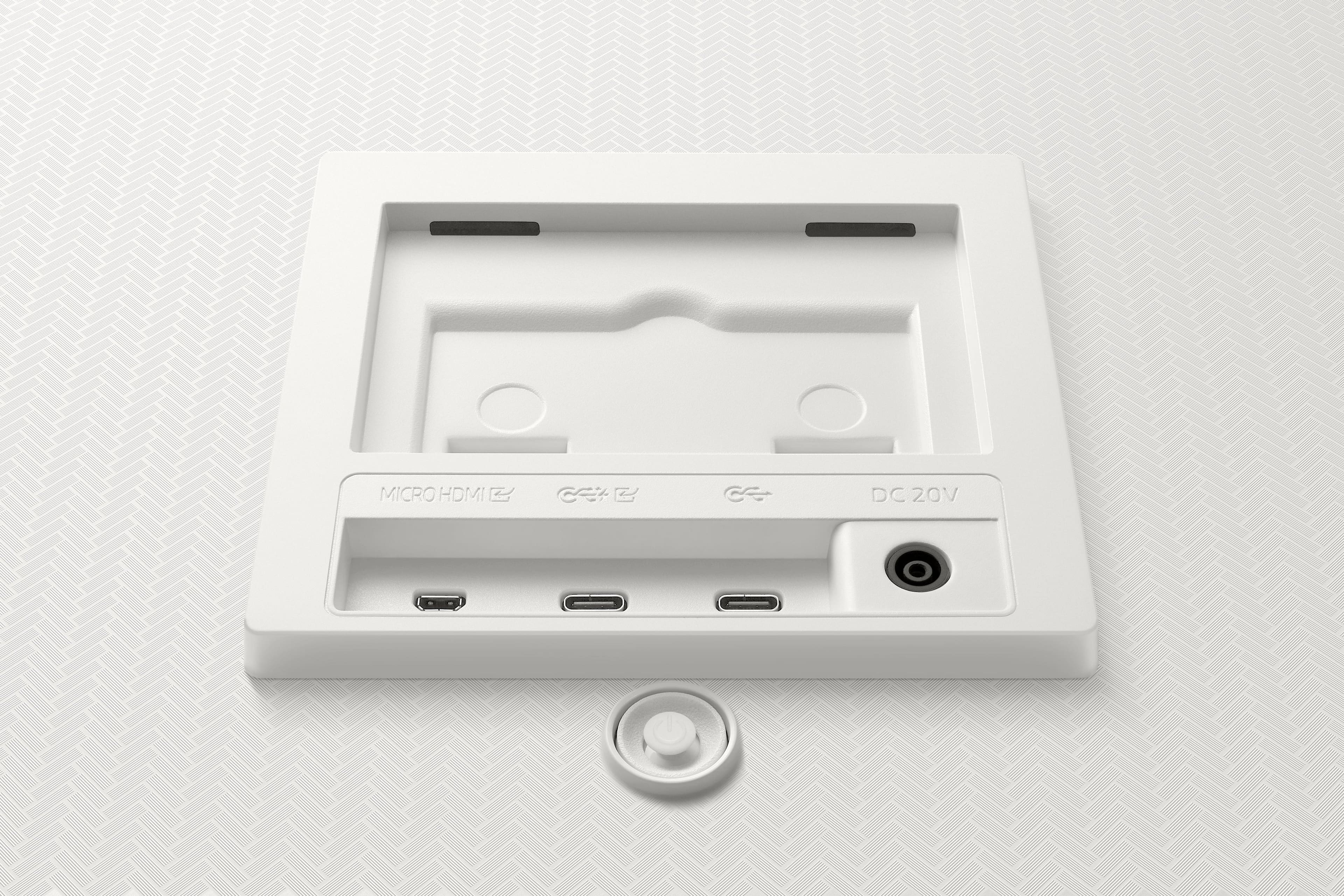
A:AnswerAccording to Samsung M8 web site. It is MICRO not Mini HDMI which make it much harder to connect a desktop PC.
All video cards nowadays only with Display Port and HDMI. No USBC connection. Some of the cables are only unidirectional (One way/direction). Modern laptop should not have issues.
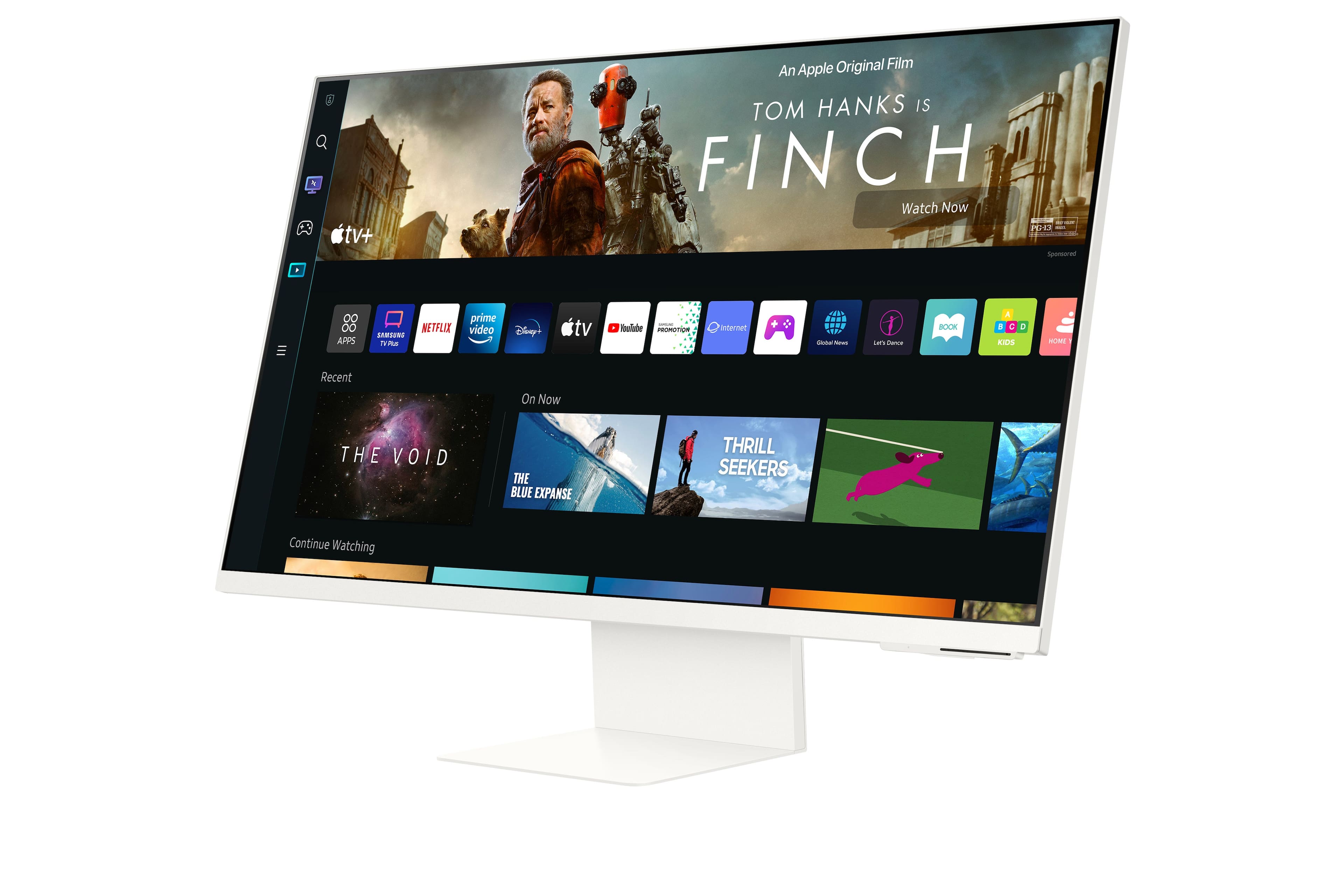
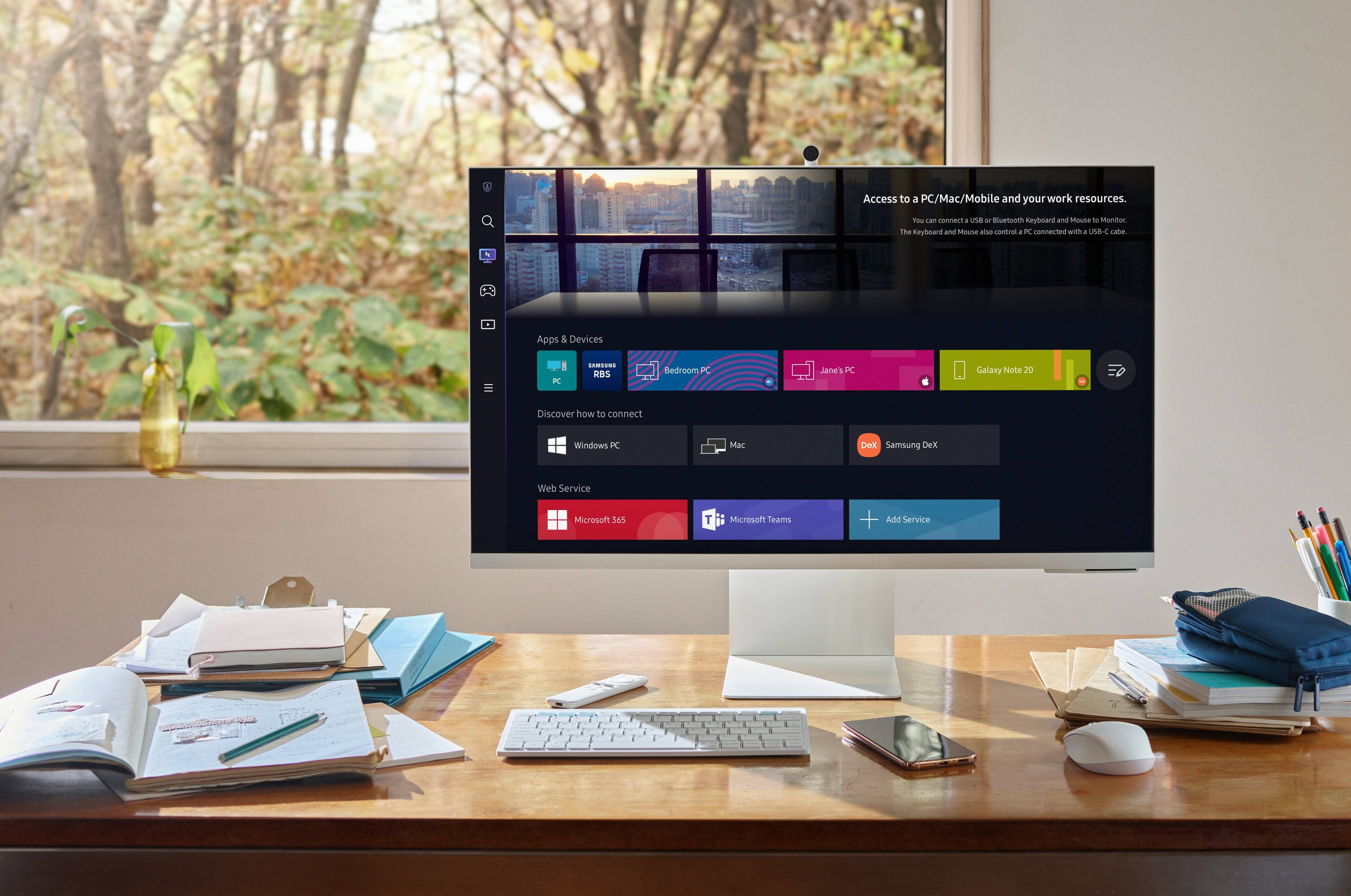
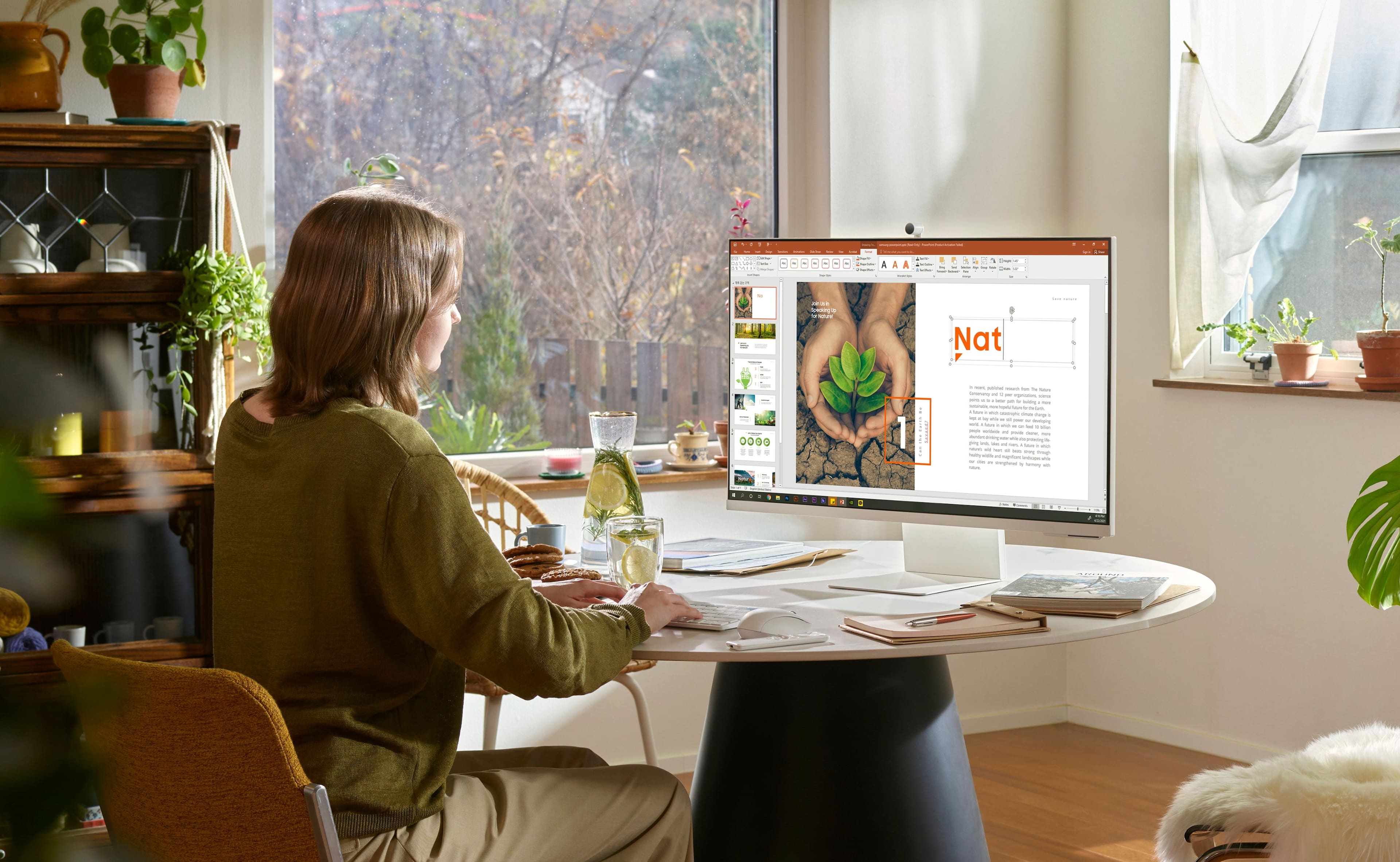
A:AnswerThis will not be enough by itself. You can hook up your laptop to extend capabilities. This by itself is only good for watching videos like Netflix. It has Microsoft office but it is slow. Treat this like a monitor that doubles as a TV.
A:AnswerThe connectivity with this monitor is very spotty I think for the exact reason you have highlighted it’s very hard to get your laptop or desktop connected to this thing.
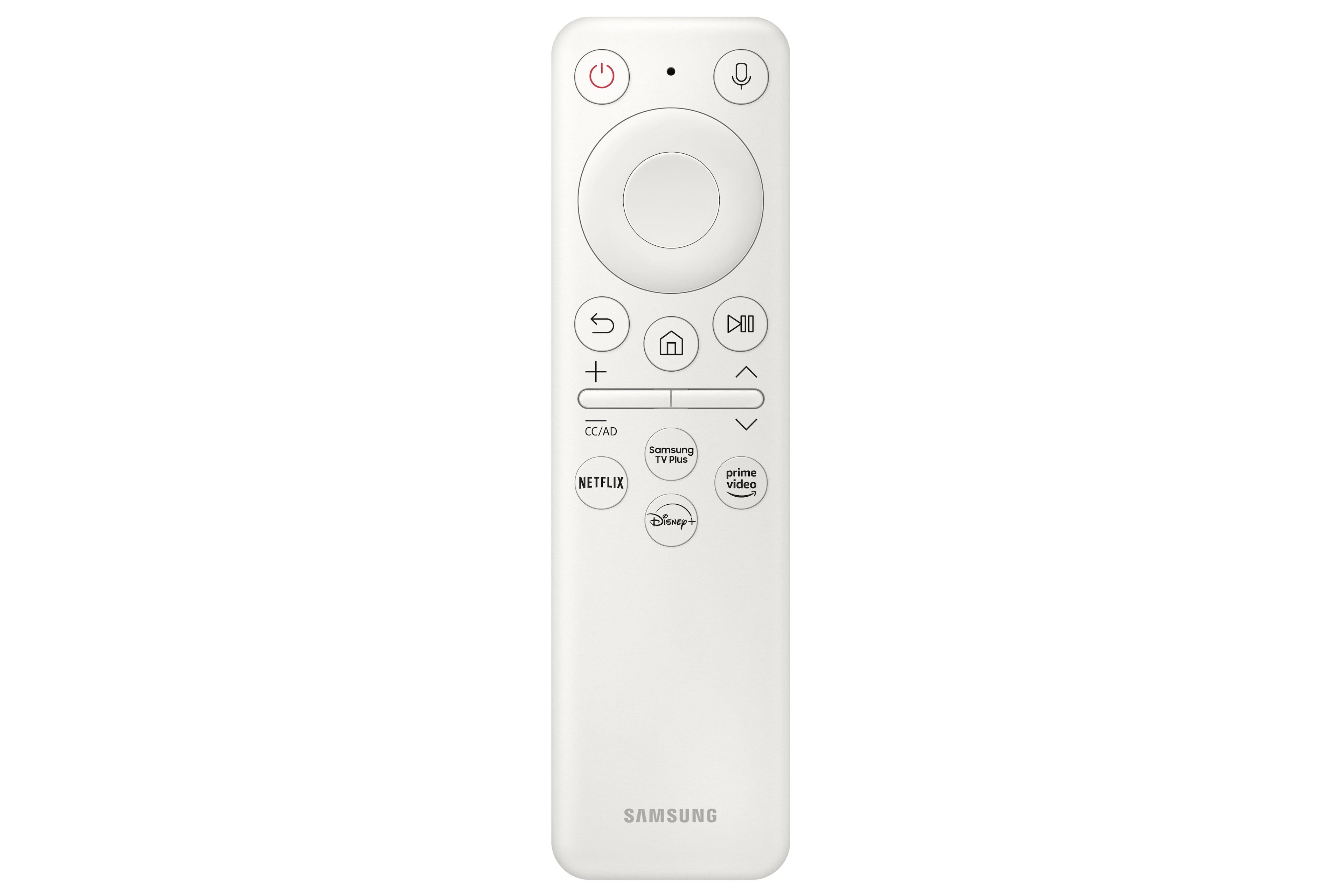
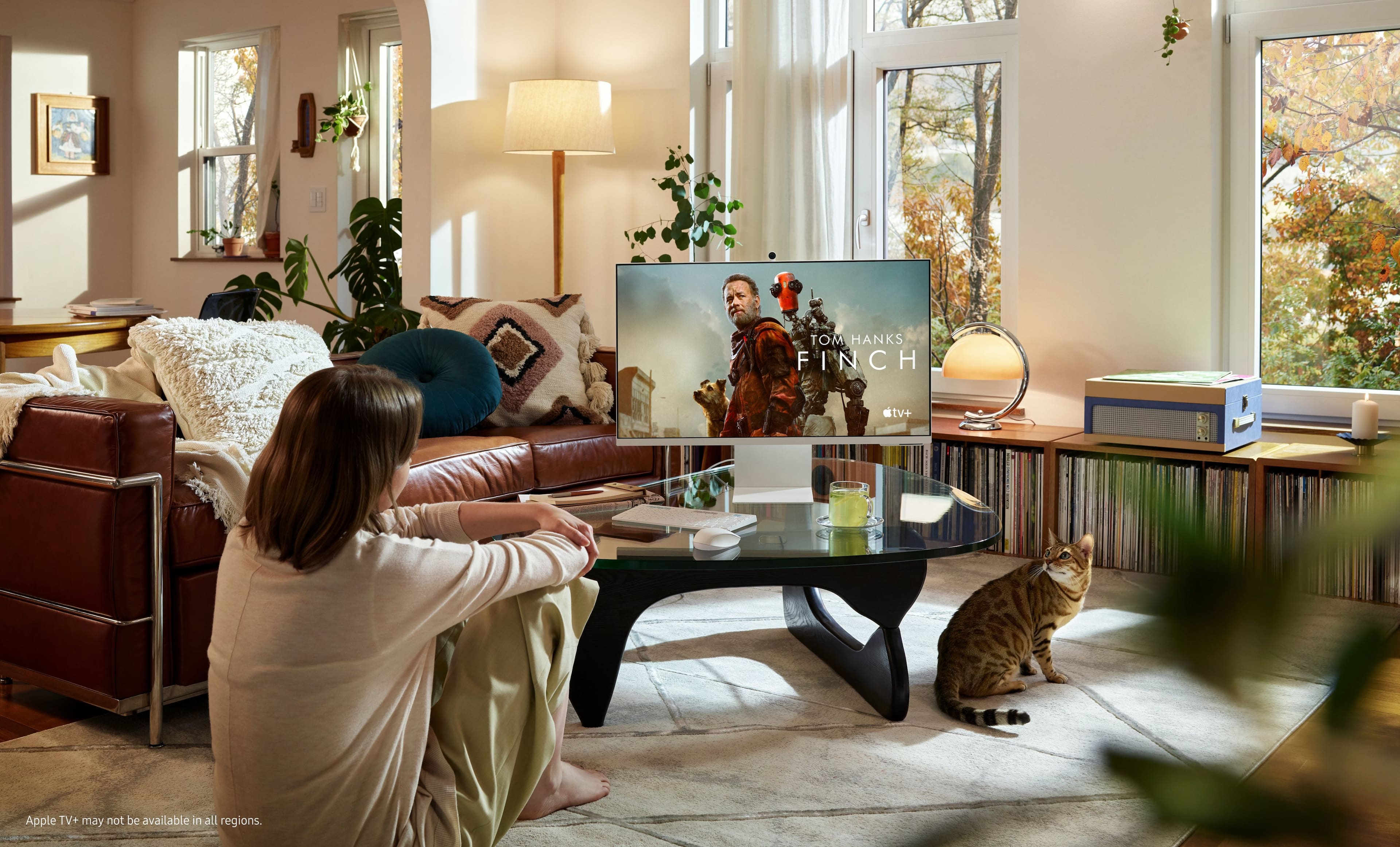
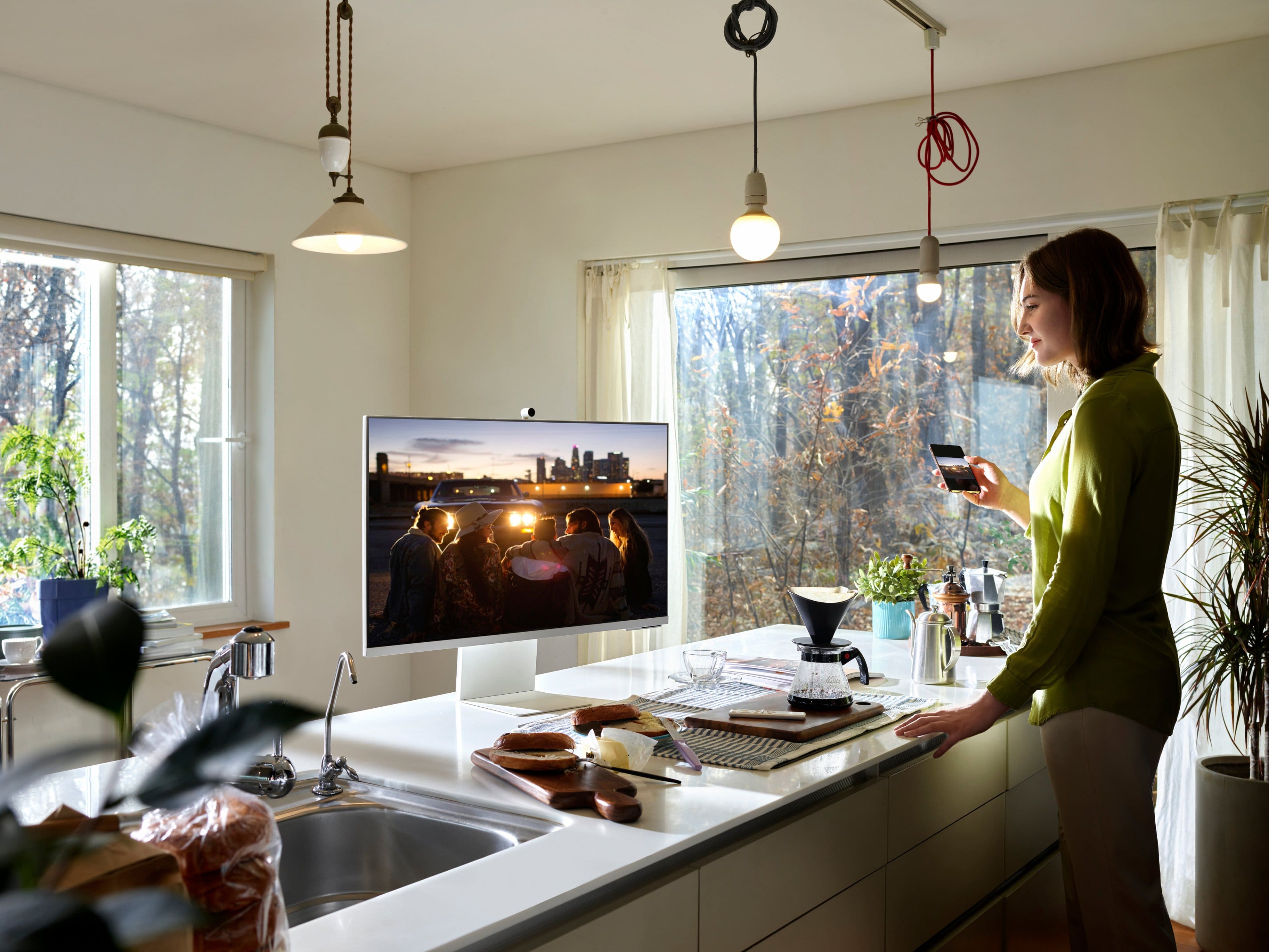
A:AnswerYes. It is not a computer it is a smart monitor. You can use it as a tv or a pc monitor and it has built in streaming apps like other samsung smart tvs.