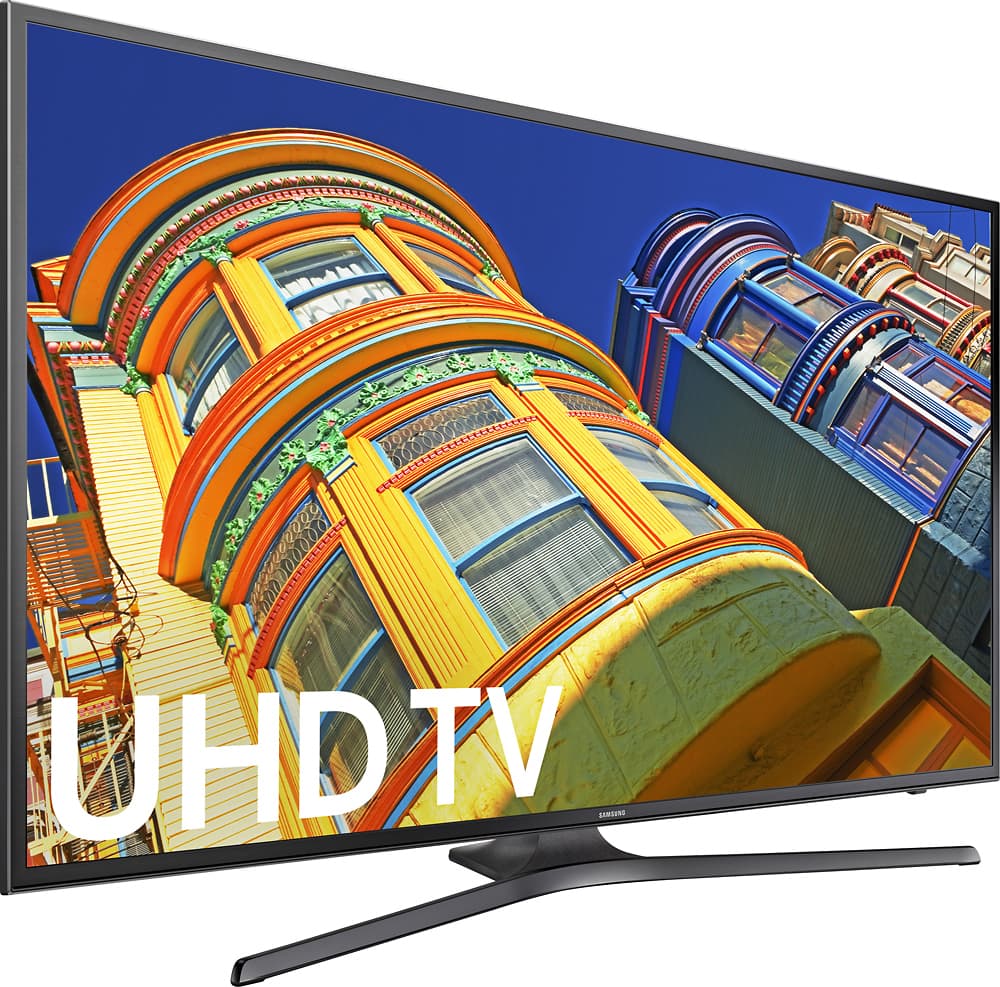
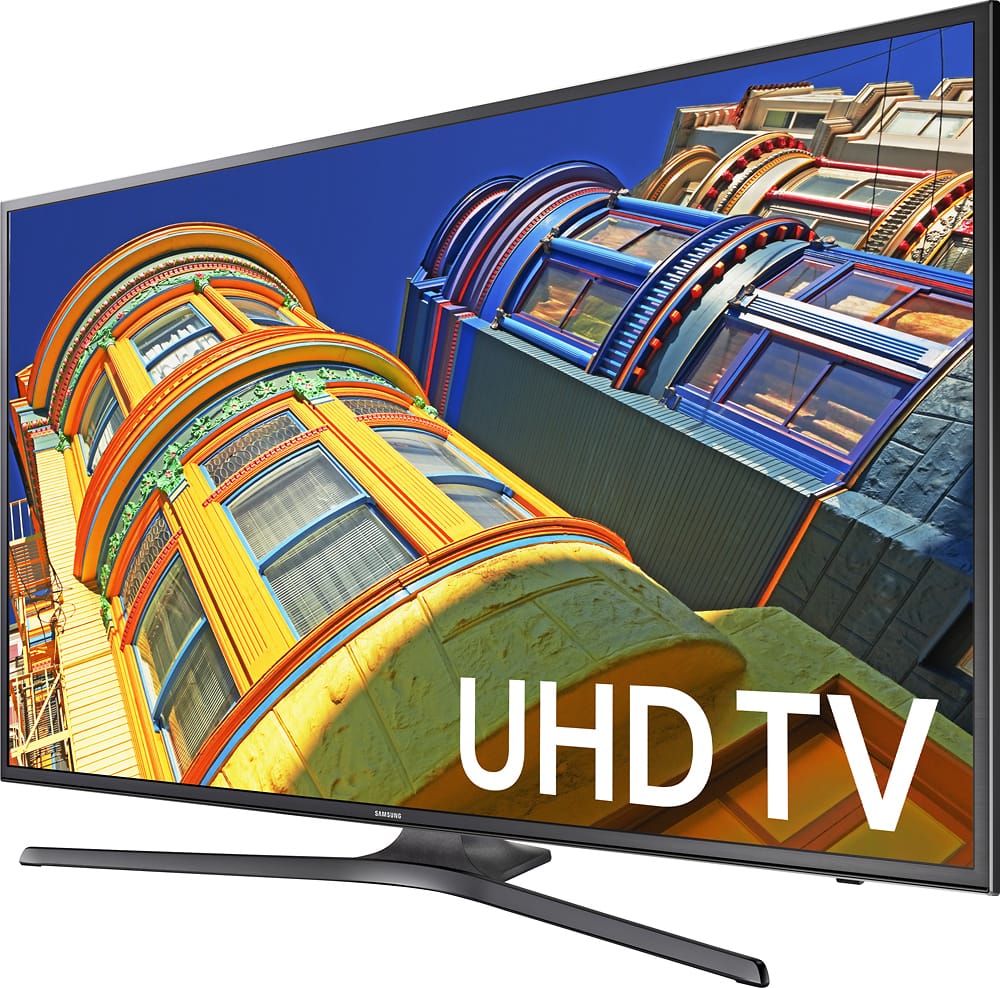
A:AnswerThis would be an excellent Web browser TV. The 4k panel would be more than enough resolution to give text a crisp and sharp look. If you plan on connecting a PC to it, i would definitely make sure you have a video card that would at least support 1440p if not 4k (2160P).
A:AnswerIt comes with a stand. But almost any desk or wall mount that supports 200 mm VESA specs (and that's most of them, in my experience) should work just fine. Check the specified maximum weight just to be sure, but you should be fine.
A:AnswerThe stand does NOT extend past the ends of the TV - about 3 inches shorter, although it does protrude about 2.5 inches beyond the front of the Tv & about 5 inches behind the TV. Very stable stand.
A:AnswerIt is most defiantly hdmi 2.0 capable I believe on all three ports. I have my Xbox one s plugged into port one and I get all the full features of 4K UHD at 60hz. The motion plus 120hz actually does make a bit of a difference when in game mode as well. Hope this helps!
A:AnswerAssuming the TV is set to use the correct HDMI, the troubleshooting we do at work that resolves this is as follows...
- If it's a Windows computer, connect the monitor / TV and then power it on. Several units DO NOT WORK until it is connected / booted from full power-off this way. (Not sure why.)
- If it's a Windows 10 computer, some models of monitors and TV's take FOREVER to detect. Some take nearly 15 minutes. With speakers on, listen for the series of "De Dunk" sounds that hardware connected / drivers installed process plays. If you're getting the sounds, it's thinking about it in the background. Wait it out.
- If it still doesn't work, verify the VERSION that your HDMI CABLE is. HDMI 1.3? 1.4? Many cables poorly identify their specs.
- And FYI, many common graphics cards can't handle 4k, though a 4k tv will handle 1080p just fine, given the above troubleshooting.
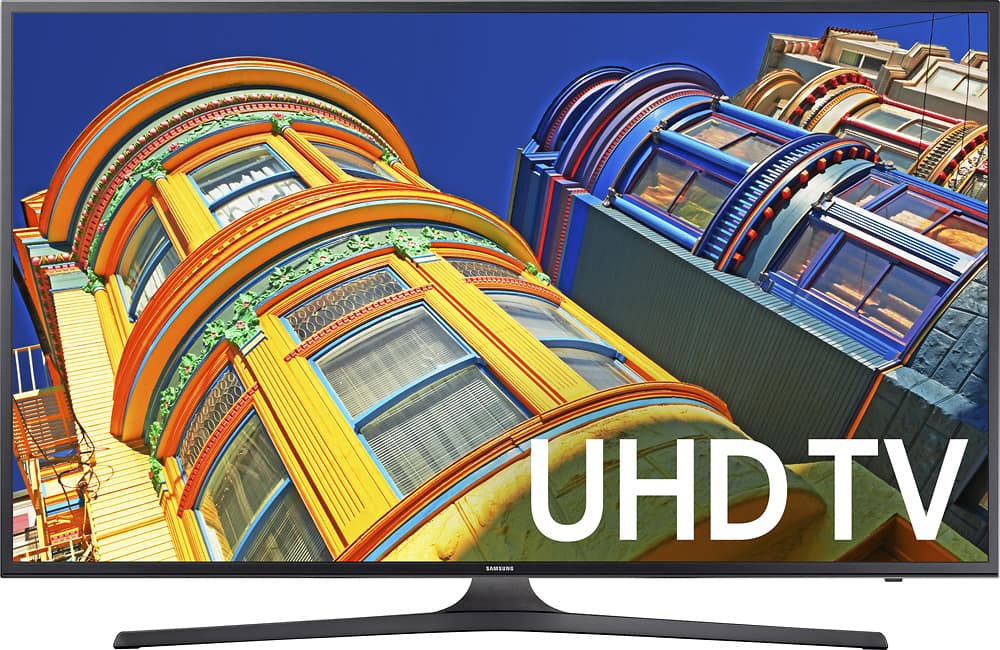
A:AnswerMt Tv is hooked to free air antenna and also streem so best i can say is picture is as good source and broadcast,some is awesome others are still fine. Great picture.
A:AnswerJunk in, Junk out. Upscaling does improve things, but the magic only goes so far. (Think VHS compared to DVD)
A DVD played back with upscaling (Player or TV will perform the upscaling if the devices used have that feature) will be better quality that regular DVD playback, but still less than a proper Blu-Ray release. Note that some Blu-Ray discs release non-HD content on Blu-Ray media for ease of production or total video length benefits.
Not sure about this exact model yet, but many of the TV's we installed did not enhance the cable box nearly as well as the DVD upscaling. Depending upon the cable provider, non-HD service may not always provide proper widescreen broadcasts, broadcasting instead the square aspect version or one with the black bars built into the image. Watch for known circles in the image to determine if your TV is squishing the image. (Circles become wide ovals if it's stretched horizontally or squished vertically.)