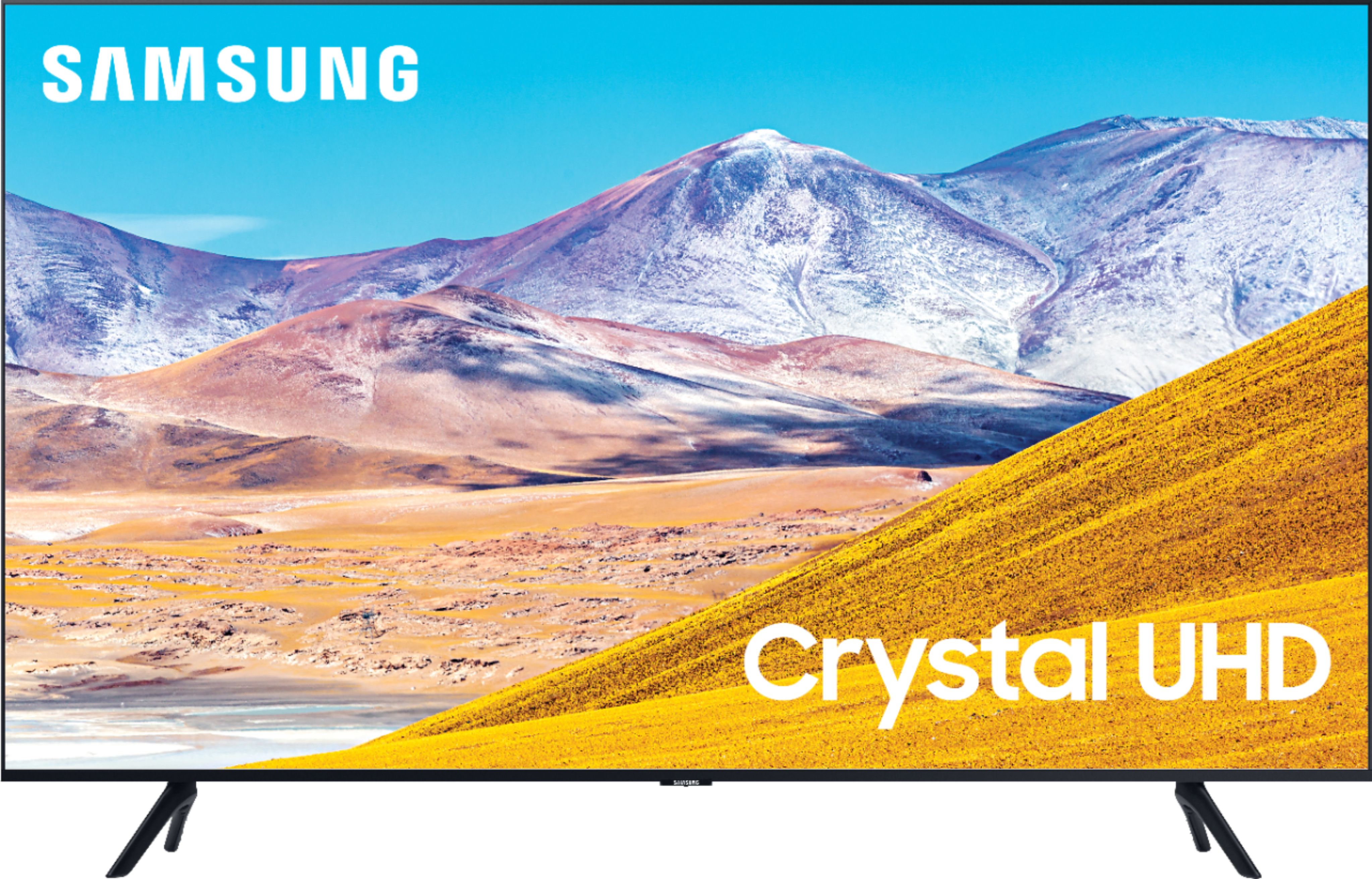
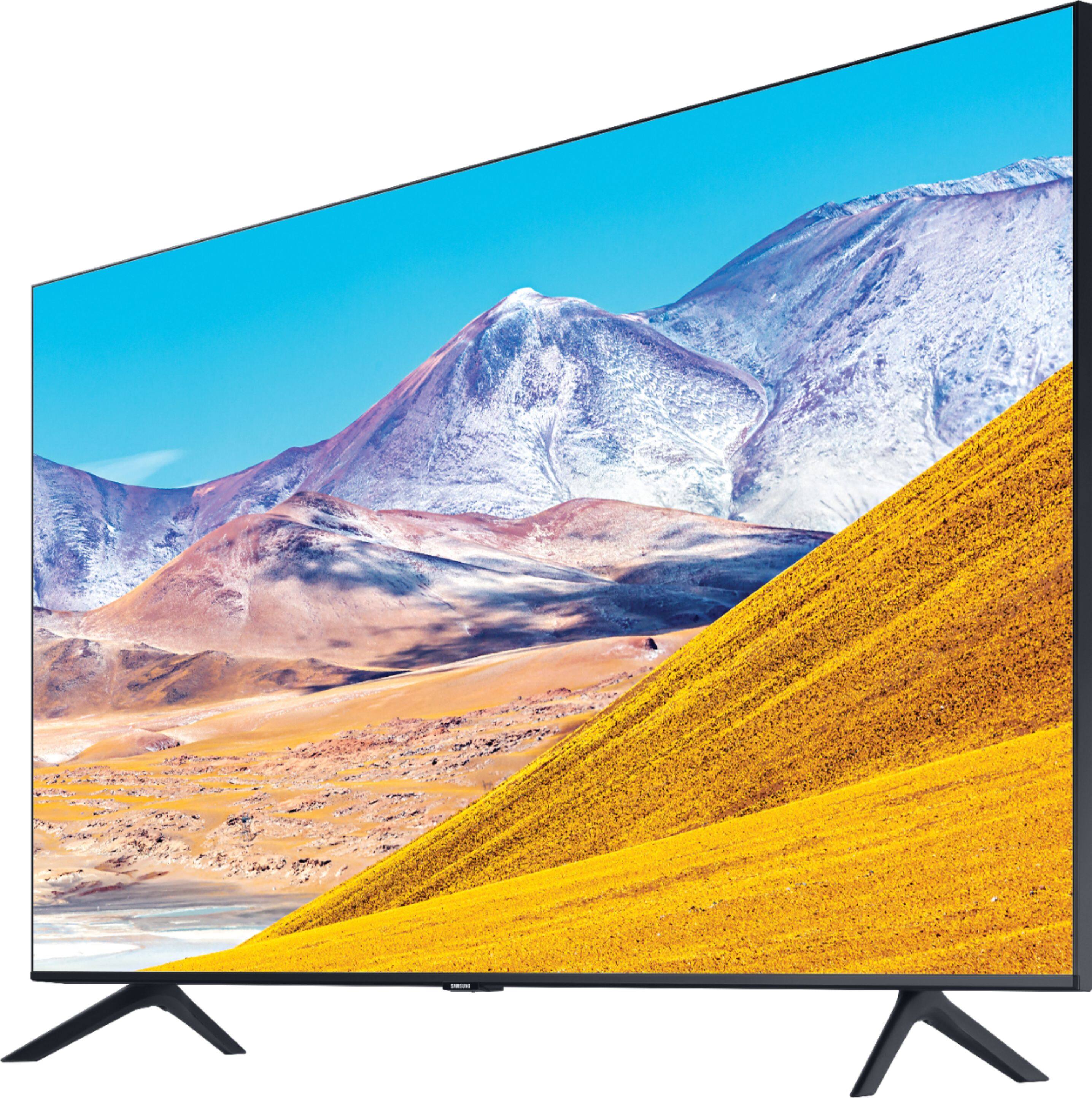
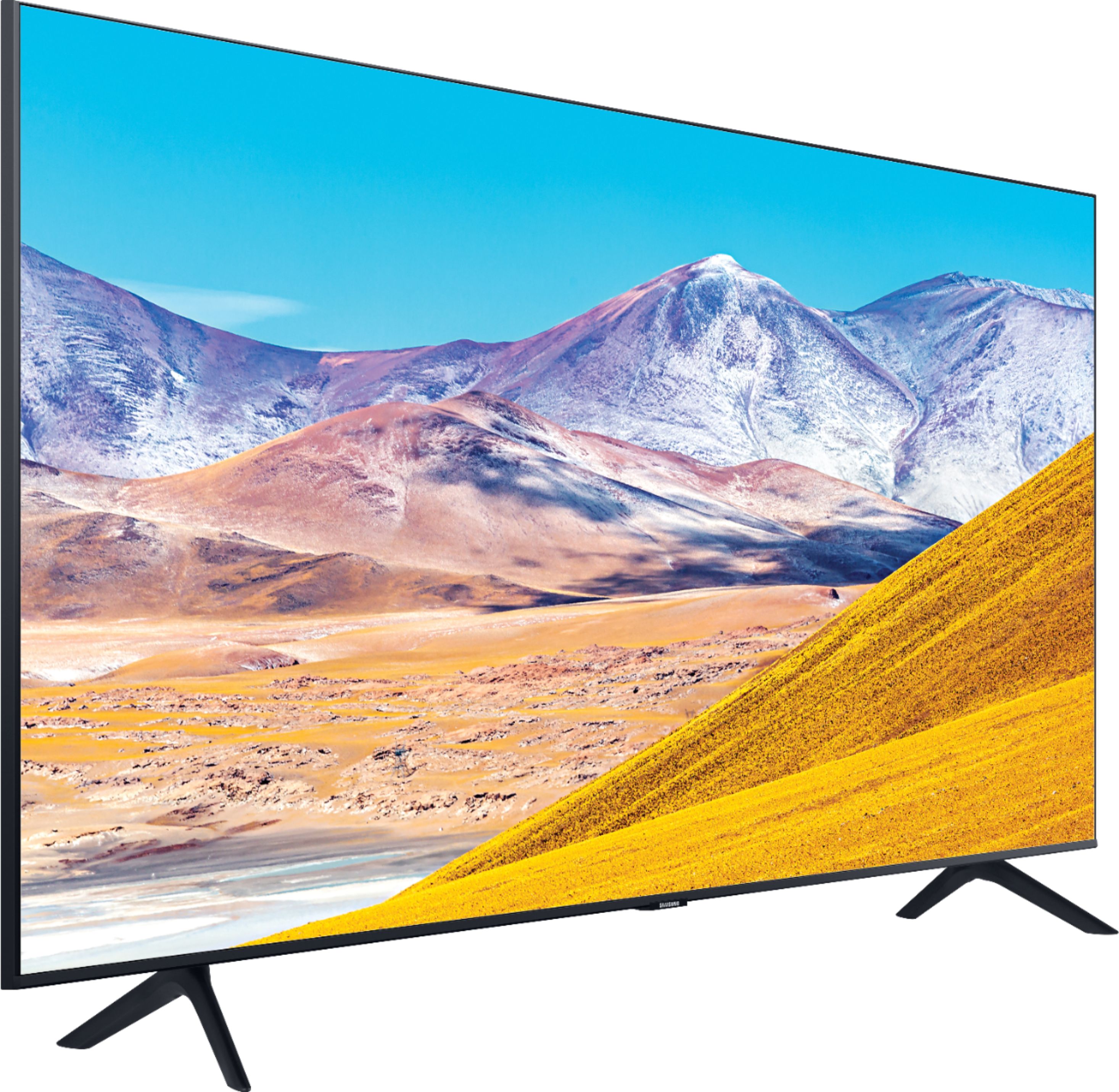
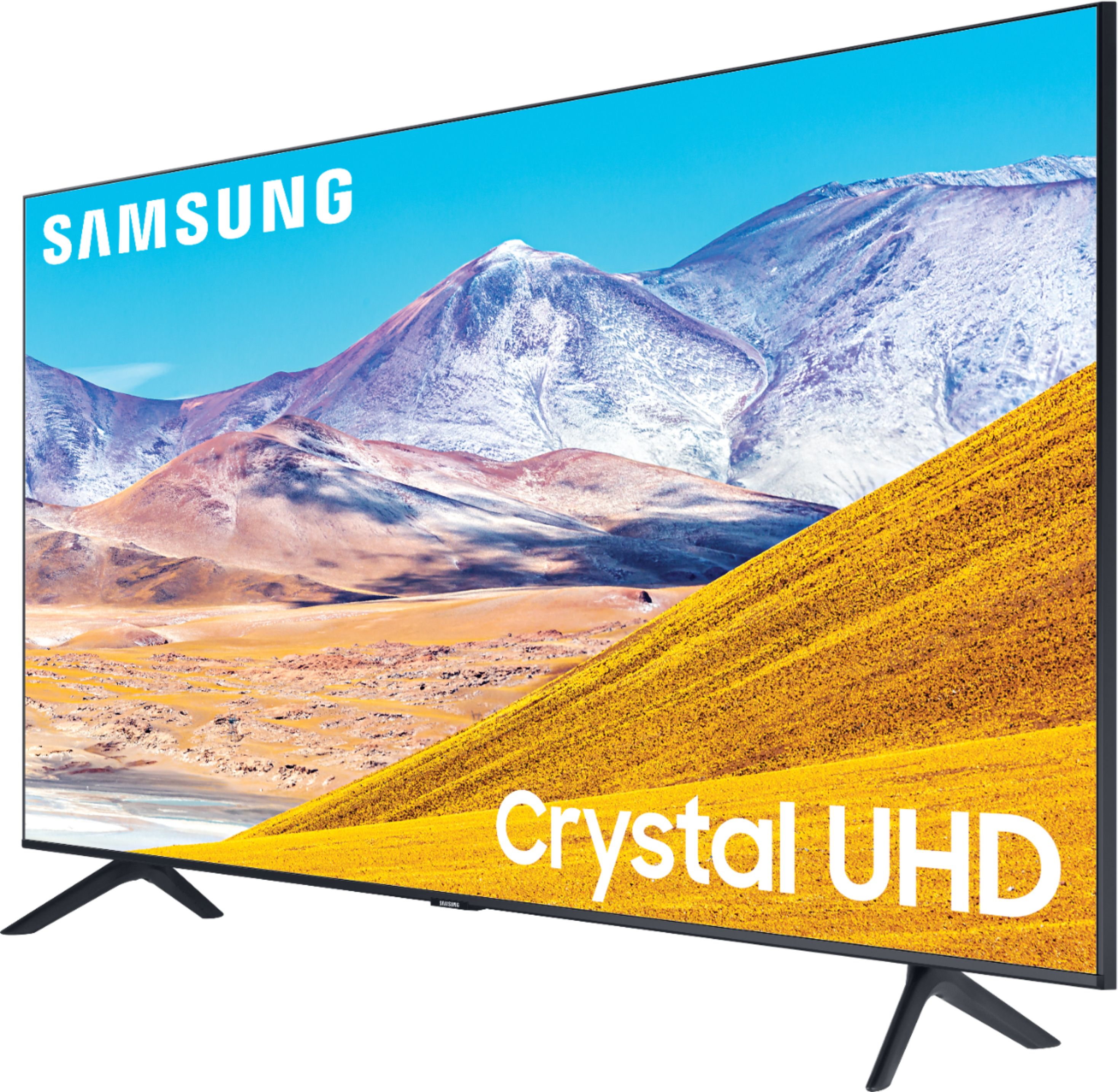
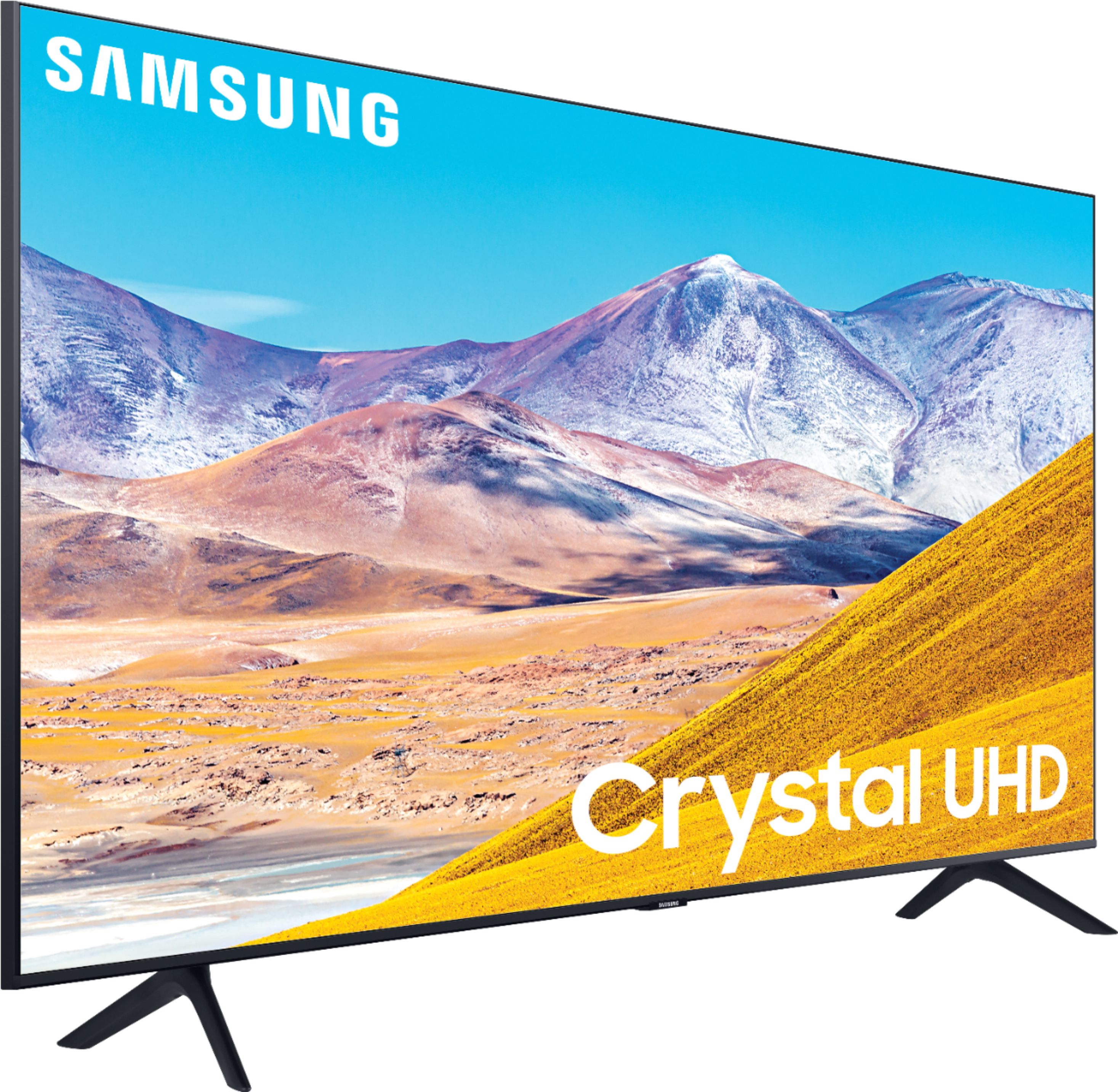
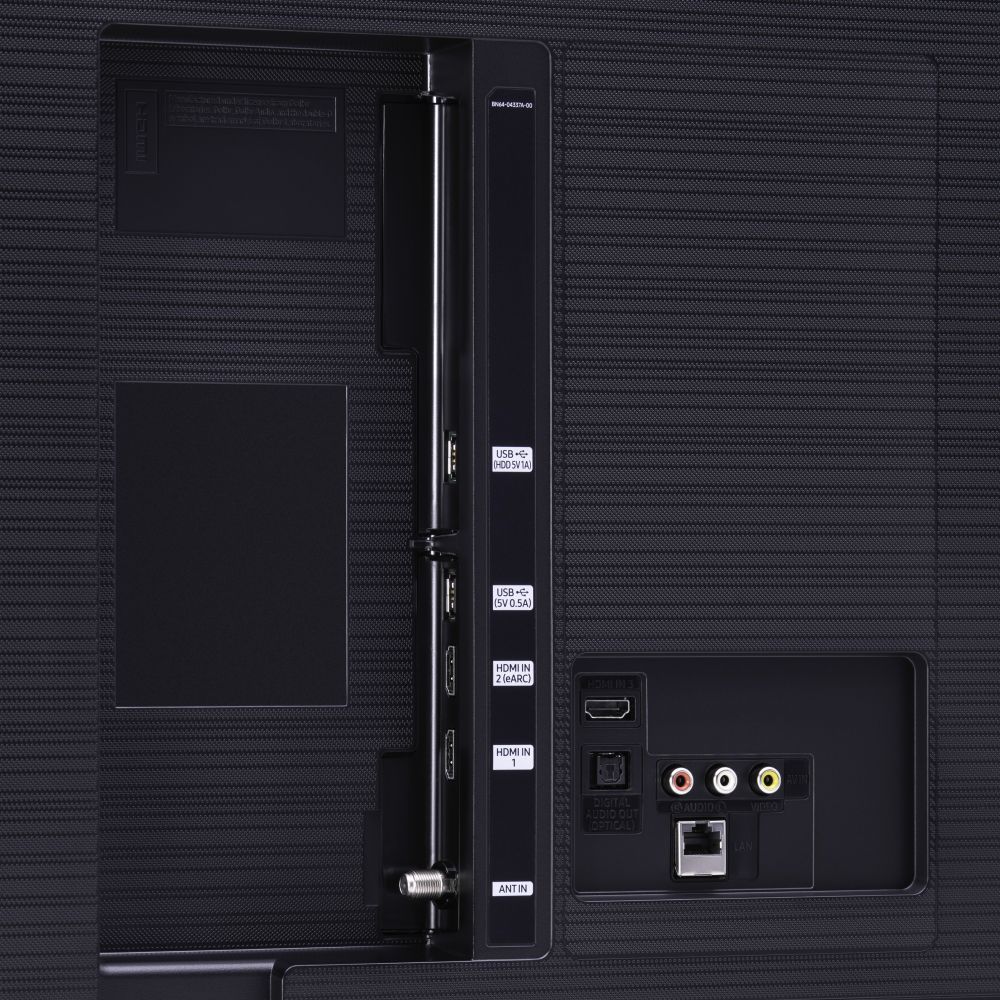
A:AnswerSamsung 43 inch TV 2020 LED 4K Crystal Ultra HD HDR Smart TV TU8000 Series UN43TU8000FXZA has 3 HDMI ports two are 2.0 and one is 2.1...Don't be mislead by sales men.
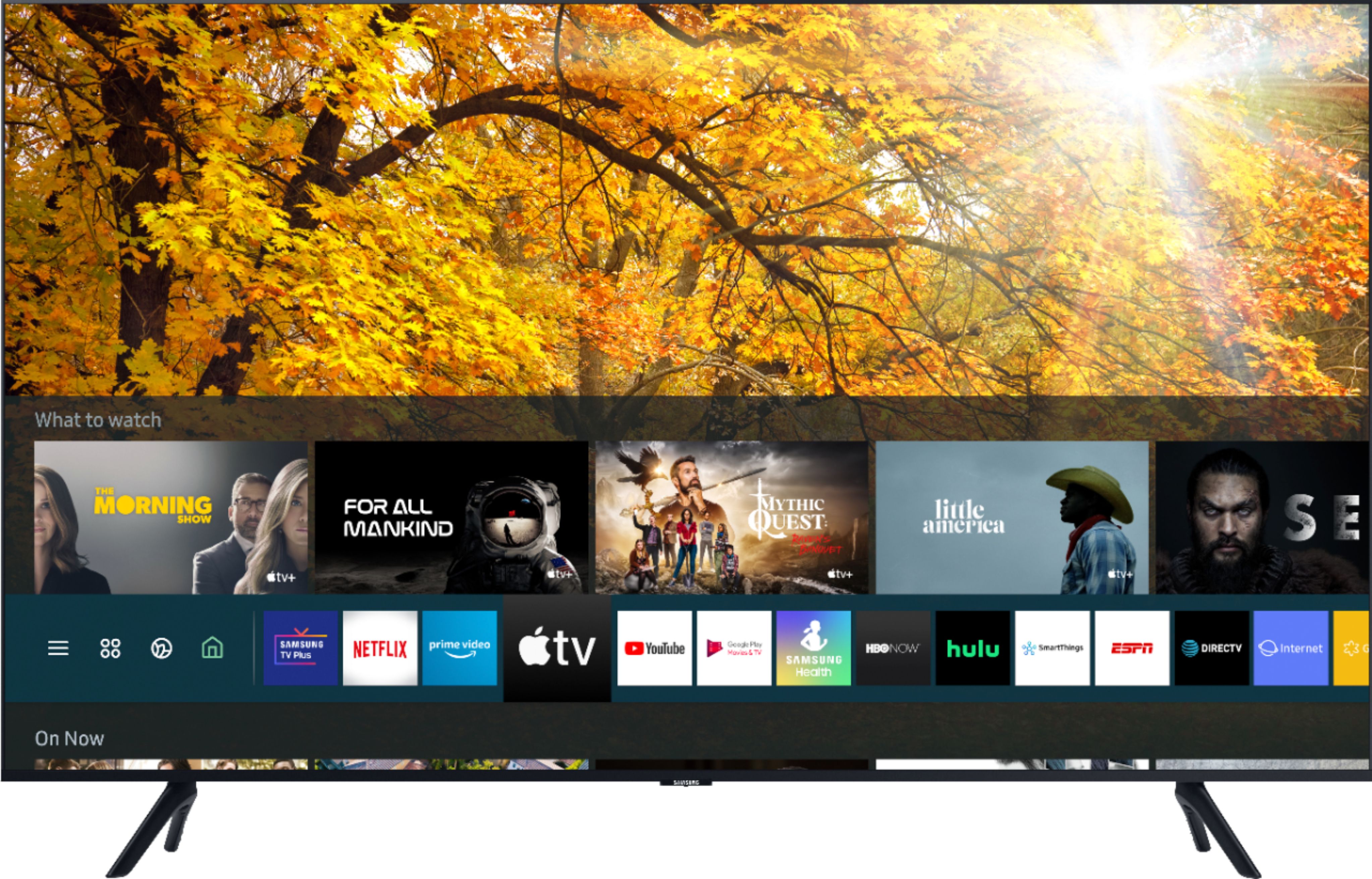
A:AnswerHey Jeb, the 43TU8000 uses the Samsung Smart platform Tizen which supports hundreds of apps including Disney+, Google Play Movies & TV, Hulu, Netflix, Prime Video, STARZ, Sling TV, YouTube. ^Jason
A:Answeryou just have to make sure the cable that comes with the dvd player is compatible with the inputs on the tv. if the dvd player uses hdmi or optical, you're good.
A:AnswerBluetooth is available for this Samsung series 8, so your answer is wrong.. in the meantime I had been able to text an agent (Jose) and he informed me that the Jabra earbuds I intend to buy are compatible with the Samsung series 8.... just thought you should know!!
A:AnswerRemote is the small but the way it works there aren't that many buttons you need to push. There are no numbers. It took a while to get used to using the guide, but in the end I'm OK with it.
A:AnswerHi, you can definitely play PS5 on the TU8000. Auto Low Latency Mode (ALLM/Auto Game Mode) is available on all 3 HDMI ports for this series. The “HDMI In 2” port additionally supports eARC.
However, if you are looking to game at 4K@120fps (FRL), take a look at the Samsung QLED Q70T Series and up. These series in 55" and larger offer 4K@120fps on HDMI 4, as well as have Variable Refresh Rate (VRR) and FreeSync. If we can further help, please call us at 1-800-SAMSUNG. ^Gina
A:AnswerHi tgibbsz32! The TU8000 supports a wide range of video and audio codecs. For the full list of codecs supported, check out the E-manual, page 96, at the following link from Samsung: https://downloadcenter.samsung.com/content/UM/202011/20201116112509205/KT2ATSCT-2.1.5_EM_KANTS_USA_ENG-US_201020.0.pdf
^Tim
A:AnswerHi Chj14! When you hover over an app icon you wish to move, click 'down' on your OneRemote navigation circle - from there, you can 'Move' or 'Delete' the app from your App Launcher. ^Gina
A:AnswerHello barb,
Class number is referring to the series of the TV. When stepping up from the TU7000 to the TU8000 you gain features like; Ambient Mode- Turn your sleeping TV into an art, photo gallery or information center and more depending on your moods and needs. Multiple Voice Assistants
Choose your favorite voice assistant: Bixby, Amazon Alexa or Google Assistant. For the first time, all are built into your Samsung TV to provide the optimal entertainment experience and advanced control in your connected home.
^Cristian