A:AnswerHi Sparky! Yes, you can set the Sleep Timer to turn off after a set period of time. Additionally, you can enable Auto Power Off to have the TV turn itself off if there has been no activity for a set period of time. This is one of your TV’s energy efficiency functions.
^Tim
A:AnswerIf you mean Picture in Picture the answer is NO. Just installed it a few days ago and read nothing or see nothing on the Smart Remote that indicates such. The remote does have the Voice Command feature. A complete Manual is NOT INCLUDED in the box….you will need to get it online.
A:AnswerHi jude4! The AU8000 does not feature a 3.5mm or headphone connection; however, you can use the built in Bluetooth wireless audio technology to connect to a pair of compatible headphones or a wireless speaker.
^Tim
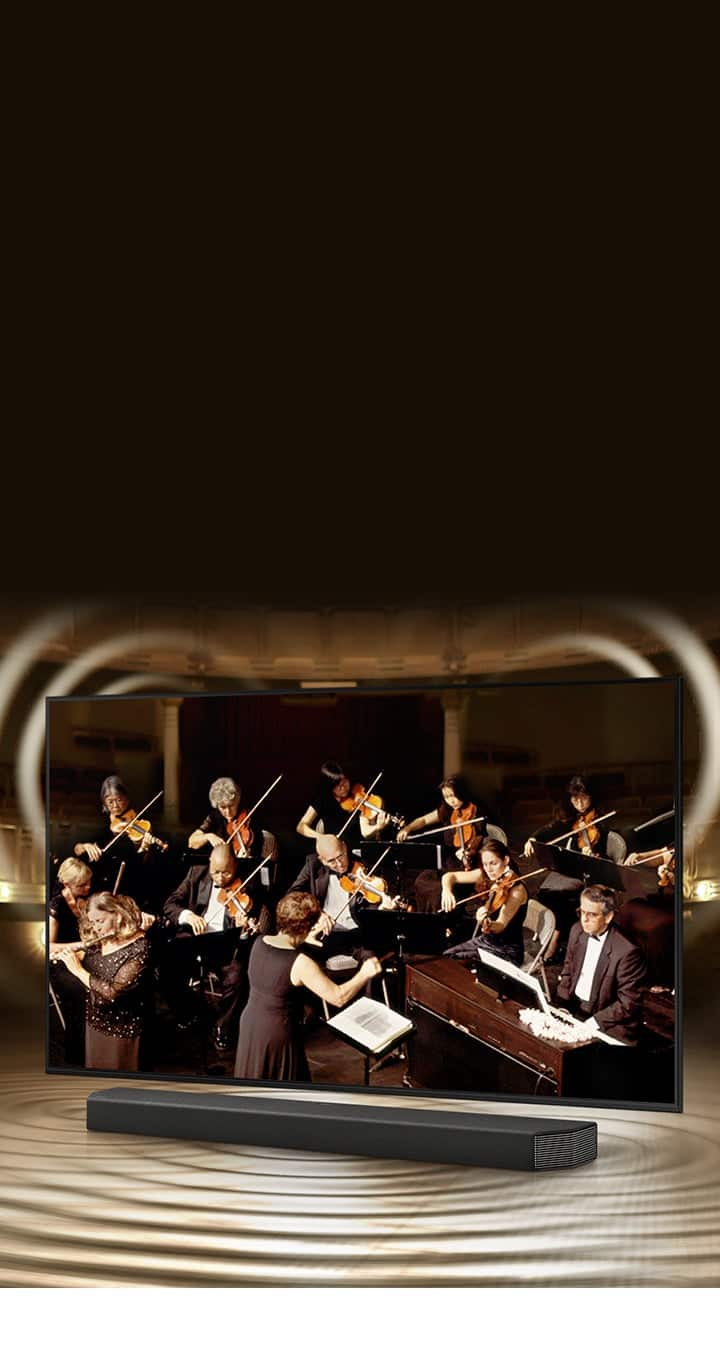
A:AnswerHi Rusty! This model features a 20w 2ch audio system with Object Tracking Sound Lite providing you with a more immersive audio experience when compared to standard TV speakers. Additionally, this TV is compatible with Samsung Q Symphony soundbars allowing you to utilize the TV speakers and the soundbar together for our most immersive audio experience yet. Should you wish to connect headphones, the AU8000 is compatible with Bluetooth wireless audio technology allowing you to connect a wide range of wireless audio devices.
^Tim
A:AnswerHi Upnorth! You can use the following adapted from Best Buy to convert composite (Yellow, White, Red) cables to an HDMI connection for compatibility with the AU8000. Check it out here: https://www.bestbuy.com/site/insignia-rca-to-hdmi-converter-black/6134312.p?skuId=6134312
^Tim