A:AnswerHi bjy!
The AT&T is not available at this time on the AU8000, but the built-in App Store allows you to choose from and download hundreds of apps such as discovery+, HBO Max, Disney+ and many more. We are continuously adding more premium content and new services to our Smart TV platform. It also comes with Samsung TV Plus which offers hundreds of free channels of news, sports, movies, and much more.
^Tim
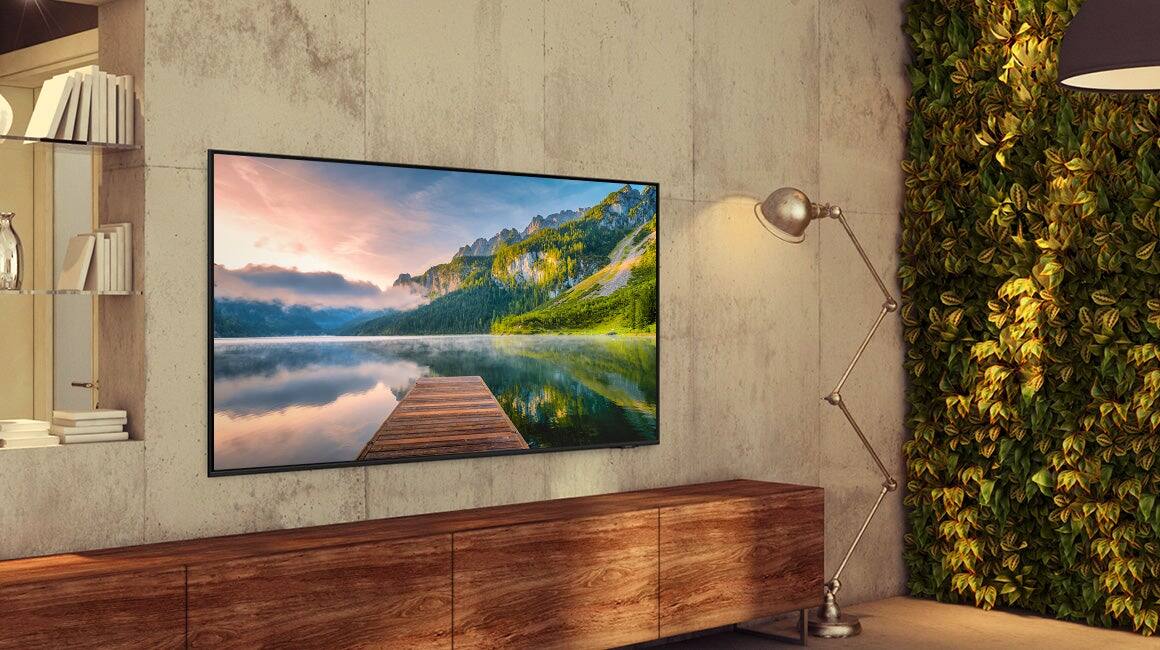
A:AnswerHi Millhouse! Best Buy offers several different tilted wall mounts; the best type of mount to utilize will ultimately depend on what best fits your needs. You will need to use a wall mount that supports a VESA pattern of 200mm x 200mm, as that is what will be compatible with the 43" AU8000. To assist you in finding the best option, please visit your local Best Buy or check out the options here: https://www.bestbuy.com/site/searchpage.jsp?_dyncharset=UTF-8&id=pcat17071&iht=y&keys=keys&ks=960&list=n&qp=maxtvsizerange_facet%3DMaximum%20TV%20Size~40%22%20-%2049%22%5Emountstyle_facet%3DMount%20Style~Tilting&sc=Global&st=tv%20wall%20mount&type=page&usc=All%20Categories ^Gina
A:AnswerHi boxer1014,
Yes, to turn off the red light at the bottom of the TV, go to Settings> System> Expert Settings> Light Effect> Off.
~Samsung Advisor
A:AnswerHi! Yes, the AU8000 features a built in Sleep Timer allowing you to set a time up to 180 minutes, after which the TV will turn off. Using your TV remote, navigate to Settings > General > System Manager > Time > Sleep Timer, and then select the amount of time you would like the TV to stay on before powering itself off. The Sleep Timer can also be accessed through the Quick Settings bar. I hope this helps!
^Tim
A:AnswerHi Renew! Yes, the AU8000 features a built in Sleep Timer allowing you to set a time up to 180 minutes, after which the TV will turn off. Using your TV remote, navigate to Settings > General > System Manager > Time > Sleep Timer, and then select the amount of time you would like the TV to stay on before powering itself off. The Sleep Timer can also be accessed through the Quick Settings bar. I hope this helps!
^Tim
A:AnswerHi Renew! Yes, the AU8000 features a built in Sleep Timer allowing you to set a time up to 180 minutes, after which the TV will turn off. Using your TV remote, navigate to Settings > General > System Manager > Time > Sleep Timer, and then select the amount of time you would like the TV to stay on before powering itself off. The Sleep Timer can also be accessed through the Quick Settings bar. I hope this helps!
^Tim
A:AnswerHi Newtoo123! You can access a wide variety of free channels through Samsung TV Plus. This feature is available once the TV has been connected to an internet network and can be launched by selecting "TV Plus" in your app launcher, or "TV" in the source selection screen.
^Tim
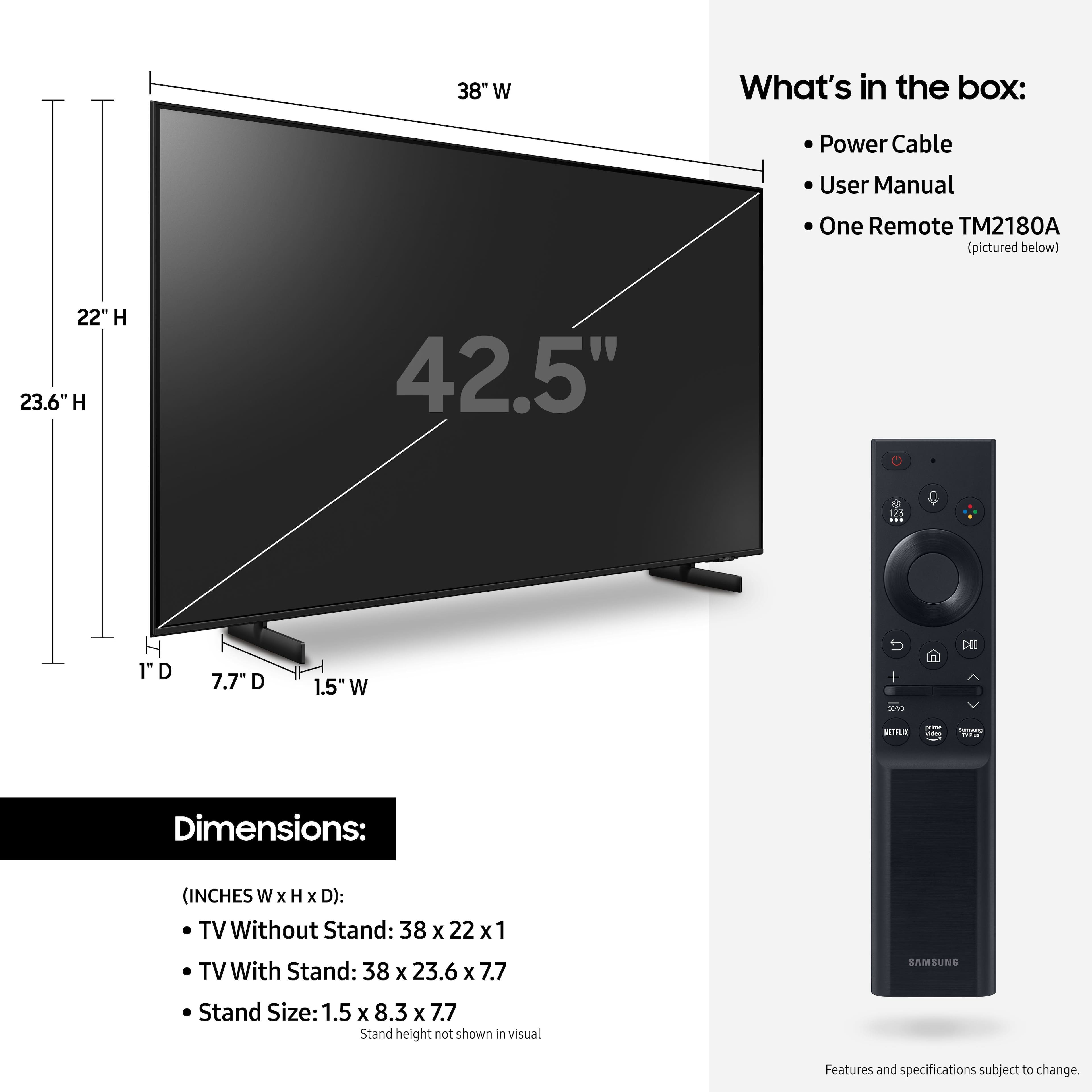
A:AnswerHi Chad! Most wall mounts will come with all the screws you need to get it successfully installed, and you should be able to contact the manufacturer of the mount to obtain additional screws if needed. The 43" AU8000 requires 4 M8 screws with 11-13mm length and 1.25mm pitch and supports any wall mount with a VESA Pattern of 200mm x 200mm. Please be sure to factor in the thickness of the mounting hardware when choosing the optimal screw length.
^Tim
A:AnswerHi! The optical audio output can be found on the back of the TV just below the HDMI 3 port. Should you need additional assistance, please reach out to Samsung Support at: 1-800-SAMSUNG (ask for TVs), available 8AM - 12AM EST, 7 days a week, or Chat with us on Samsung.com: https://www.samsung.com/us/support/contact/
^Tim

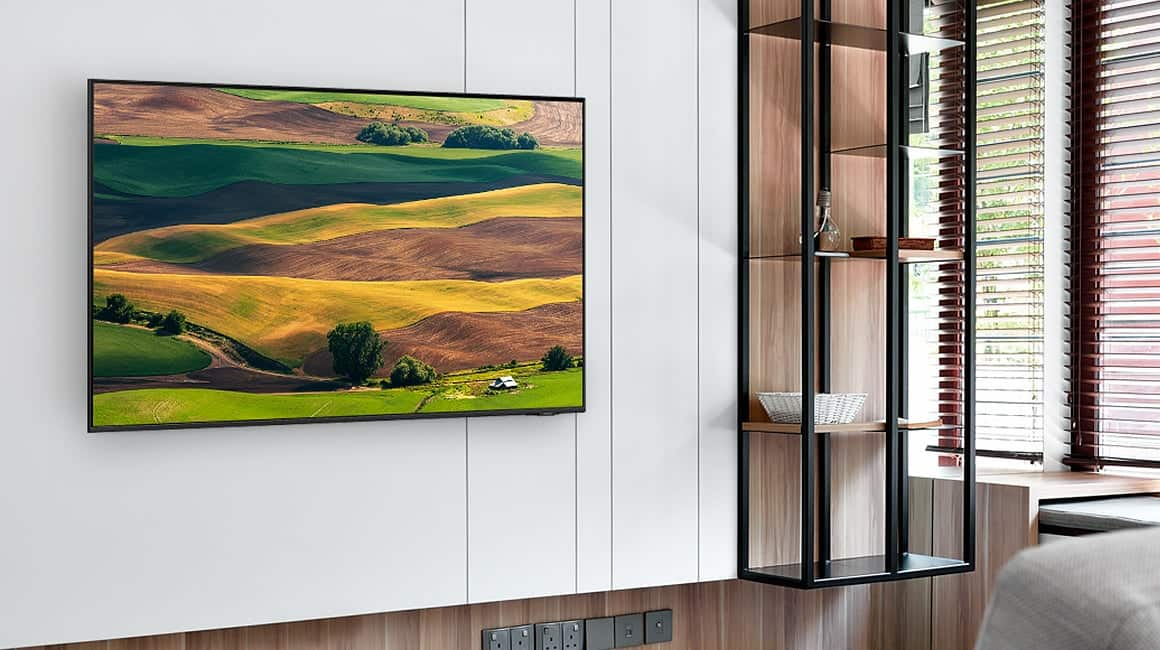
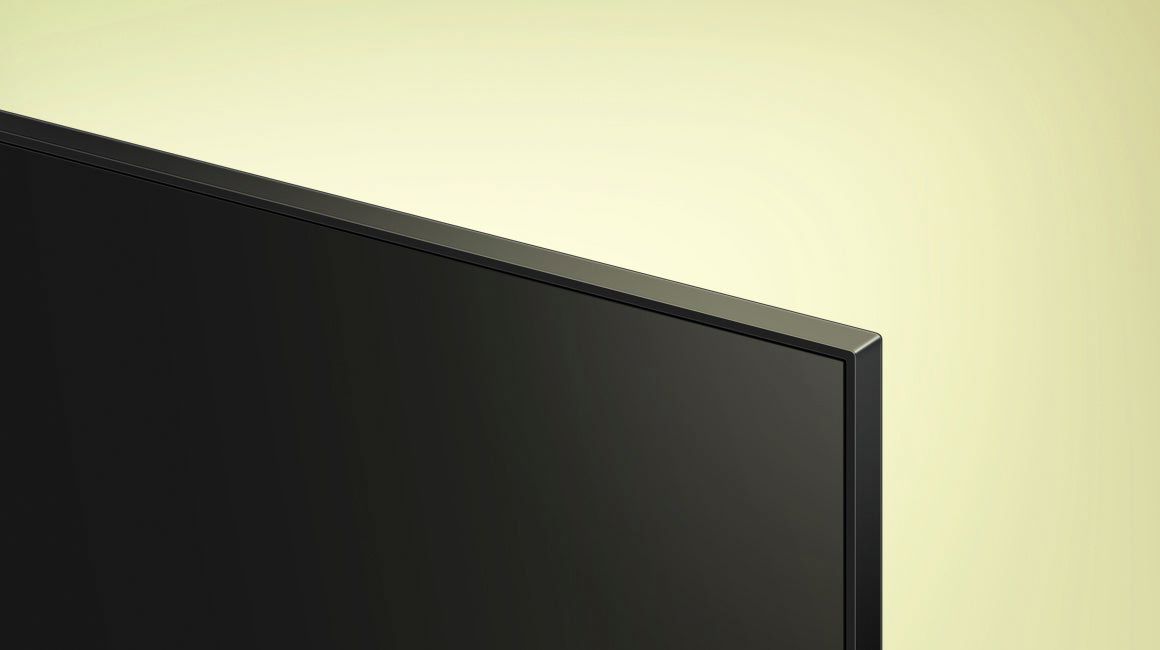
A:AnswerHi Reb202198! Edge lighting and direct lighting can both be effective backlighting technologies for LED TVs. With the edge lighting on the AU8000 we are able to maintain a slim 1" depth of the TV while still providing impressive contrast levels.
^Tim

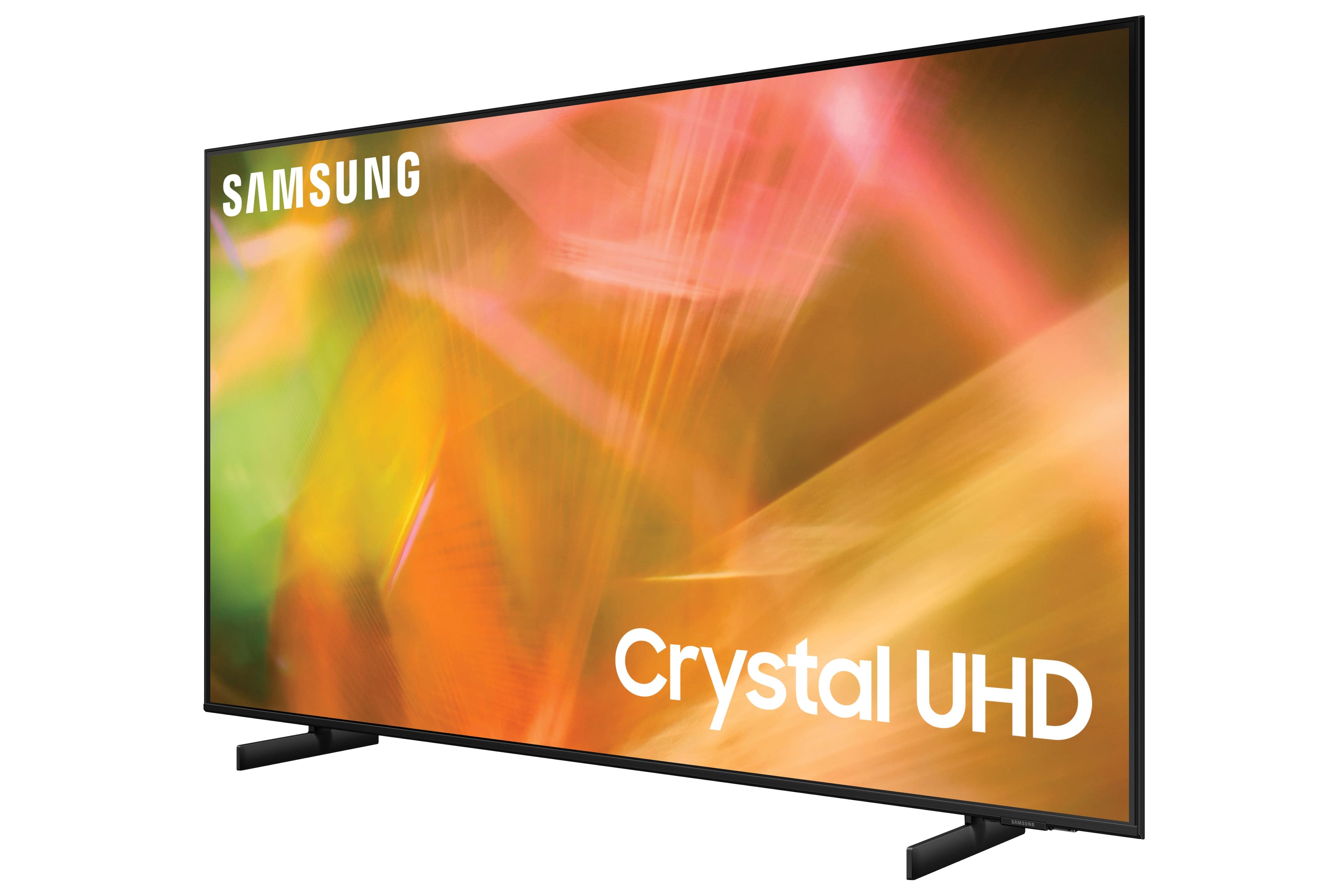
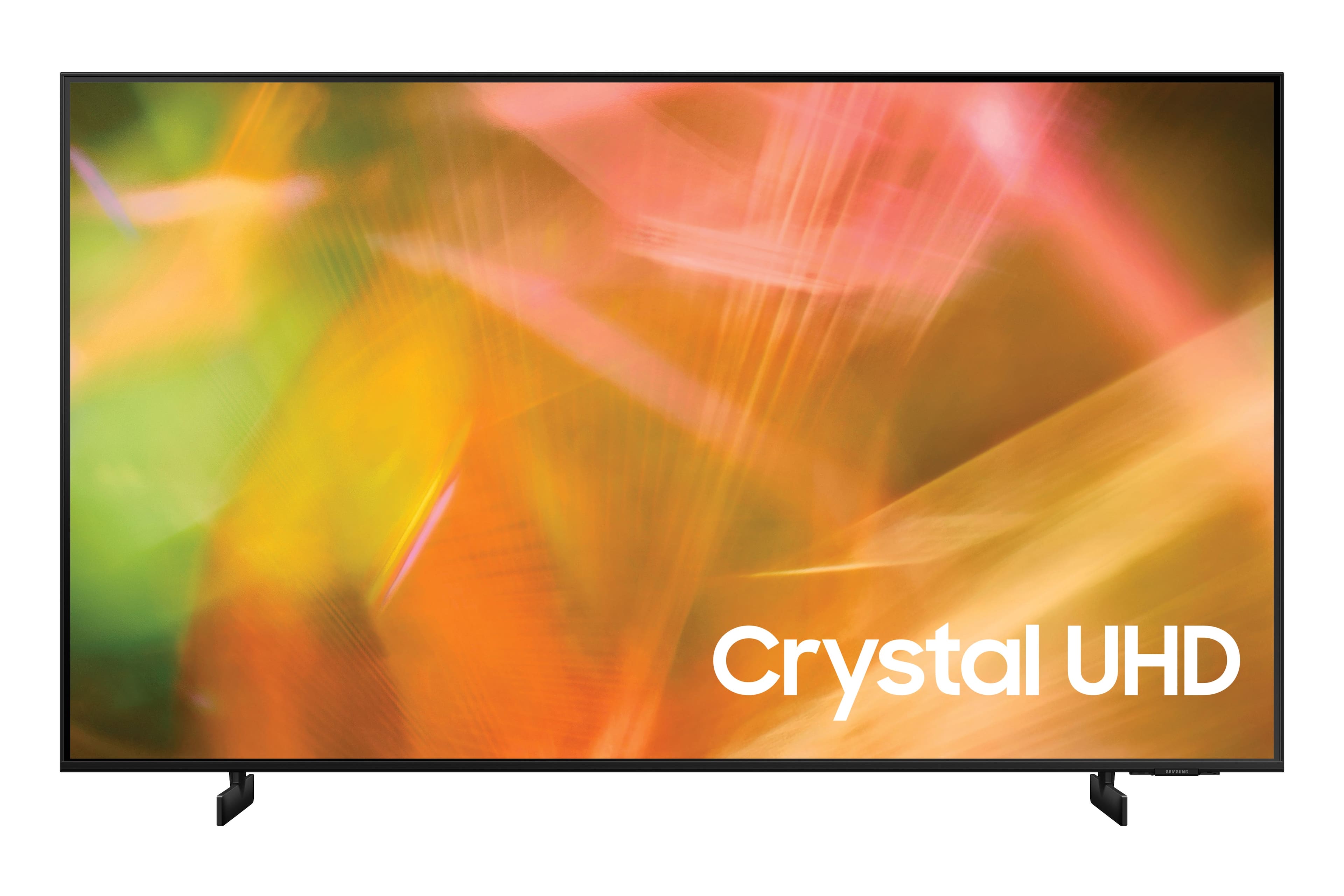
A:AnswerHi Nika! The AU8000 is part of Samsung's Crystal UHD line of TVs, the term used for our 4K Smart TVs that are not powered by Samsung's Quantum Dot or QLED Technology.
^Tim

A:AnswerHi meeperdo! The AU8000 features 3 HDMI connections allowing you to connect external video or audio devices. The AU8000 does not feature a composite or RCA connection for analog devices such as a VCR. ^Tim

A:AnswerHi Jaci! For more information on installation services, please contact your local Best Buy or visit
https://www.bestbuy.com/site/tv-home-theater-services/tv-mounting-packages/pcmcat748300648009.c?id=pcmcat748300648009#1
^Tim
A:AnswerHi Momsteffen!
Yes, you can set the Sleep Timer to turn off the TV after a set period of time. Additionally, you can enable Auto Power Off to have the TV turn itself off if there has been no activity for a set period of time. This is one of your TV’s energy efficiency functions. ^Tim