Questions & Answers
- Model:
- UN43AU8000FXZA
- |
- SKU:
- 6452966
Highly rated by customers for: Picture Quality, Ease of use, Smart TV
Page Showing 141-160 of 366 questions
Q: QuestionHow much does it weigh
Asked by Anonymous.
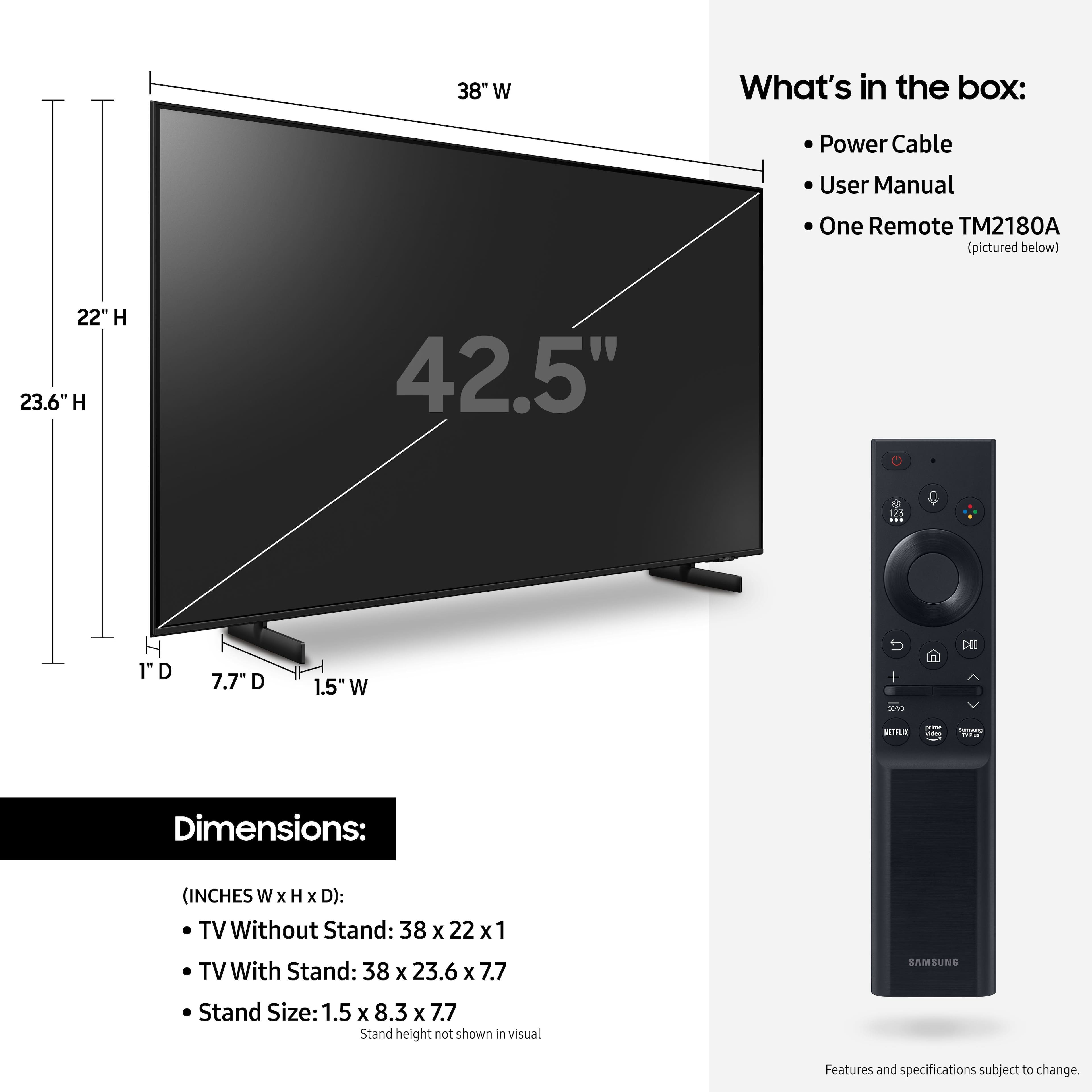
- A:Answer Hi there, The 43" AU8000 weighs 18.3 pounds. ~Samsung Advisor
Answered by Samsung

Q: Questionis there a setup video?
Asked by Anonymous.
- A:Answer Check under settings for audio
Answered by MsVee
Q: Questioncan I get peacock premium on this tv
Asked by penny.
- A:Answer Hi penny, Yes the Peacock App is available for download on the Samsung AU8000 TV. ~Samsung Advisor
Answered by Samsung

Q: QuestionCan this tv be viewed in a vertical orientation?
Asked by Anonymous.
- A:Answer Hi there, The AU8000 does not feature the ability to display in portrait mode. We recommending the Samsung Frame TV which allows you to be in Portrait or Landscape Mode. ~Samsung Advisor
Answered by Samsung

Q: QuestionDo any streaming services come free with it?
Asked by Anonymous.
- A:Answer Yes, check the apps loaded on tv. Plenty
Answered by MsVee
Q: QuestionWill this TV work with Spectrum cable service.
Asked by FoxyLady.
- A:Answer Yes, will work with any cable service. Even tv antenna if you don’t want to spend that kind of money.
Answered by Masonspapa
Q: QuestionDoes this model feature the Microsoft App Cloud Gaming App?
Asked by Jsarge316.
- A:Answer Hi Jsarge316, The Xbox App, which is available through the Samsung Gaming Hub, is not available on the AU8000 TV. It is available on the QN900B, QN800B, QN95B, QN90B, and the Q60B series TVs. I hope this helps! ~Samsung Advisor
Answered by Samsung

Q: QuestionDo you have tvs in stocks that are proidium hospitality tvs
Asked by Bull.
- A:Answer Hi Bull, To be assist you with your question, contact your Best Buy for more information. ~Samsung Advisor
Answered by Samsung

Q: QuestionI have a verizon fios cable box. Is this TV compatable?
Asked by donp814.
- A:Answer Hi donp814, The AU8000 TV has multiple connections that you are able to use to connect to external devices. It has 3 HDMI ports, 2 USB ports, 1 digital optical audio input, 1 ethernet port, 1 RF antenna input, and is both Wi-Fi and Bluetooth enabled. I hope this helps! ~Samsung Advisor
Answered by Samsung

Q: QuestionIs this also compatible with Verizon's PlayMore program?
Asked by Dedo.
- A:Answer Hi Dedo, To better assist you with your question, please contact us at 1-800-SAMSUNG, 8 AM - 12 AM EST, seven days a week. Or visit us on the Samsung website and click on the ‘Support’ link for: 1) LiveChat with an agent 2) Manuals, Software, & Warranty Info ~ Samsung Advisor
Answered by Samsung

Q: QuestionIs this TV digital optical? If so does this have RCA In or Avx in? I need to buy a sound bar for this tv and my mother has hearing aids. BBuy sales man sold her a sonis that did not work, had to return. Any suggestions on the sound bar. ck sz of tv
Asked by Barbara.
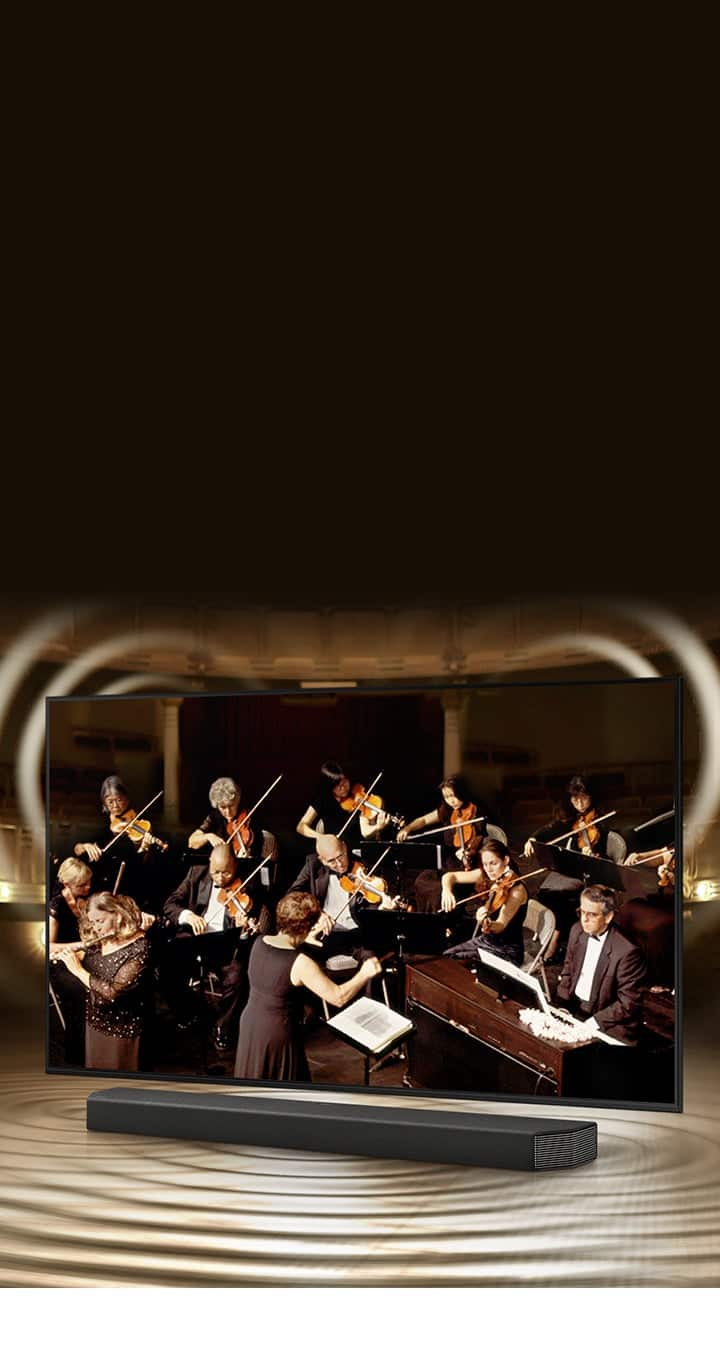
- A:Answer It has optical and Bluetooth. And I have Samsung sound bar hooked up with optical cable. Works fine.
Answered by Masonspapa
Q: QuestionWhat size bolts are used to connect Tv to wall mounted rack?
Asked by Scott.
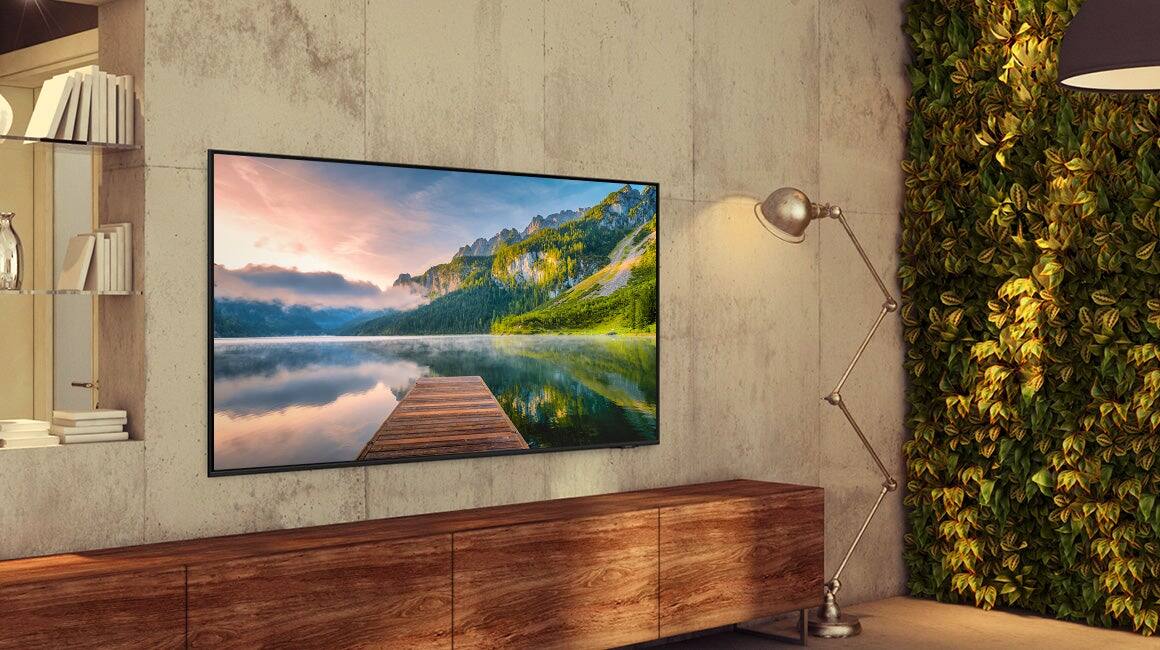
- A:Answer I used 1/4” x 2” lag bolts. Plenty strong enough. Wall will come down before the tv does.
Answered by Masonspapa
Q: QuestionCan you listen to to TV with Bluetooth headphones
Asked by Spike.
- A:Answer Hi Spike, Yes, the Samsung AU8000 is Bluetooth enabled and can connect to bluetooth devices such as headphones. ^Brie
Answered by Samsung

Q: QuestionCan I turn off tv speakers?
Asked by Dave.
- A:Answer Hi Dave, To turn off the sound on your Samsung TV, Please know that many buttons on your remote have multiple functions. For example, the Volume button is moved UP/DOWN to adjust volume, and to MUTE the sound, you need to PRESS it in. Pressing it a second time will unmute. If you are looking to use external speakers, it will depend on how you connect your device. Head to Settings>Sound>Sound Output and select the appropriate speaker. If you need more assistance, please feel free to contact us at 1-800-SAMSUNG, 8 AM - 12 AM EST, seven days a week. Our LiveChat agents are also available by clicking on the ‘Support’ link on our website. ~ Samsung Advisor
Answered by Samsung

Q: QuestionIs there a headphone jack?
Asked by Greg.
- A:Answer Hi Greg, Samsung TVs do not feature a 3.5mm connection for headphones. However, the AU8000 along with other Samsung UHD TVs feature built in Bluetooth allowing you to wirelessly connect to a compatible pair of Bluetooth headphones. ^Brie

Answered by Samsung

Q: QuestionDoes this tv have built in DVD player?
Asked by Jen.
- A:Answer No it doesn't. I think you have to buy a compatible DVR.
Answered by Essential
Q: QuestionCan I connect bluetooth speakers to this tv without using a soundbar?
Asked by TomC.
- A:Answer Hi TomC, Absolutely! You can connect wireless headsets and other Bluetooth devices like speakers, keyboards, mice, and gamepads to the Samsung AU8000 TV. ^Brie
Answered by Samsung

Q: QuestionDoes this tv suppose discovery+?
Asked by Anonymous.
- A:Answer Hi there, Yes the Samsung AU8000 does offer Discovery+ in the built-in app store. ^Brie
Answered by Samsung

Q: QuestionDoes this TV have apps such as Netflix and Amazon Prime already in the TV with a click of the source button??
Asked by Jimmyg.
- A:Answer Yes, I believe so. The remote has one click buttons for Netflix and Prime Video on it. I know that I once hit the Netflix button on accident and it took me right to it. It also has them in the menu when you turn on the tv along with many others. I hope this answers your question completely.
Answered by Slow2learn
Best-selling Best Buy
- Tech Fest Deal$99.00