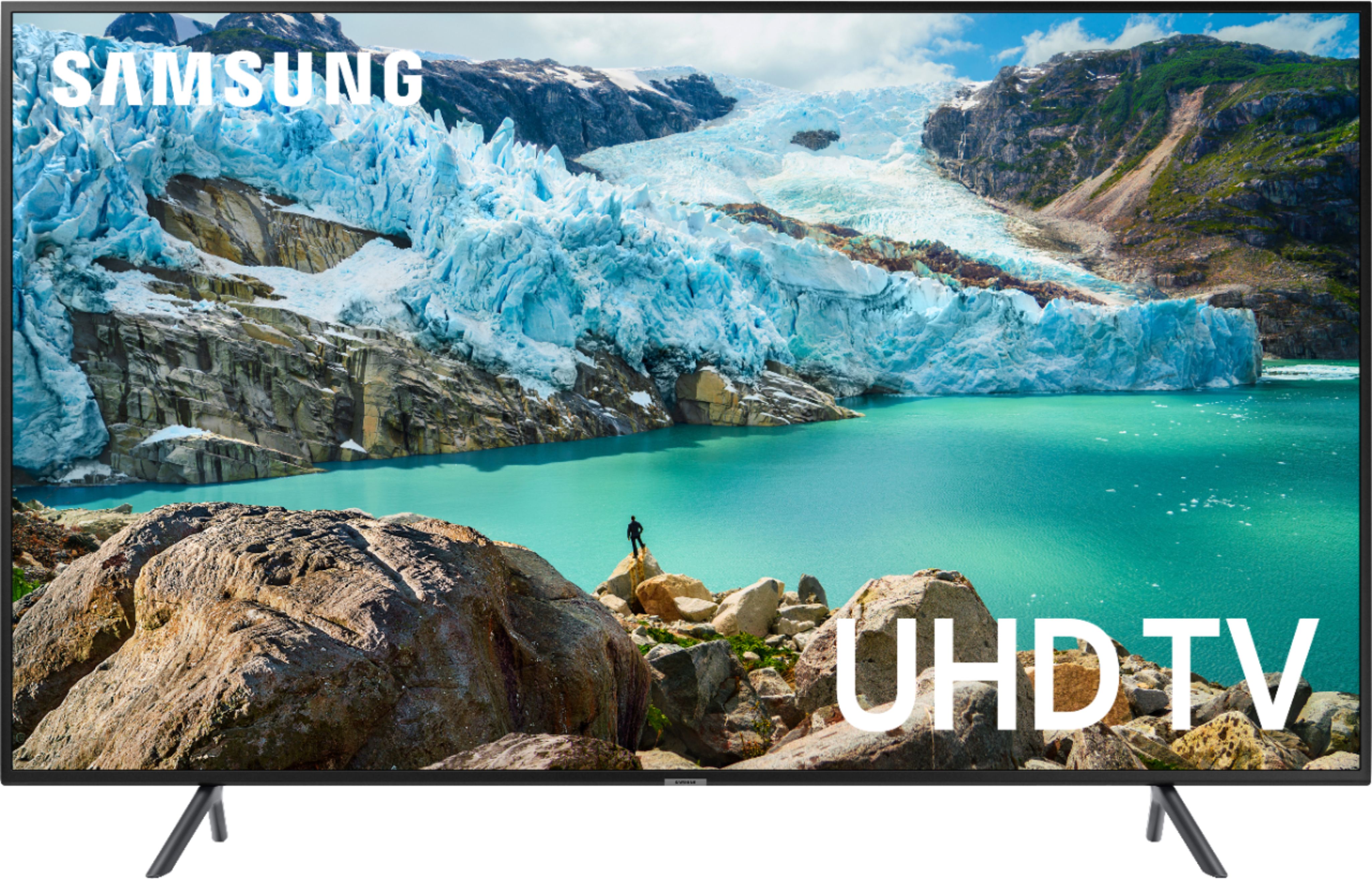
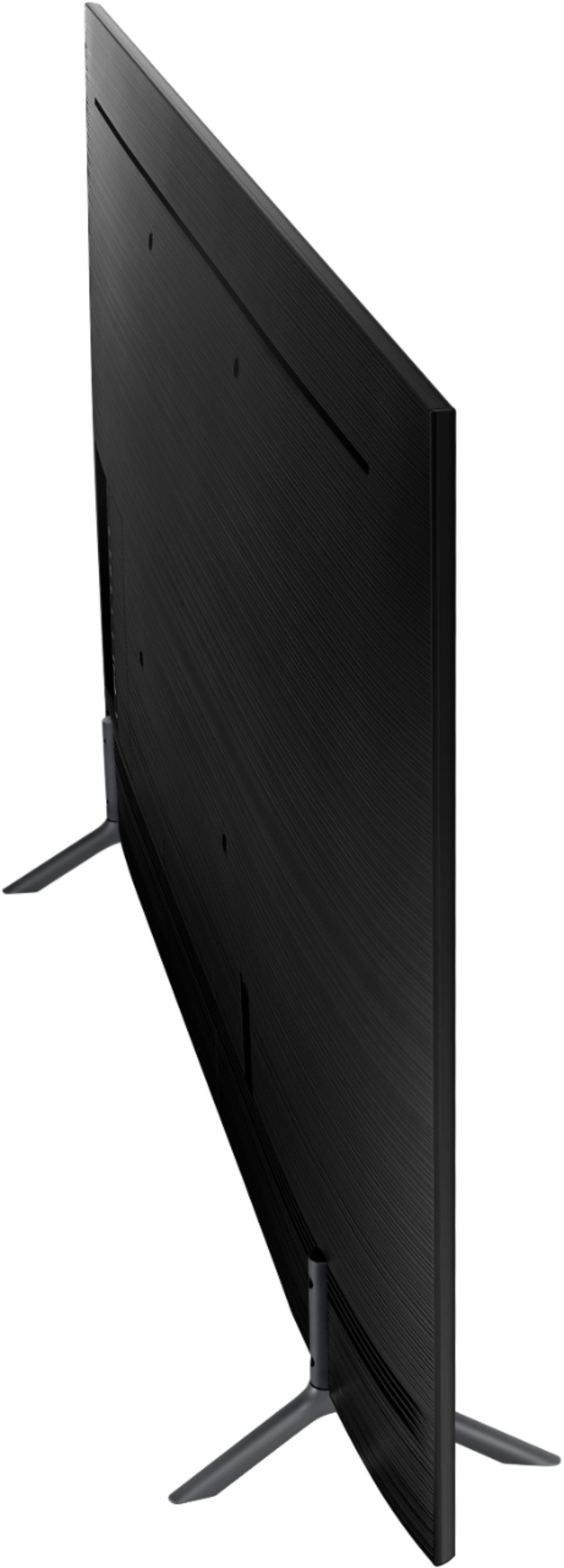
A:AnswerYes but it only has 2 hdmi ports. 1 normal, 1 eARK. Also, every time you change input from eARK to tv the next time you switch to the Firestick, or anything for that matter it will not see it as connected. So you will need to go through the setup process every time you change inputs. I have tried powering the device up well in advance of switching, I have left both the tv and device on constantly for the past year so I only have to re connect one device not the cable box too. Almost drag the thing out the front door by the wires at least 2 times a week. If I have a movie playing and switch to tv and back I see the movie playing but the tv insists I connect using a hdmi cable and powering the device up. I play along but sometimes I actually have to unplug the device from all connections including the power cord.
A:AnswerIt is originally voice assisted, the remote does not have this integrated. However, the TV has bluetooth and you can in fact connect it and control it via Amazon Alexa or Google Home devices.
A:AnswerGo to the listing on the Best Buy web site and scroll down. Click on specifications and you will find the weight of the tv with and without the stand,. If you go the Samsung web site you would find that the weight of the tv plus packaging is 25,1 pounds.
A:AnswerWhen you click on the item and scroll down. There will be boxes side by side. The item you are on is highlighted the rest are comparable items. I believe the section is labeled compare
A:AnswerHello...yes you can...
If your galaxy phone has a " smart view " compatibility you can mirror your phone in the tv..
If your phone doesn't have "smart view " compatibility you can use a Google chromecast to do that...
I have a chromecast in my NOT smart tv in my living room and I can mirror movies from Showbox and Netflix....etc. good luck!!!