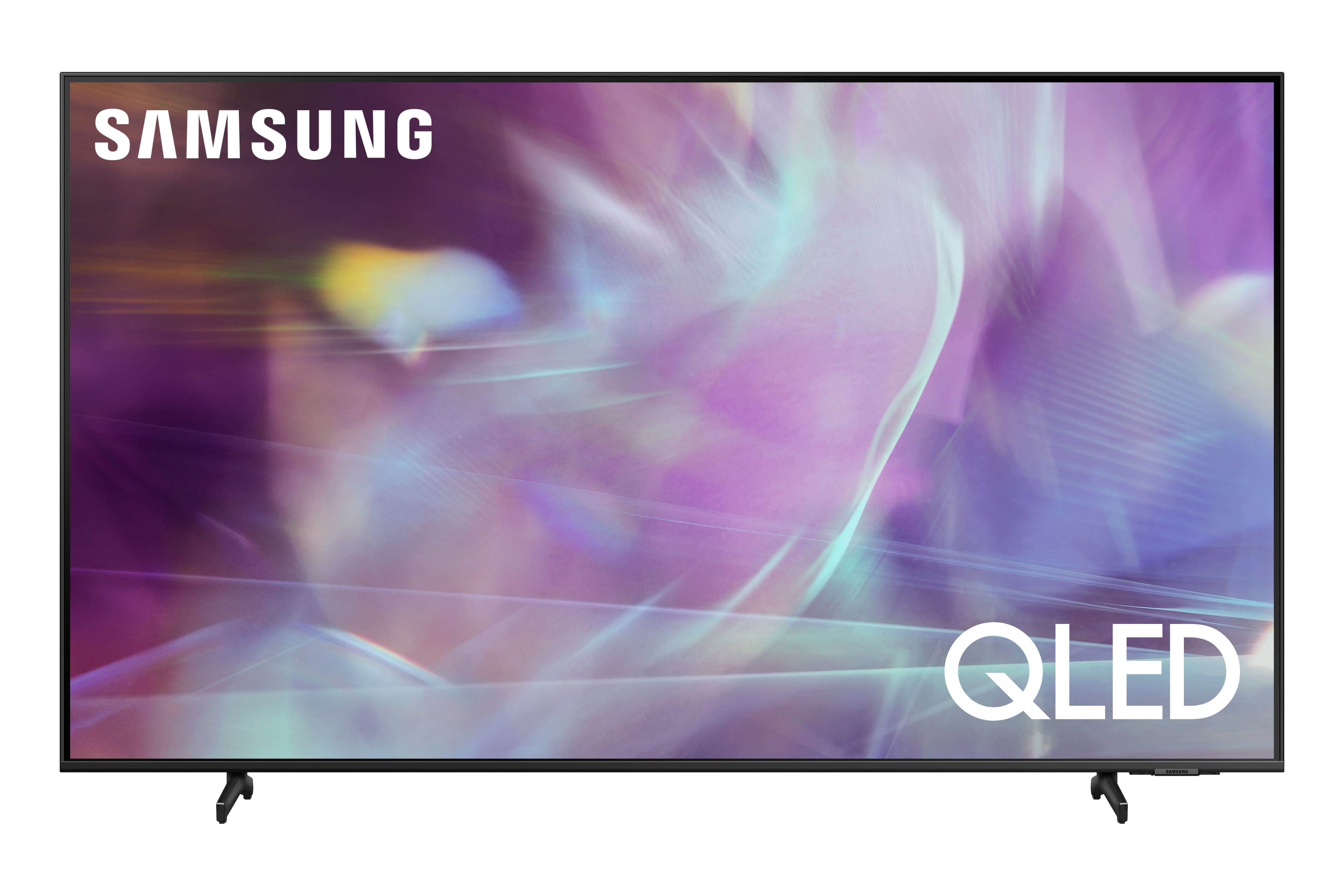
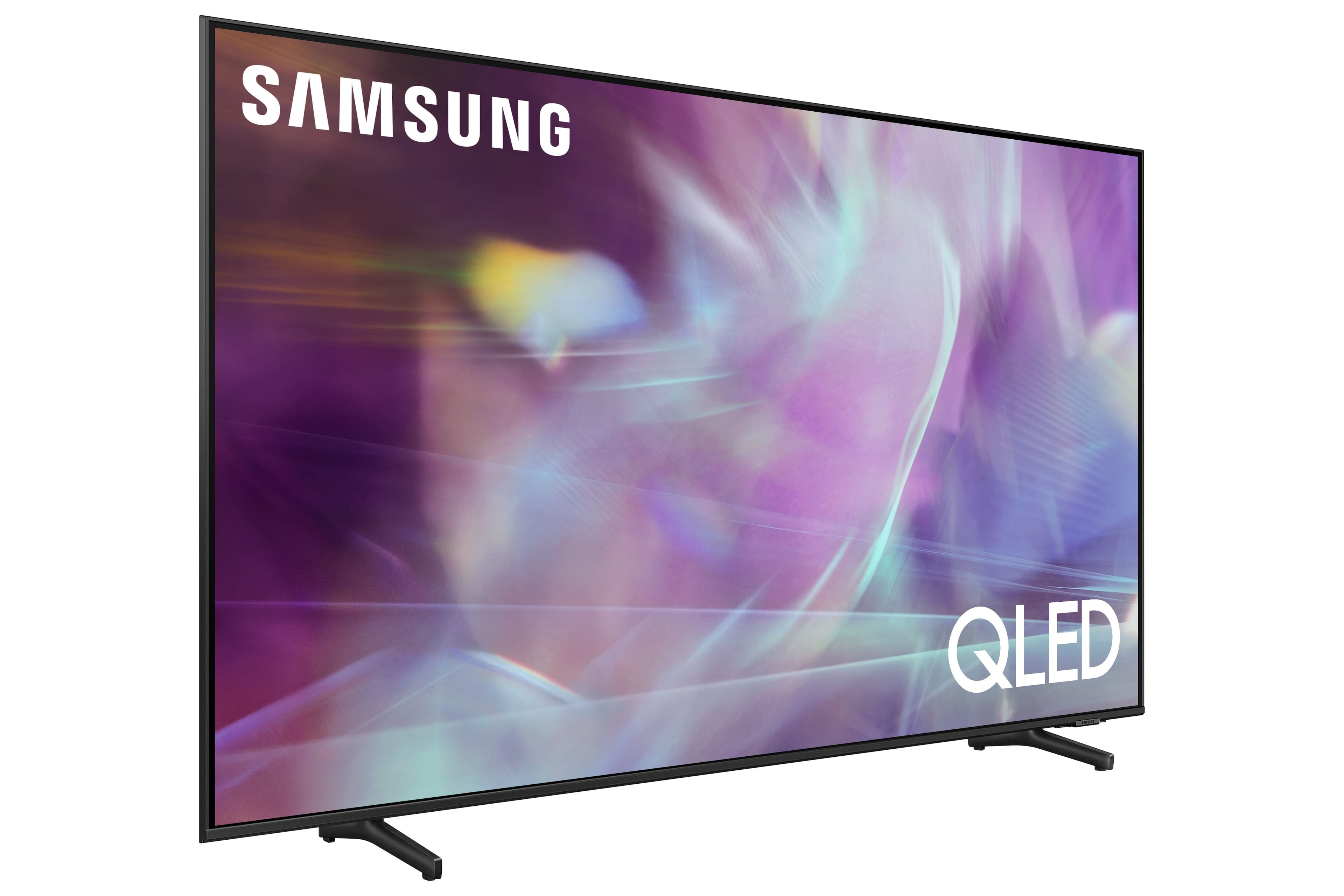
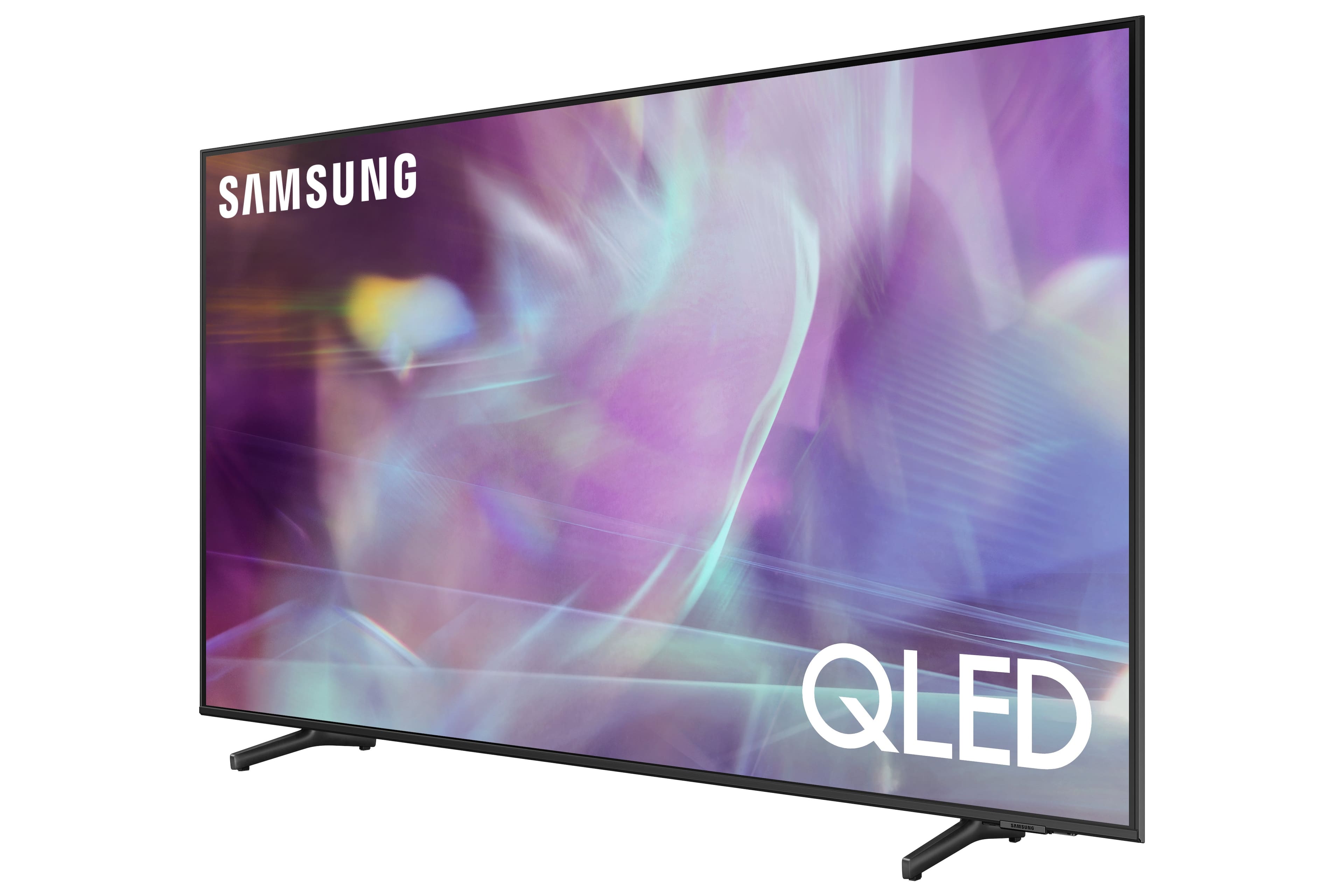
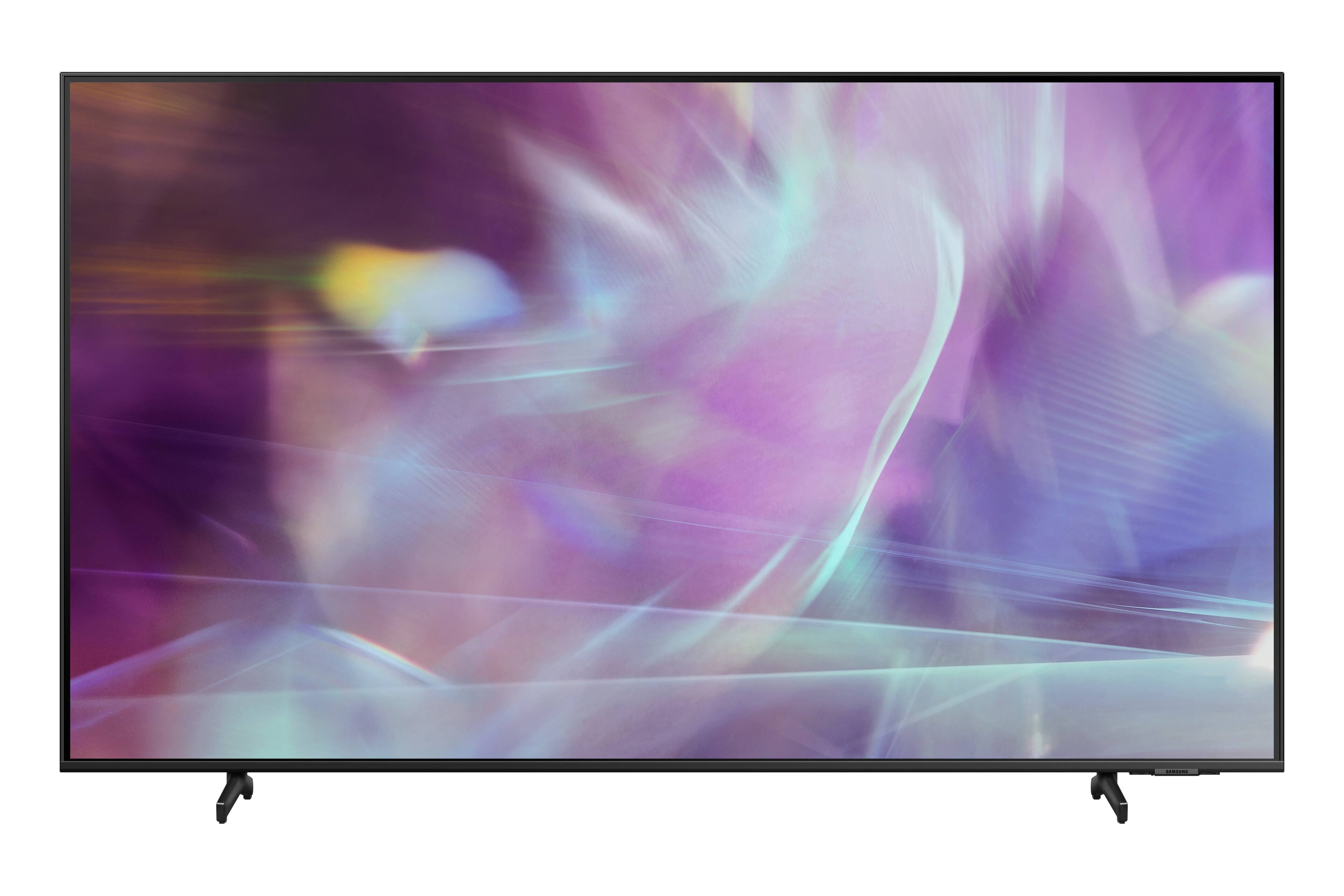
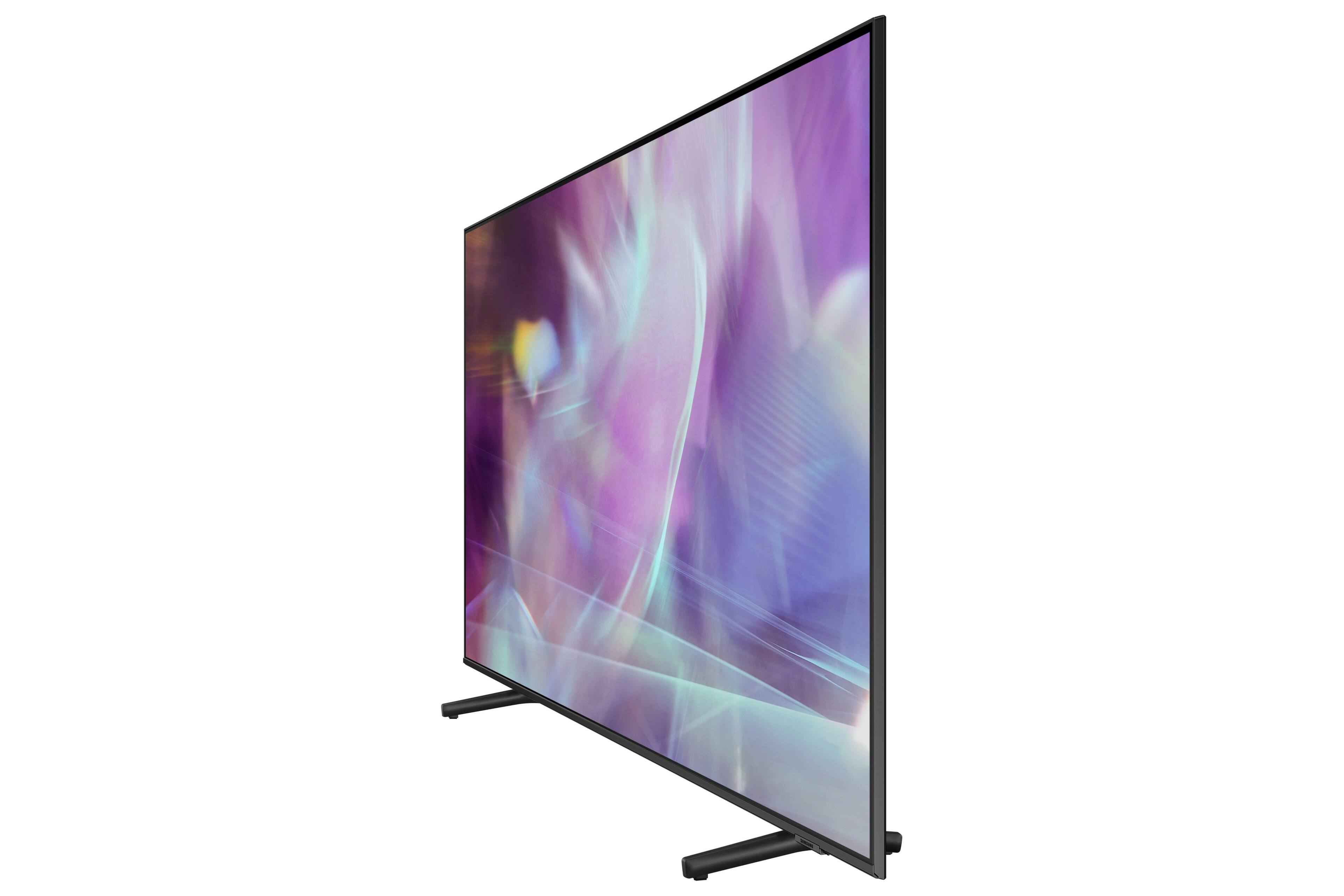
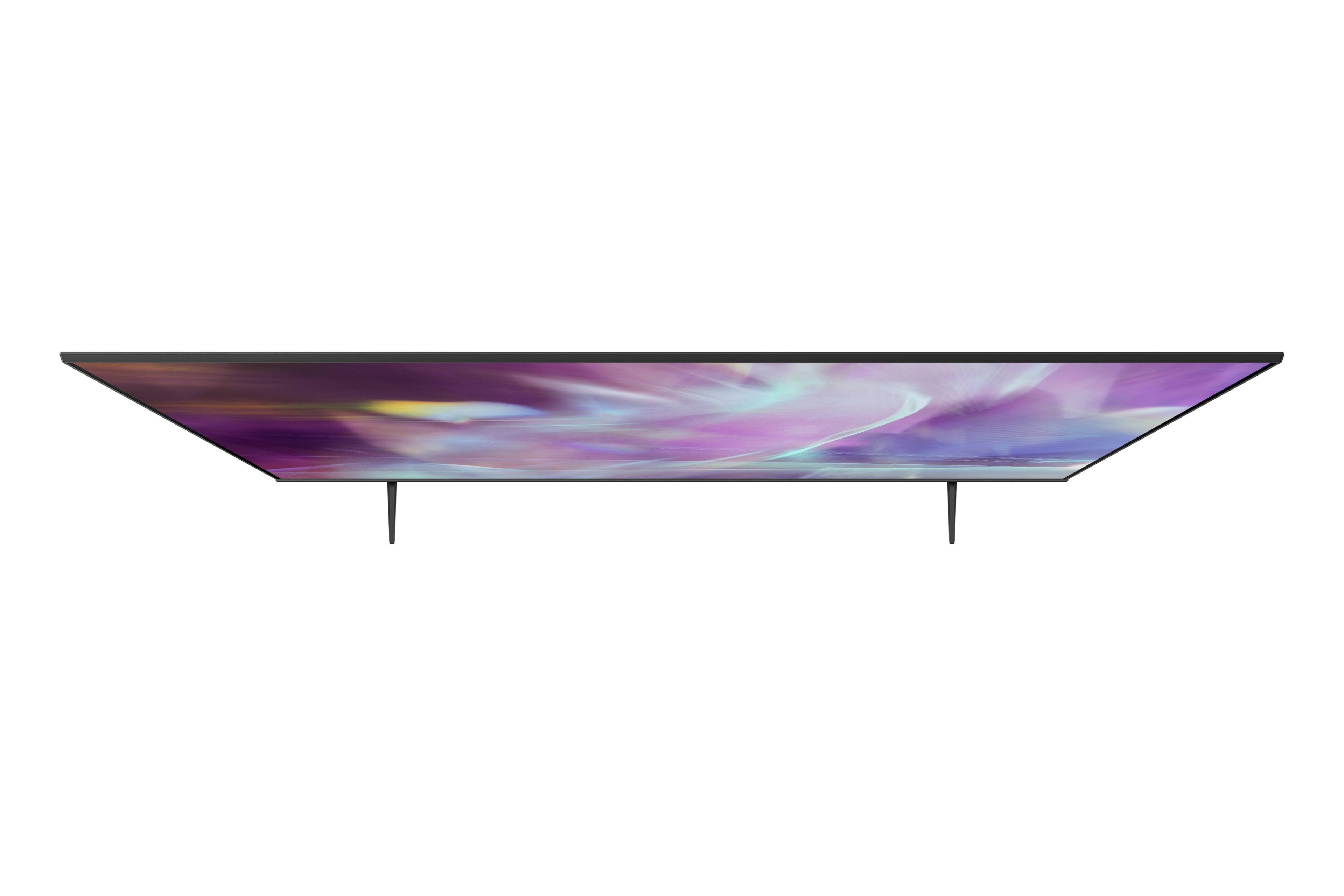
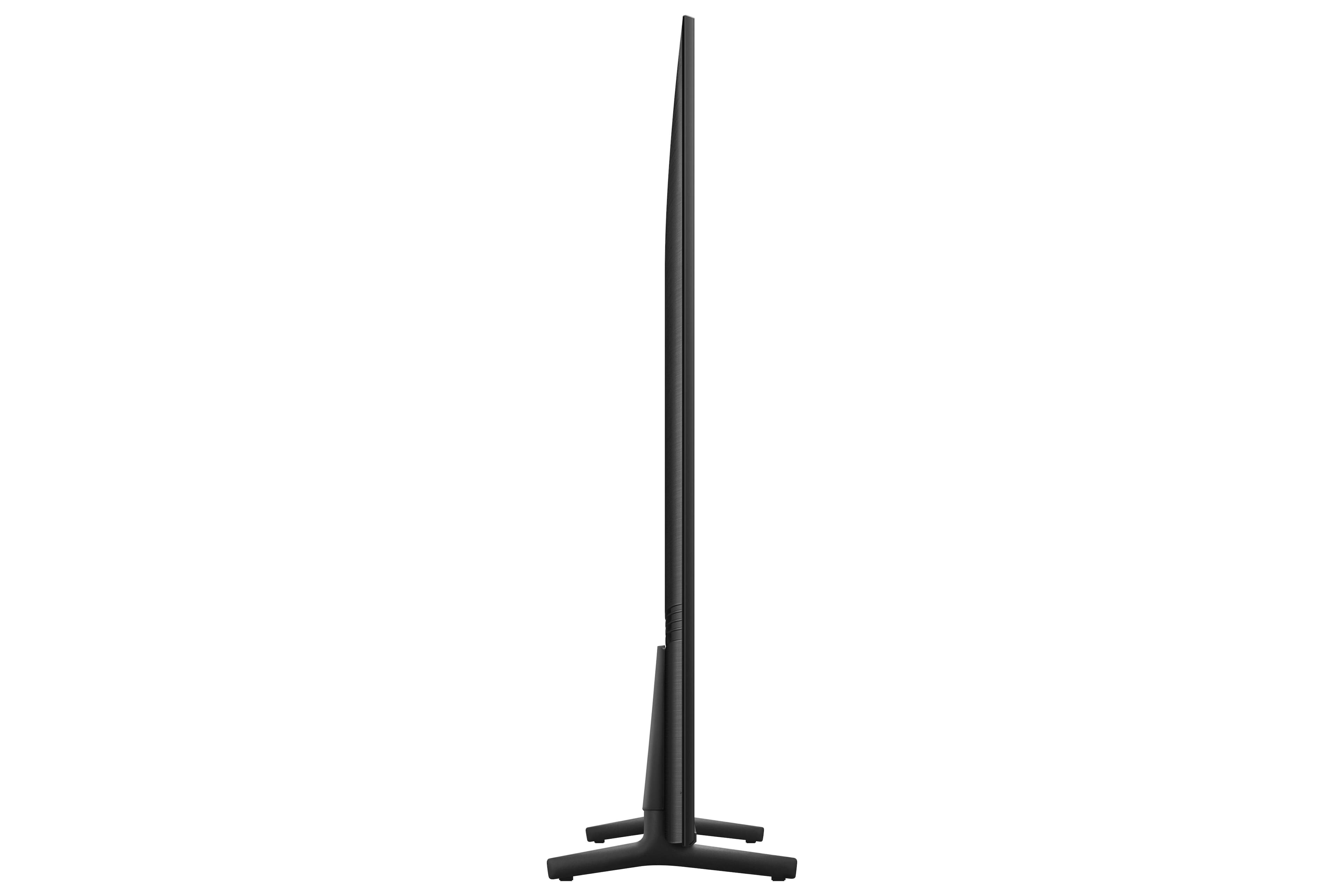
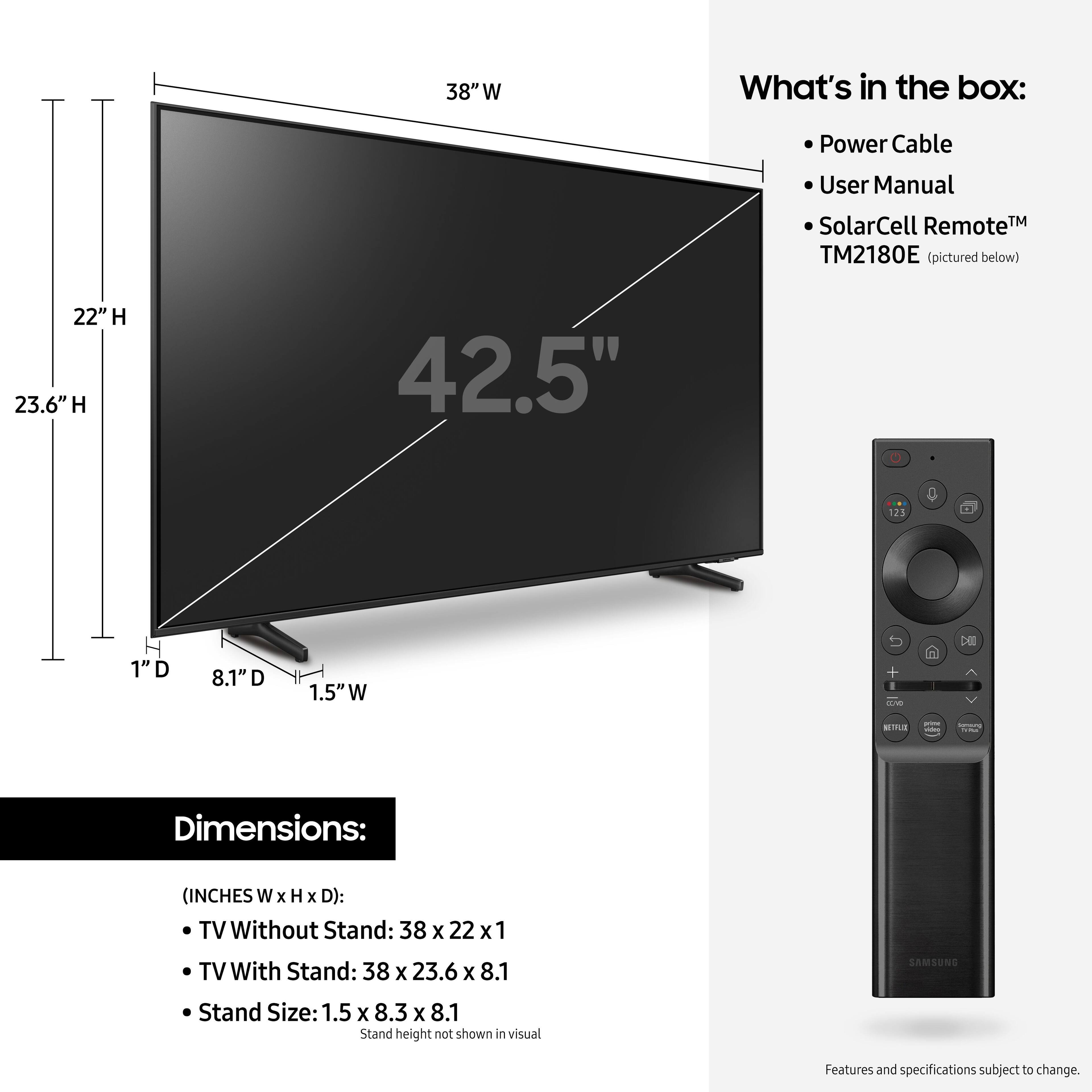
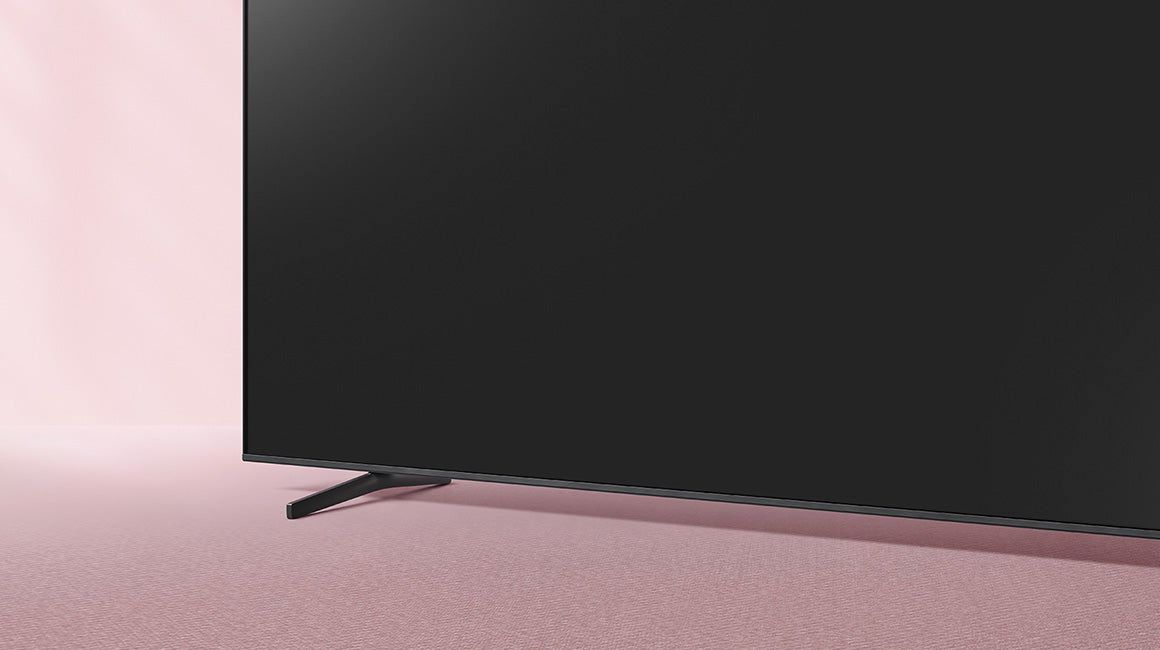
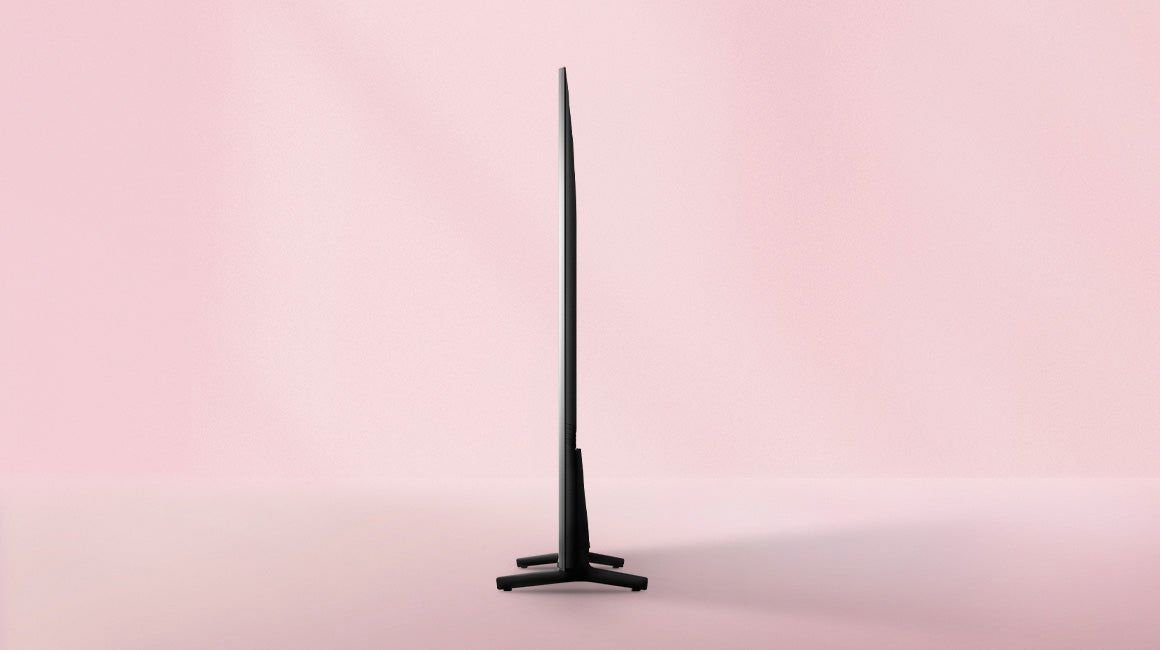
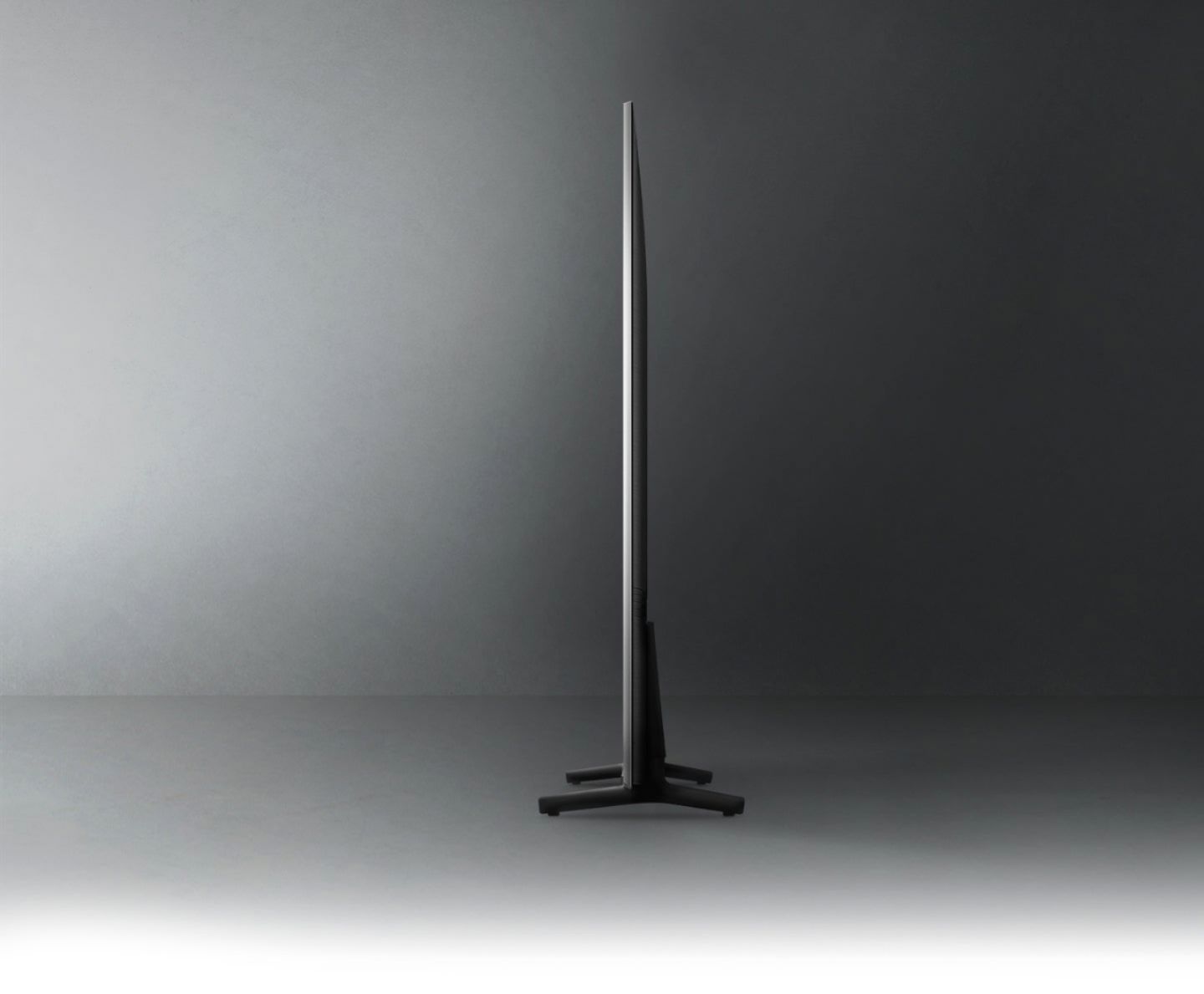
A:AnswerThe TV has legs that attach to the bottom of the set about 18 inches apart or it attaches to a standard wall mount. If your swivel is designed for a central pedestal base, then it won't work.
A:AnswerLily - So we can gather additional information regarding the cable connections you are referring to and provide assistance, please reach out to Samsung Support at: 1-800-SAMSUNG (ask for TVs), available 8AM - 12AM EST, 7 days a week, or Chat with us on Samsung.com: https://www.samsung.com/us/support/contact/ ^Gina

A:AnswerDGBIII - You can connect audio devices to the Q60A TV via HDMI or Optical cable, or wirelessly via Bluetooth or Wi-Fi. When connecting multiple audio sources, you will only be able to select one at a time. You will need to change the source in your TV's settings if you wish to switch your audio to another connected device. Should you choose to add a Samsung Soundbar to your TV, please know that our Q-Series Soundbars (such as the HW-Q600A) feature Q-Symphony which will synchronize with the speakers of the Q60A TV simultaneously for an immersive 3D sound experience. ^Gina

A:AnswerI plug my 4K FireTV stick into the HDMI-1 and then did the TV setup to "pair" FireTV to the Samsung Home Page. FireTV now looks like one of the pre-loaded apps and the Samsung remote can do all the functions of the FireTV remote. You may want to also download common apps you use on FireTV from the Samsung-supported apps gallery and have more direct access with less clicks.
A:AnswerYesApple - The Bluetooth feature cannot be disabled on Samsung TVs; however, Bluetooth will disconnect from any paired device when the TV turns off, and the TV won’t reconnect automatically unless you choose to pair the device again. The Bluetooth source will not be remembered for future connectivity, as these devices are used on demand. ^Gina

A:AnswerRon - It looks like the Optimum TV/Altice One App is only available for mobile devices. If you would like to connect an Optimum Stream box to the Q60A, you sure can; however, the Q60A is a Smart TV which features a built-in App Store with hundreds of apps to choose from - no external streaming device necessary. ^Gina

A:AnswerRonN - So that we can better troubleshoot towards a solution, please reach out to Samsung Support at: 1-800-SAMSUNG (ask for TVs), available 8AM - 12AM EST, 7 days a week, Chat with us on Samsung.com, or Email: https://www.samsung.com/us/support/#contact_us_for_support ^Gina