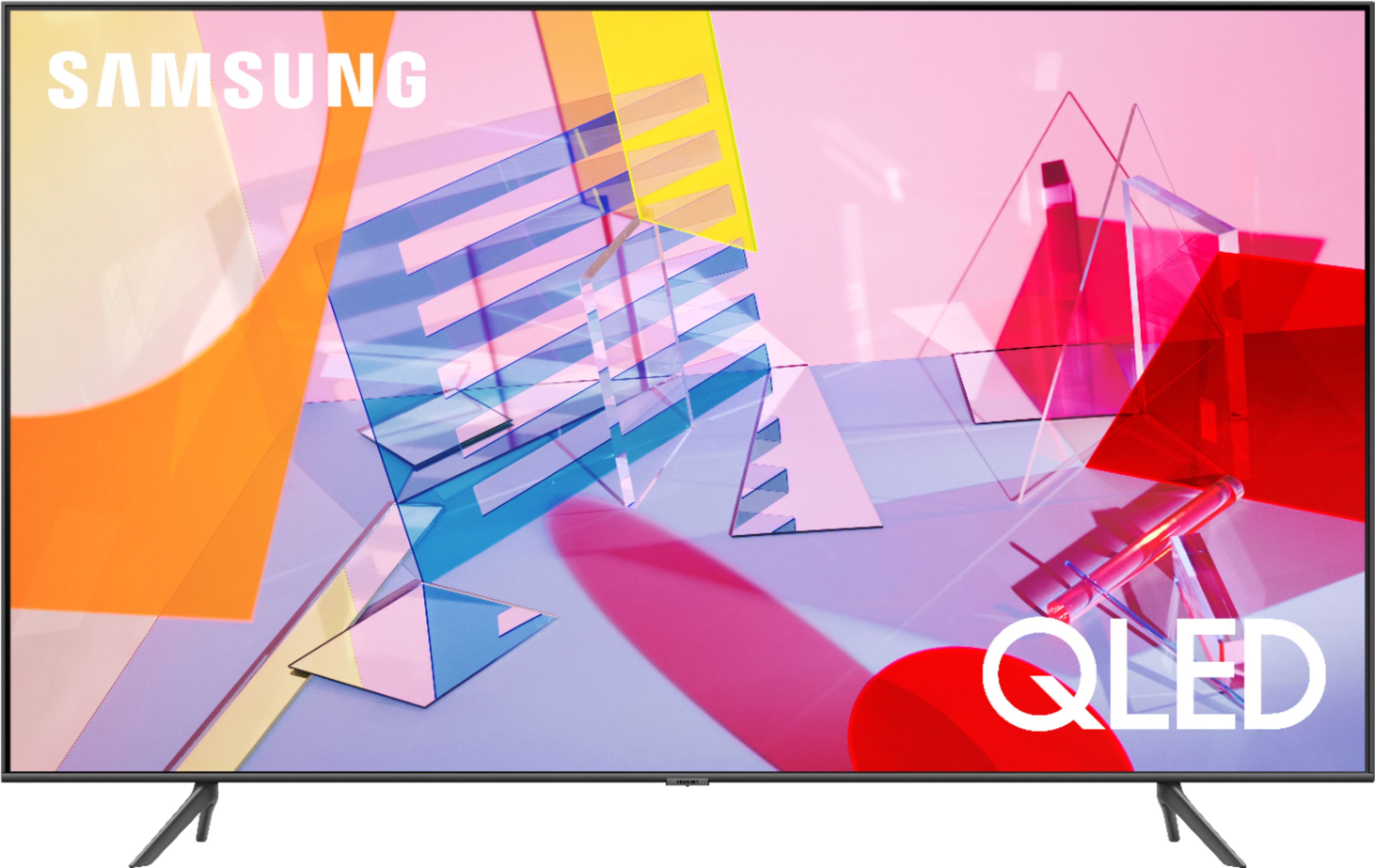
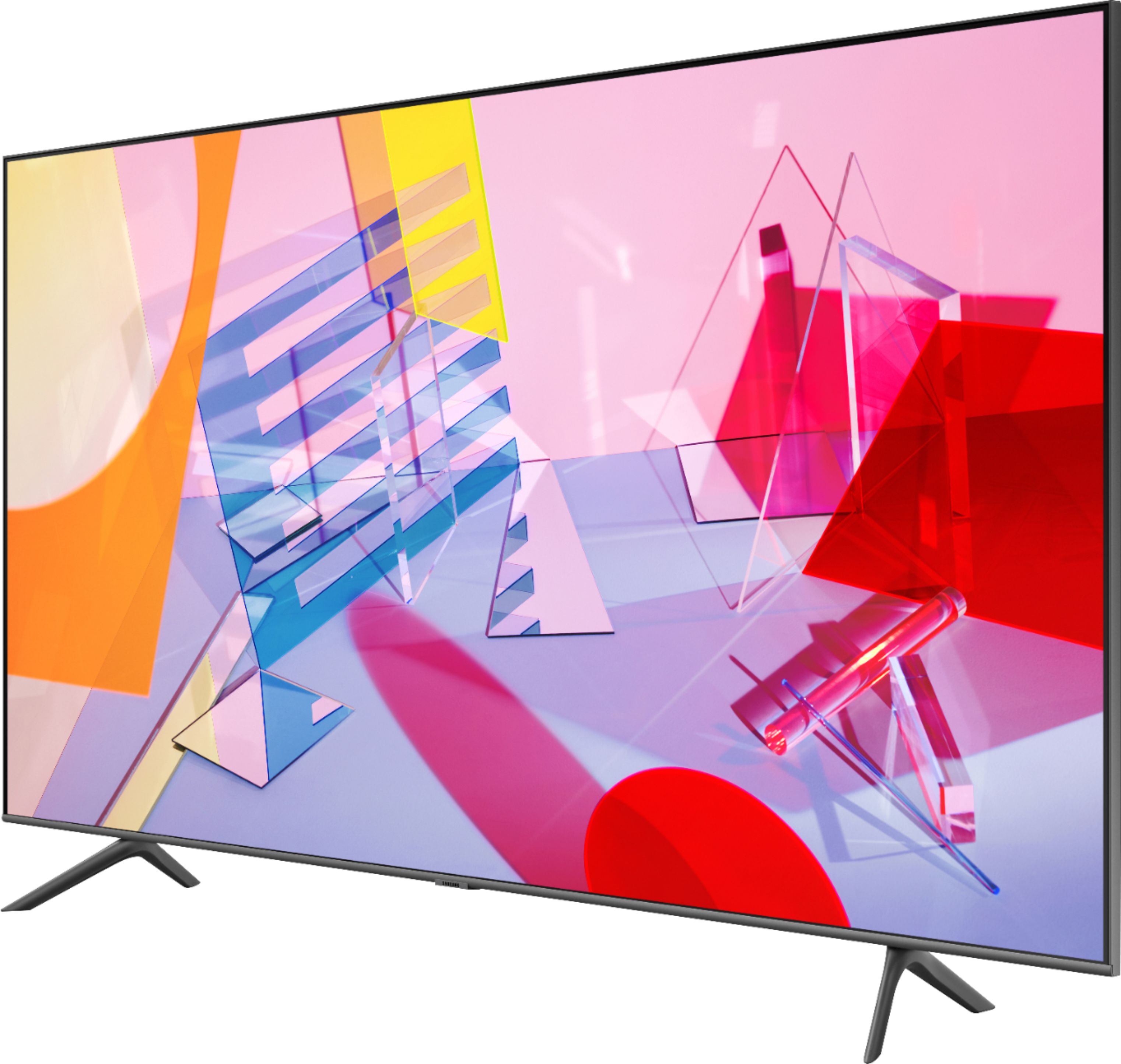
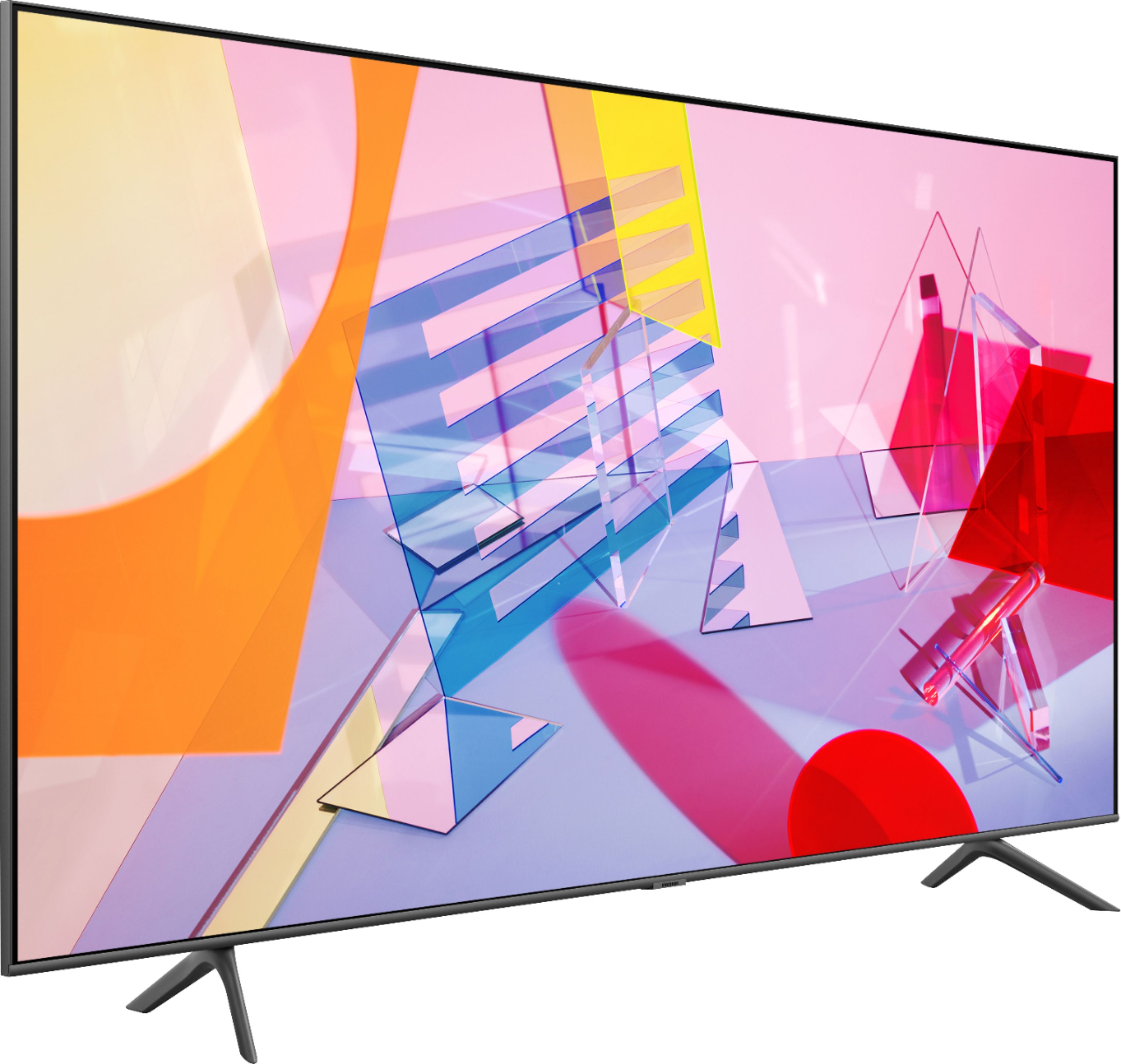
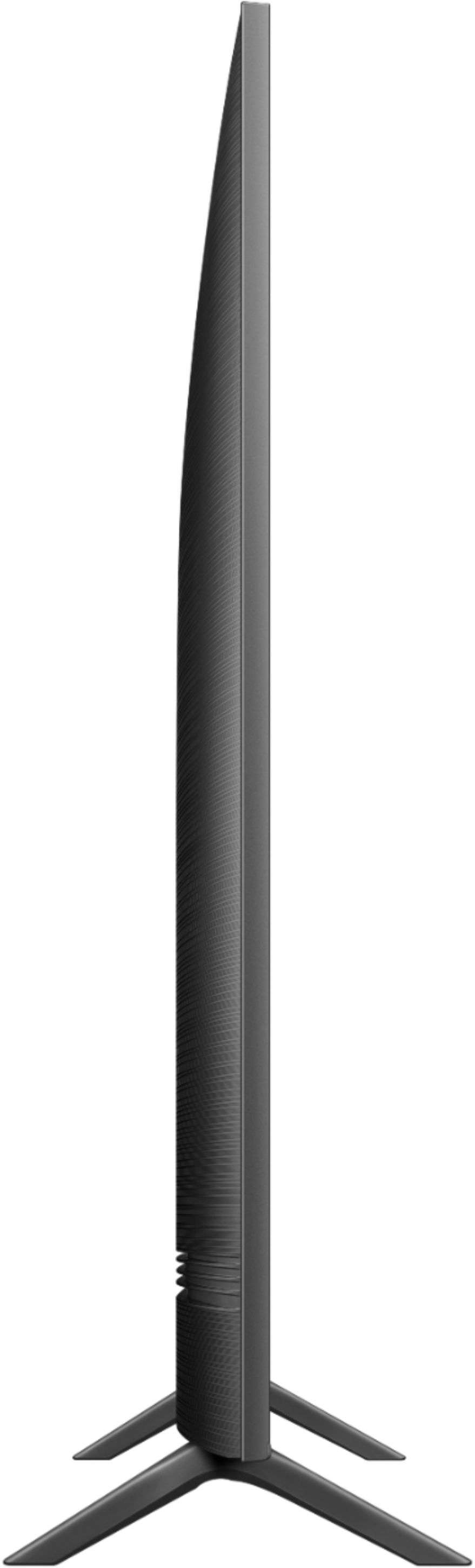
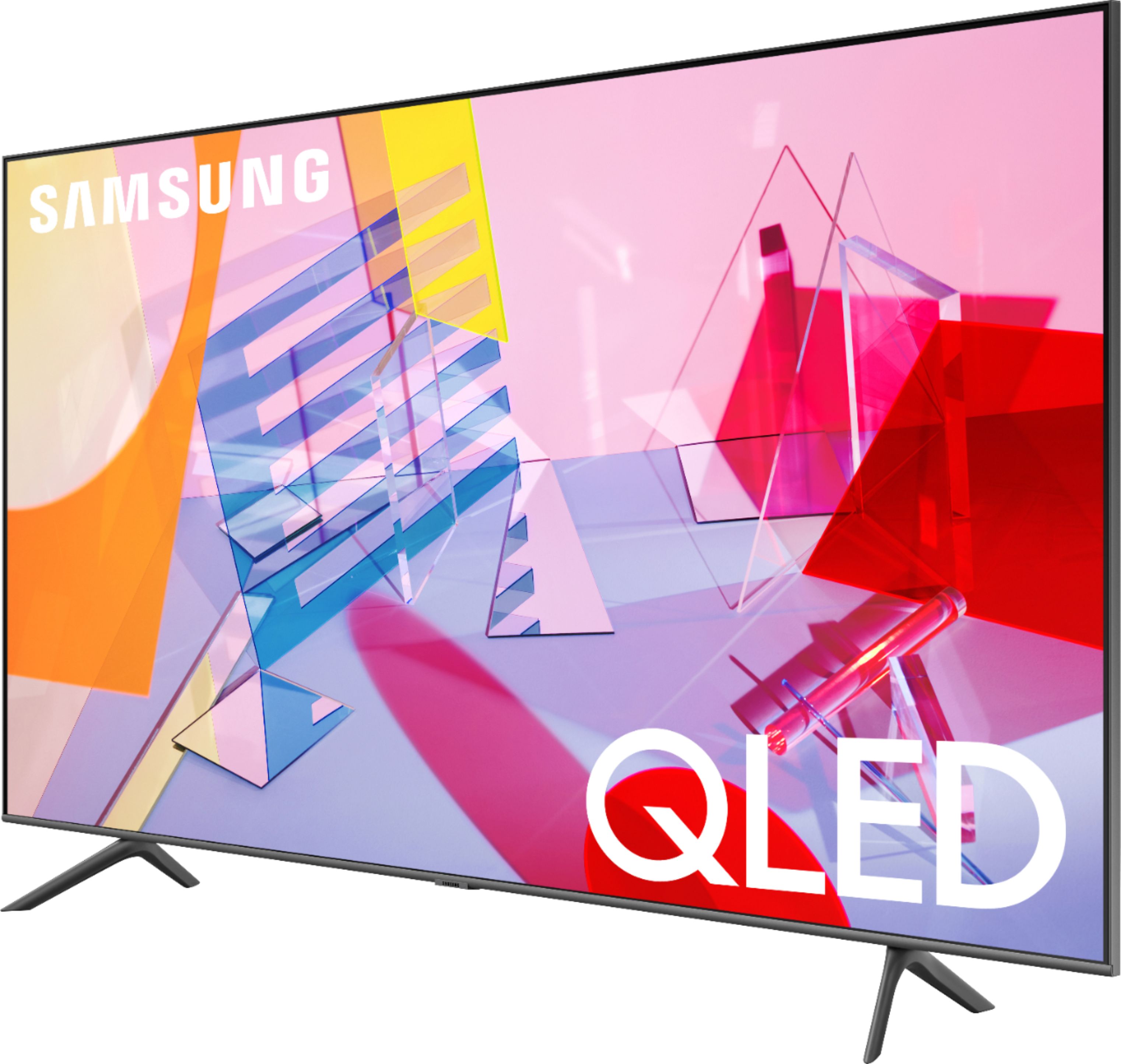
A:AnswerHi there! Here are the full dimensions of the 43Q60T: DIMENSIONS (INCHES W x H x D):
• TV WITHOUT STAND: 37.9 x 22 x 2.3
• TV WITH STAND: 37.9 x 24.8 x 7.7 ^Gina
A:AnswerHi Mike! Best Buy does offer Protection such as Geek Squad Protection. For further information on Geek Squad Services, please contact your local Best Buy or visit https://www.bestbuy.com/site/electronics/services/pcmcat1528819595254.c?id=pcmcat1528819595254 ^Gina
A:AnswerAFROCOOL, if there is a film on your TV, you will see a blue tab in the upper left hand corner. Some TVs do come with film protectors, while some may not. ^Gina
A:AnswerATrain, if there is a film on your TV, you will see a blue tab in the upper left hand corner. Some TVs do come with film protectors, while some may not. ^Gina
A:AnswerHi there! We do have a Samsung Studio Stand for our QLED TVs from 49"- 65"; it will not support a 43" model unless it is The Frame; however, you can absolutely utilize a universal center stand for the 43Q60T! Check out this one at Best Buy: https://www.bestbuy.com/site/sanus-premium-swivel-tv-base-for-most-32-60-tvs-black/5463304.p?skuId=5463304 ^Gina
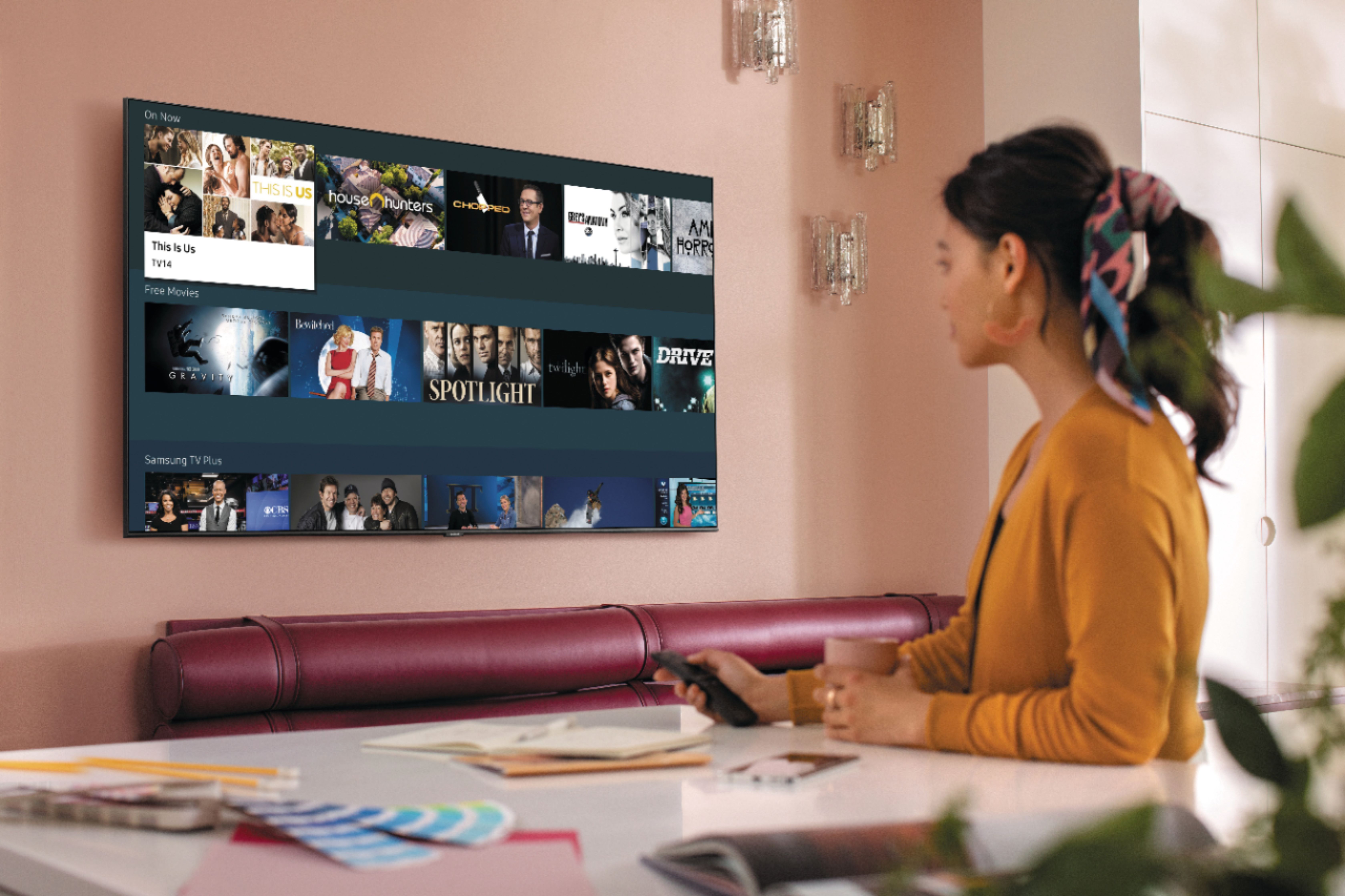
A:AnswerI'm using an antenna for it. It has Samsung TV plus so if you connect to a network you have instant access to alot more channels. You can direct wifi to connect your phone to it to watch streaming shows even without home internet access.
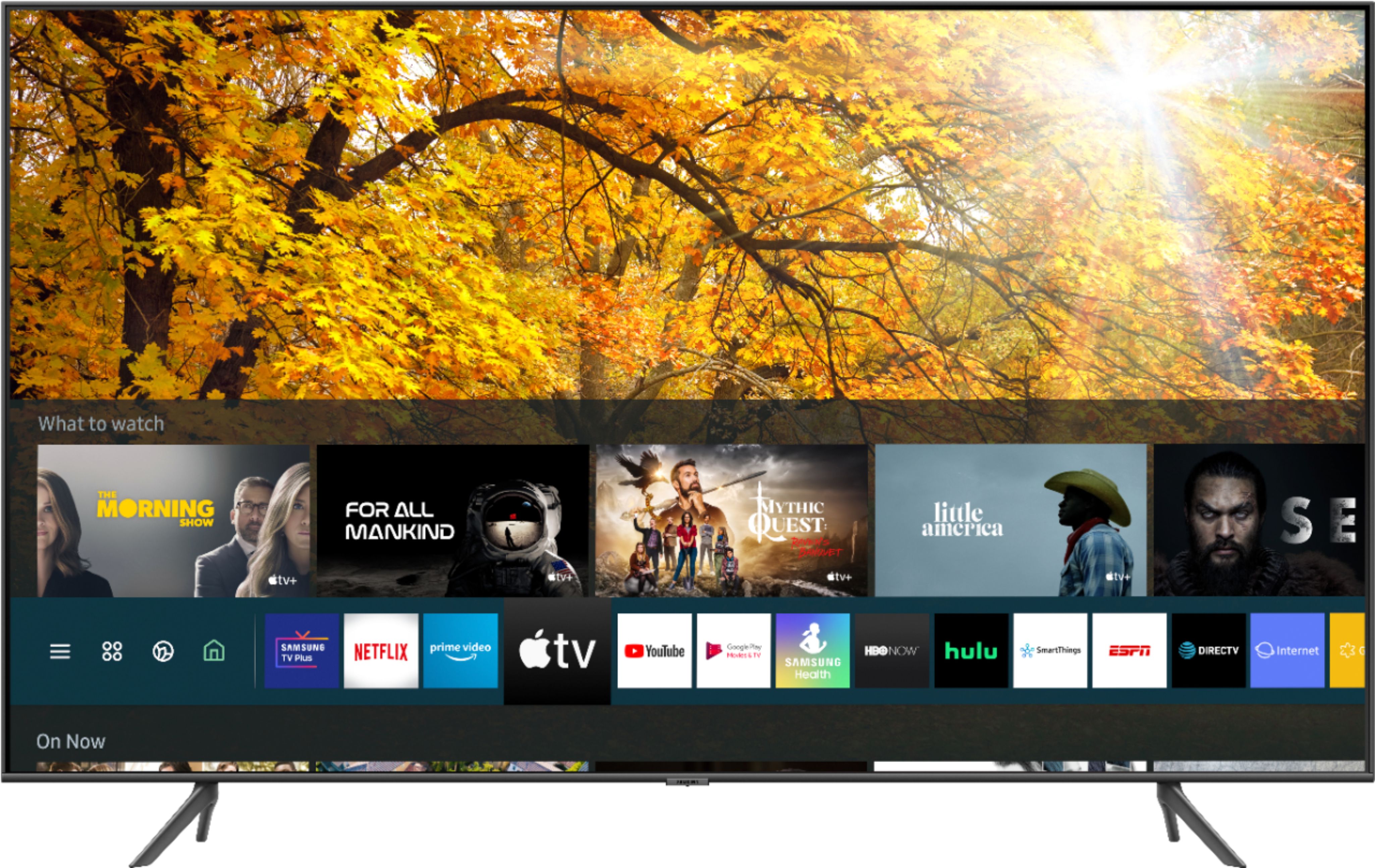
A:AnswerHey Deejay - The 43Q60T does not have Roku . Samsung does have Tizen where there are hundreds of apps available such as Apple TV+, Disney+, Google Play Movies & TV, HBO, Hulu, Netflix, Prime Video, SHOWTIME, Sling TV, YouTube . ^Jason
A:AnswerKatieB, you do not have to connect your TV to the Internet; however, by not connecting your TV, you will miss out on features such as Firmware Updates or current date and time, and you will not be able to access hundreds of apps and streaming channels from the TV's built-in App Store.
A:AnswerAl, our 2020 Q60T uses our new Crystal Display with our Crystal UHD Processor, which brings stunning clarity to everything you already watch. Movies and shows from your cable box, video streaming apps, Blu-ray /DVD player, and video games are all displayed in 4K resolution. It powerfully upscales 4K content to ensure that you always get lifelike 4K resolution no matter the source. The Q60T also has Dual LED Technology, which allows the TV to more accurately balance color and brightness than conventional Edge Lighting arrangements. Samsung TVs with Dual LED also produce a wider viewing angle, making it better for everybody watching. ^Gina
A:AnswerHi Annie! Your Samsung Family Hub refrigerator will be compatible with your Q60T by using the Samsung SmartThings App Dashboard on your TV. ^Gina