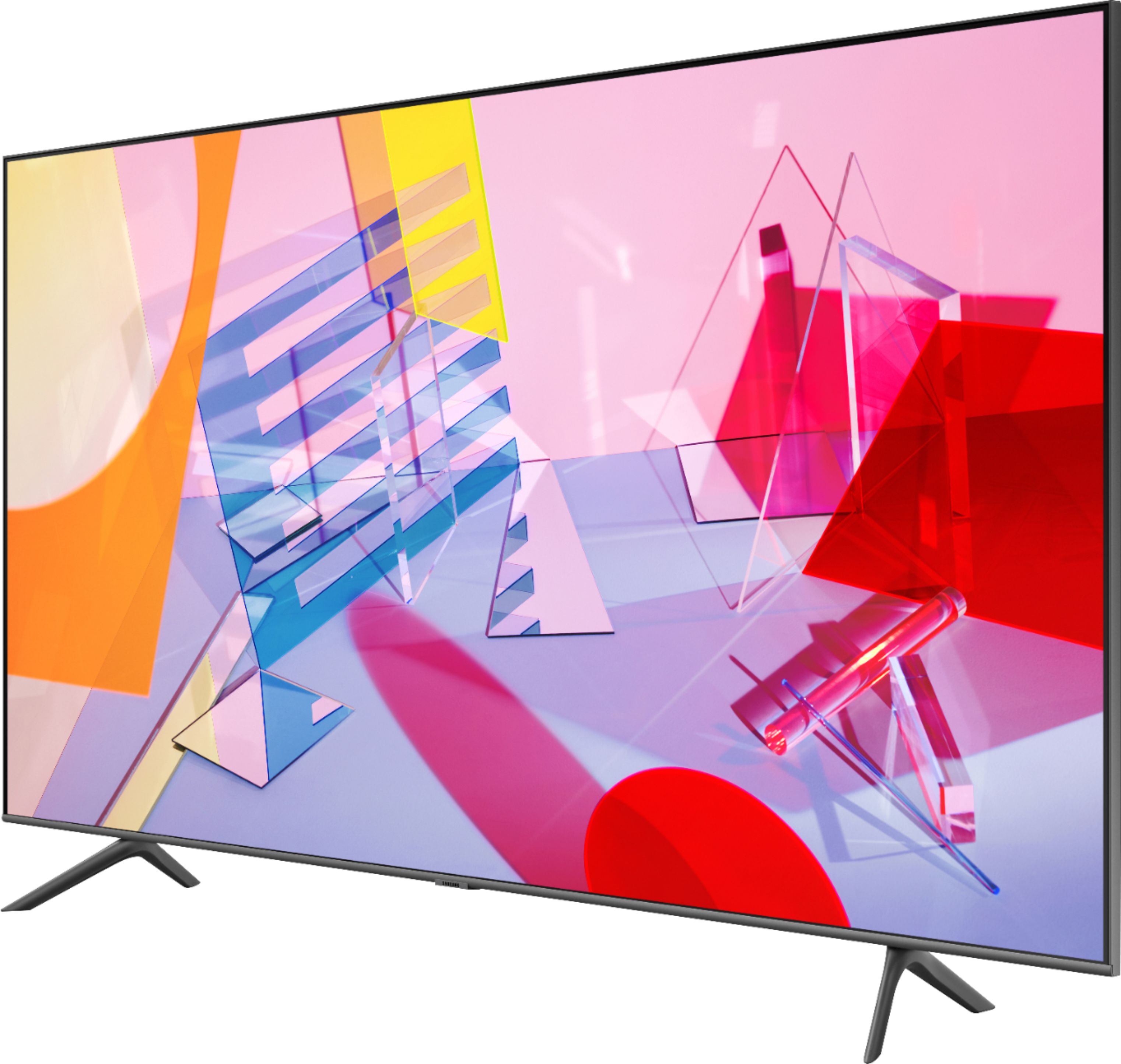
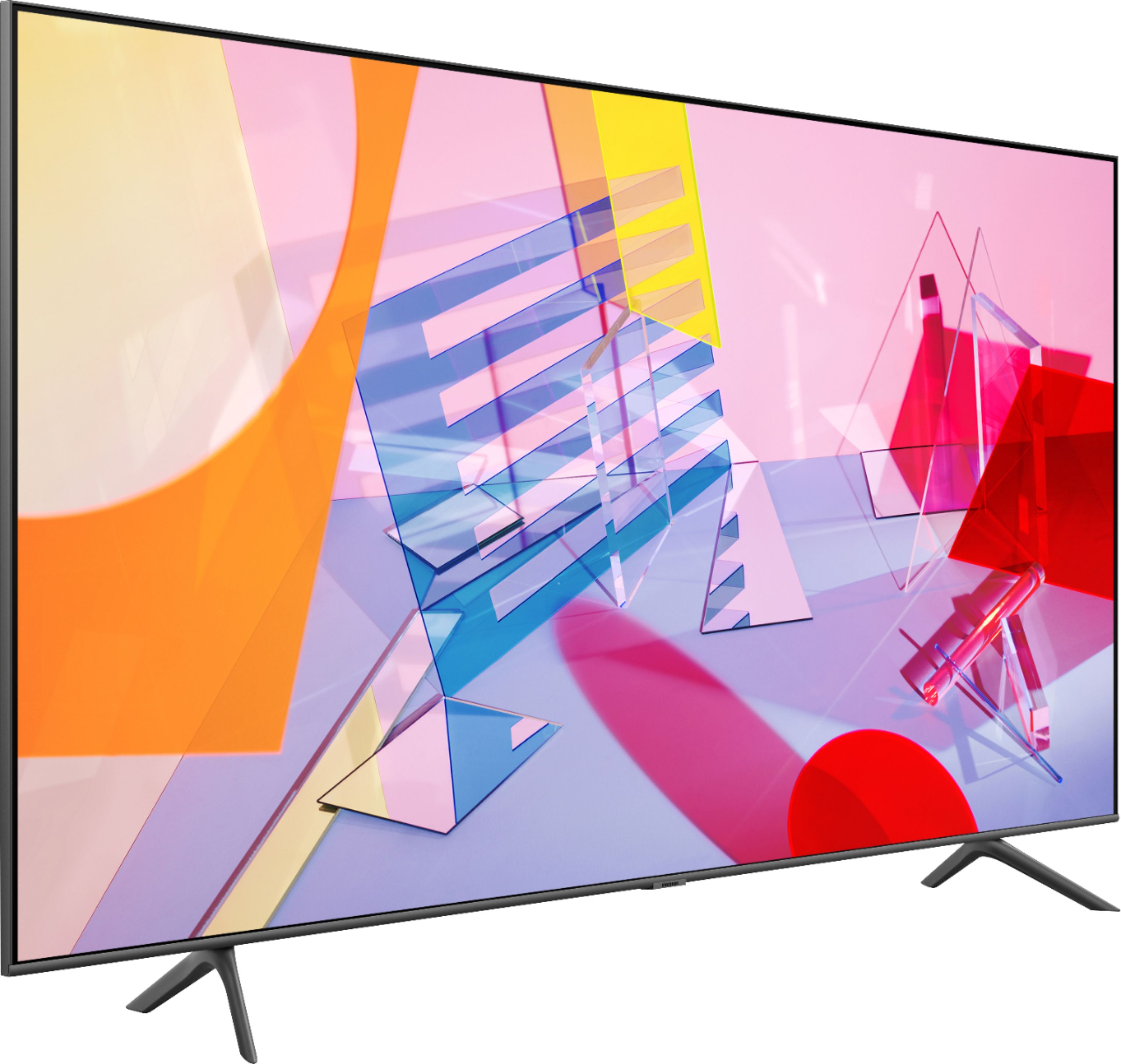
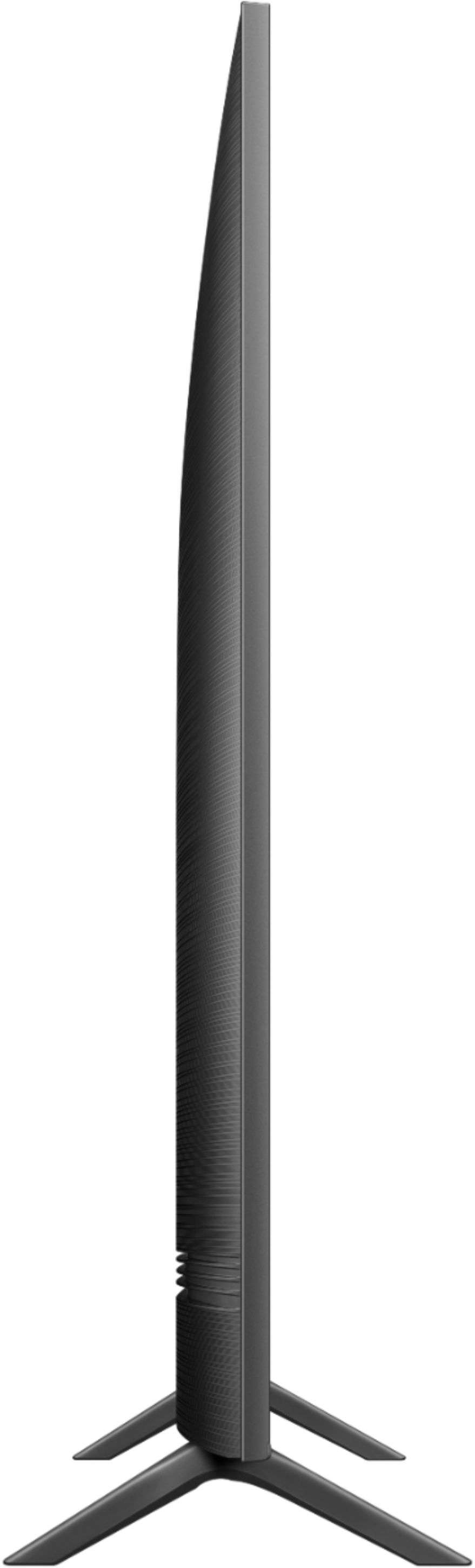
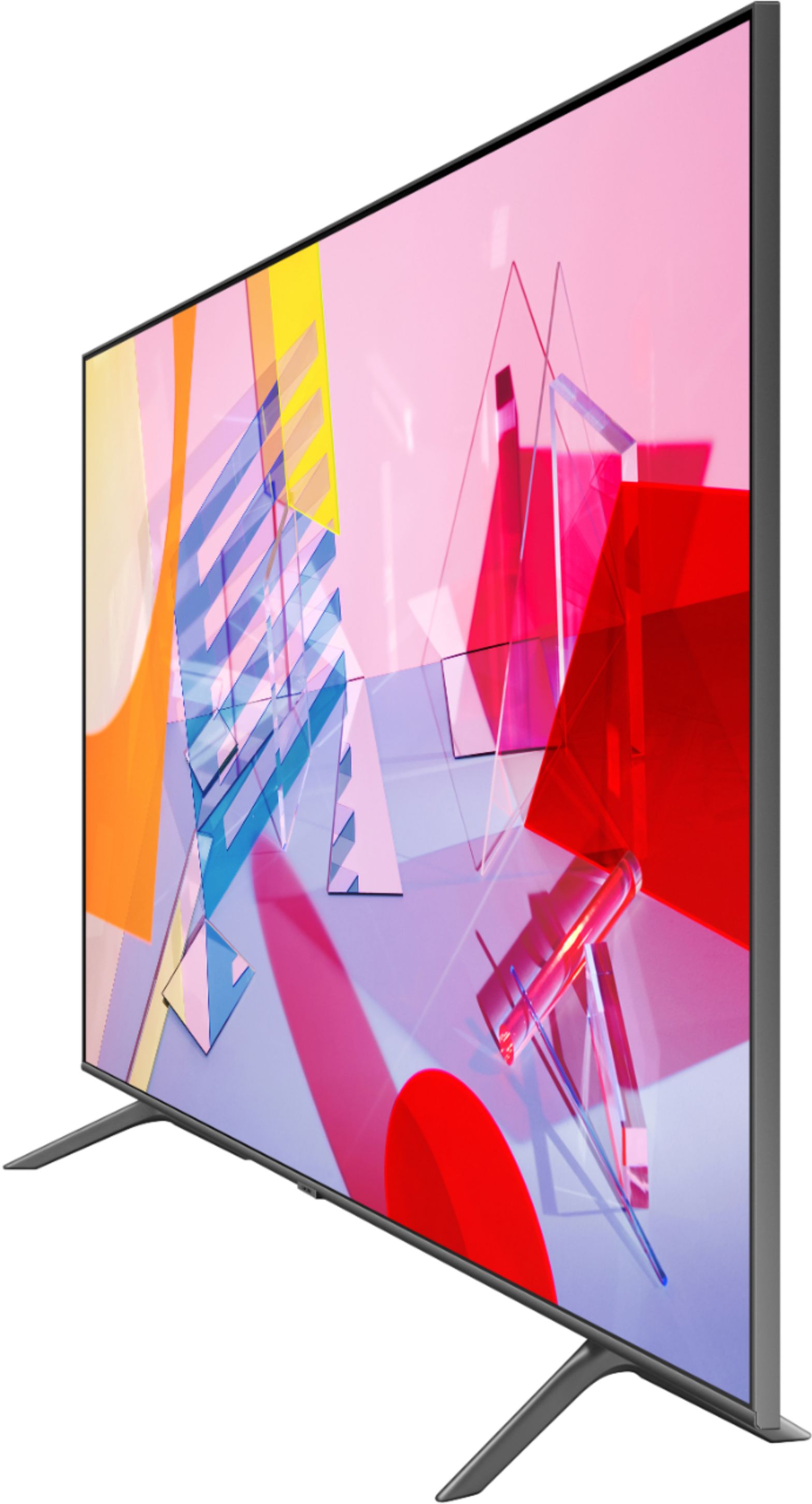
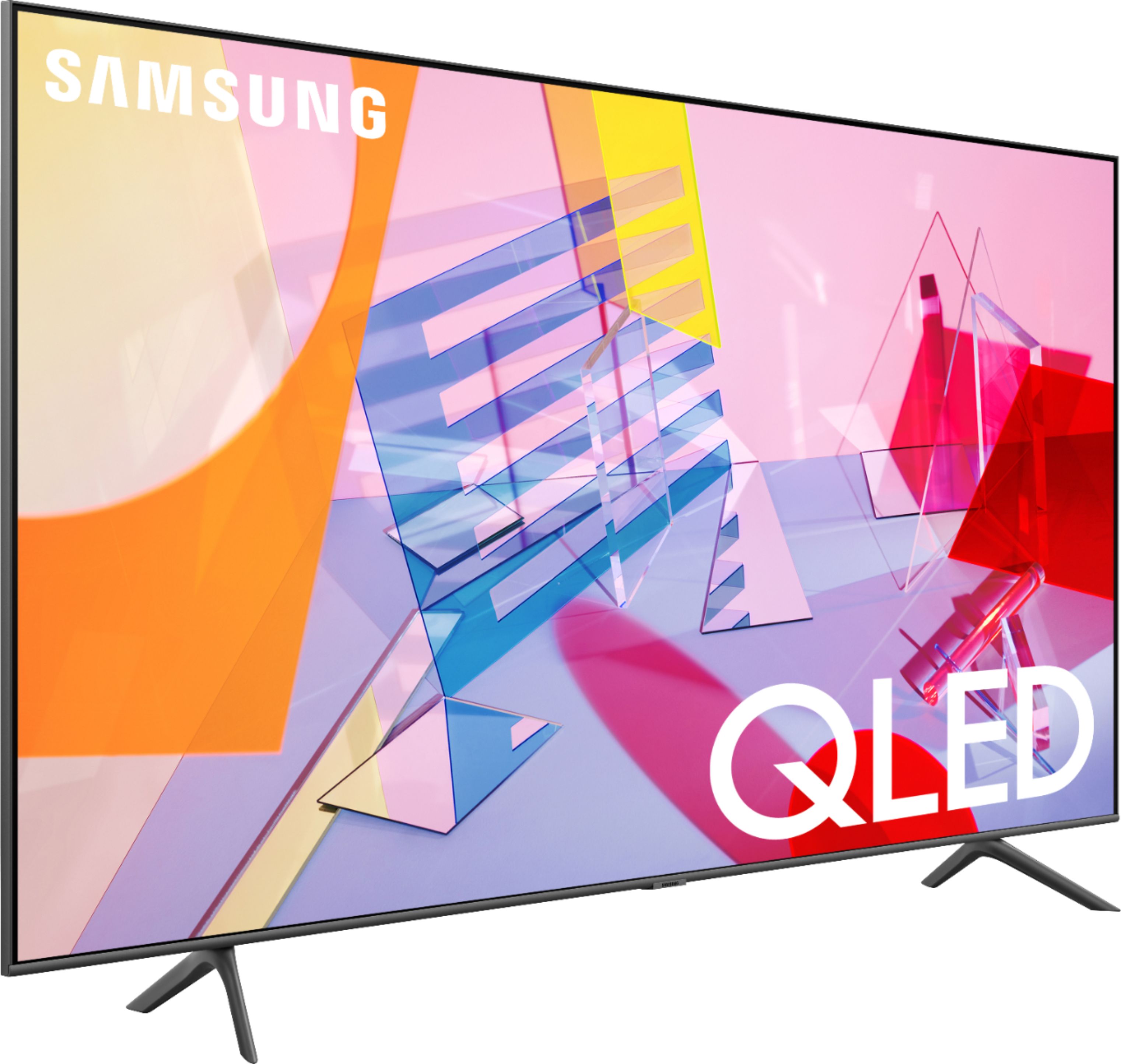
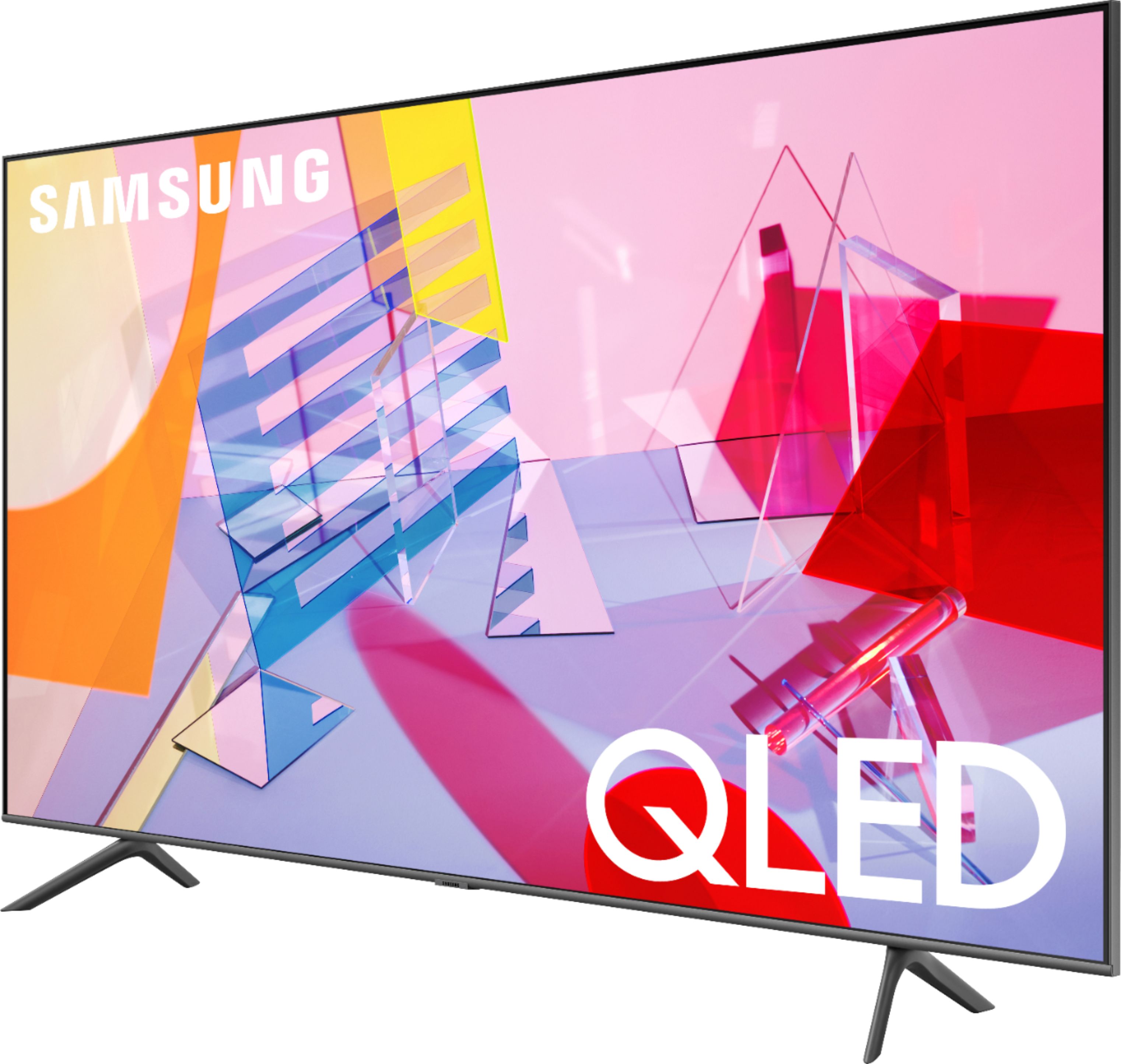
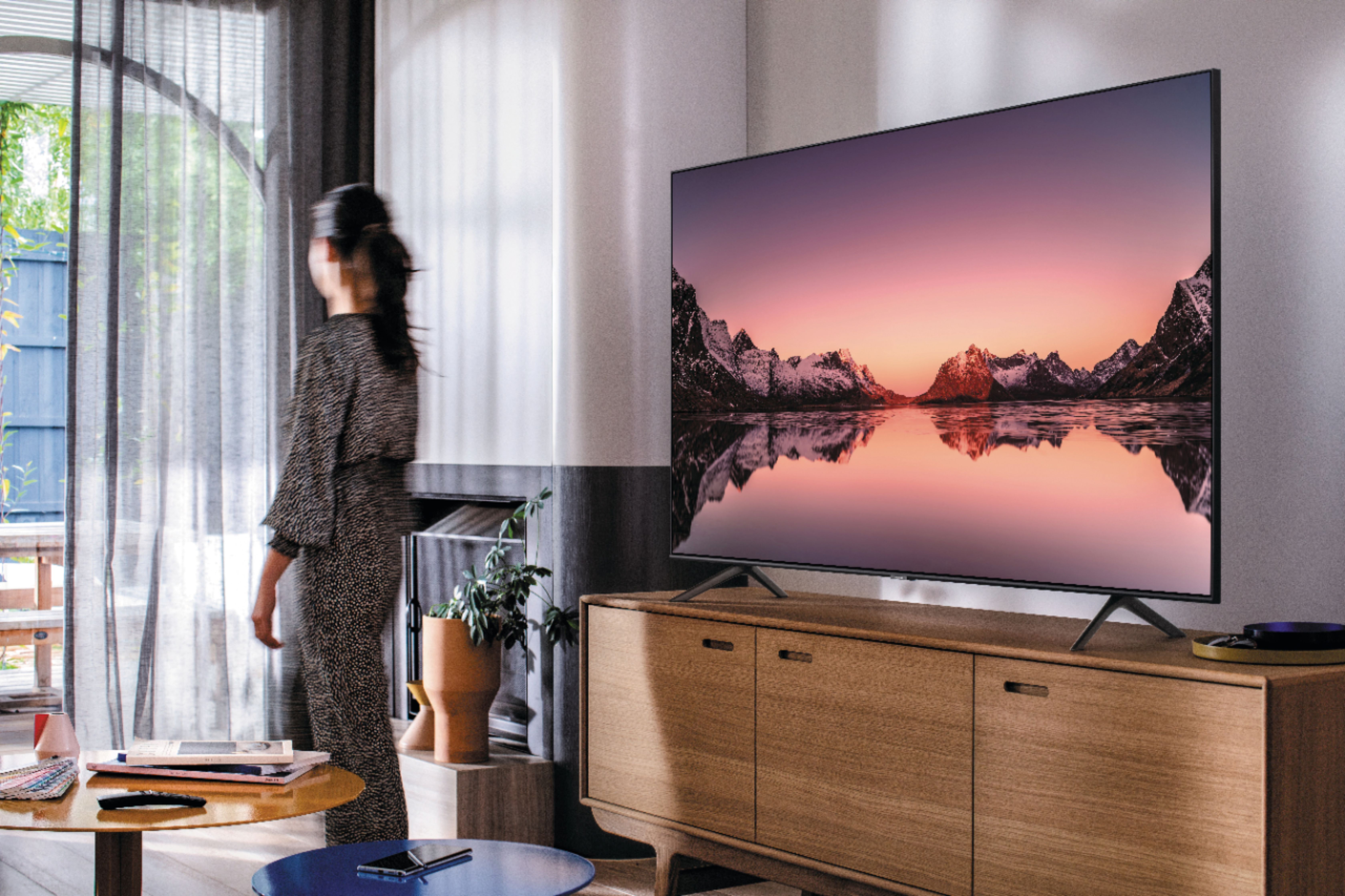
A:AnswerI ended up buying the Sony Bravia 4k at BBY, mostly for the stand. I like the TV and the stand. Also, it was very easy to hook up. Samsung needs to improve their stands before I will consider them again.
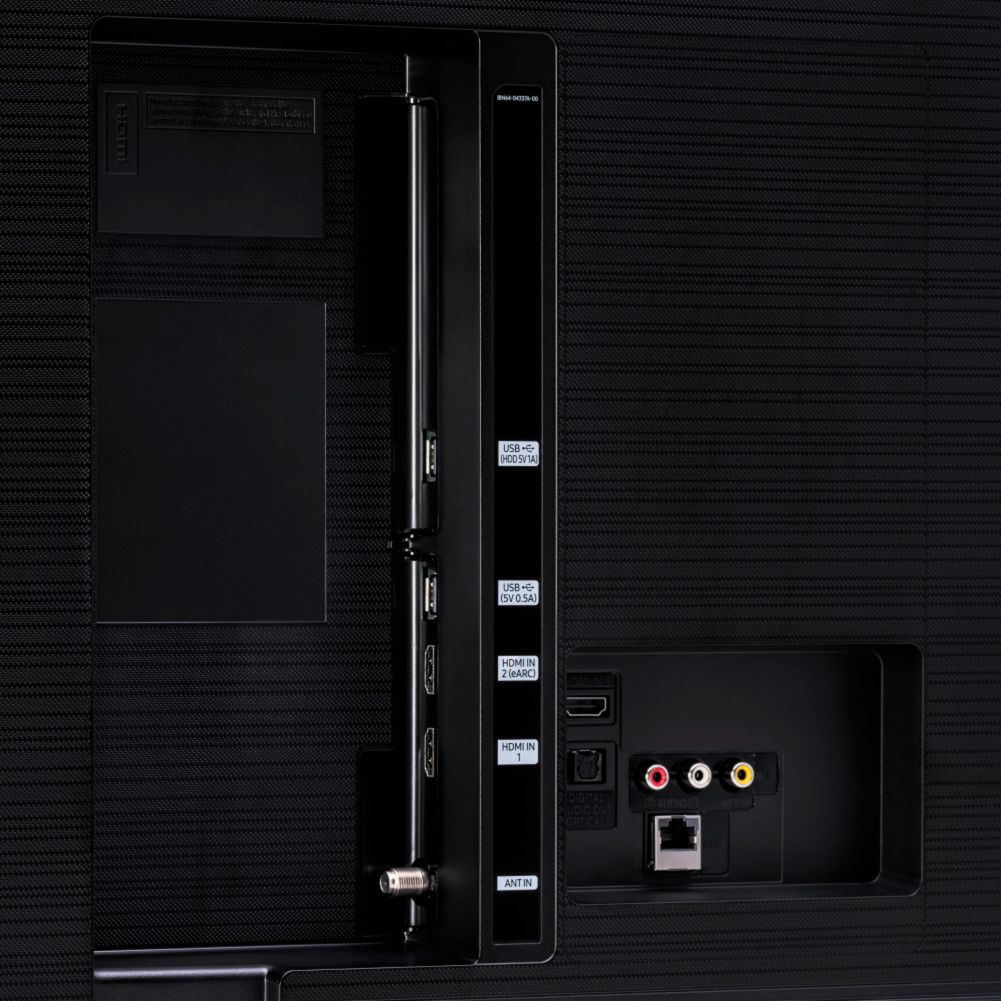
A:AnswerJames, Rocketfish makes many different types of cables such as HDMI and Optical. If you are connecting external devices such as cable boxes, Blu-ray/DVD players, gaming consoles, or soundbars, you will need utilize a cable to connect these devices to your TV. ^Gina
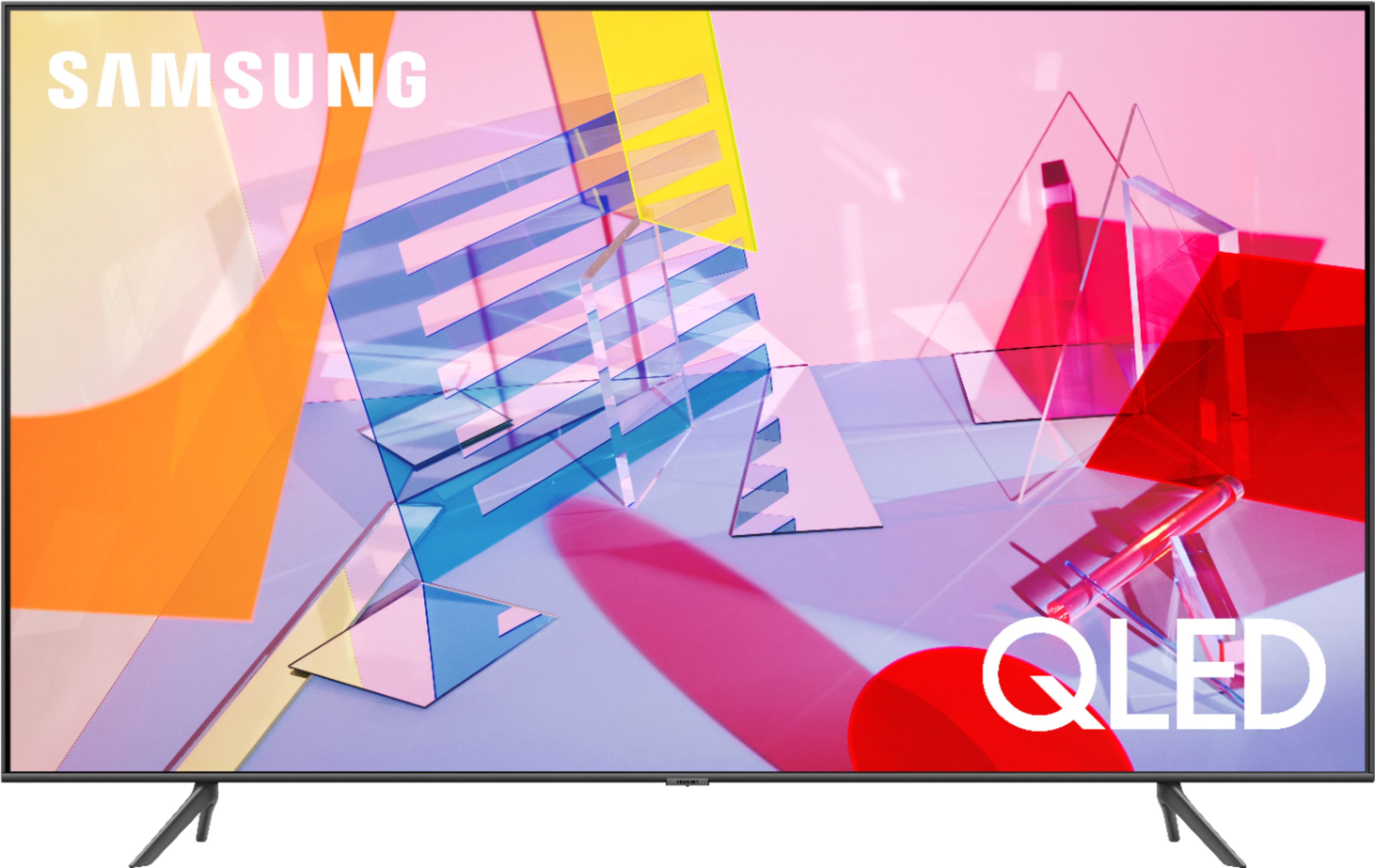
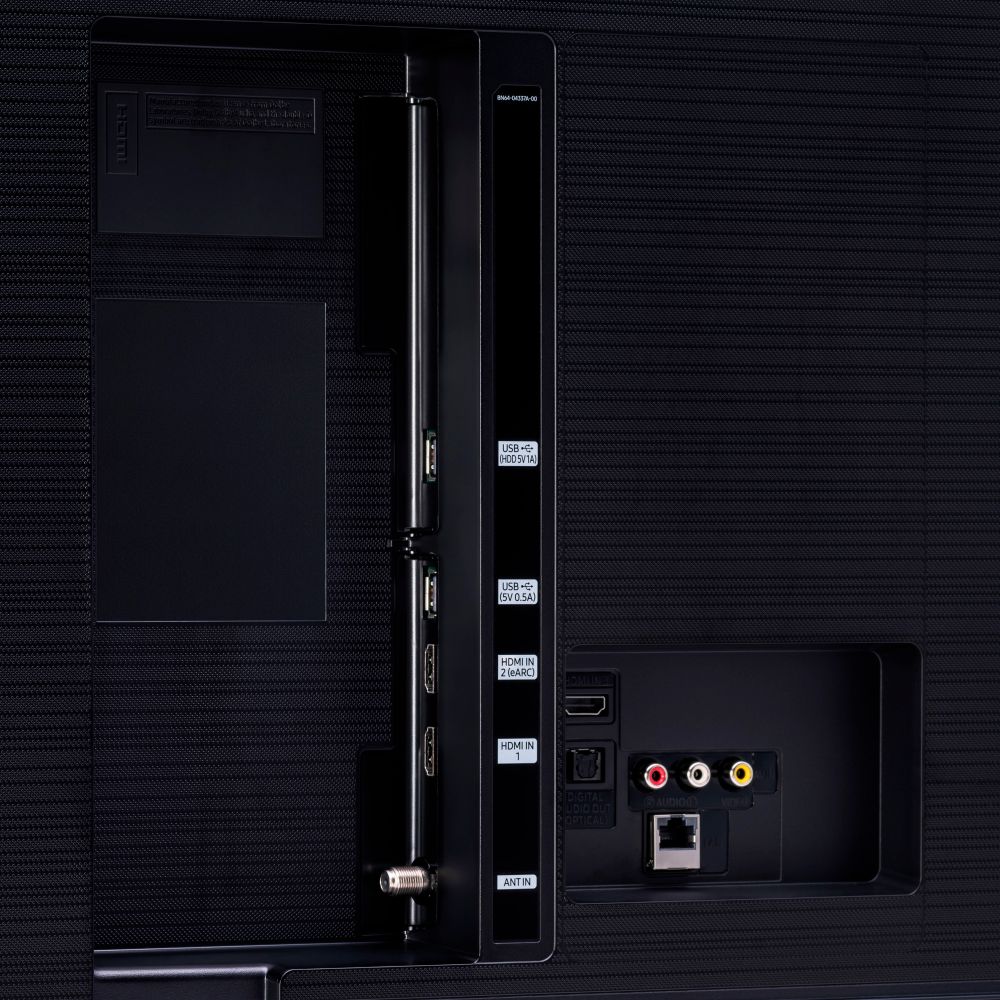
A:AnswerDee, the Tv does not come with ROKU, but will support external streaming device. The 43Q60T has three HDMI ports for compatible devices to connect. ^Celina
A:AnswerHi Jedi! Yes, the HBO Max application is available on the Q60T. To access this application, along with a wide range of other apps and streaming services, utilize the search feature through the built in app store.
^Tim
A:AnswerHi Frank! While image retention is scarcely seen on them, 2020 Samsung QLEDs offer a Q-Guarantee, which is a worry-free lifetime guarantee against burn-in on each and every Samsung QLED TV! ^Gina
A:AnswerHi there! The Q60T sure is Bluetooth enabled, and you absolutely can connect Bluetooth headphones like AirPods to the Q60T! Refer to your headphone's user manual for how to pair. Once paired to the TV, press HOME on the Q60T remote. Then go to Settings > Sound > Sound Output > Bluetooth Speaker List. Choose the headphones you wish to use for sound output. ^Gina

A:Answer1. Only if you have an AirPlay/WiFi/Bt - enabled Home Theatre Receiver to which your TV is connected.
2. Yes but it’s very limited: You can’t use it to download anything at all and streaming video or audio from a website is most often not possible.

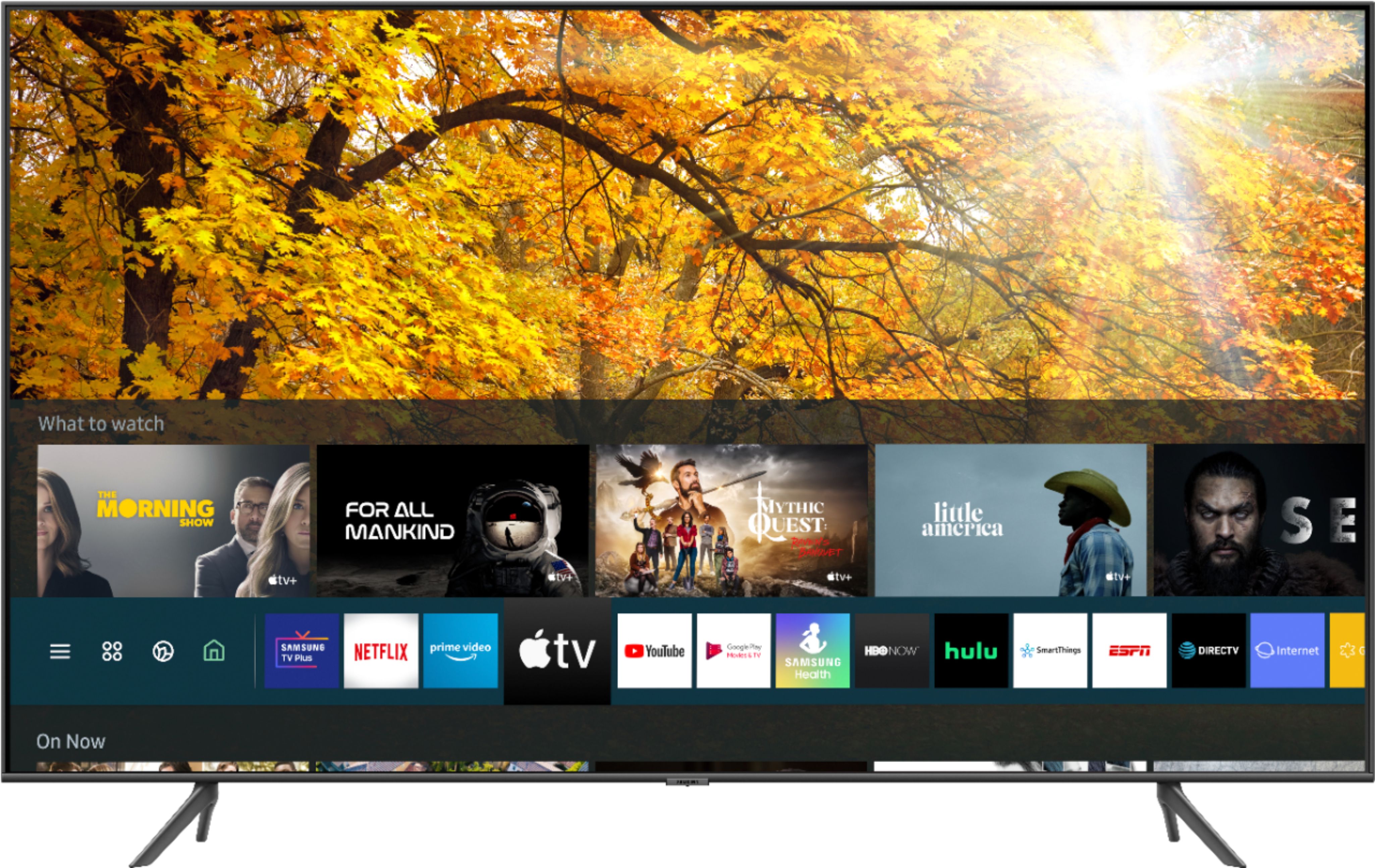
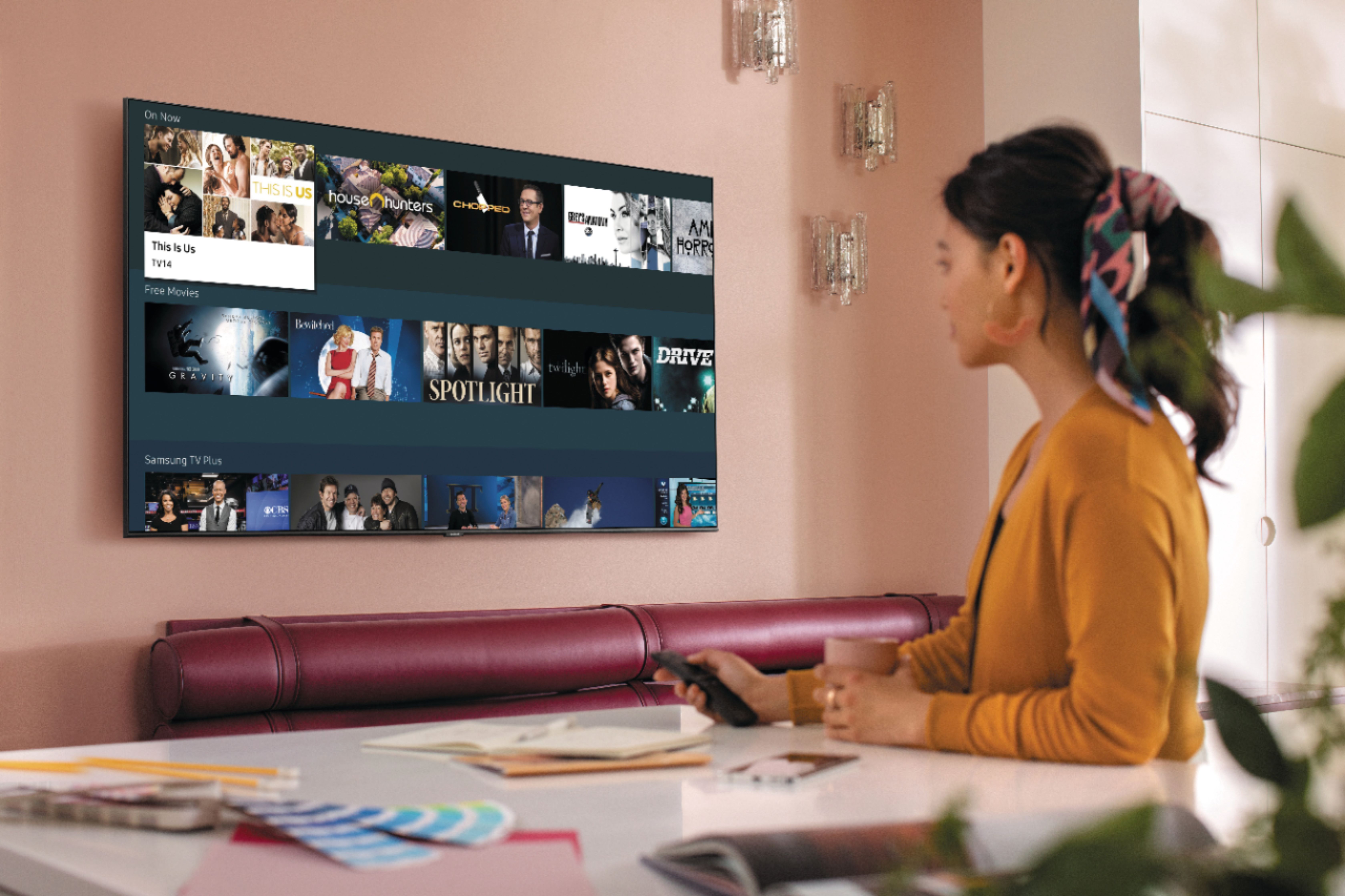
A:AnswerHi! Samsung TVs feature a user friendly smart system built in called Tizen allowing you to access all of your favorite streaming content including the Roku Channel, a built in web browser, free TV with Samsung TV Plus, and a wide range of other great smart features. If you would like to connect an external streaming device, the 43Q60T supports three HDMI ports for compatible devices to connect. ^Tim
A:AnswerHi Sandman! Alexa cannot be automatically turned on, nor can the feature be turned off. If you are not utilizing the dedicated voice assistant button on your remote, Alexa will not be prompted to listen. ^Gina