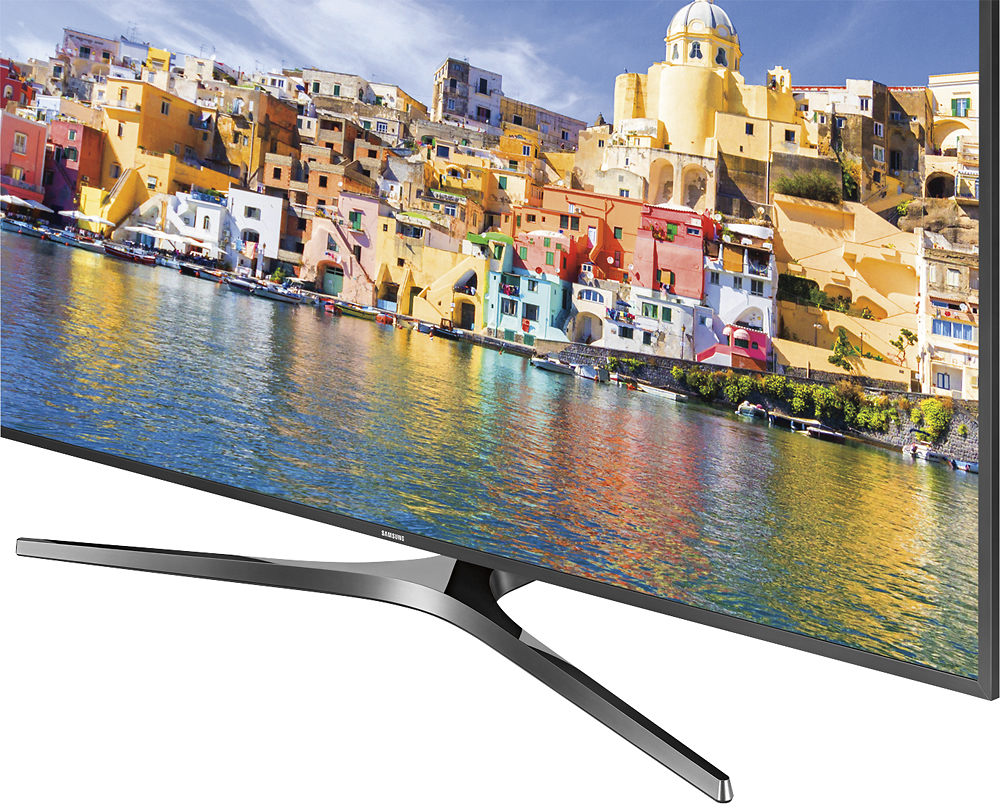
A:AnswerThe built in speakers are pretty good for being 20W 2 Channel speakers. To be precise the TV is equipped with Down Firing speakers w/Bass Reflex. The TV Audio output is
Dolby Digital Plus & DTS Premium Sound 5.1 :D While the TV volume can be very loud + it's probably one of the best built in speakers for this size TV... Nothing compares to a clear sound bar + subwoofer. So if you are ok with watching an action movie without subwoofer bass :) this TV will fit your needs!
A:AnswerAre you solely using the Samsung TV remote or are you using your cable provider's remote? If you are using your cable provider, you need to call them and have them walk you thru the setup. If you are solely using the Samsung remote. It will turn off with the button on the upper left side of the remote.
A:AnswerPress the HOME button on your smart remote
Scroll to the left to settings ( "gear" symbol )
Select Picture
Select Special Viewing Mode
Select HDR+ Mode
A:AnswerYes, works like a charm, infact the smart remote inherits all the controls and you can control the verizon fios set top box with just the TV remote.