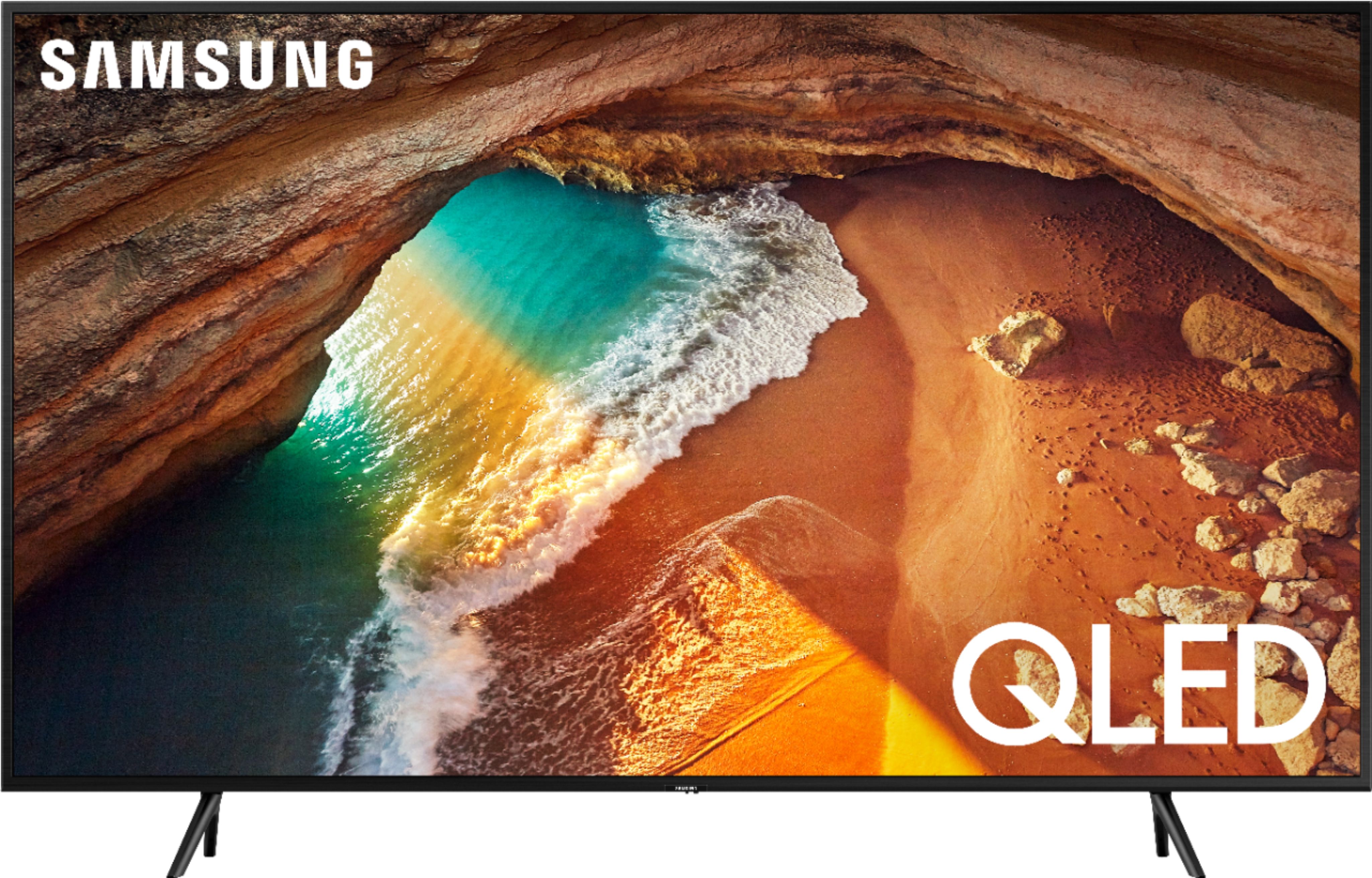
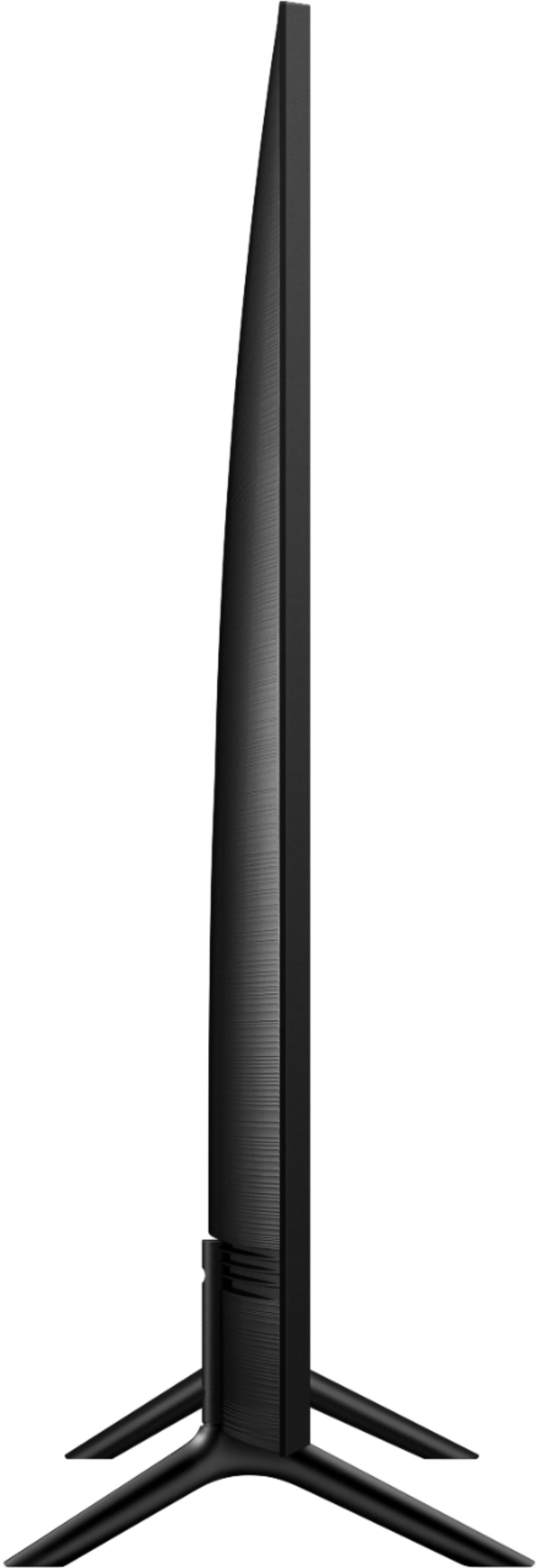
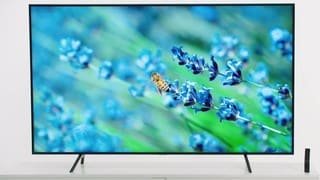
A:Answer Depending on your gaming prefference-pc,xbox or ps4..i notice that on my ps4 pro theres more detailed imaging due to 4k and less input lag. I also have an acer gaming monitor thats 144 mhz , the monitor has a higher refresh rate than my samsung qled but its not displaying 4k only 1080 . If u game on pc & have a high end graphics card that can push 120hz or mhz with a hdmi connection i would try it but hdmi may cap out at 60hz depending on what hdmi cable your using. Also internet and your cable modem speed/bandwith/how many people is using wifi or internet may have an impact on your gaming sessions. The tv is very clear to the point where i can see enemies on call of duty from further away that when i used to use a regular 1080 tv and my gaming monitor also. Hope this helps