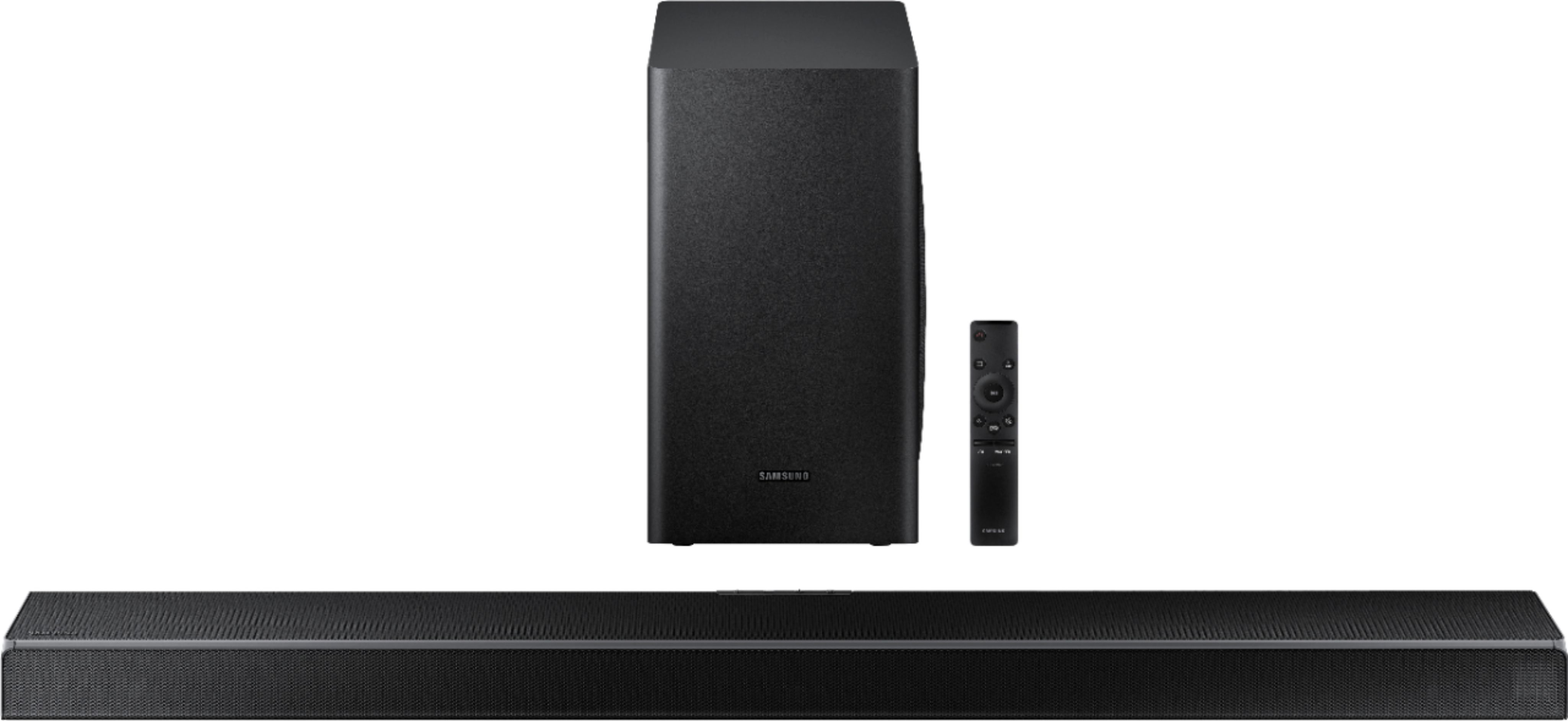
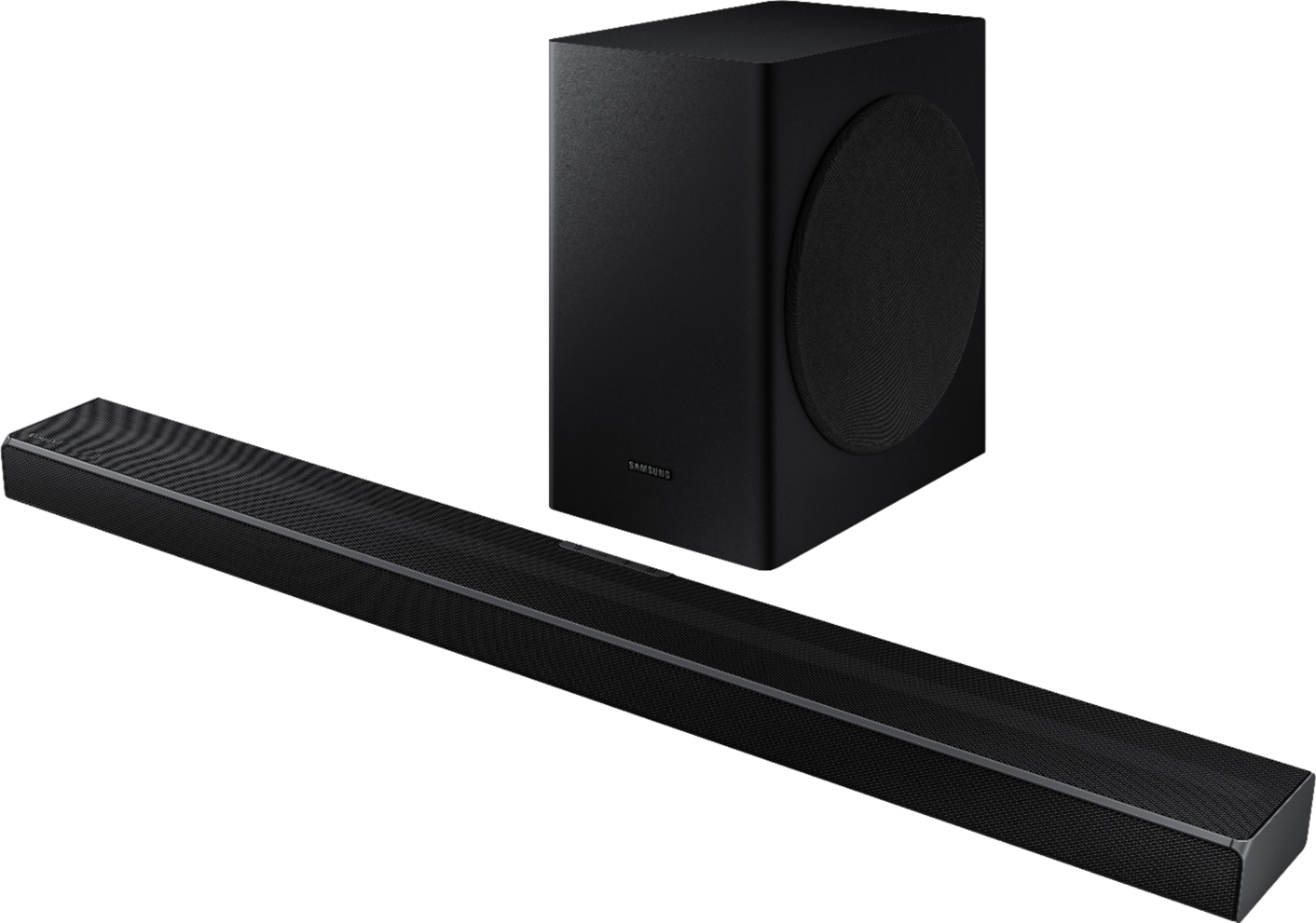
A:AnswerHi Lorr! The HW-Q60T can be connected to a TV via HDMI, digital optical, or Bluetooth audio. Check the back of your TV, or user manual, to confirm if your existing TV supports one of these three audio connections. ^Tim
A:AnswerHi Toni! Yes, the HW-Q60T is compatible with Bluetooth technology allowing you to send audio to the soundbar, or connect to the TV wirelessly. ^Tim
A:AnswerHi Toni! Yes, the HW-Q60T is compatible with Bluetooth technology allowing you to send audio to the soundbar, or connect to the TV wirelessly. ^Tim
A:AnswerHi Toni! Yes, the HW-Q60T is compatible with Bluetooth technology allowing you to send audio to the soundbar, or connect to the TV wirelessly. ^Tim
A:AnswerIf you can run the cable through the inside of your wall, then yes. Similarly to how people now mount TVs on the wall and run the cable behind the wall down , and back out to their Dvr. You can apply the same concept here.
A:AnswerHi Crash5437! You can use the following soundbar mount adapter from Rocketfish to connect the mounted soundbar to an existing TV wall mount: https://www.bestbuy.com/site/rocketfish-universal-soundbar-mounting-system-black/6354301.p?skuId=6354301
^Tim
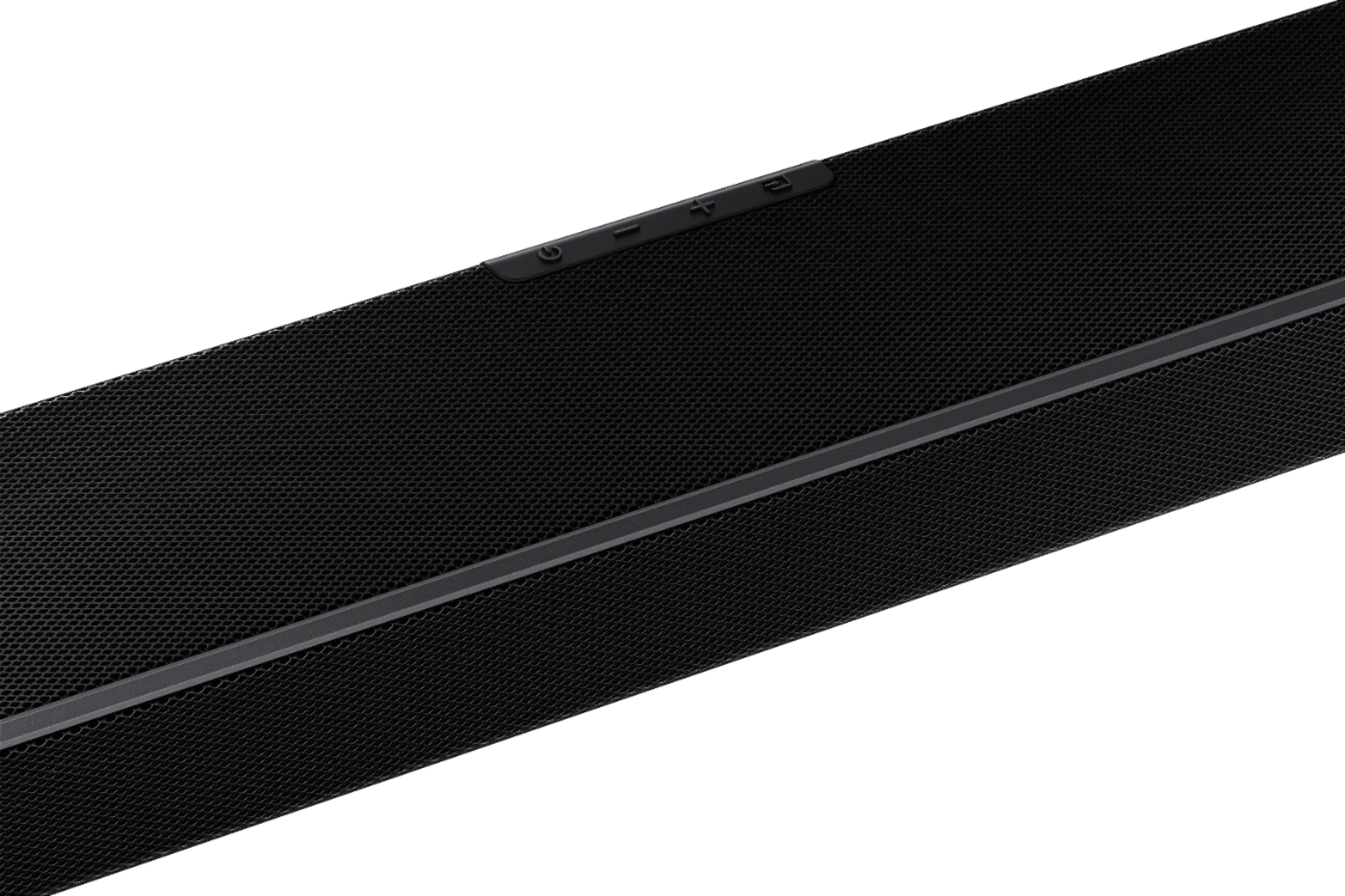
A:AnswerHi MustangMark! The HW-Q60T features a display on the front, right side of the soundbar showing the current source or input. When selecting a sound mode or adjusting the setting, it will display on this same display. ^Tim
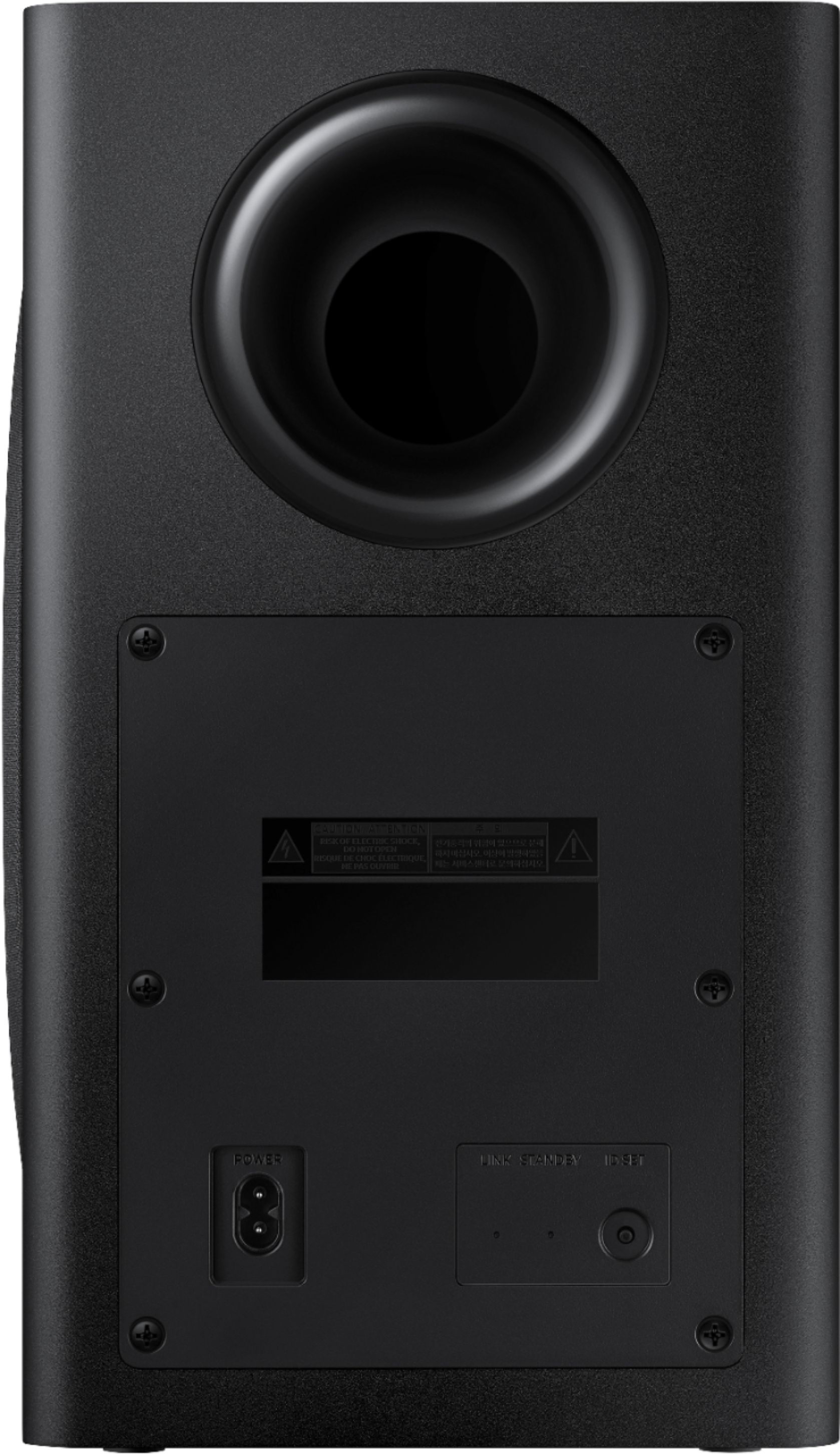
A:AnswerSounds like you may have it too close to something causing interference, ie..Modem, WiFi router, or something else kicking out interference. Or worst case a faulty woofer.
A:AnswerHi Dylan! The HW-Q60T does not feature an auxiliary or 3.5mm connection. For optimal audio quality it is recommended to use HDMI ARC technology when connecting to a TV that supports it. ^Tim
A:AnswerIt will connect to any TV, long as it is through HDMI or optical. It is NOT compatible with LG sound sync option if that is what you are referring. That would only be on any type of LG sound bars that have feature to link the two.
A:AnswerHi Carmine! The powerful 3D sound of Samsung Soundbar Q60T makes surround sound come to life with speakers that fire from the front, side and above. These speakers work with DTS Virtual:X to turn your living room into a theater, putting you in the scene with sound above, and around you. ^Tim