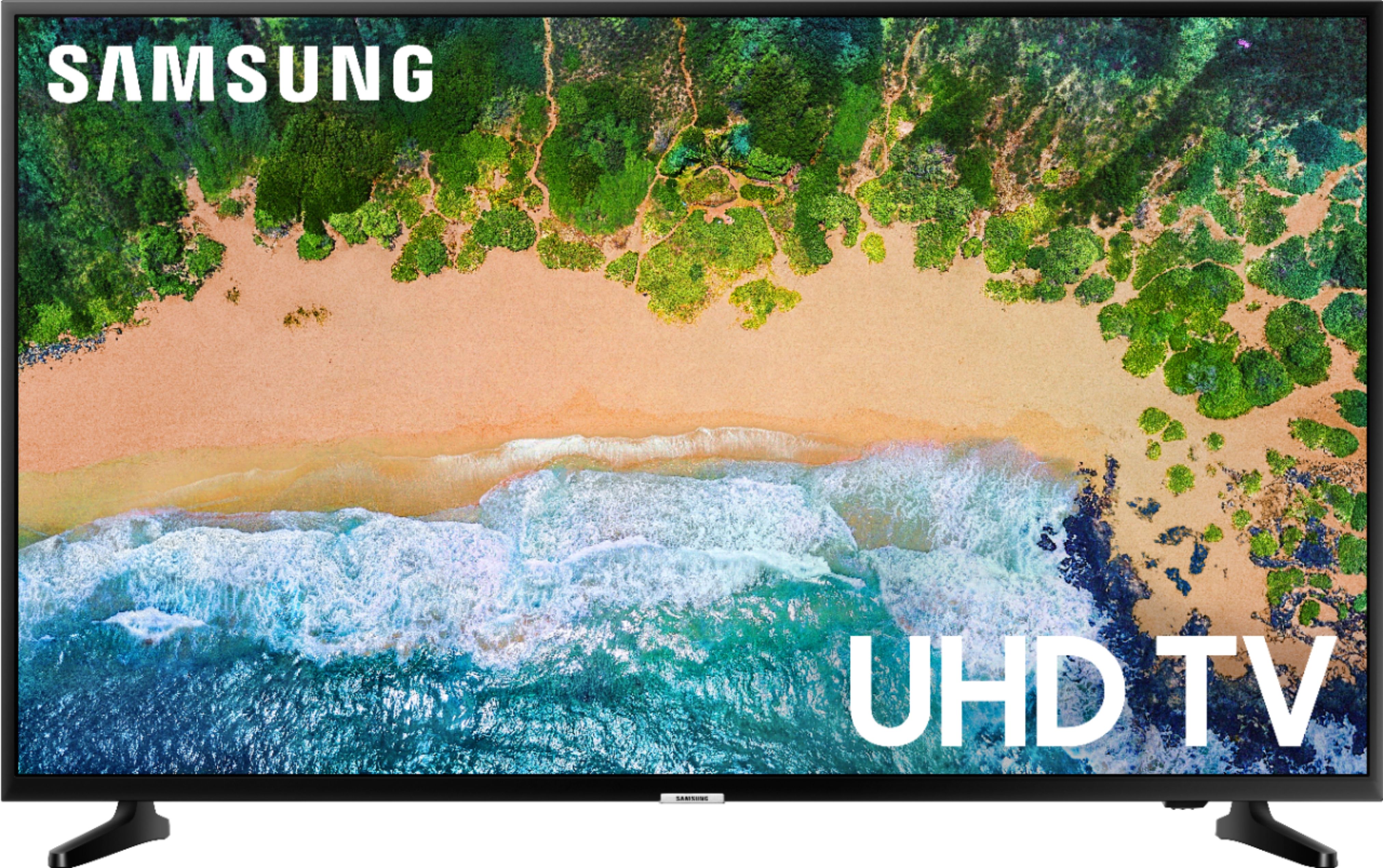
A:AnswerA “smart” TV means that it is capable of connecting to WiFi and communicating with other devices. With very few exceptions all TVs now will be smart, but may not come loaded with what you need. All streaming apps are able to be downloaded to your TV if not already installed. Perhaps the question then is what kind of apps are you looking to download?
A:AnswerIt does come with a variety of apps. I would caution that in my experience there is some kind of software or hardware issue with the TV and upon turning the TV on it will not connect to the internet. I have to be disconnect it from it's power source and reconnect before the tv will unfreeze and properly connect to the internet so that you can actually use the apps. I ended up buying a Roku streaming device and use that for all apps. I would expect if this is a widespread issue at some point Samsung could push out an update to resolve the issue but don't know if they intend to do so.
A:AnswerI cannot answer which brands have enhanced dialogue audio, but my experience with using this TV with the Samsung enhanced audio settings, seems to be quite a bit better than my older 55-inch Samsung I have in my living room and the 50-inch Vizio E-series that I have in my Den. Additionally, I was unexpectedly pleased with the "bass" performance on this Samsung TV, which is quite a bit better than the Sony it replaced. I share your concern about audible quality of the foreground vs. the background audio and so far I find this TV quite good. But take a listen for yourself if you can at Best Buy.
A:AnswerQuick answer is yes. Long answer is it depends upon what kind of input you want to use and the performance you want to see from it. This is not a low latency television, so if you want to game on it this is not a great option. Now if you want to use your pc to stream that works perfectly fine.
A:AnswerYou can purchase an indoor antenna at Bestbuy. Just connect, run the air scan, and try placement in various areas until you get the channels you want.
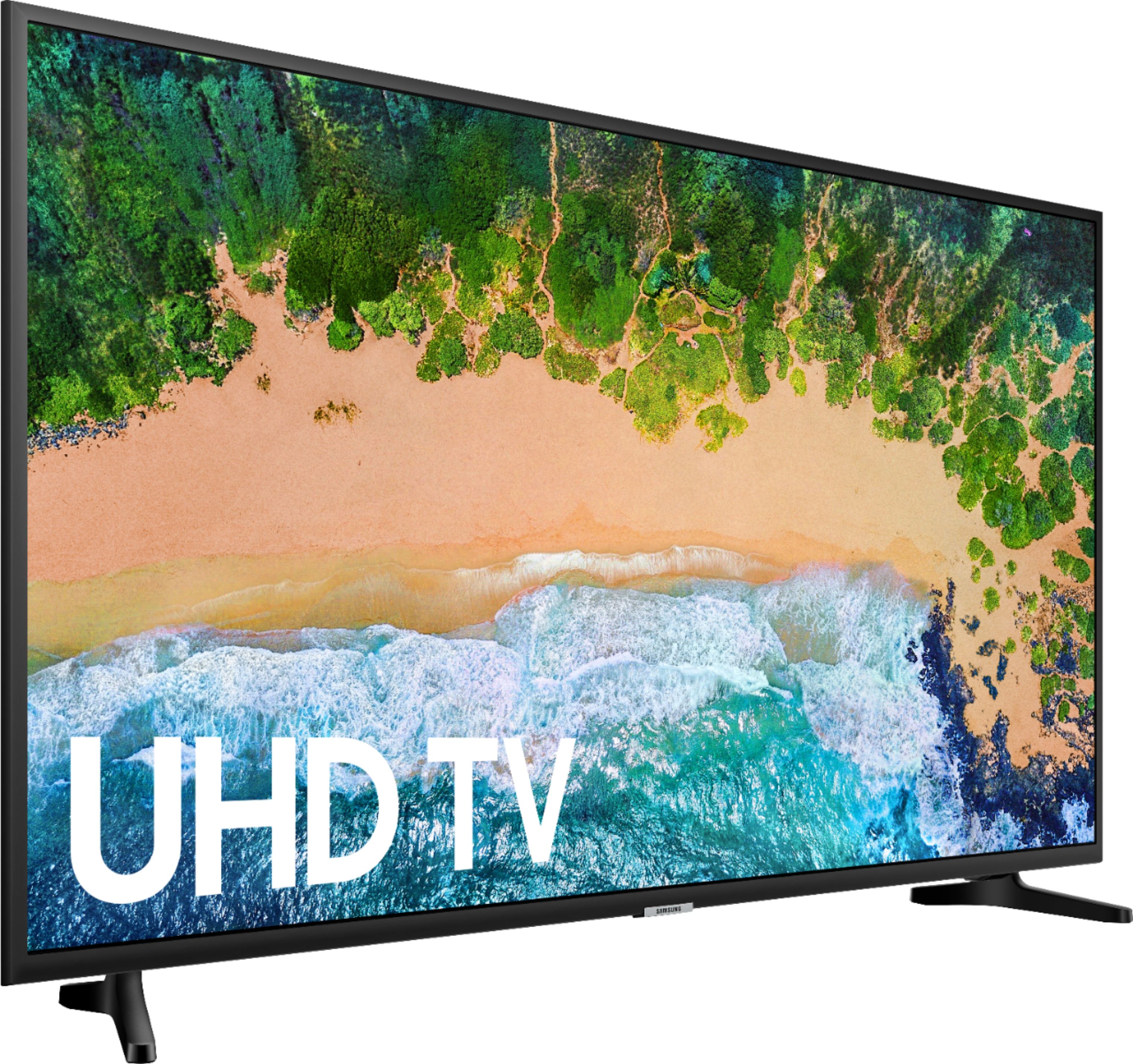
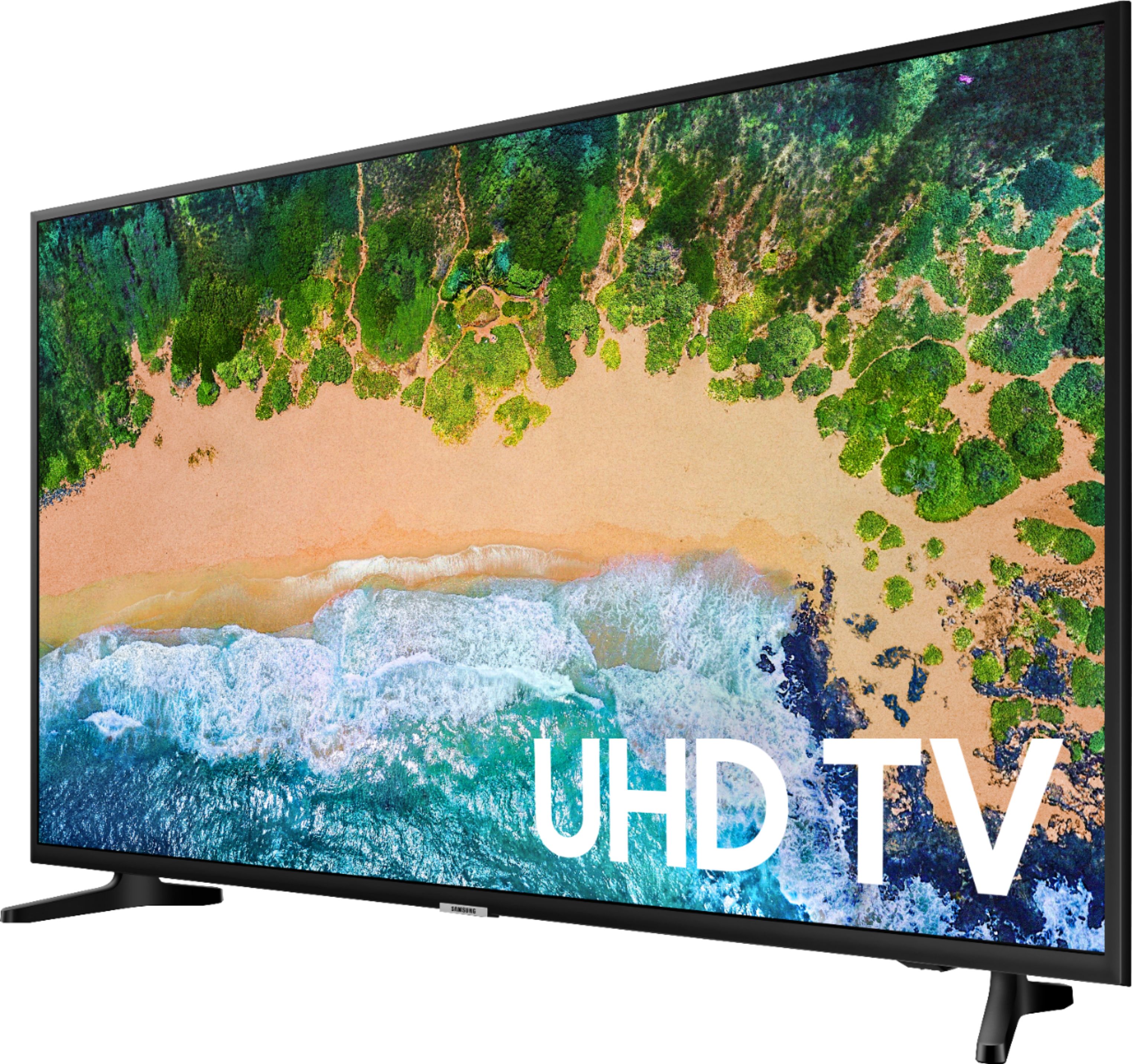
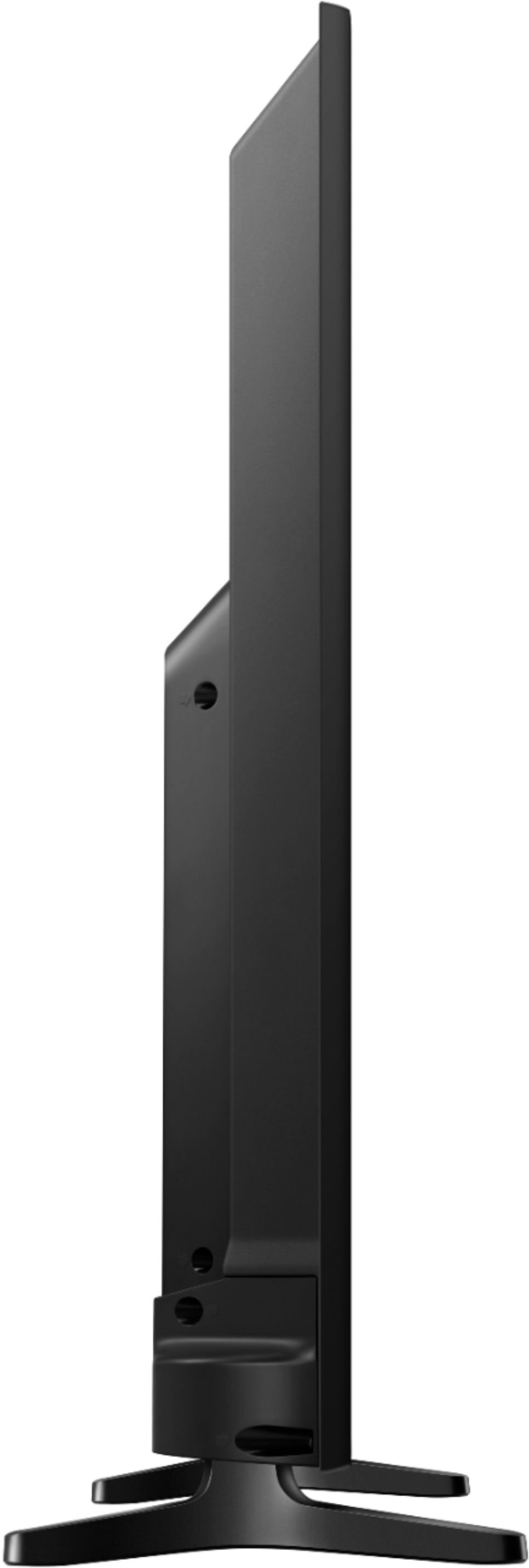
A:AnswerAbsolutely. Make sure you use the included screws. The TV is very light and the feet were designed for it. Also, if they fail, I am 99% sure the warranty will cover it.
A:AnswerHello Jessica24, this unit does have an Ethernet port. I have also attached a link below to available Smart TV applications.
https://www.samsung.com/us/appstore?redir=apps
^Britt
A:AnswerProbably not. In the past my large screen tv had the stand in the middle, but these new ones have the strands one on each side. So you would have to measure if the feet would get onto the stand. Hope that helps.