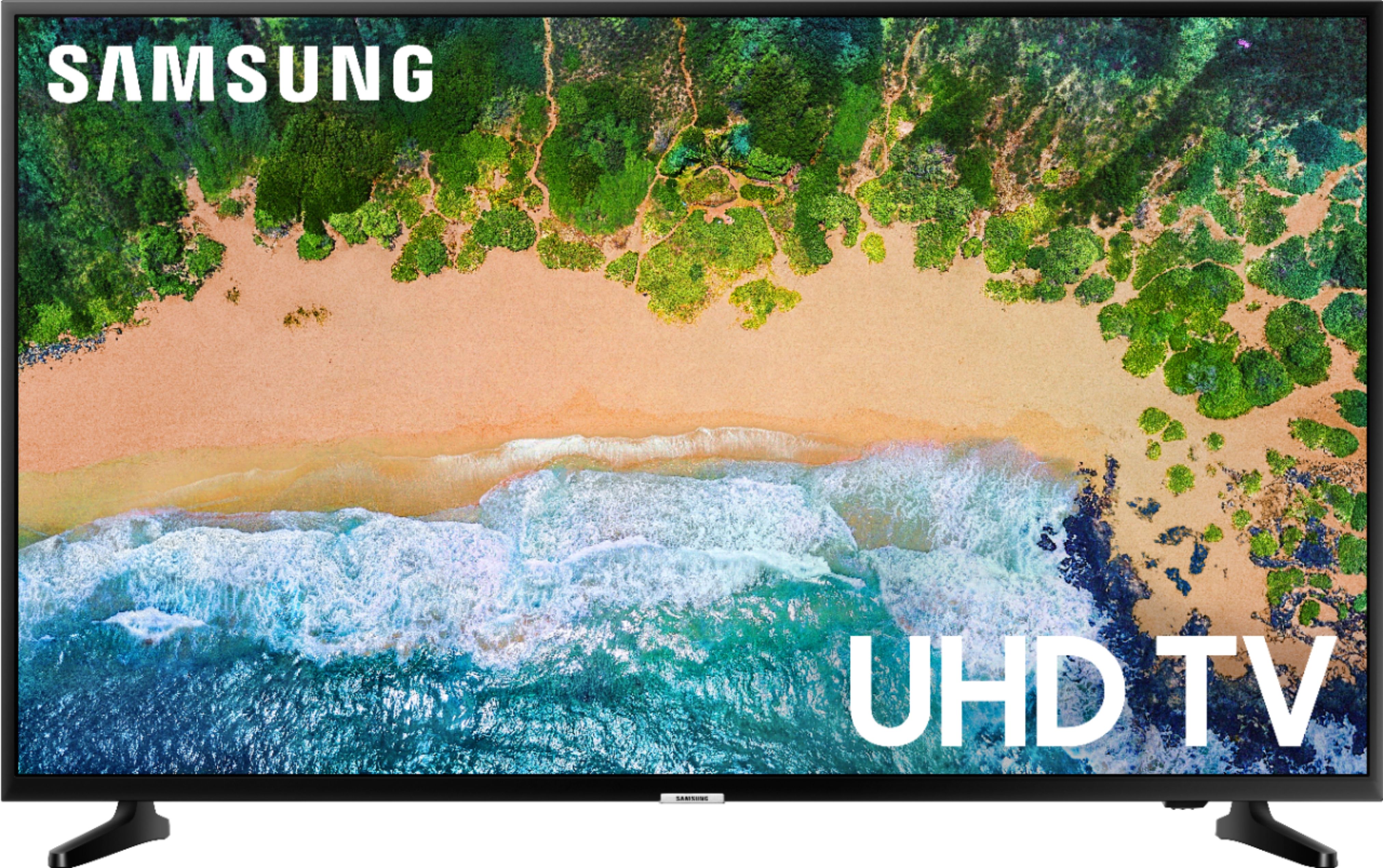
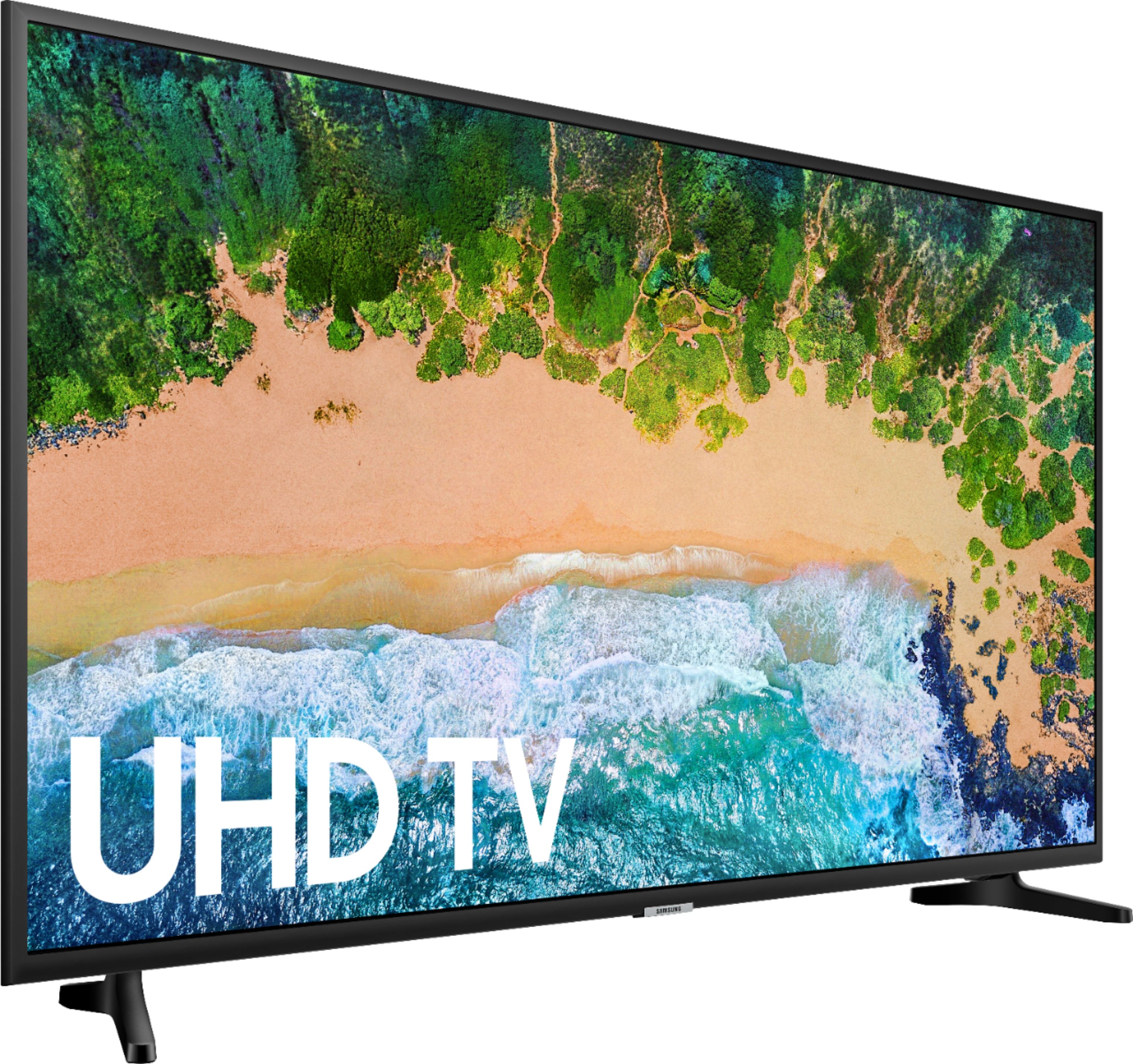
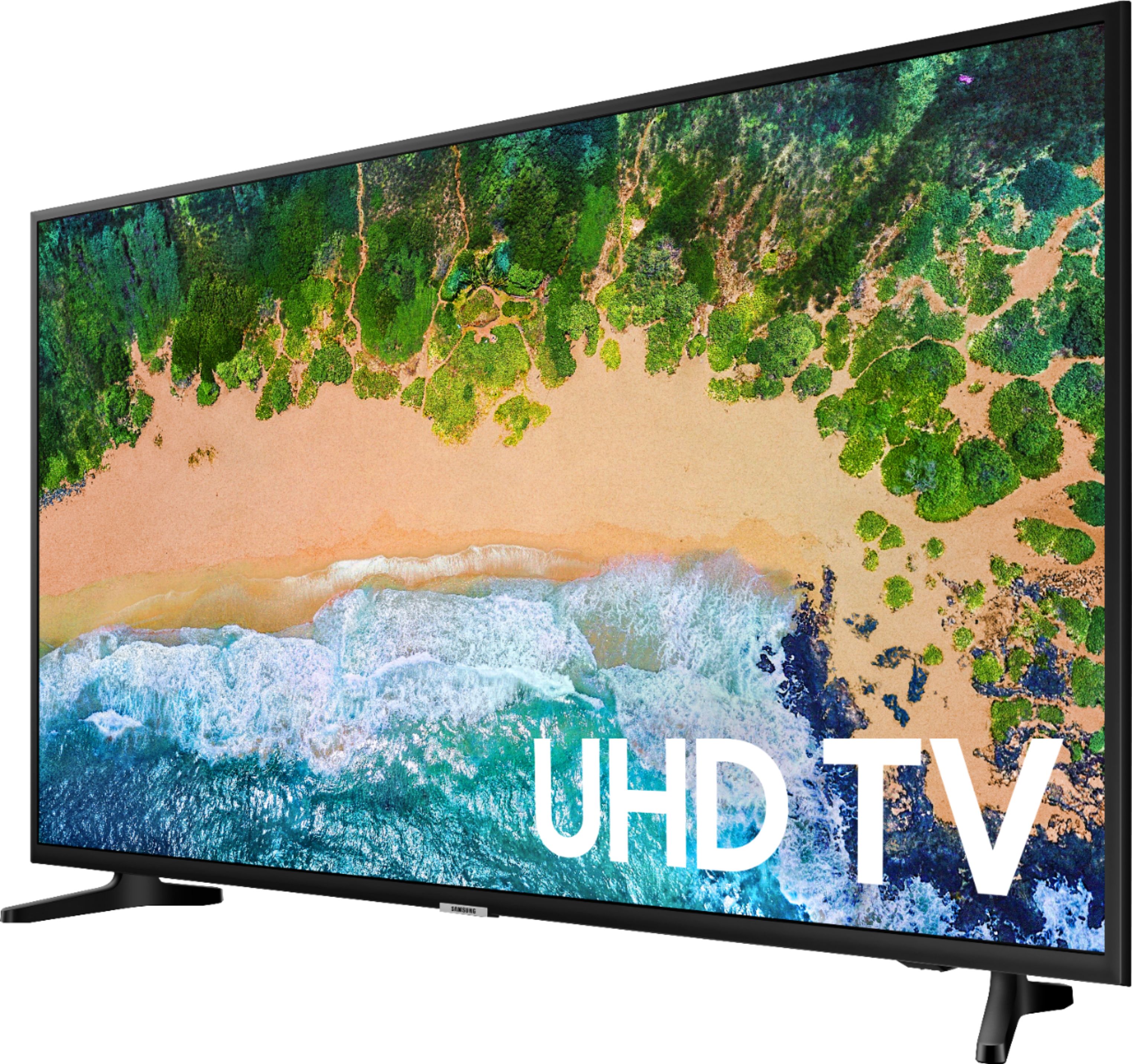
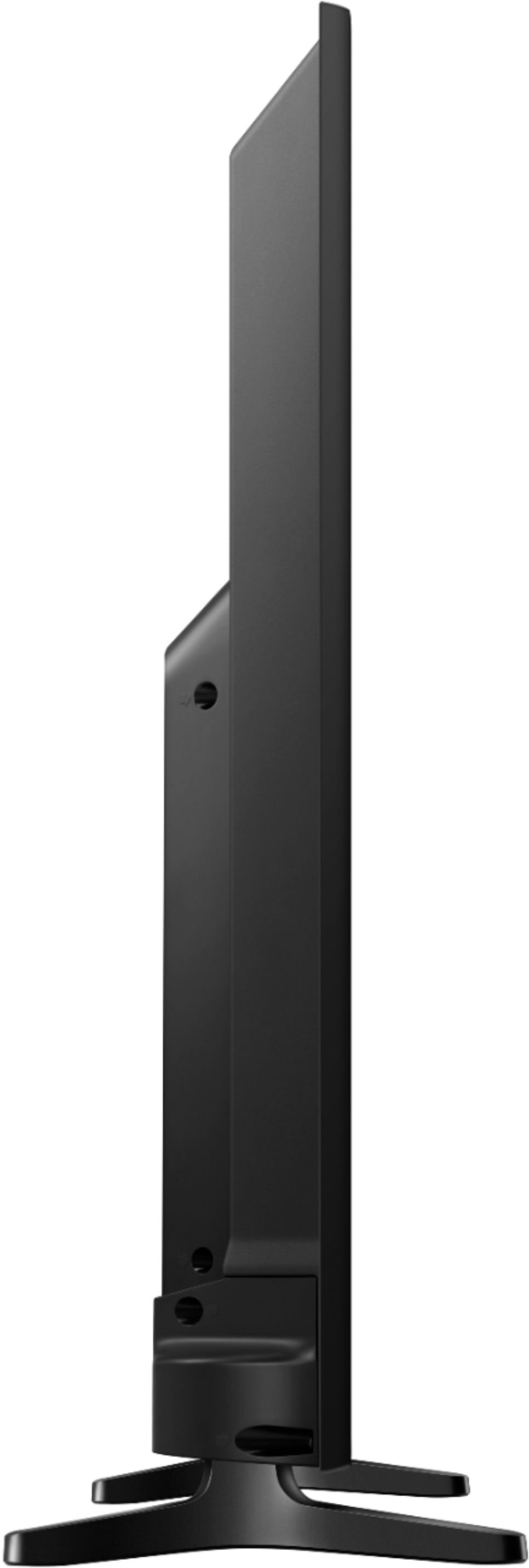
A:Answer At bottom of frame below Samsung logo is a red light. Remove 2 inch plastic shield. With your finger feel a button next to the light. Press it. The TV will come on and on its screen will be white circles with On/off, channel up, channel down, volume up, volume down, source. Move choice to choice with quick pushes on the bottom. To use choice press and hold button.