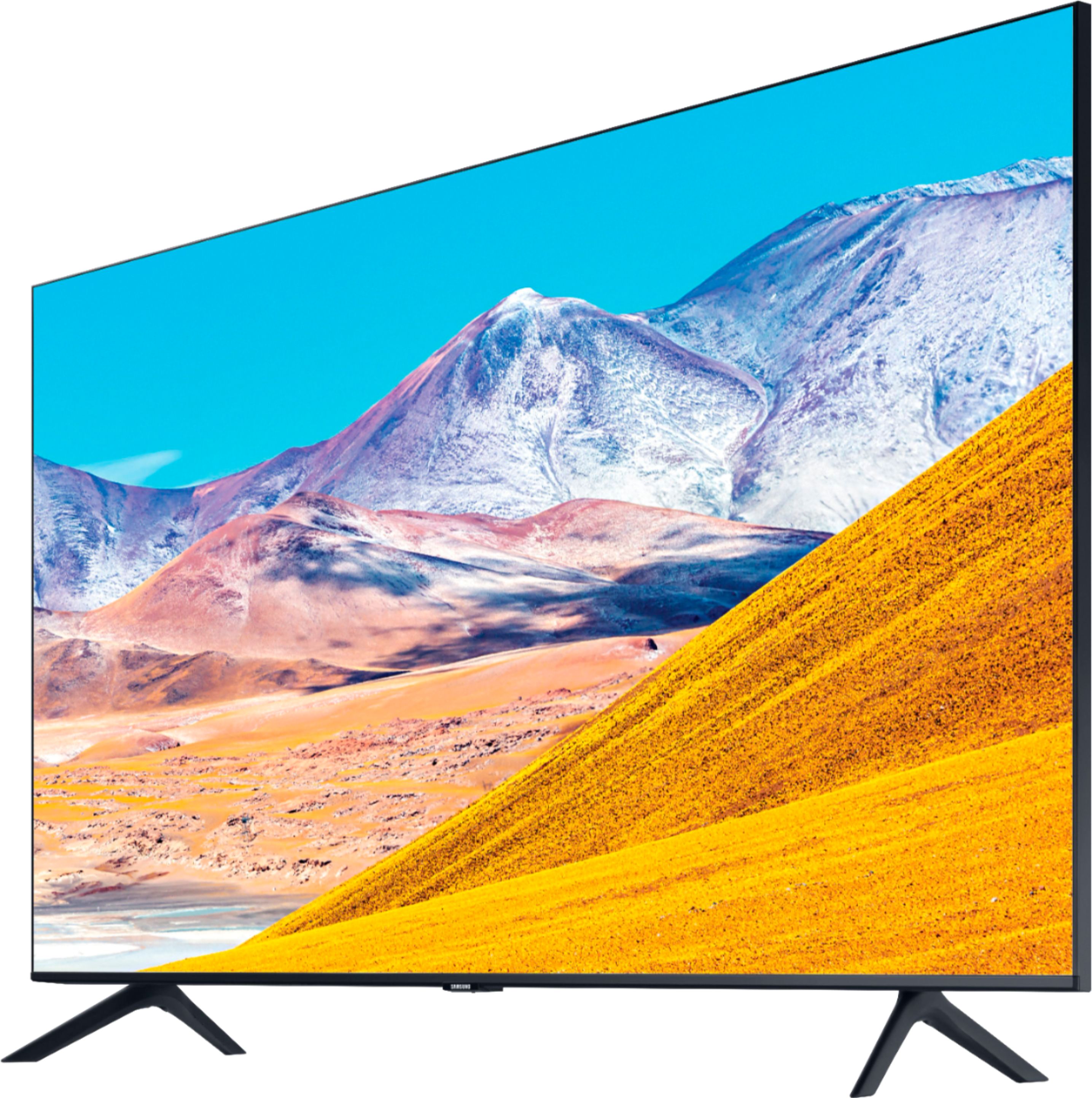
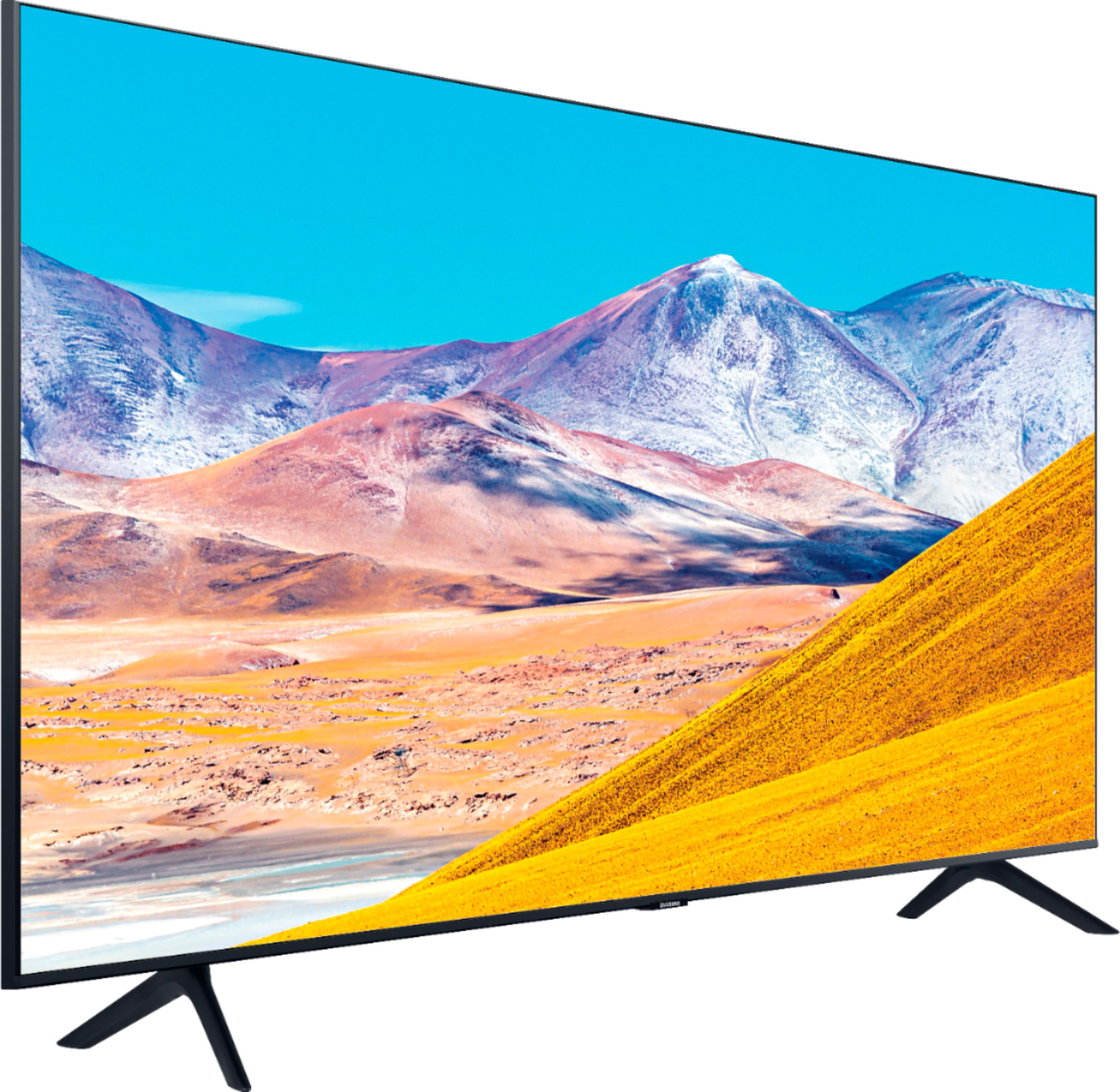
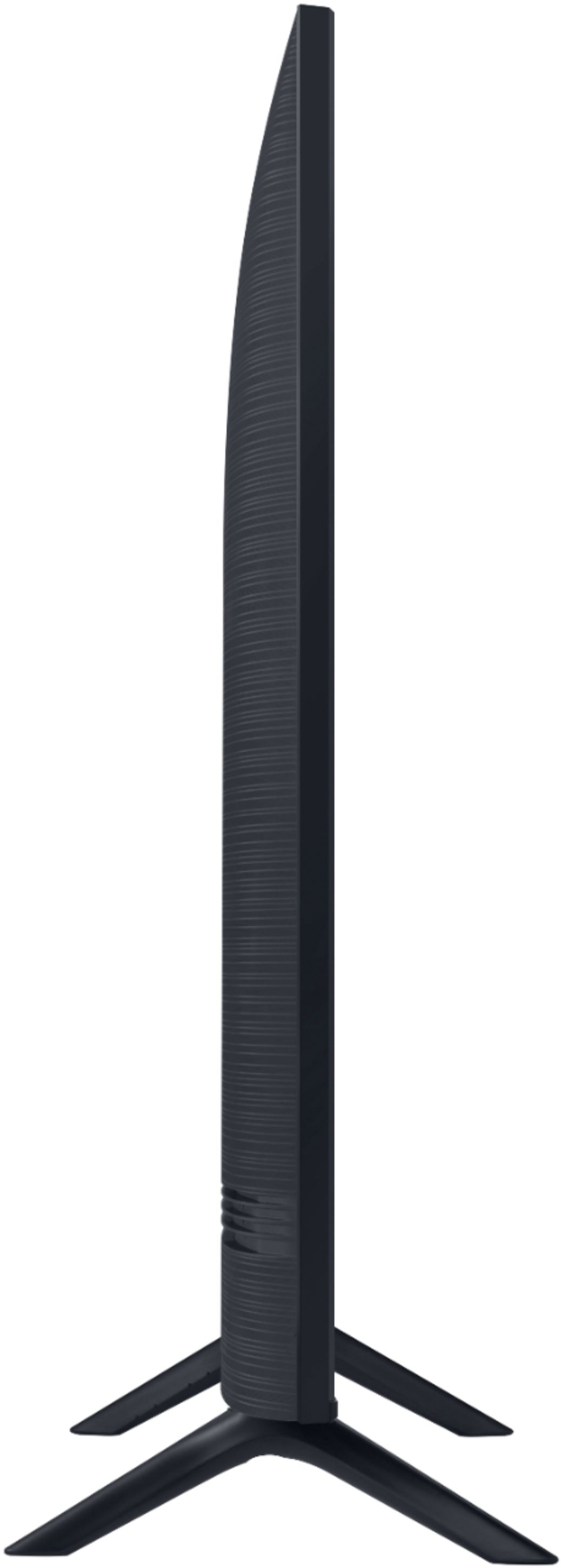
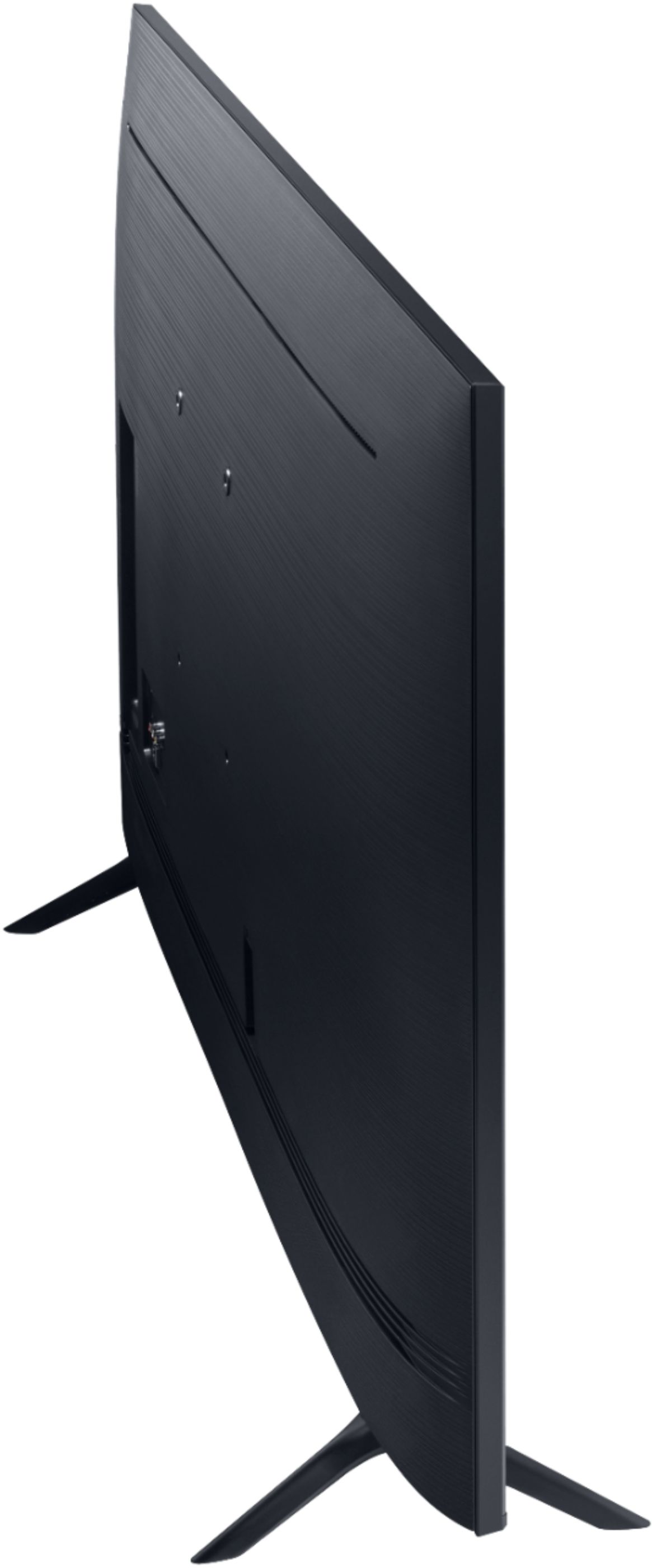
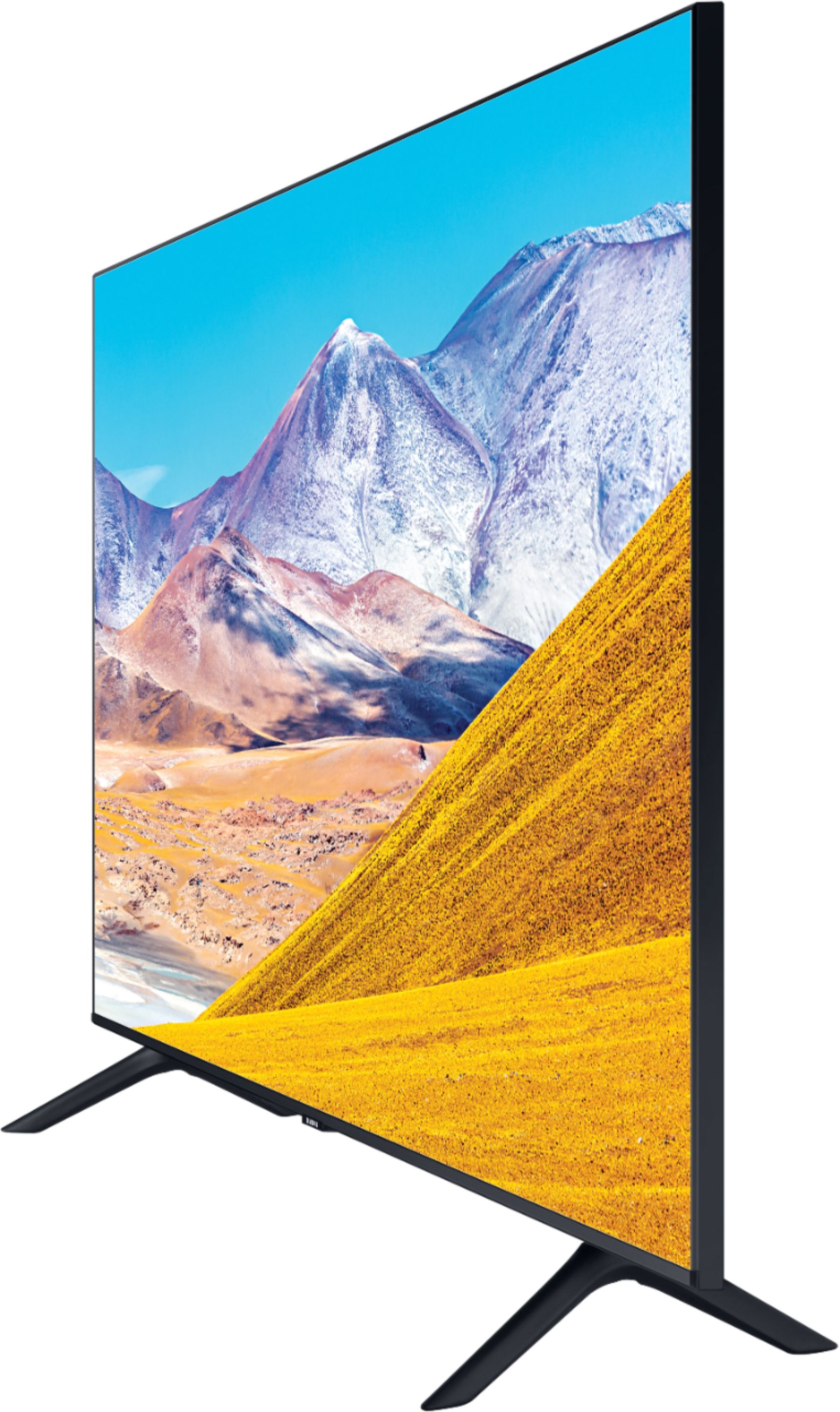
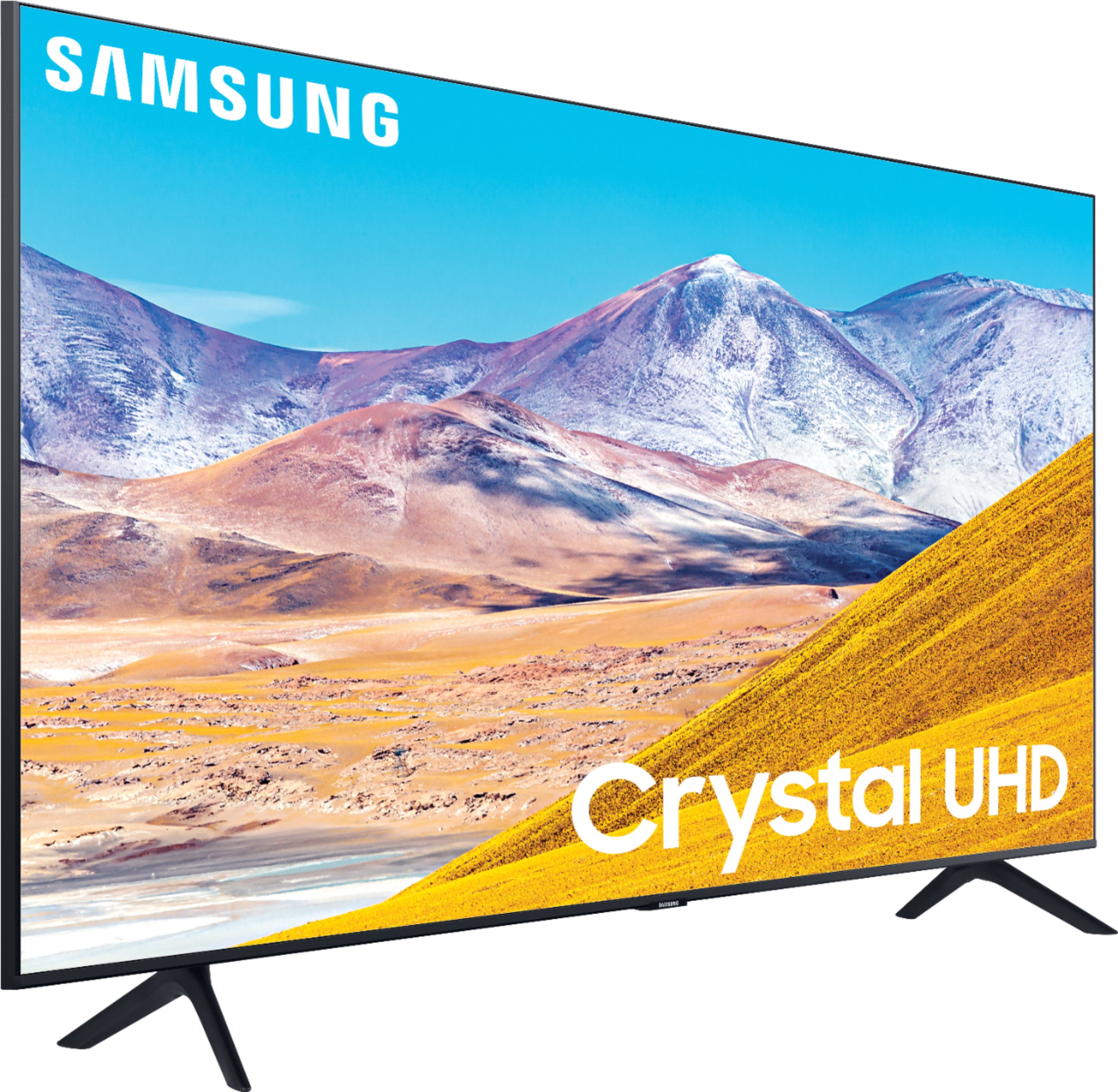
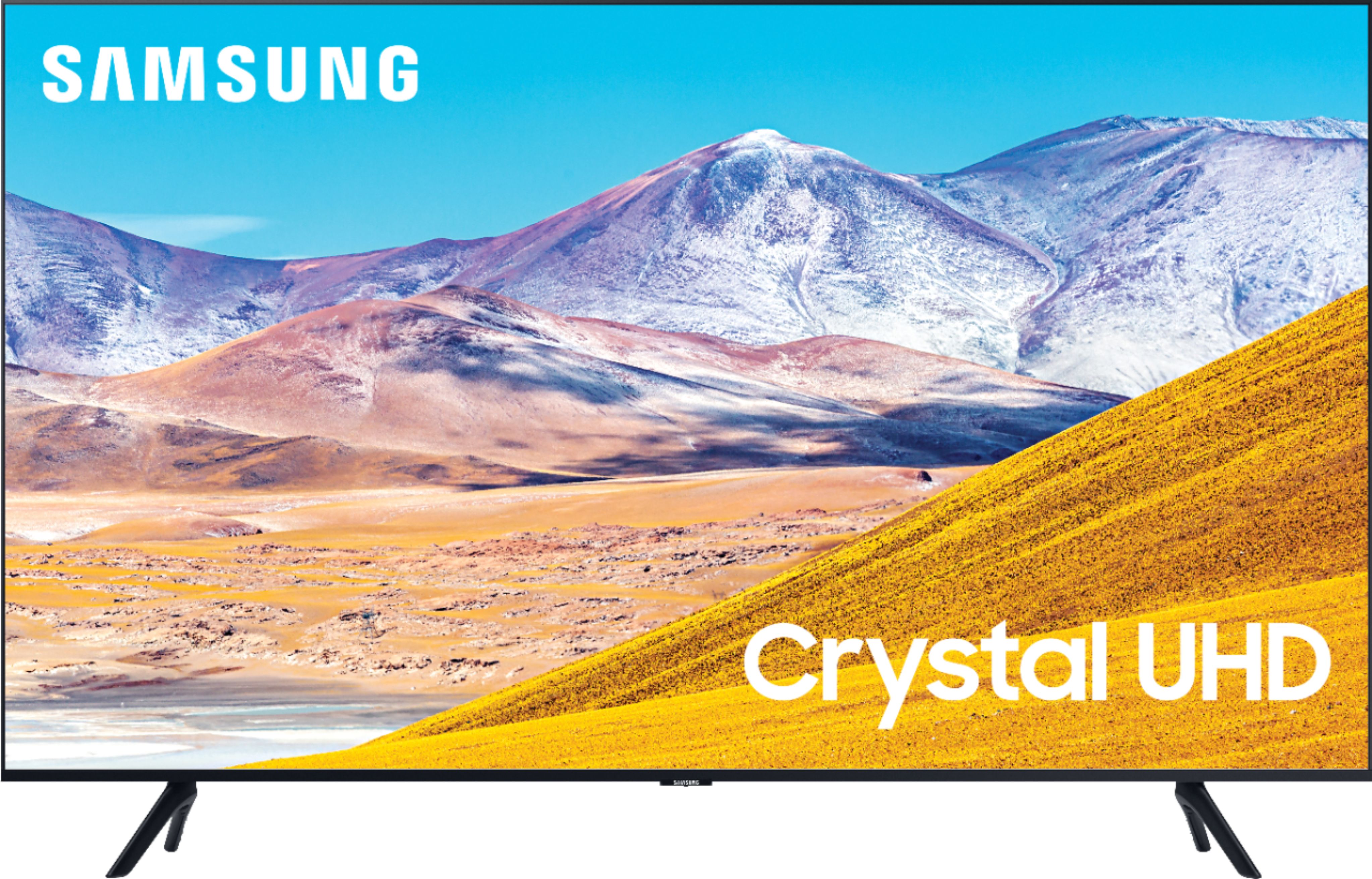
A:AnswerHi - The 50TU8000 has dimensions of 44" X 25.4" x 2.4" without the stand and 44" x 28.3" x 9.9" with the stand. The inches between the feet is 39.8". ^Cris
A:AnswerYes, you can utilize a universal center stand with your 50TU8000! Check out this compatible stand at Best Buy: https://www.bestbuy.com/site/sanus-premium-swivel-tv-base-for-most-32-60-tvs-black/5463304.p?skuId=5463304 ^Gina
A:AnswerHi chermo, you absolutely can utilize a universal center stand with your 50TU8000! Check out this compatible stand at Best Buy: https://www.bestbuy.com/site/sanus-premium-swivel-tv-base-for-most-32-60-tvs-black/5463304.p?skuId=5463304 ^Gina
A:AnswerBIGJOHN, you sure can connect your Bluetooth hearing aids to the TU8000! Refer to your hearing aid's user manual for how to pair. Once paired to the TV, press HOME on the TU8000 remote. Then go to Settings > Sound > Sound Output > Bluetooth Speaker List. Choose the device you wish to use for sound output. ^Gina
A:AnswerHi there! We recommend first checking your TV for firmware updates, and restarting your router to ensure it is not an Internet connectivity issue. If the issue persists, try a cold boot restart. With the Remote: For most people, the easiest way is to hold down the Power button on the Samsung TV remote until the TV turns off and on again. This should only take about 5 seconds. With the Plug: If you do not have the remote, unplug your TV from the wall outlet or surge protector, leave it unplugged for 30 seconds, and then plug it back in. If you are still having issues, please reach out to Samsung TV Support at: ― Phone: 1-800-SAMSUNG / Available 8 AM - 9 PM EST, Mon - Fri ― LiveChat or Email: https://www.samsung.com/us/support/#contact_us_for_support We look forward to hearing from you. ^Gina
A:AnswerHi there! We recommend first restarting your router, to ensure it is not an Internet connectivity issue. If the issue persists, try a cold boot restart. With the Remote: For most people, the easiest way is to hold down the Power button on the Samsung TV remote until the TV turns off and on again. This should only take about 5 seconds. With the Plug: If you do not have the remote, unplug your TV from the wall outlet or surge protector, leave it unplugged for 30 seconds, and then plug it back in. If you are still having issues, please reach out to Samsung TV Support at:
― Phone: 1-800-SAMSUNG / Available 8 AM - 9 PM EST, Mon - Fri
― LiveChat or Email: https://www.samsung.com/us/support/#contact_us_for_support
We look forward to hearing from you. ^Gina
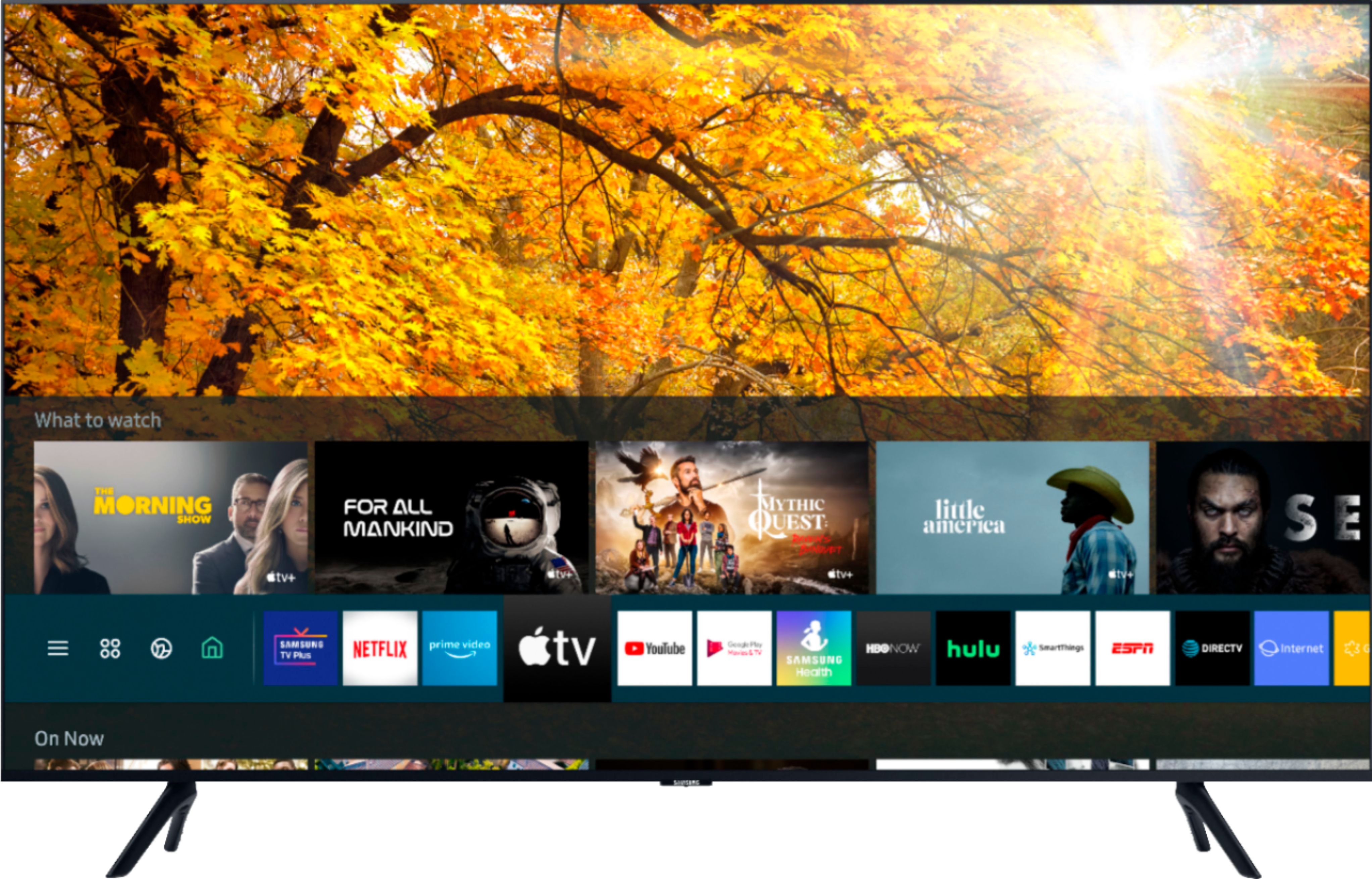
A:AnswerHi Ray, you sure can! With hundreds of apps available in the TV's built-in App Store, you can choose and download apps like Netflix, Hulu, YouTube TV, AppleTV+, Disney+, HBO Max, and many more! ^Gina

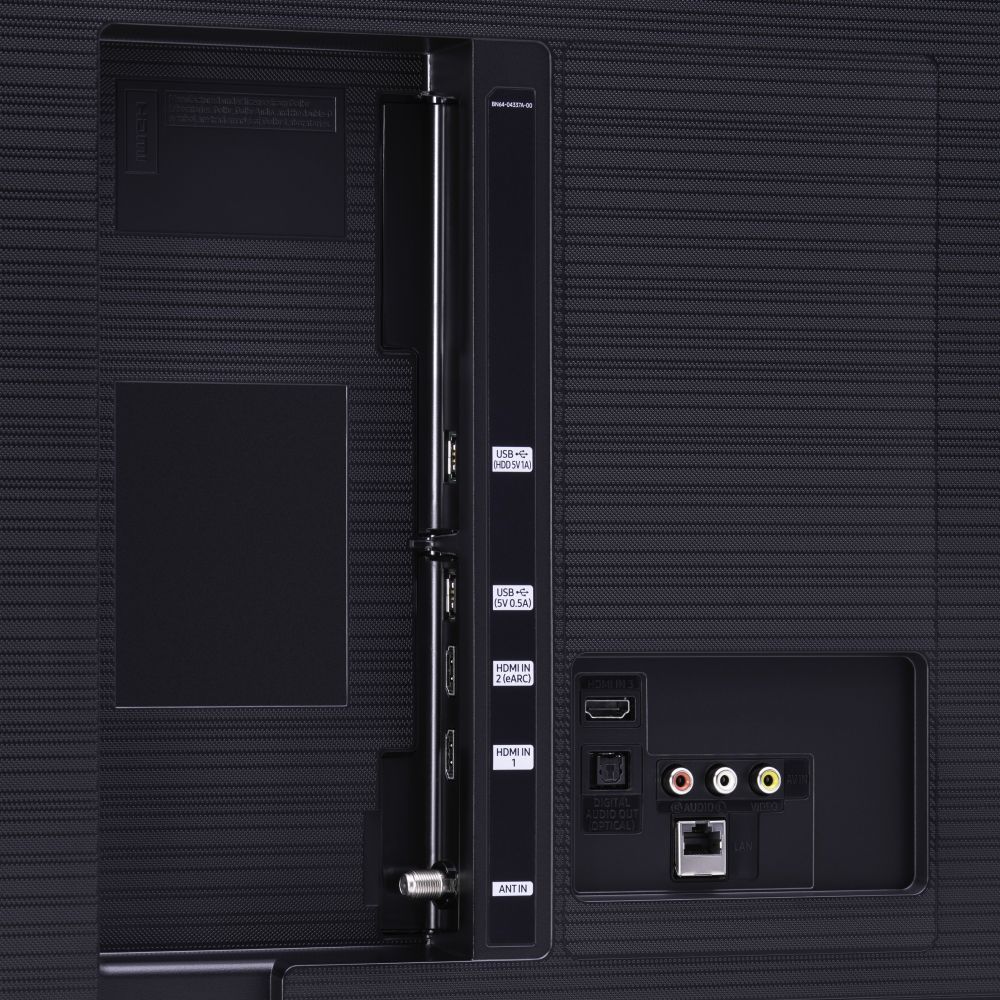
A:AnswerMartyDubs, the picture quality on your TV will depend on the resolution your laptop is outputting. There is no specific HDMI port you need to utilize; any of them will connect seamlessly! ^Gina

A:AnswerHi there, the legs are not interchangeable on the TU8000 nor the NU6900; however, you can utilize a universal center stand to ensure your TV fits in your space. Check out this center stand at Best Buy: https://www.bestbuy.com/site/sanus-premium-swivel-tv-base-for-most-32-60-tvs-black/5463304.p?skuId=5463304 ^Gina