A:AnswerHI, The most important thing for OTA channels is how sensitive the antenna and where you put your antenna so it is free from obstructions like trees and hills. Samsung tvs will clear the channels when you do a rescan but you can add channels manually if you have a strong enough signal. If you change the direction of the antenna, so you can get different channels, you probably will need to rescan unless you get an antenna that is omnidirectional or get 2 antennas to each point in the direction you need. Then you would only need to scan once but with how stations are changing in recent years, it is good to rescan every few months. I bought a tablo so I can share my OTA channels on multiple tvs that are on the same wifi signal through out the house. I love it! You can also watch those channels on your cell phone, tablet and computer too.
A:AnswerHi Melanie, you can activate voice guides that describe the menu options aloud to aid the visually impaired. With Voice Guide on, the TV provides voice guides for channel change, volume
adjust, information on current and upcoming programs, schedule viewing, other TV functions, and various content in the Internet, and in Search. You can easily turn on/off the functions, such as Voice Guide, Picture Off, Video Description, Caption, High Contrast, Enlarge, Learn TV Remote, Learn Menu Screen, Multi-output Audio, Slow Button Repeat, Accessibility Settings, etc. ^Val
A:AnswerHi jumpingjackflash86! You can connect a FireTV Stick via HDMI. For more information regarding apps that your FireTV Stick supports, we recommend contacting Amazon. ^Gina
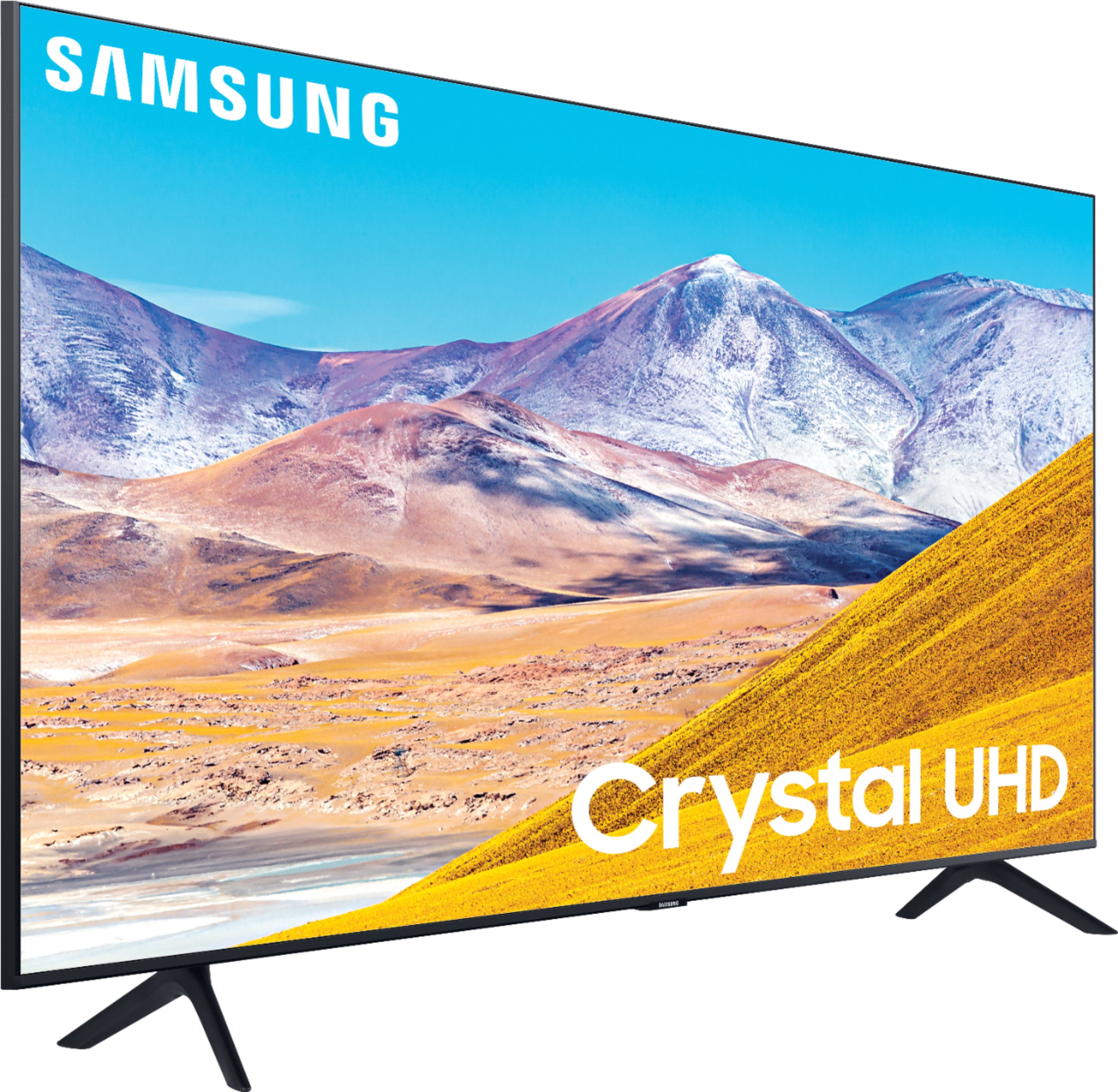
A:AnswerHi MLB1! The TU8000 has a button underneath the Samsung logo on the bottom bezel of the TV. This button will allow you to access controls for the TV such as channel, volume, or source. If you need additional assistance please reach out to Samsung Support at:

― Phone: 1-800-SAMSUNG / Available 8AM - 12AM EST, 7 days a week
― LiveChat or Email: https://www.samsung.com/us/support/#contact_us_for_support
We look forward to hearing from you.
^Tim
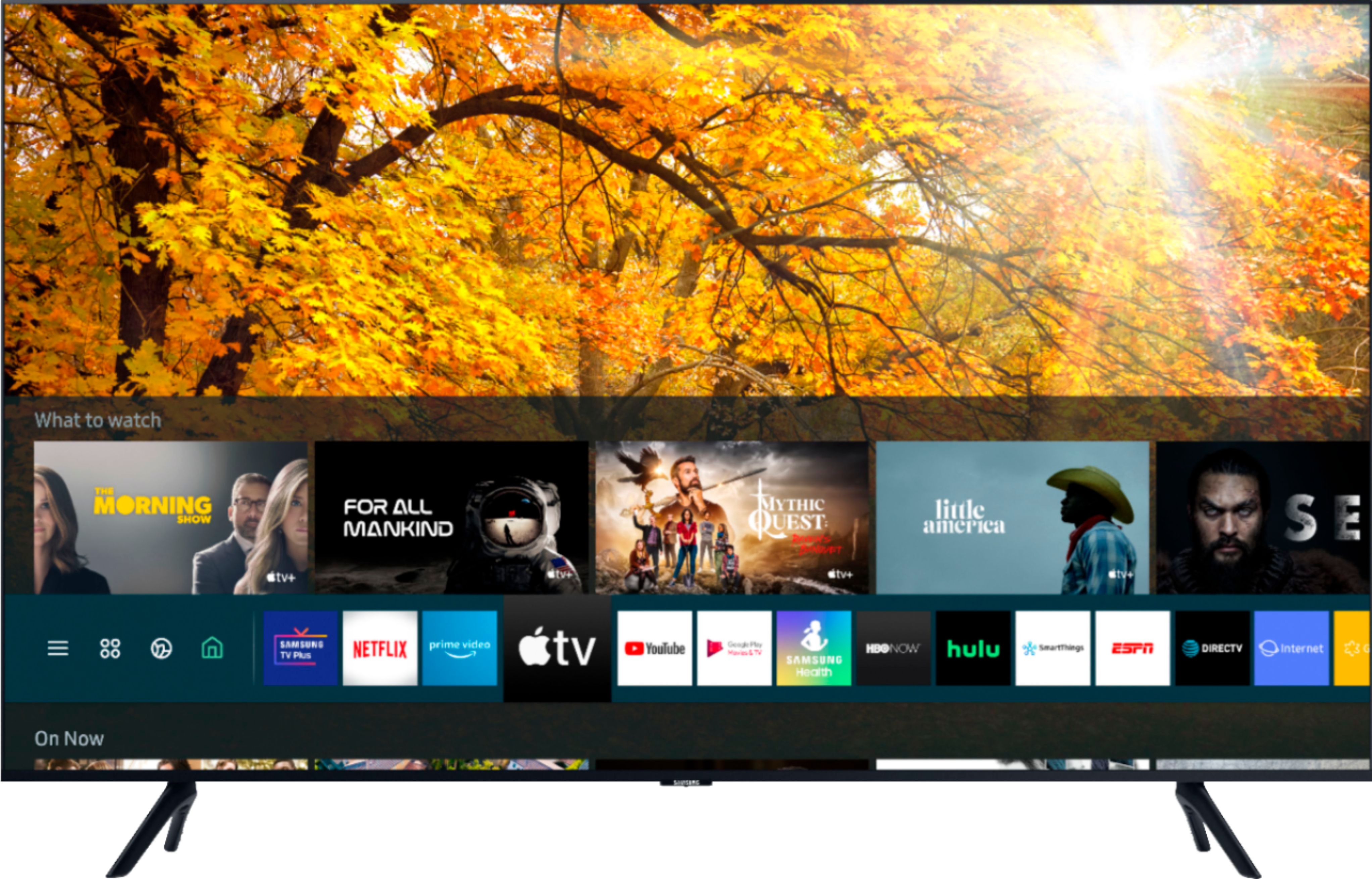
A:AnswerHi Noodle, The Apps like Hulu + Live TV and YouTube TV for example will work on the Samsung TV's. Plus there are more Live TV services. We also have Samsung TV Plus on all of our TV's that give you access to over 100 free channels. ^Jeremy

A:AnswerHi Rick! Yes, both of these features are available on the TU8000. Brightness can be adjusted by using the built in preset picture modes Dynamic, Standard, Natural, and Movie. Alternatively you can access the Expert Picture Settings through the menu and manually adjust the TV to your preference. To access the sleep timer, Using your TV remote, navigate to Settings > General > System Manager > Time > Sleep Timer, and then select the amount of time you would like the TV to stay on before powering itself off. You can set the sleep timer up to 180 minutes, after which the TV will turn off.
^Tim
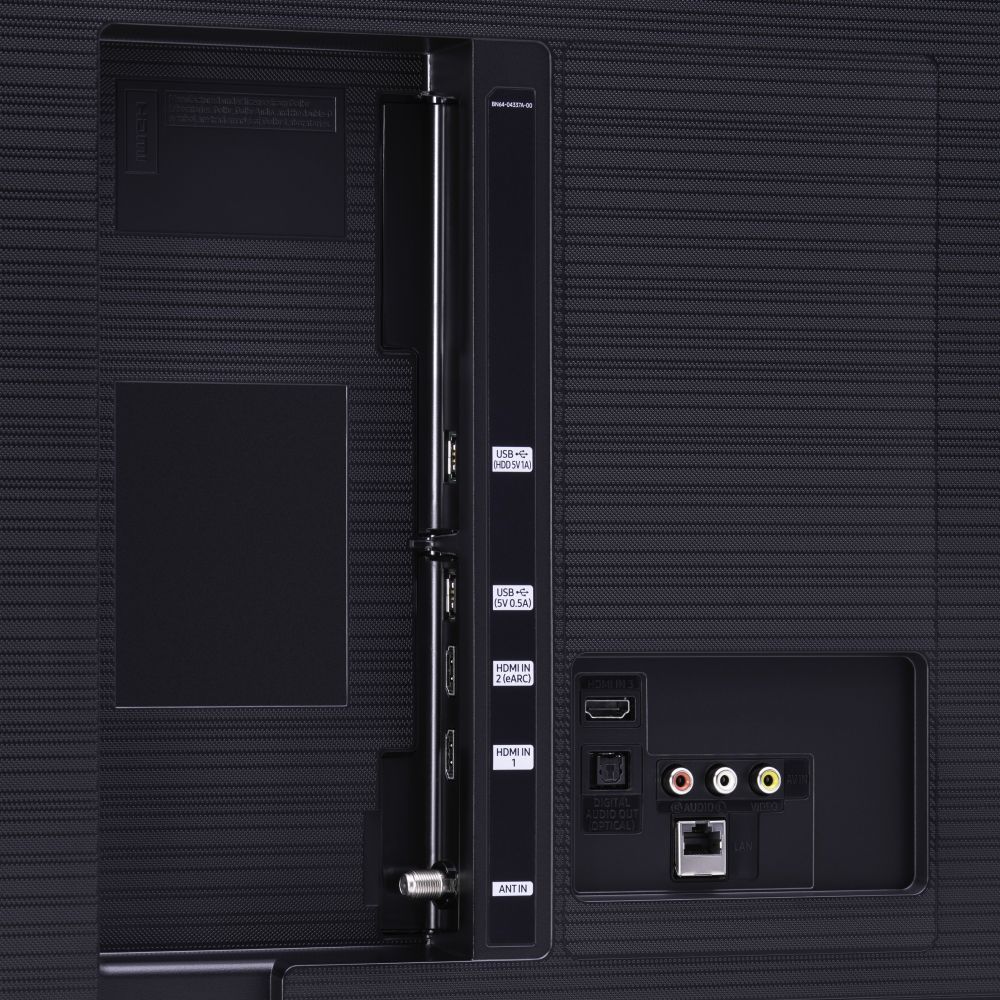
A:AnswerHi Nhrock! Yes, the TU8000 supports digital optical audio, HDMI ARC, and Bluetooth audio technology for compatibility with a wide range of external audio devices. ^Tim
A:AnswerHi Buckaroo101! The TU8000 features low input lag and fast response time with the built in Game Mode feature making it a great choice for gaming. To take your gaming to the next level, and provide support for next generation consoles, you may want to check out model Q70T for a higher refresh rate, variable refresh rate, and HDMI 2.1 support. ^Tim
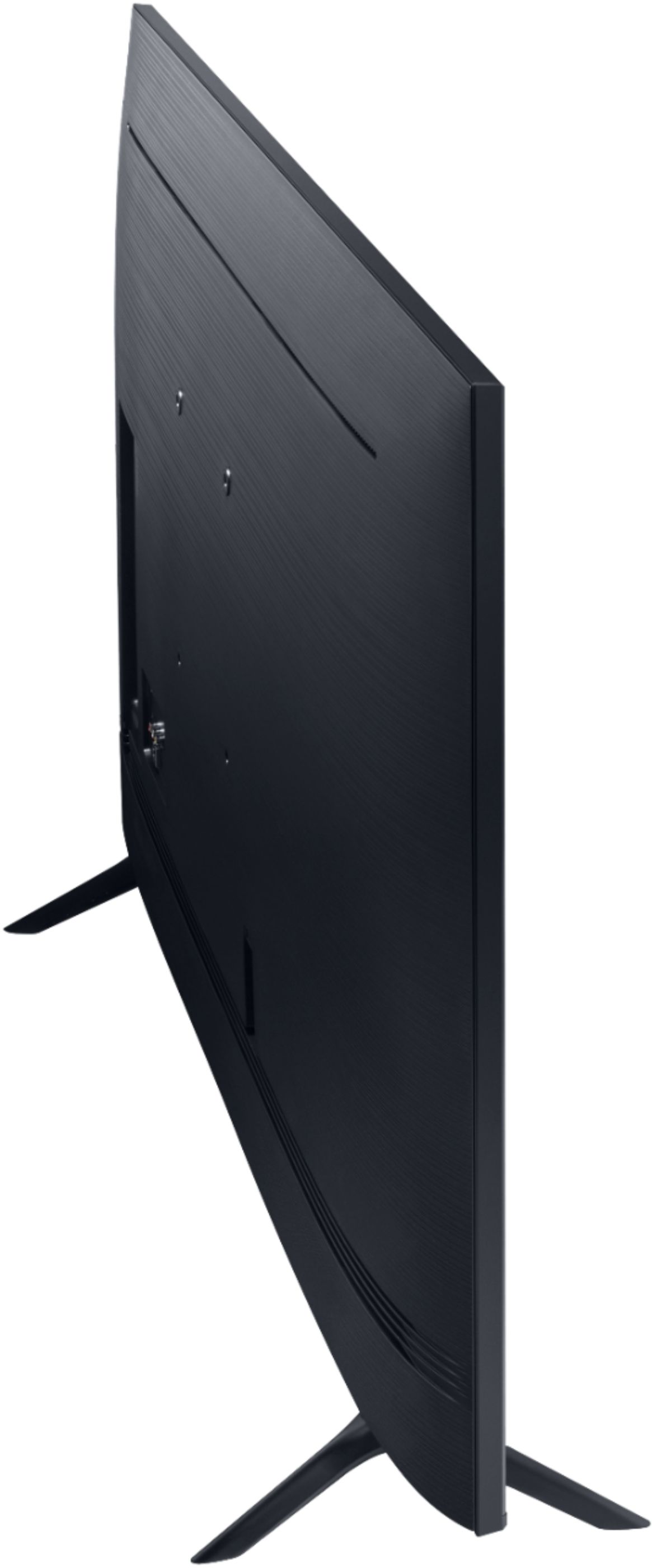
A:AnswerHi Marty! The TU8000 can absolutely be wall mounted. The 50TU8000 will utilize any universal wall mount with a VESA Standard of 200mm x 200mm. Check out some compatible wall mounts at Best Buy: https://www.bestbuy.com/site/searchpage.jsp?_dyncharset=UTF-8&id=pcat17071&iht=y&keys=keys&ks=960&list=n&qp=tvmountsize_facet%3DTV%20Size%20Compatibility~40%20-%2054%22&sc=Global&st=wall%20mount&type=page&usc=All%20Categories ^Gina