A:AnswerHi Stephanie! The AU8000 features built in Bluetooth allowing you to wirelessly connect to Bluetooth compatible hearing aids. You can even enable Multi Output Audio allowing you to use a Bluetooth device and the TV speakers at the same time. ^Tim
A:AnswerHi Linlu! QLED is the term used for Samsung's premium line of TVs featuring advanced picture quality with Quantum Dot Technology for improved color accuracy, improved contrast technology with Dual LED or Direct Full Array, and a wider range of smart features powered by the Quantum Processor. ^Tim
A:AnswerHi sdspa! Thank you for bringing this to our attention. The 50" AU8000 features built in Airplay 2 allowing you to wirelessly connect to Airplay compatible apple devices. ^Tim
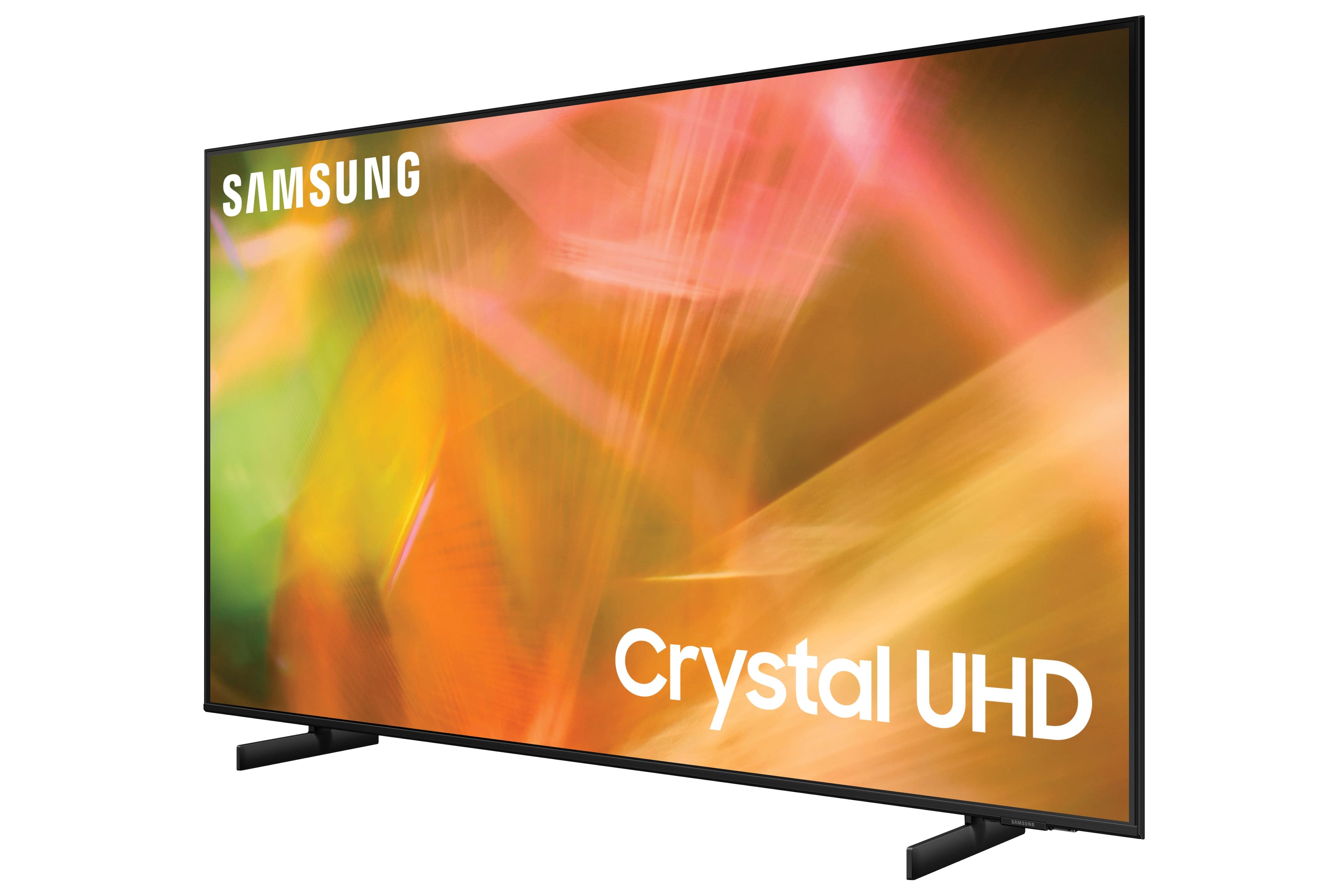
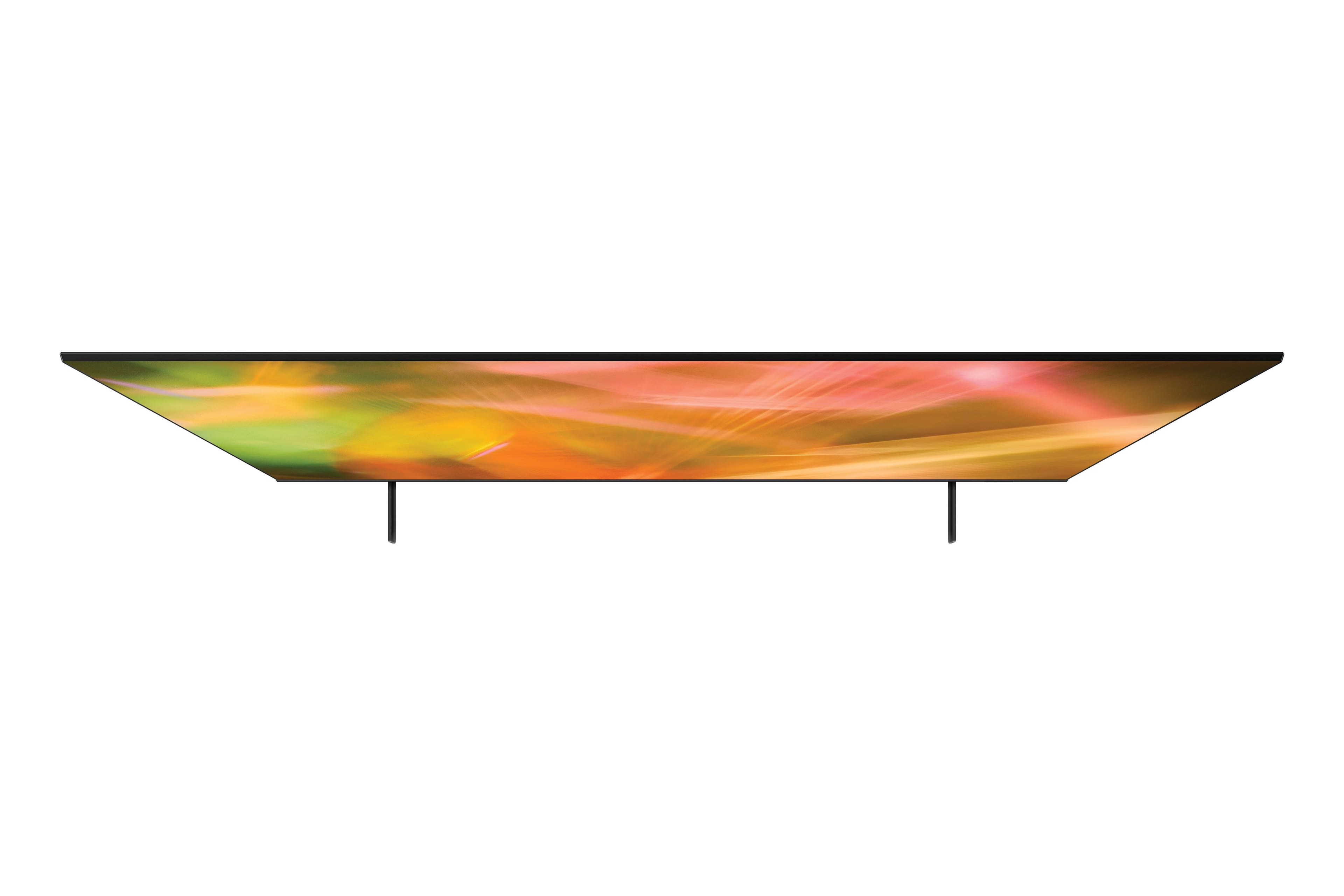
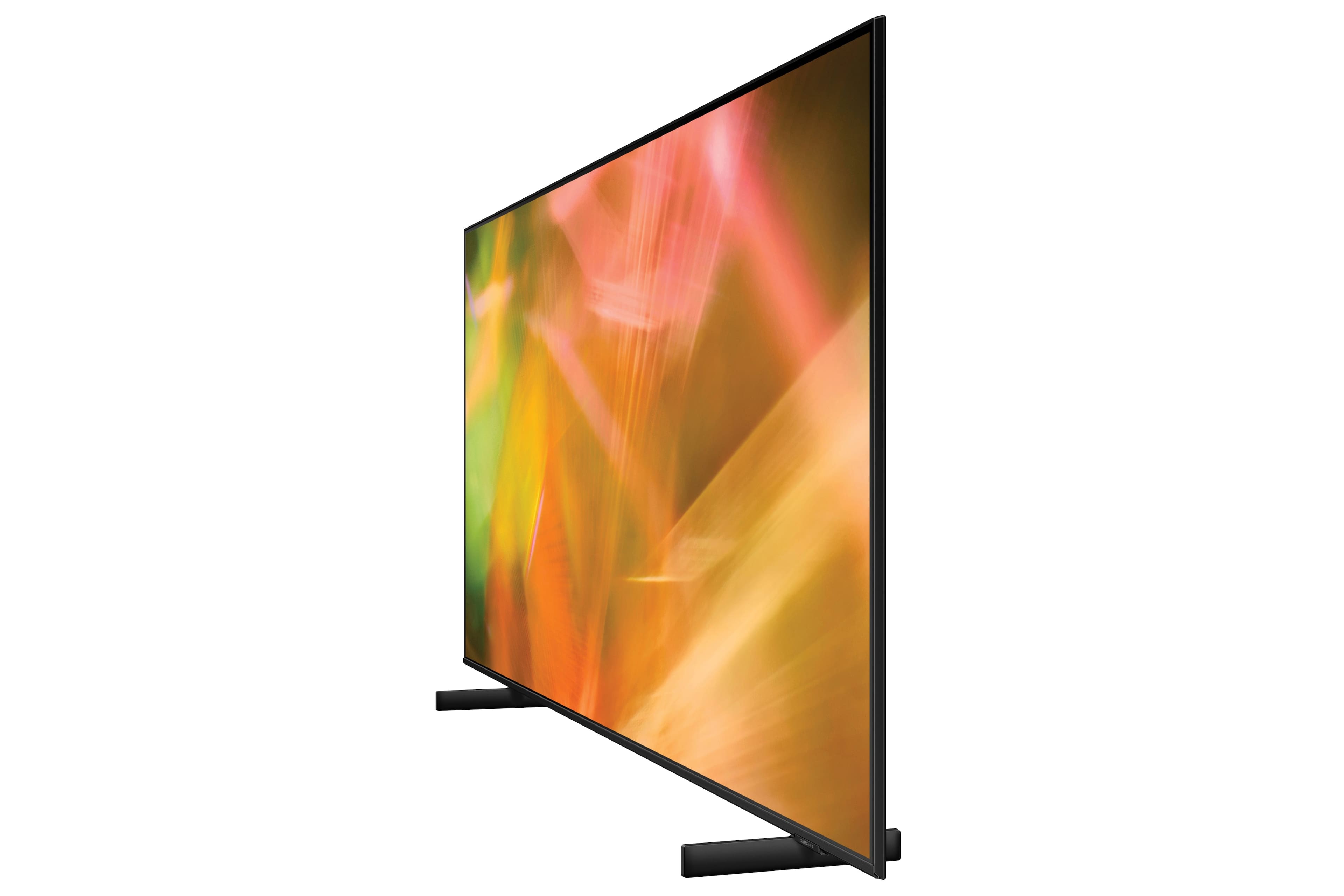
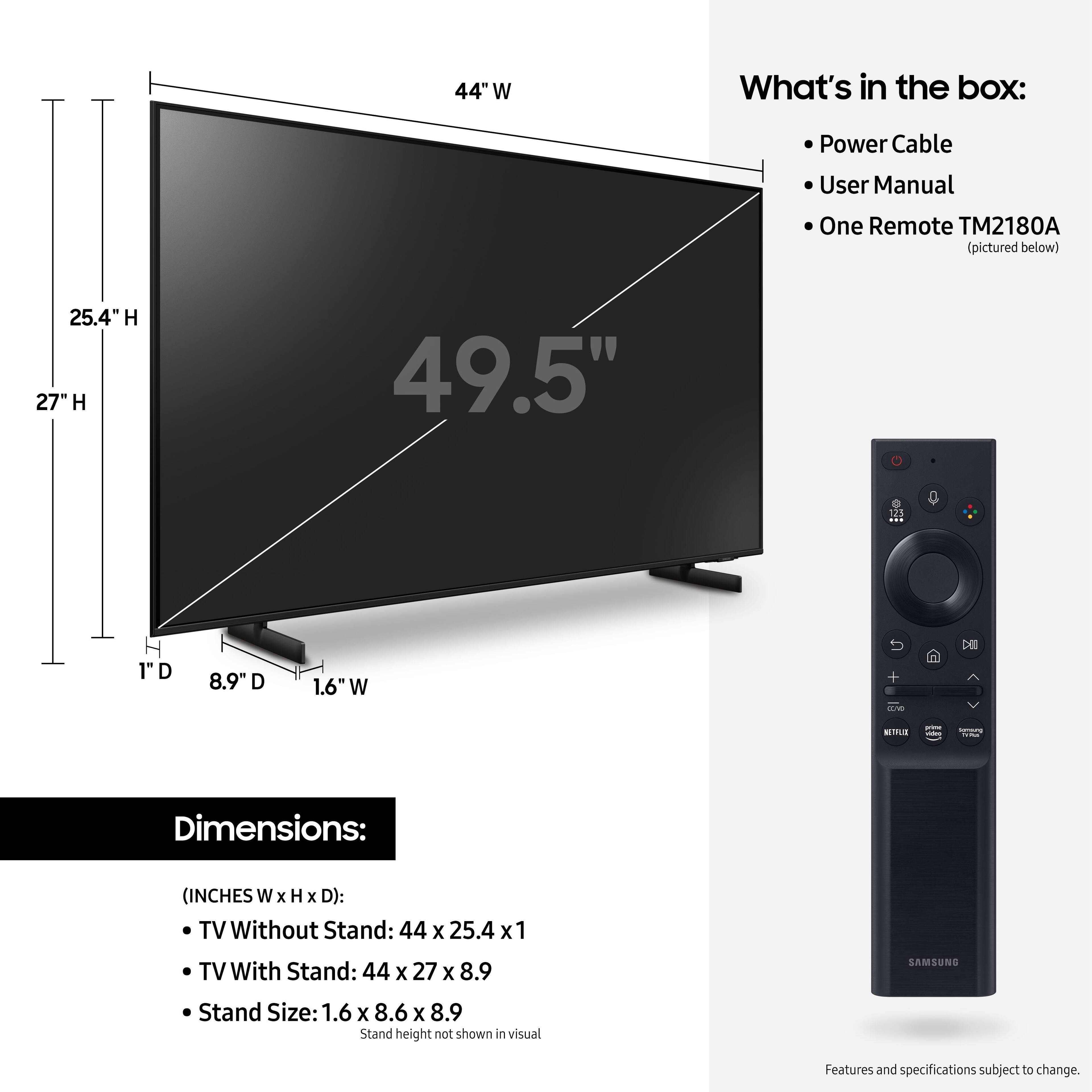
A:AnswerThe legs don’t add to the width of the TV as they are placed about 5” or 6” within the edge of the screen. The screen is about 44” wide (from side to side). With the location of the legs I’m pretty sure you have space to place it on the 41” table.
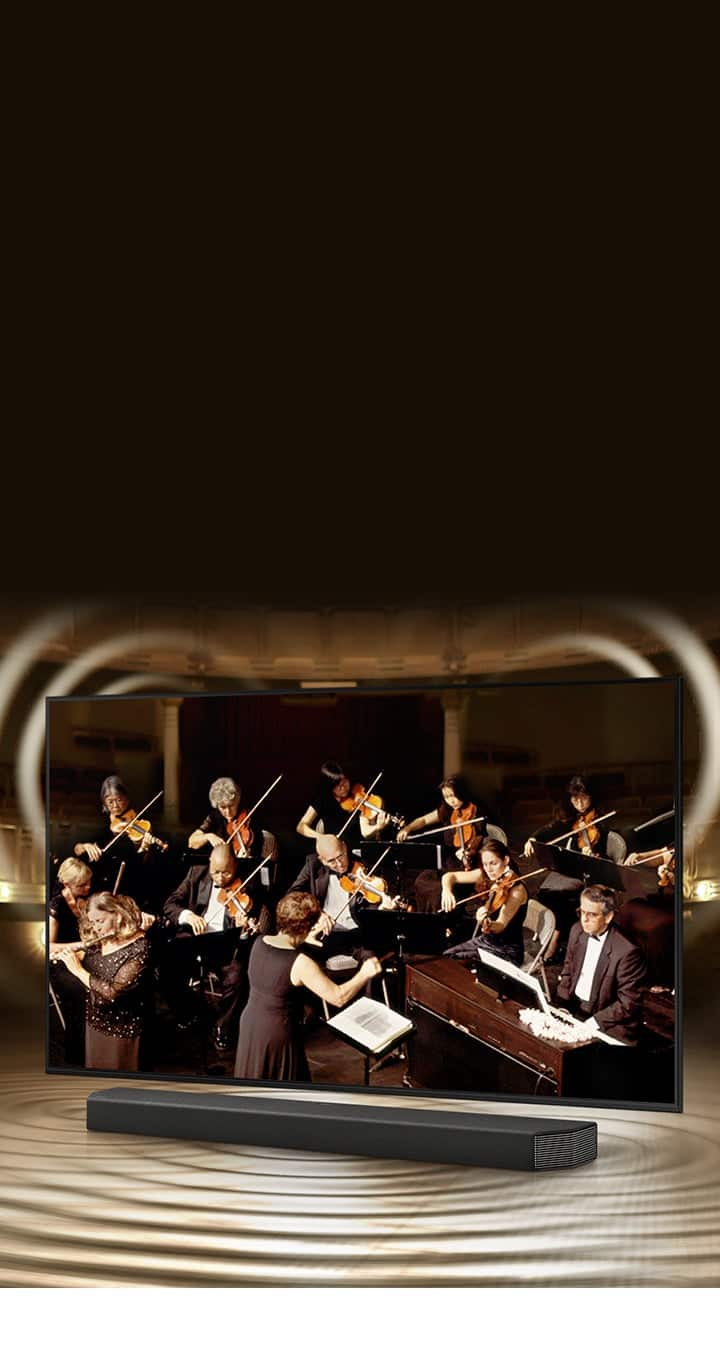
A:AnswerI think it does. I know that to get the soundbar that was purchased with the TV had to be plugged into a particular HDMI plug on the back of the TV to get it to turn on when the TV was turned on.
A:AnswerHi Joynel! So that we can better understand the issue you are having and help troubleshoot towards a solution, please reach out to Samsung Support at: 1-800-SAMSUNG (ask for TVs), available 8AM -12AM EST M-F (9AM – 6PM EST Sat), text HELP to 62913, LiveChat on Samsung.com, or Email: https://www.samsung.com/us/support/#contact_us_for_support
^Tim
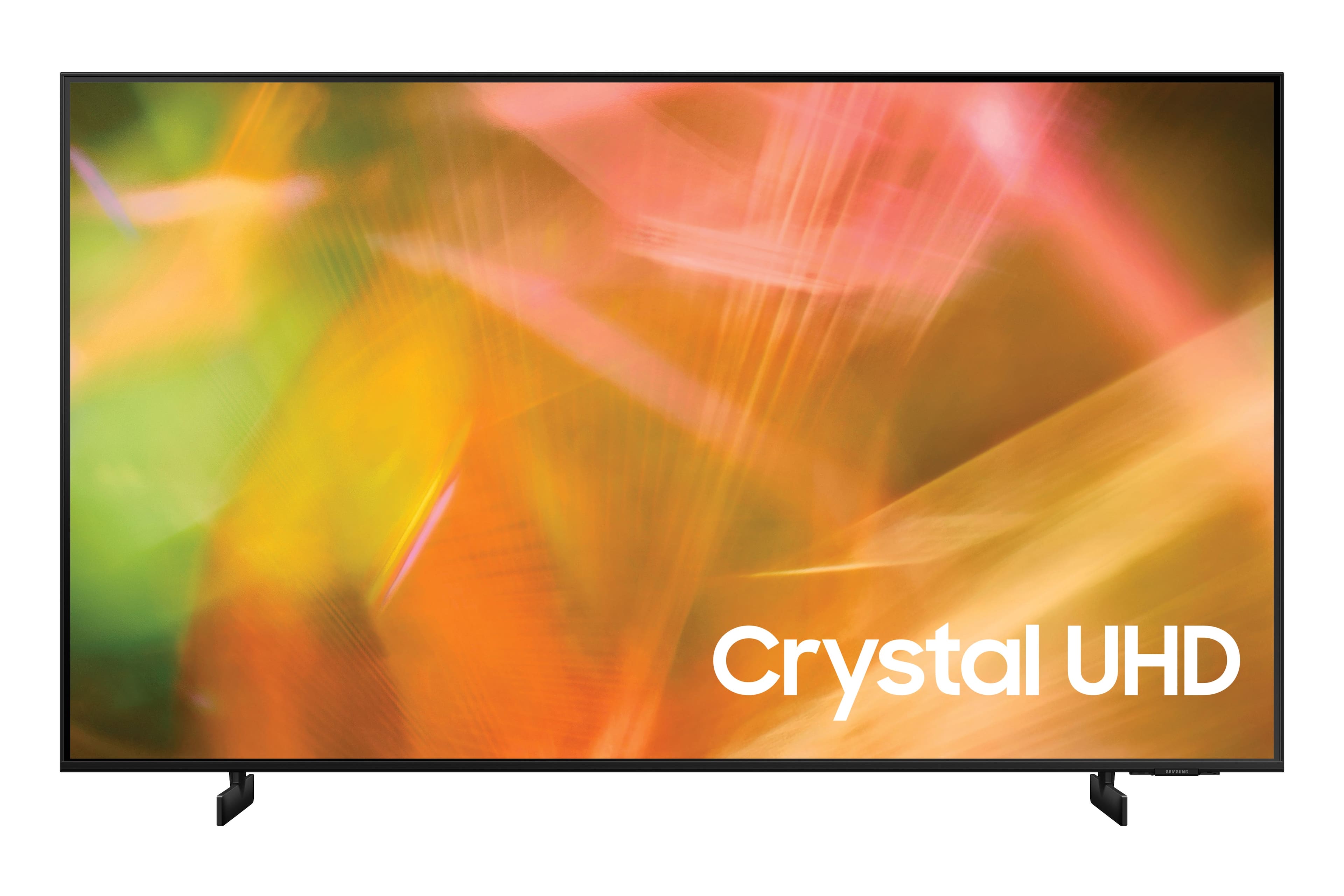
A:AnswerHi LARRYMO! Samsung TV plus is available on the AU8000 giving you access to tons of free content when connected to the internet. You can also download hundreds of your favorite streaming applications through the TV's built in app store.
^Tim
A:AnswerHi Glove! The 50" AU8000 does not feature a pedestal stand. If you would like a pedestal, the AU8000 features a VESA mounting pattern of 200 x 200 for compatibility with universal pedestal or mounting solutions. ^Tim
A:AnswerIf you have a warranty you may want to use it. Sounds like a remote issue. If you don’t have warranty get a universal remote or get a replacement if you cant stand universal remotes though that will be an expensive replacement. Try the warranty first if you can.