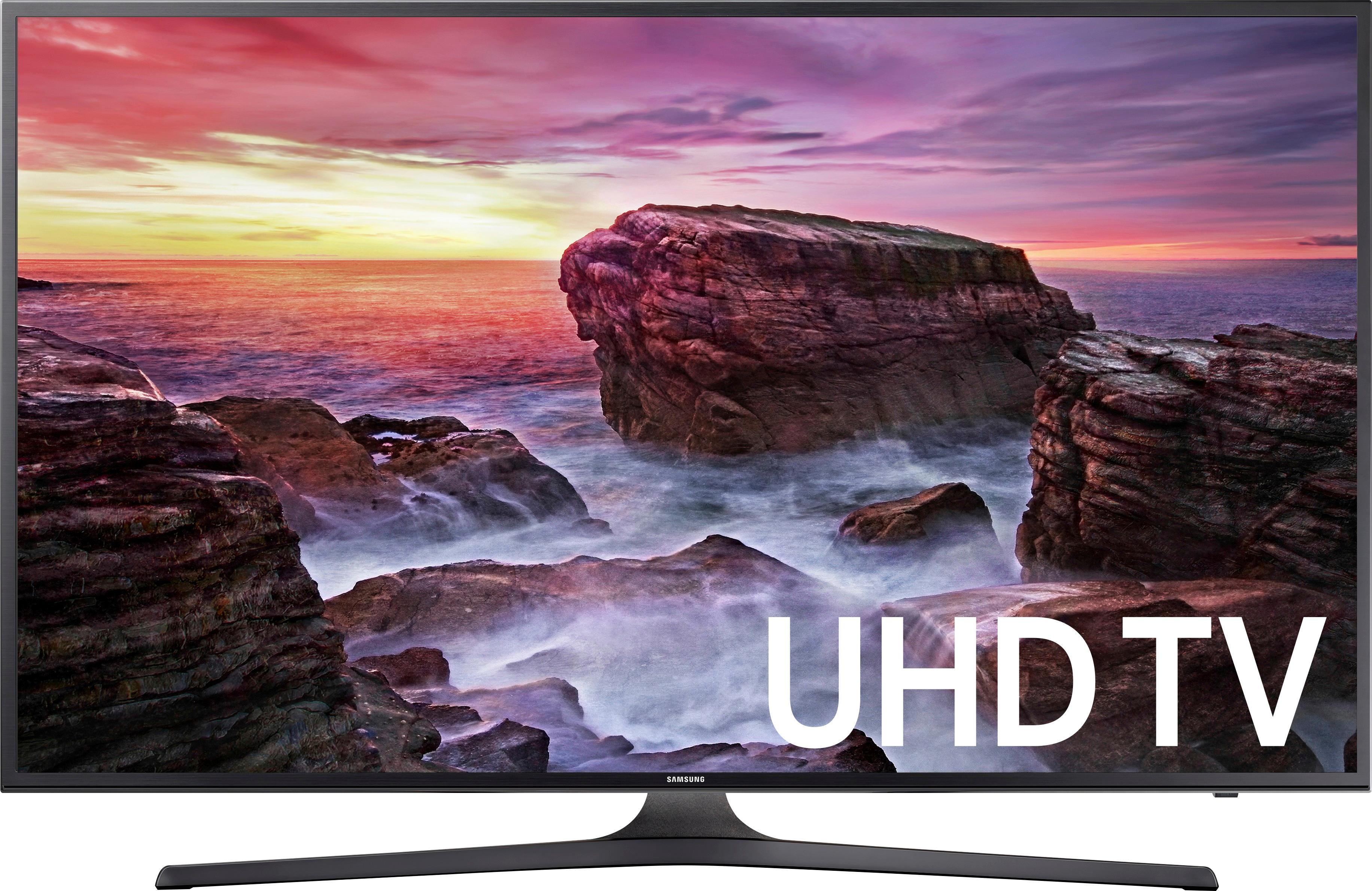
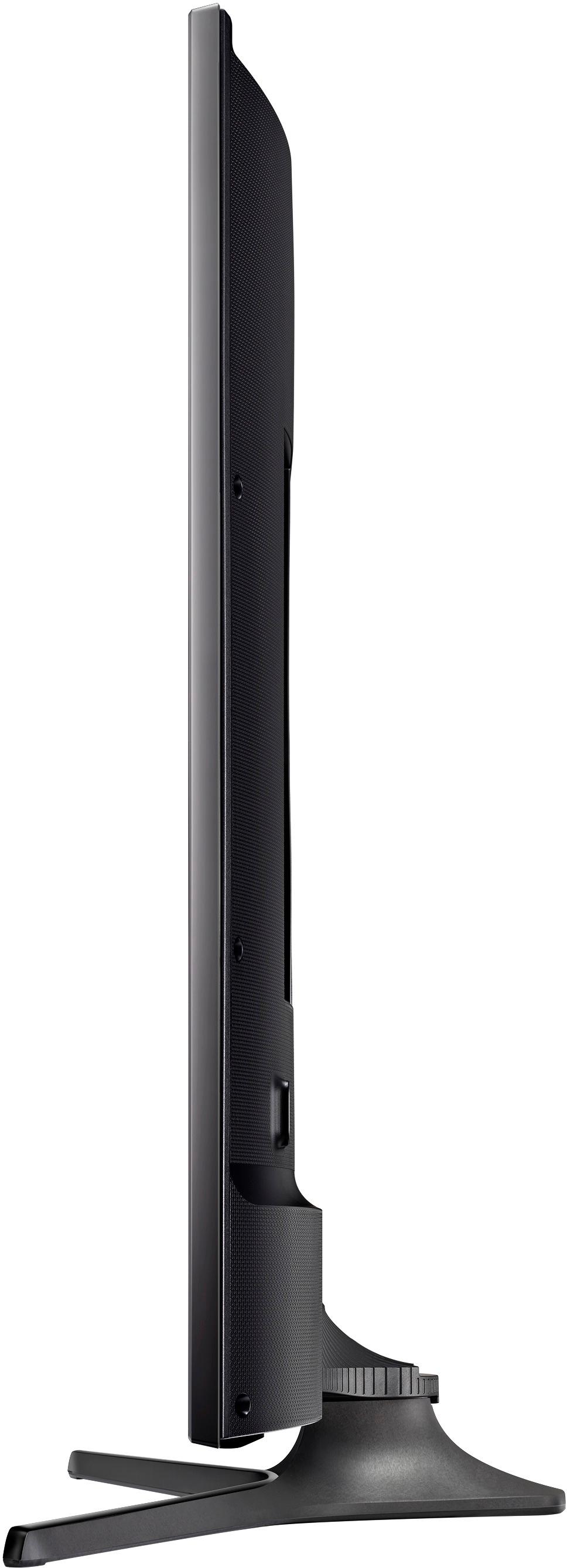
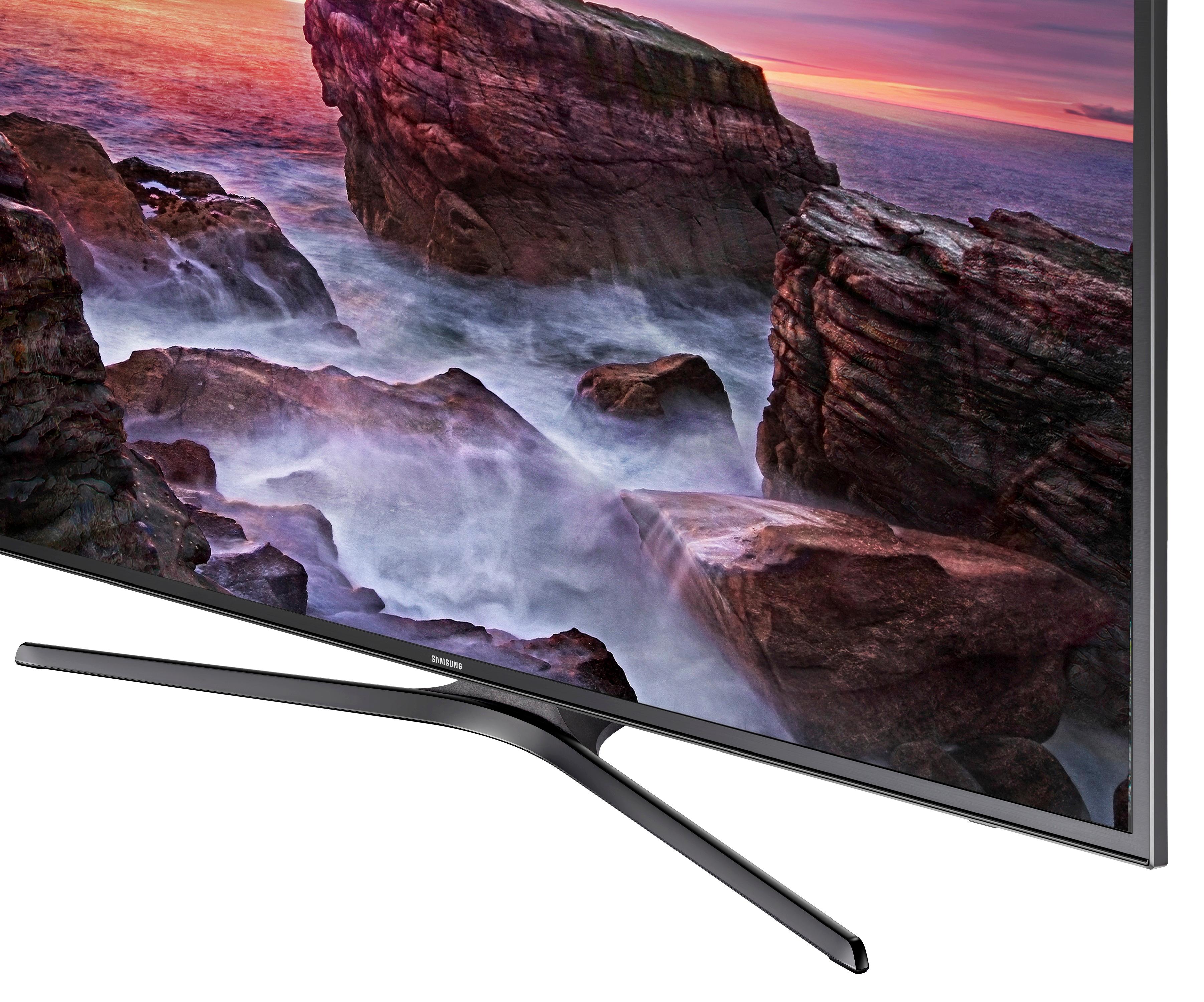
A:Answer Per http://www.rtings.com/tv/reviews/samsung/mu6300/settings
"For watching HDR content via an HDMI connection, it is important to set the 'HDMI UHD Color' on for each HDMI input that will receive the HDR content. This will permit the HDMI port to transmit all the bandwidth needed for HDR. If the 'HDMI UHD Color' is not turned on, some devices will not detect the Samsung MU6300 as being compatible with HDR. For HDR content, it is also preferable to set the 'Backlight' to maximum, set 'Local Dimming' to 'High' and set the 'Color Space Settings' to 'Auto'. "