A:AnswerHi there! You can activate an audio guide that provides an audio description of video scenes for the visually impaired by going to: Home > Settings > General > Accessibility > Audio (Video) Description. ^Gina
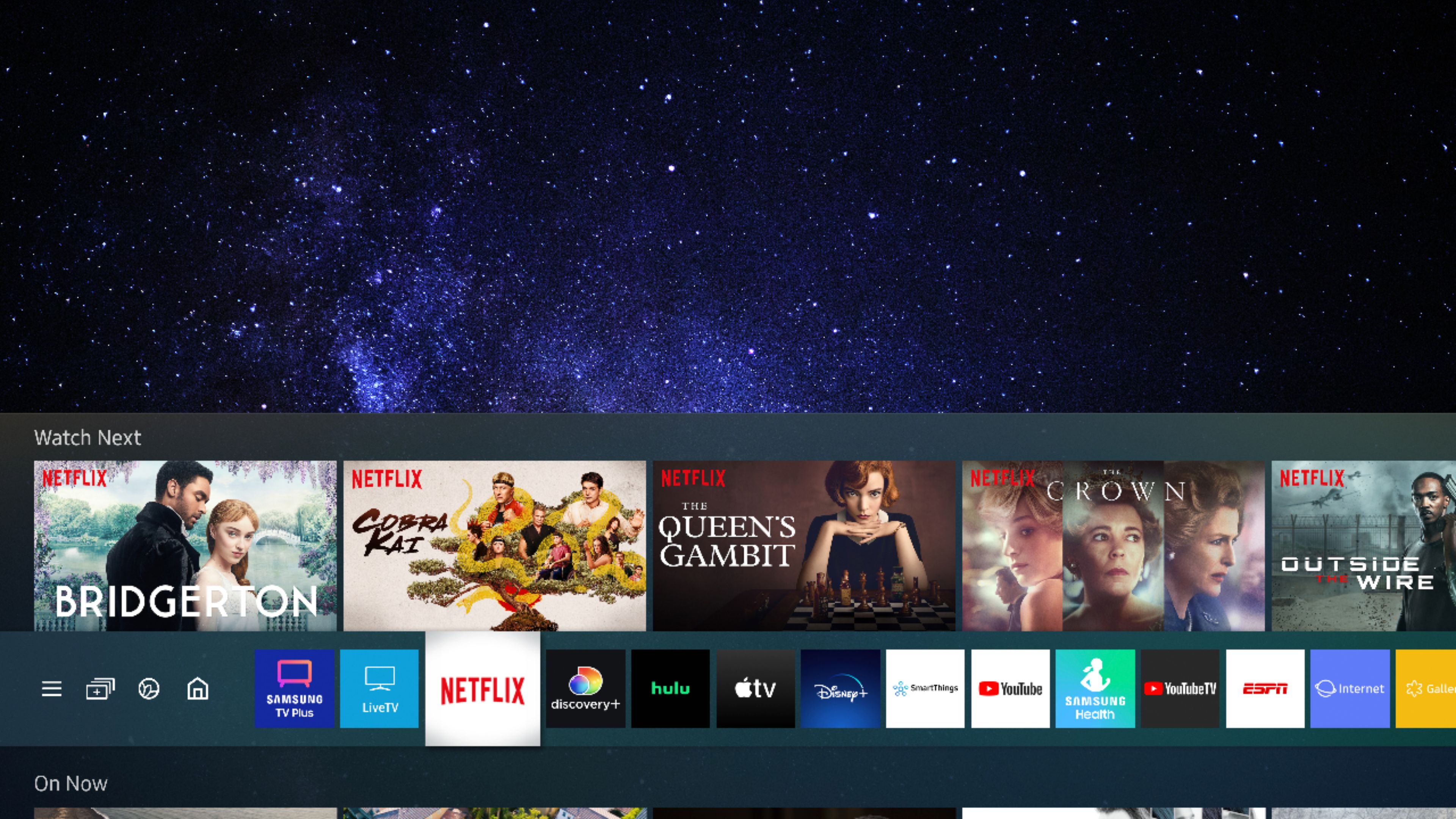
A:AnswerPamBalam - The Disney+ app will come preinstalled on this TV upon setup. You can download the Discovery+ app directly from the TV's built-in App Store. ^Gina
A:AnswerHi KingCrab - For more information on haul away services, please contact your local Best Buy or visit https://www.bestbuy.com/site/recycling/tv-appliances-haul-away/pcmcat174900050009.c?id=pcmcat174900050009. ^Gina
A:AnswerVictor34 - So that we can best assist with this question, please reach out to Samsung Support at: 1-800-SAMSUNG (ask for TVs), available 8AM - 12AM EST, 7 days a week, or Chat with us on Samsung.com: https://www.samsung.com/us/support/contact/ ^Gina
A:AnswerYes it has the Apple TV app . It appears on the Home Screen when you turn on the tv. All you have to do is scan a QR code from the screen then log in and you are off to the races .
A:AnswerHi Kevin - You can pair any Samsung Soundbar to the Q60A TV. The HW-Q600A Soundbar features HDMI and Optical inputs, as well as Bluetooth connectivity, and can be connected to your TV using any of these connection types. ^Gina