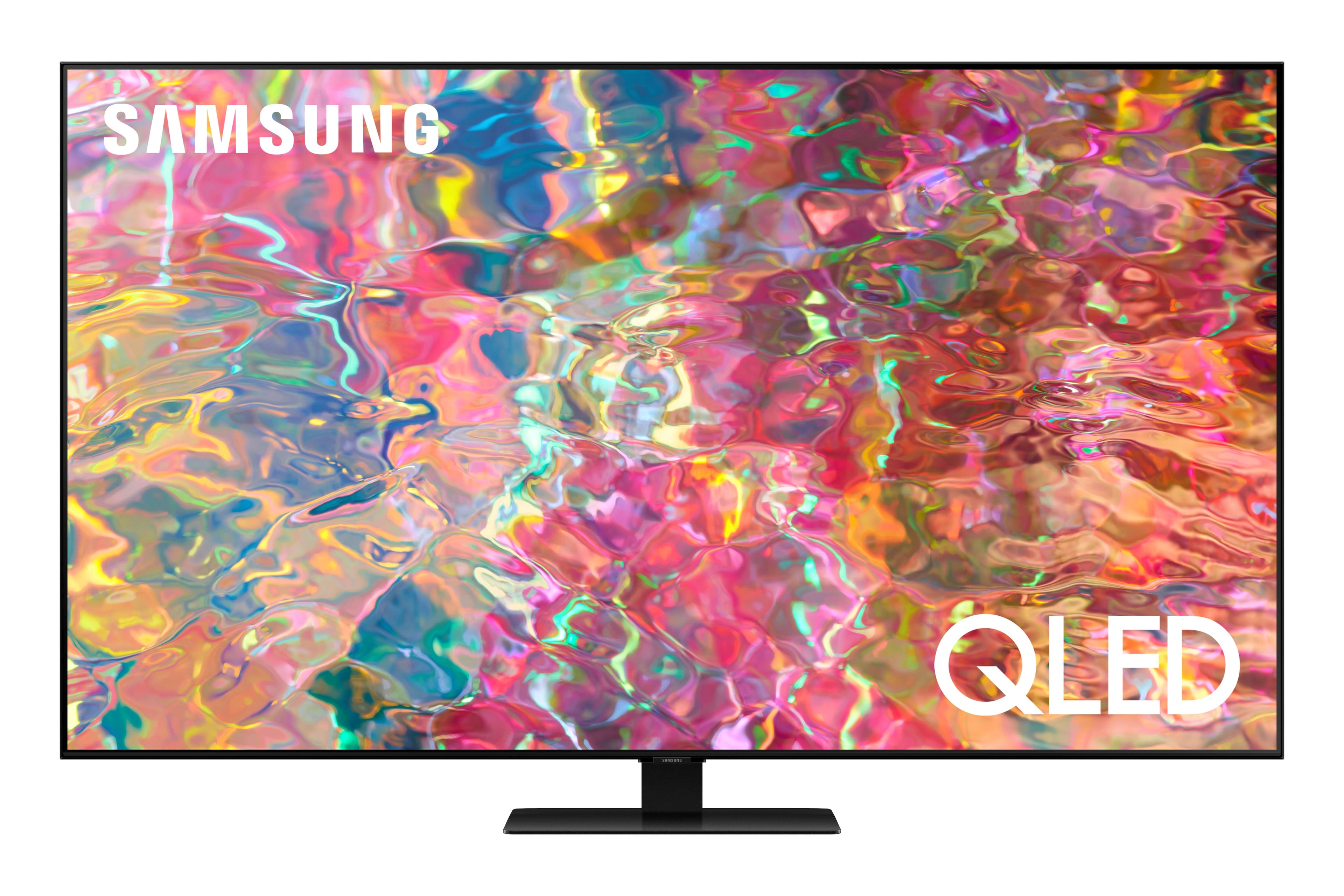
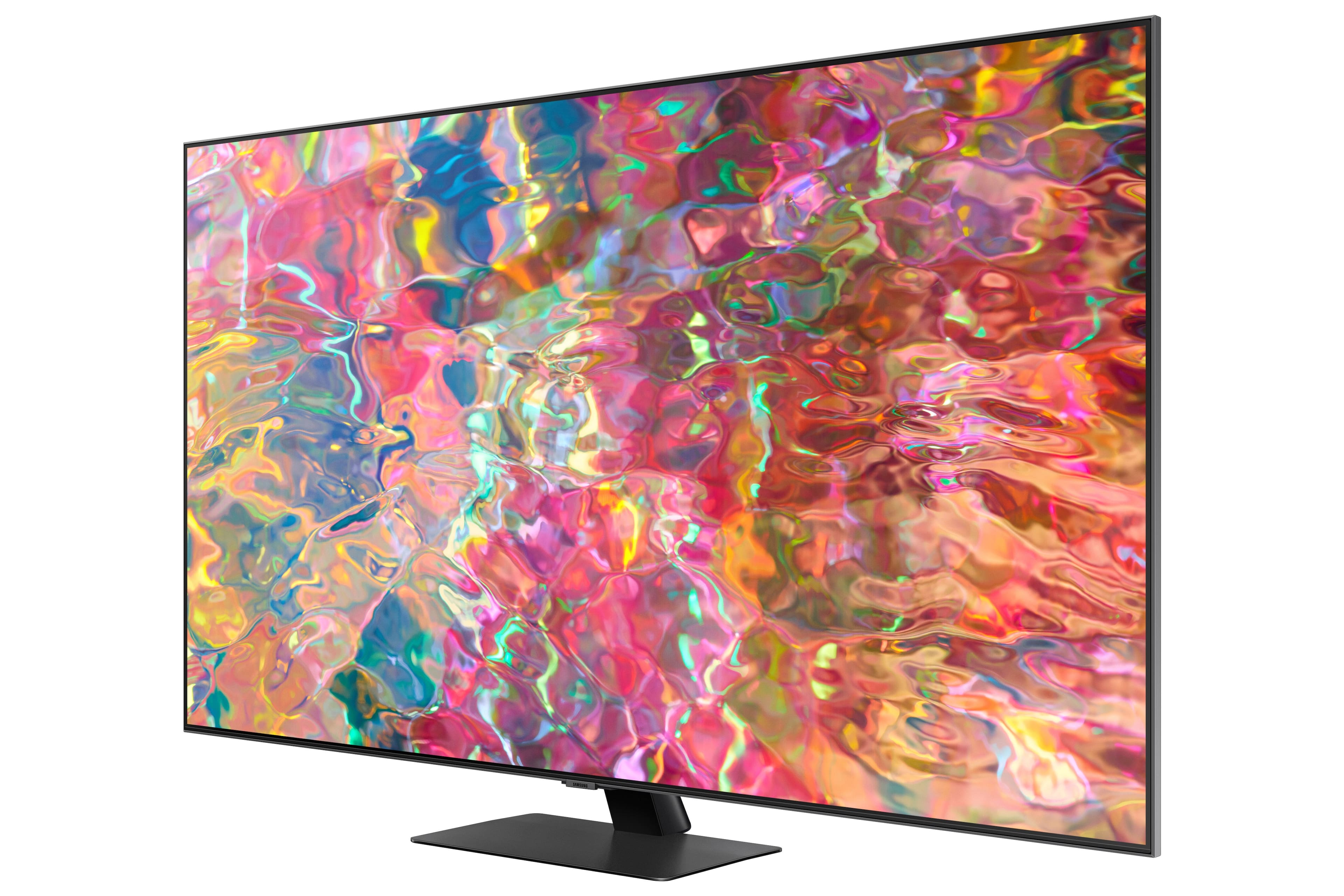
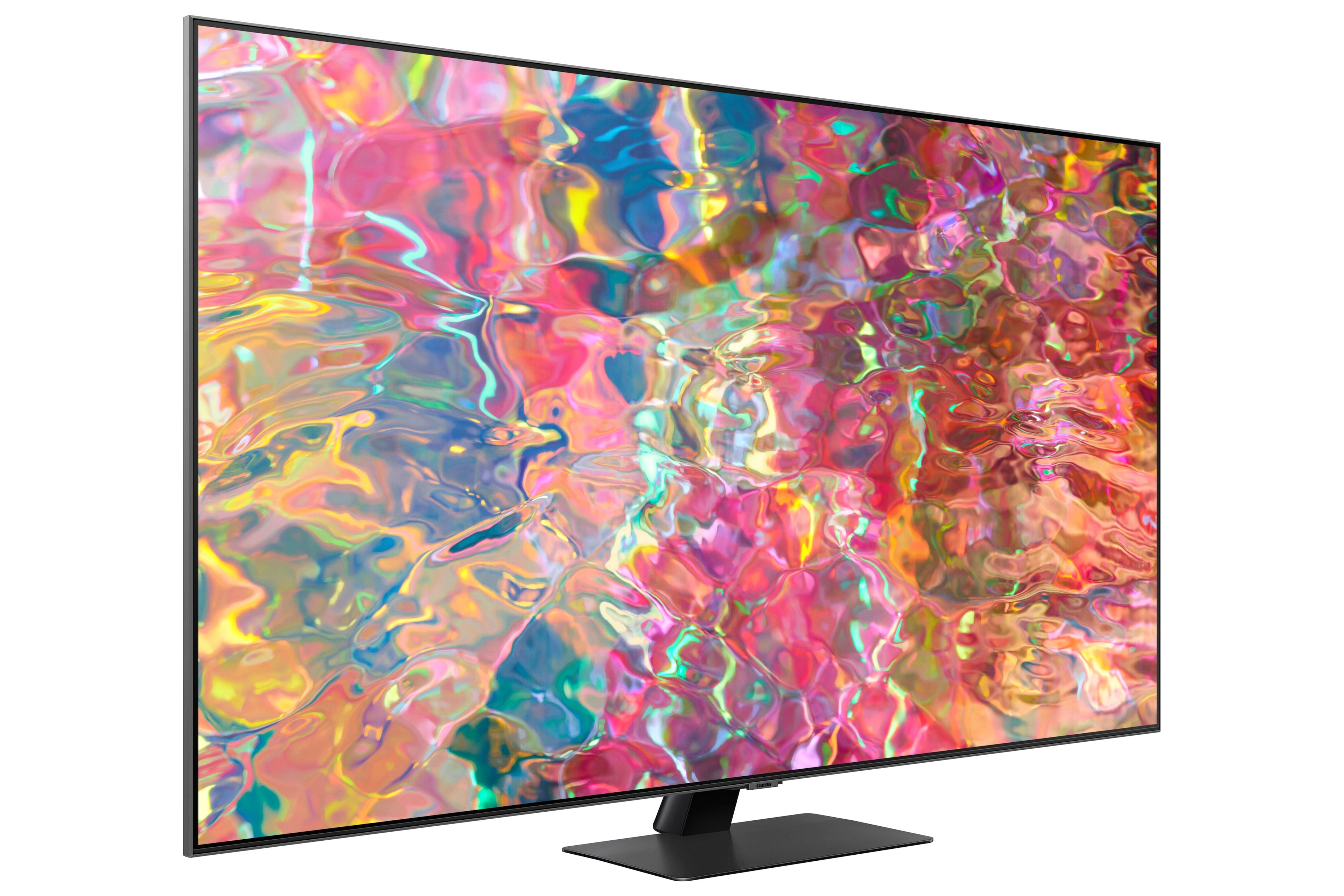
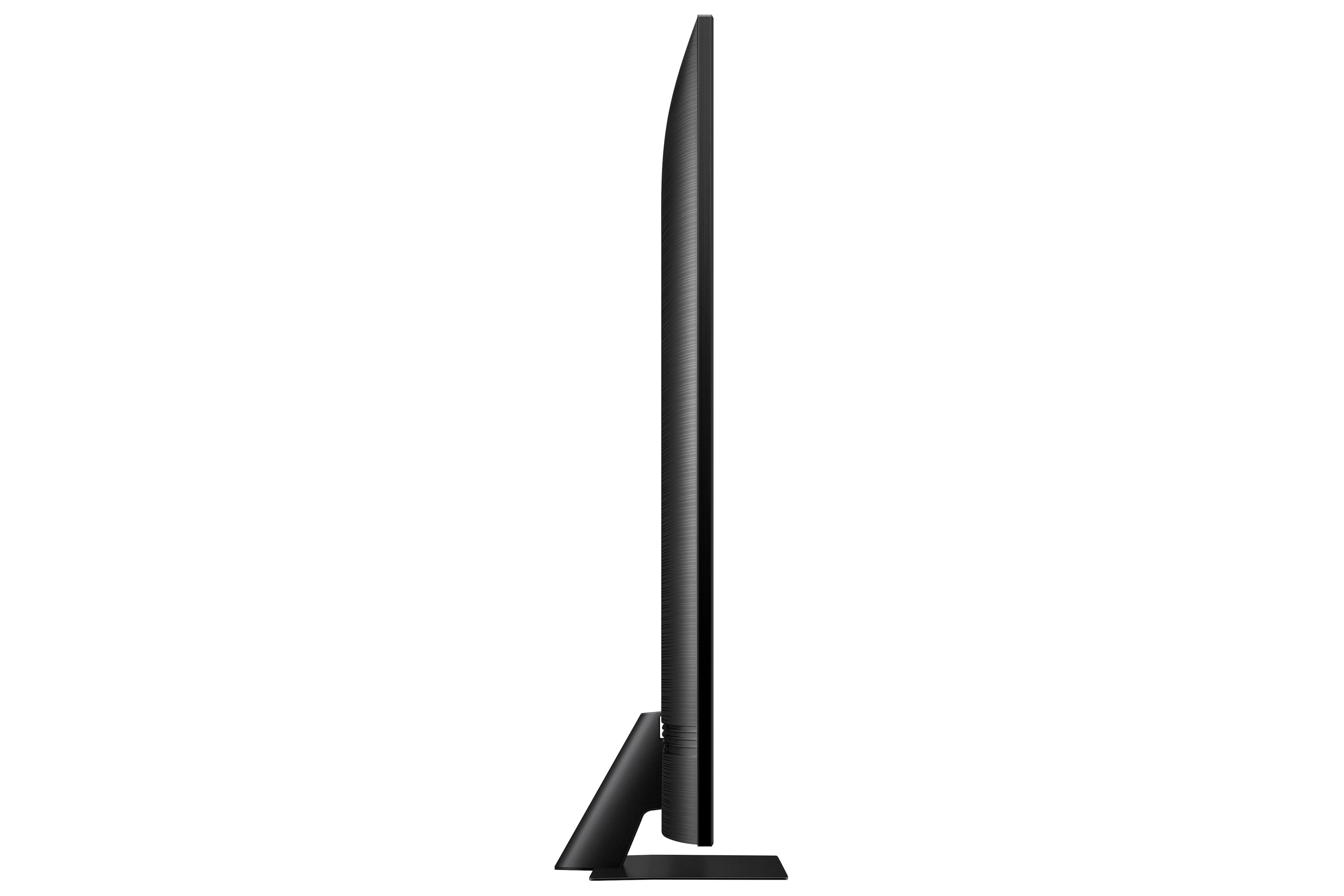
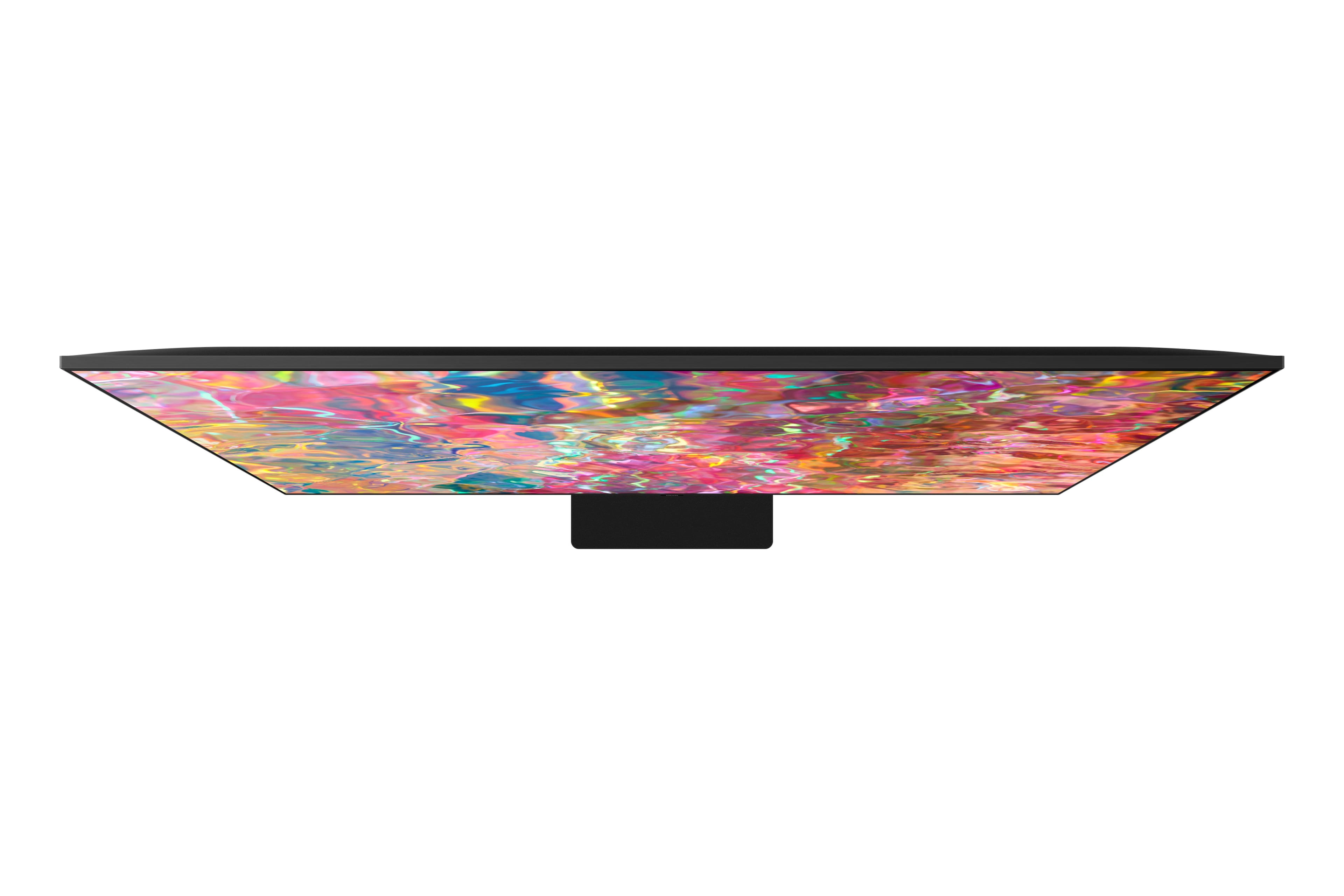
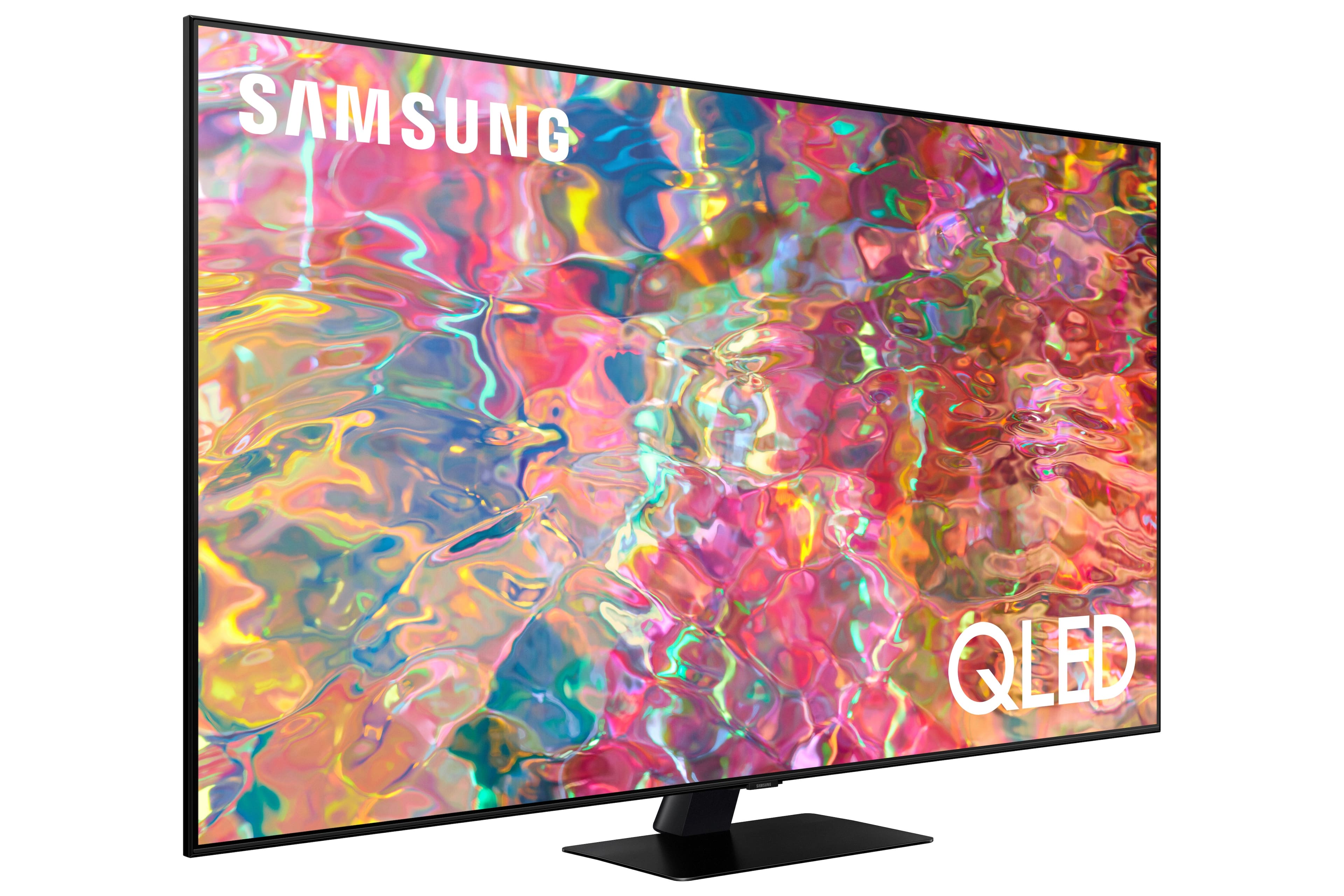
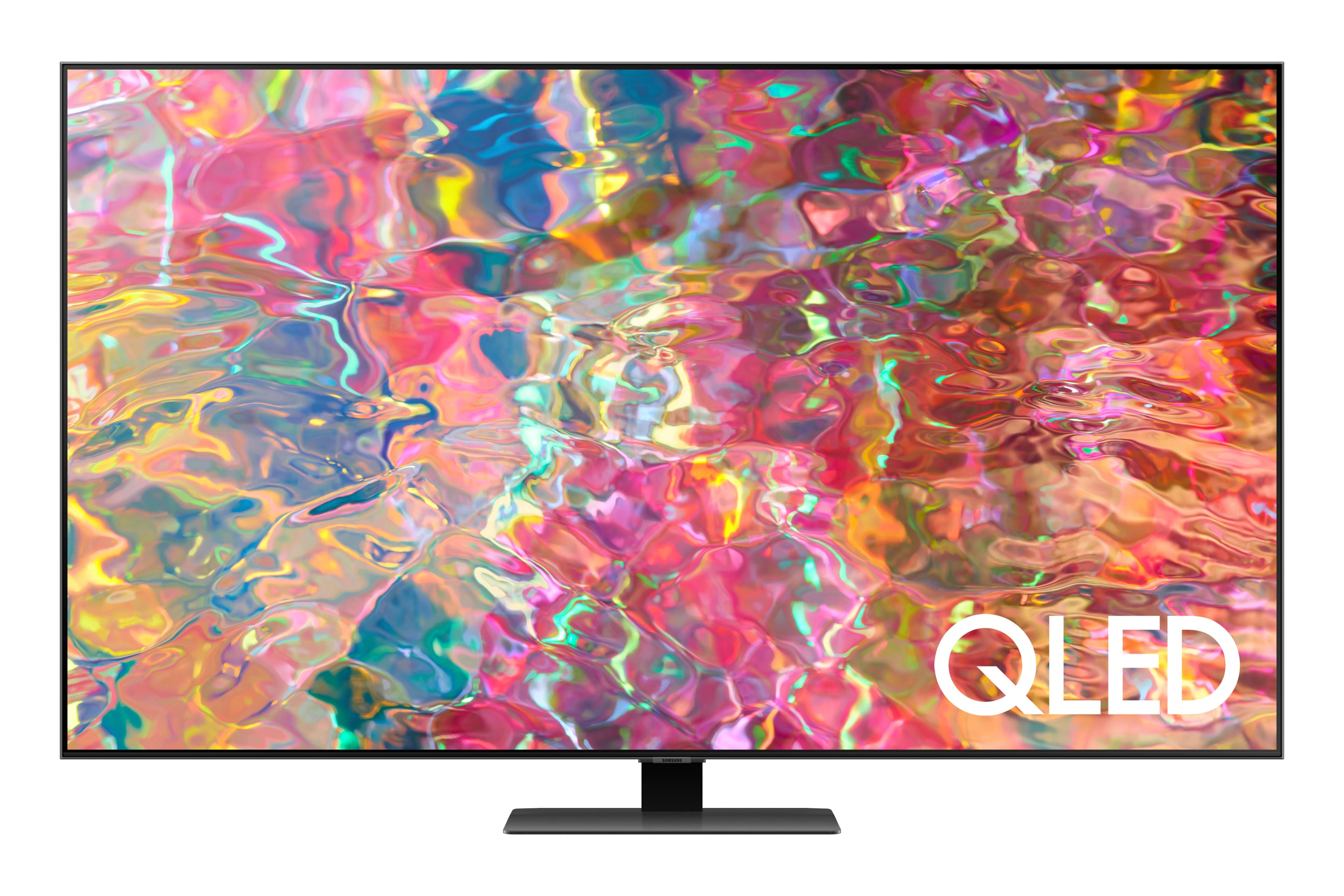
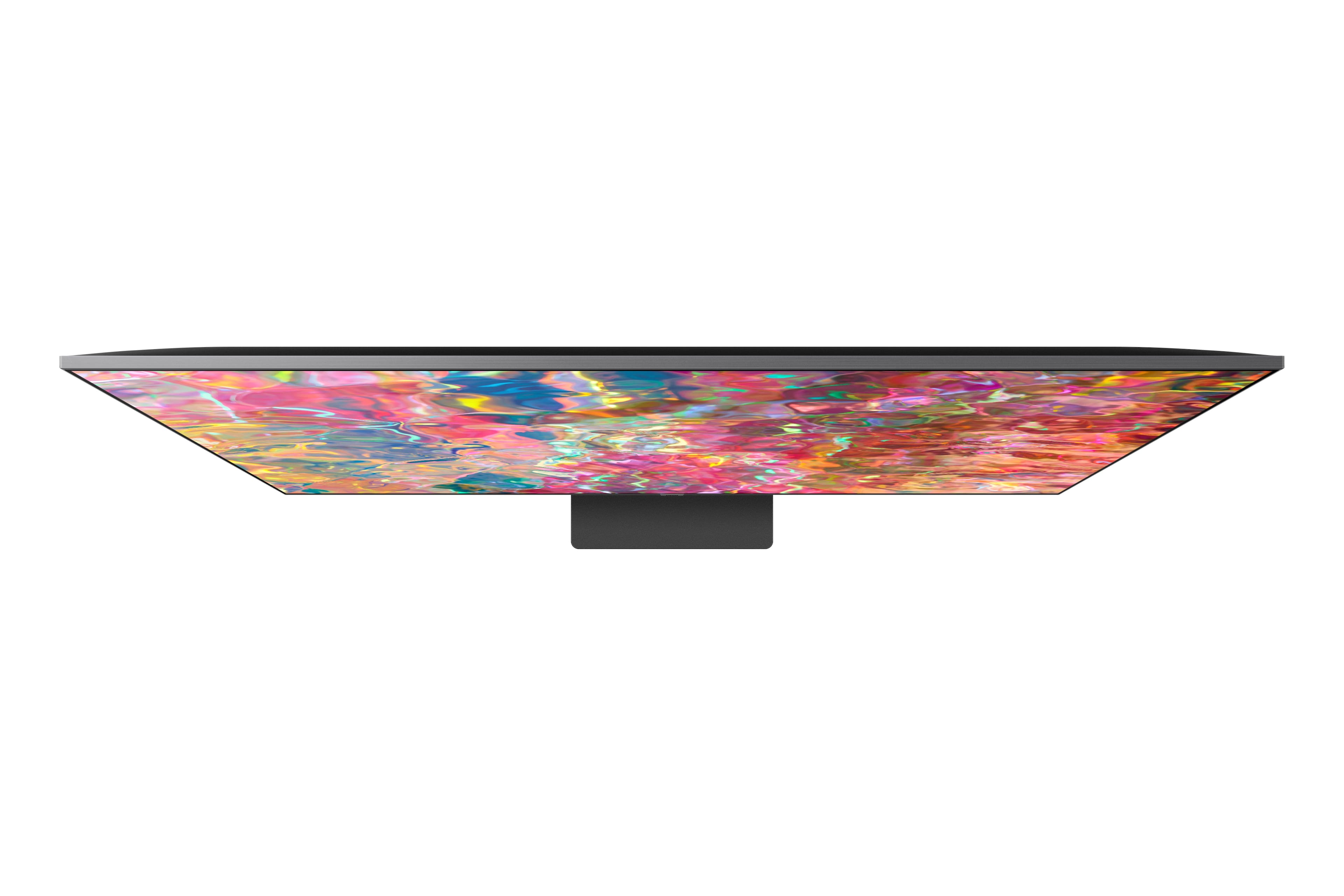
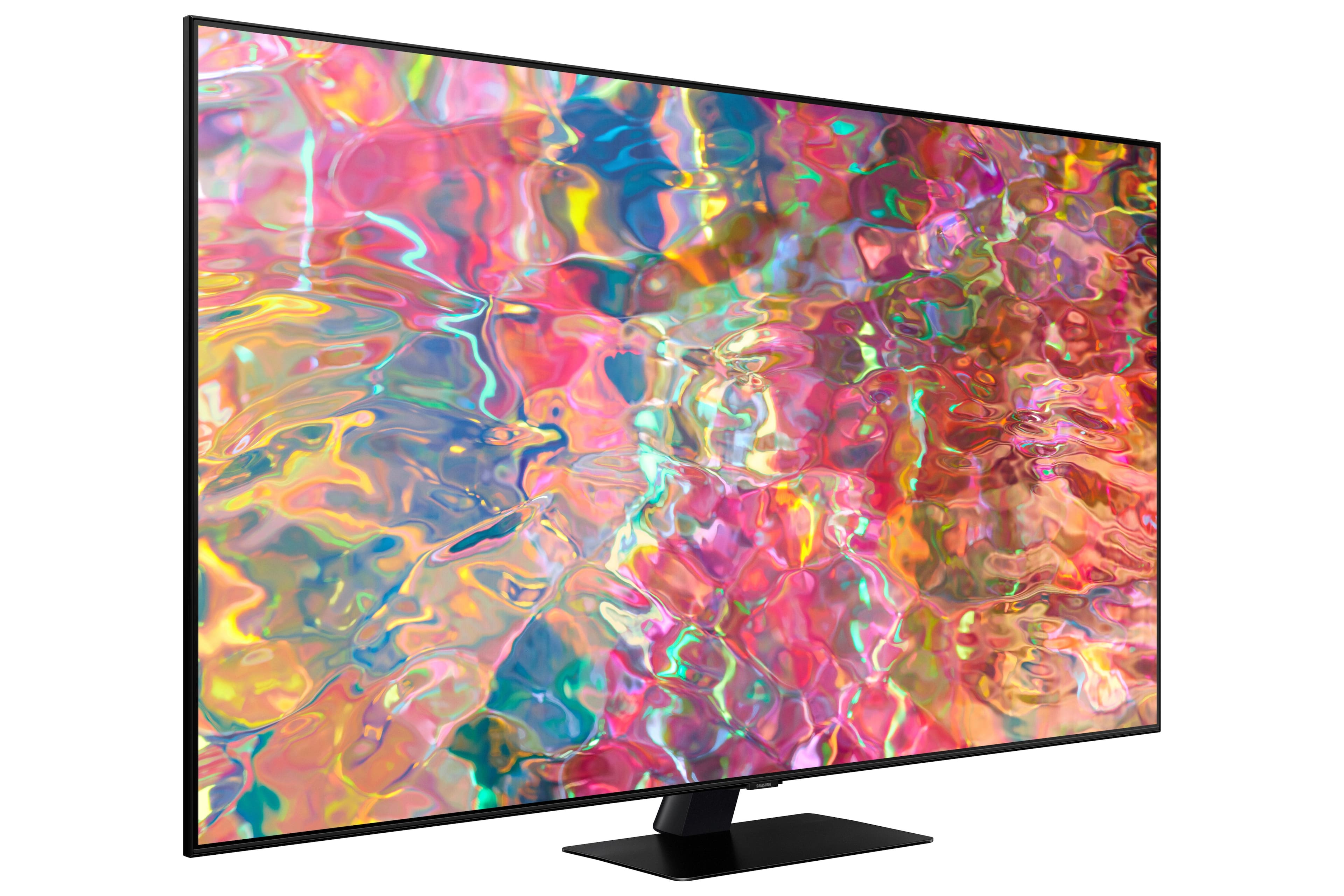
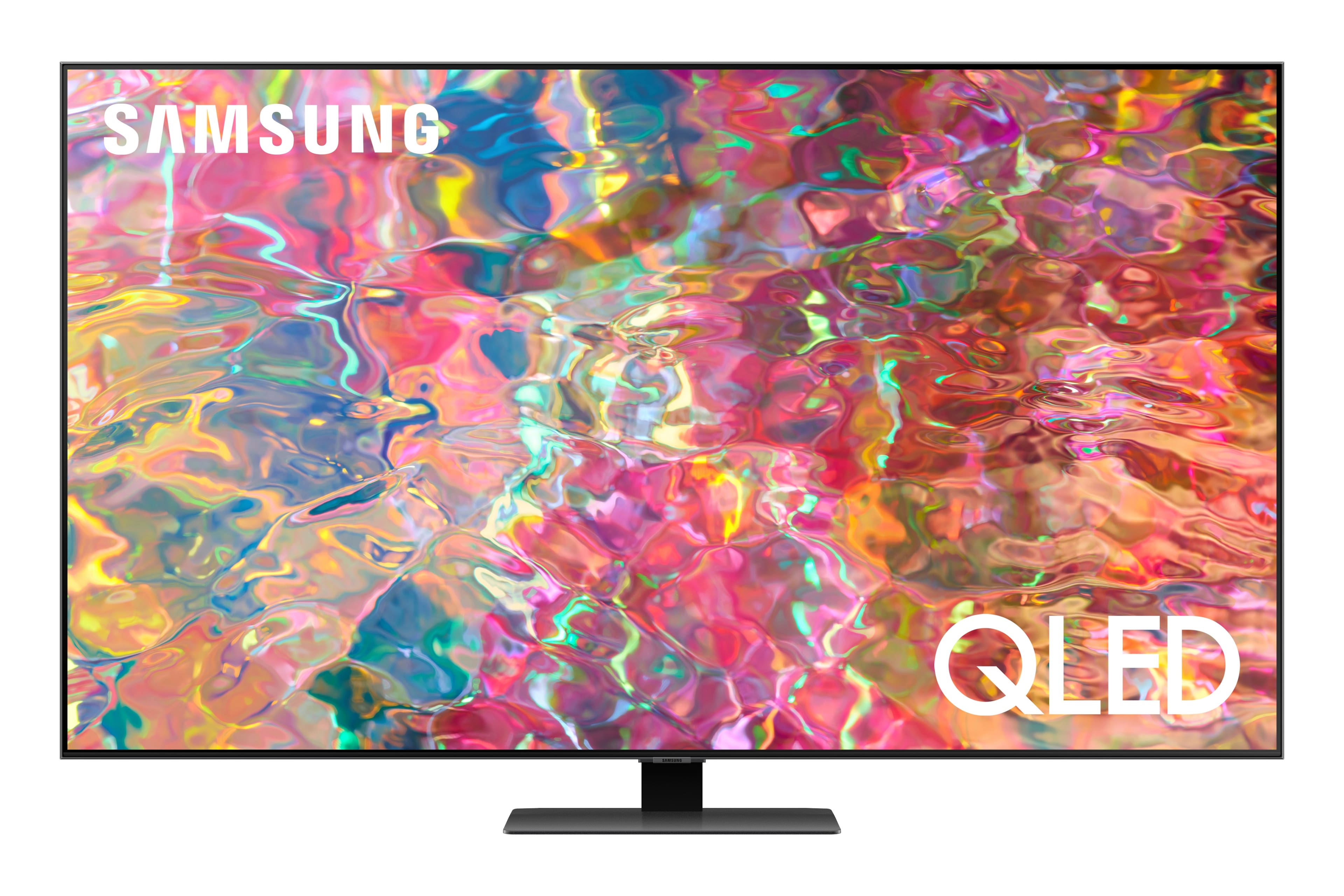
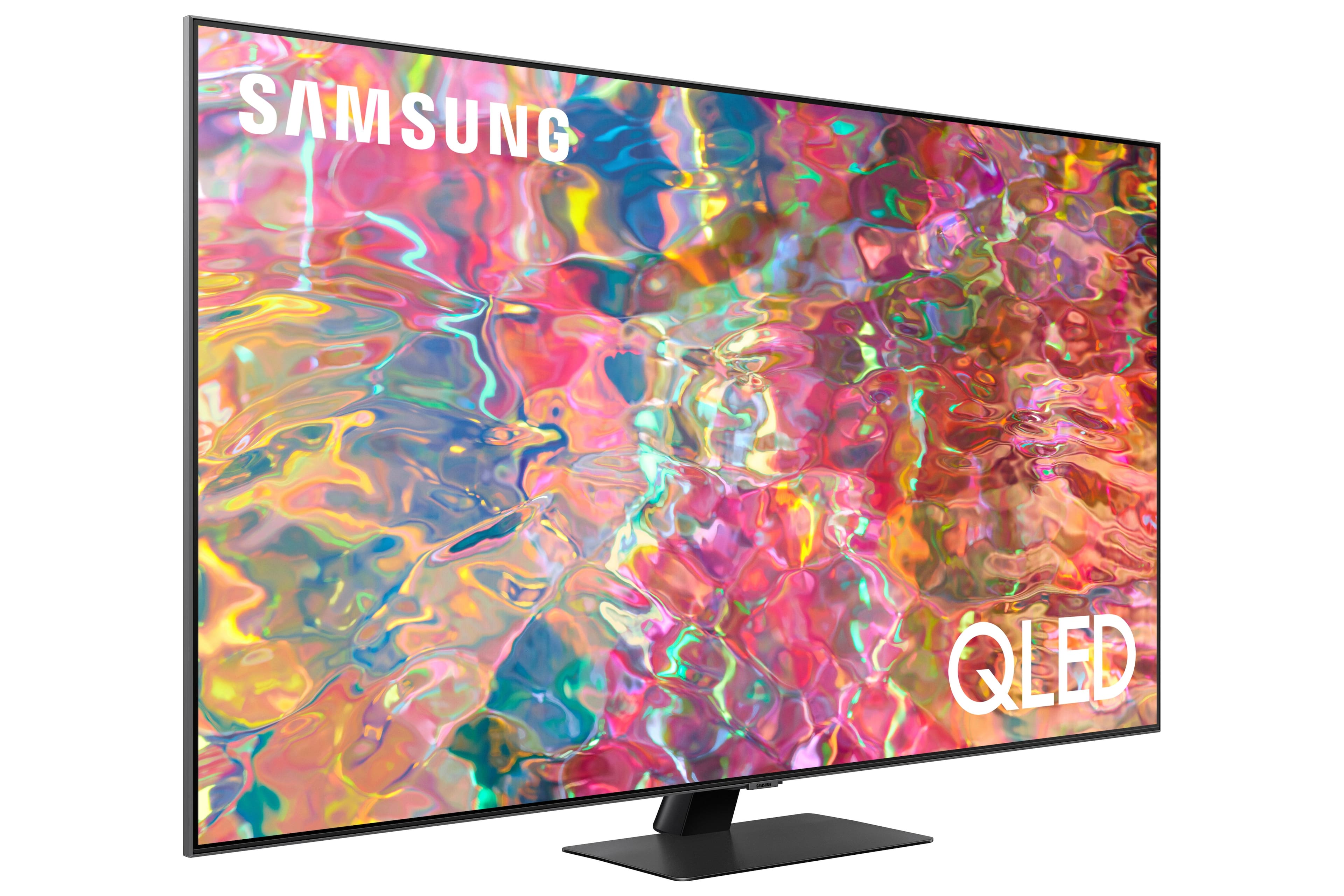
A:AnswerFoose07 - Wide Viewing Angle technology begins with our 55" Q80B TV. Starting with our 55” QN90B TV, you’ll gain Ultra Viewing Angle with Anti Reflection technology which provides wider viewing angles, enhances color, and minimizes glare to help you enjoy shows without distractions.
~ Samsung Specialist
A:AnswerYou can customize the brightness level between 0 – 50 by going to: Home > Menu > Settings > All Settings > Picture > Expert Settings > Brightness.
~ Samsung Specialist
A:AnswerRogerRamjet - The Q80B TV features built-in Bixby, Alexa, and Google Assistant. While push to talk is available when using all 3 voice assistants, Alexa and Bixby will both allow you to utilize hands-free voice commands by enabling the Voice Wake-Up feature. Go to: Settings > All Settings > General & Privacy > Voice > Voice Wake-up = ON.
~ Samsung Specialist
A:AnswerYes. This is a smart tv so all apps are easily added to watch all the extras! Netflix, AppleTV, Peacock, Prime Video, etc.
Loved how easy it was! Just scan the QR code on the screen with your phone!
A:AnswerJenn - The Q80B is a Bluetooth and Wi-Fi enabled TV and will seamlessly pair with Bluetooth and/or Wi-Fi enabled speakers.
~ Samsung Specialist
A:AnswerI have bought three tv from Beat buy in the last year. A 65 inch for our living room. And two 50 inch tv’s for our bedroom. I bought a open box from Best Buy on Q80B QLED 4k smart Tizen TV. My open box TV arrived with a broken screen. We went too the nearest Best Buy and Best Buy replace my open box with a brand new TV. I also purchased a two year coverage to protect my tv from things not covered by the free Samsung two year protection. Best Is 100% honest and they make your TV buying experience beyond your expectations.