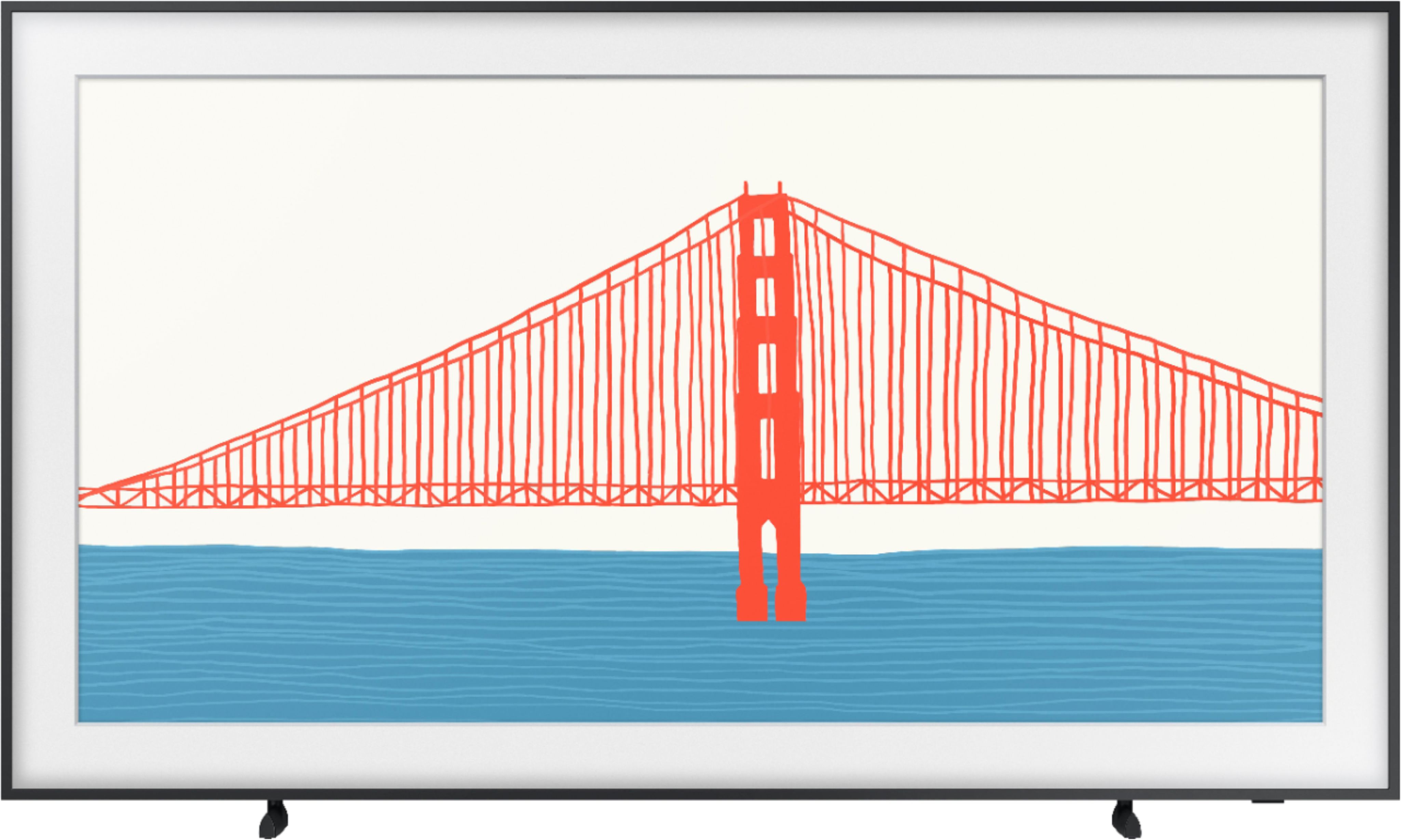
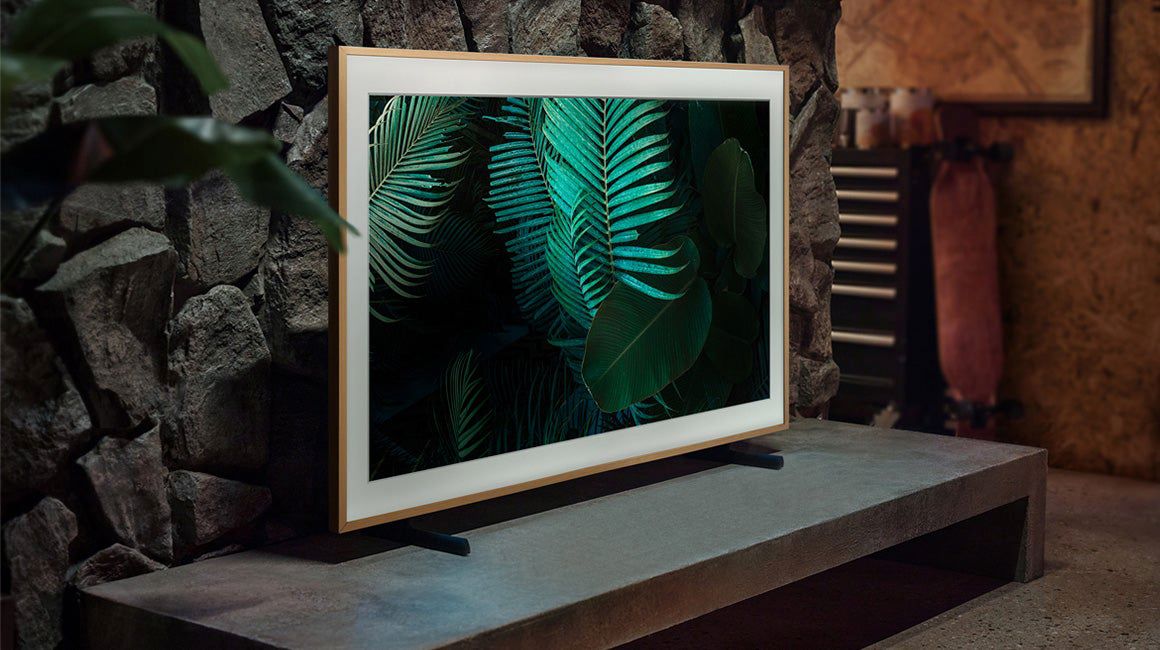
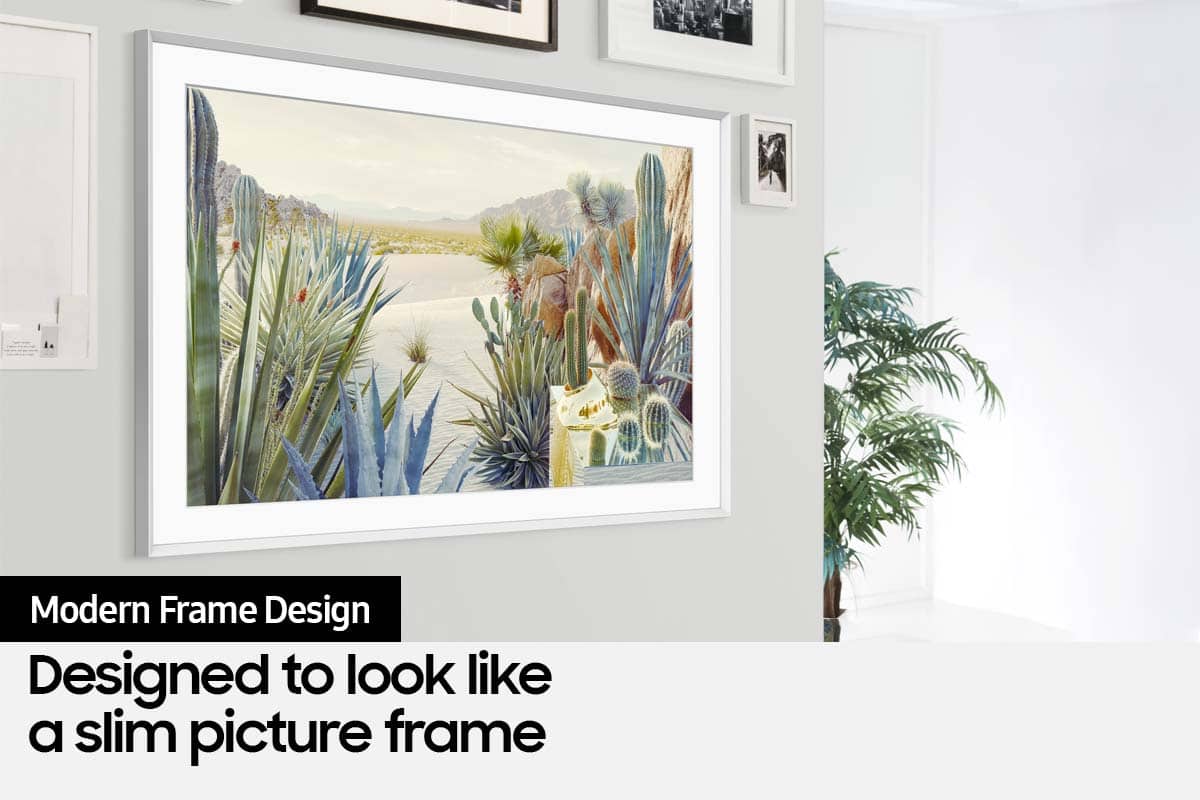
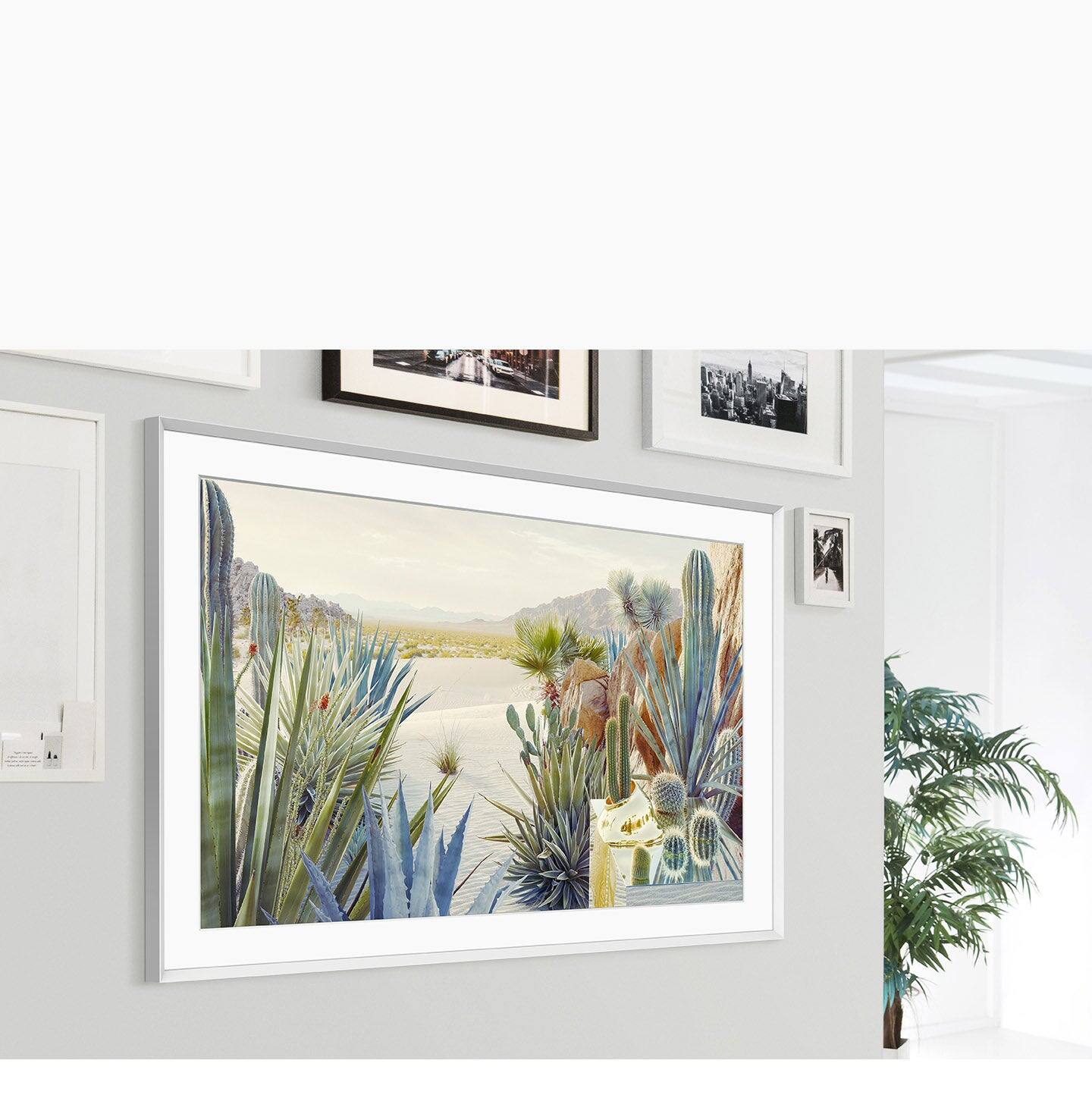
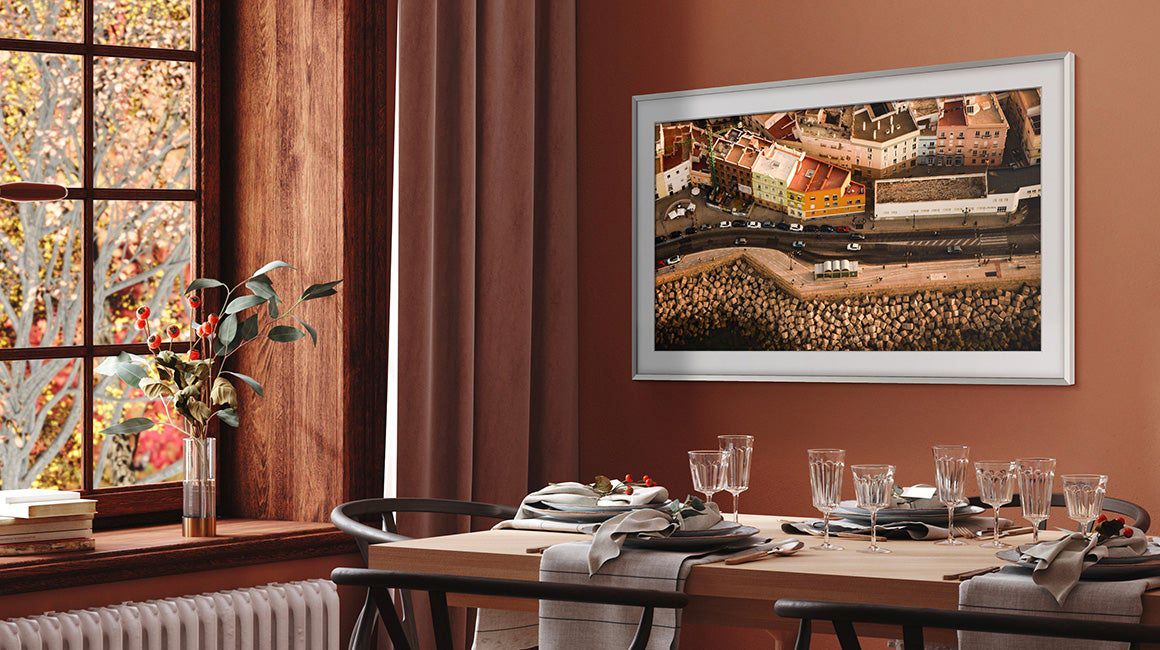
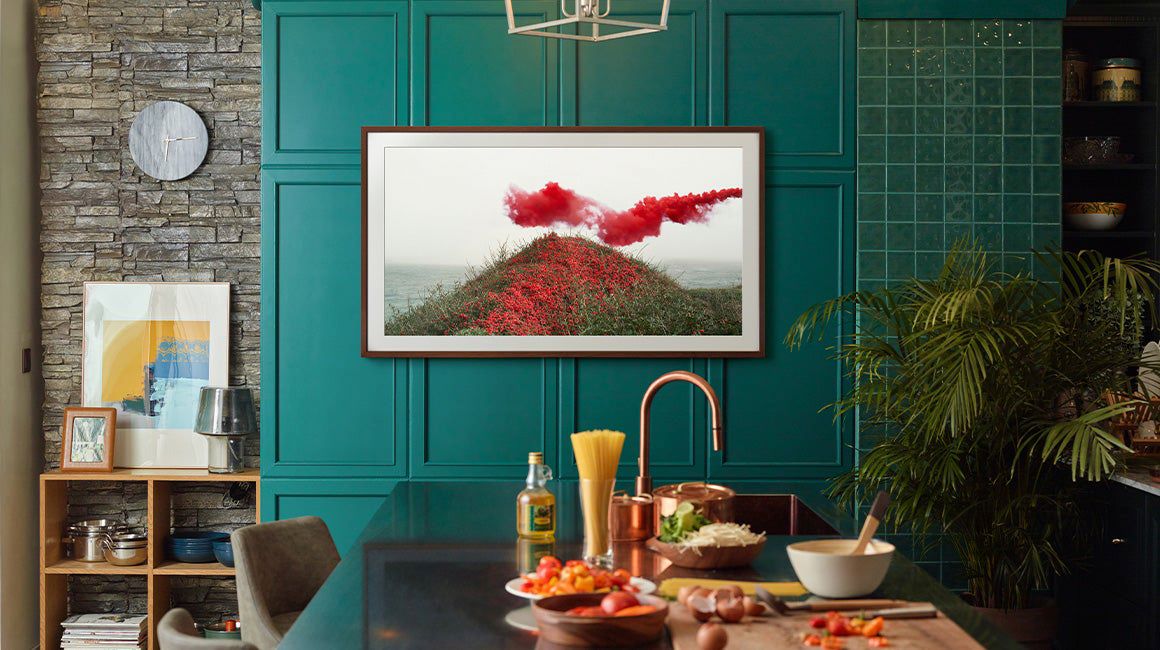
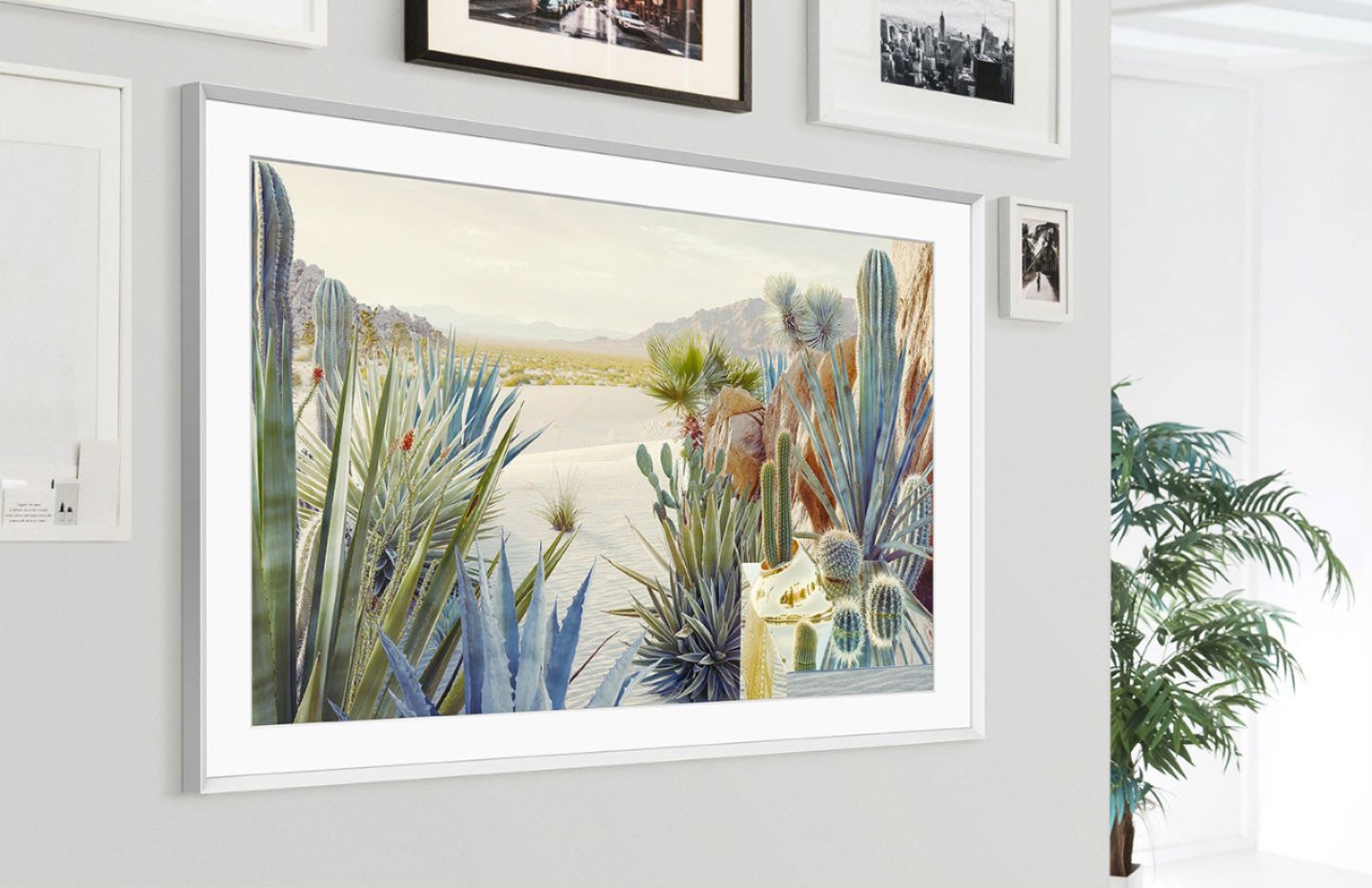
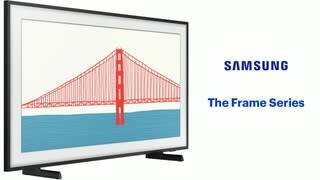
A:Answer Hi Cathy! You can choose from 1,400+ pieces of art from The Frame TV's Art Store. You can purchase individual pieces of art or subscribe for unlimited access to all current and future artwork. To purchase a subscription, navigate to Art Store > Membership > Subscribe, and then add a payment method. If you want to purchase an individual work of art, the steps are a little different:
1) While The Frame is in Art Mode, press Select on your OneRemote.
2) Use the directional pad on the OneRemote to move to Art Store, and then select a category.
3) Use the directional pad on the OneRemote to browse through the works of art.
4) Select the piece of art you are interested in purchasing and you will have the option to buy it, or cancel. Should you have further questions, please reach out to Samsung Support at: 1-800-SAMSUNG (ask for TVs), available 8AM -12AM EST M-F (9AM – 6PM EST Sat), text HELP to 62913, LiveChat on Samsung.com, or Email: https://www.samsung.com/us/support/#contact_us_for_support ^Gina