A:AnswerContact the manufacturer to get a replacement.
Other option is to contact 1-800-GEEKSQUAD and they may be able to get you a replacement shipped out. They do take a credit card and keep it on file just in case you don't put the defective one back in the box and ship it back once the replacement arrives. At least this is how I have received some replacement items while under manufacturer warranty on items purchased through Best Buy.
A:AnswerFrom what I heard HDR10 is supposed to be 4 or 5 times better but honestly I couldn't tell the big difference in color the color brightness looks about the same looking at the Samsung 7000, 8000 and a Sony top of the line with HDR10 on display
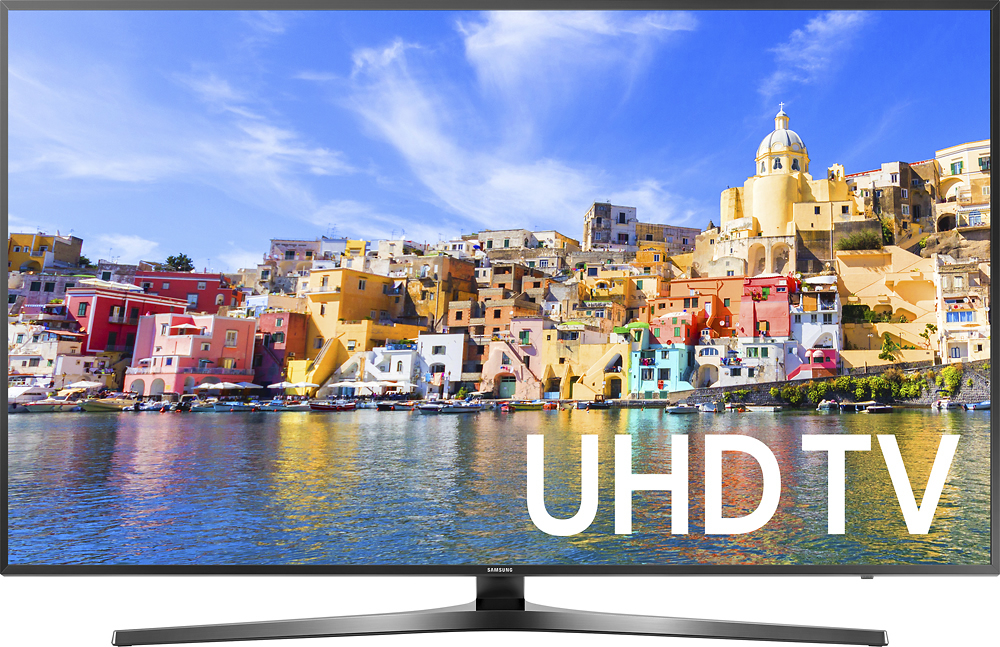
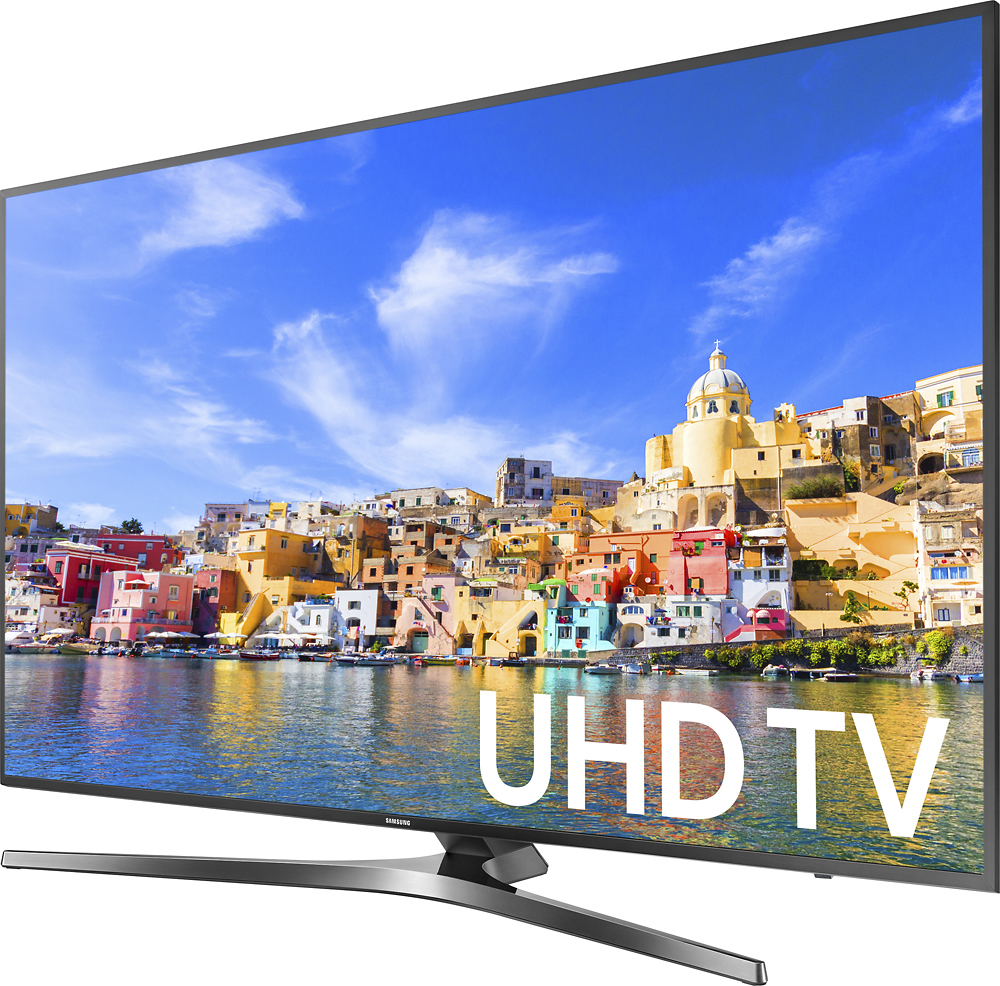
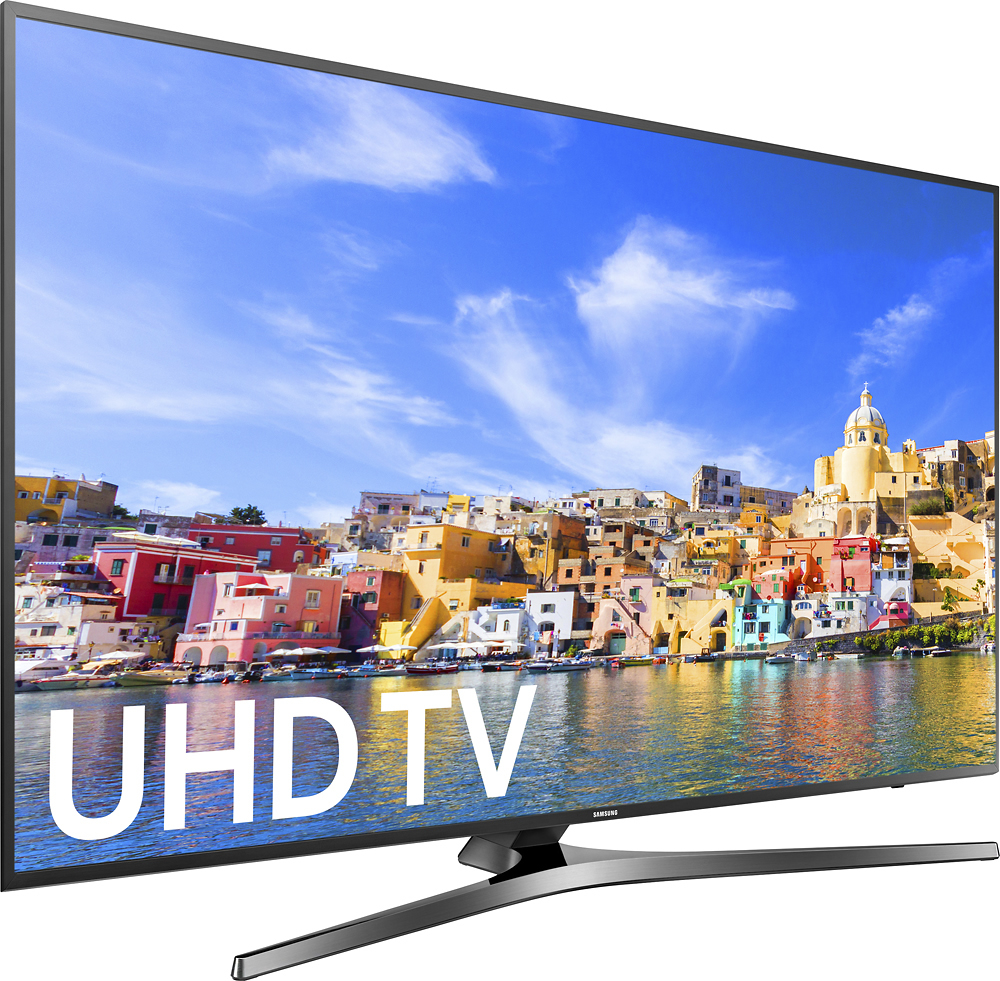
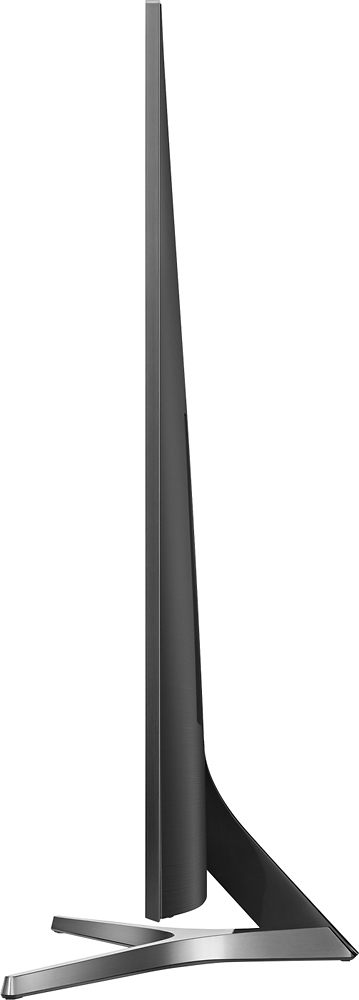
A:AnswerDIMENSIONS (INCHES W x H x D):
• TV WITHOUT STAND: 48.6 x 28.2 x 2.2
• TV WITH STAND: 48.6 x 31 x 13.2
• SHIPPING: 56.1 x 32.2 x 6.4
• STAND FOOTPRINT: 37.3 x 9.9 x 13.1
A:AnswerThe dimensions are:
Height With Stand 31 inches
Depth With Stand 13.1 inches
Height Without Stand 28.2 inches
Depth Without Stand 2.1 inches
Width 48.6 inches
A:AnswerYou can connect Bluetooth speakers. I use it quite often.
You have to turn off the speaker and disconnect speaker before turning the TV off. Otherwise, the next time it acts weird and does not let you connect your speaker unless you restart everything multiple times. Samsung support says that this problem does not kick off if you use Samsung Bluetooth Speakers.
A:AnswerI have Xbox One S. The TV recognizes the device after the first-time setup and apply the icon and picture and sound quality since next time you use your Xbox One S. Whenever I turn on the Xbox, a notification at the top appears that says "An HDR video is playing" (only when starting a HDR Game)